Weight matters when you’re moving a mouse hundreds of times during a gaming session. The lighter the mouse, the less effort it takes to make quick movements, and that is where the ATK A9 Air+ makes its case. At just 47±3g, this is an ultra-light wireless gaming mouse built for players who care about speed, control, and a clean setup.
The ATK A9 Air+ combines its low weight with hardware that is now becoming common among higher-end competitive gaming mice. It uses PixArt’s PAW3955 Master sensor, supports an 8,000Hz polling rate, and comes with an 8K receiver. ATK also uses its Swiftlight optical switches and a TTC Gold scroll wheel, while a 300mAh battery provides up to 300 hours of rated use at 1,000Hz. ATK lists latency at 0.181ms, while the Nordic 54L15 MCU handles the mouse’s processing. The A9 Air+ can operate through USB or 2.4GHz wireless.
The shape takes a familiar route. The A9 Air+ has a symmetrical body similar to the popular Logitech G Pro-style design, making it easy to adapt to for anyone already comfortable with that shape. It supports claw, palm, and fingertip grips, although medium-to-large hands are the better fit. This also puts the A9 Air+ in a crowded part of the market. Lamzu, Pulsar, Razer, Logitech, and Endgame Gear all have lightweight wireless gaming mice aimed at the same audience. ATK is competing by offering a similar combination of low weight, modern sensor hardware, high polling, and wireless connectivity without making the mouse unnecessarily complicated.
For this hands-on review, I used the ATK A9 Air+ for regular desktop work and gaming, with a focus on its shape, weight, build quality, clicks, sensor tracking, wireless performance, polling rate, and battery life. The goal is simple: find out whether this 47g mouse is genuinely good to use or whether the impressive specifications look better on paper than they do on a desk.
ATK A9 Series Specifications
| Specification | ATK A9 Series |
|---|---|
| Models | Ultra Max / Ultimate / Ultimate+ / Air / Air+ / Mini / Mini+ |
| Dimensions | 125 × 63.5 × 40 mm (Ultra Max / Air+) / 118.4 × 61.2 × 38.6 mm (Mini / Mini+) |
| Weight | 55g ±3g (Ultra Max / Ultimate+) / 47g ±3g (Air / Air+) / 39g ±3g (Mini / Mini+) |
| Sensors | PAW3950 Ultra (Ultra Max / Ultimate / Air / Mini) / PAW3955 Master (Ultimate+ / Air+ / Mini+) |
| MCU | Nordic 54L15 Series |
| Button Latency | 0.181 ms |
| Switches | ATK Lightblade Mechanical (Ultra Max) / ATK Custom Optical (Mini / Mini+ / Ultimate / Ultimate+) ATK Swiftlight (Air / Air+) |
| Scroll Wheel | TTC Gold |
| Battery | 800 mAh (Ultra Max / Ultimate / Ultimate+) / 300 mAh (Air / Air+) / 200 mAh (Mini / Mini+) |
| Battery Life | Up to 800 hours (Ultra Max / Ultimate / Ultimate+) / 300 hours (Air / Air+) / 200 hours at 1000 Hz (Mini / Mini+) |
| Coating | All-New Nano Coating |
| Connectivity | Wired / 2.4 GHz / Bluetooth (Ultra Max); Wired / 2.4 GHz (other models) |
| Dongle | Nano 8K Dongle (Ultra Max) / All-New GEM 8K Dongle (other models) |
| Mouse Feet | Pre-Applied White Dual-Layer Anti-Indentation Mouse Feet + Bonus Set / Small Dot Mouse Feet |
| Colors | Black / White / Red / Pink / Shadow White / Sunset Orange / Petal Pink / Lake Green / Leviathan Edition* Color options vary by model |
Unboxing
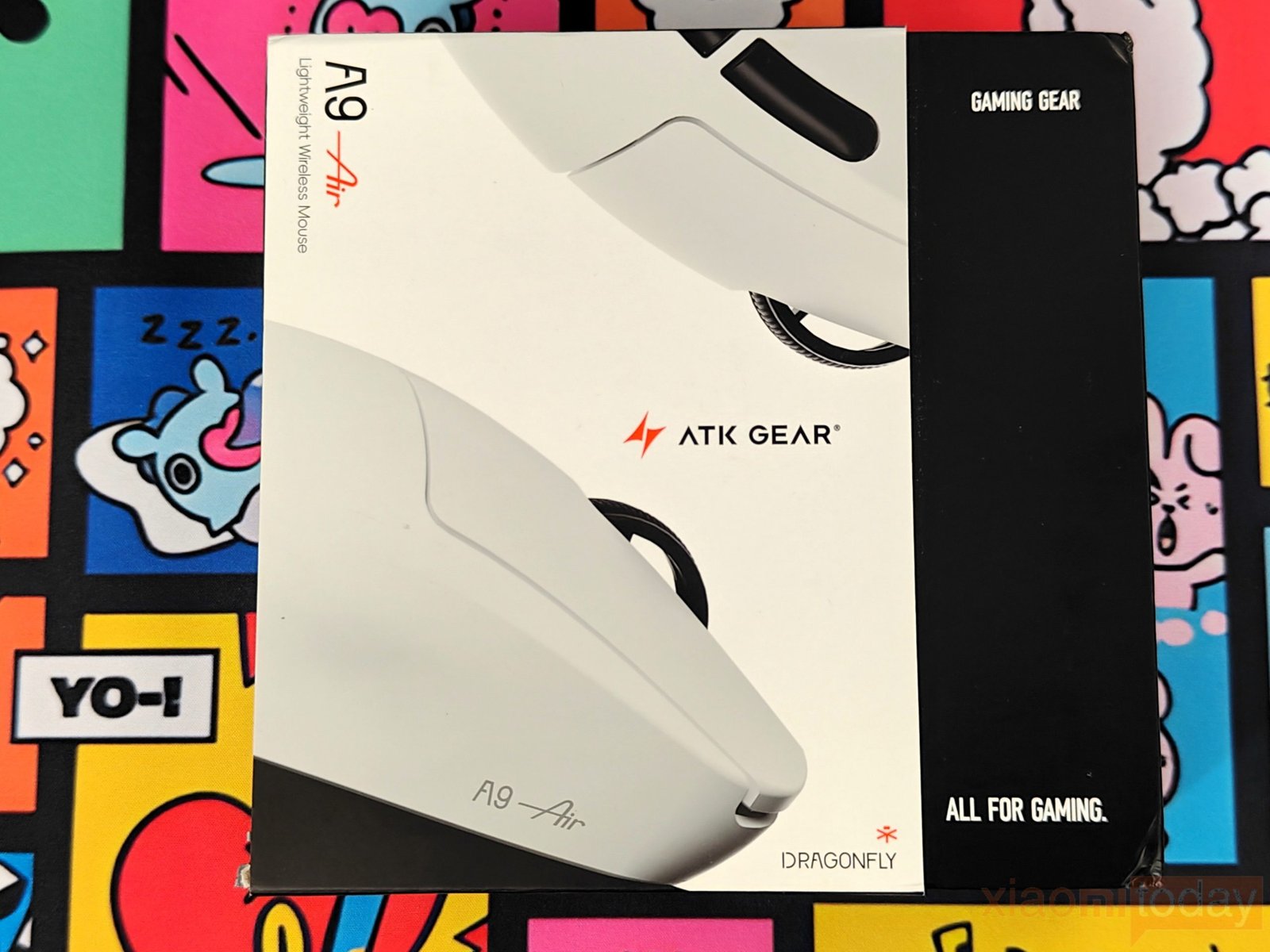
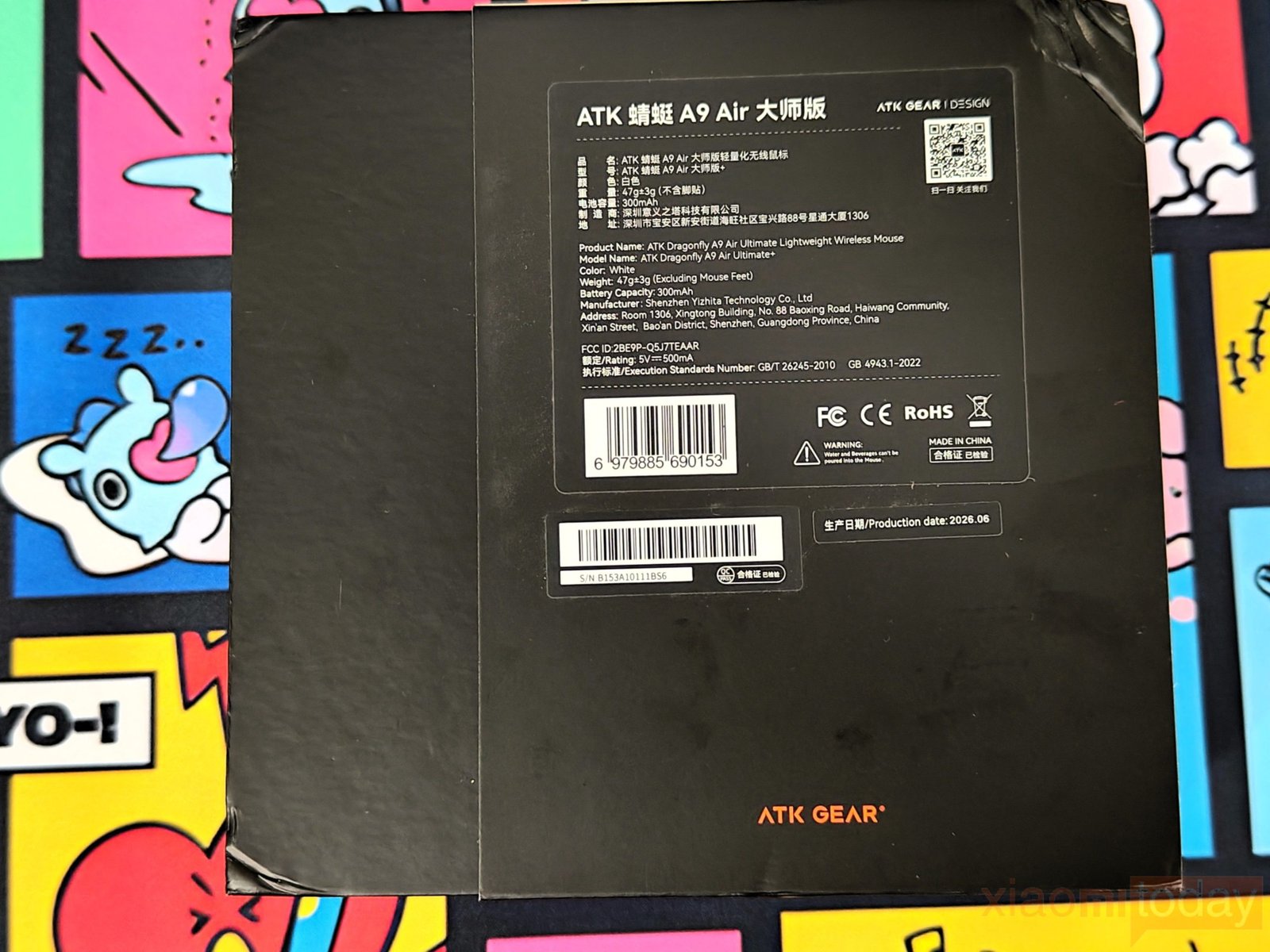
The ATK A9 Air+ arrives in a compact black-and-white box with a large image of the mouse on the front, along with ATK Gear branding and the A9 Air+ name. The front panel keeps things fairly clean, while the back provides the product information, including the model details, weight, battery capacity, and regulatory markings.
Opening the box reveals the A9 Air+ secured inside a shaped foam insert. The mouse is held firmly in place, with the foam protecting the lightweight body during transport. A separate section underneath is labeled “Accessories Included,” keeping the smaller items away from the main mouse.
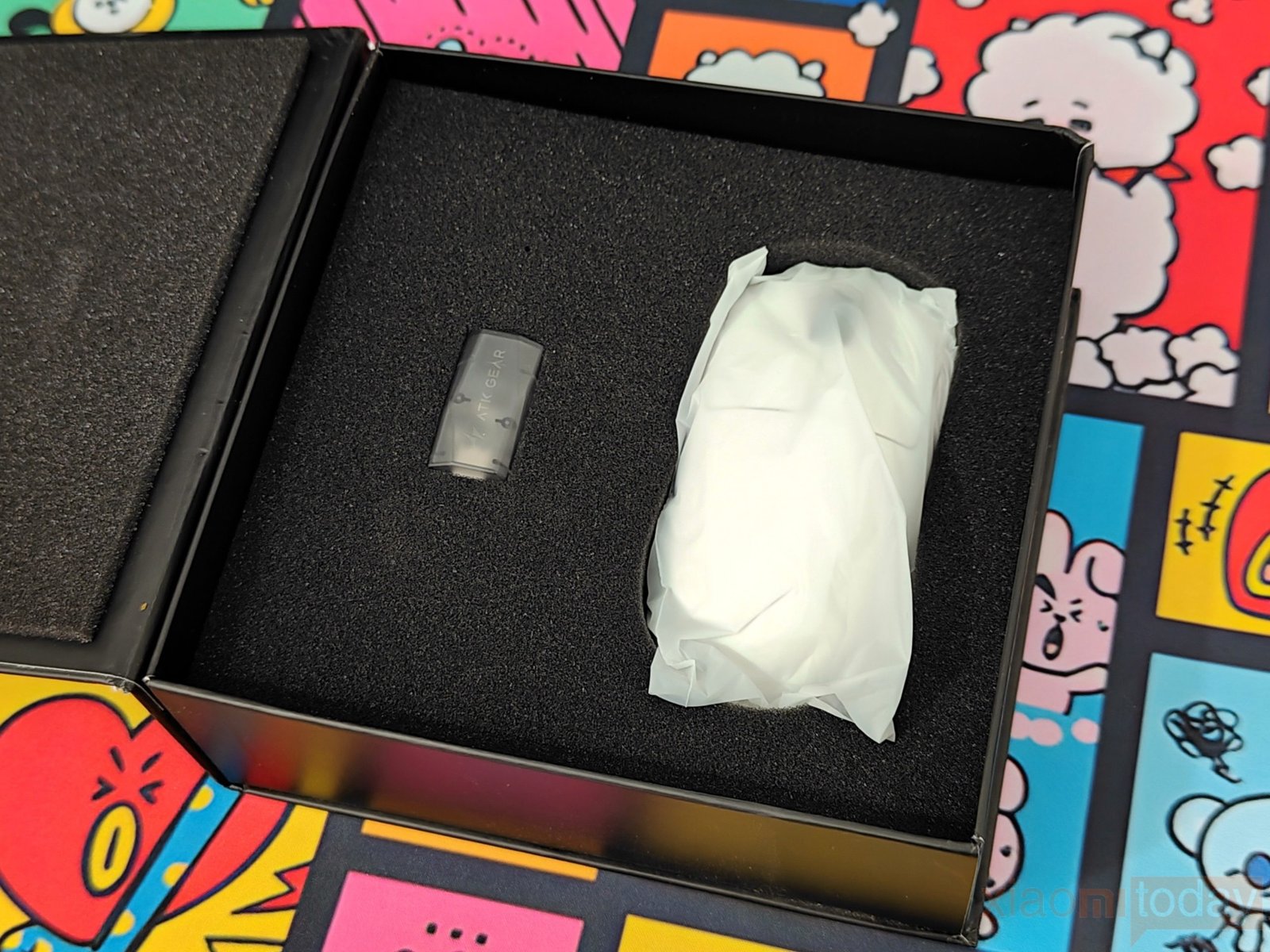
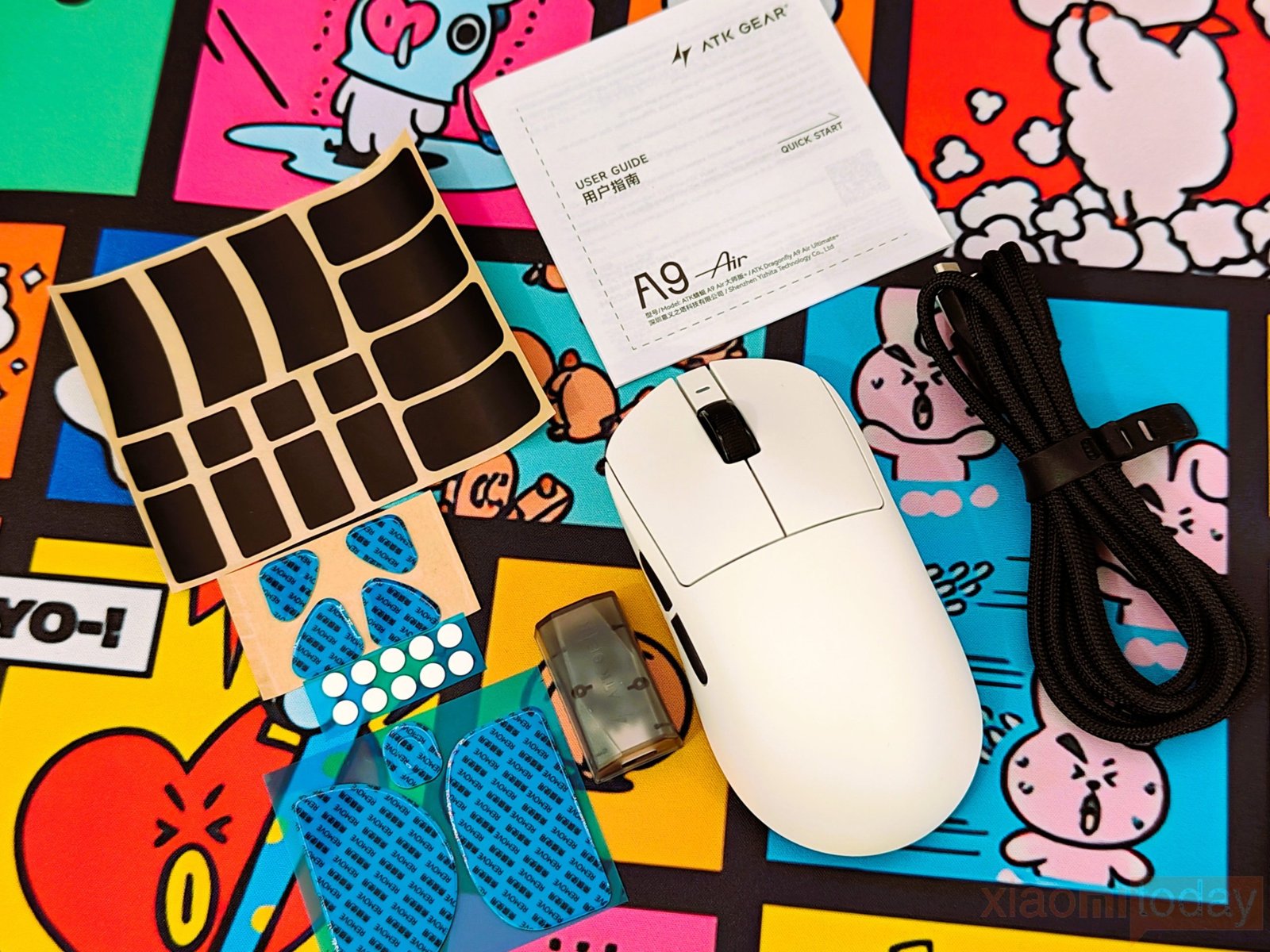
The package includes the ATK A9 Air+ Mouse, 2.4GHz wireless receiver, a braided Type-A to Type-C USB Cable, replacement mouse skates, additional grip accessories, and the documentation. The included cable can be used to charge the mouse or operate it in wired mode, while the receiver handles the wireless connection. ATK also provides replacement skates and additional grip pieces, giving users a few options to adjust the mouse’s feel. Everything needed to start using the A9 Air+ is included in the box.
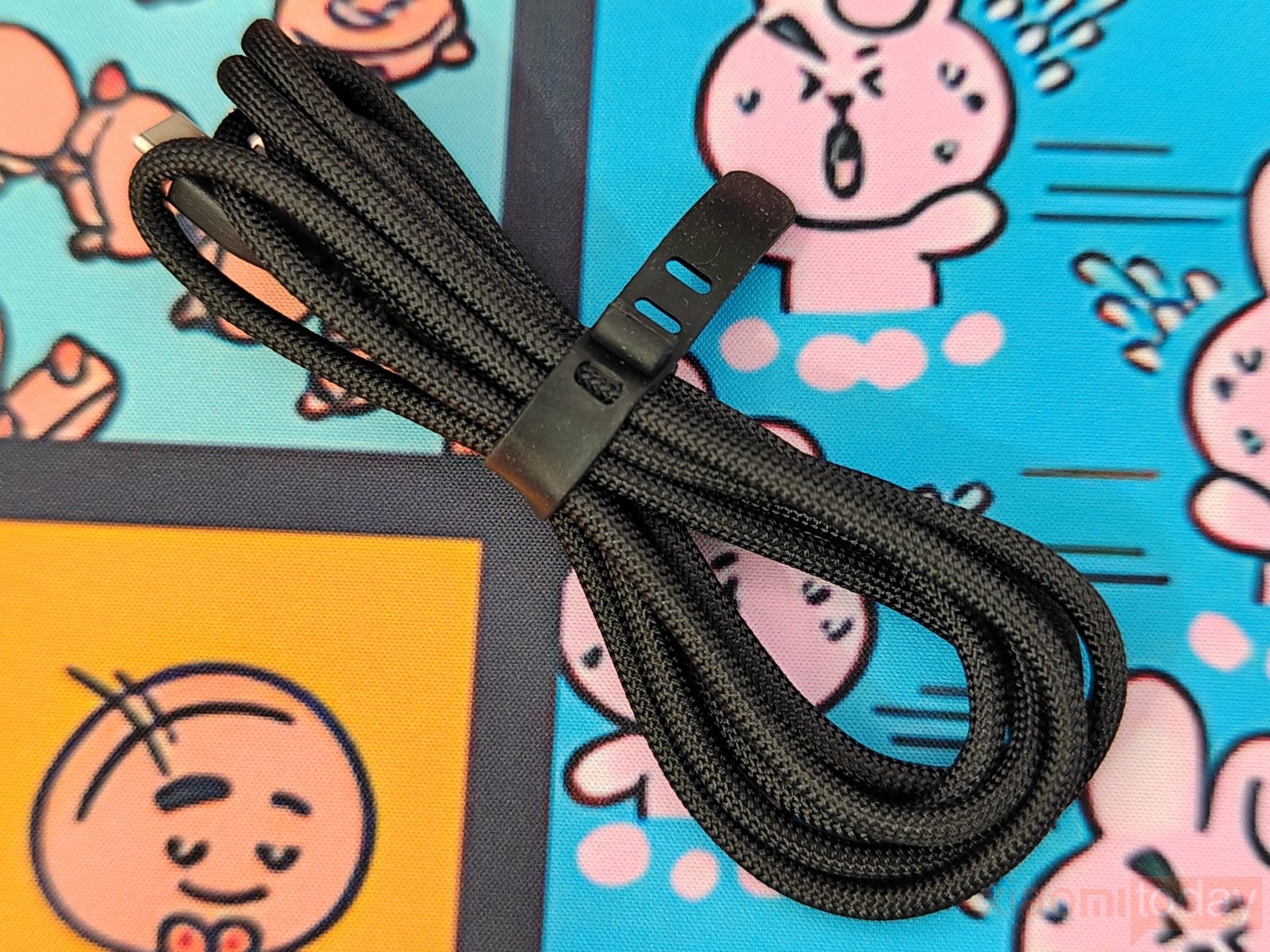
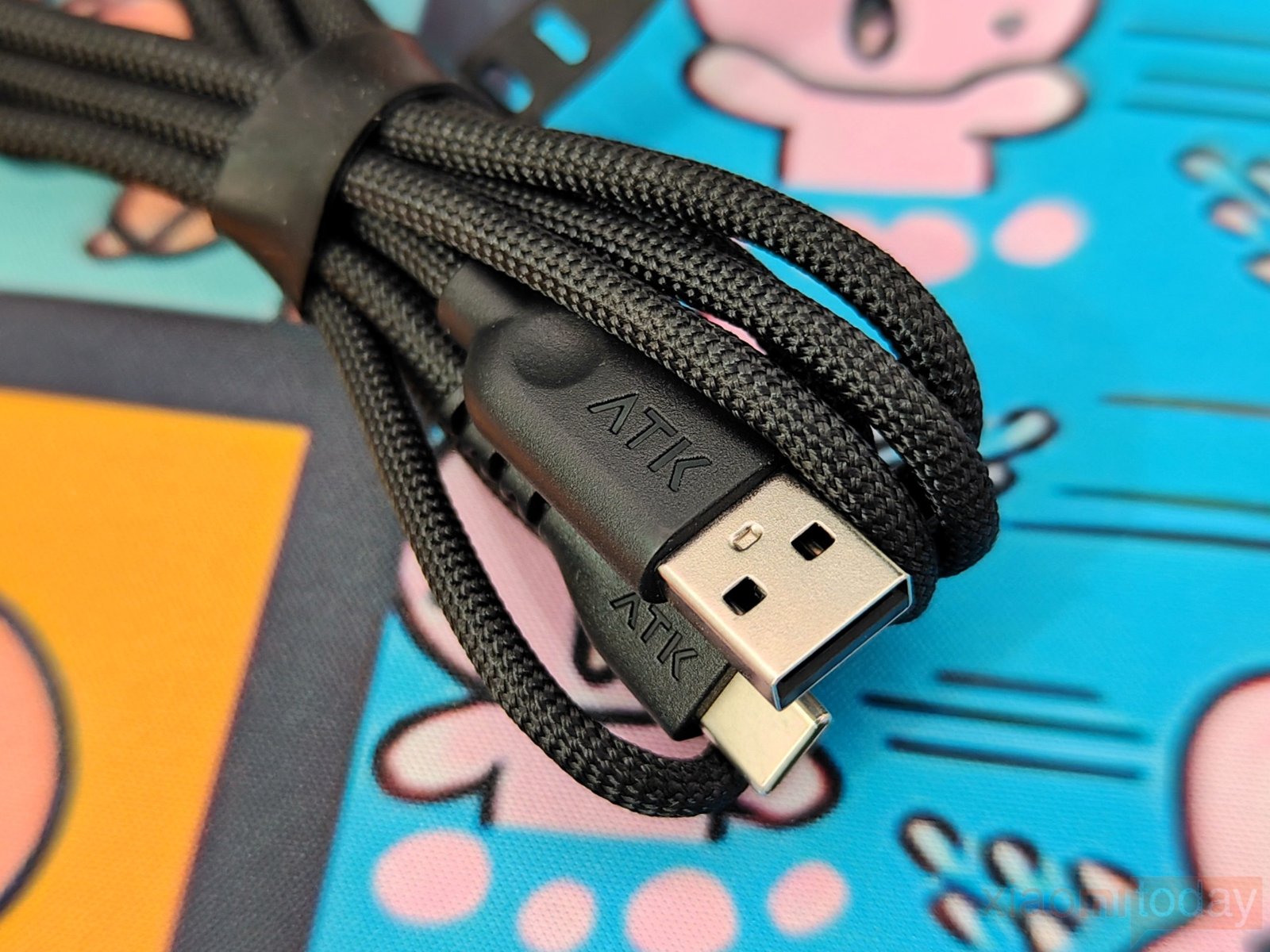
The ATK A9 Air+ includes a soft braided USB-C cable for charging and wired operation. Its flexible construction makes it easy to manage on the desk without adding much drag when the mouse is used while connected. The cable comes with a strap for storage, while the USB-A connector and USB-C plug both have ATK branding.
Design and Build Quality
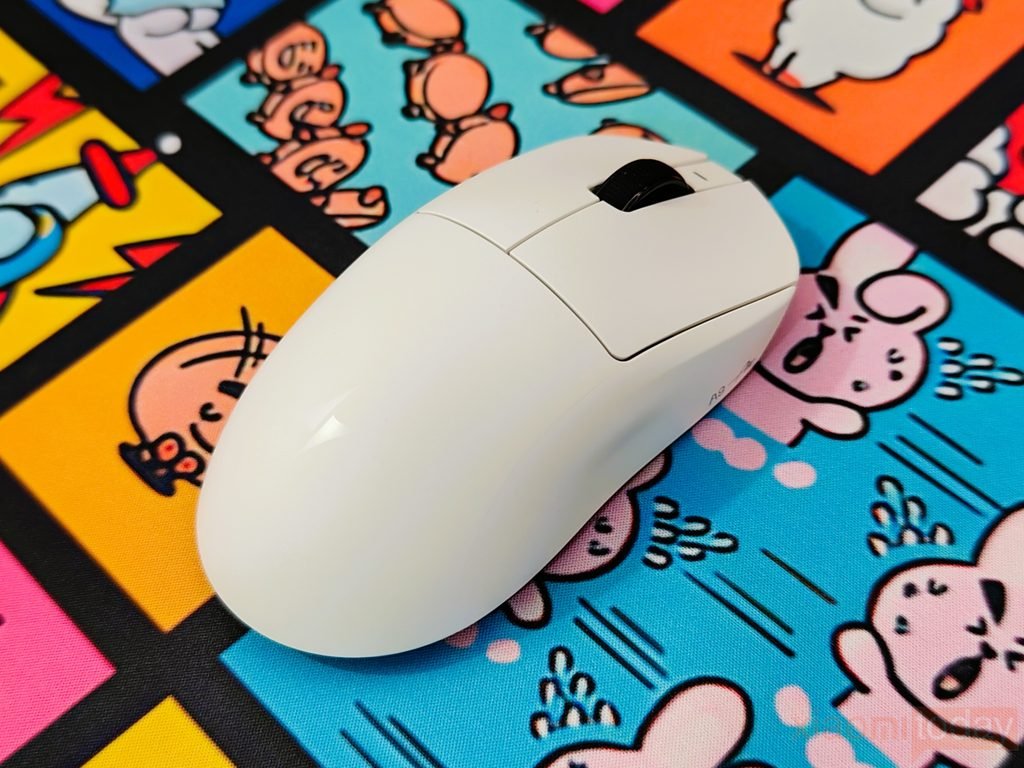
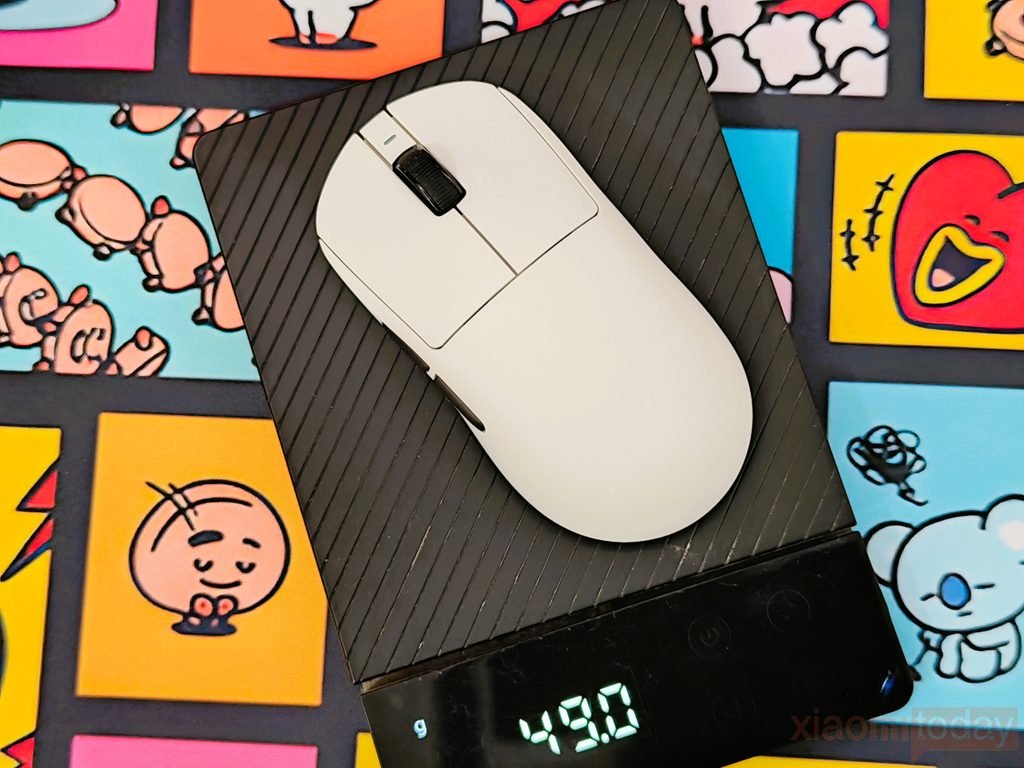
The ATK A9 Air+ is light, but it does not feel like ATK simply removed material until there was nothing left. Our white review unit weighed 49g without the mouse skates, using a non-precision scale. At 125 × 63.5 × 40 mm, the mouse has a decent amount of surface area for the hand, yet it remains easy to lift and move across the pad. The weight distribution is well controlled too. During use, it does not feel noticeably heavier at either end, and the shell has a solid feel rather than the hollow sensation that some ultra-light mice can have.
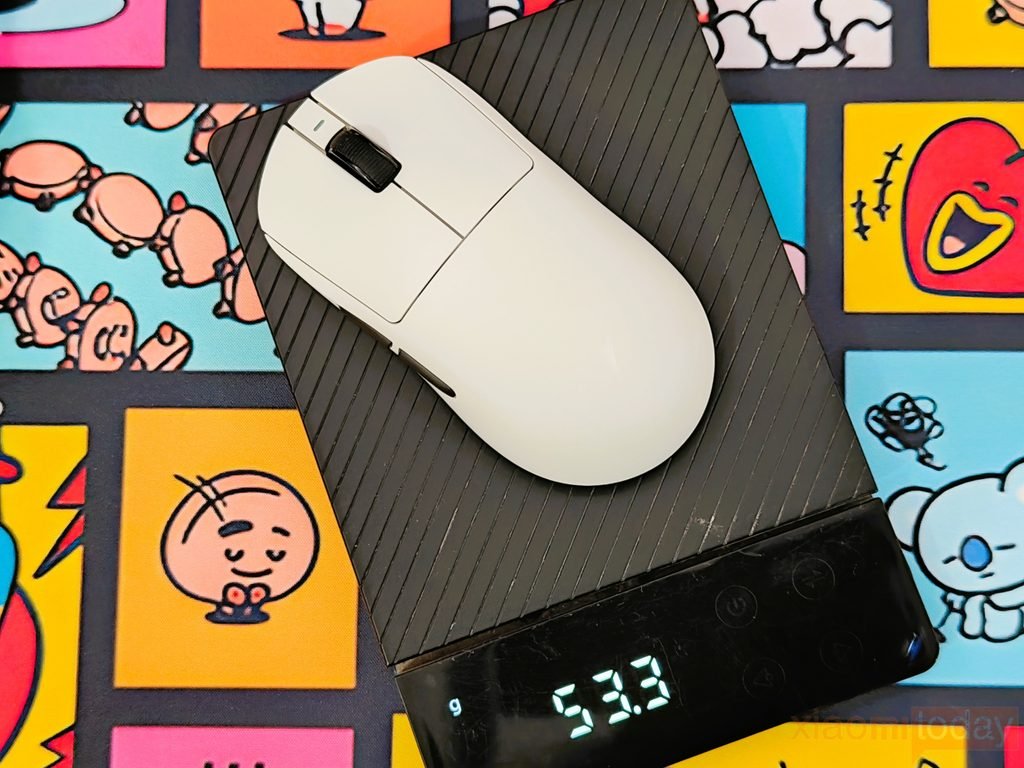
The mouse ships without the main skates installed. Fitting the two large skates brought our measured weight to 53.3g, adding roughly 4g. ATK also includes additional skate pieces that can be used with the other cutouts on the bottom. This gives you some control over how much material you want underneath the mouse, although most users will probably prefer the larger skates for their wider contact area. Even at around 53g with those feet installed, the A9 Air+ remains a very light mouse for its size.
The A9 Air+ follows a familiar symmetrical design rather than trying to change the basic gaming mouse formula. The body measures 125 mm long, 63.5 mm wide, and 40 mm high, with the rear section providing enough support for the palm while the sides taper toward the front. The main buttons sit separately from the rear shell, and the left side has two slim buttons positioned where the thumb can reach them without changing grip.
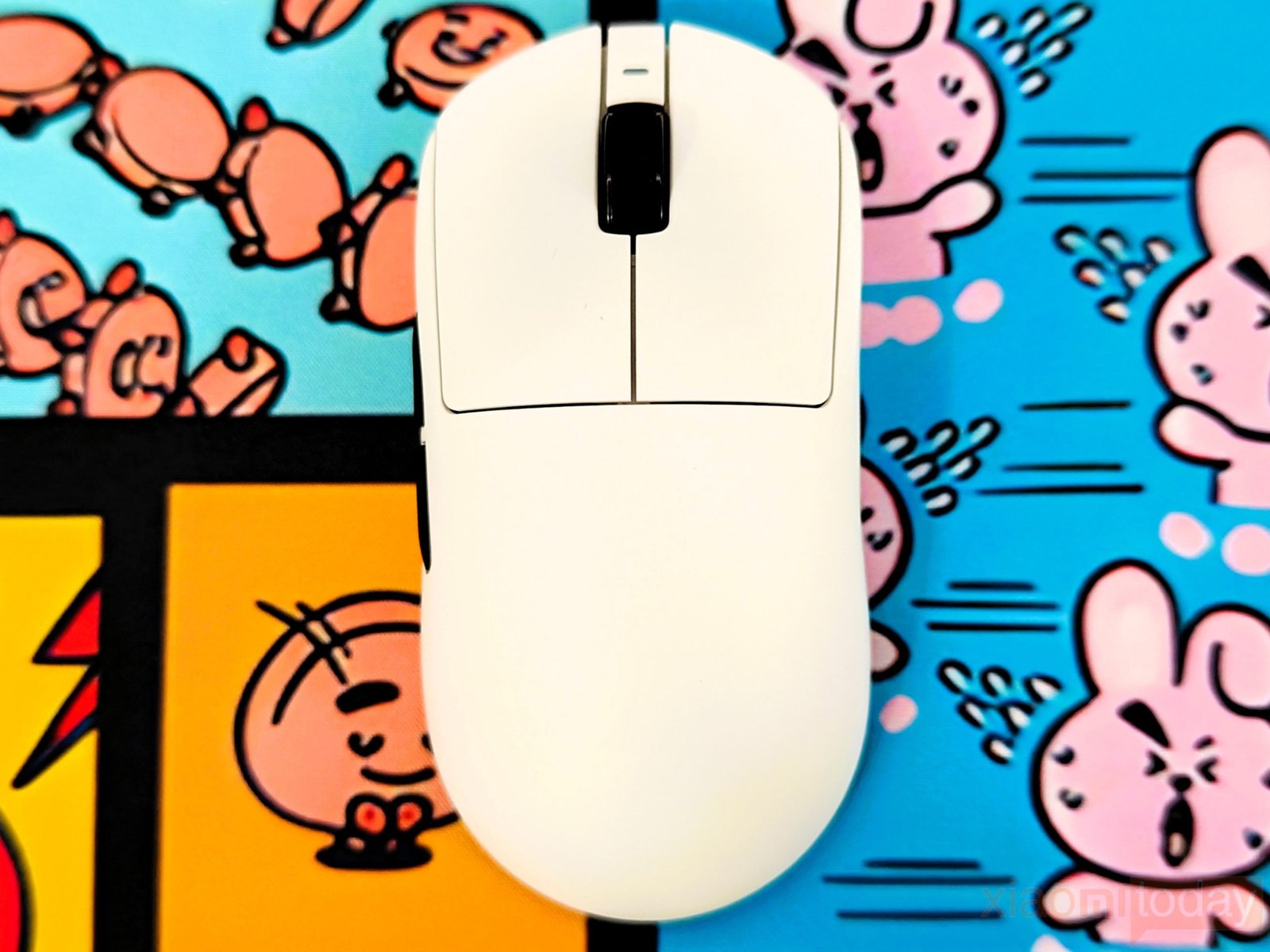
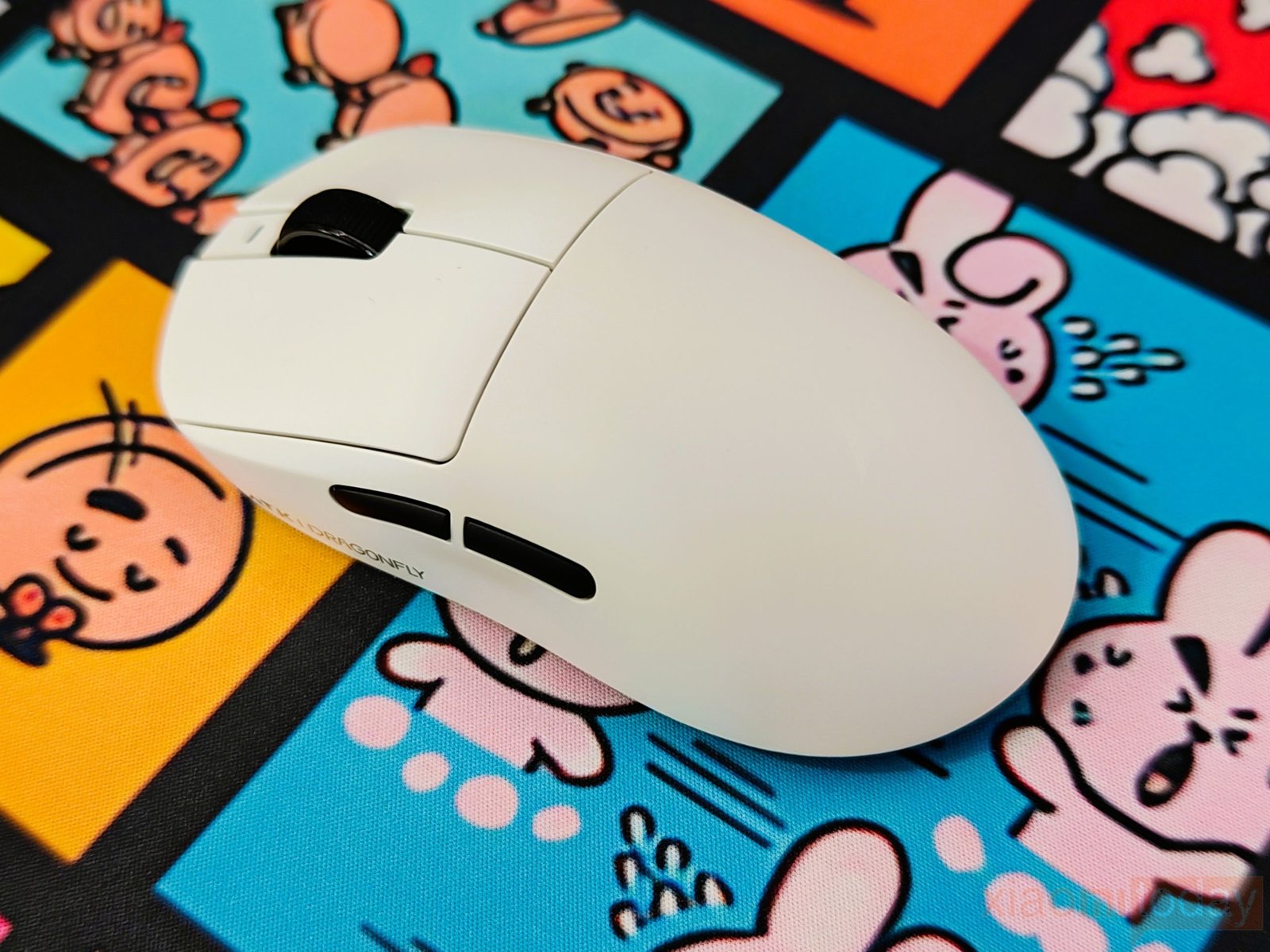
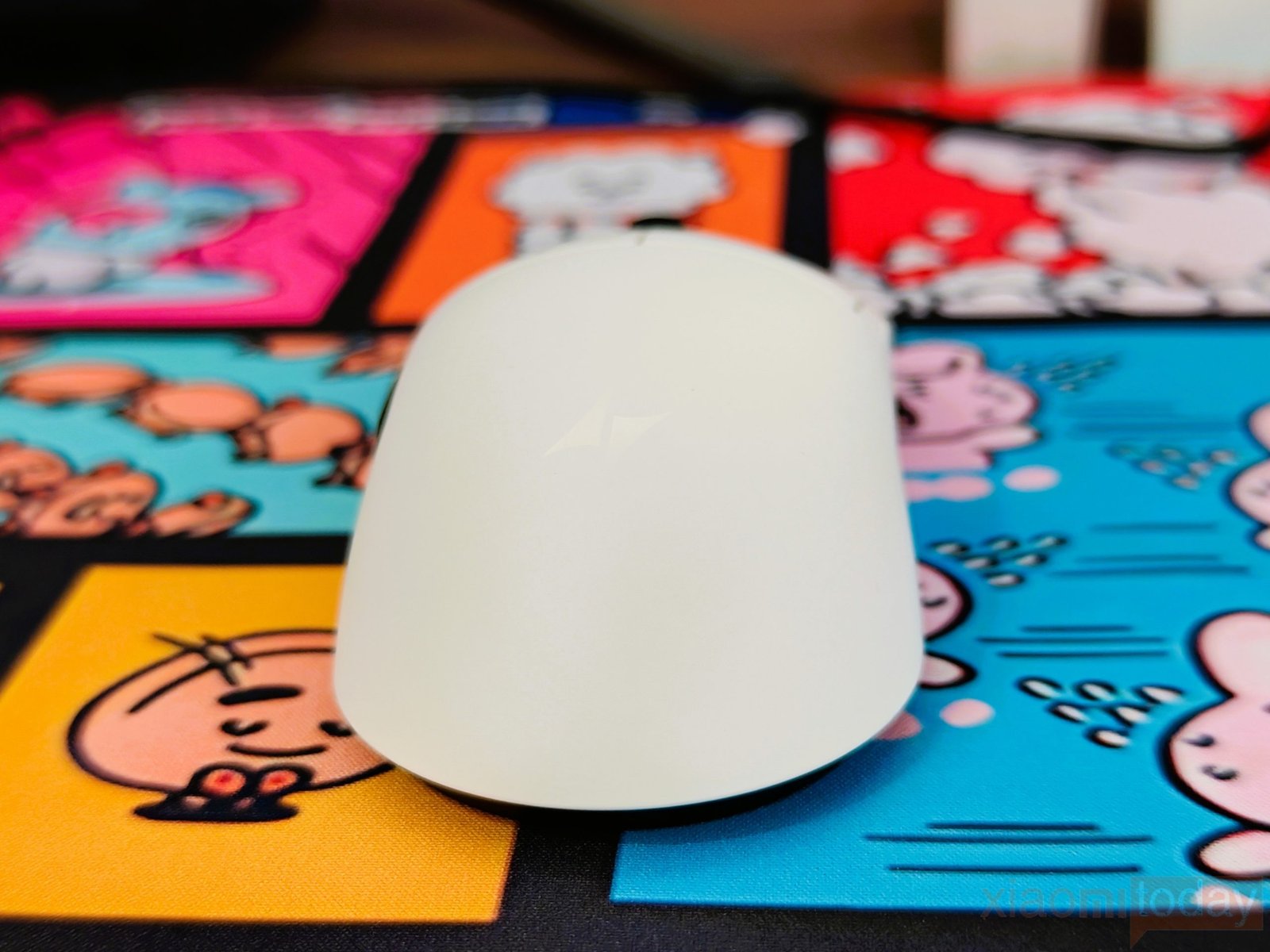
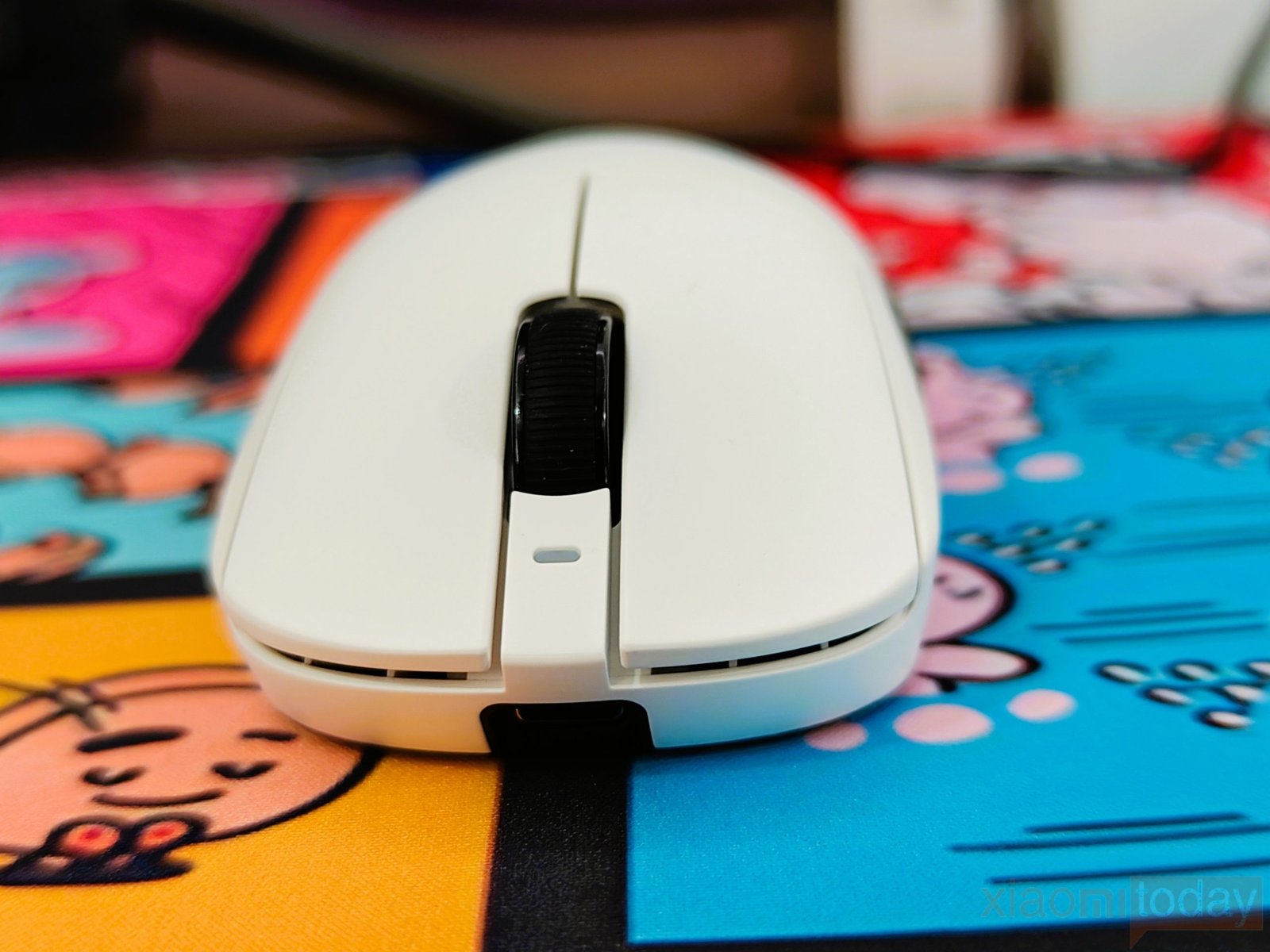
In use, the shape works best with medium-to-large hands and is suitable for claw, palm, and fingertip grips. The rounded rear gives palm users some support, while the relatively low front and narrow waist make it easier to control with a claw or fingertip grip. Anyone coming from a Logitech G Pro-style mouse should find the A9 Air+ familiar, although the exact feel will still depend on hand size and grip.
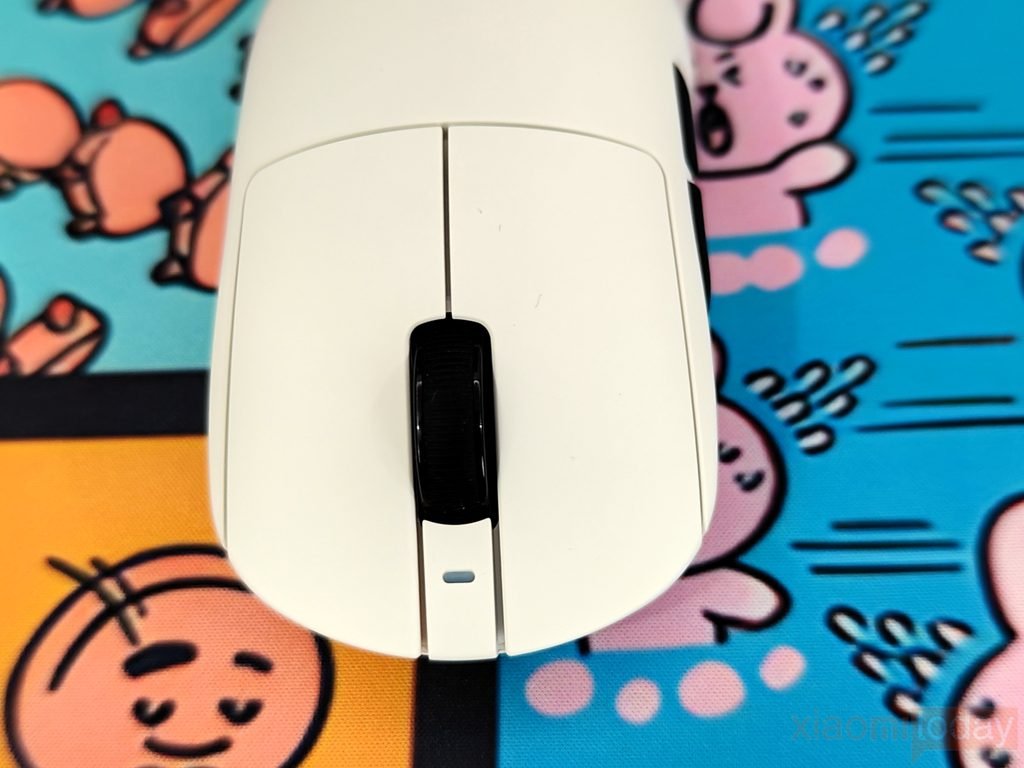
The ATK A9 Air+ uses separate left- and right-click panels with a clean center split and enough surface area for a consistent finger position. The buttons follow the curve of the shell and sit low toward the front, which works well with the mouse’s symmetrical shape. ATK uses its Swiftlight optical switches for the main buttons, giving the clicks a quick response that suits fast-paced games. During testing, the buttons were easy to press with minimal finger movement, and the clear separation between the two panels helped prevent accidental clicks. ATK rates the button latency at 0.181 ms, which puts the A9 Air+ firmly in the low-latency category on paper and matches the mouse’s focus on competitive gaming.
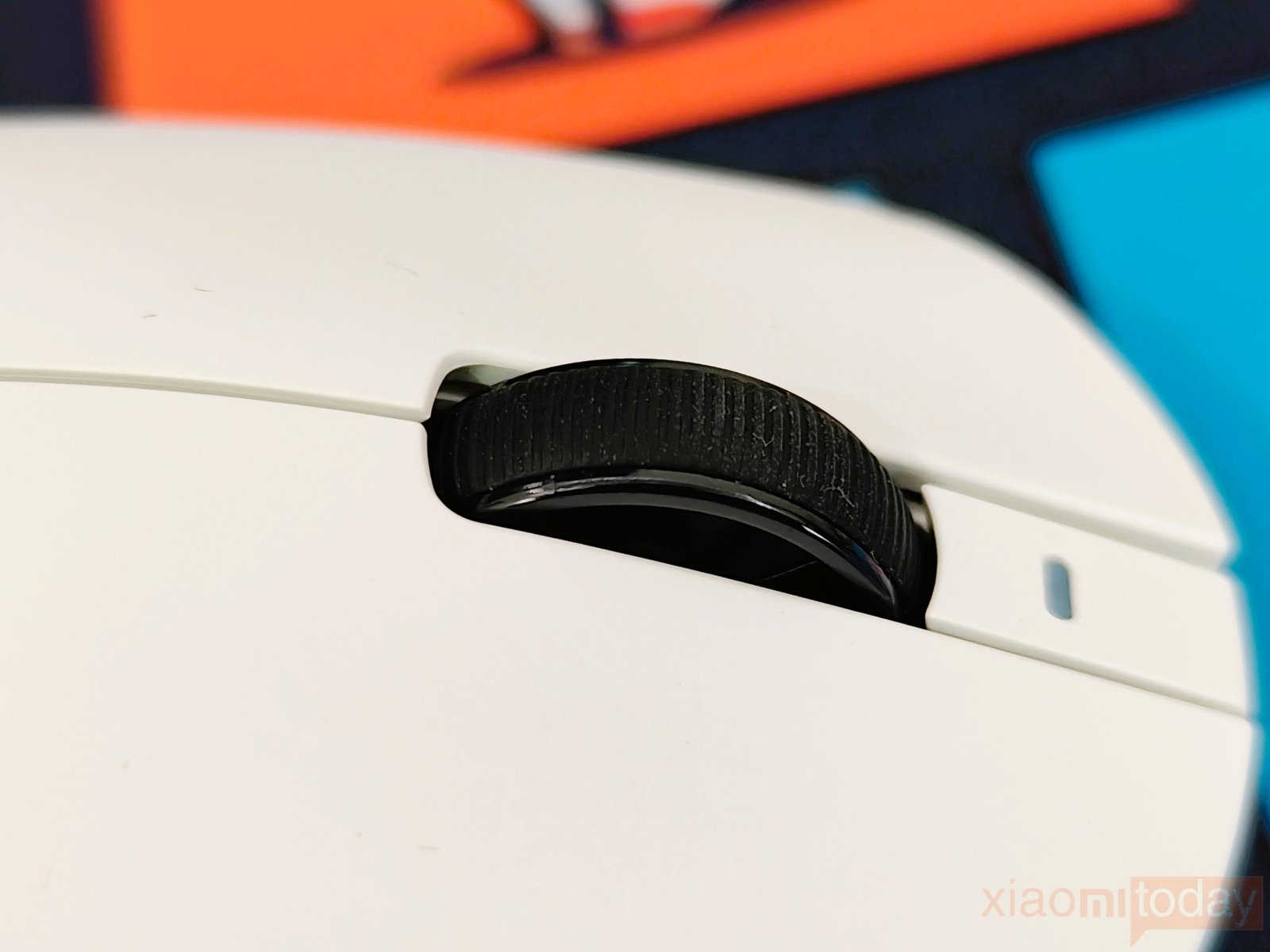
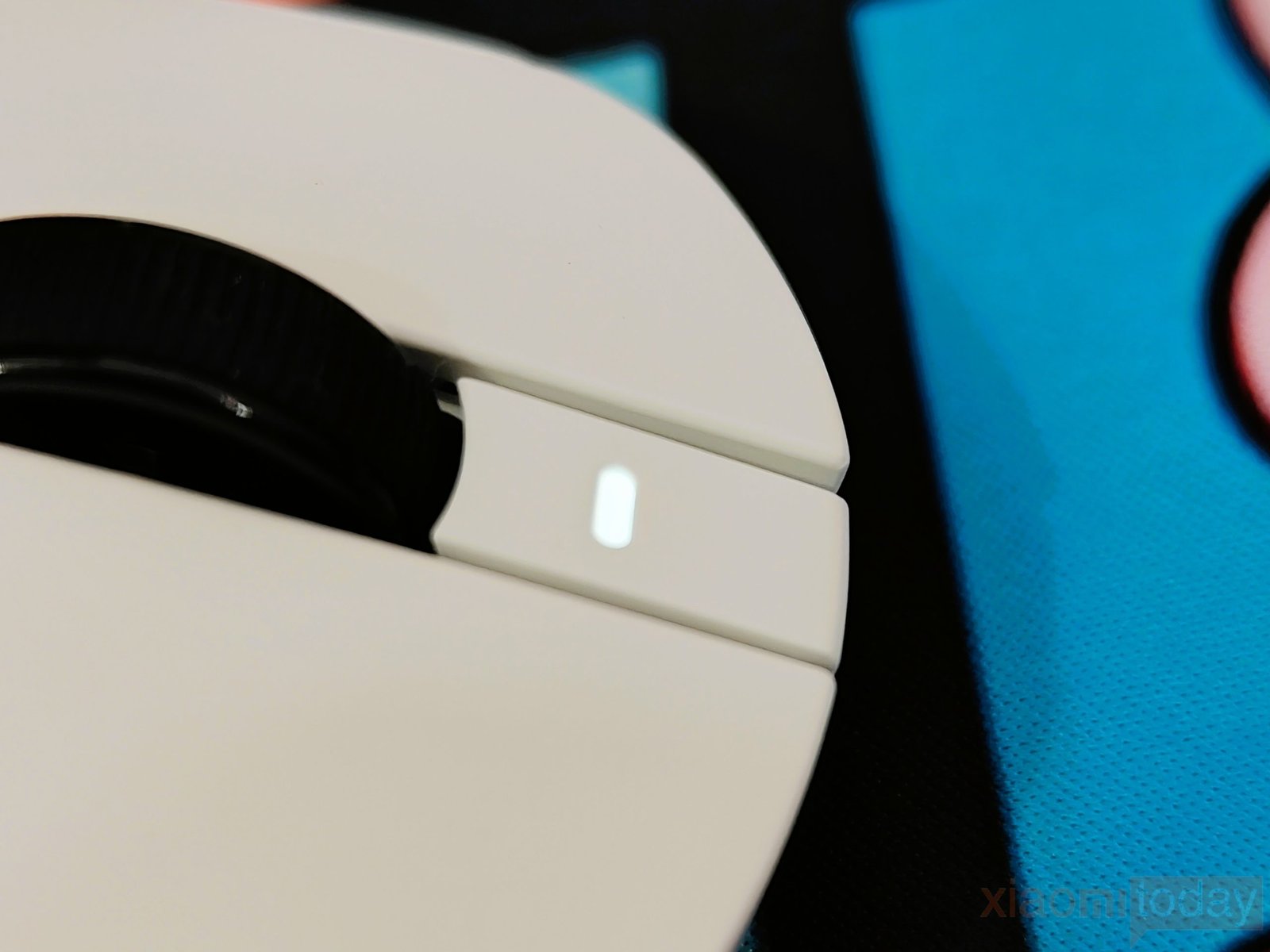
The A9 Air+ uses a TTC Gold scroll wheel with a textured rubber surface and defined scroll steps. It feels easy to control during both gaming and everyday use. A small indicator light sits on top of the wheel and shows the mouse status without adding RGB lighting to the top shell. On the white version we tested, the indicator is easy to see when illuminated and fits neatly into the otherwise minimal design.
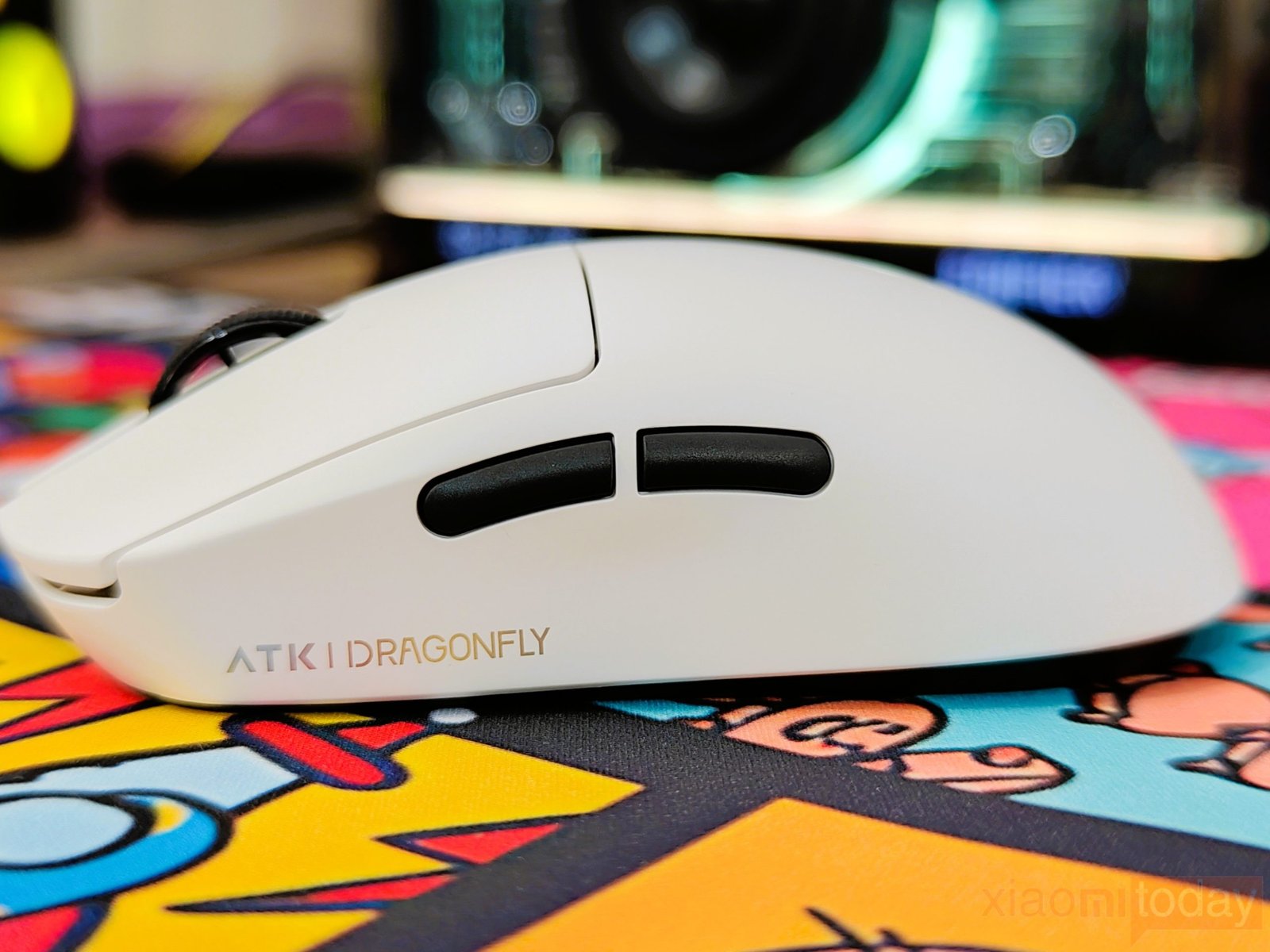
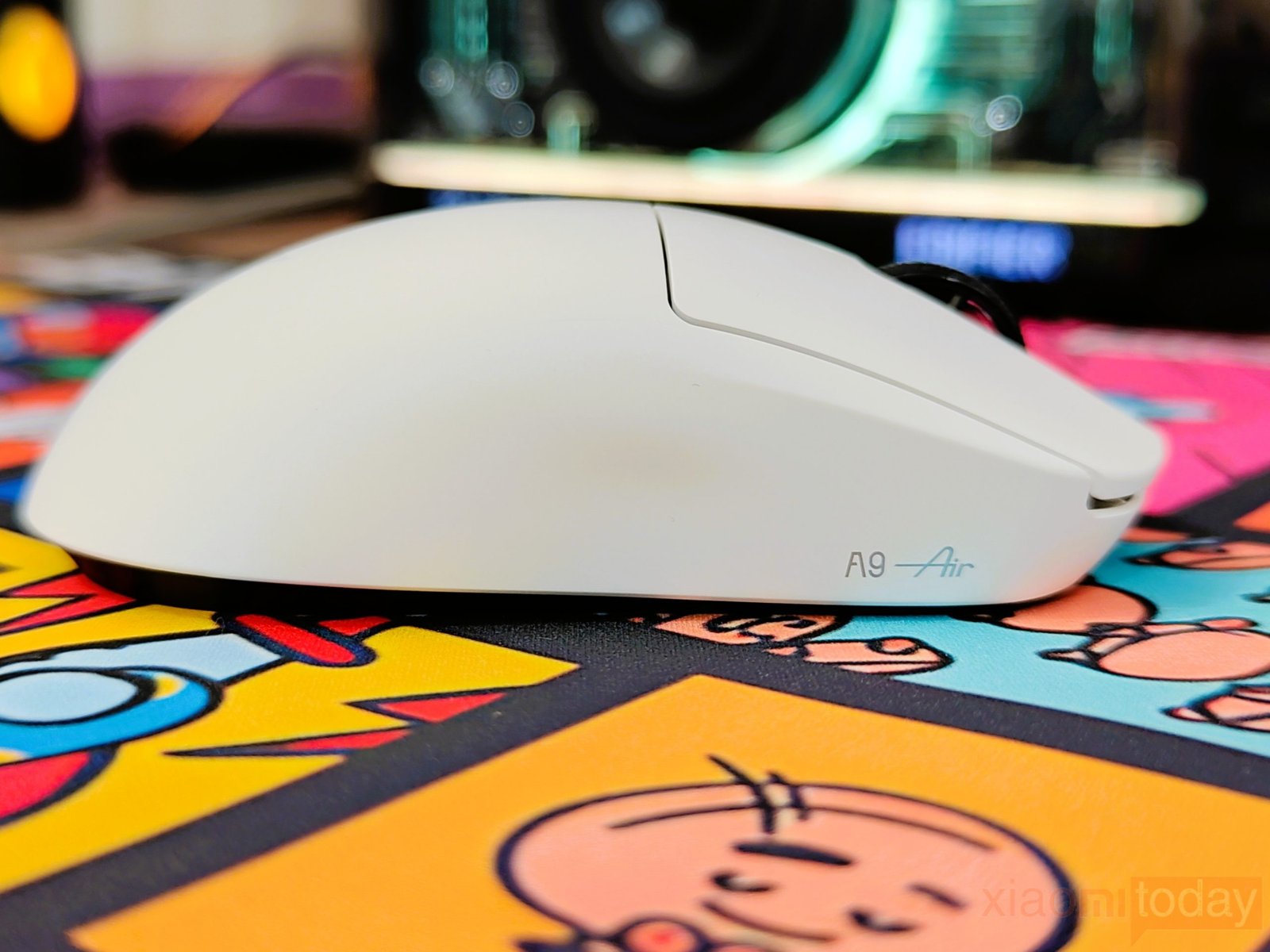
The ATK A9 Air+ has two slim side buttons on the left, placed within easy reach of the thumb without interfering with the grip. The left side curves inward slightly, giving the thumb a natural resting position, while the right side has no buttons and keeps the surface clean for the ring and little fingers. The smooth shell and simple side layout make the A9 Air+ comfortable to hold during gaming, although the button placement and controls make it a mouse designed primarily for right-handed users.
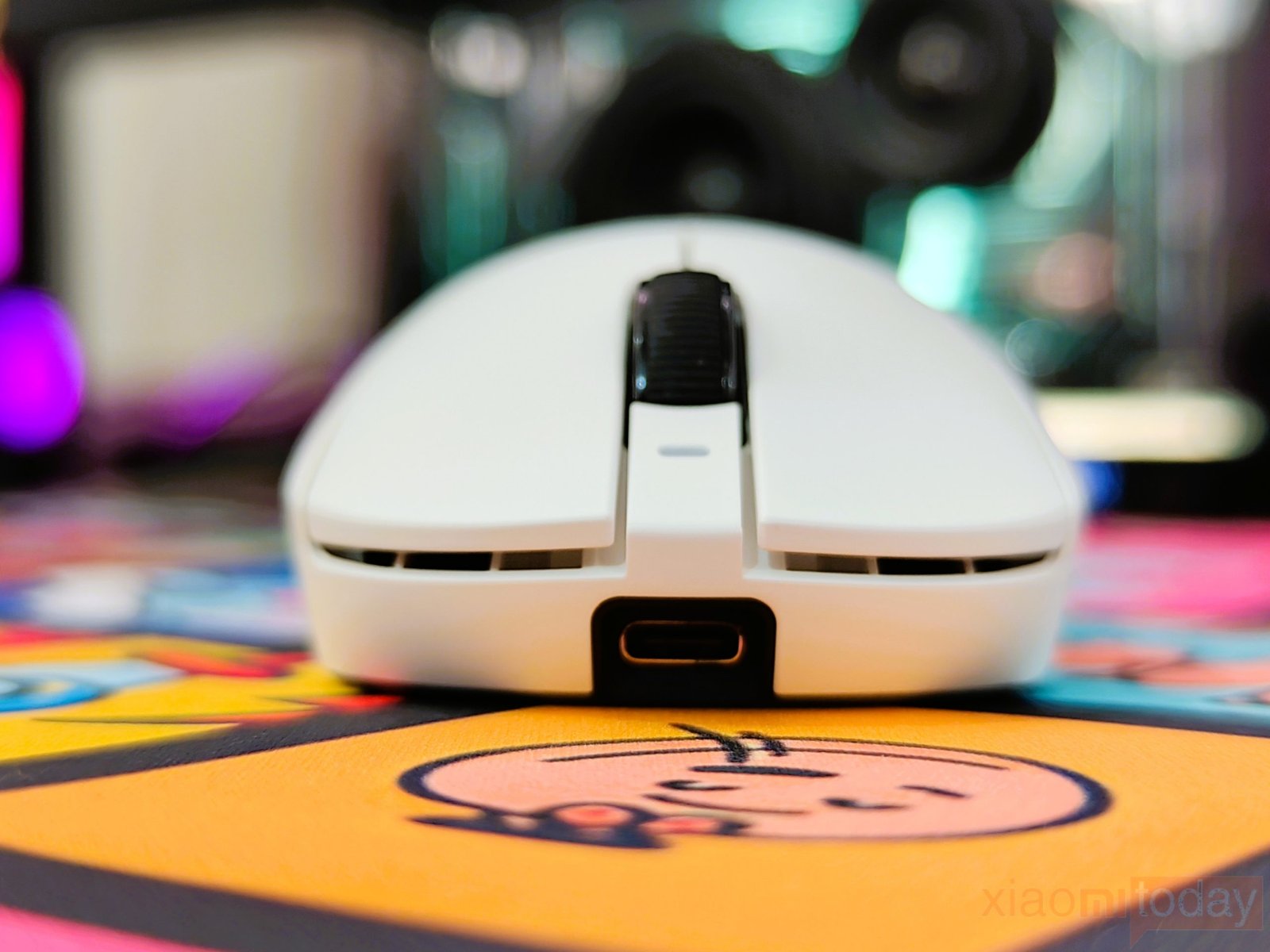
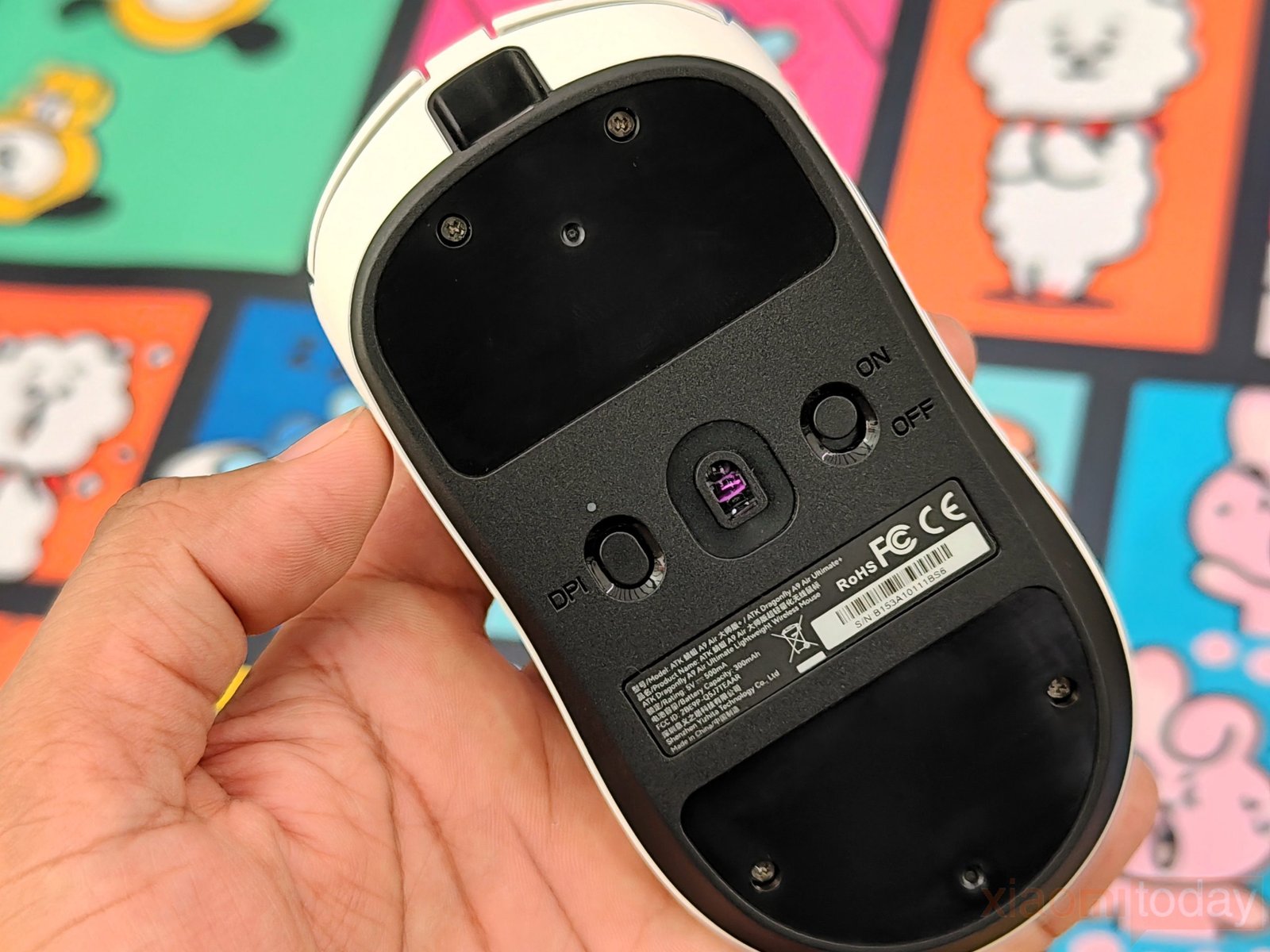
The ATK A9 Air+ has a centered USB Type-C port at the front for charging and wired use, while the underside houses the PAW3955 Master sensor, DPI button, power switch, and a small status indicator. The bottom uses large glide-foot areas at the front and rear, with the sensor placed between them. The DPI button and power switch are recessed into the lower shell, reducing the chance of pressing them accidentally during use. The product label and certification markings are also placed underneath, keeping the top and sides of the mouse clean.
ATK’s GEM 8K Dongle
The ATK GEM 8K Dongle is the wireless receiver used with compatible ATK gaming mice, providing support for high polling rates up to 8000 Hz. Its compact design takes up little space on the desk, while the translucent shell and ATK GEAR branding give it a clean look. The USB connection is placed on the end of the receiver, making it easy to connect to a PC and position near the mouse.
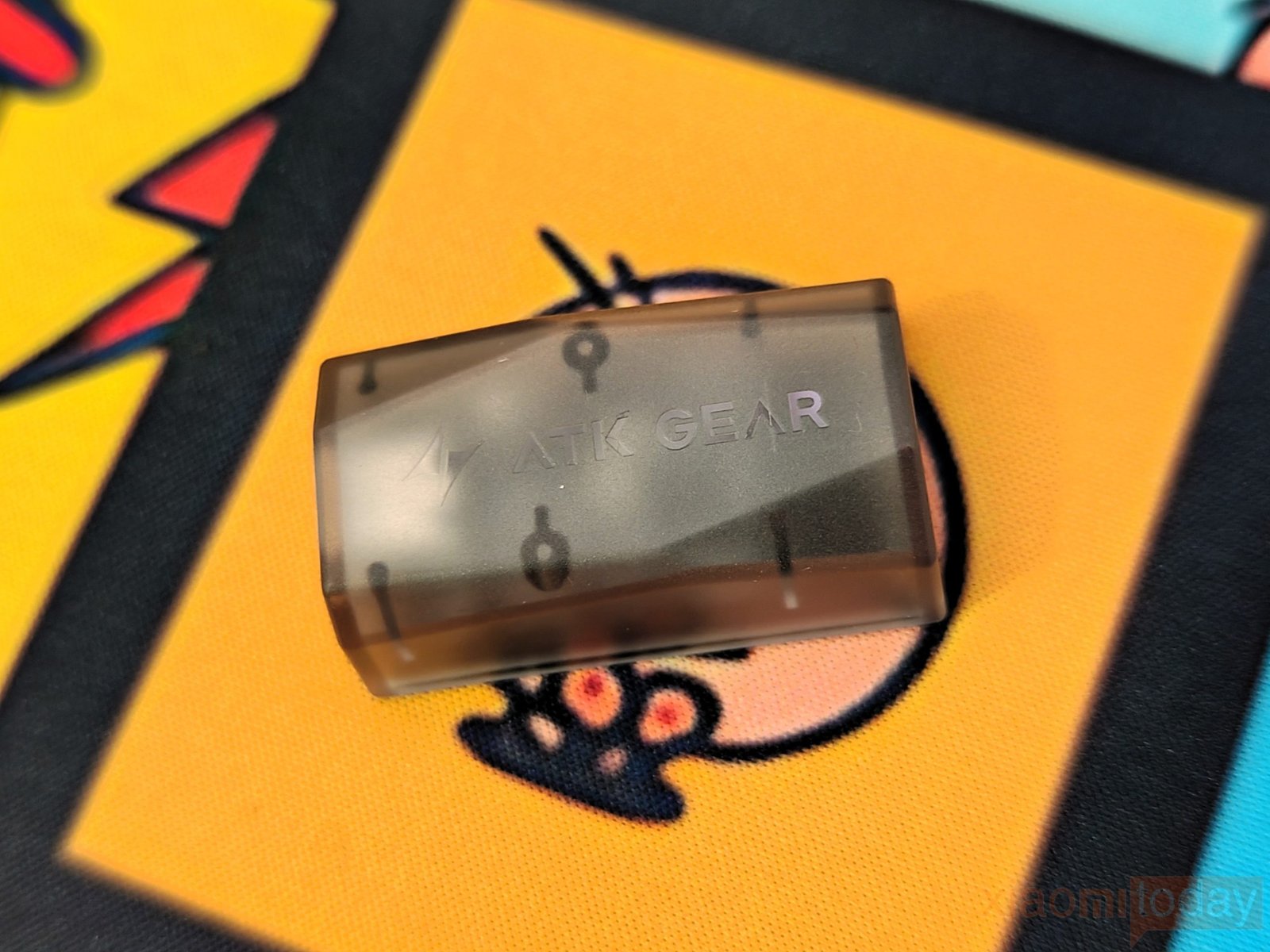
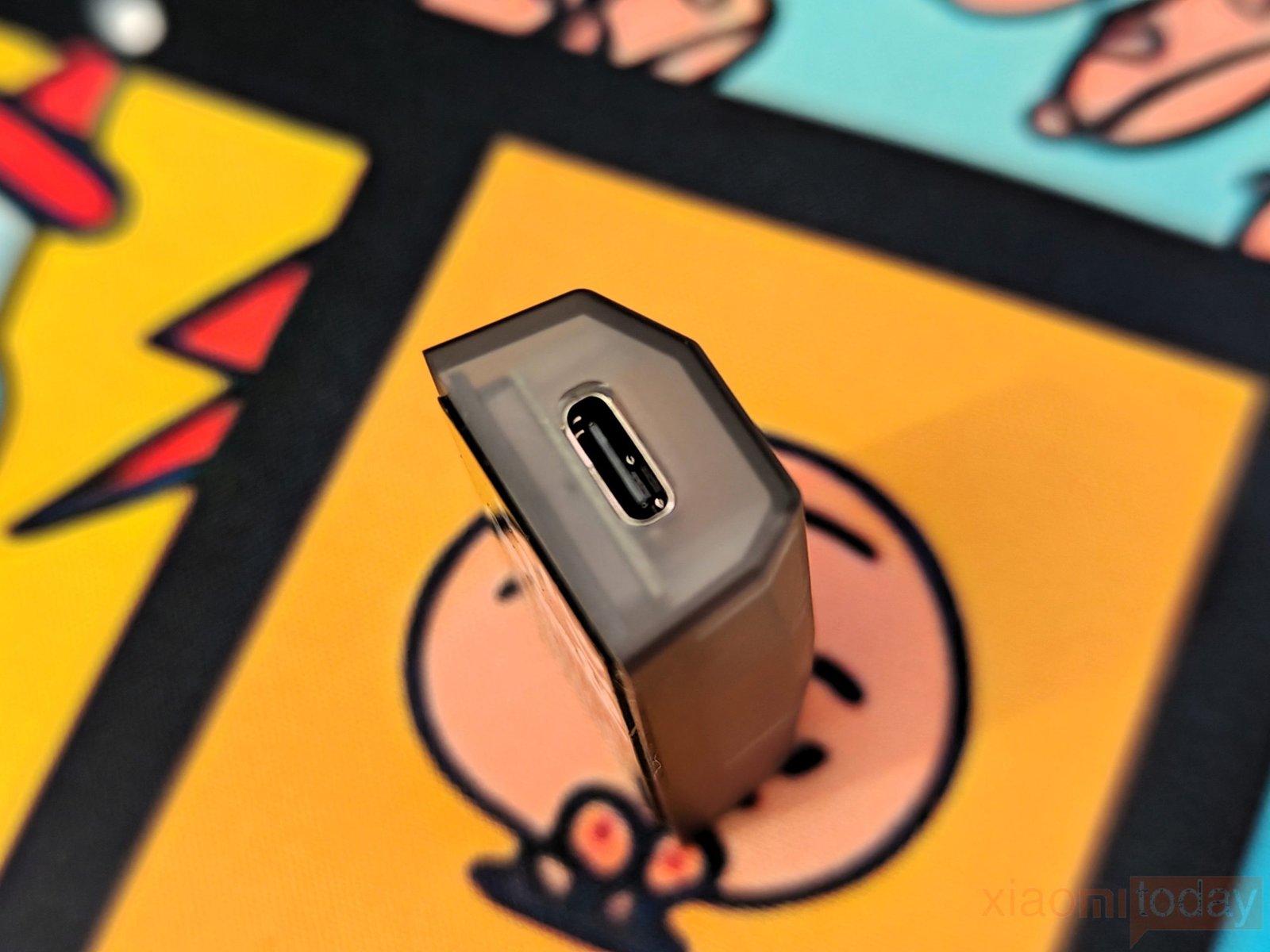
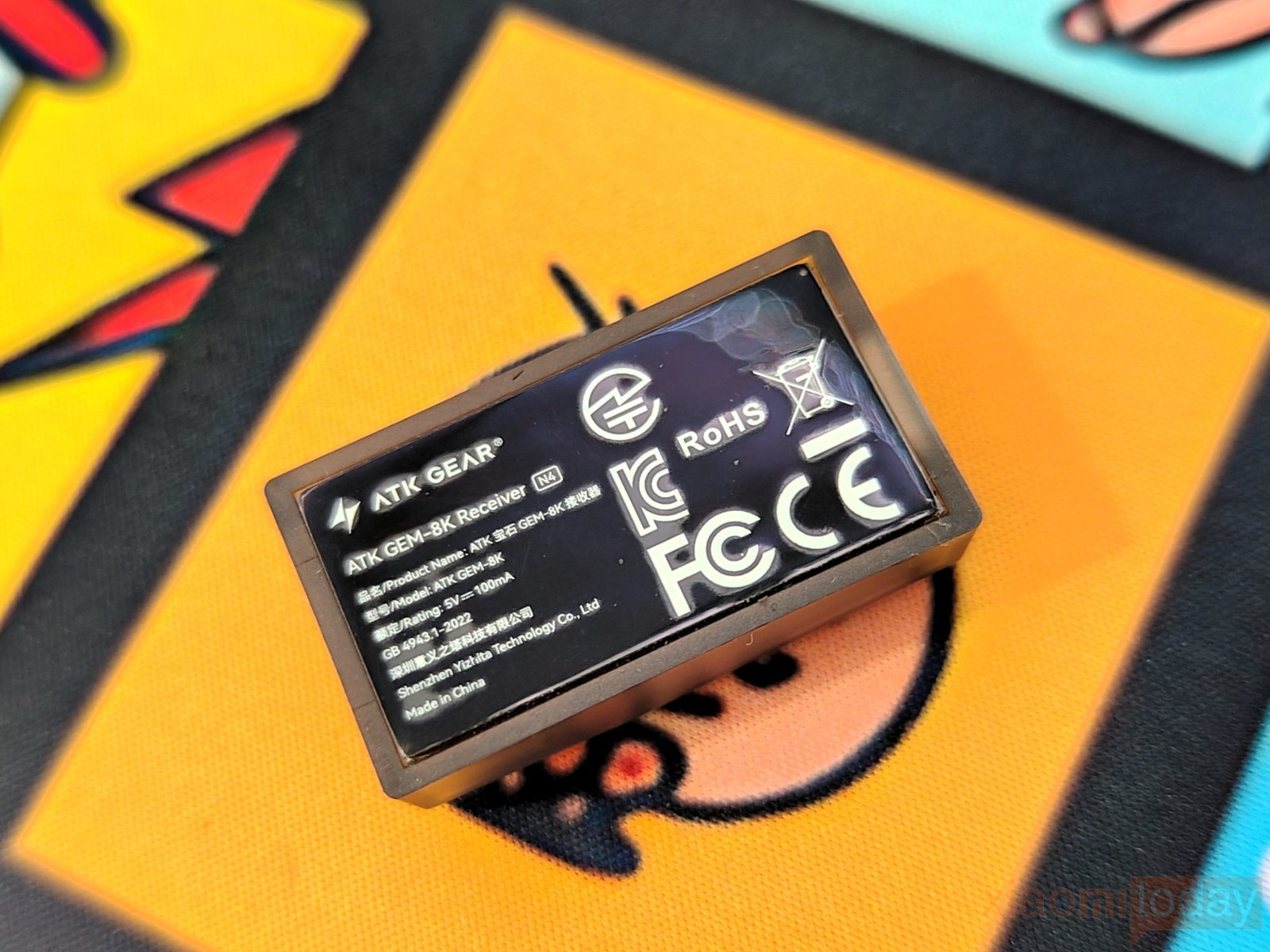
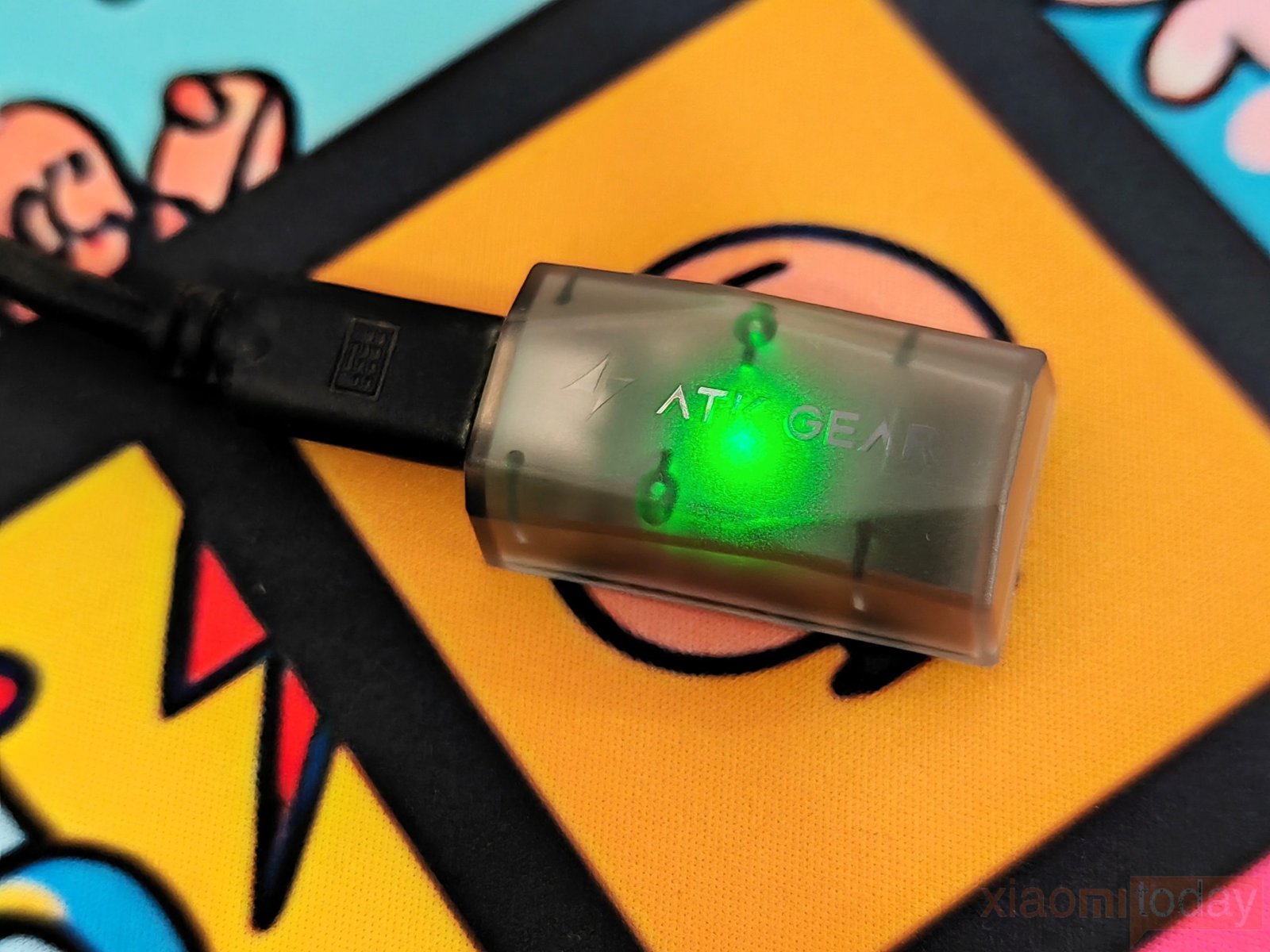
In use, the GEM 8K Dongle handles the wireless connection between the mouse and PC while allowing the mouse to operate at higher polling rates. The built-in indicator light shows the receiver’s connection status, and the small size makes it easy to keep the setup tidy. For an ATK mouse with 8K polling support, the GEM 8K Dongle is an essential part of the wireless setup.
Features and Performance
The mouse is built around a Nordic 54L15 Series MCU and ATK’s self-developed Nordic 54 Series ApexShark MAX Mouse Solution. This combination is designed for low-latency wireless performance and supports high polling rates, keeping mouse input and report timing consistent during gaming.
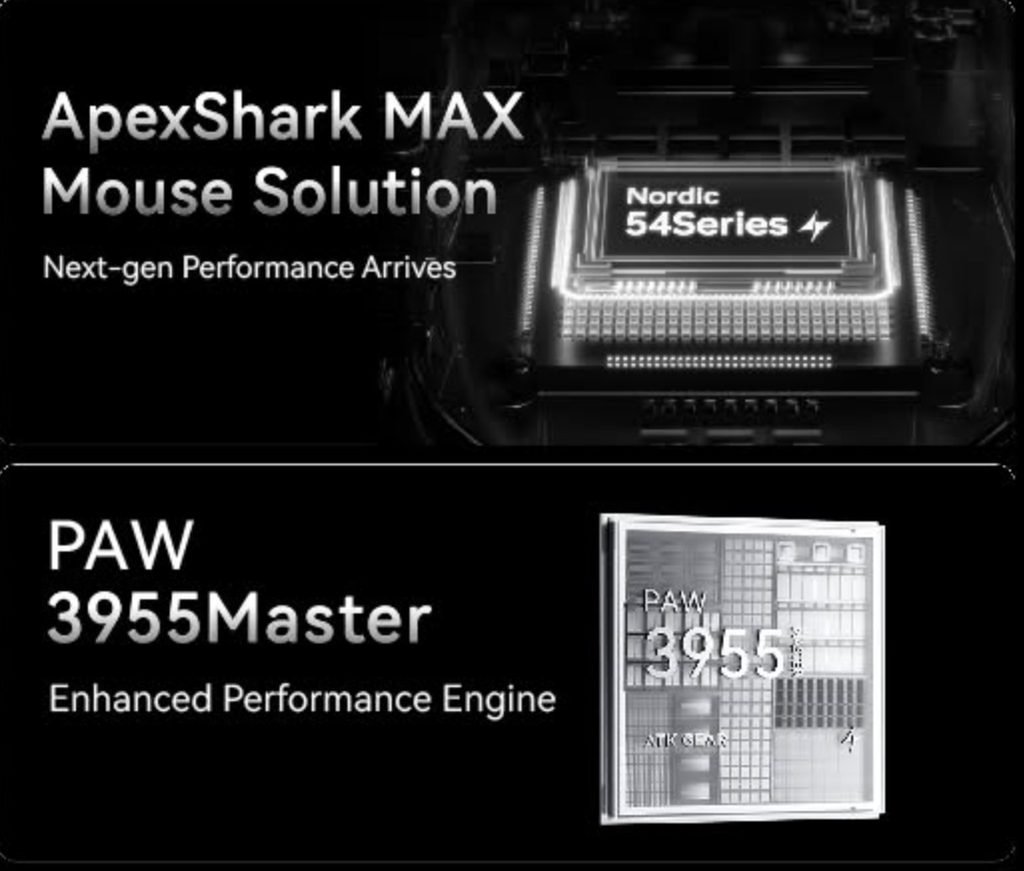
ATK pairs the platform with the PAW3955 Master sensor, which supports up to 40,000 DPI and up to 50,000 DPI with overclocking. The sensor is rated for 850 IPS tracking speed and 75G acceleration. Lift-off distance is adjustable across 11 levels from 0.7 mm to 1.7 mm, with 0.1 mm adjustment steps.
| Switch Type | Technology | Click Feel | Rated Lifespan | Available On |
|---|---|---|---|---|
| ATK Light Blade Mechanical | Mechanical | Crisp click with clear audible feedback | — | Ultra Max Edition |
| ATK Custom Optical | Optical | Quick response with mechanical-style feel | — | Ultimate, Ultimate+, Mini, Mini+ |
| ATK Swiftlight Optical | Optical | Snappy click response | 150 million clicks | Air, Air+ |
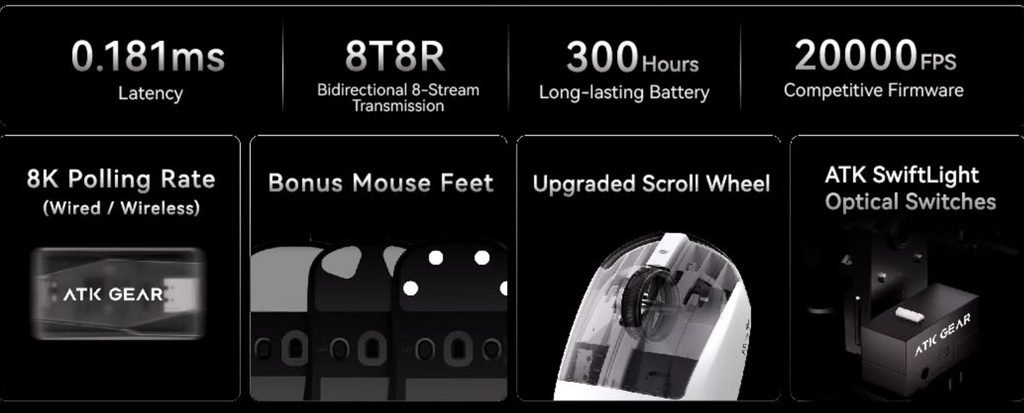
Switch options depend on the model, with ATK Light Blade Mechanical Switches, ATK Custom Optical Switches, and ATK Swiftlight Optical Switches available across different editions. The Swiftlight optical switches are rated for up to 150 million clicks, while the optical designs focus on quick actuation and a mechanical-style click feel.
Connectivity
The mouse supports 2.4Ghz and Bluetooth, allowing it to connect wirelessly to compatible devices. Holding the left, right, and center buttons for more than three seconds enters pairing mode and disconnects the current receiver connection. This also lets the mouse switch to pairing with another NearLink or Bluetooth device without using extra software.
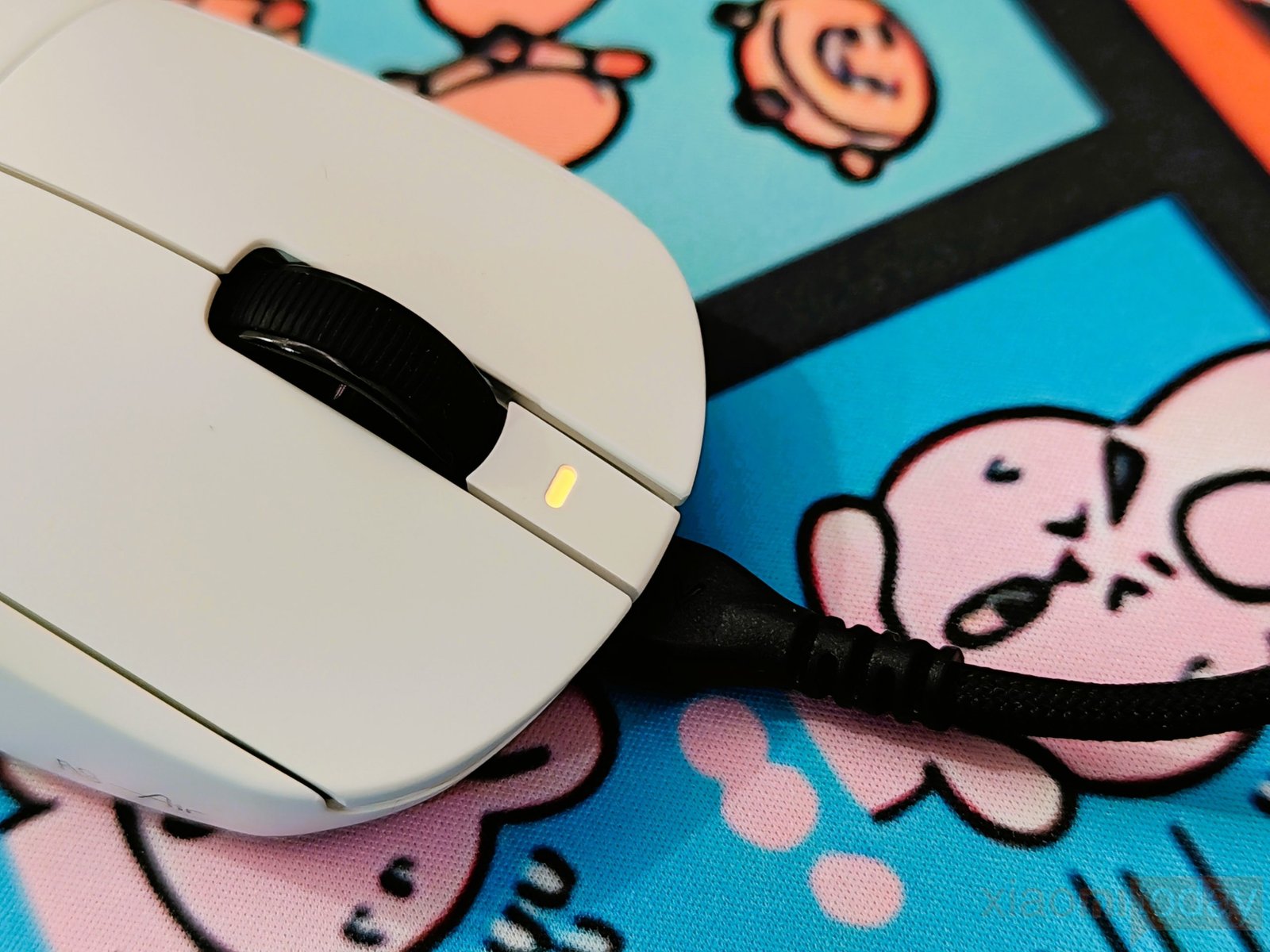
| Status | LED Indicator |
|---|---|
| Pairing | Fast blue flash |
| Connected | Steady blue |
| Reconnecting | Slow blue flash |
| Connection Type | 2.4Ghz / Bluetooth |
A blue indicator LED shows the wireless status. It flashes quickly during pairing, stays on when the connection is established, and flashes slowly when the mouse is trying to reconnect. The connection process is simple, and the status light makes it easy to see what the mouse is doing at a glance.
ATK HUB (Desktop Client)
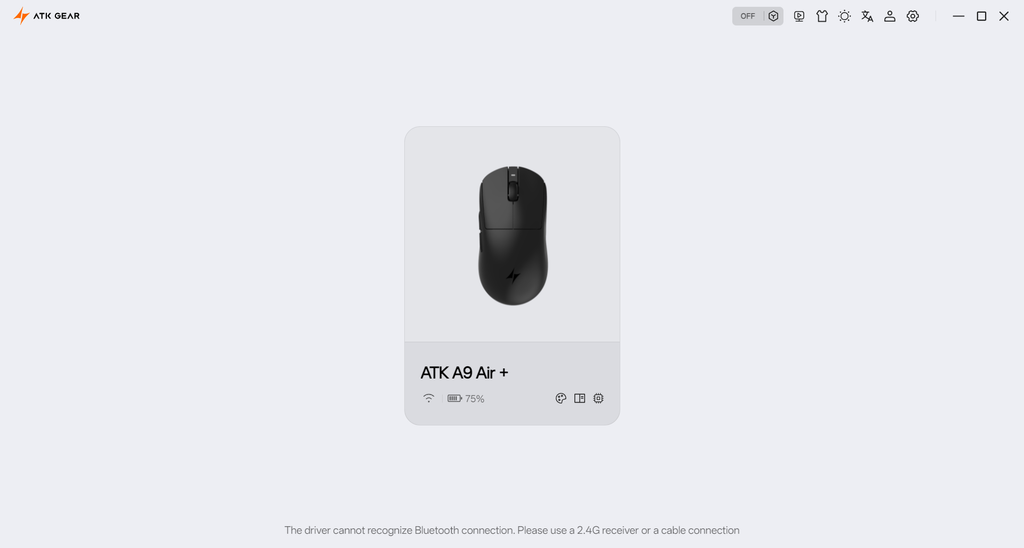
ATK HUB is the main software for setting up and managing the mouse on Windows. It provides controls for button assignments, macros, DPI, polling rate, sensor settings, debounce time, sleep timer, LOD, and other performance options. The home page also shows the mouse connection and battery status, keeping the basic information easy to check.
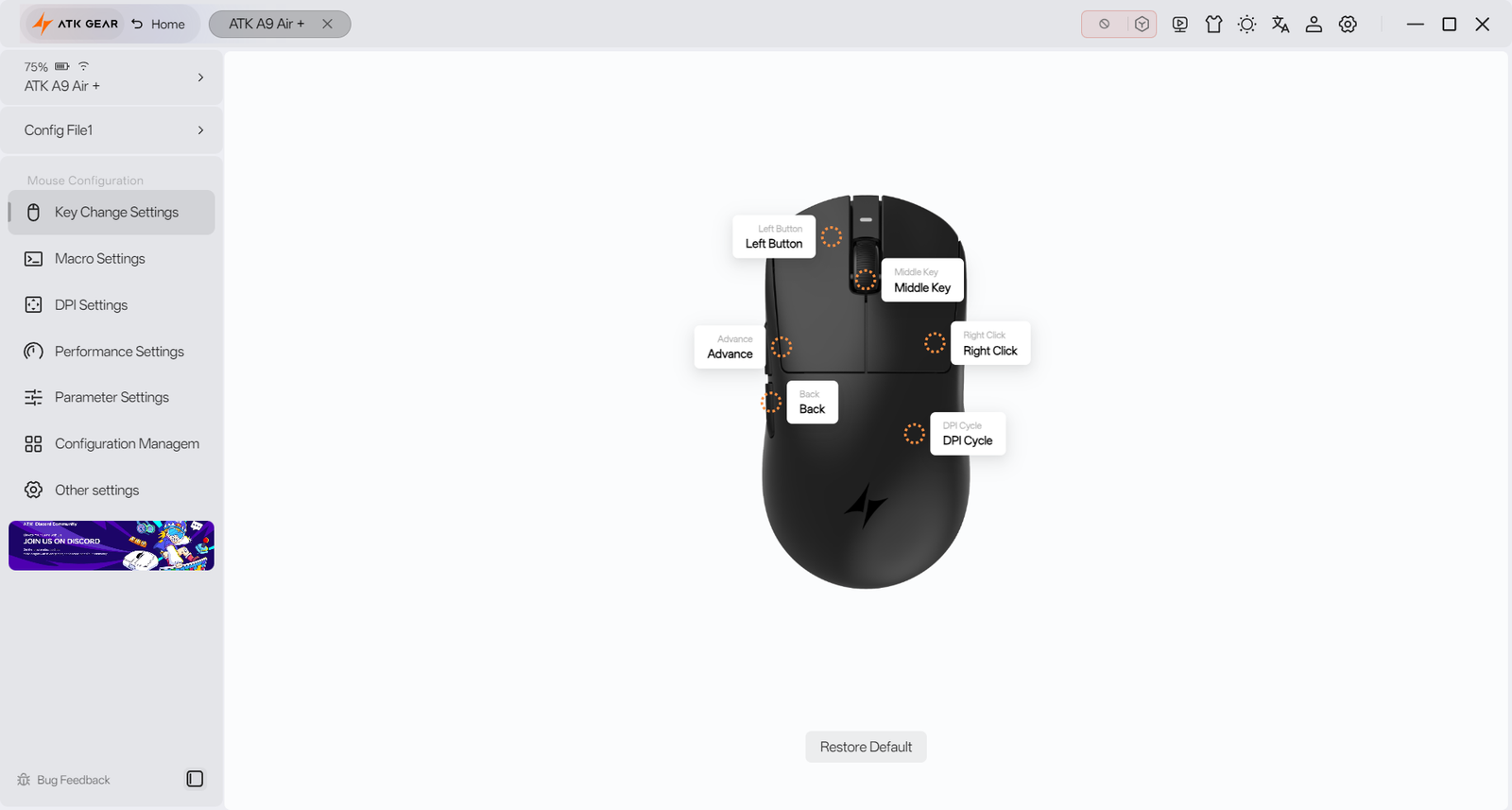
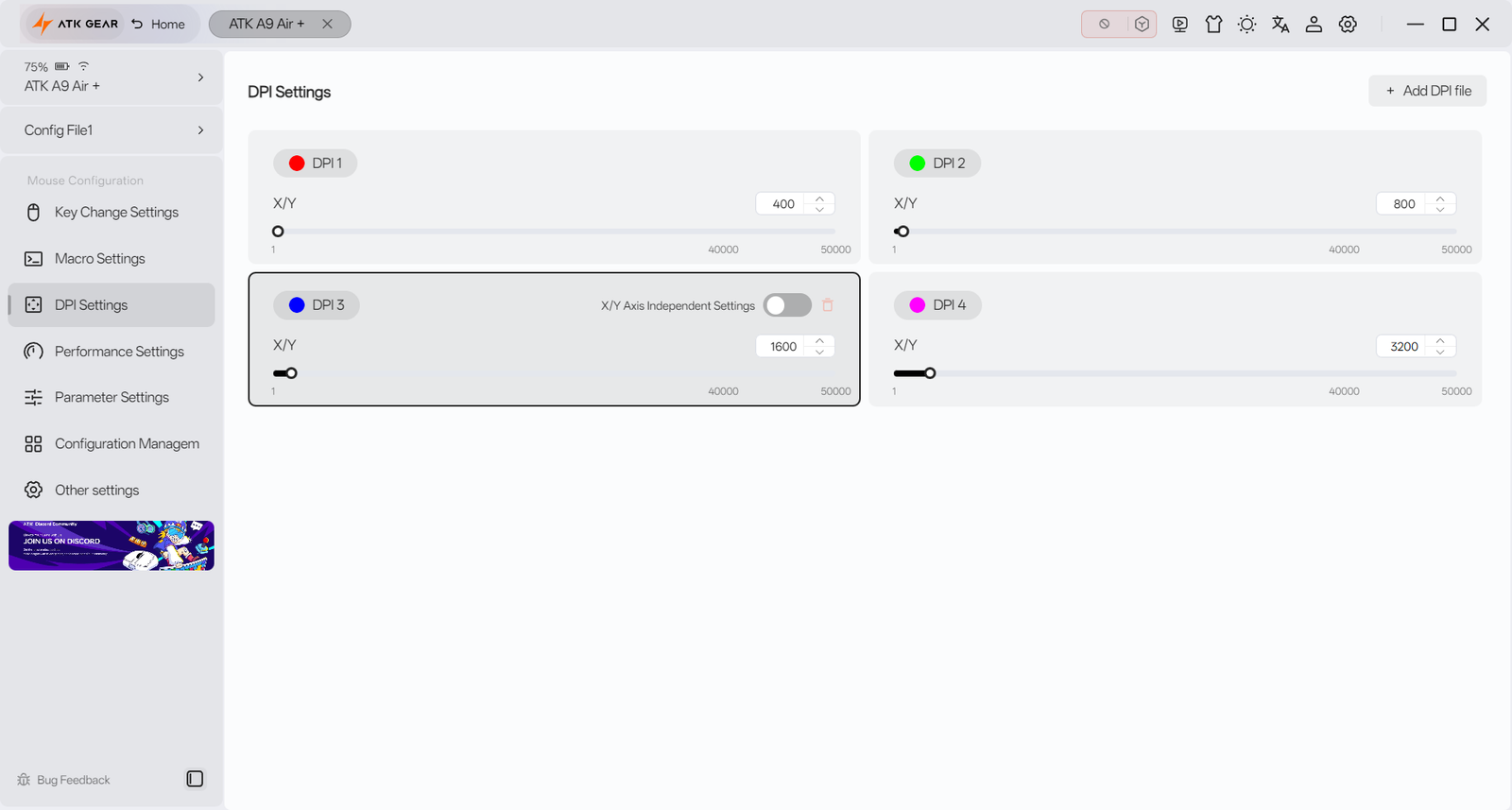
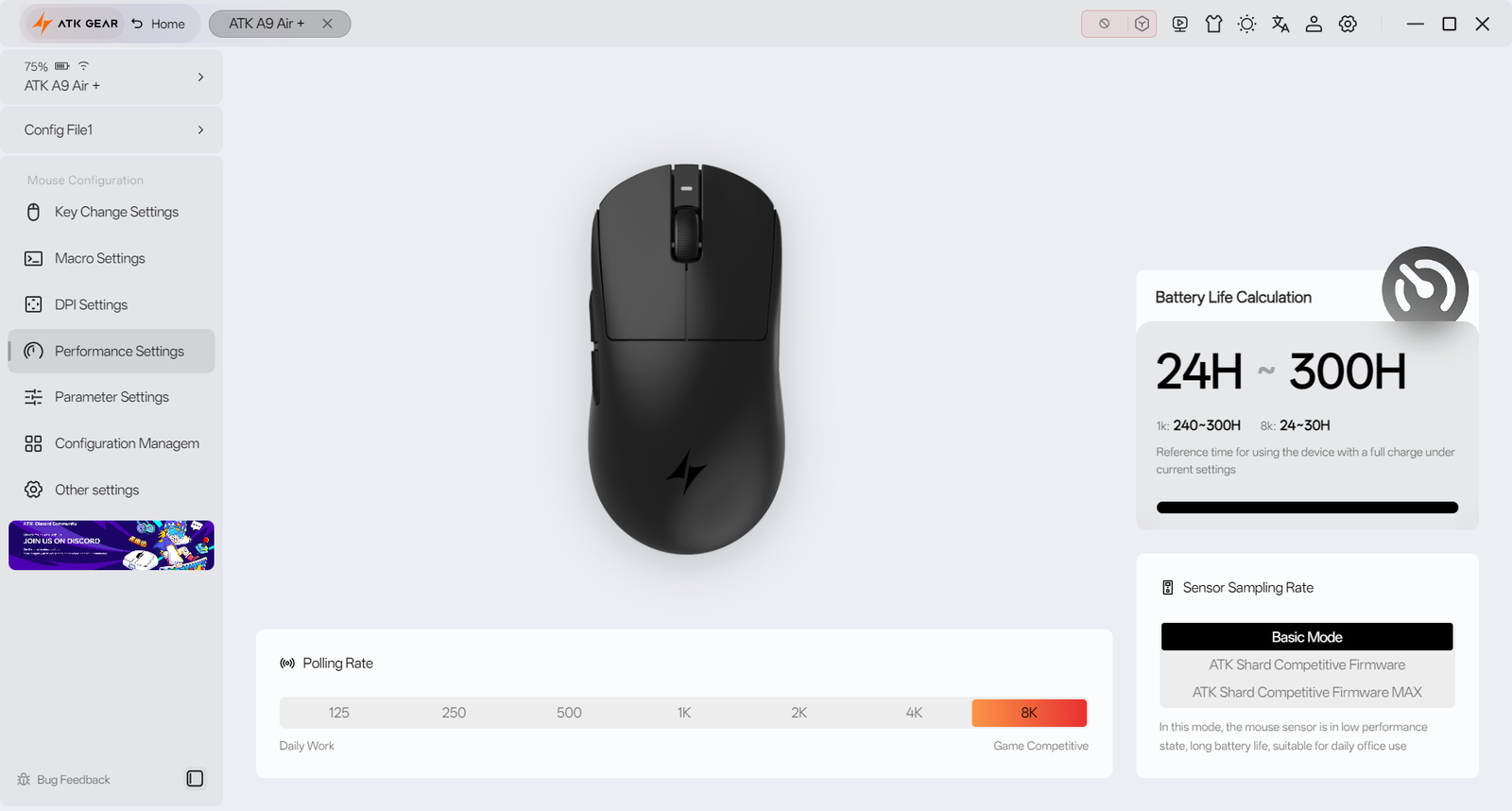
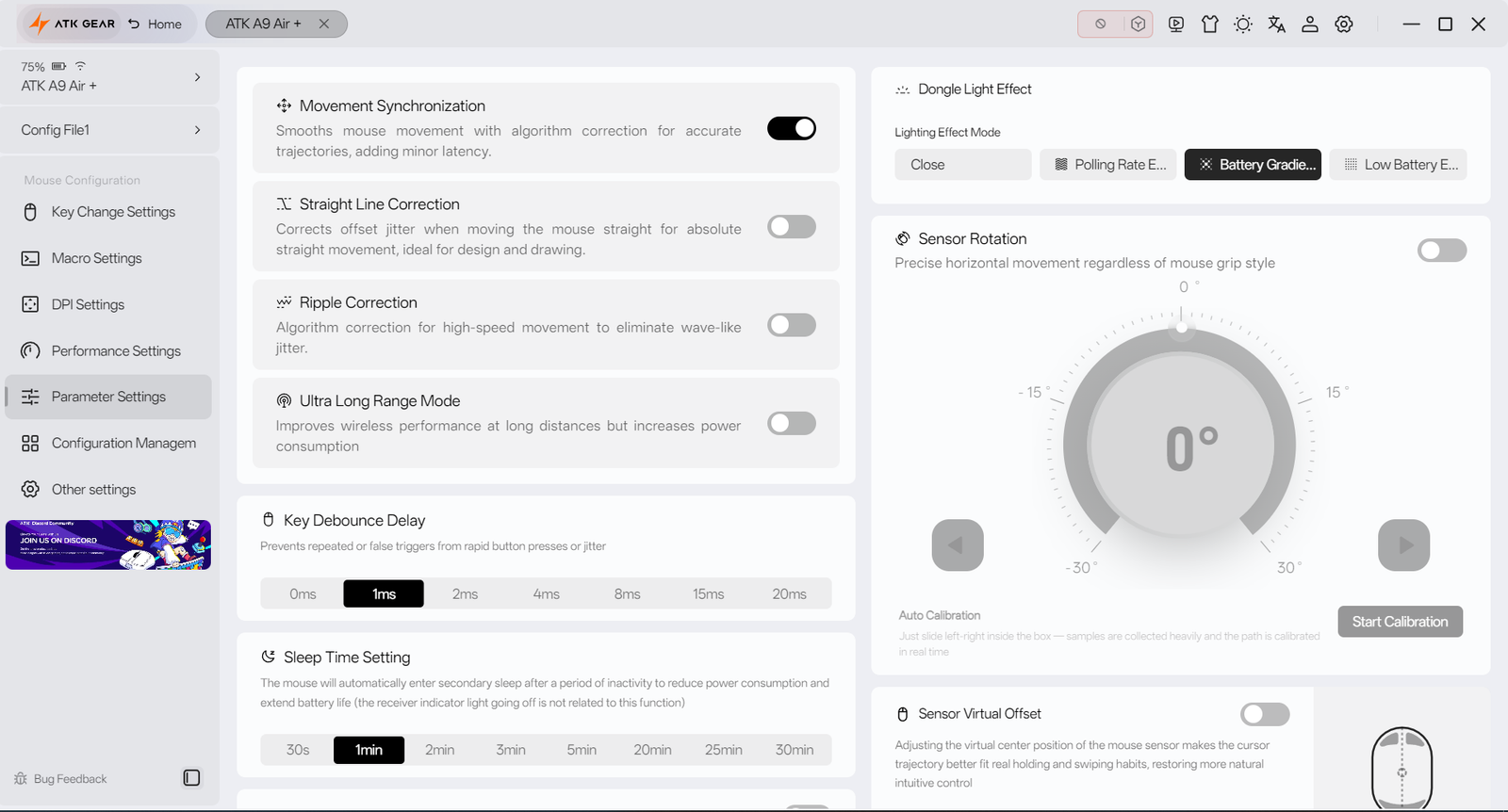
The DPI section supports multiple DPI stages, with X/Y sensitivity settings that can be adjusted independently. Performance settings include polling rates up to 8K, while the parameter menu offers options such as Motion Synchronization, Straight Line Correction, Ripple Correction, Sensor Rotation, and Sensor Virtual Offset. Users can also save different setups through onboard configuration profiles.
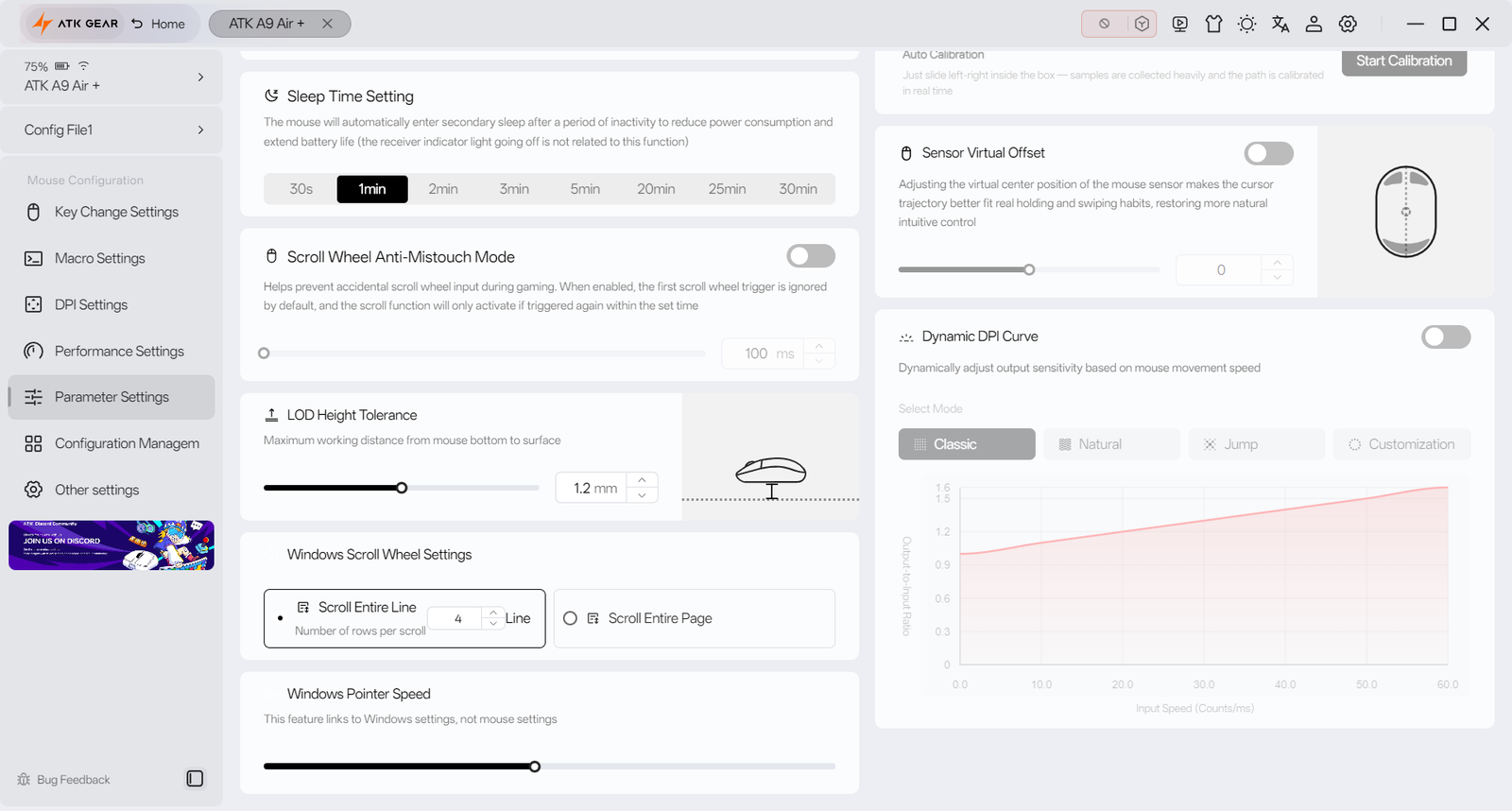
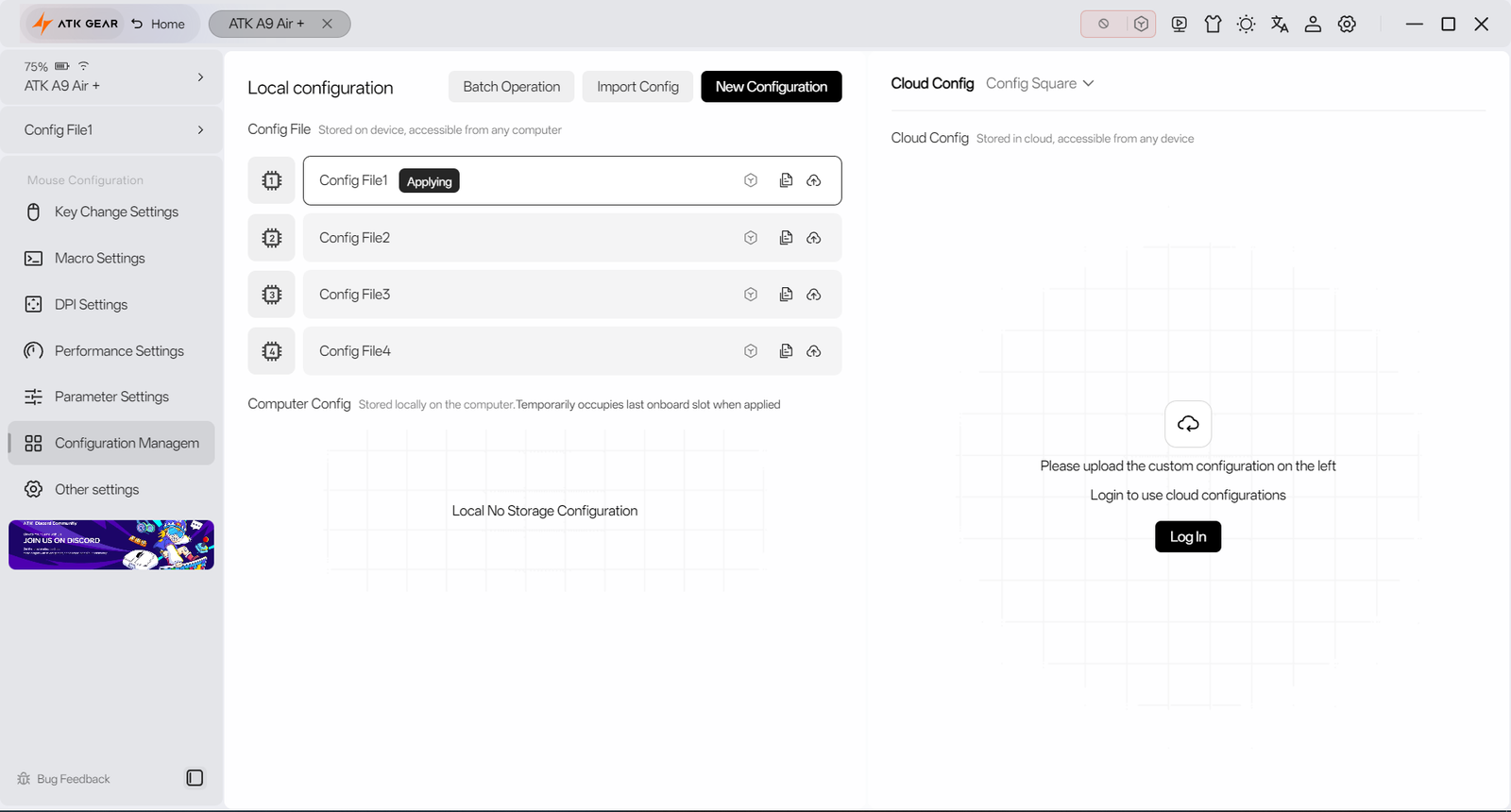
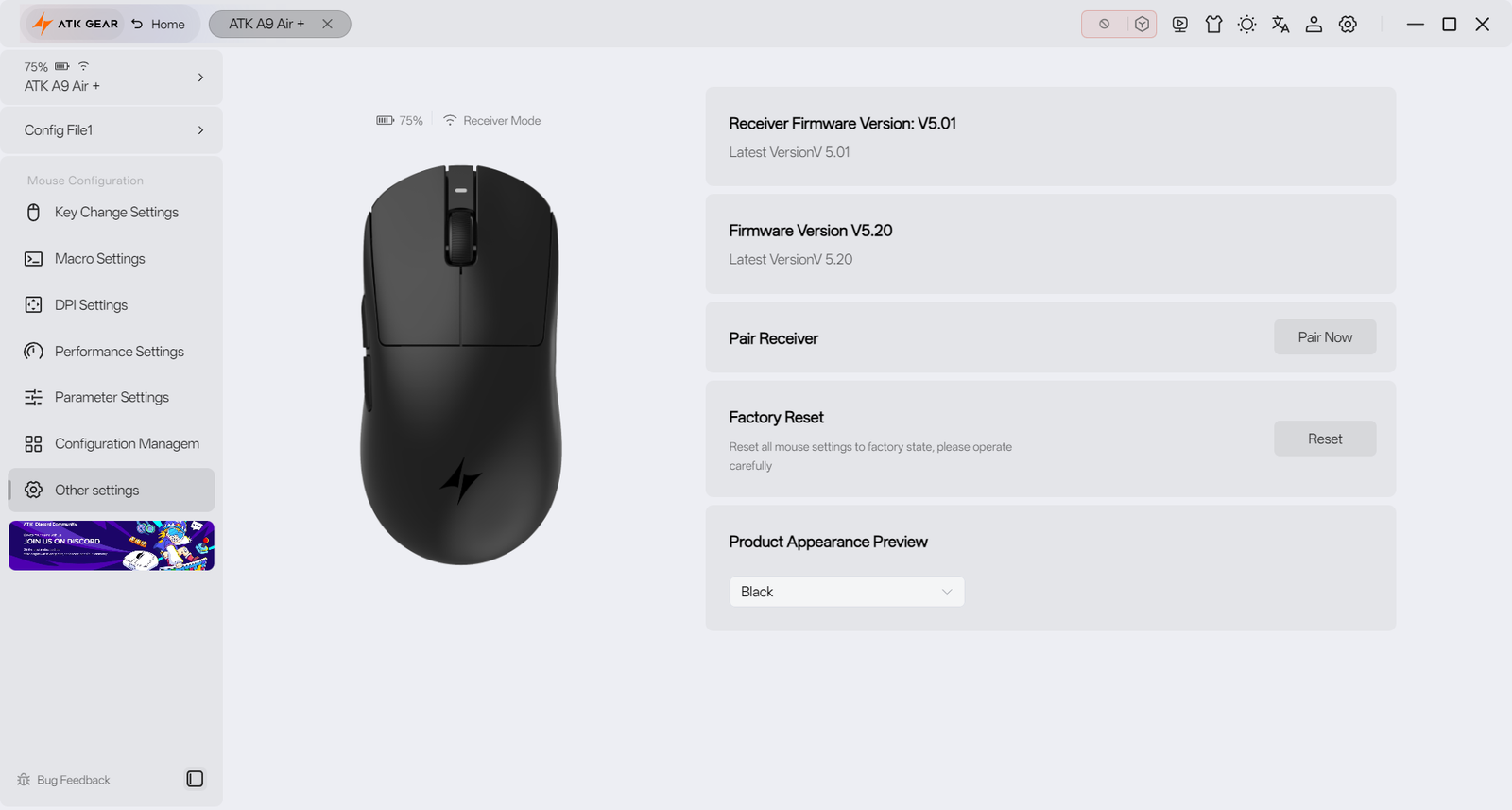
ATK HUB includes receiver pairing, firmware updates, factory reset, and device management tools. During testing, the desktop client worked through the 2.4 GHz receiver and wired connection, while Bluetooth was not recognized by the driver. ATK also offers Web and Mac clients, giving users more flexibility when configuring the mouse across different platforms.
Battery and Charging
The ATK A9 Air/Air+ packs a 300 mAh battery and, in hands-on use, lasted around 5 to 7 days per charge with long gaming sessions and regular desktop work, even with the 8K polling rate enabled. Battery life will depend on the polling rate and usage pattern, but the mouse remained usable for several days without needing to be plugged in. The status light gives a quick indication of the battery and charging state, blinking red at around 20% battery, blinking orange while charging, and staying green once charging is complete.
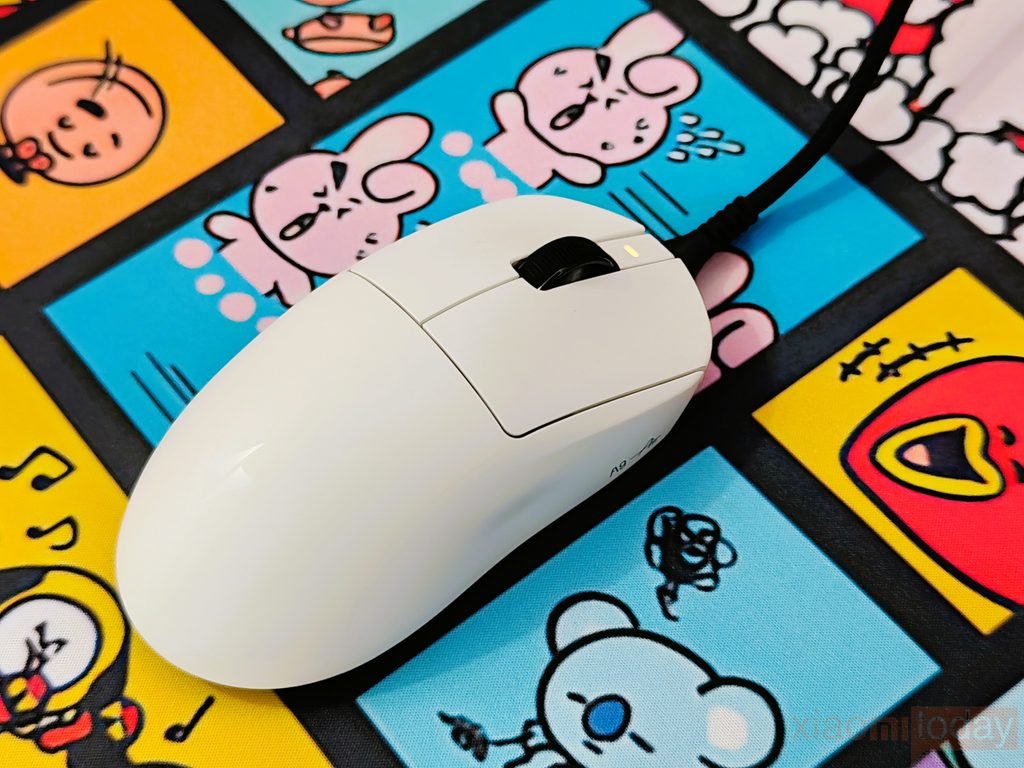
When the battery runs low, the A9 Air/Air+ can continue working while connected through USB, so charging does not mean putting the mouse aside. In the hands-on test, the charging time should be measured from 0% to 100% to give an accurate result. This measured figure, along with the real-world 5-to-7-day battery runtime at 8K polling, provides a better picture of how the mouse performs during normal gaming and daily use.
Use Experience – Daily Work and Gaming
After using the ATK A9 Air+ for two weeks, its low weight was easy to appreciate during both daily work and gaming. At around 53g with the larger mouse feet installed, the mouse moves across the pad with very little effort, which helps during long sessions. For web browsing, writing, editing, and general desktop use, the shape remained comfortable with a claw grip, while the rounded rear also provided enough support for a relaxed palm grip. The side buttons were easy to reach with the thumb, and the TTC Gold scroll wheel had enough defined steps for normal scrolling without feeling loose.
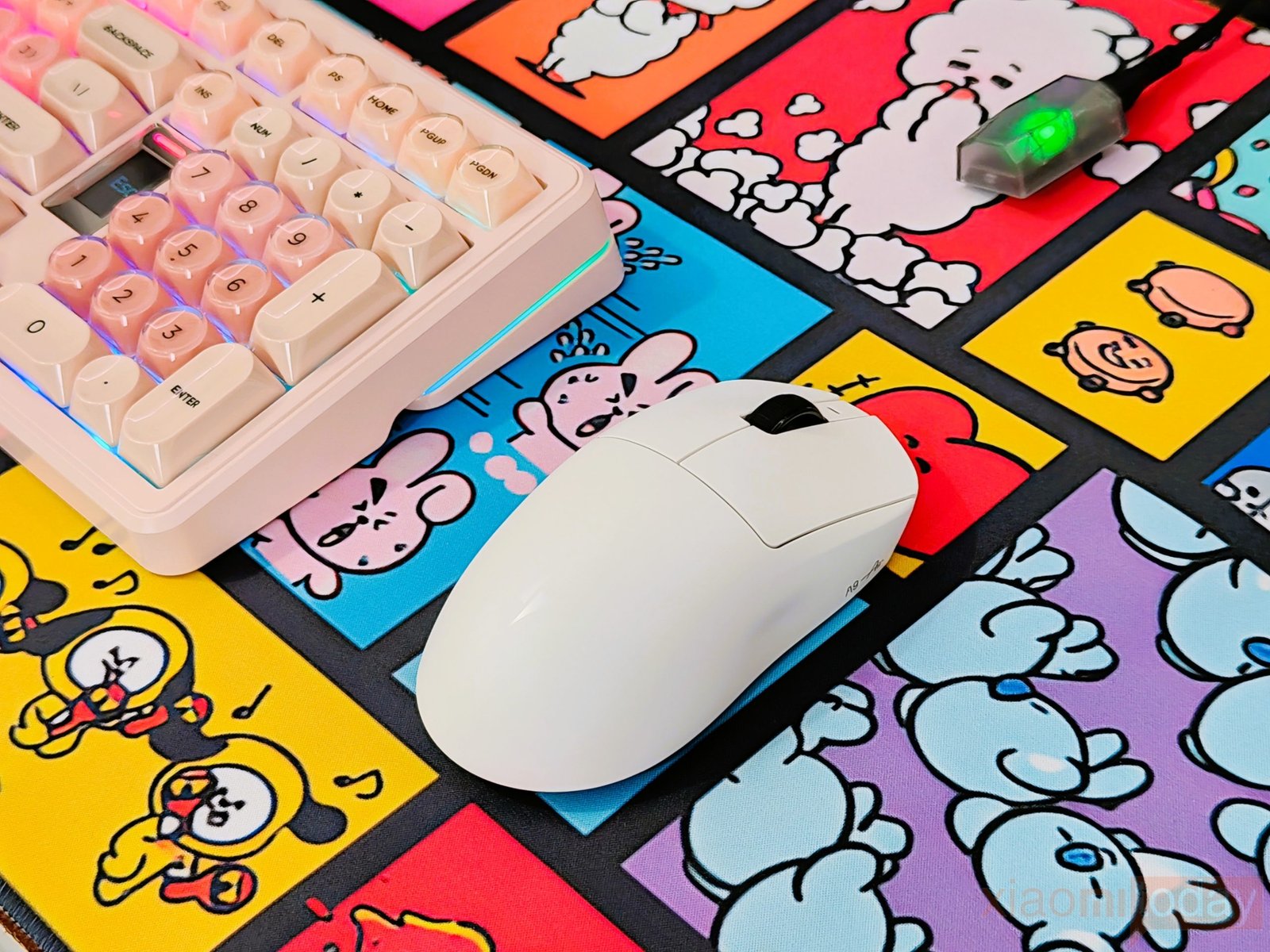
In competitive games such as Counter-Strike 2, VALORANT, Apex Legends, Overwatch 2, and Rainbow Six Siege, the A9 Air+ felt well suited to fast mouse movements and frequent repositioning. The lightweight body made quick flicks and low-sensitivity aiming easier without putting much strain on the hand. The PAW3955 Master sensor tracked accurately during fast swipes, and I did not notice cursor skipping during testing. Running the mouse at 8K polling through the GEM 8K receiver also kept wireless input consistent during longer matches. The Swiftlight optical switches responded quickly for repeated clicks, while the TTC Gold scroll wheel provided clear steps when changing weapons or moving through in-game menus.
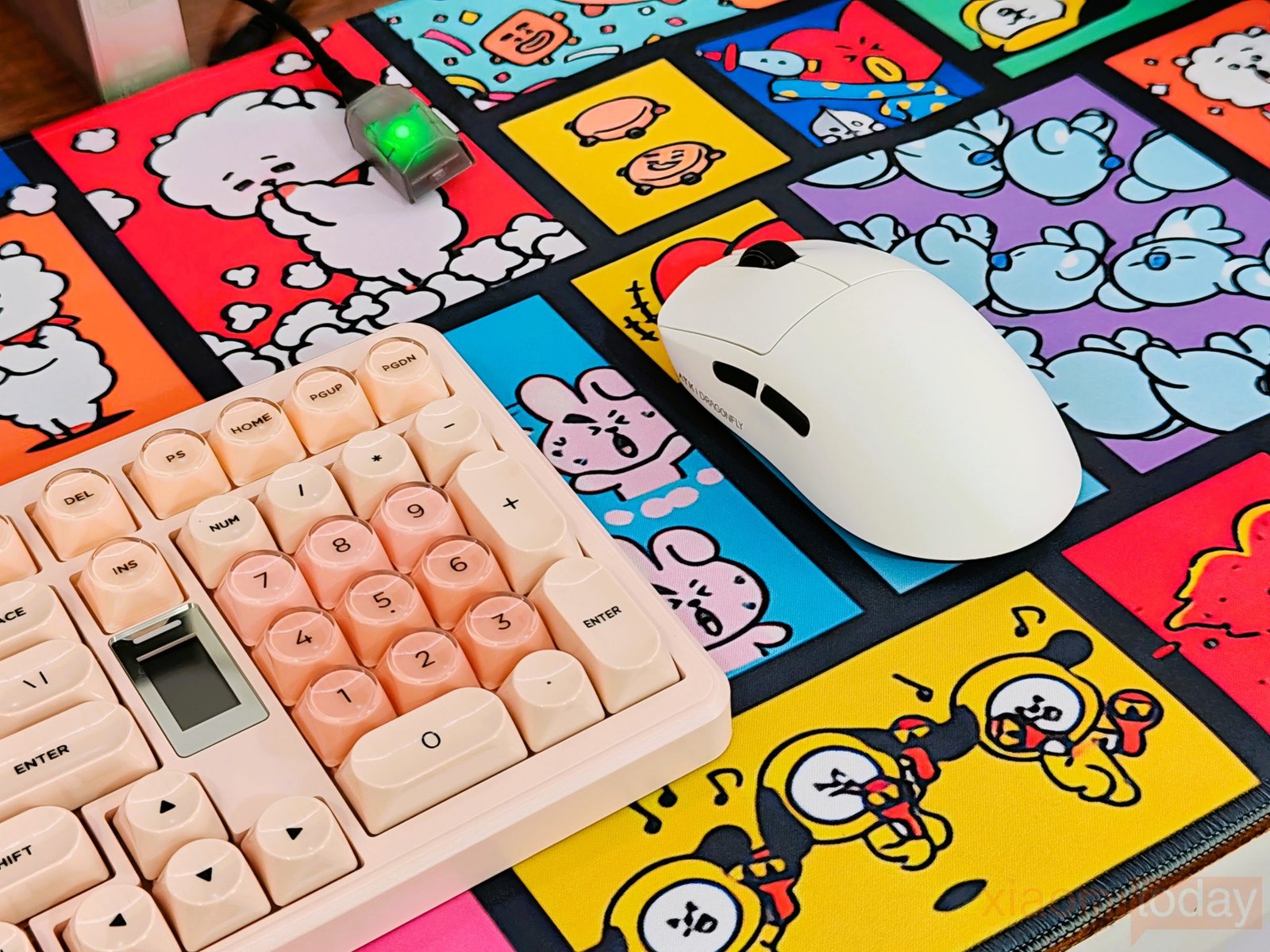
For the two-week test, I used the A9 Air+ for a mix of competitive gaming and regular PC work rather than testing it only for short sessions. The mouse remained comfortable during extended play, and its low weight was particularly useful in games where large, repeated movements are common. Battery life was also practical, with around 5 to 7 days of use on a single charge even with 8K polling enabled. Overall, the A9 Air+ fits its intended use well: a lightweight wireless gaming mouse that can handle competitive shooters while remaining comfortable enough for everyday desktop use.