Yunzii has expanded its gaming peripheral lineup with the launch of the Yunzii M1 wireless gaming mouse, a lightweight mouse designed for users who need precision tracking and flexible connectivity in a compact form factor. The new mouse combines a 60-gram chassis with tri-mode connection support, aiming to serve both competitive gaming setups and everyday office workflows.
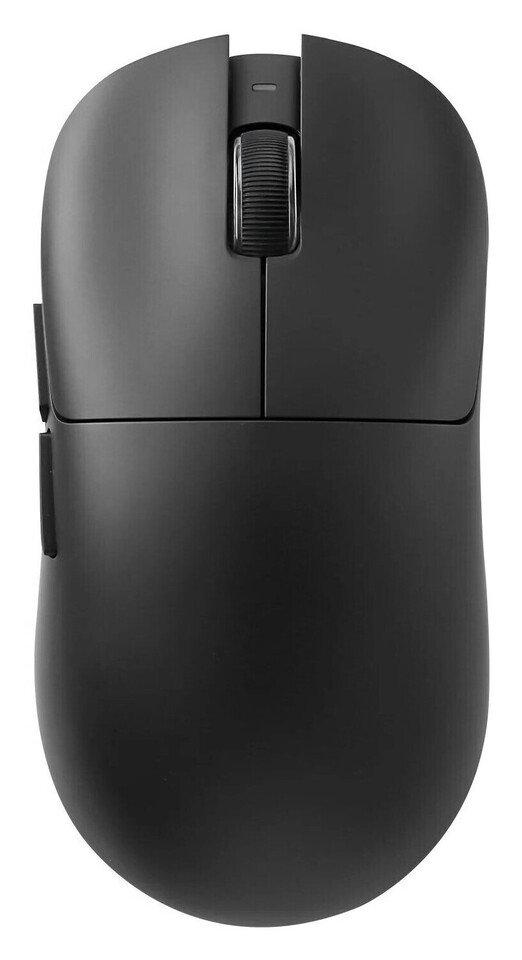
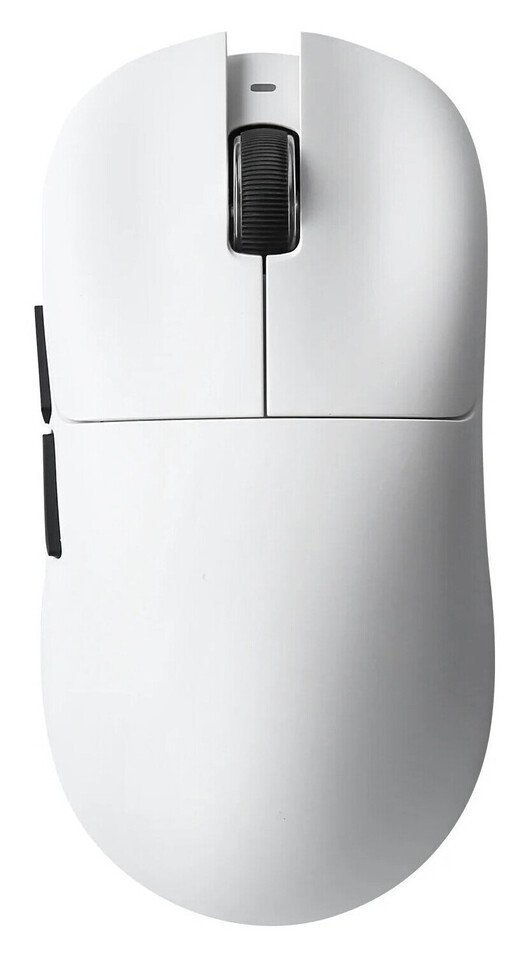
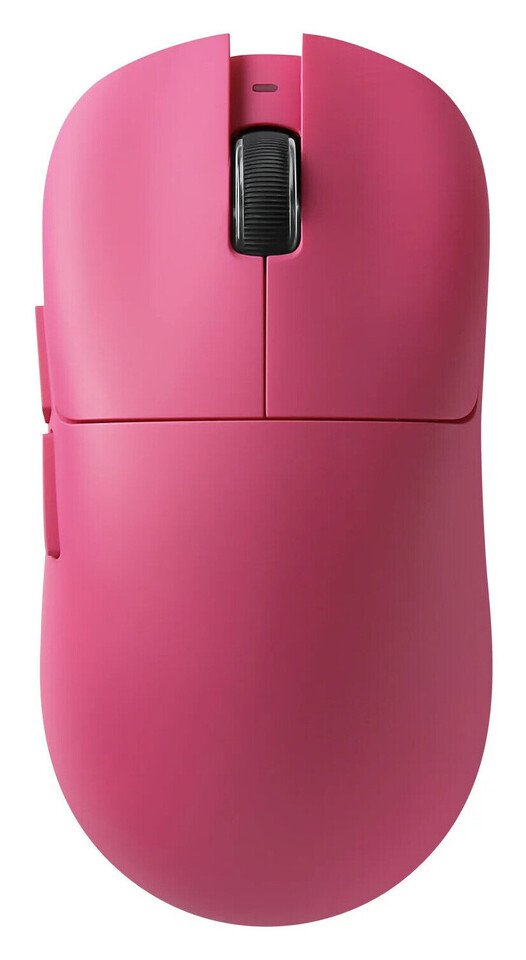
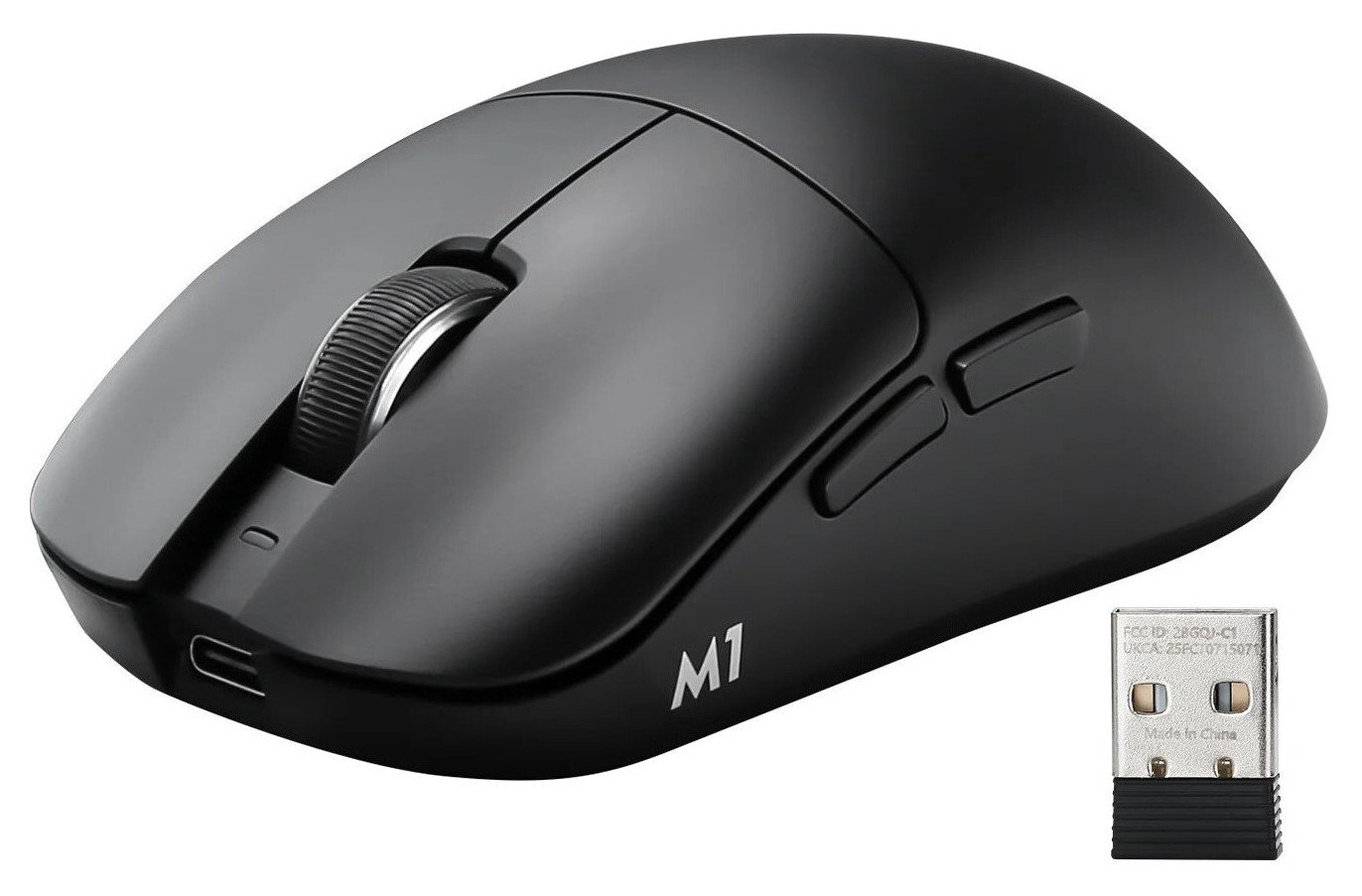
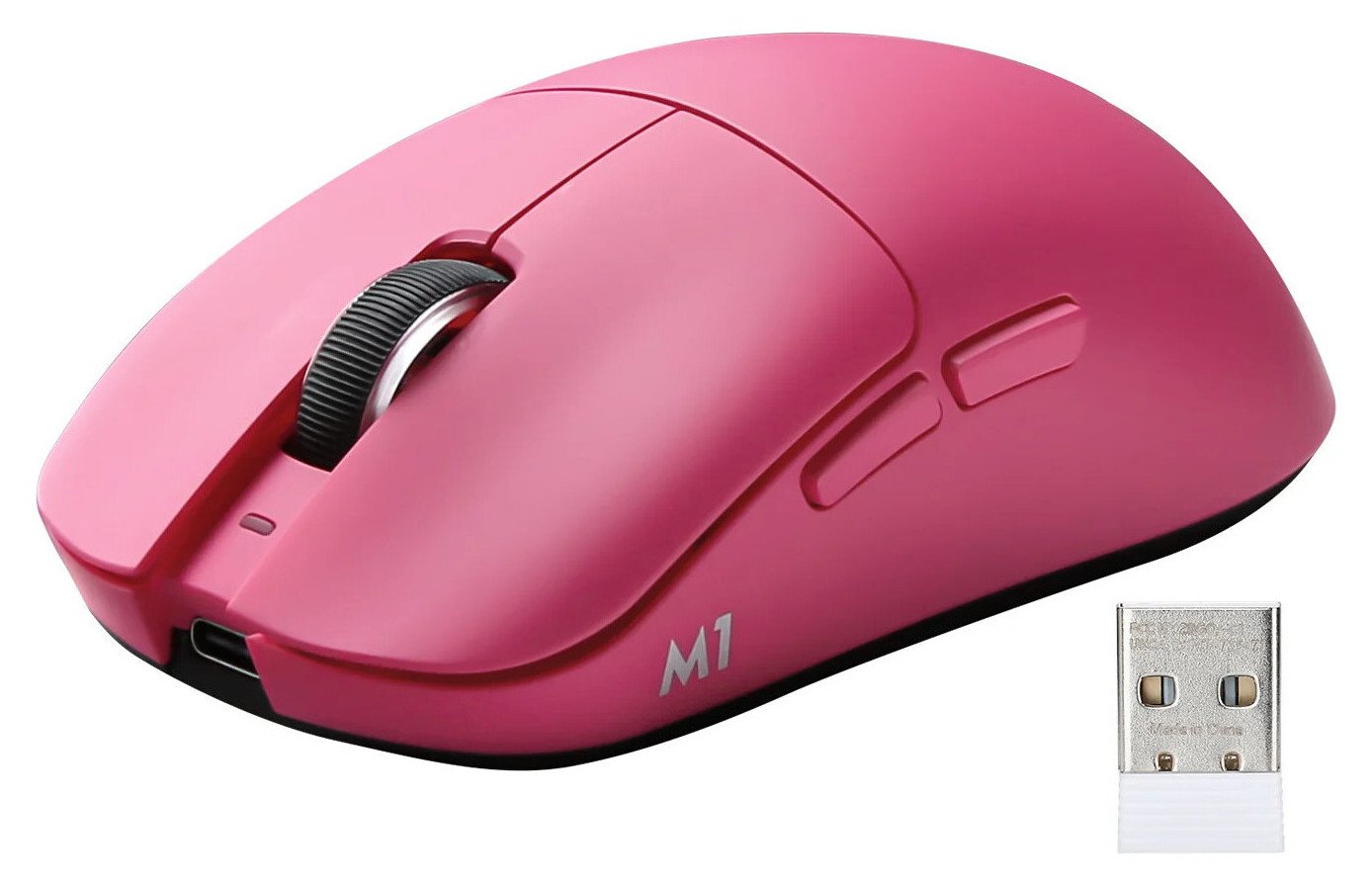
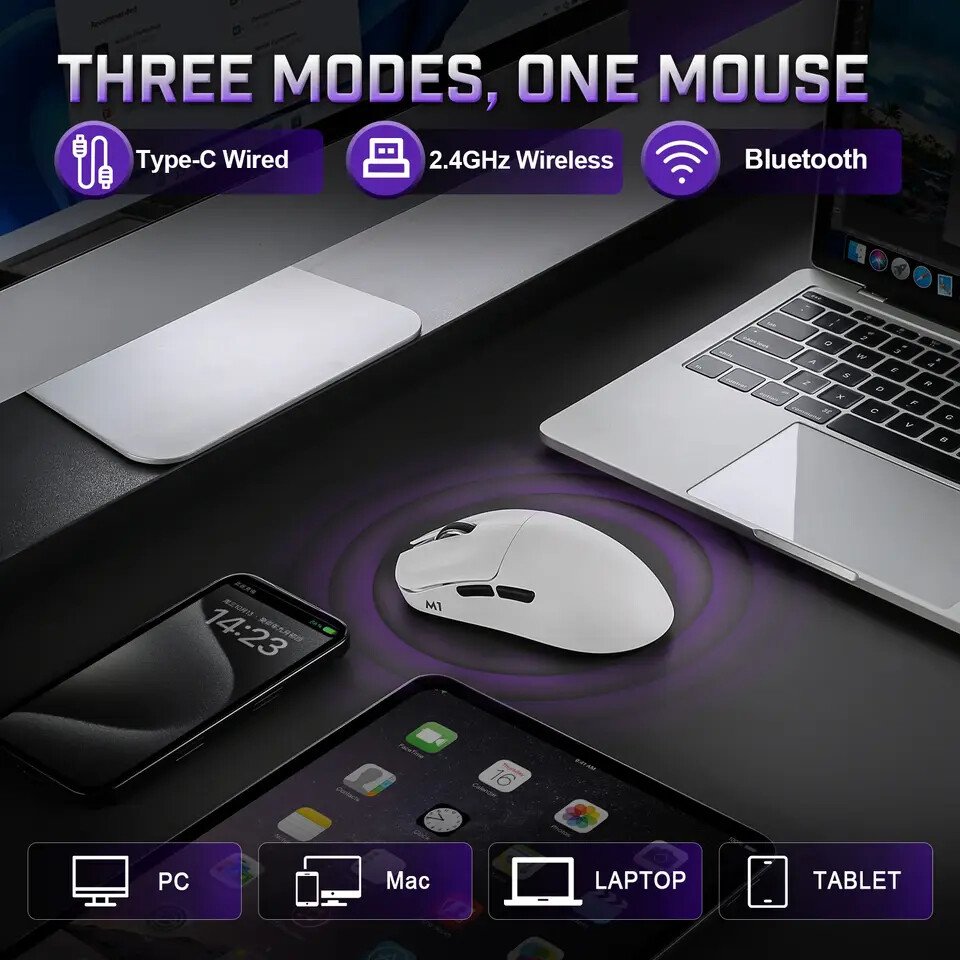
The Yunzii M1 supports 2.4 GHz wireless, Bluetooth, and USB-C wired modes, giving users multiple options depending on their device and use case. The 2.4 GHz wireless mode is built for low-latency performance, making it suitable for fast-paced PC gaming. Bluetooth connectivity allows quick pairing with laptops and tablets, while the USB-C wired option ensures uninterrupted use during charging or extended sessions. The mouse is compatible with Windows and macOS systems, allowing it to move between gaming rigs and workstations with minimal setup. In the box, Yunzii includes the M1 mouse, a USB-C cable, a 2.4G receiver with built-in storage inside the mouse body, and the user manual.
The Yunzii M1 features the PAW3311 optical sensor, offering up to 300 inches per second tracking speed and 35G acceleration. With a 1000Hz polling rate and 1ms response time, it ensures reliable input reporting during gameplay. Additionally, users can adjust the polling rate to 125Hz, 250Hz, or 500Hz, depending on their needs or to conserve battery life. This versatility guarantees smooth cursor movement, whether playing FPS, MOBA, or competitive multiplayer games.


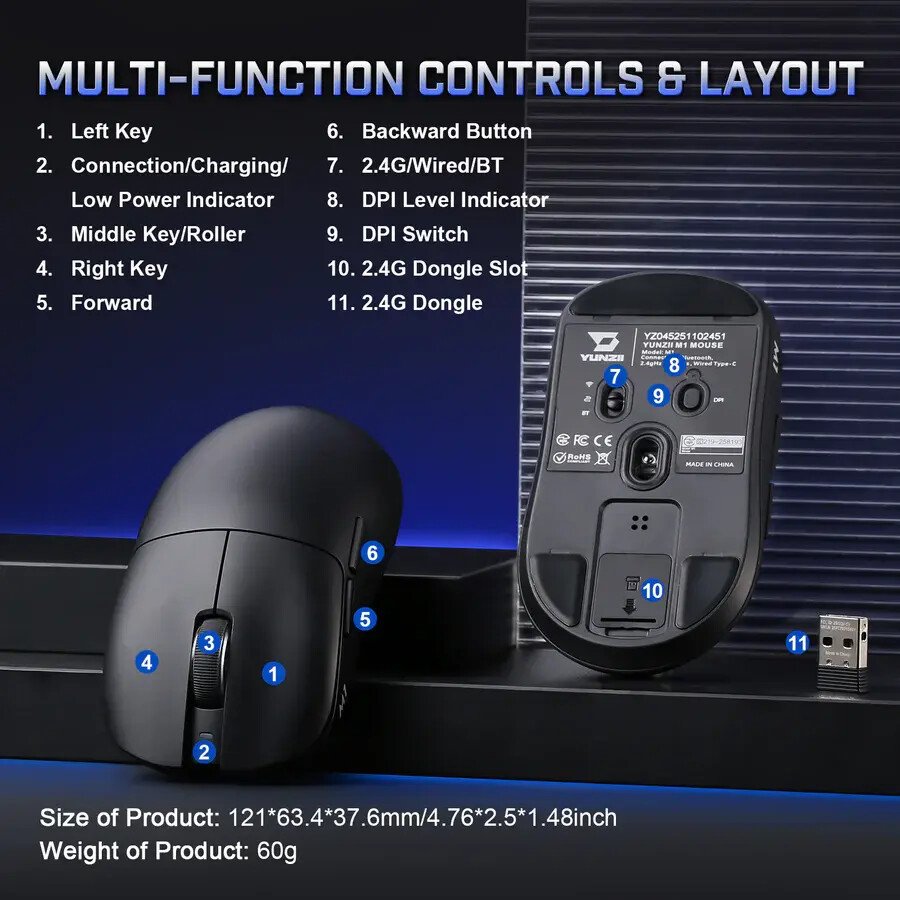
For sensitivity control, the Yunzii M1 comes with seven preset DPI levels: 400, 800, 1200, 1600, 3200, 6400, and 10000. A dedicated bottom button allows instant switching between these levels, with LED color indicators signaling the selected setting. Through the official software or web-based interface, users can fine-tune DPI values anywhere between 50 and 22,000, offering detailed adjustment for creative tasks such as graphic design, photo editing, and video timeline work.
Powering the device is a 500mAh rechargeable battery supported by intelligent power management. By default, the mouse enters sleep mode after 10 minutes of inactivity, though this timer can be adjusted through software. Battery indicators provide clear updates on charging status and low battery levels. Users can also customize button assignments, polling rate, DPI steps, and sleep settings to tailor the mouse to specific applications or gaming profiles.


Weighing approximately 60 grams, the Yunzii M1 is built to reduce wrist strain during long gaming sessions or extended work hours. The ergonomic contour follows the natural shape of the hand and supports palm, claw, and fingertip grip styles. Five programmable buttons and a tactile scroll wheel complete the design, offering reliable control for daily productivity and competitive gaming alike.