At 38 grams, the Finalmouse Starlight X is built for players who want a lightweight Gaming Mouse without giving up a rigid shell or responsive clicks. Designed for competitive FPS games such as Counter-Strike, it brings a new shape, a carbon fiber super composite chassis, and a redesigned wireless platform. Finalmouse says the Starlight X is a complete redesign rather than a minor update, with changes extending from the shell and internal structure to the firmware and click mechanism.
The shell uses a carbon fiber super composite that Finalmouse developed with aerospace manufacturing partners. The company lists a material density below 0.9 g/cm³ and has moved away from the heavy reliance on honeycomb construction used in earlier designs. Instead, the Starlight X uses a unibody main cage, strategically placed openings, and graphite-coated titanium screws. The goal is to keep the mouse light while maintaining rigidity and reducing shell flex. Its new shape also features a fuller rear hump and smoother transitions, with the design aimed specifically at tactical FPS players.
Finalmouse also developed its TMR-DS (Dual-State Analog Click System) to detect magnetic changes before the mechanical switch completes its movement. The system works alongside Huano Blue Shell Pink Dot switches, separating the mechanical feel of the click from its electronic detection. Finalmouse claims up to 35ms of physical click-latency reduction at the most sensitive actuation setting, with 40 actuation steps and adjustments as fine as 0.01mm. These figures will need to be considered in the context of actual use, particularly how the adjustable actuation feels during fast, repeated clicks.
For tracking, Finalmouse worked directly with PixArt to develop the Finalmouse F1, a custom sensor platform built exclusively for the Starlight X. It is paired with a Nordic nRF54LM20 microcontroller, a redesigned puck-style receiver, and custom wireless technologies called PerfectSync and PerfectPolling. The mouse measures 124.8 × 58.9 × 39.5mm, weighs 38 grams, and supports configuration through Xpanel on Windows, macOS, and Linux.
In this hands-on review, we will look at its build quality, shape, sensor tracking, click response, and wireless performance to determine whether these changes make a meaningful difference for competitive gamers.
Finalmouse Starlight X Specifications
| Specification | Details |
|---|---|
| Product name | Finalmouse Starlight X |
| Connectivity | Wireless |
| Weight | 38g |
| Dimensions | 124.8 × 58.9 × 39.5mm |
| Grip width | 58.9mm |
| Sensor | Finalmouse F1 |
| Sensor development | Custom platform developed with PixArt |
| Microcontroller | Nordic nRF54LM20 |
| Click system | TMR-DS Dual-State Analog Click System |
| Mechanical switches | Huano Blue Shell Pink Dot |
| Actuation adjustment | 40 steps, as fine as 0.01mm |
| Claimed click-latency reduction | Up to 35ms on the most sensitive setting |
| Chassis material | Carbon fiber super composite |
| Battery | Jauch 250mAh advanced-chemistry lithium |
| Reported electrical latency | 223µs end-to-end |
| Configuration software | Xpanel |
| Operating system support | Windows, macOS, Linux |
Unboxing
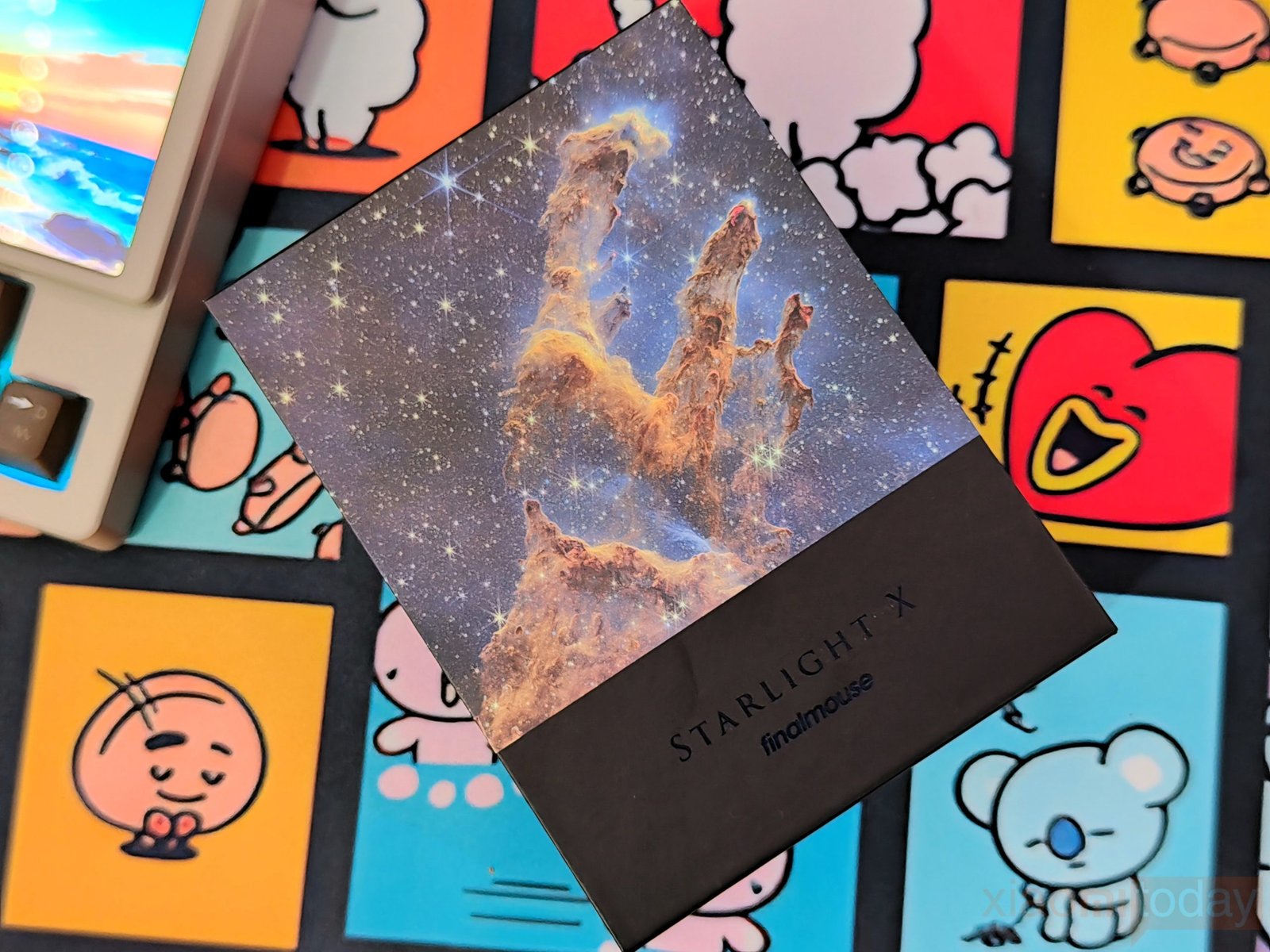
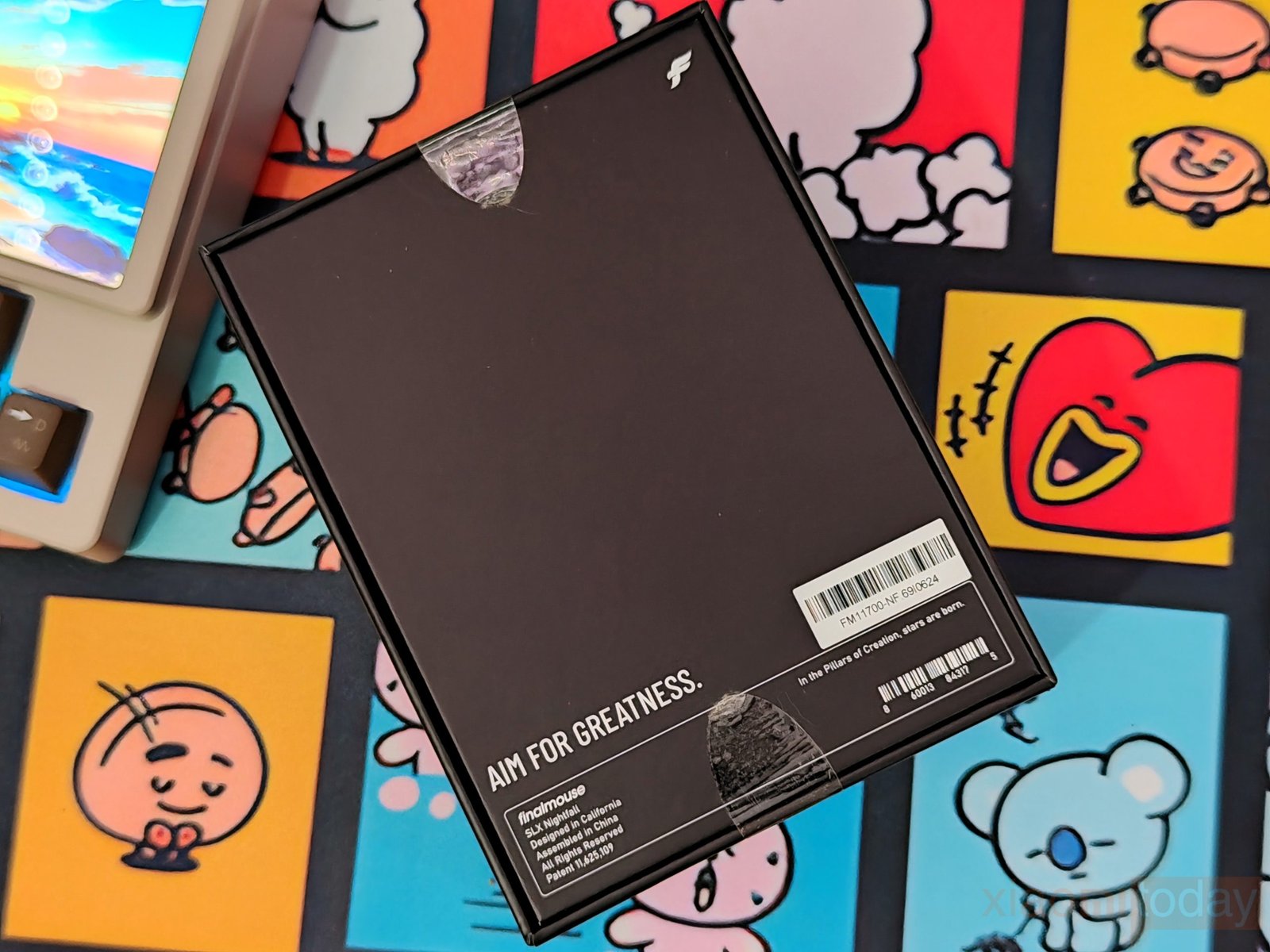
The Finalmouse Starlight X arrives in a black retail box with artwork inspired by the Pillars of Creation. The front displays the Starlight X name and Finalmouse branding against a space-themed design. Turn the box around, and the back keeps the same black finish, with the “Aim for Greatness” slogan, a product label, and the SLX Nightfall identification near the bottom. The packaging has a clean look, with the artwork on the front doing most of the work rather than a long list of specifications.
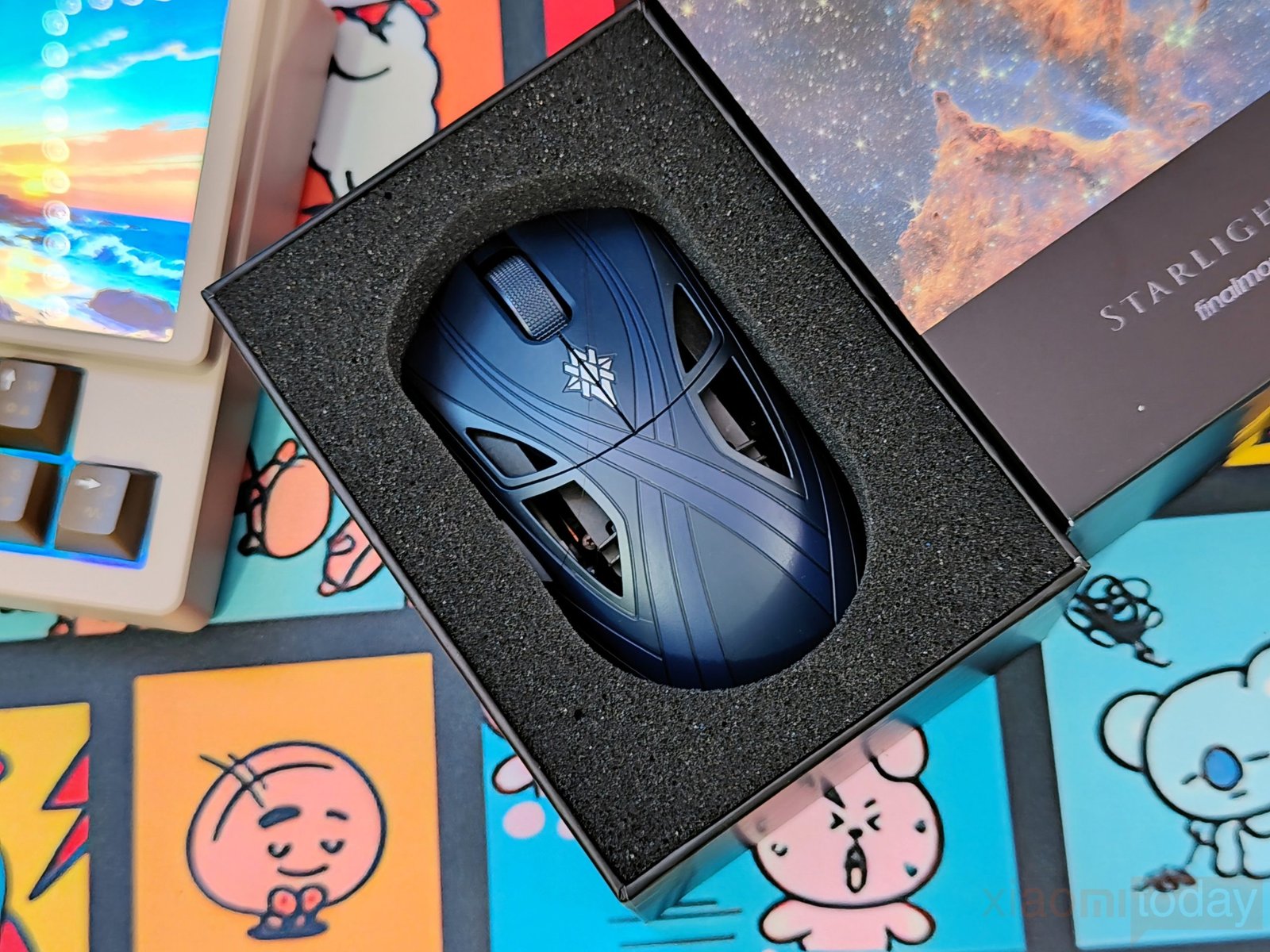
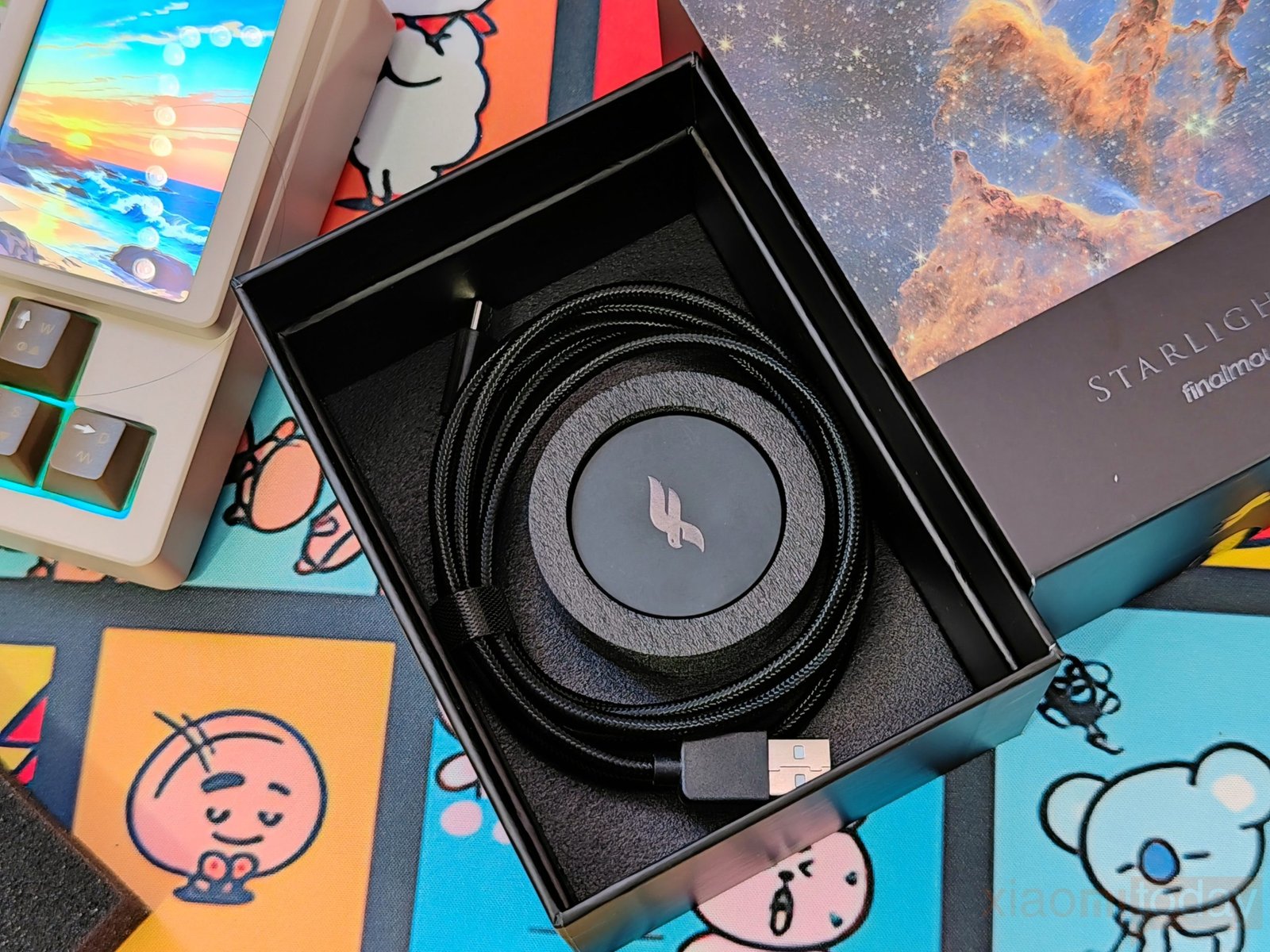
Inside, the Finalmouse Starlight X sits in a fitted black foam insert that holds the mouse securely in place. The packaging also has a separate compartment for the accessories, keeping the mouse and its included hardware neatly arranged.
The box includes the following items:
- Finalmouse Starlight X Mouse
- PerfectPolling 8K Puck-Style Receiver
- Type-C to Type-A Braided USB Cable
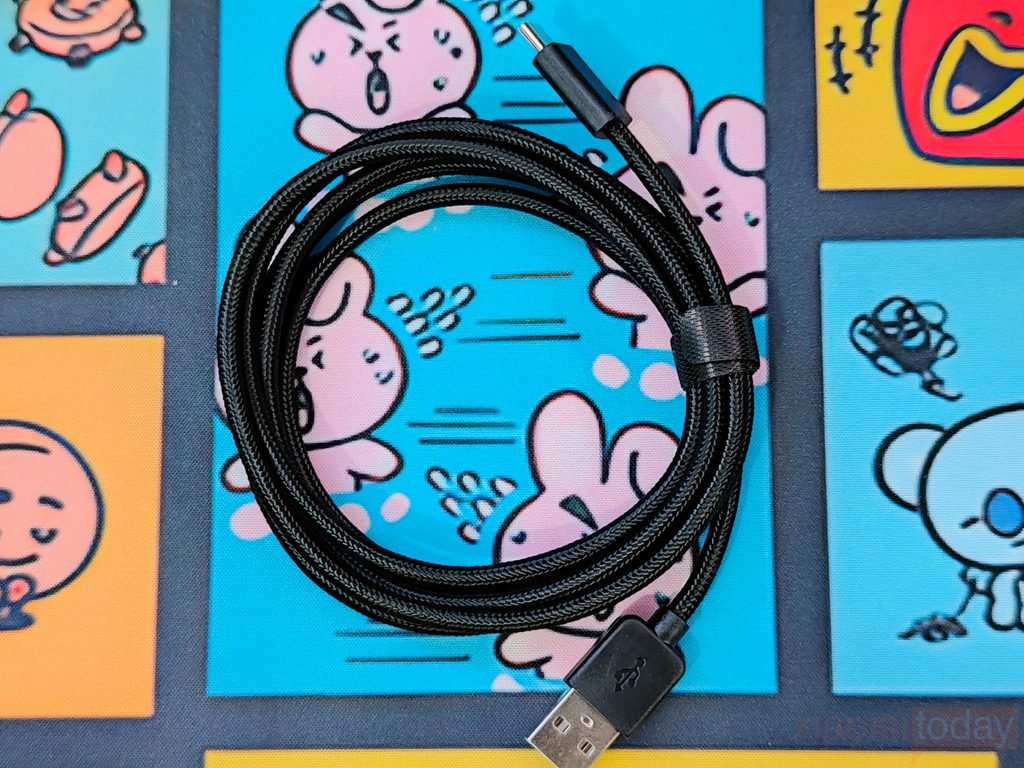
The included USB cable has a black braided covering, USB-A and USB-C connectors, and a strap to keep it coiled when not in use. You can use it to connect the mouse to a compatible device or charge it when needed. The cable and receiver are packed separately from the mouse, making them easy to access during setup. With these three items in the box, the Starlight X package includes everything you need to get the wireless gaming mouse ready to use.
Design and Build Quality
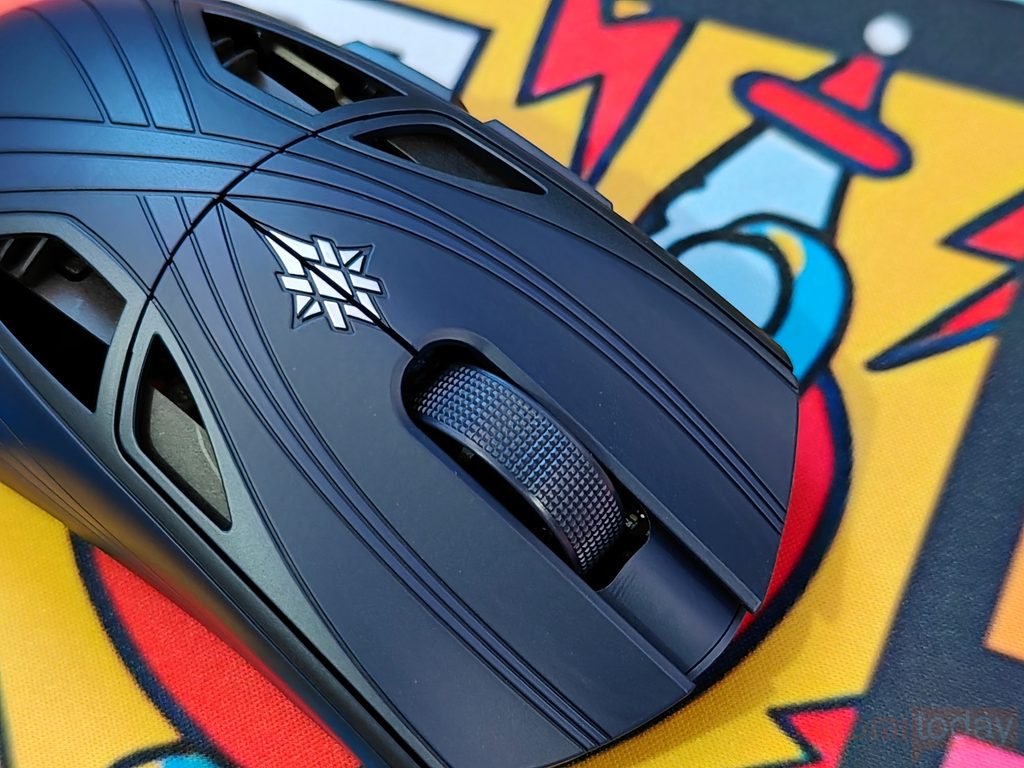
The Finalmouse Starlight X (SLX) Nightfall features a black shell with engraved lines that cross the top and sides, giving it a distinct look. The dark finish takes on a subtle blue tint under direct lighting, while the silver emblem sits below the scroll wheel. The wheel has a textured surface for grip, and the large side openings expose parts of the internal structure. Rather than covering the entire shell in honeycomb cutouts, Finalmouse has kept the main contact areas closed and placed the openings along the sides.
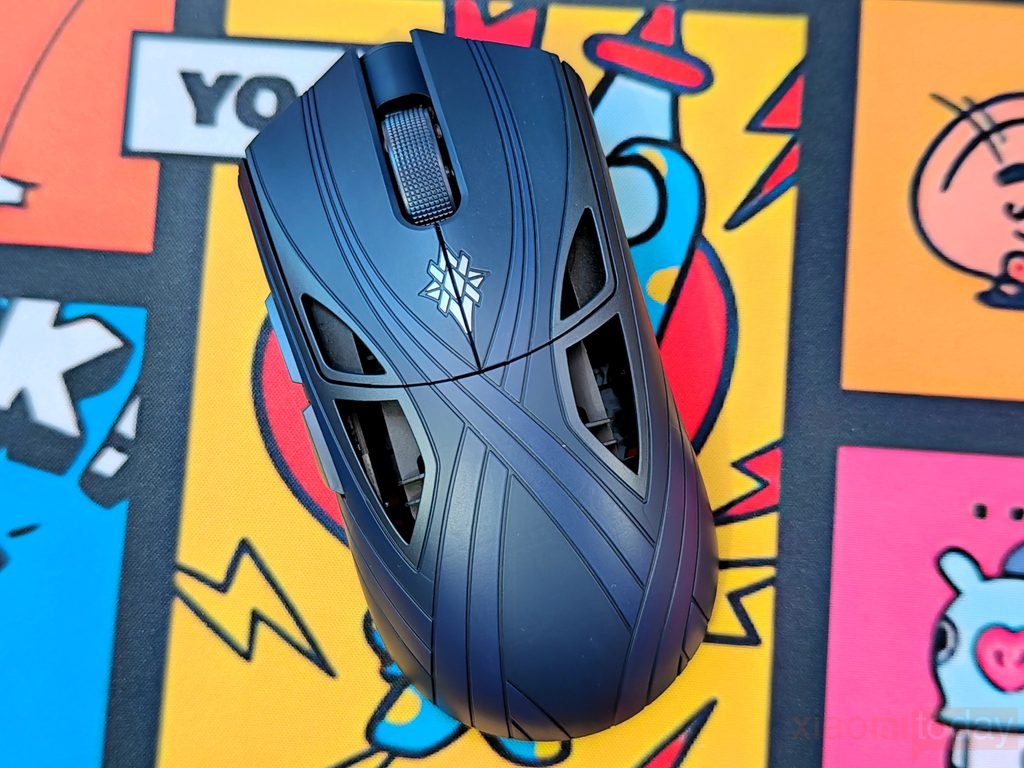
Measuring 124.8 × 58.9 × 39.5mm, the Starlight X weighs just 38 grams. Its dimensions provide a fairly long profile with a fuller rear section, while the low weight is intended to make quick movements and aim corrections easier. The Nightfall edition comes in black, and Finalmouse has not confirmed additional color options in the specifications provided. For competitive FPS players who frequently flick, stop, and reposition their mouse, this low weight can reduce the effort required for repeated movements.
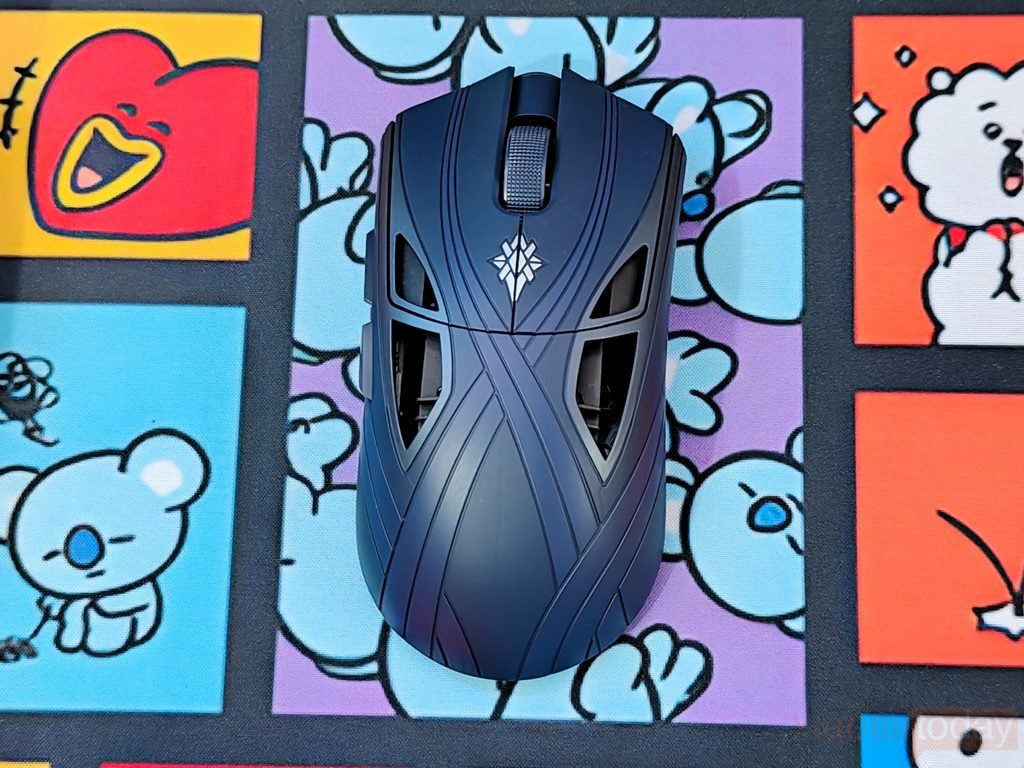
Finalmouse has reworked the Starlight X’s internal structure instead of relying heavily on the honeycomb construction used in earlier designs. It uses a rigid unibody main cage within a simplified three-component structure, replacing the previous four-part assembly. The company says this construction improves rigidity, assembly precision, and mechanical consistency. Openings are positioned where they are less likely to contact the hand, while thinner wall sections reduce weight without exposing the main grip surfaces.
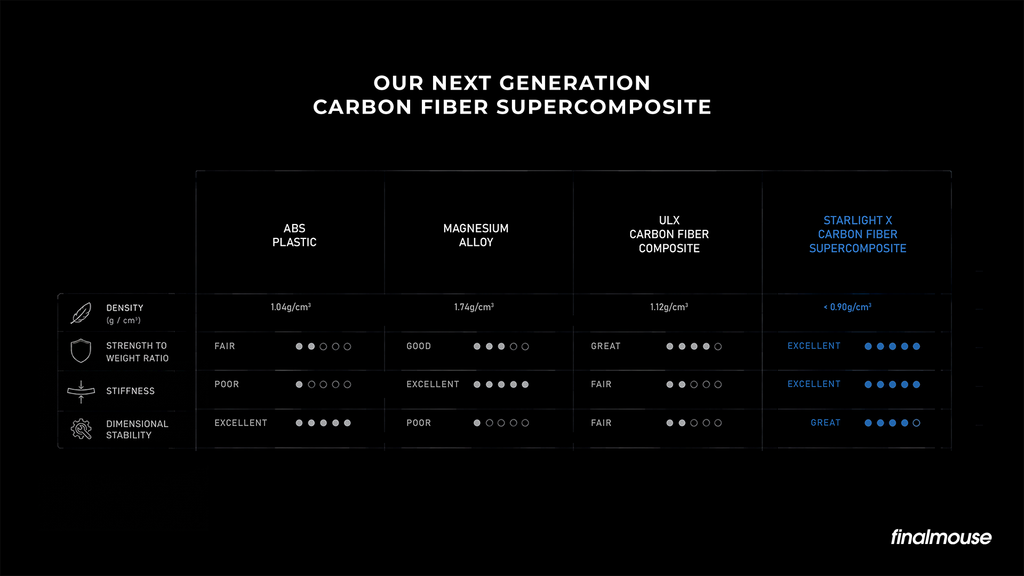
The shell uses a carbon fiber super composite developed with aerospace manufacturing partners. Finalmouse lists a material density below 0.9 g/cm³ and claims a strength-to-weight ratio more than three times that of magnesium. The chassis is secured with 15 graphite-coated titanium screws, each weighing approximately 0.02 grams. Carbon fiber reinforcement helps support the structure, while the redesigned construction is intended to limit creaking and unwanted flex. These are the goals behind the engineering; the mouse’s actual rigidity and durability need to be judged through hands-on use rather than specifications alone.
The Starlight X introduces a new shape for Finalmouse after 11 years, according to the company. Its development reportedly involved four years of work, hundreds of iterations, clay sculpting, more than 50 physical prototypes, and competitive testing. The new profile was designed with tactical FPS games such as Counter-Strike in mind. Compared with the previous design, it features a fuller rear hump, smoother transitions across the shell, and changes intended to provide better hand support during gameplay.
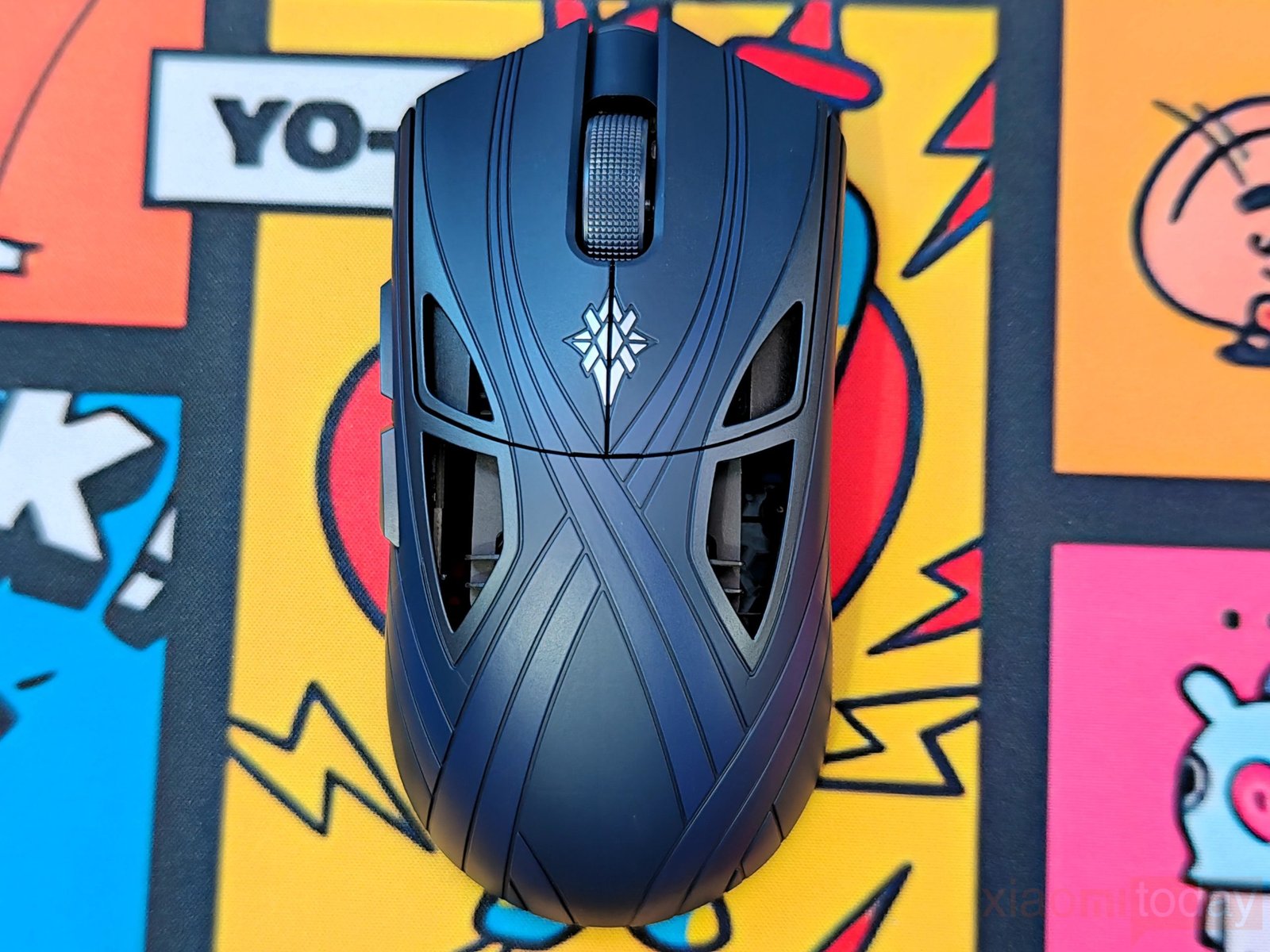
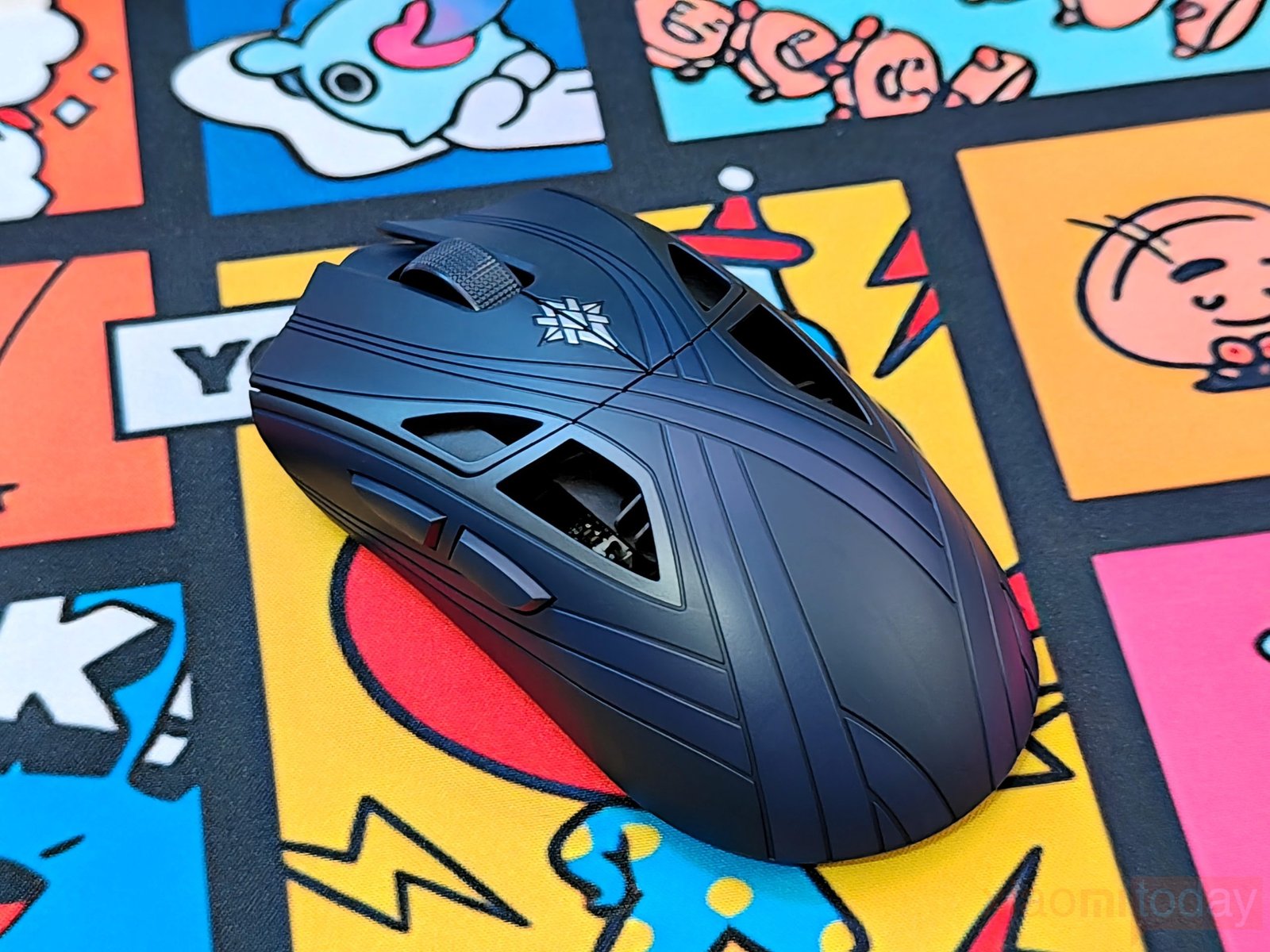
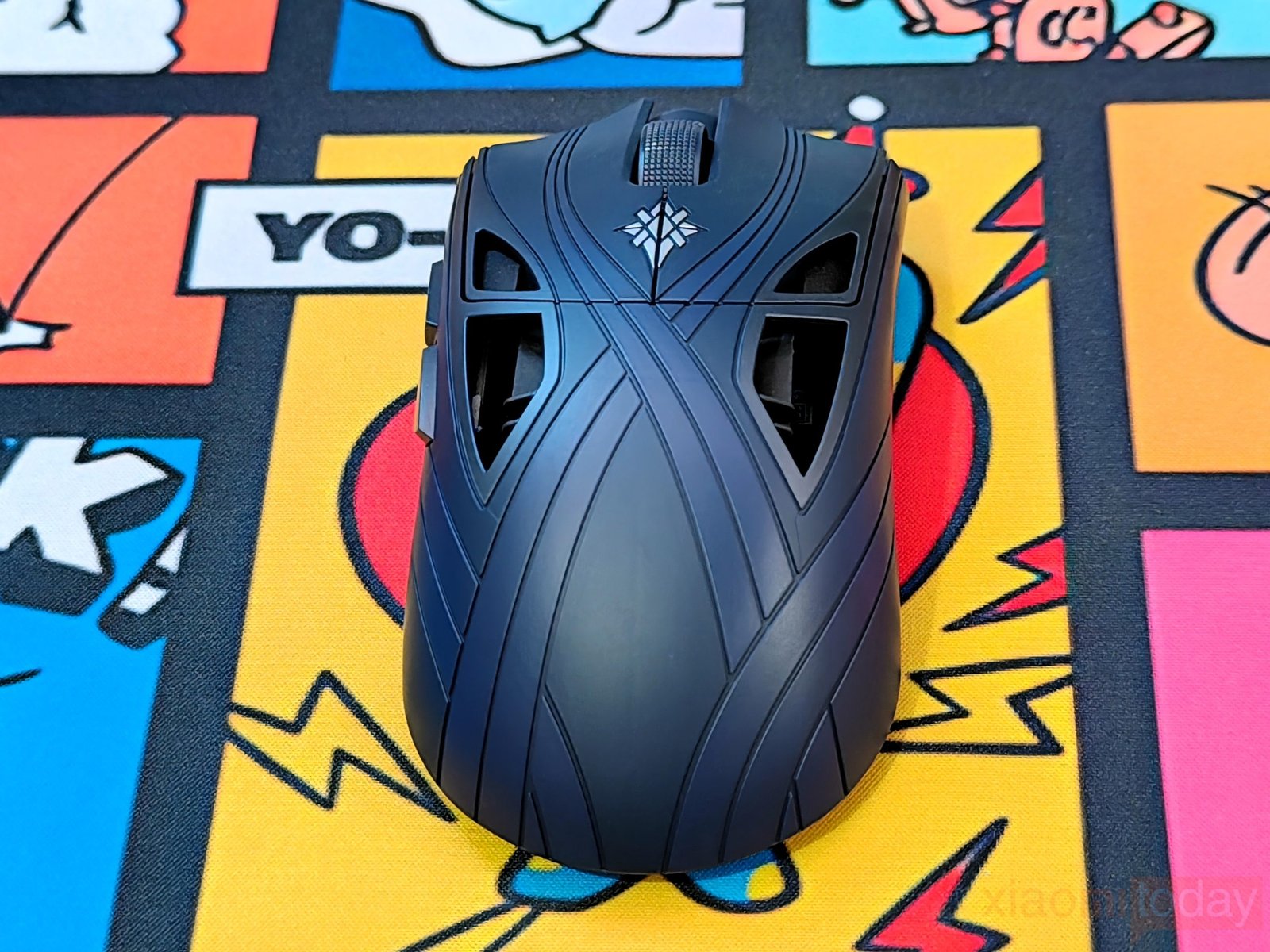
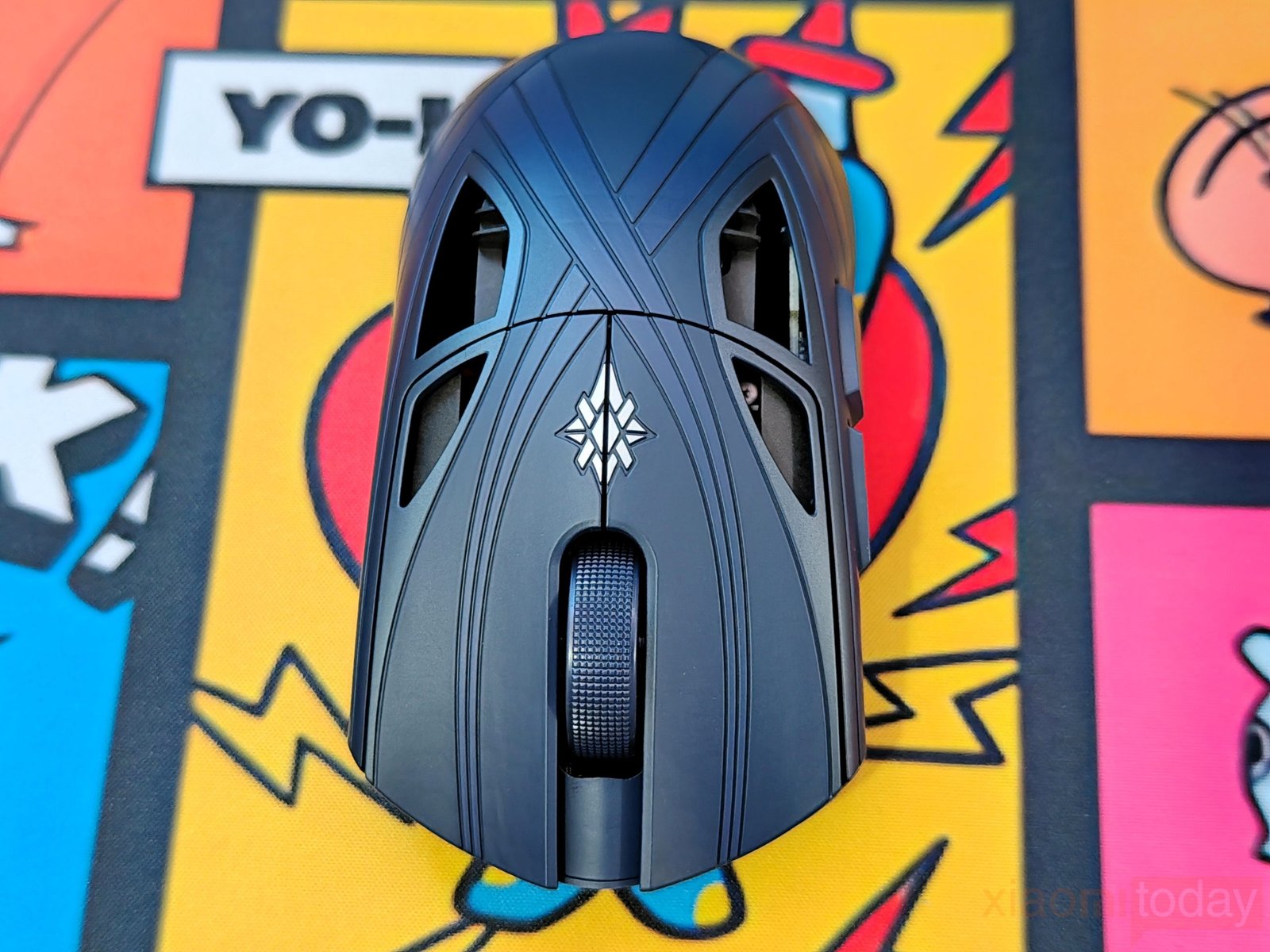
The fuller rear hump gives the palm more support, while the sculpted sides provide defined areas for the fingers to hold. Its 38-gram weight should also make it easier to move the mouse quickly without applying as much force when changing direction. However, comfort will depend on hand size and grip style. Palm-grip users may appreciate the additional rear support, while claw-grip players will want to check how the hump and side contours fit their fingers. The combination of shape, grip stability, and low weight will ultimately determine whether the Starlight X feels comfortable during long gaming sessions.
The Finalmouse Starlight X uses Huano Blue Shell Pink Dot mechanical switches paired with Finalmouse’s TMR-DS (Dual-State Analog Click System). The design separates the mechanical feel of the buttons from the electronic click detection. While the Huano switches provide the physical feedback, the TMR sensors detect changes in the magnetic field as the buttons move. This approach allows the system to reduce the delay associated with a conventional mechanical switch, allowing the system to detect a click before the switch completes its usual actuation process.
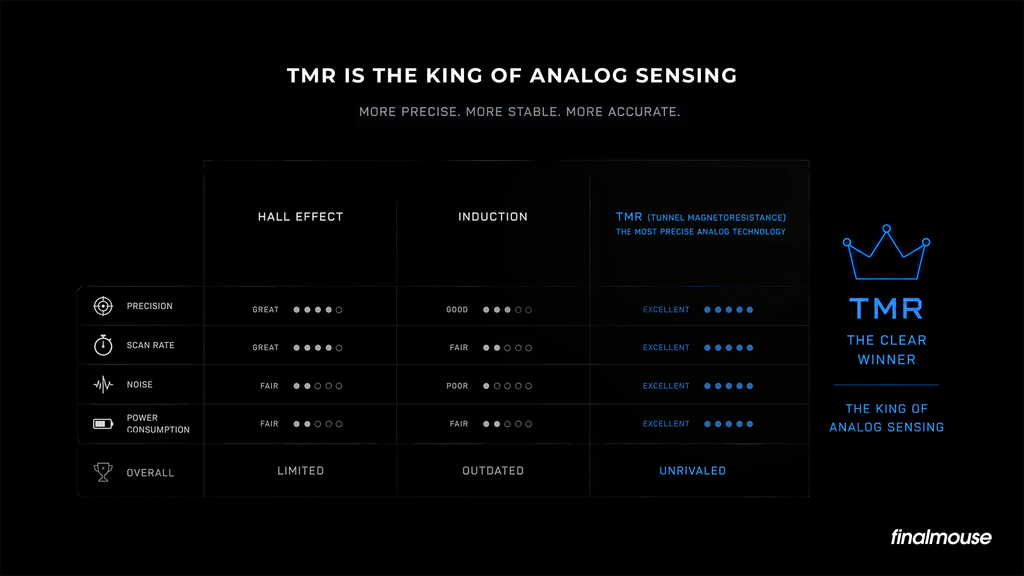
The TMR-DS system uses a magnet beneath each clicker and a high-precision sensor to read changes in magnetic flux. Finalmouse claims up to 35ms of physical click-latency reduction at the most sensitive actuation setting. The system also offers 40 actuation steps within the pre-travel window, with adjustments as fine as 0.01mm. This gives users control over when the buttons register a click while retaining the mechanical response of the Huano switches. The claimed latency reduction will need to be assessed through testing, but the combination of mechanical switches and adjustable magnetic sensing is a key part of the Starlight X’s approach to competitive gaming.
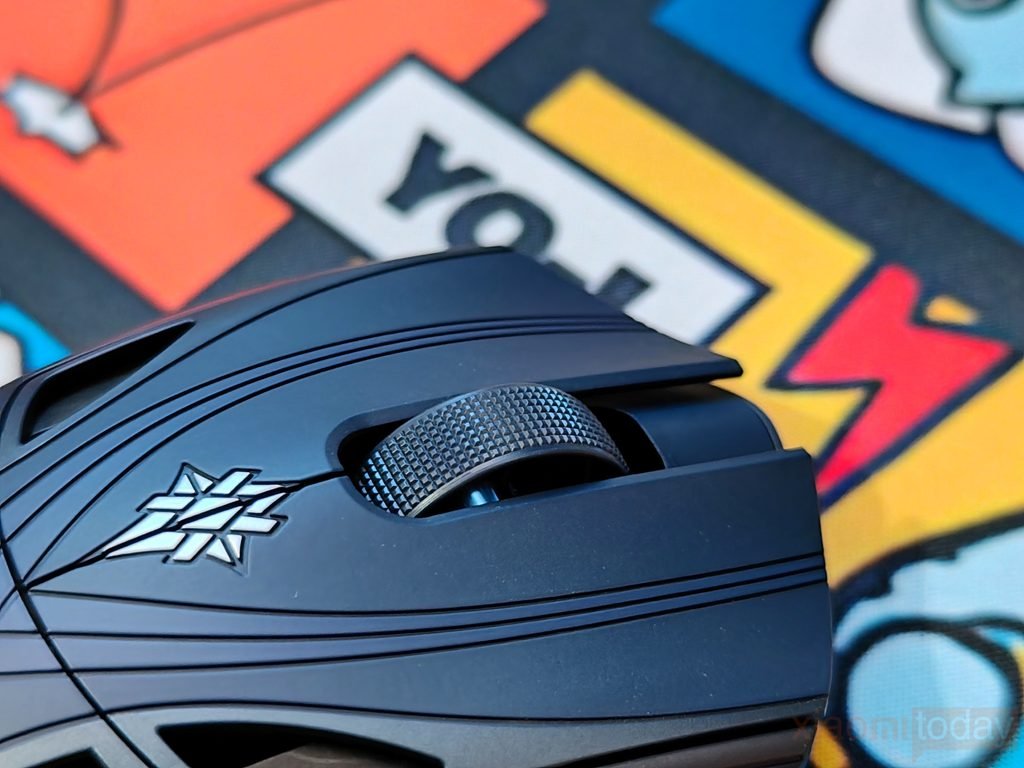
The Finalmouse Starlight X features a textured scroll wheel with a grippy surface for controlled scrolling. It supports Bhop Mode, previously known as Tournament Scroll, which can be configured through Finalmouse Xpanel. The feature is designed to filter phantom scroll inputs and prevent accidental jumps, which can be useful in games where scroll-wheel inputs affect movement or weapon selection.
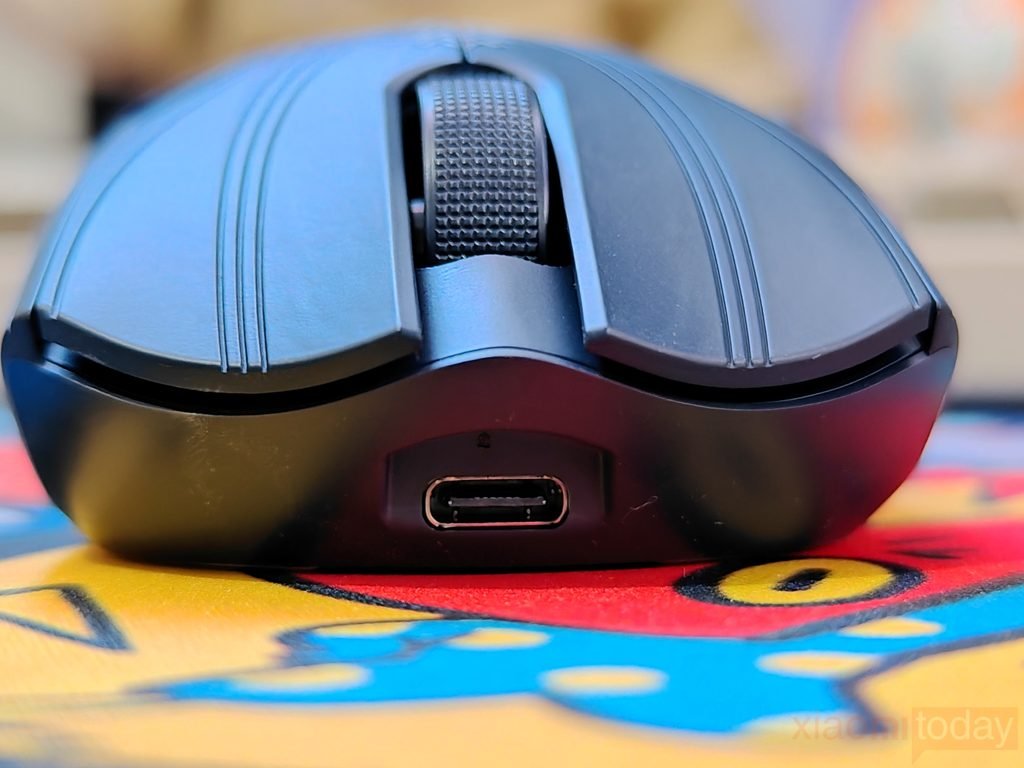
On the front, the mouse has a USB Type-C port for charging and a wired connection to a compatible PC. The port sits centrally beneath the main buttons and works with the included braided USB-C to USB-A cable, allowing users to connect the mouse when charging or playing in wired mode.
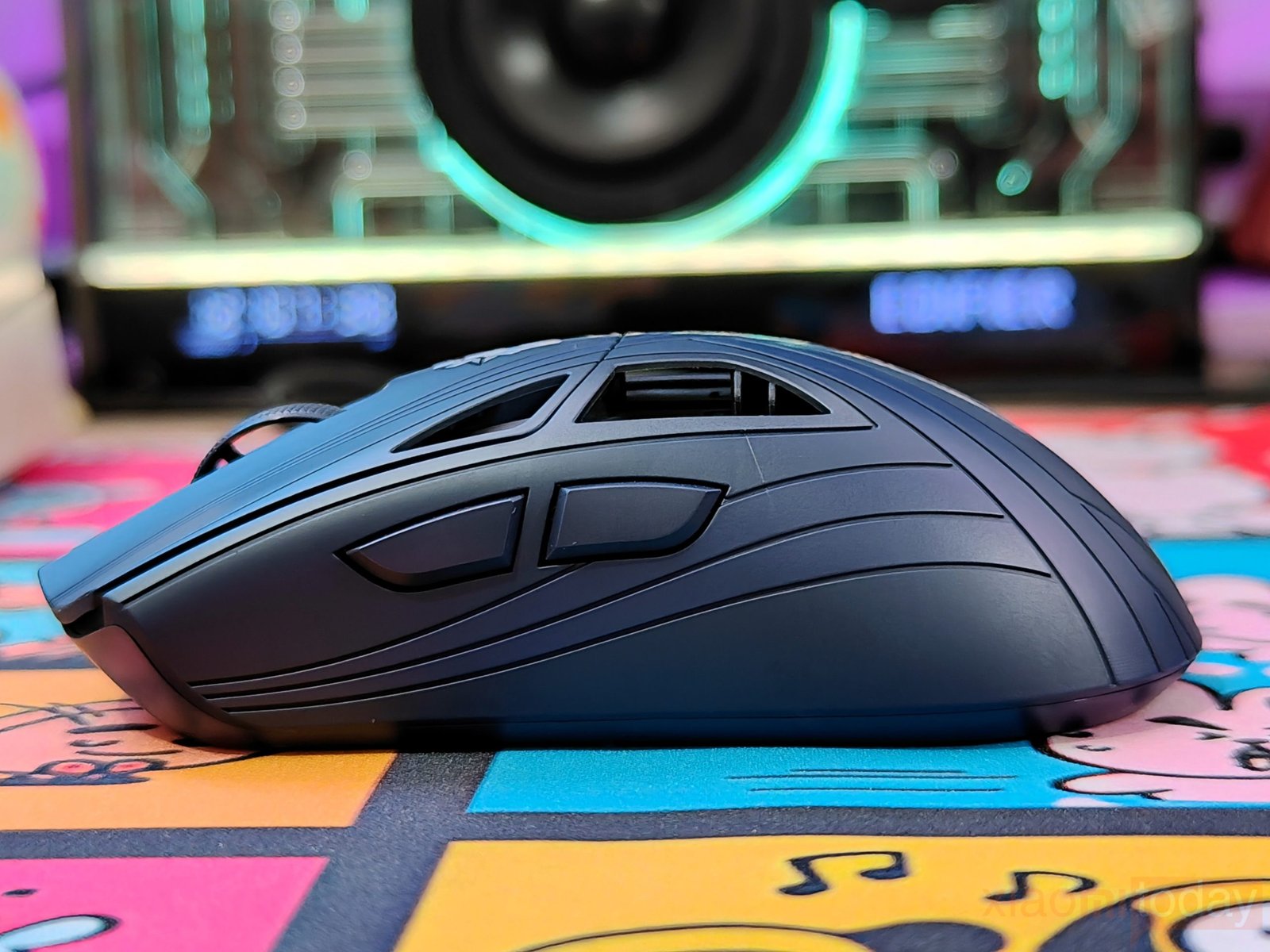
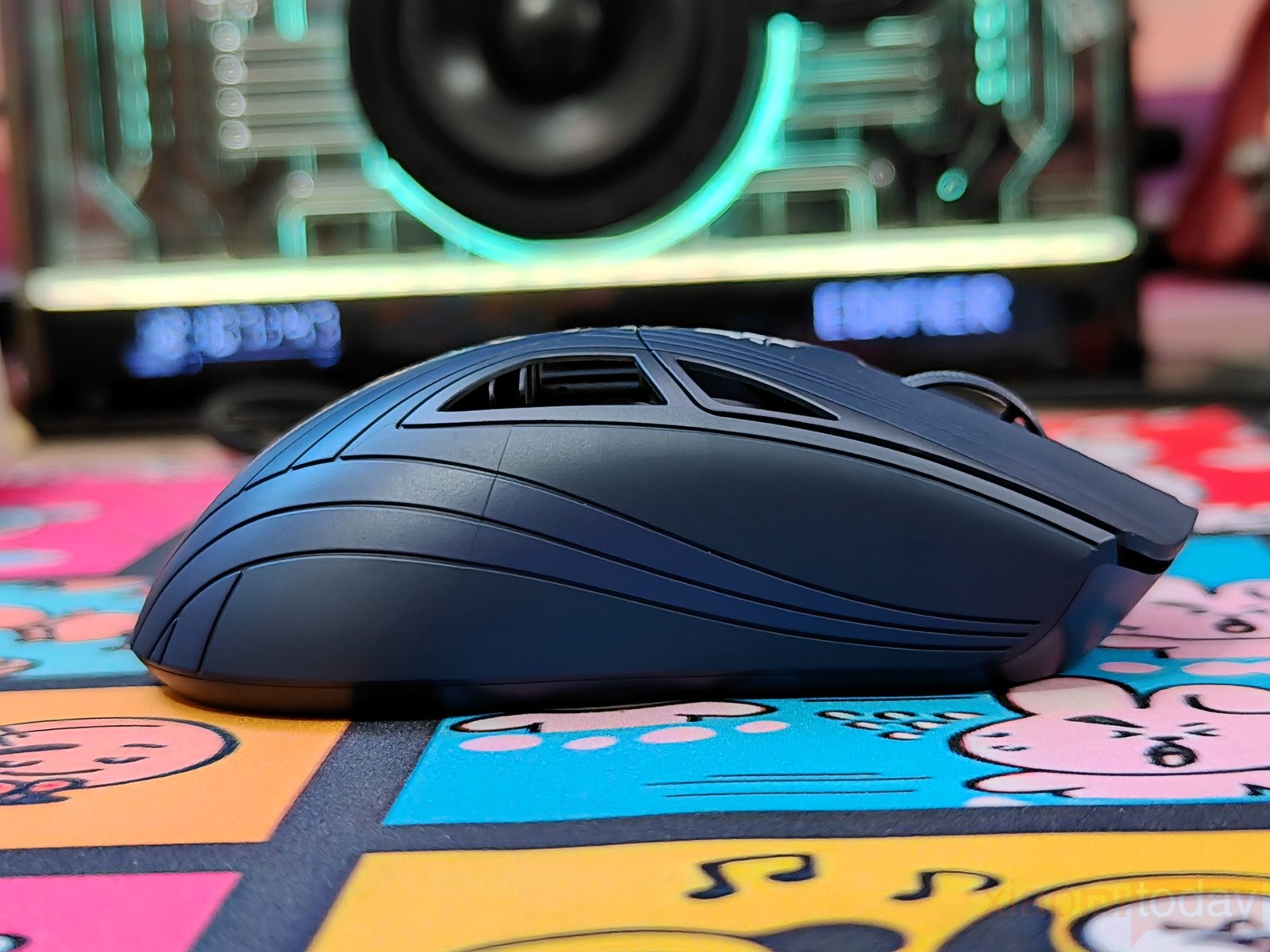
The Finalmouse Starlight X Nightfall has two side buttons on the left, positioned for easy access with the thumb. Both buttons sit close to the shell and have a low-profile design that keeps them within reach without taking up too much space. The right side has no additional buttons, leaving a smooth surface with curved grooves that follow the shape of the mouse. This layout suits right-handed users and keeps the controls separate from the main grip area.
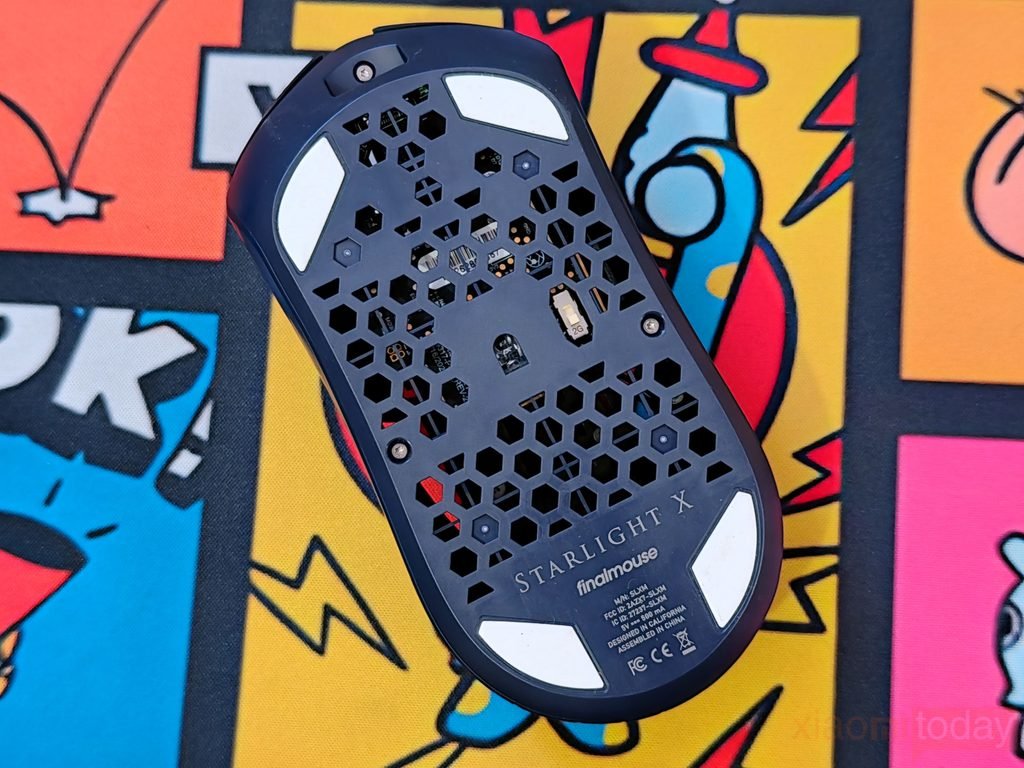
The Finalmouse Starlight X Nightfall has an open, geometric base designed to keep its weight down. The underside features a series of cutouts that expose parts of the internal hardware, along with visible screws that secure the chassis. Four large white PTFE mouse feet sit near the edges, providing contact with the mousepad during movement.
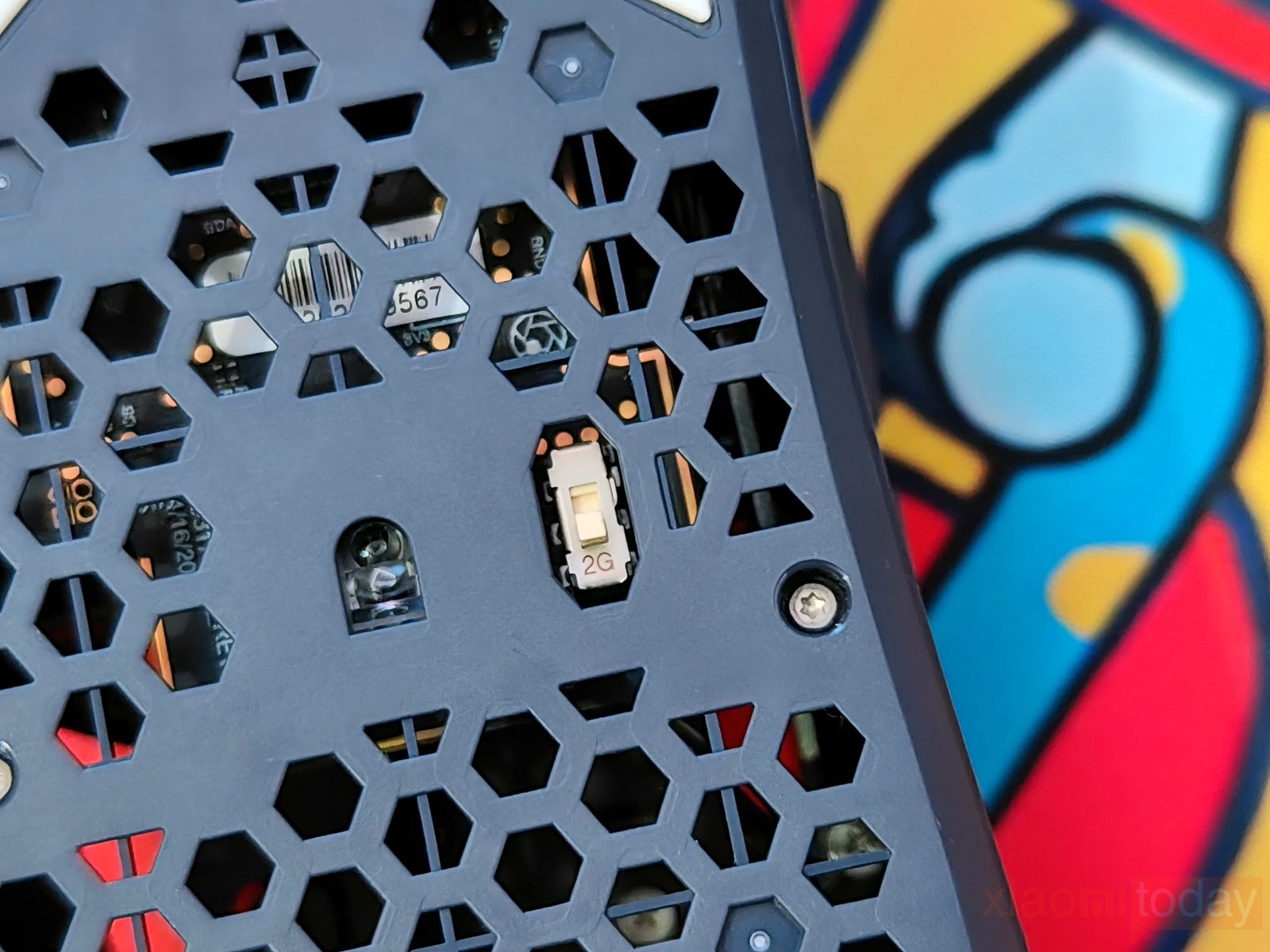
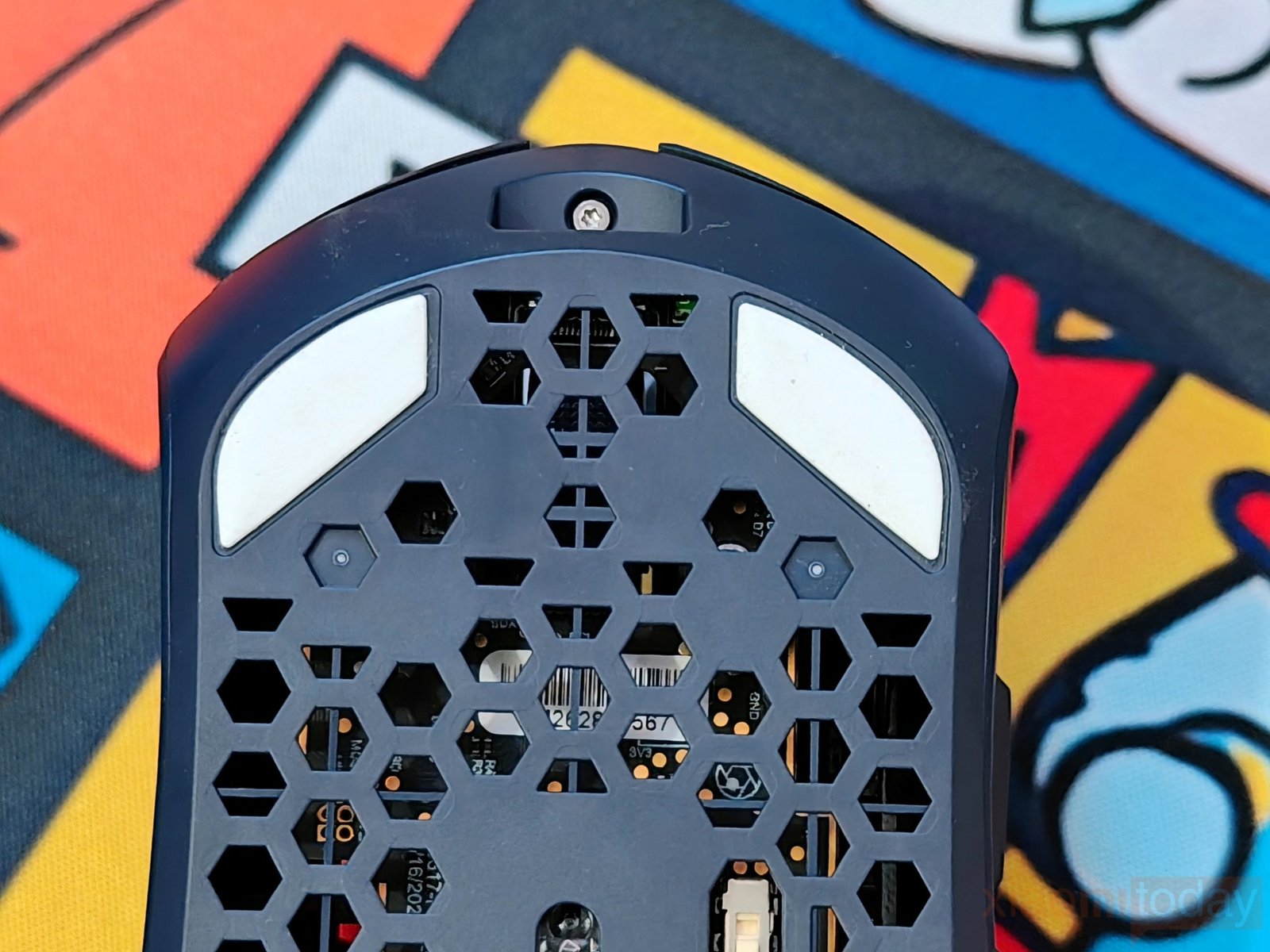
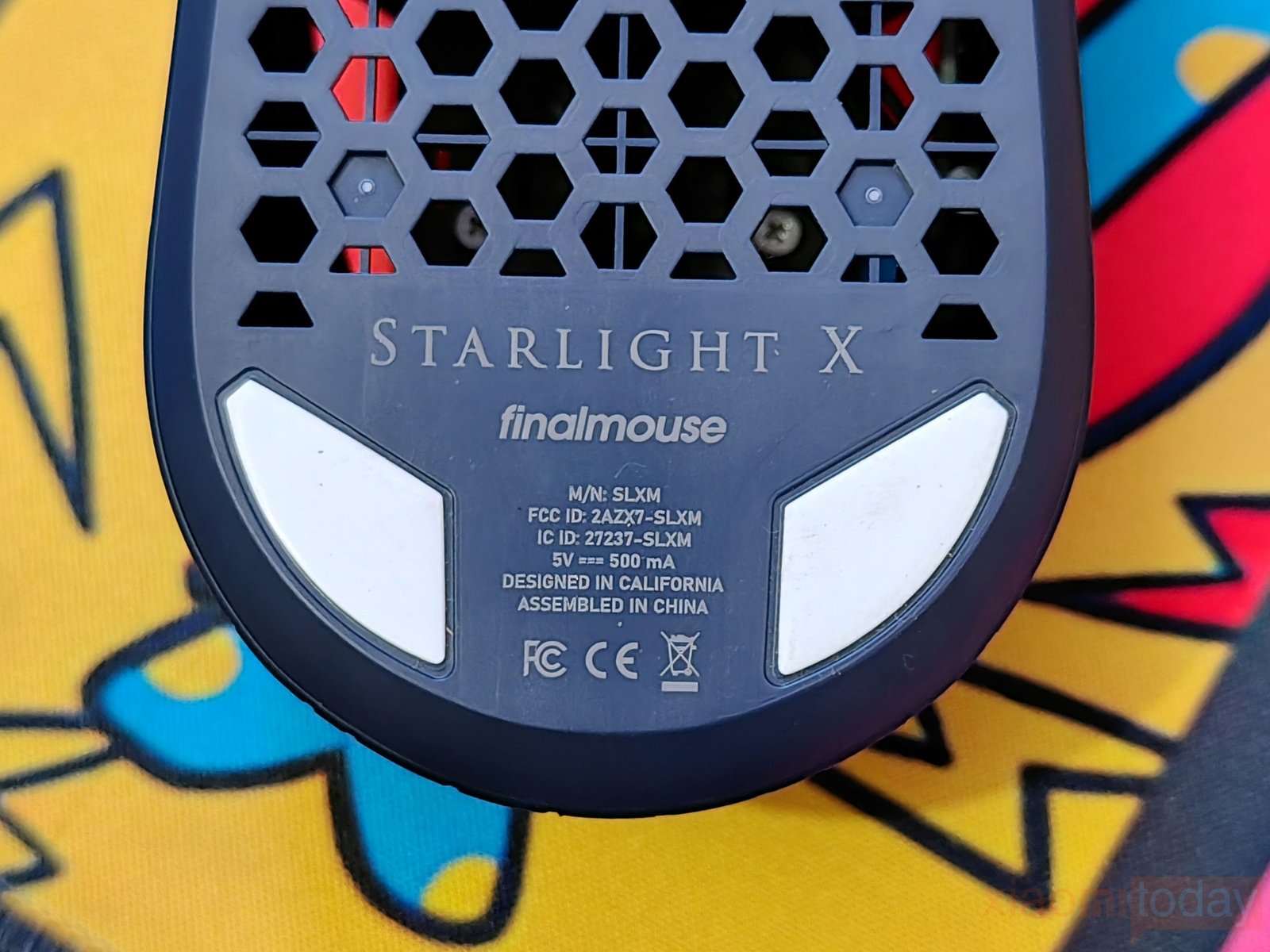
The optical sensor is positioned around the center, with a small switch marked “2G” nearby. Finalmouse branding and regulatory details are printed toward the rear. The layout follows the mouse’s lightweight construction, while the broad mouse feet are designed to support smooth gliding during fast movements and precise adjustments in FPS games.
For the Starlight X, Finalmouse worked directly with PixArt to develop a custom sensor platform called the Finalmouse F1, built exclusively for this mouse. According to the company, the platform focuses on improved resolution accuracy, higher tracking speed (IPS), better power efficiency, and increased maximum resolution.
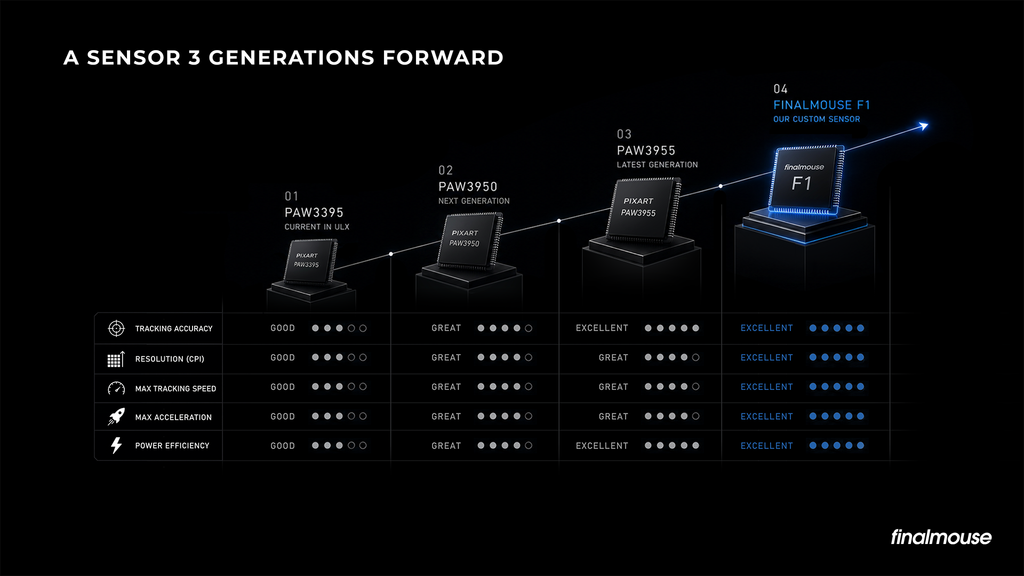
Finalmouse also says it validates sensor performance through robotic testing, firmware optimization, and collaboration with PixArt, rather than relying on the sensor’s specifications alone. These changes are intended to deliver accurate tracking and consistent response while keeping power consumption under control. Actual performance will depend on how well the sensor handles rapid flicks, small corrections, and continuous tracking during gameplay.
PerfectPolling RF Receiver (8K Puck-Style Receiver)
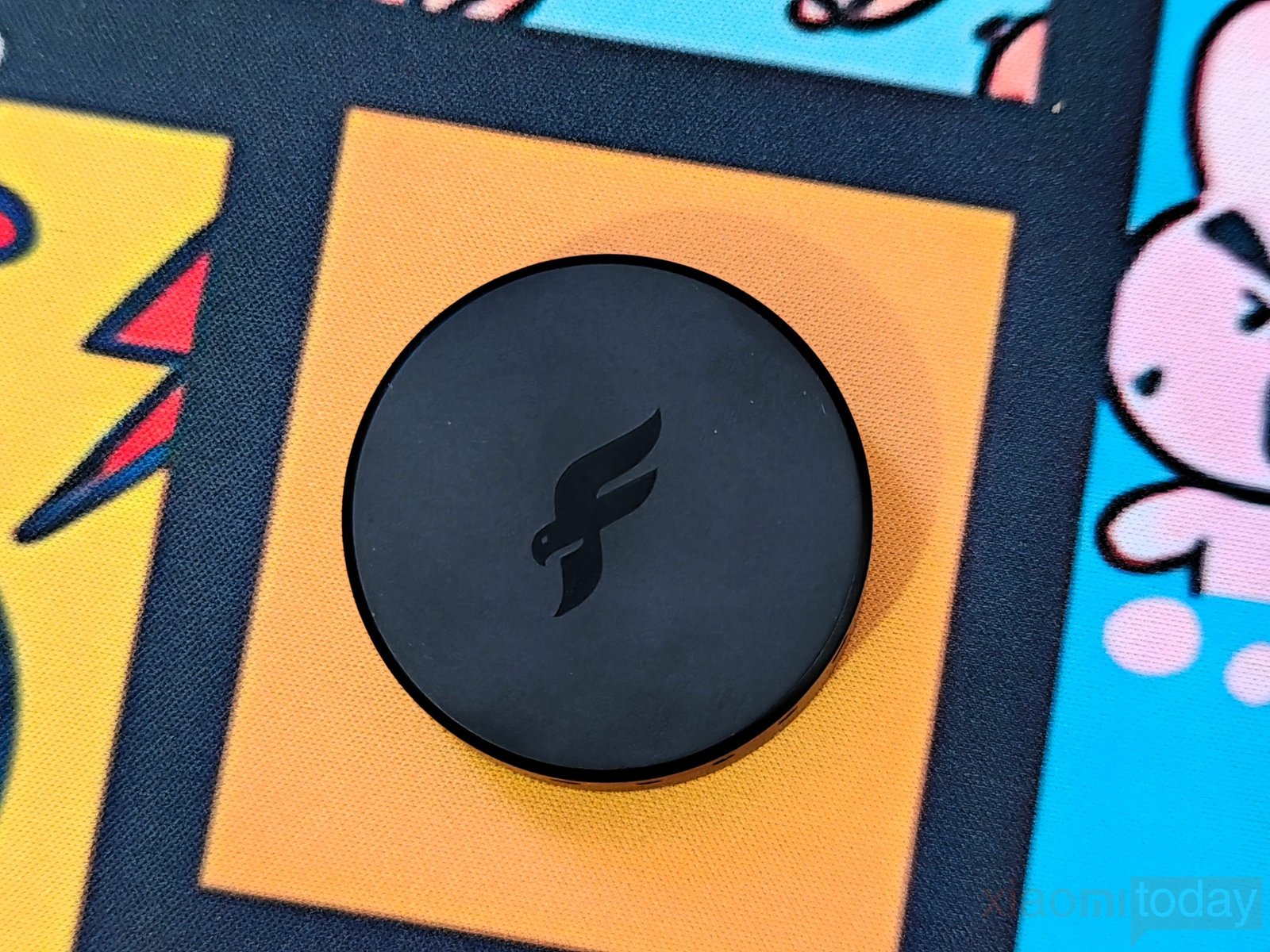
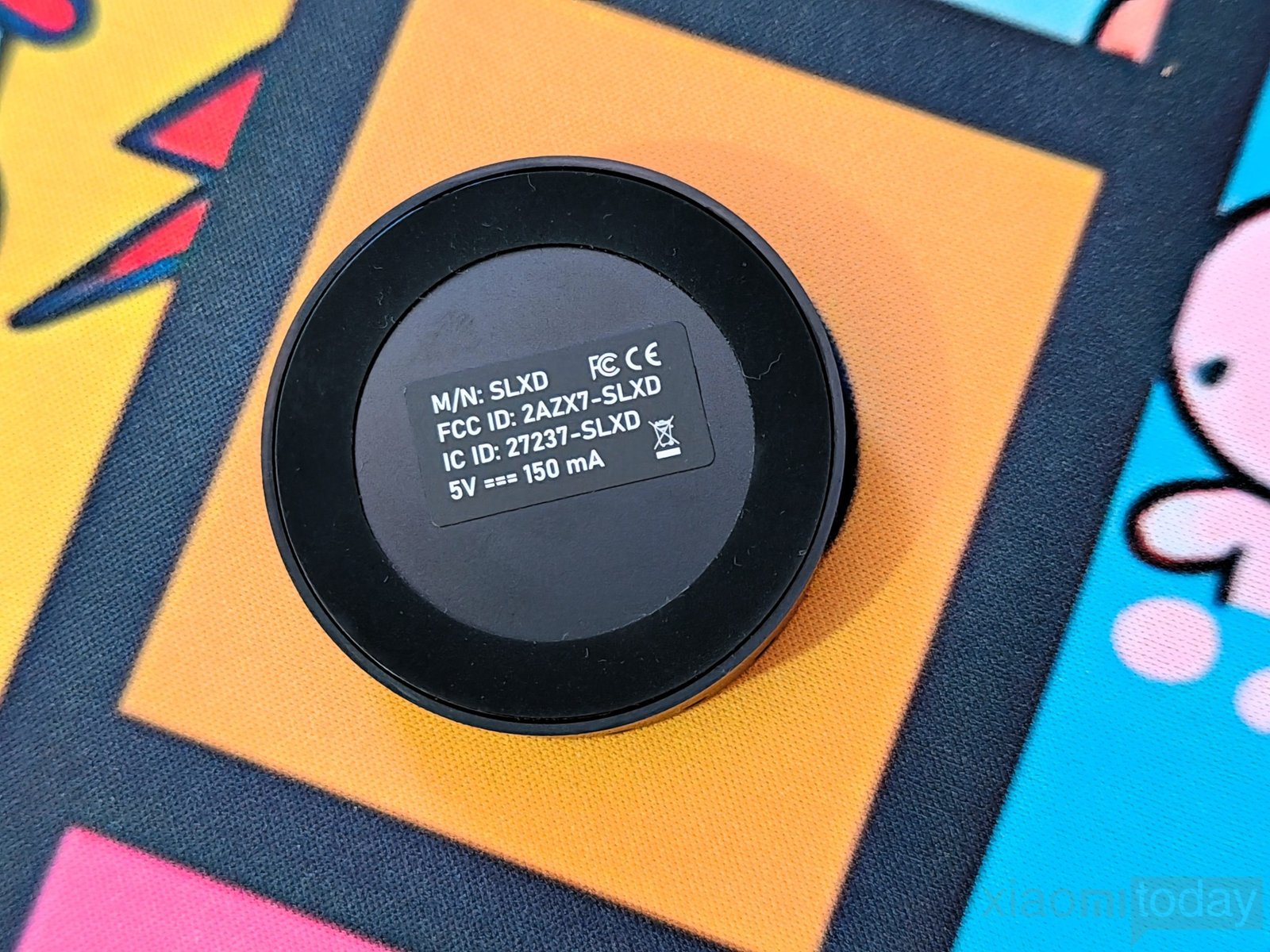
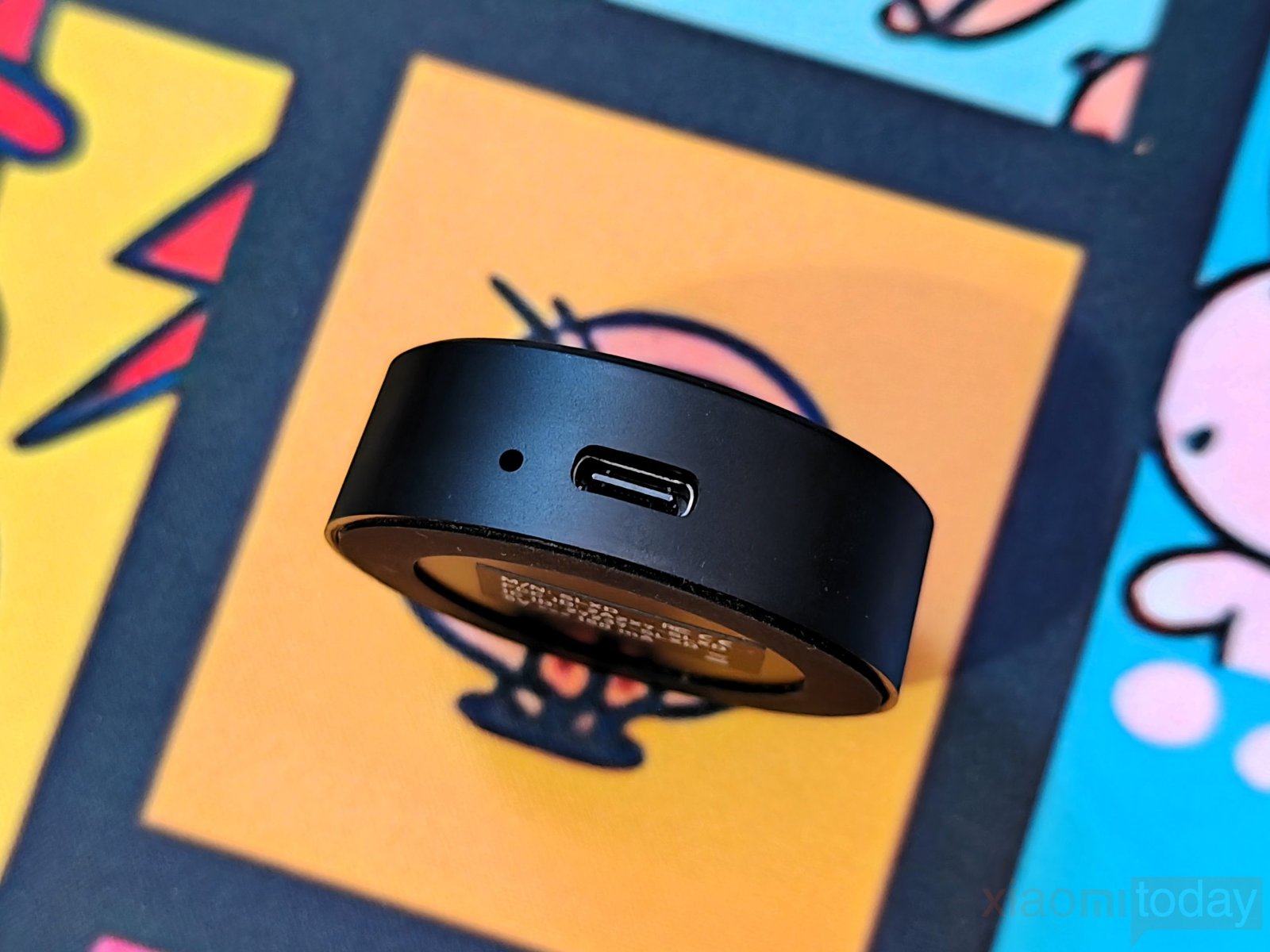
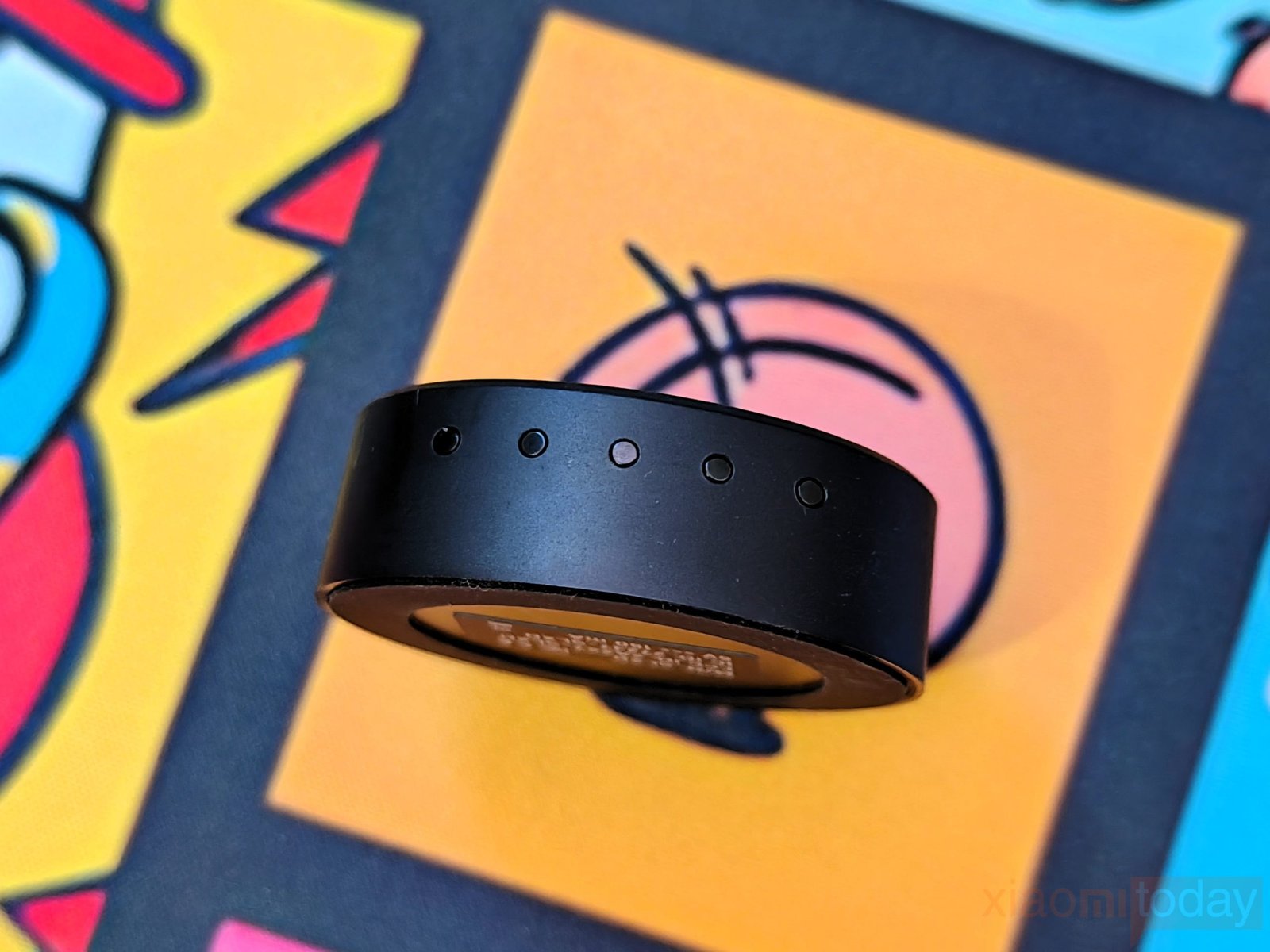
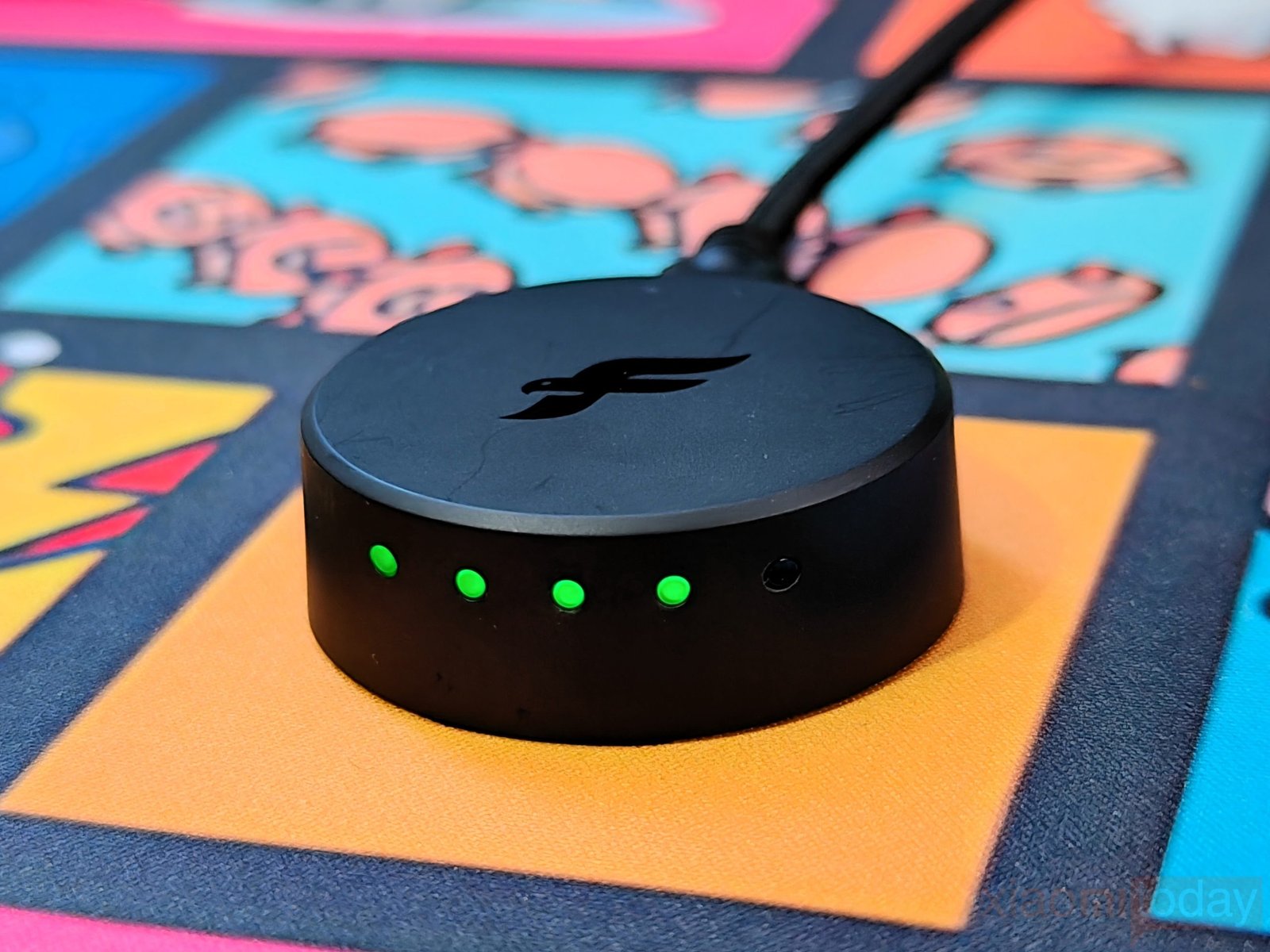
The Finalmouse Starlight X comes with a redesigned puck-style PerfectPolling RF receiver with a rounded body and matte black finish. The top carries the Finalmouse logo, while three green indicator lights are visible on the front. Its thicker design makes room for a raised metal antenna system, which Finalmouse says improves radiation efficiency and signal integrity. An internal steel weight also helps ground the PCB and keeps the receiver stable on the desk. Compared with a conventional USB dongle, this puck-style receiver has a larger footprint, but its design is built around wireless performance rather than keeping the receiver as small as possible.
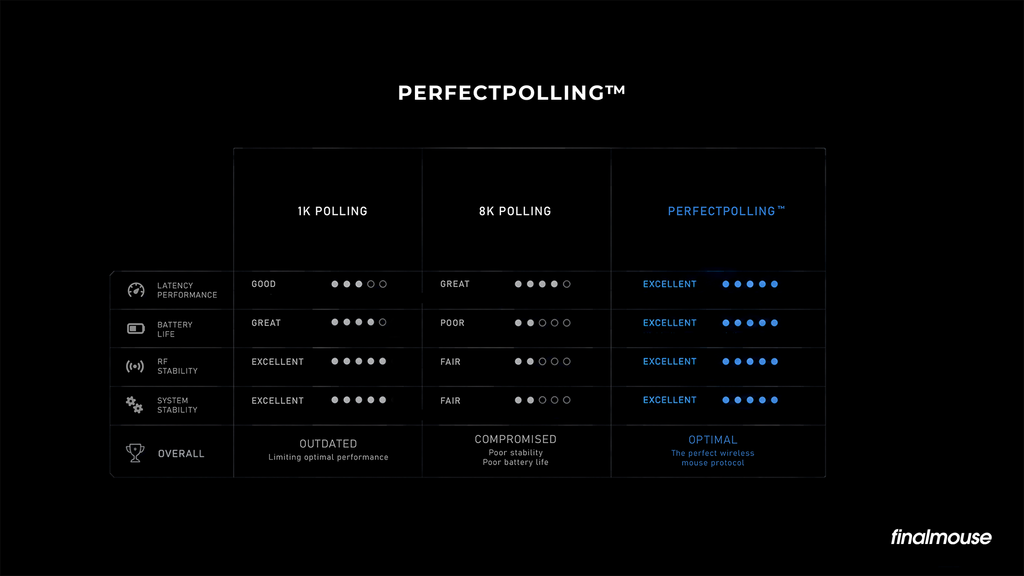
Finalmouse’s PerfectPolling technology is designed to improve input reporting through a combination of sub-tick optimization, efficient RF scheduling, and high-speed USB interrupts. Rather than relying on the polling-rate figure alone, the system aims to manage how mouse inputs are scheduled and transmitted to the PC. This approach is intended to maintain consistent wireless communication and responsive input during fast-paced games.
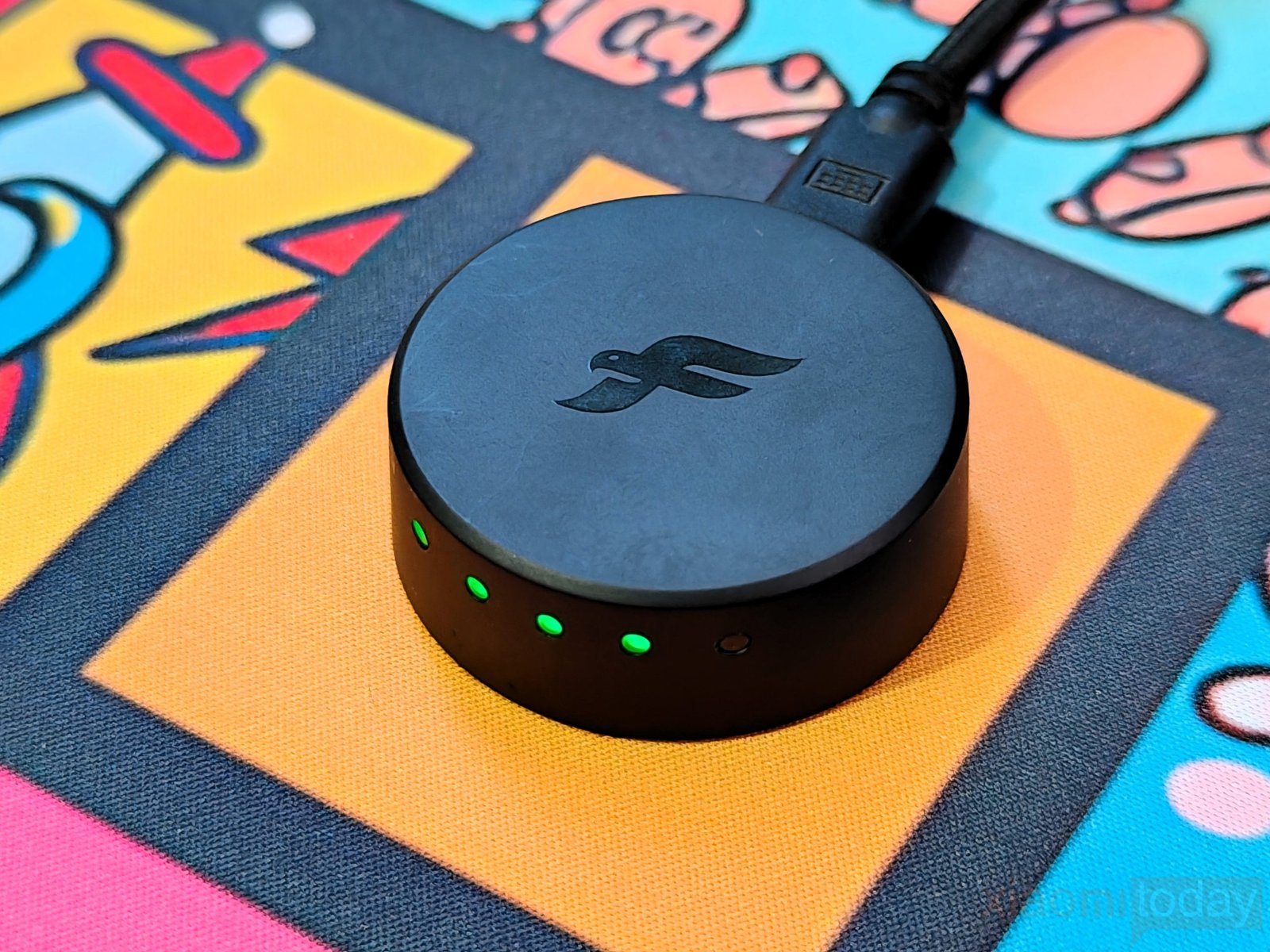
The receiver’s antenna design and PerfectPolling system work together to support the Starlight X’s high-speed wireless operation, although the actual benefits depend on performance during gameplay and testing.
Connectivity
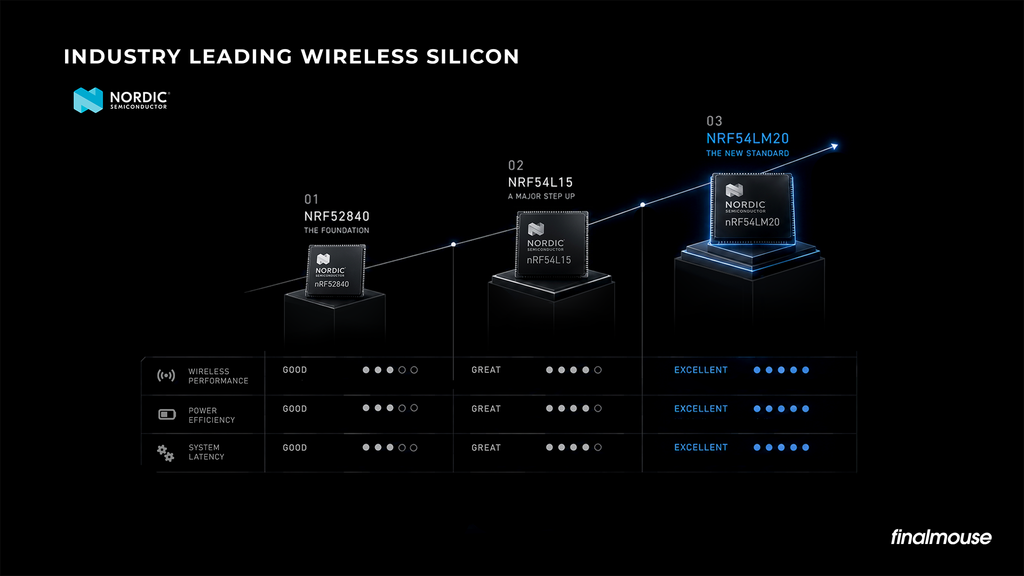
The Finalmouse Starlight X Nightfall uses a proprietary 2.4 GHz wireless connection powered by a Nordic nRF54LM20 MCU. Finalmouse has built its wireless platform around low latency and power efficiency, using its PerfectSync and PerfectPolling firmware architecture to manage input transmission.
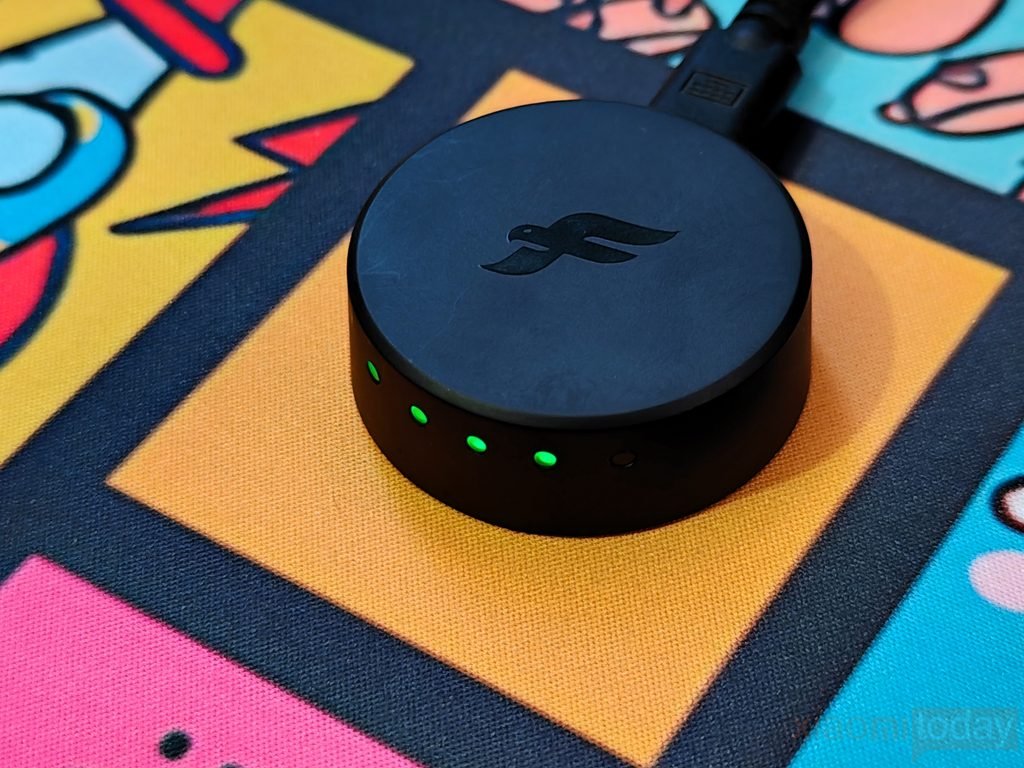
The mouse connects through the redesigned puck-style receiver, which features a raised metal antenna system designed to improve signal integrity. Its 4 Mbit RF modulation protocol is developed specifically for the mouse, with the aim of maintaining a stable connection and responsive input while limiting interference. This setup is intended for competitive FPS gaming, where consistent tracking and quick response are important during fast flicks and precise aim adjustments.
The Starlight X also supports wired operation through the included braided USB-C cable, which doubles as a charging cable. Connecting the mouse to a PC allows for plug-and-play use while the battery recharges, so you can continue playing without waiting for a full charge. However, with a weight of just 38 grams, cable drag can be more noticeable during quick movements than it is with a heavier mouse. Wireless mode is the better choice for unrestricted movement, while the wired connection provides a convenient option for charging and continued use.
XPanel Web Driver
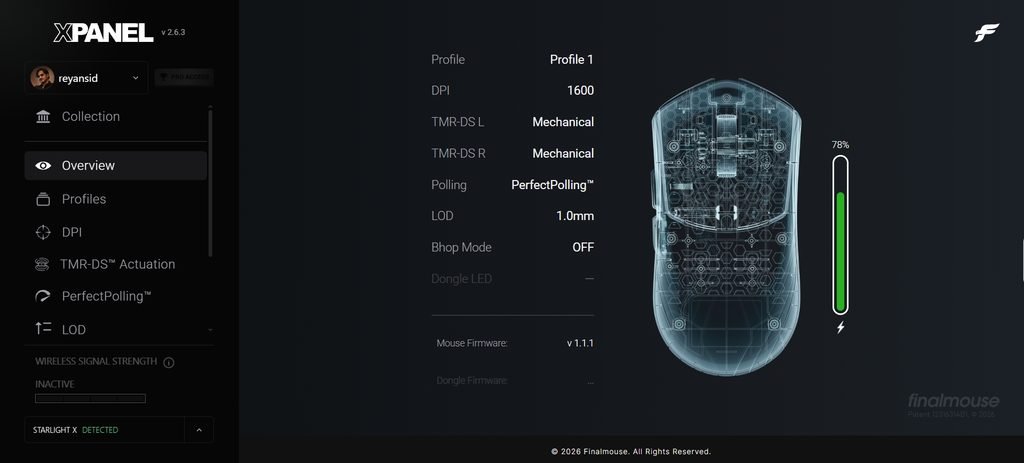
The Finalmouse Starlight X uses the XPanel web driver to manage its settings, performance options, profiles, and firmware. The interface has a dark layout, with the settings menu on the left and a visual representation of the mouse on the right.
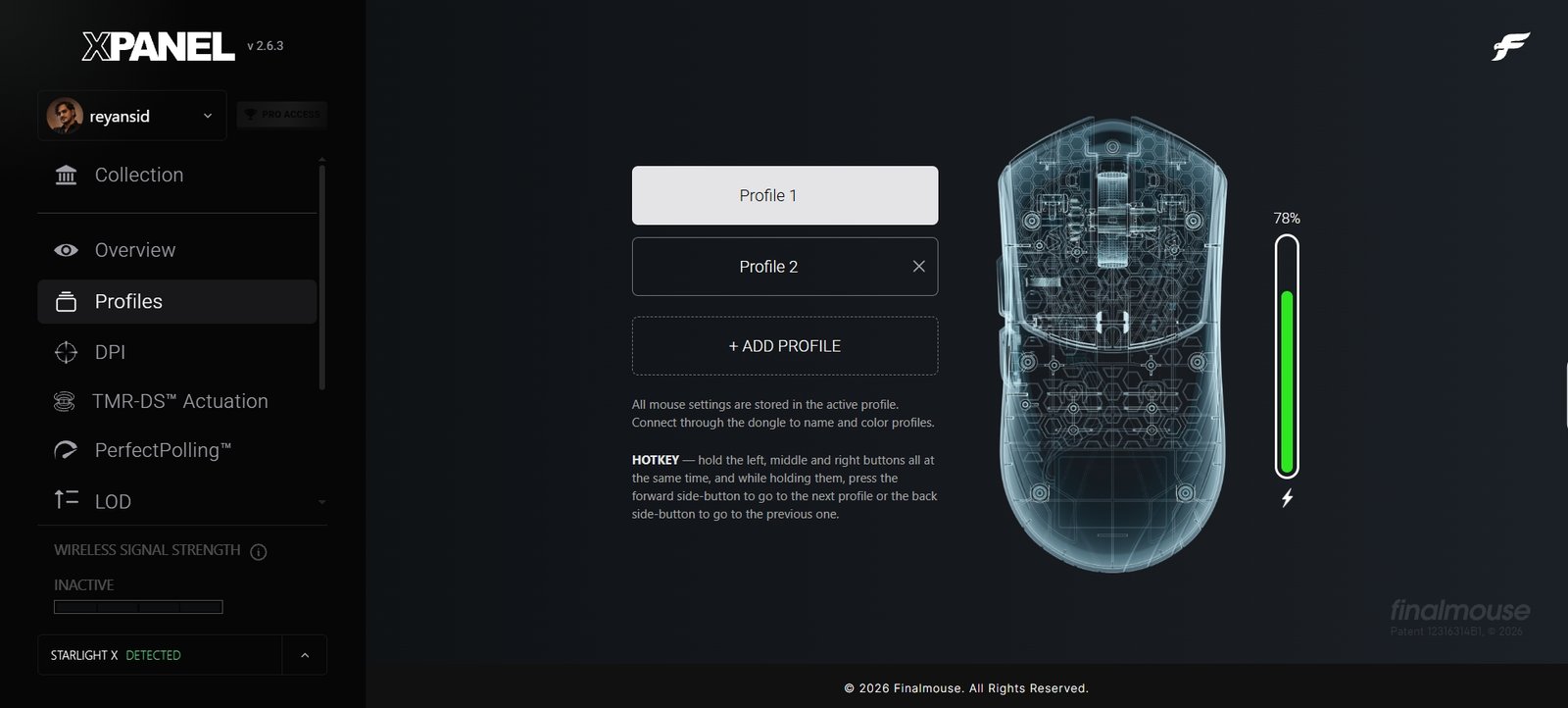
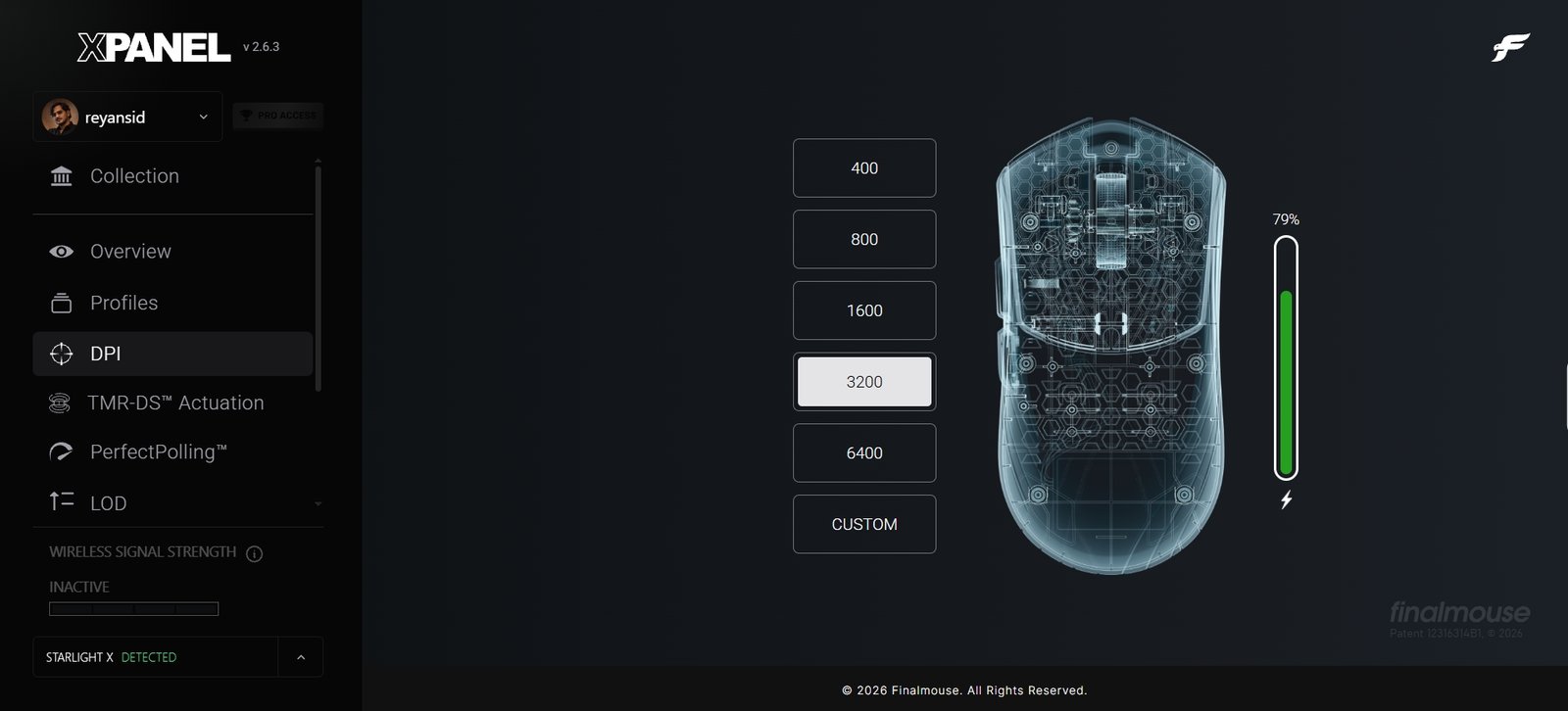
The Overview page displays the active profile, DPI, click modes, PerfectPolling status, lift-off distance (LOD), and firmware version. During testing, the mouse was detected correctly, with the active profile showing 1600 DPI, PerfectPolling enabled, and an LOD of 1.0 mm. The Profiles menu allows users to create and switch between profiles, while the DPI section offers presets of 400, 800, 1600, 3200, and 6400, along with a custom setting.
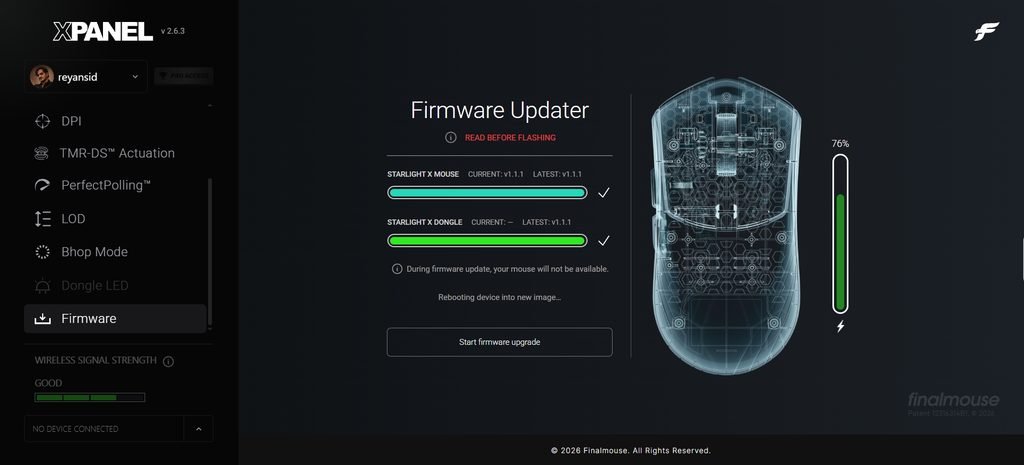
XPanel also includes a firmware updater for the mouse and receiver, making it possible to check their installed versions and update them through the same interface.
The TMR-DS Actuation section provides separate controls for the left and right mouse buttons. Each button can operate in Mechanical or TMR Analog mode, allowing users to configure them independently. In our screenshots, the left click is set to Mechanical mode, while the right click uses TMR Analog with an actuation point of 0.25 mm. The interface also includes Smart Rapid Trigger, release-point options, and Rapid Trigger Sensitivity adjustment from 150 to 250 µm. The recommended sensitivity is listed as 220 µm.
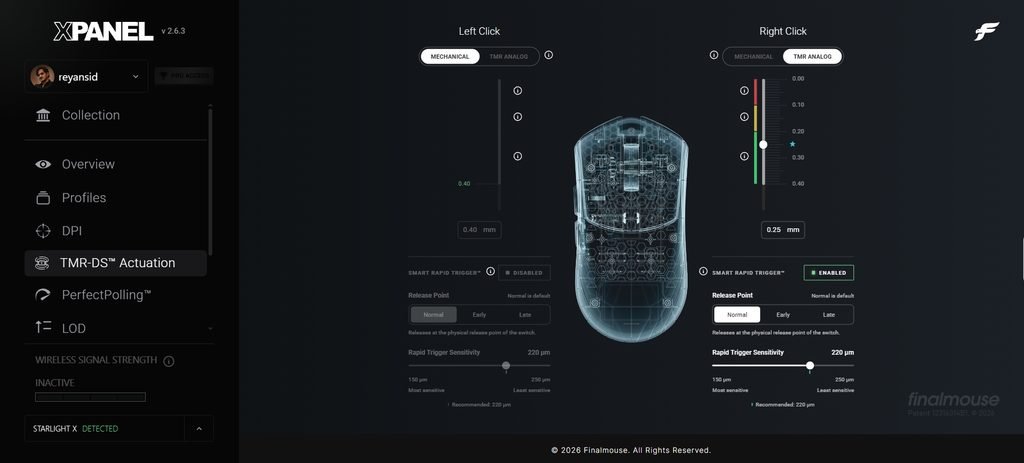
These settings give competitive players more control over how quickly clicks register and reset, which can be useful in games that require repeated inputs. Having separate controls for each button also allows users to experiment with different configurations without changing both sides at once.
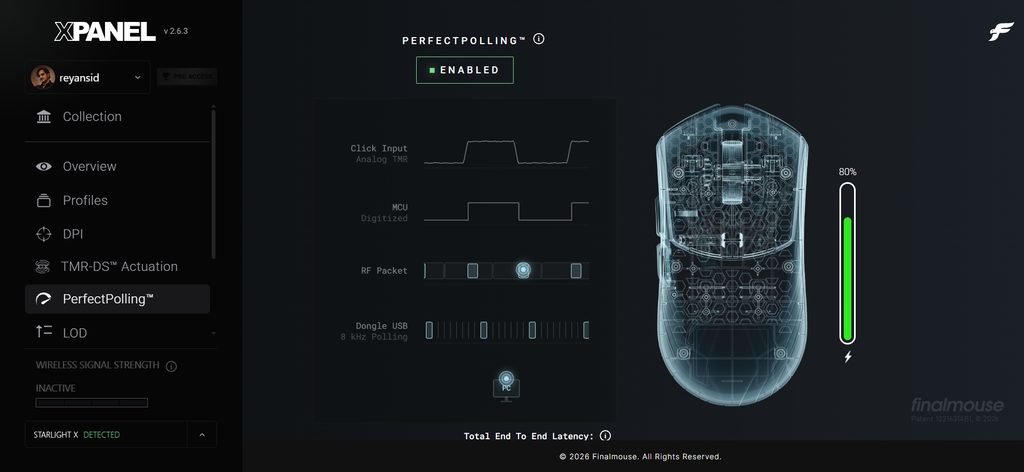
PerfectPolling has a dedicated page in XPanel, where users can enable the feature and view a diagram of the input process. The diagram shows the stages from analog TMR input and MCU digitization to RF packet transmission and USB polling through the receiver. Rather than simply displaying a polling-rate selector, the interface explains the different stages involved in sending mouse input to the PC.
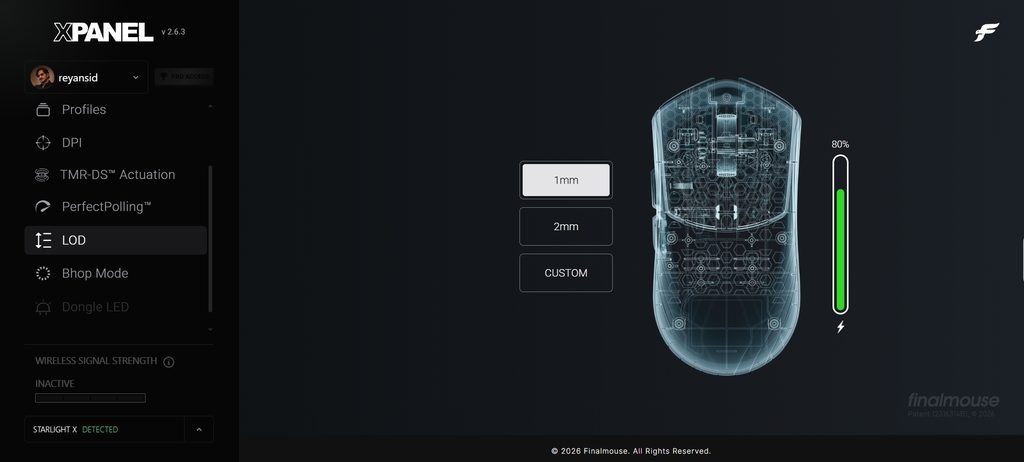
The LOD menu offers 1 mm and 2 mm presets, along with a custom option. This setting determines how far the mouse must be lifted before its sensor stops tracking, making it useful for players who frequently reposition their mouse during gameplay. Both PerfectPolling and LOD can be accessed directly from the left-side menu, keeping these performance settings easy to find.
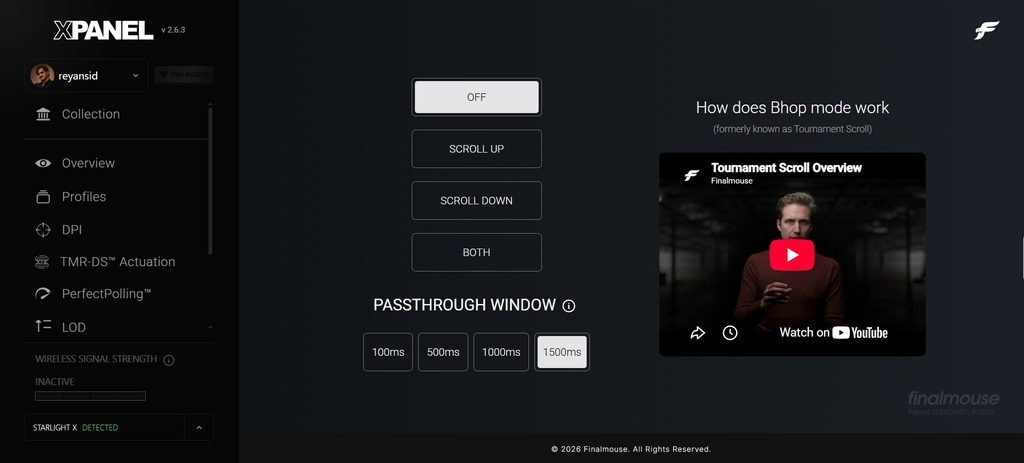
The remaining XPanel options include Bhop Mode, Dongle LED settings, and wireless signal-strength monitoring. Bhop Mode, formerly known as Tournament Scroll, offers Off, Scroll Up, Scroll Down, and Both options.
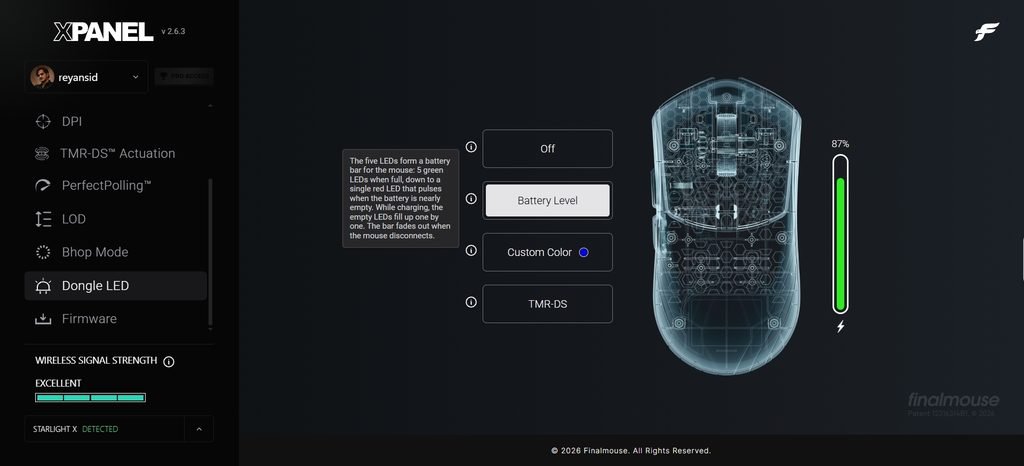
Users can also adjust the passthrough window to 100, 500, 1000, or 1500 ms. The Dongle LED menu provides four options: Off, Battery Level, Custom Color, and TMR-DS. Battery Level mode uses five LEDs to indicate the mouse’s charge, with the display changing as the battery runs low.
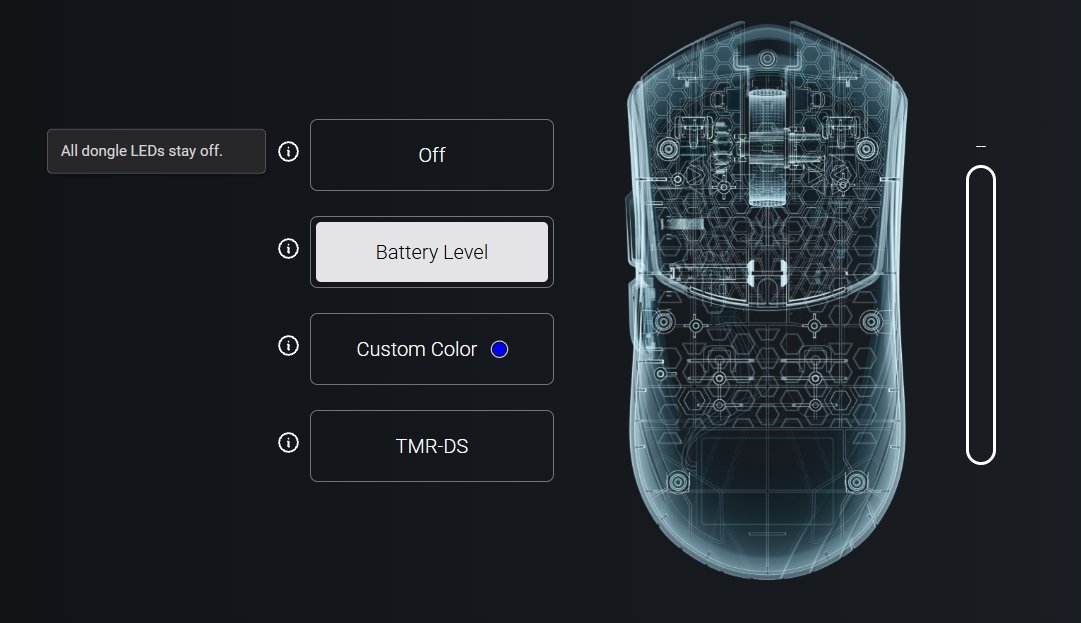
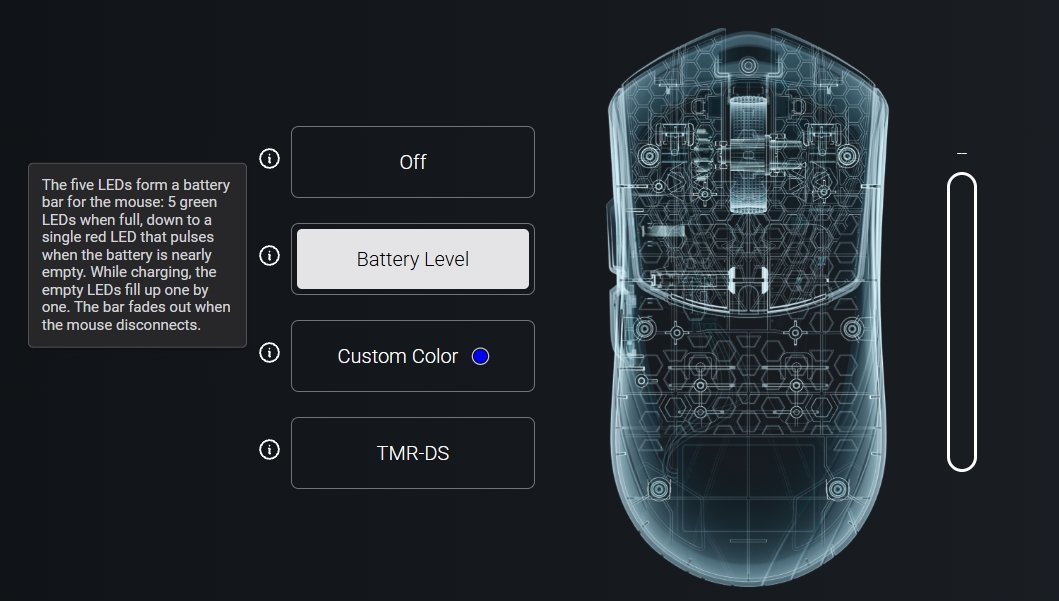
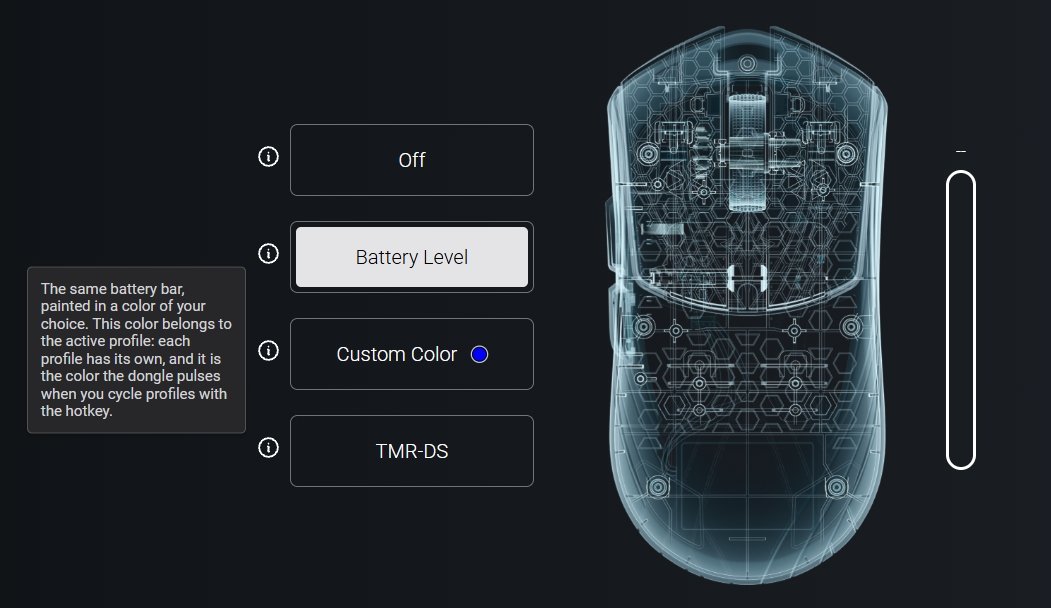
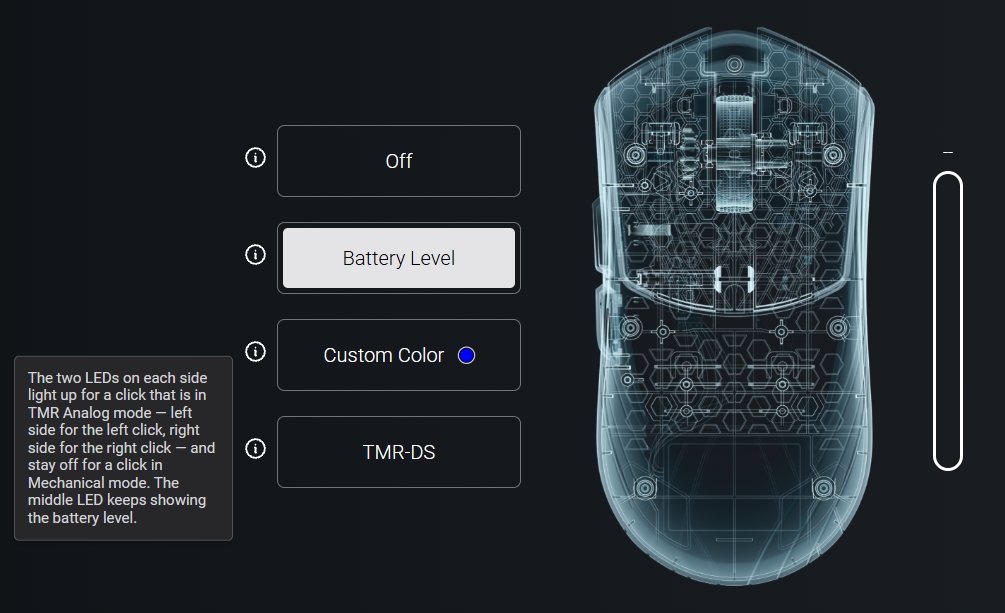
Custom Color allows users to assign a different color to each profile, while TMR-DS mode uses the receiver’s LEDs to indicate clicks made in analog mode. XPanel also displays wireless signal strength, with indicators ranging from inactive to good and excellent.
Overall, the web driver gives the Finalmouse Starlight X a wide range of adjustable settings, from basic DPI changes to more specialized click and polling controls, without requiring a separate desktop application.
Battery Life and Charging
The Finalmouse Starlight X uses a 250mAh Jauch lithium battery, with runtime depending on the polling rate and usage. At 1,000Hz, battery life is rated for up to 200 hours, thanks to the mouse’s power-efficiency and frame-sync optimizations. That is plenty for extended gaming sessions without frequent charging. However, running the mouse at 4,000Hz or 8,000Hz increases power consumption and reduces battery life. Players who want the highest polling rates will need to charge it more often, while those who prefer 1,000Hz can expect considerably longer use between charges.
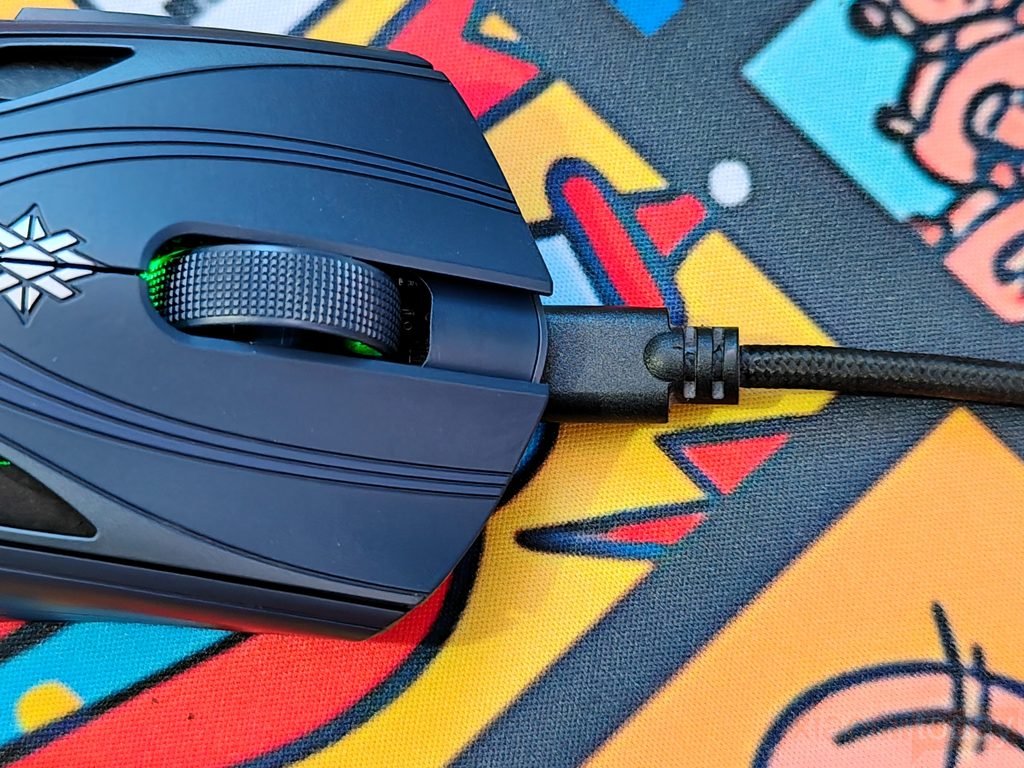
The Finalmouse Starlight X charges through the included USB Type-A to USB Type-C cable, taking around 1.5 to 2 hours to reach a full charge from empty. During the constant-current charging stage, power draw remains around 0.131A. Battery status is available through the XPanel web software, while the receiver’s LED indicators provide a quick way to check the remaining charge. Based on the supplied usage estimates, battery life can drop to around 20 hours at 4,000Hz, depending on settings and gaming habits. This makes polling-rate selection an important consideration for anyone balancing wireless battery life with competitive gaming performance.
Use Experience – Daily Work and Gaming
After two weeks with the Finalmouse Starlight X Nightfall, its low weight becomes easy to appreciate during everyday tasks. Whether moving between browser tabs, editing articles, or working across multiple windows, the mouse feels easy to reposition without much effort. The shape provides some support around the rear of the palm, while the side buttons are within reach for browser navigation and other shortcuts. The 38-gram design does take some adjustment if you’re used to a heavier mouse, but it feels natural for users who prefer a lighter setup. The wireless connection also keeps the desk free of cable clutter during long working sessions.
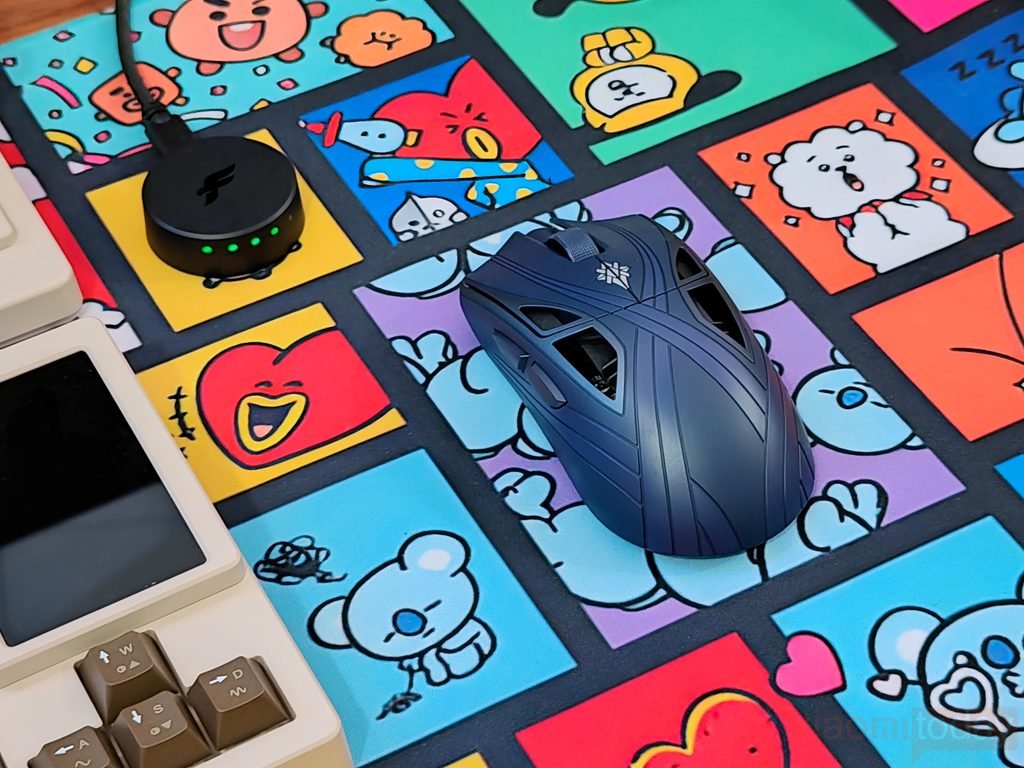
In gaming, the Starlight X feels most at home in competitive shooters such as Counter-Strike 2 and Valorant. Its low weight makes quick flicks and small aim corrections easier to perform without applying much force. In Call of Duty: Warzone, the mouse is also well suited to switching between targets and making quick directional changes. The shape provides a reasonable amount of support, although the fuller rear hump may not suit every grip style. Players moving from a heavier mouse may need time to adjust their sensitivity and muscle memory before achieving the same level of consistency.
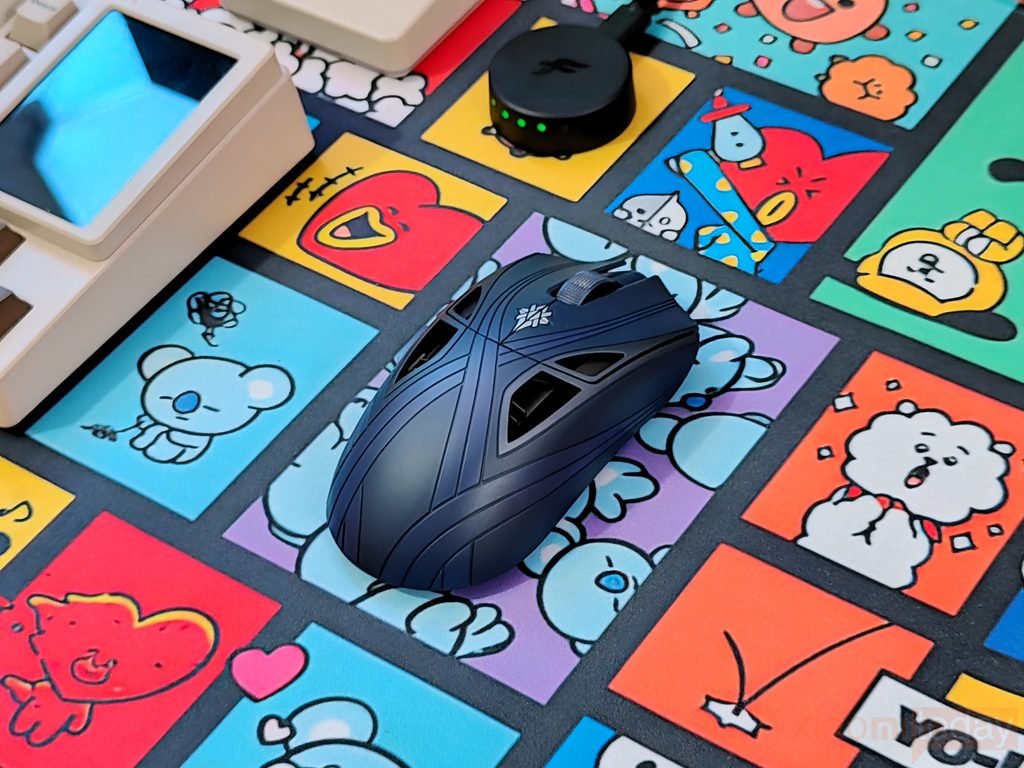
The TMR-DS click system offers more control over button actuation than a conventional fixed mechanical setup. Through XPanel, users can adjust the actuation point to suit their preferences, while the Huano Blue Shell Pink Dot switches provide the mechanical click feel. This flexibility can be useful in Counter-Strike 2 and Valorant, where repeated clicks and quick firing are common. However, the most sensitive setting is not necessarily the best choice for everyone, as overly sensitive actuation may result in accidental clicks. Finding a setting that balances responsiveness with control is more useful than focusing solely on the advertised latency reduction.
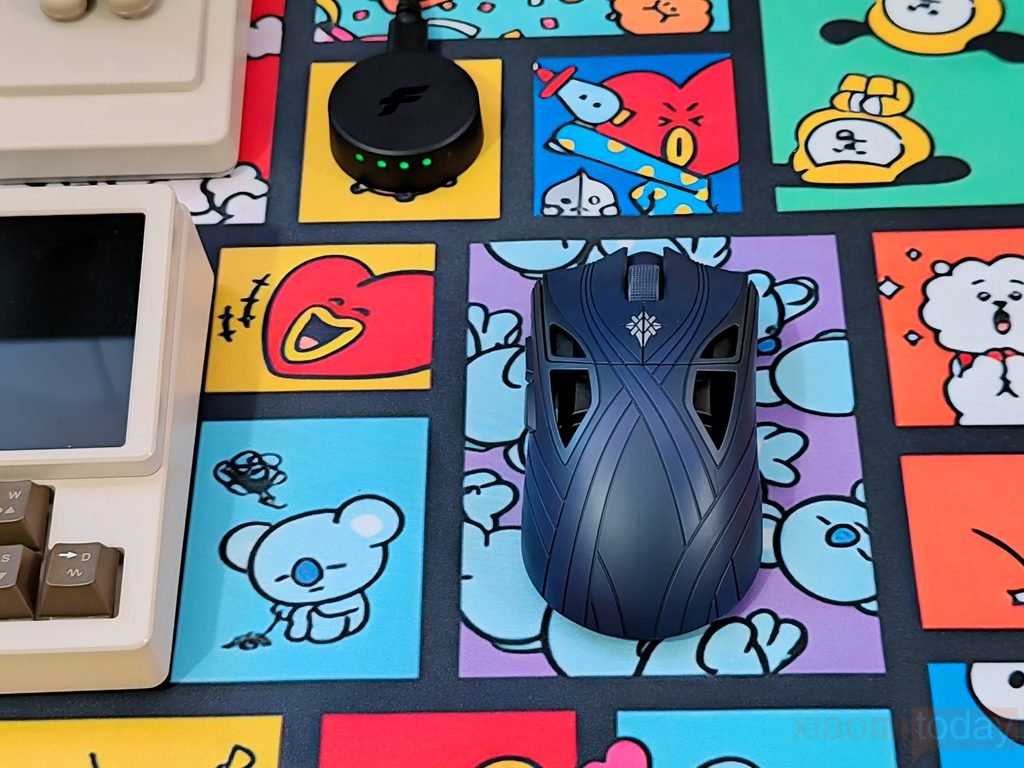
The Finalmouse F1 sensor and wireless system complete the experience. During gaming, consistent tracking and predictable cursor movement are important for both fast flicks and smaller corrections. The custom sensor was developed with PixArt specifically for the Starlight X, while the PerfectPolling receiver and wireless platform are designed to maintain responsive input transmission. The low weight complements this setup, making repeated movements less demanding during longer sessions. Battery life is also worth considering when choosing a polling rate, as higher settings increase power consumption. After two weeks, the Starlight X makes the most sense for players who prefer an ultralight mouse and want adjustable click behavior, provided its shape and controls suit their grip and playing style.