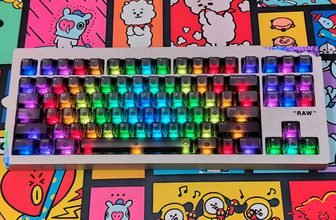
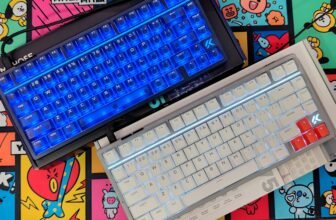
The Womier DUO87 is a TKL mechanical keyboard aimed at users who want a practical layout without giving up customization. It features an 87-key design, hot-swappable PCB, gasket-mounted construction, RGB lighting, and a detachable smart display. The keyboard is available for both Windows and Mac, making it suitable for gaming, work, and general desktop use.
The detachable smart display is the feature that separates the DUO87 from a regular TKL keyboard. It can be mounted on the keyboard or used separately with its stand. Depending on how you use it, the screen can provide quick access to media controls, shortcuts, and other functions. Womier also provides Play Deck software for configuring the display and its available functions.
The keyboard itself is built around a hot-swappable PCB that supports 3-pin and 5-pin switches, so changing switches does not require soldering. It also supports VIA for remapping keys and setting up macros. The gasket-mounted structure, POM switches, and South-facing RGB LEDs are combined with a standard TKL layout that leaves enough room for comfortable typing while keeping the keyboard relatively compact.
In this Womier DUO87 review, I will take a closer look at the keyboard’s design, build quality, keycaps, switches, typing experience, RGB lighting, detachable smart display, software, VIA support, and gaming performance. I will also test how useful the display is in everyday use and whether the DUO87 can work equally well as a gaming keyboard and a daily typing keyboard.
Specification
| Specification | Womier DUO87 |
|---|---|
| Layout | TKL (Tenkeyless) |
| Total Keys | 88 Keys |
| Color Options | Black / Retro Grey |
| Keycap Profile | Cherry Profile, Double-Shot |
| Case Material | ABS |
| Display | 1× Screen & Base |
| Figure | 1× Duo Figure & Base |
| Connection | Wired |
| Switches | Womier POM Switches |
| Backlight | South-Facing RGB |
| Plate | ABS, with Flex Cuts |
| Mounting Style | Gasket Mounted |
| PCB | 1.2mm FR4 |
| PCB Features | VIA Support, Full RGB, Hot-Swap, Flex Cuts |
| Switch Compatibility | 3-Pin / 5-Pin |
| Firmware / Software | VIA (Keyboard) / PC Software (Screen) |
| Battery | N/A – Wired, No Battery |
| Interface | USB Type-C |
| Operating Systems | Windows / macOS |
| Weight | 1102g |
| Dimensions | 368.2 × 144 × 44.3mm ±1mm |
Unboxing
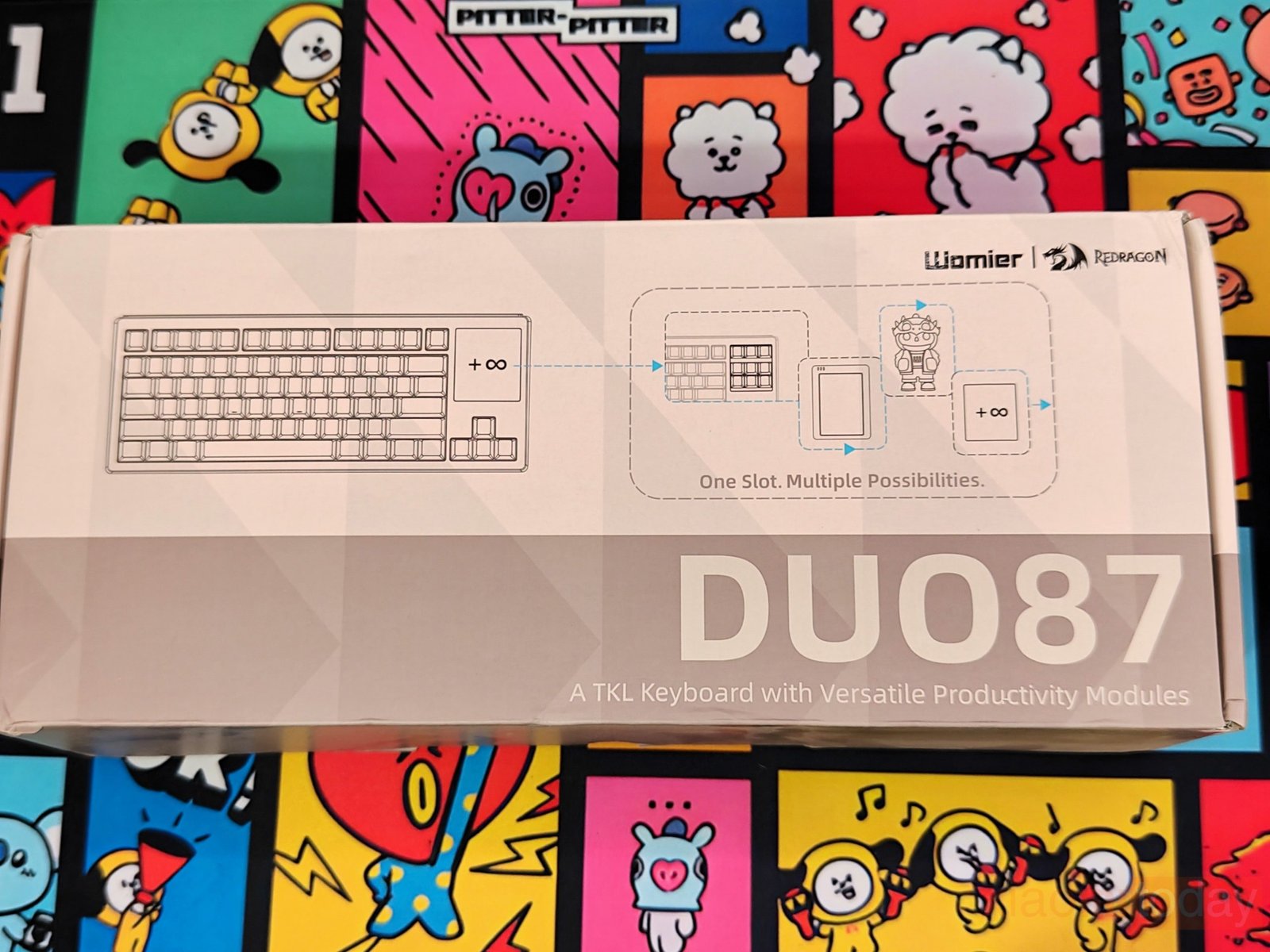
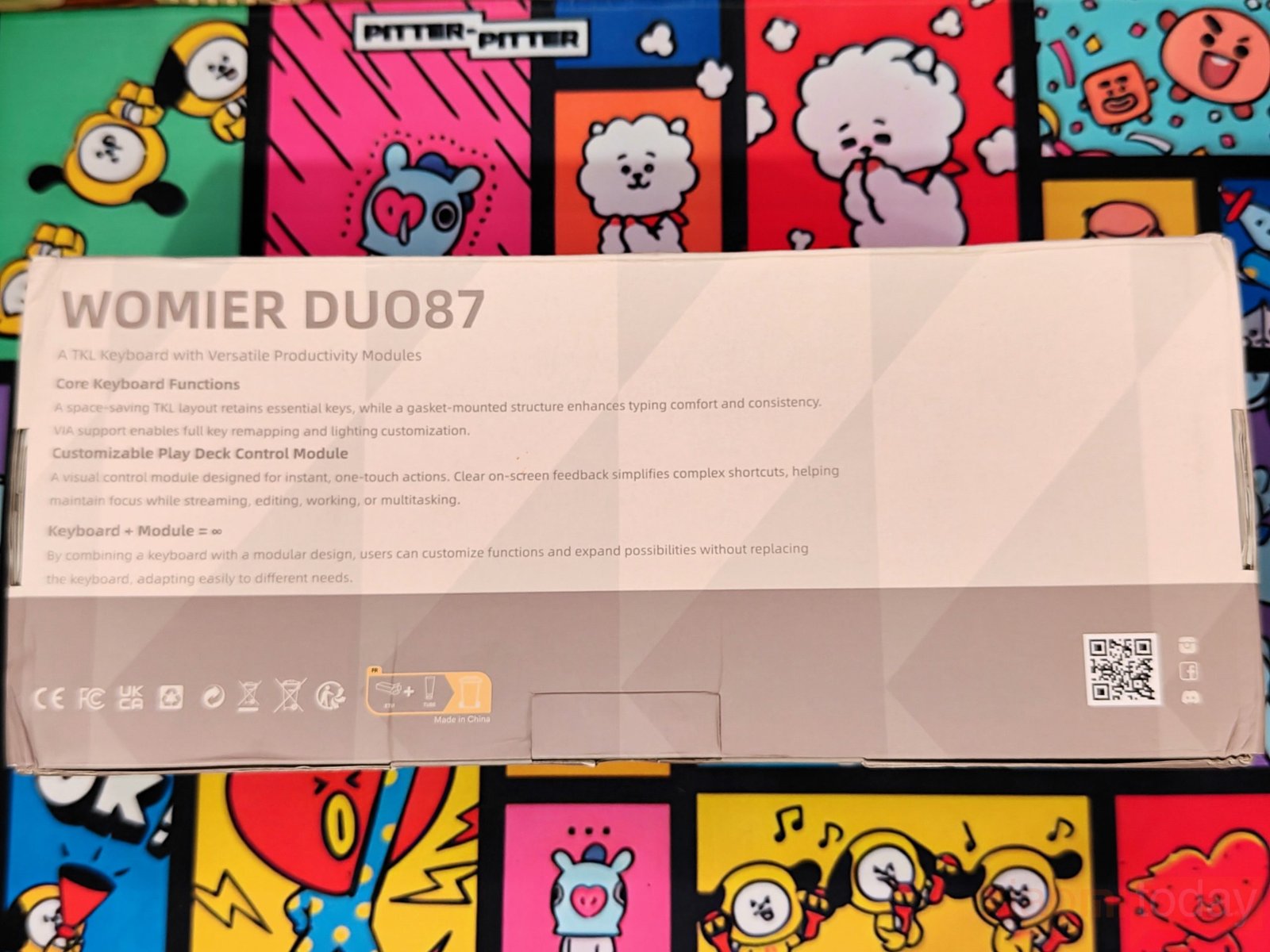
The Womier DUO87 arrives in a large rectangular package finished in grey and white. The front of the box features a line drawing of the TKL keyboard and shows the modular section where the display and other accessories can be placed. Womier and Redragon branding appears in the upper-right corner, while the DUO87 name is printed across the lower portion. On the rear, Womier lists several of the keyboard’s main features, including the TKL layout, gasket-mounted structure, VIA support, and Play Deck control module. The packaging also illustrates the modular concept and how the different components can be arranged with the keyboard.
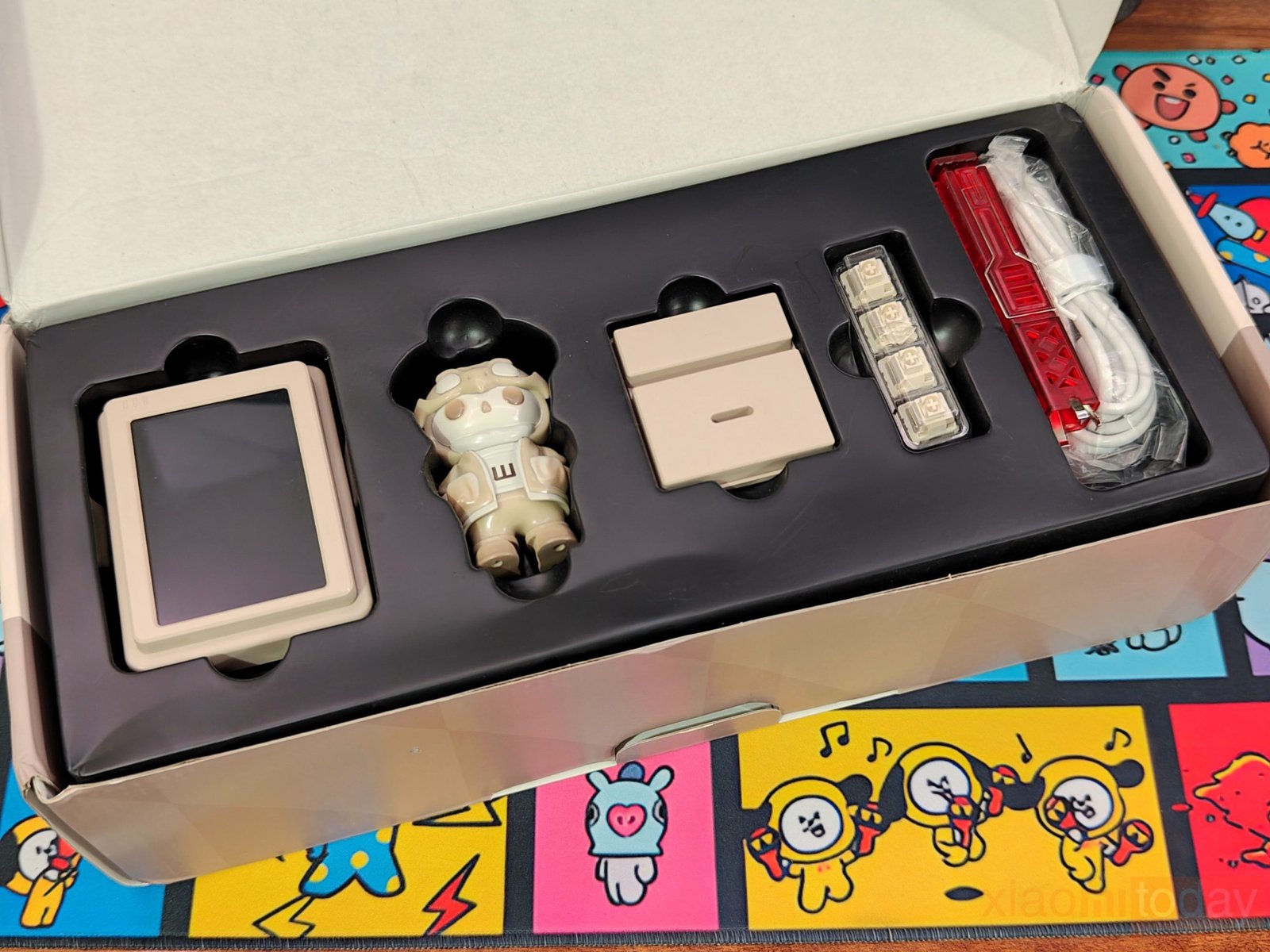
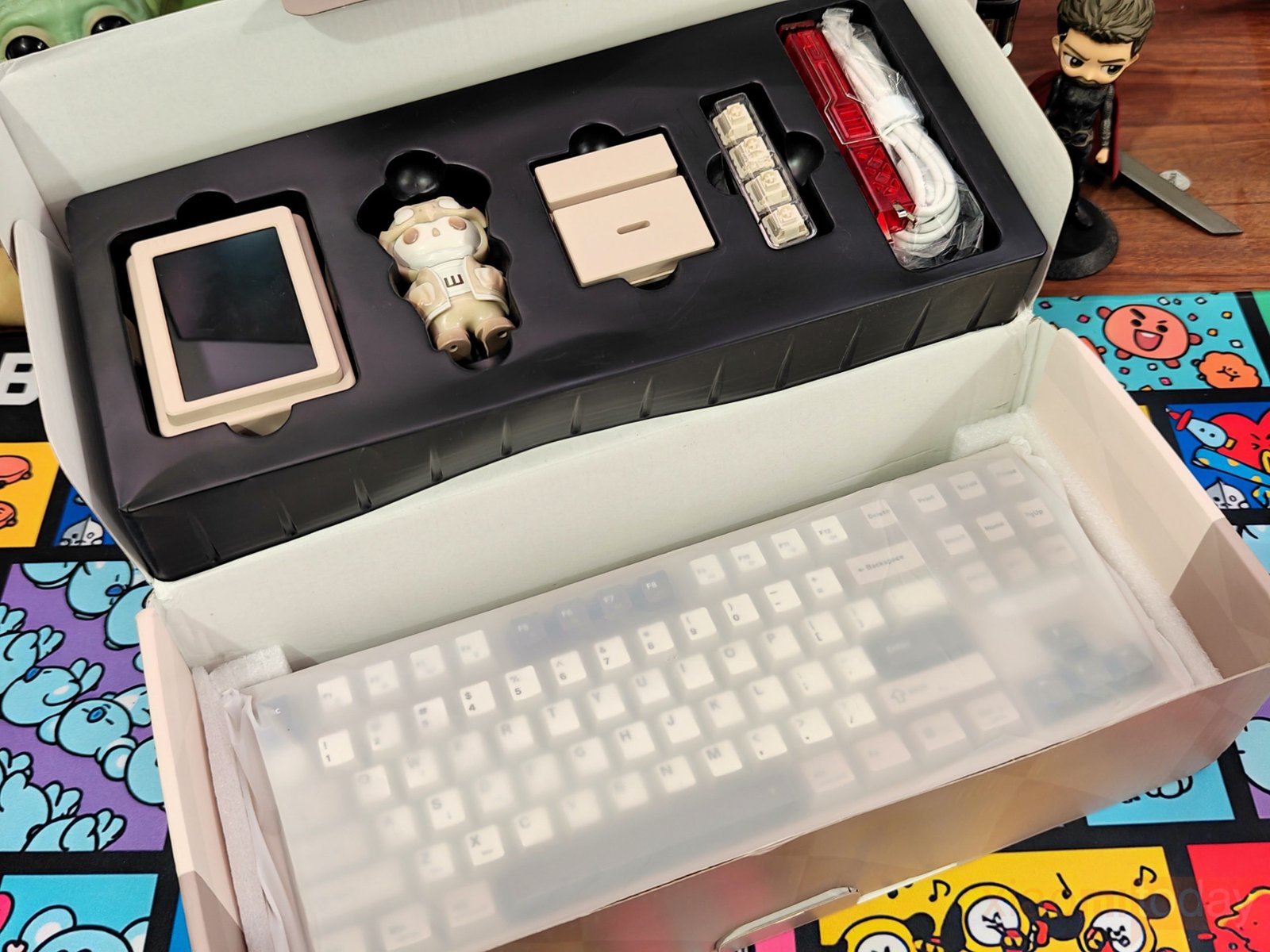
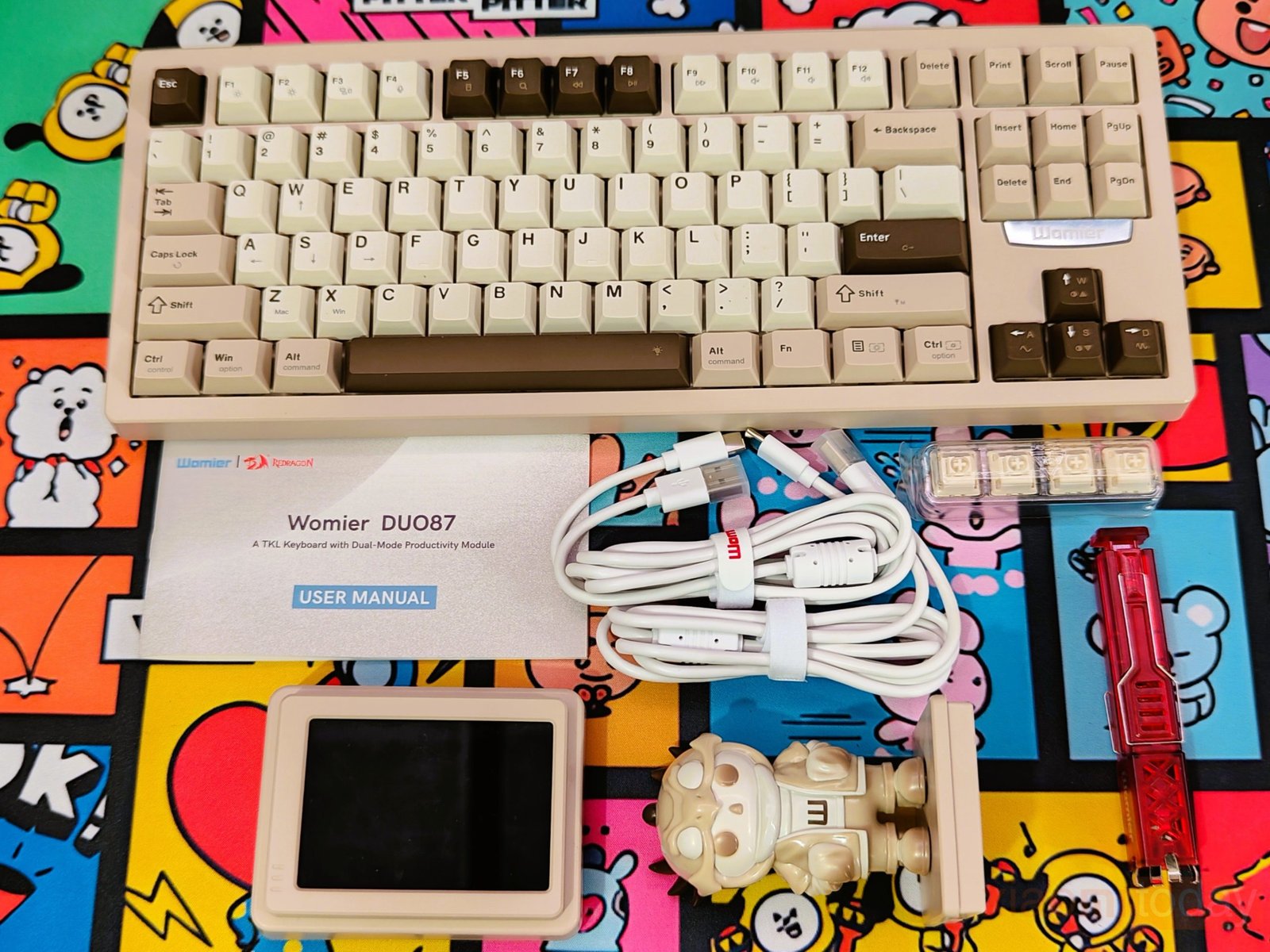
After opening the box, the keyboard is protected by a plastic sleeve and held securely between foam pieces. A separate black tray sits above it and contains the smaller accessories. The package includes the detachable smart display, a small Womier character figure, USB cable, display/module stand, red keycap and switch puller, and a set of extra switches. The accessories are kept in their own sections, while the keyboard and display remain protected during shipping.
Design and Build Quality
The Womier DUO87 is an 88-key TKL mechanical keyboard with a layout that keeps the function row, arrow keys, and navigation cluster while removing the number pad. I received the Retro Grey version for testing, which comes with a cream-colored ABS case and a combination of light and dark keycaps. The darker keys around the function row, Enter key, spacebar, and navigation area give it a classic retro look. The keyboard measures 368.2 × 144 × 44.3 mm ±1 mm and weighs 1102g, giving it a good amount of weight for a TKL keyboard.
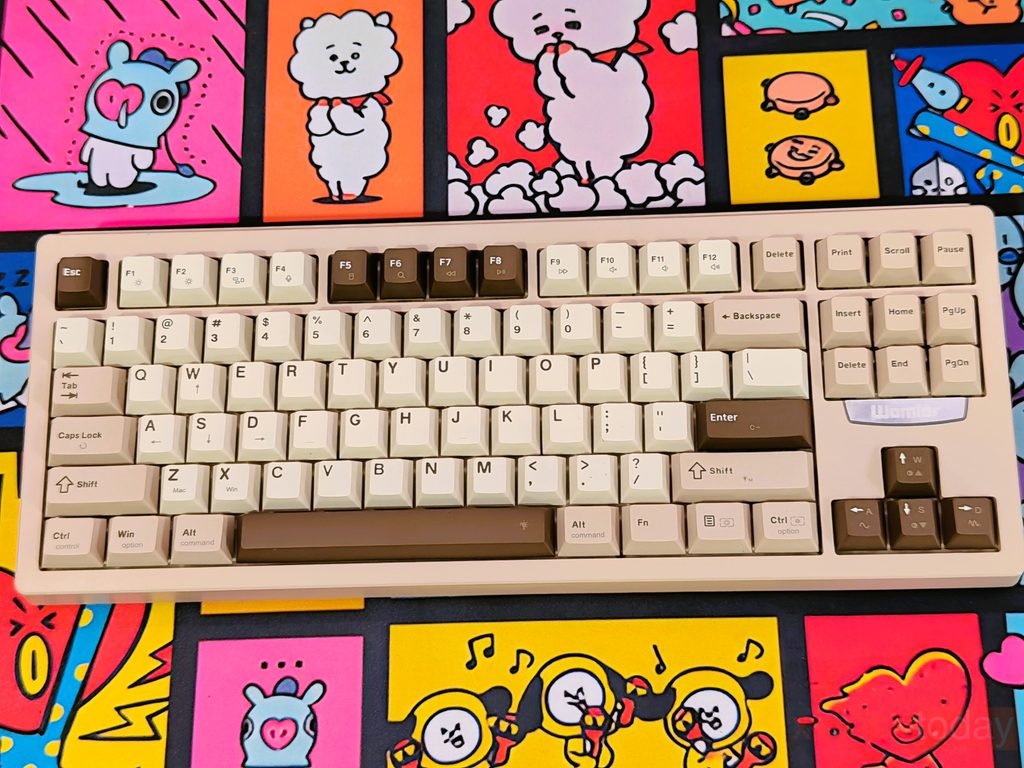
The build quality is solid, especially considering the ABS construction. The case feels rigid when handled, and I did not notice any unwanted flex when pressing on different areas of the keyboard. The 1.1kg weight also helps keep it firmly planted on the desk during typing and gaming. The case edges are cleanly finished, the keycaps sit evenly, and the overall assembly feels well put together. The keyboard does not feel hollow or overly light, which is something I noticed during regular use.
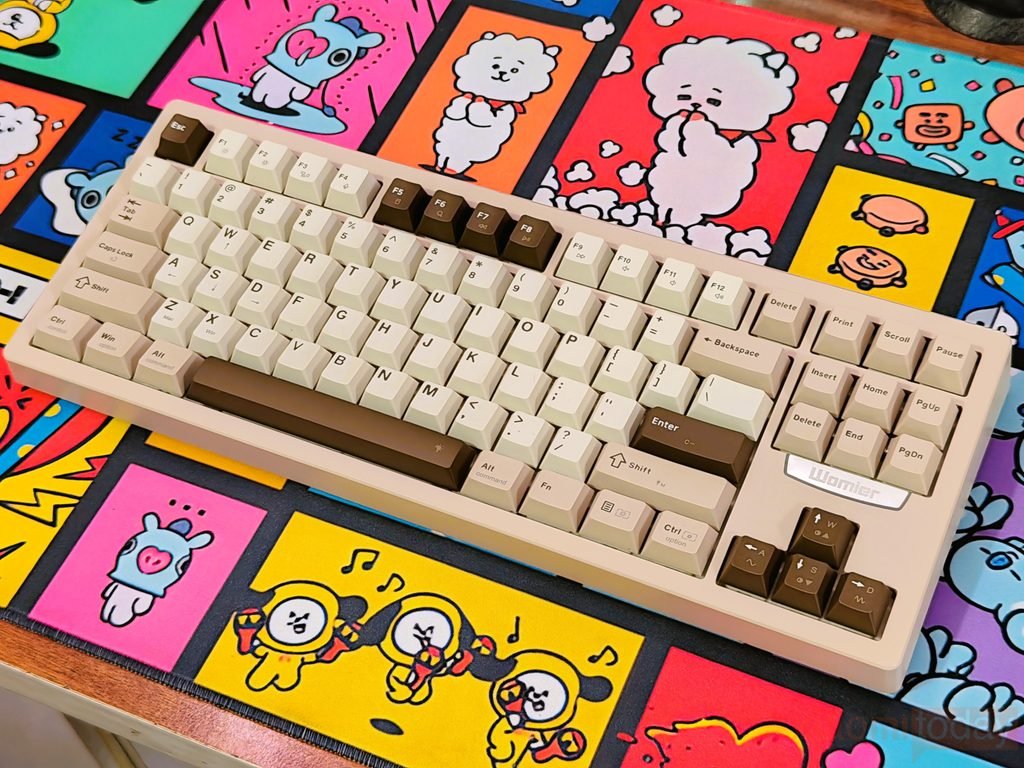
Womier offers the DUO87 in Black and Retro Grey, with both ANSI and ISO layouts available. My sample uses the ANSI layout, so it has the standard horizontal Enter key. The TKL arrangement provides enough room around the main typing area without making the keyboard unnecessarily wide. The case has a slightly raised profile, while the rubber feet underneath help prevent movement when typing or playing games. The larger keys also remain stable during use, adding to the overall solid feel of the board.
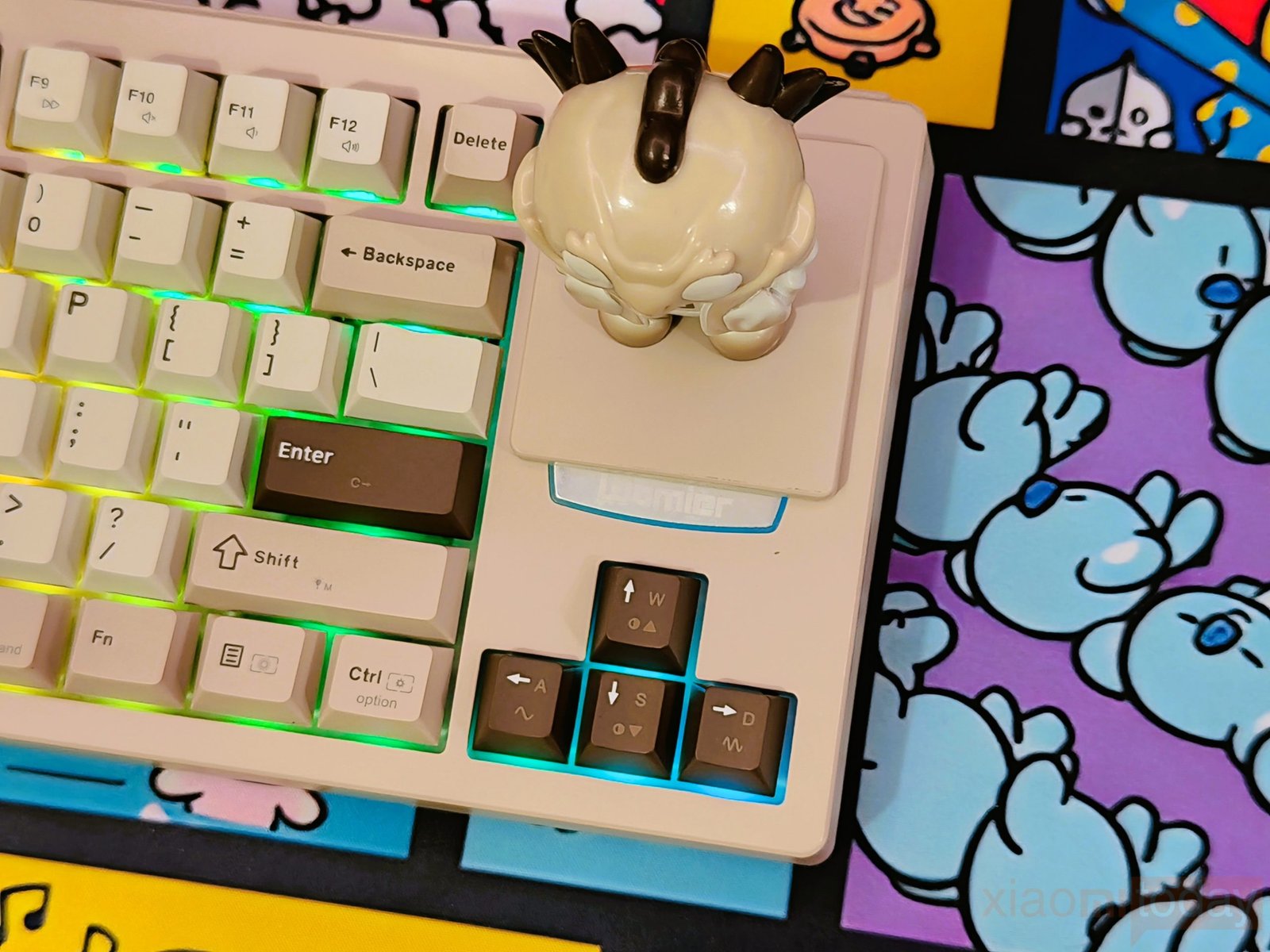
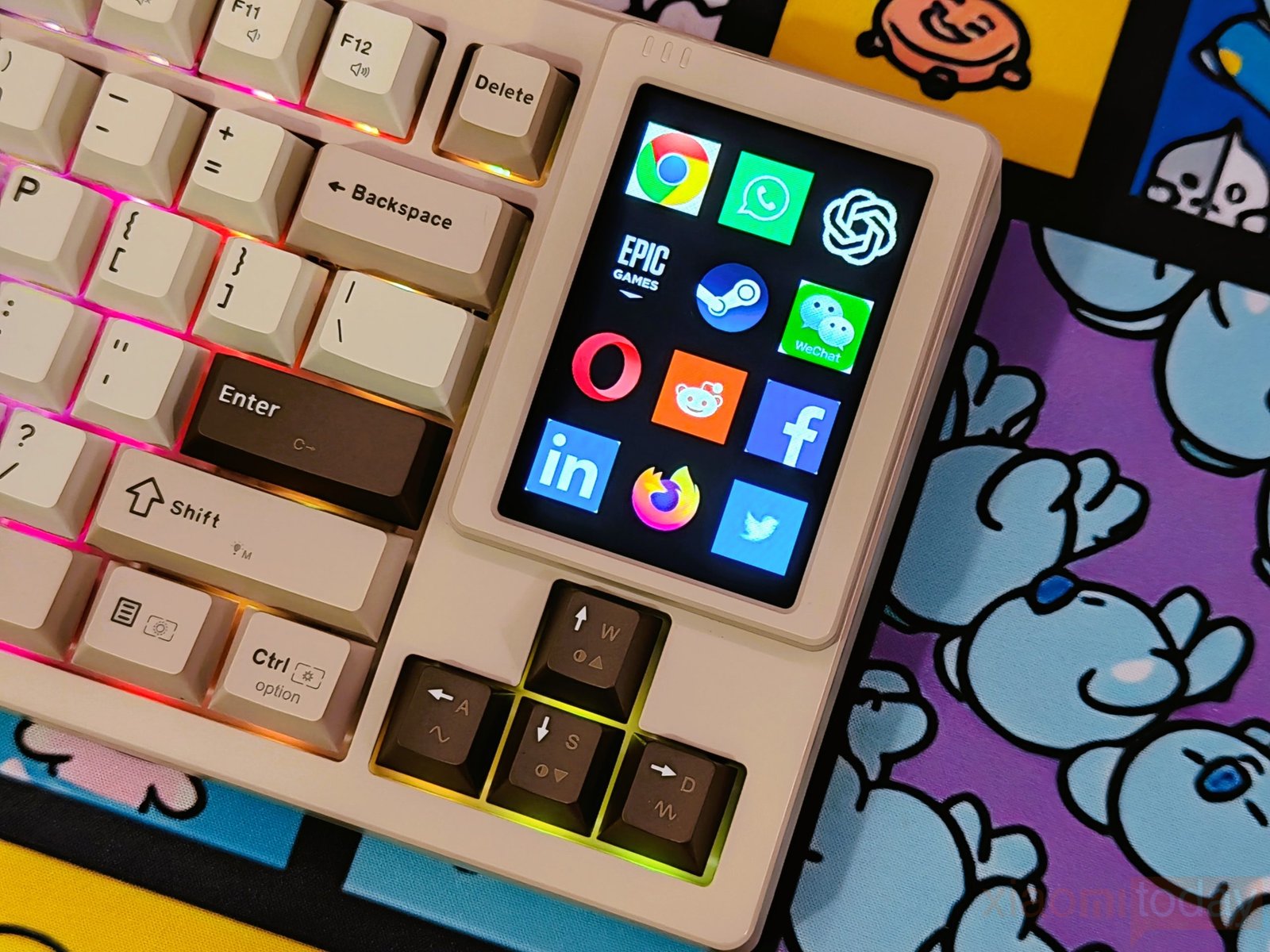
The DUO87 is also built around a modular design, with a dedicated area for the detachable smart screen and other magnetic modules. These modules attach securely and can be removed when they are not needed. The hot-swappable PCB gives users the option to change compatible switches without soldering, which is useful for anyone who likes experimenting with different switches. Combined with its solid ABS case, 1102g weight, stable base, and modular construction, the Womier DUO87 feels well suited to regular gaming and typing while leaving plenty of room for customization.
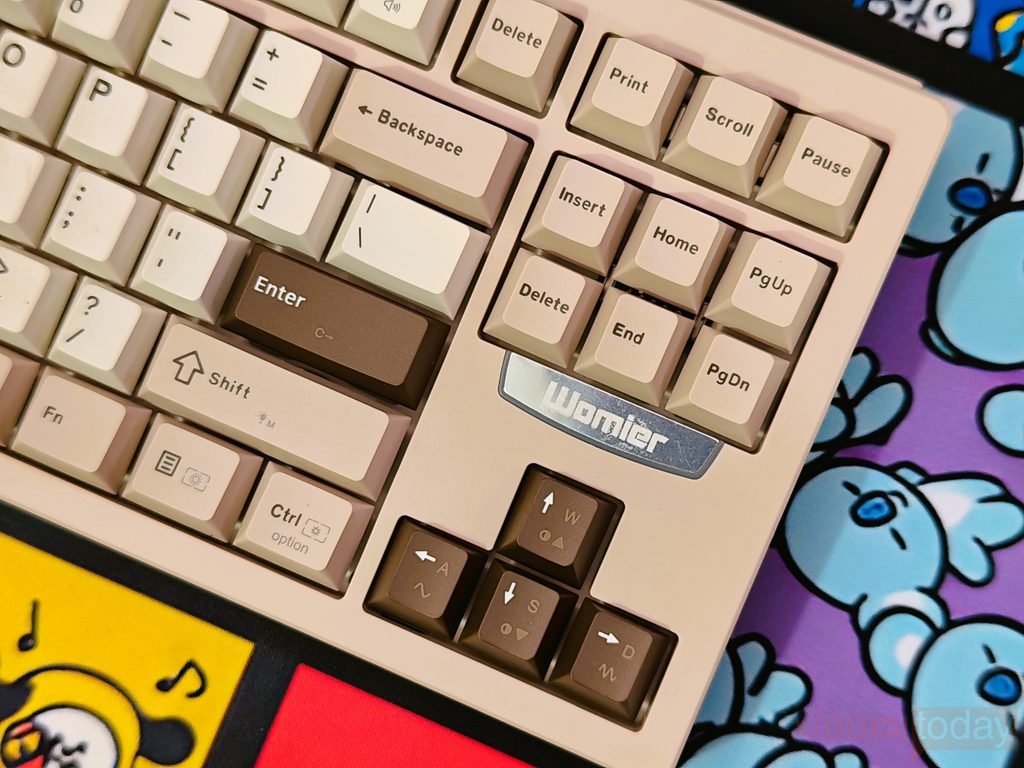
The Womier DUO87 has a clean finish around the navigation keys, with a metallic Womier badge placed below the Insert, Home, Delete, End, and PgDn keys. The badge adds a subtle branding touch to the keyboard without making the area look crowded.
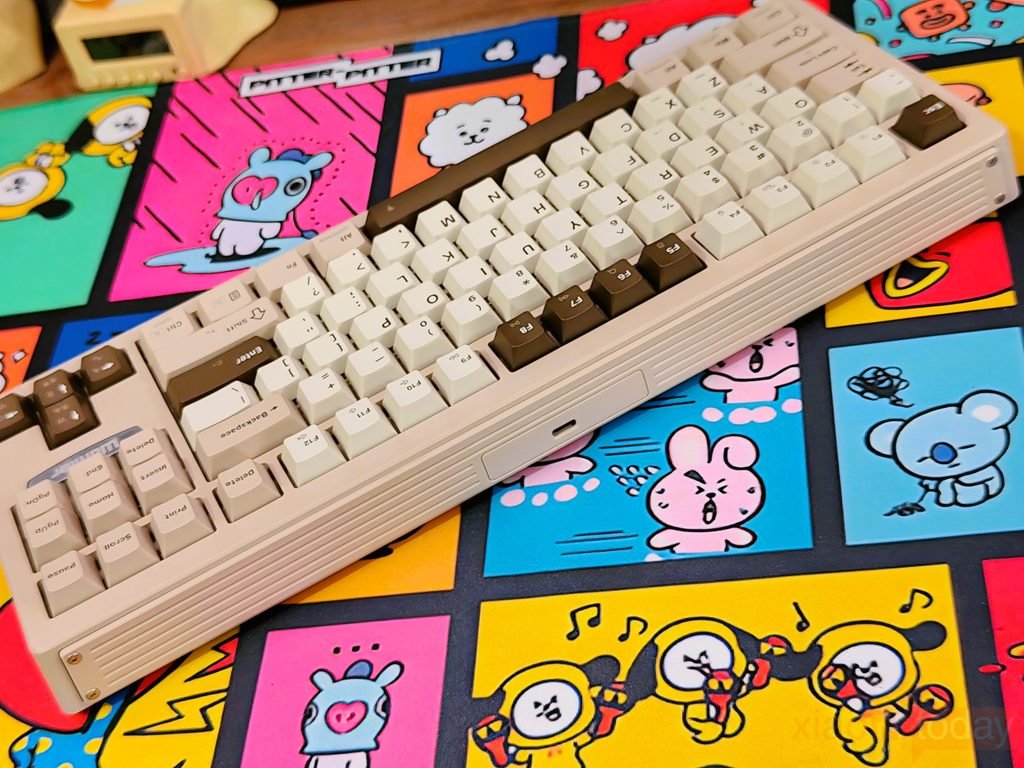
Along the side, the ABS case uses a layered profile with several long grooves running across the frame, giving it a more detailed look when viewed from the side. The USB Type-C port is positioned along the side of the case and sits neatly within the recessed section. The four visible screws at the corners also contribute to the overall construction, and the case feels firm when held and shows no noticeable flex during handling.
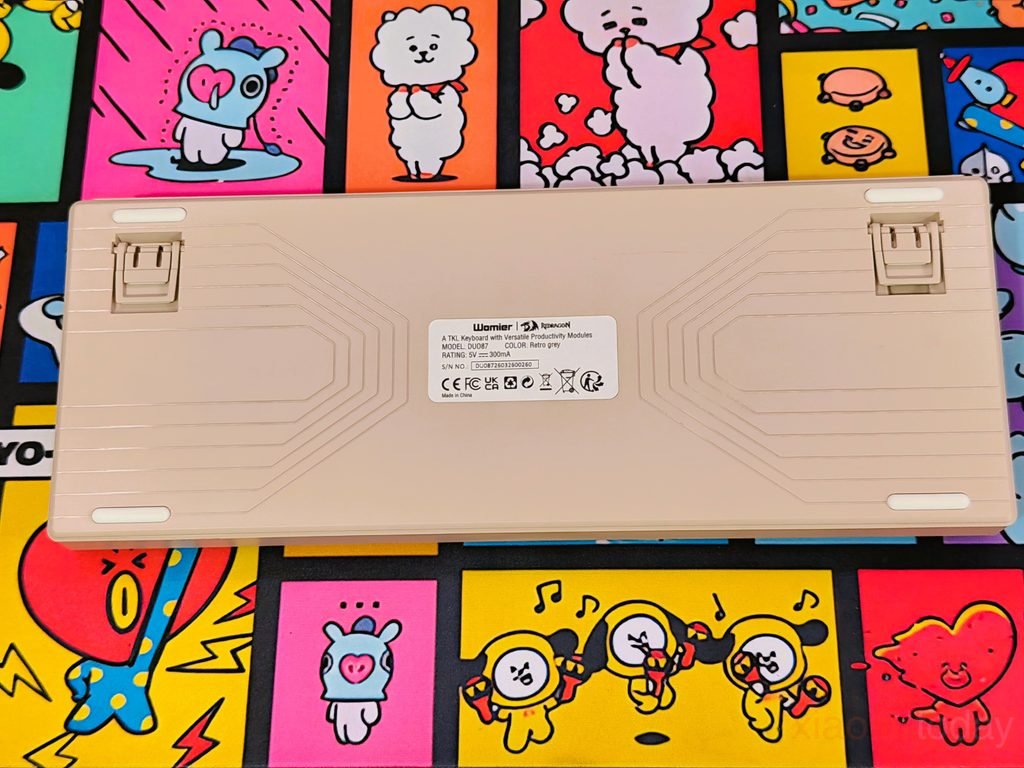
The bottom of the Womier DUO87 uses the same Retro Grey ABS finish as the rest of the case, with molded lines running across the panel. These lines add some texture to the otherwise plain underside, while the four rubber feet help keep the keyboard from moving around during use. There are also two adjustable kickstand feet, giving you the option to change the keyboard’s typing angle. The center section carries a product label with the Womier and Redragon branding and model information.
The Womier DUO87 uses a gasket-mounted design that gives the plate some room to flex when the keys are pressed. This keeps the key presses from feeling too hard against the case and gives the keyboard a softer typing response. The gasket structure also helps reduce vibrations moving through the case, which is useful when typing quickly or spending several hours at the keyboard. In actual use, the combination of the flexible plate and cushioning layers gives the DUO87 a more controlled feel than a rigid plate-mounted keyboard.
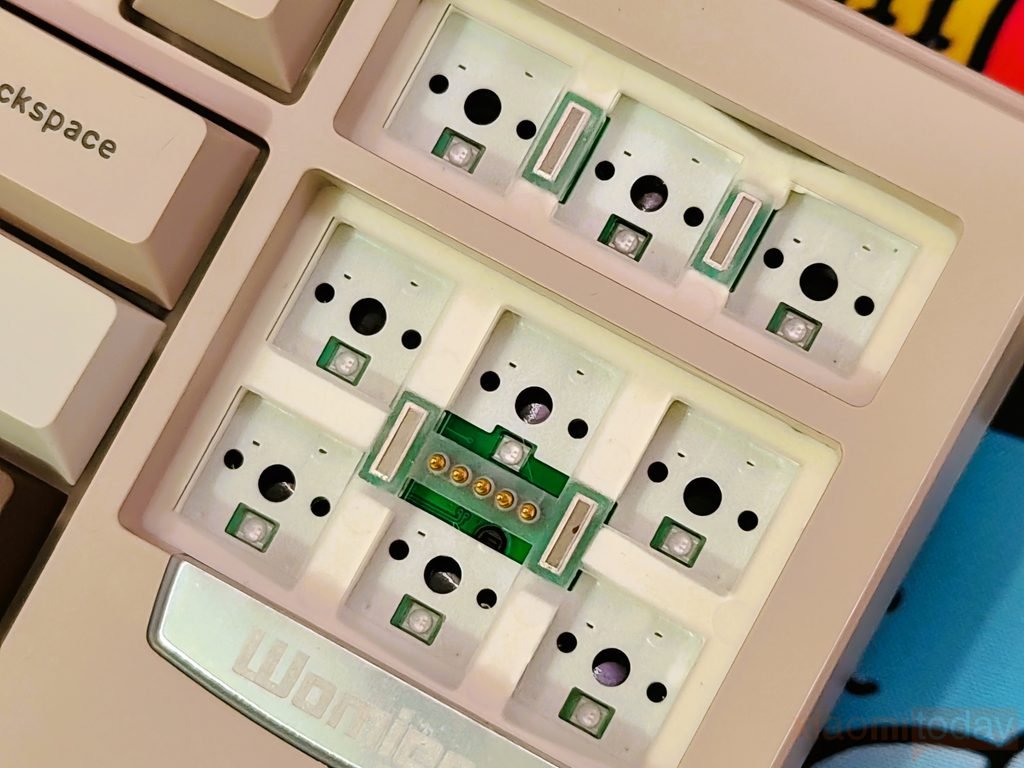
Womier has also used several layers inside the keyboard to manage sound and vibration. The internal structure includes a flex-cut plate, Poron plate foam, IXPE switch pad, PET acoustic pad, flex-cut FR4 PCB, EPDM case foam, and silicone sound-dampening pad. Each layer sits between different parts of the keyboard to reduce unwanted movement and empty space inside the case. This helps limit the hollow sound often produced by larger ABS keyboard cases and gives the DUO87 a deeper, more controlled typing sound while keeping the keys comfortable to use.
Screen & Base Design
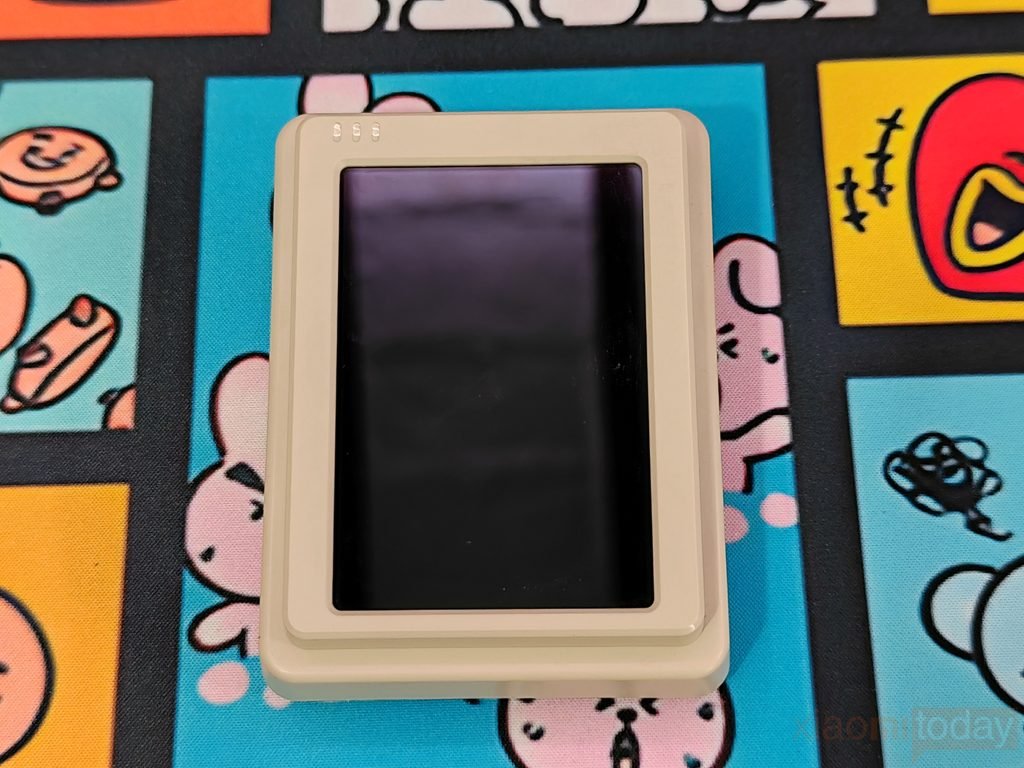
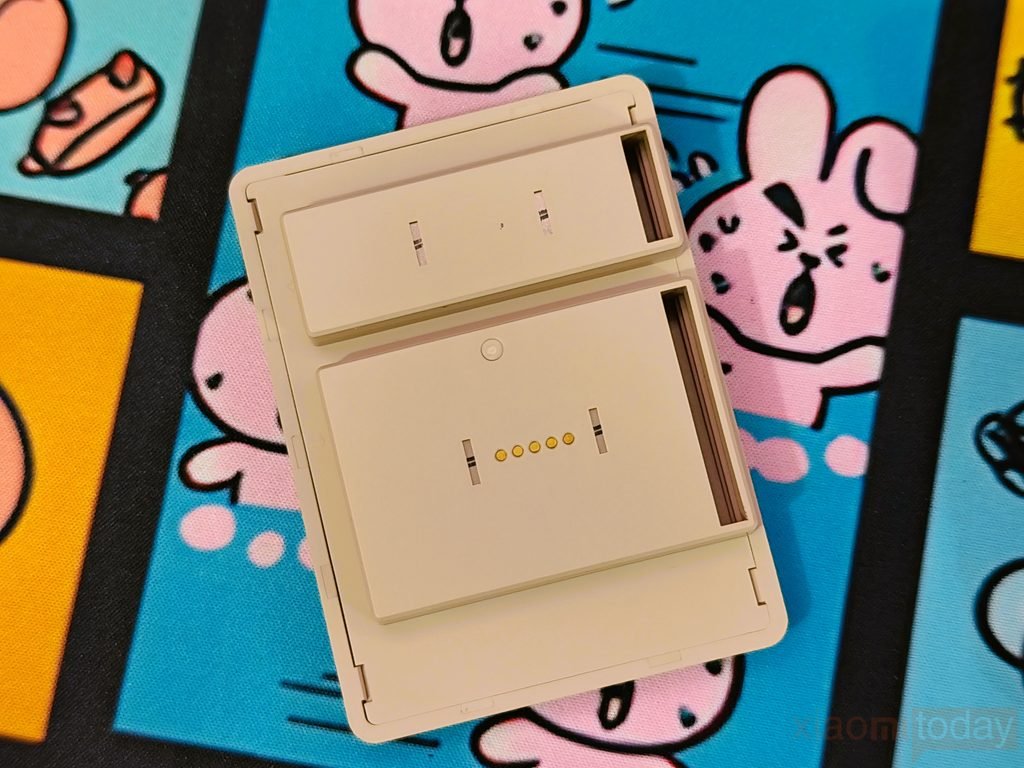
The Womier DUO87’s detachable smart screen comes in a compact cream-colored housing that matches the Retro Grey keyboard. The front features a large black display with a slim bezel, and the rounded corners complement the keyboard’s overall design. On the rear side of the screen, Womier has added gold-plated contact fins that connect the display to the keyboard or the separate screen base. These contacts align with the matching connection points when the screen is attached, allowing it to communicate and receive power without a separate cable between the display and its mounting point. The screen can be removed easily and moved between the keyboard and its base when needed.
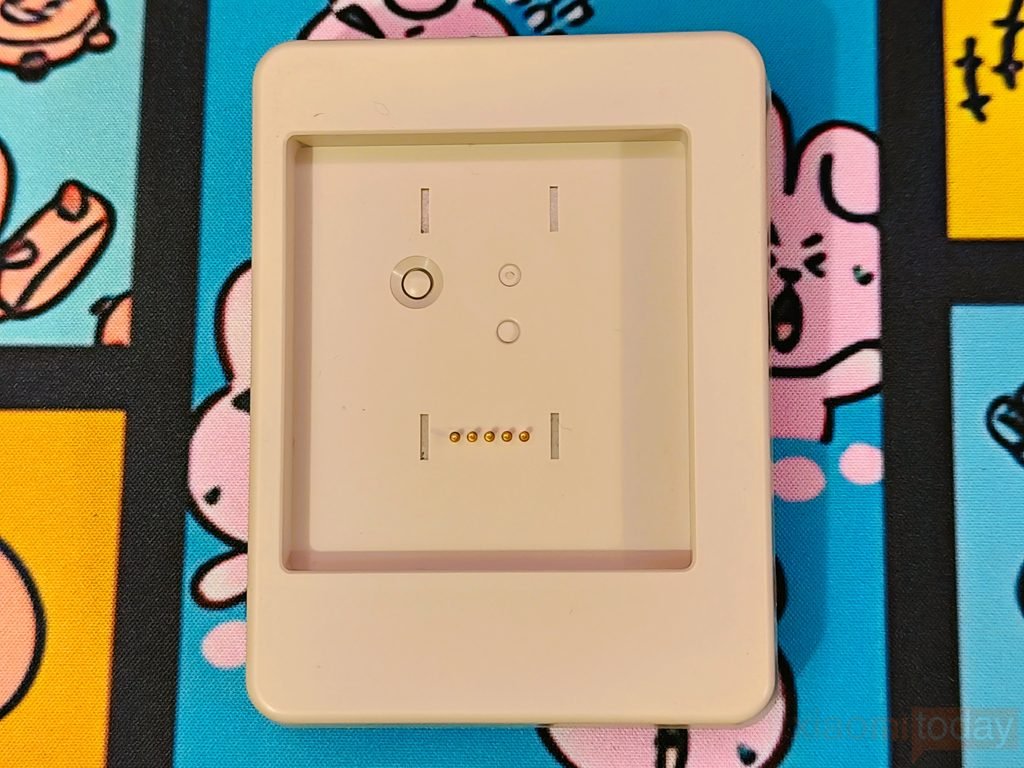
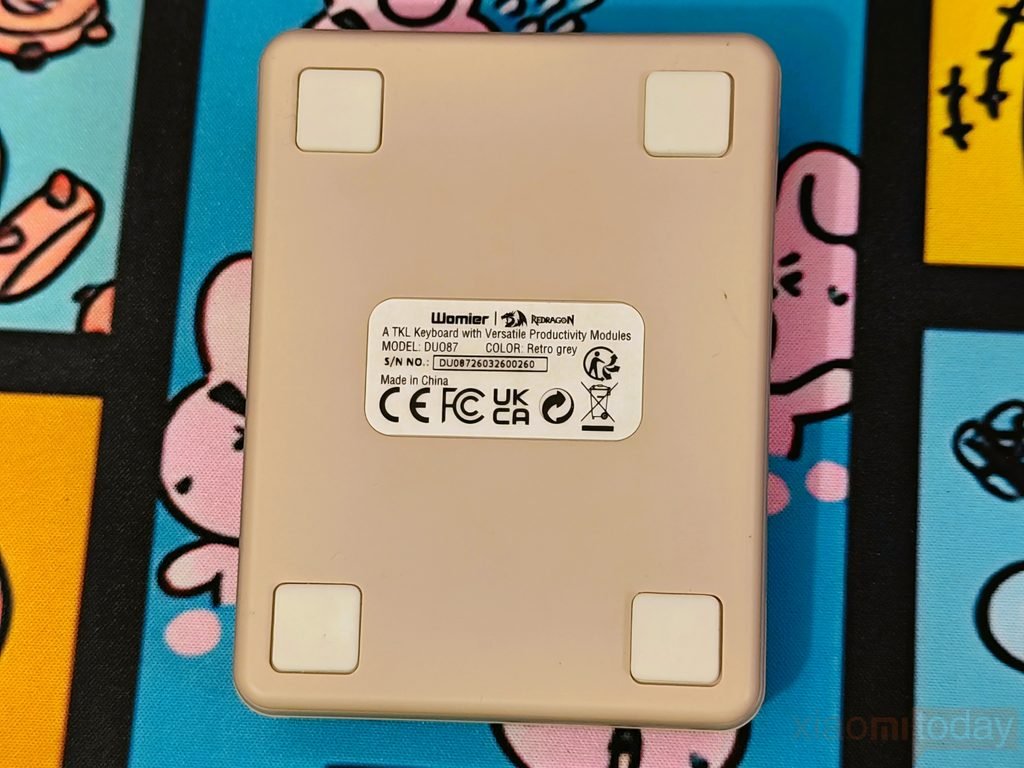
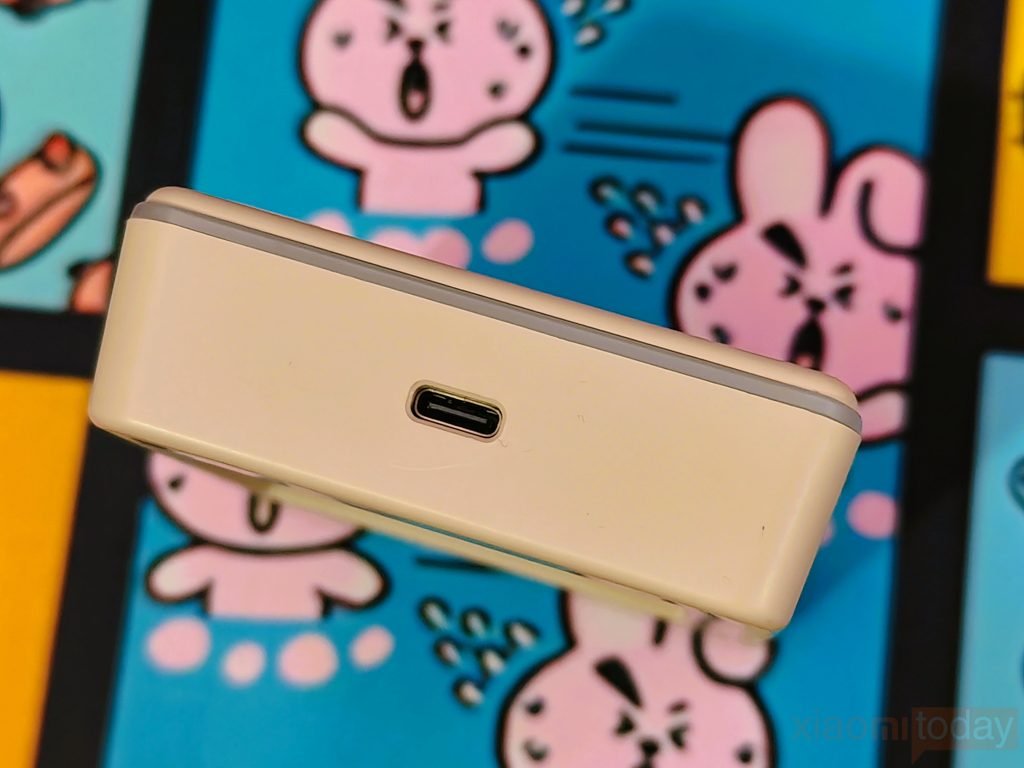
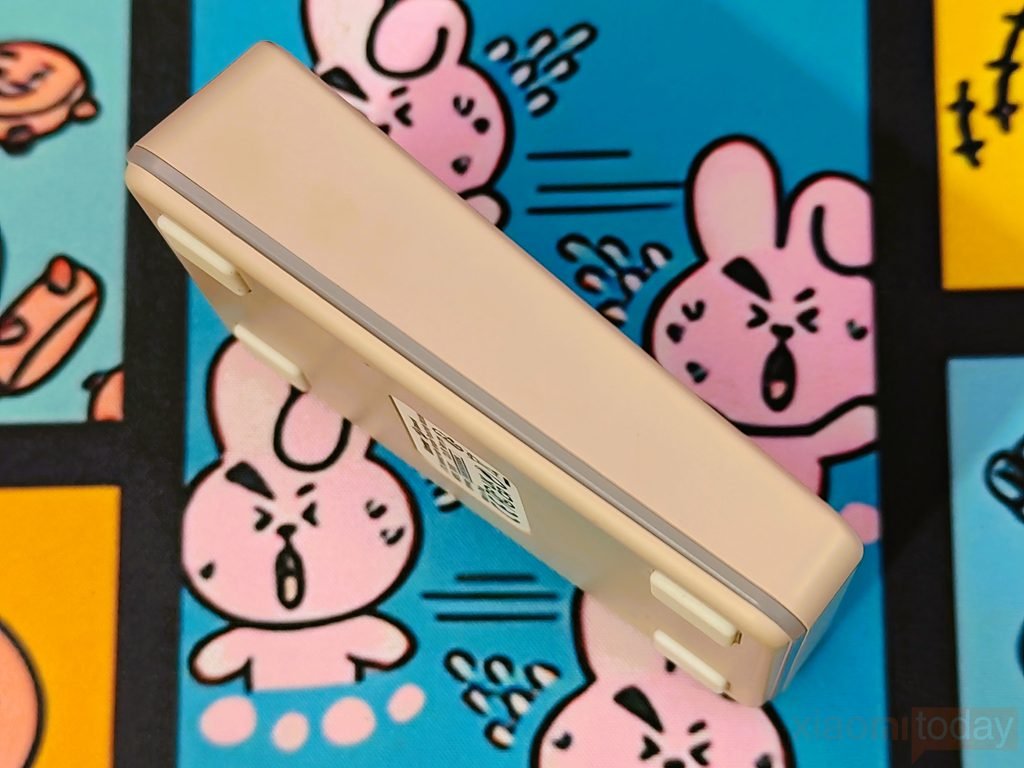
The screen base uses the same cream-colored finish and is designed to hold the display at a comfortable viewing angle. It has the matching contact points for the screen, keeping the module securely connected when placed on the base. The lower section features an RGB light strip, while a dedicated RGB button lets you control the lighting directly from the base. A USB Type-C port is also located on the base for connecting the screen, and four rubber feet underneath help keep the unit stable on the desk.
Duo Figure & Base Design
The Womier DUO87 includes a small Duo character figure that matches the Retro Grey color scheme of the keyboard. It has a cream-colored body with dark brown details on the hair, horns, eyebrows, and clothing, along with the Womier logo on its chest. The figure is well finished for a small desk accessory, with the different parts clearly defined. It sits on a square cream-colored base, with small pegs under its feet fitting into the corresponding holes on the base to keep it in position.
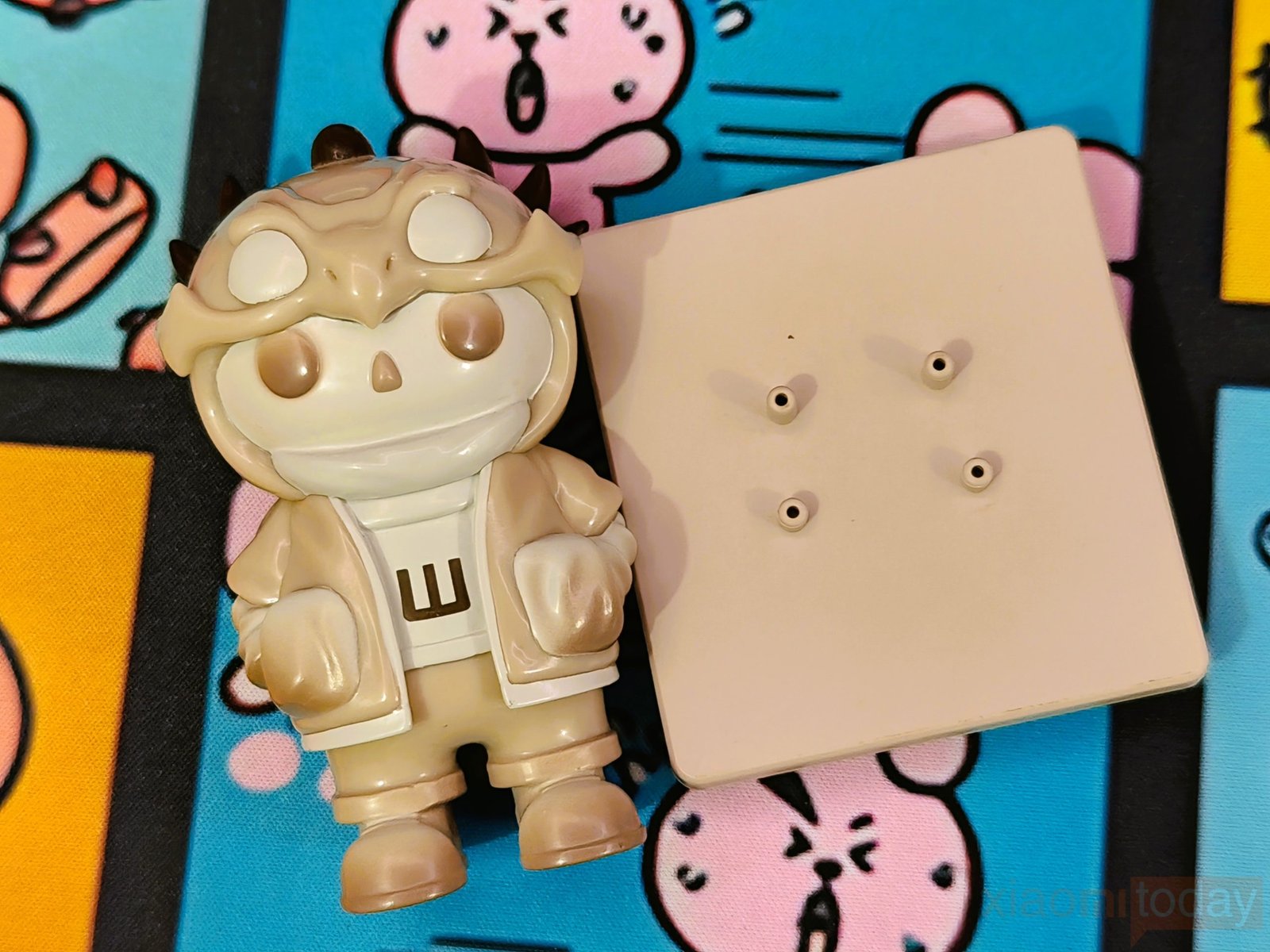
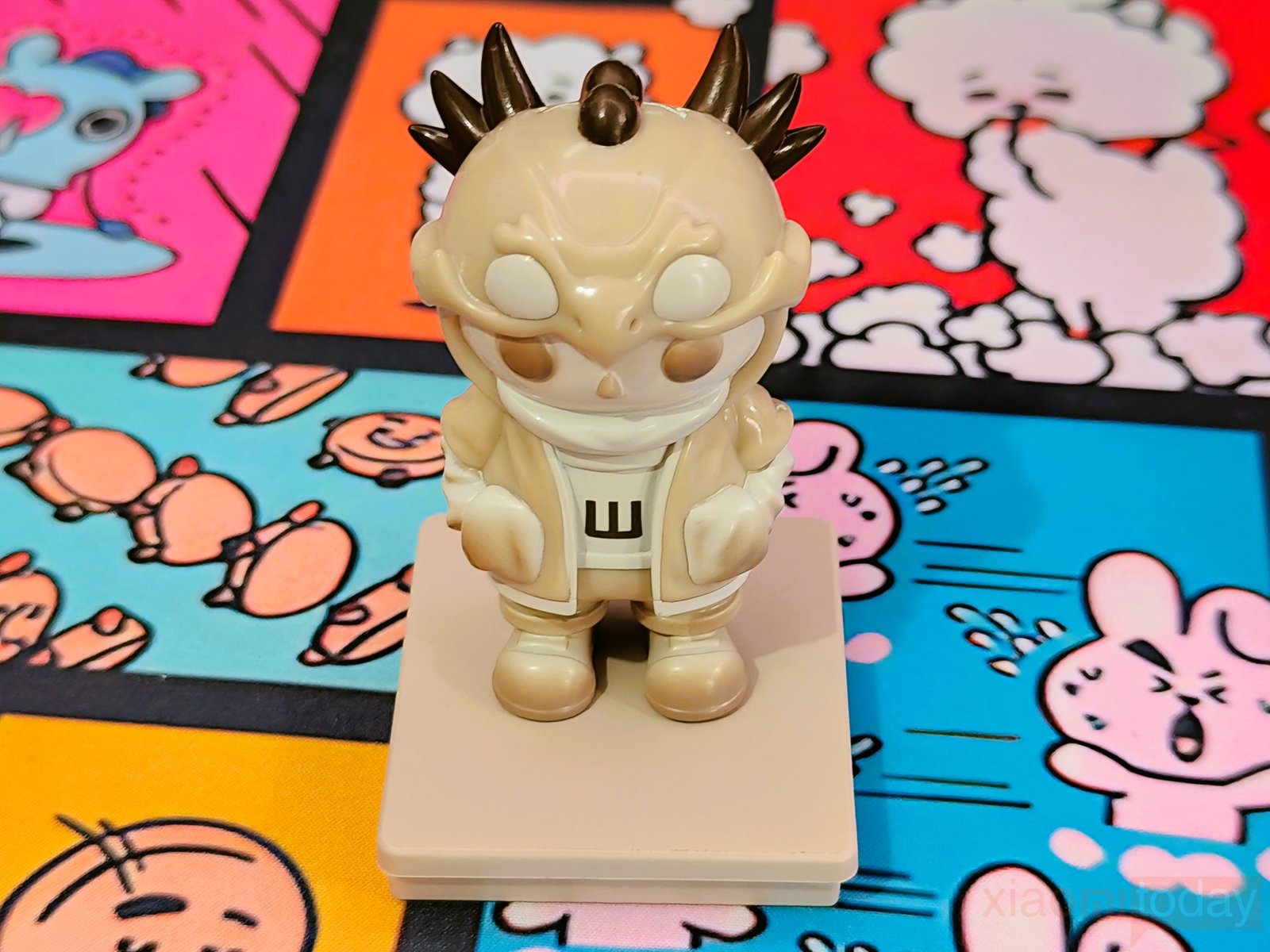
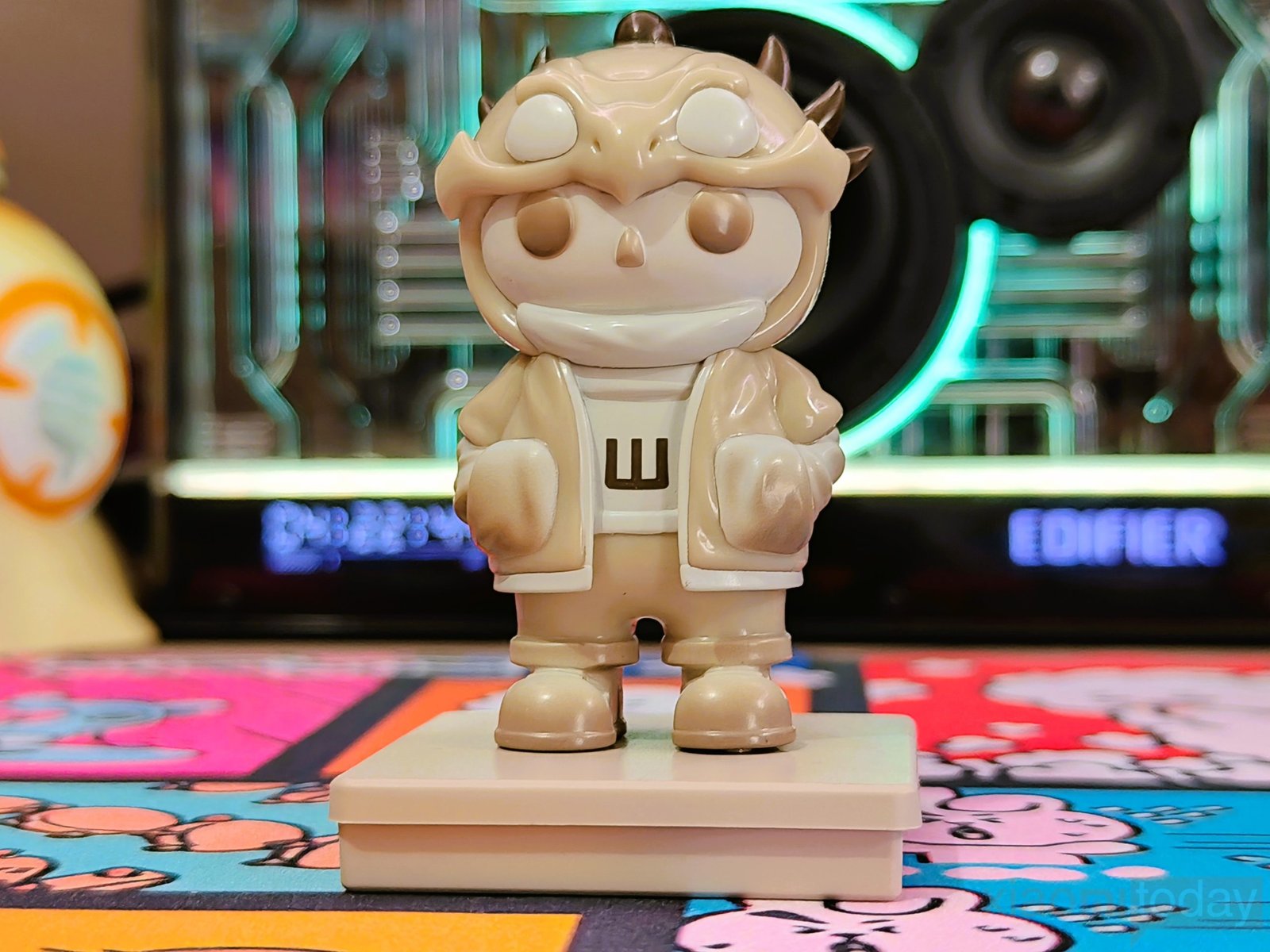
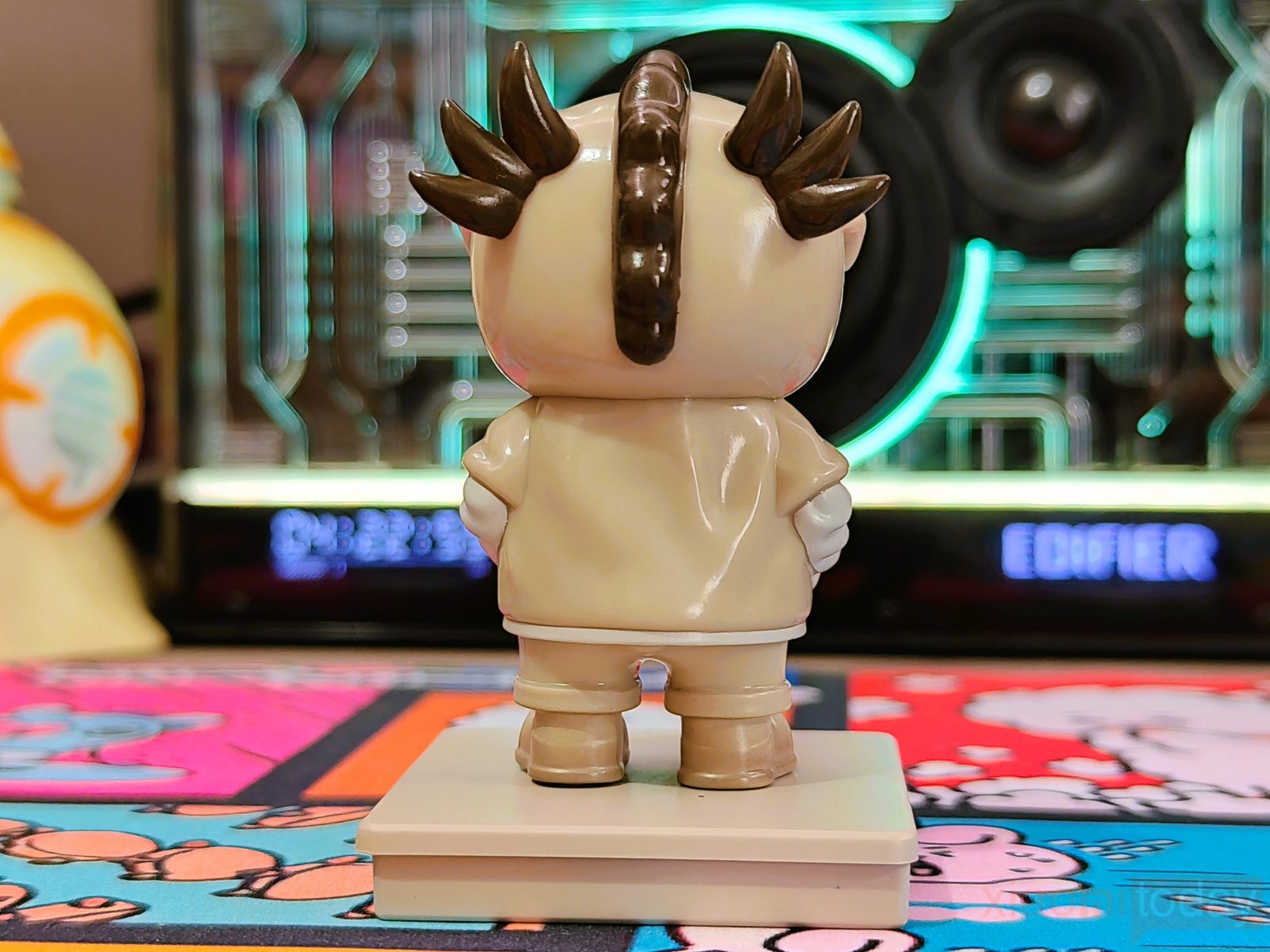
The Duo figure base follows the same color and finish used on the keyboard and screen accessories. Its two-level design gives the figure a slightly raised position, while the lower section provides a wider footprint on the desk. The base itself is simple, with no unnecessary controls or markings, and the figure can be removed when needed. Placed beside the Womier DUO87, it adds a small decorative touch to the setup and fits naturally with the keyboard’s modular design.
Keycaps & RGB Lighting
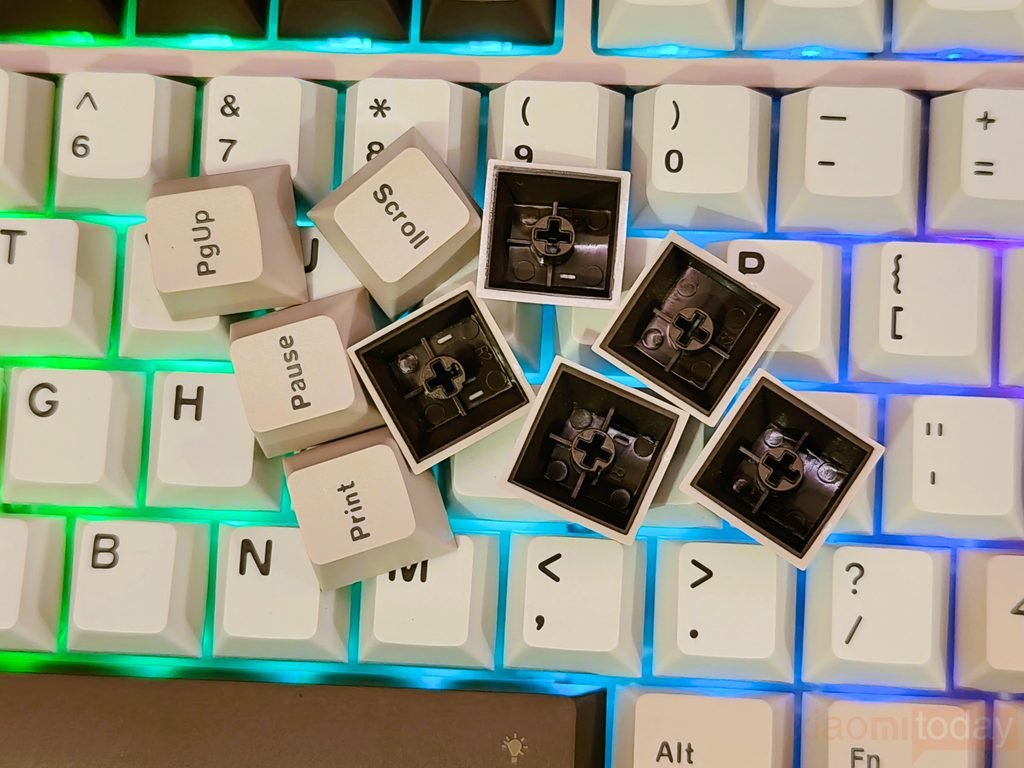
The Womier DUO87 uses PBT keycaps with a simple cream and brown color combination. The keycaps have a slightly textured surface that feels good under the fingers and does not quickly pick up an oily shine during regular use. The legends are clean and easy to read, while the different colors used for the Esc, function row, Enter, spacebar, and arrow keys give the keyboard a classic look. The overall design stays clean without making the keyboard look too busy.
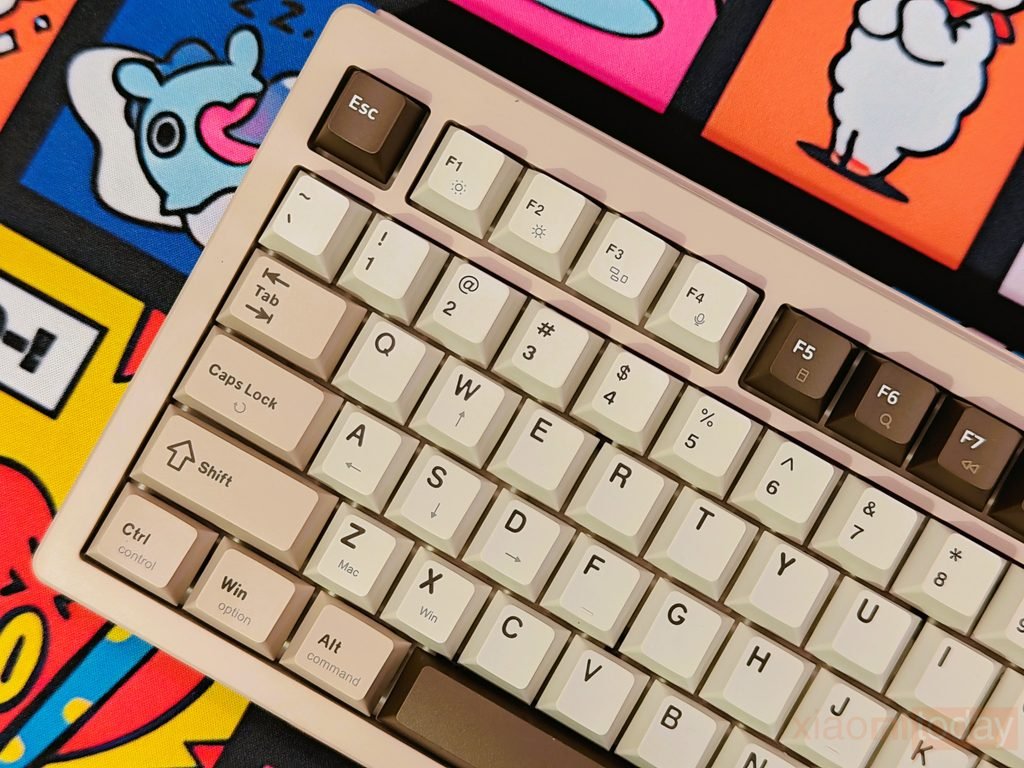
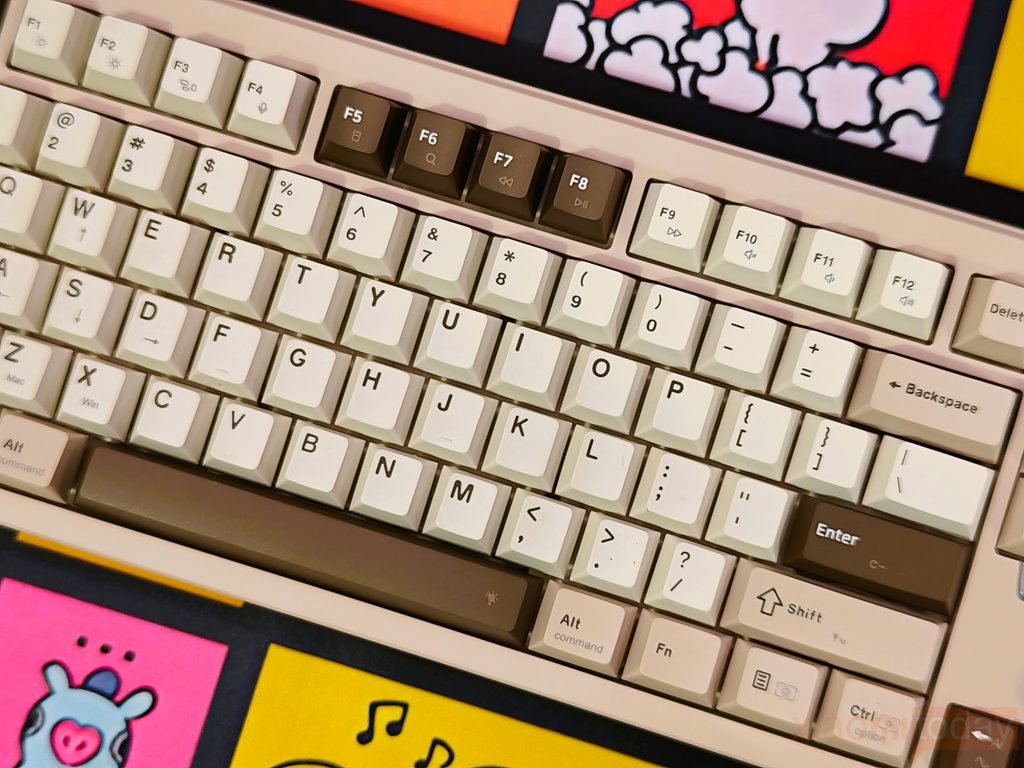
The keycap layout also works well with the DUO87’s 87-key design. The darker accent keys help separate important areas of the keyboard, while the cream-colored alphanumeric keys keep the main typing area easy to follow. After using the keyboard for typing and general desktop work, the PBT keycaps maintain their texture well and do not feel slippery. The combination of the keycap material and color scheme gives the Womier DUO87 a clean appearance that suits both gaming and everyday use.
| Shortcut | Function |
|---|---|
| Fn + Space | Turn backlight on/off |
| Fn + R Shift | Switch backlight effects |
| Fn + Enter | Switch backlight color |
| Fn + ↑ / ↓ | Increase/decrease backlight brightness |
| Fn + ← / → | Increase/decrease backlight speed |
| Fn + R Ctrl | Switch screen-base light strip mode |
| Fn + APP | Adjust screen-base light strip brightness |
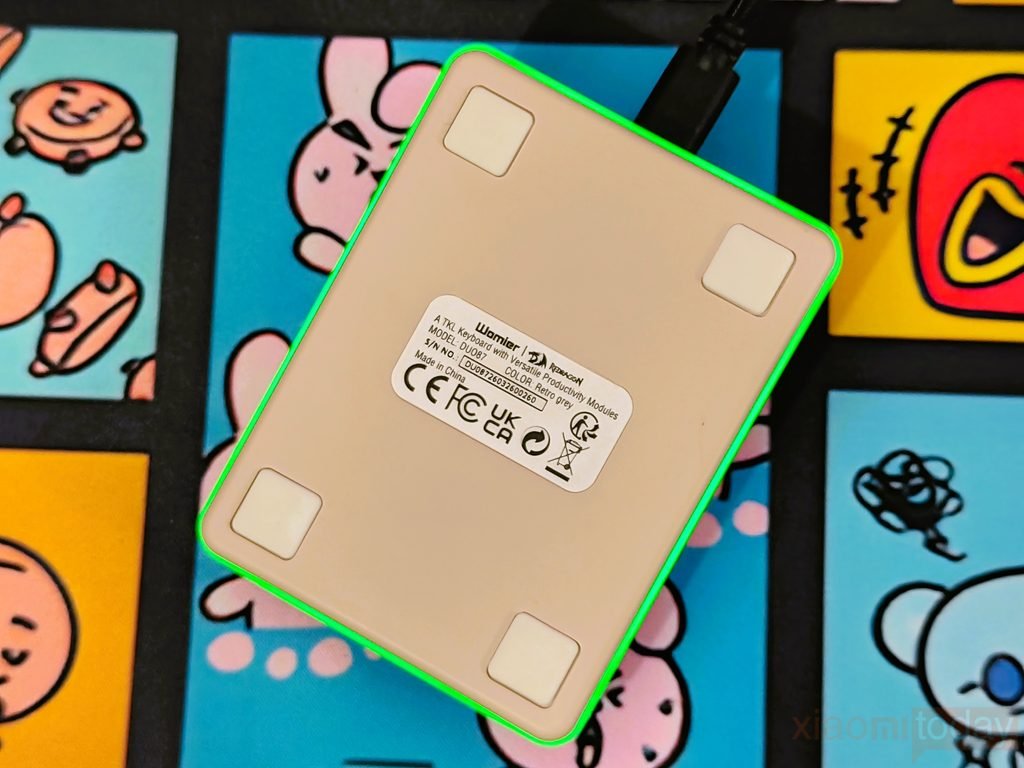
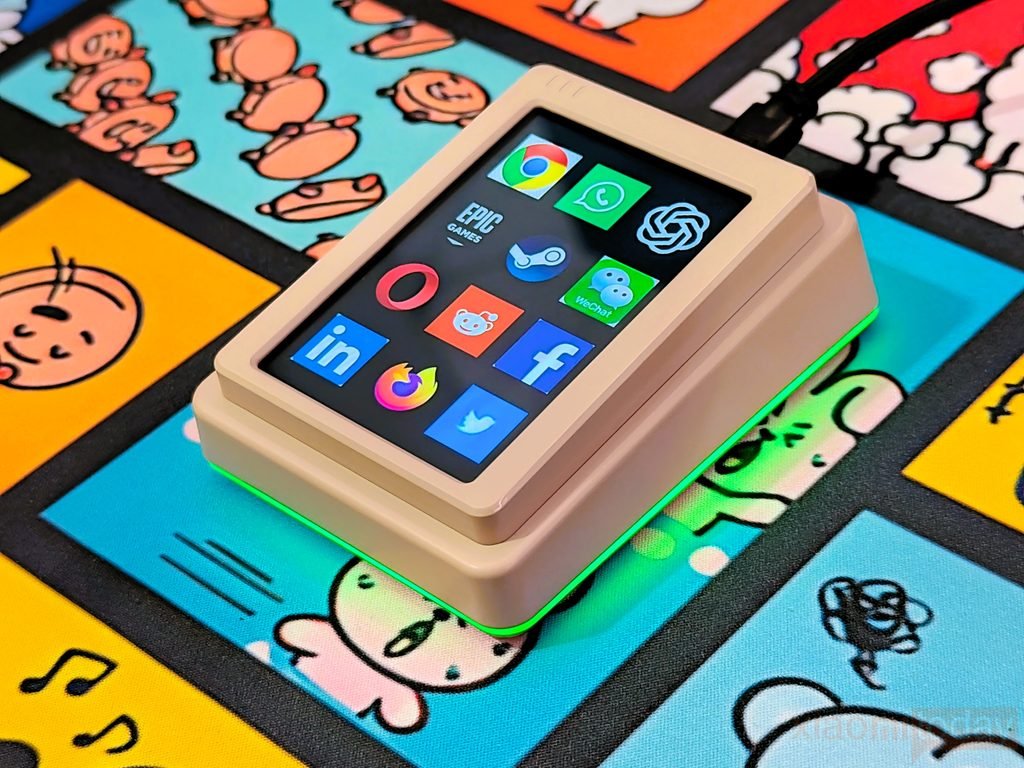
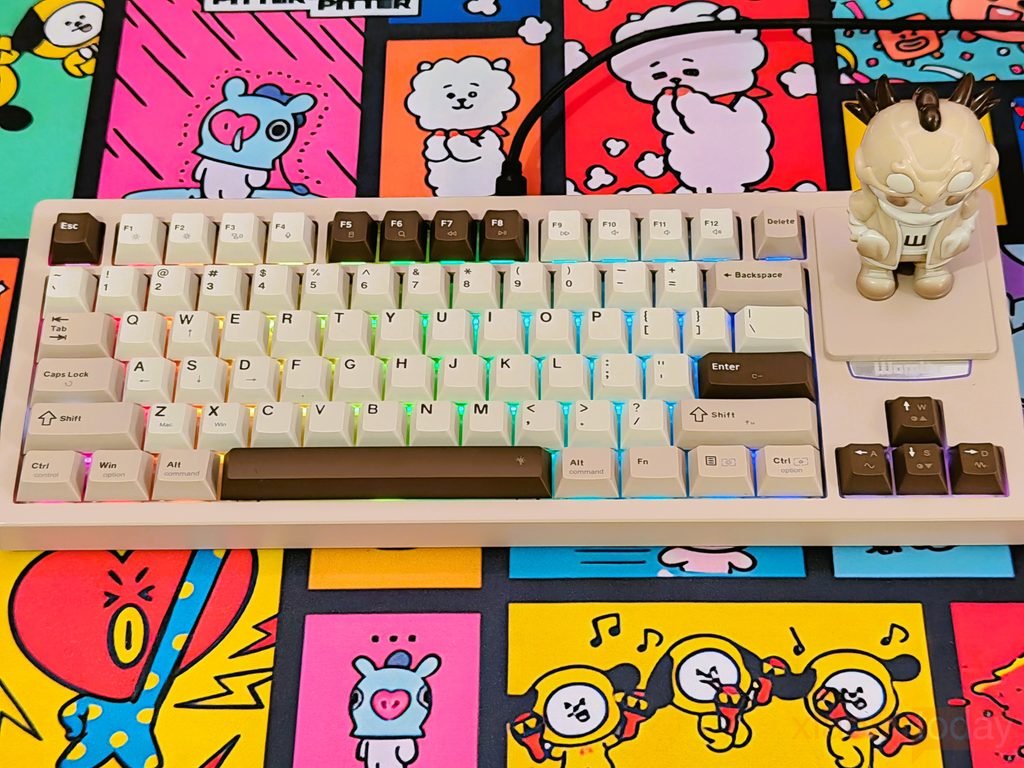
For RGB lighting, the Womier DUO87 supports 16.8 million RGB colors with multiple lighting effects, colors, brightness levels, and speed adjustments. RGB lighting is visible around the keycaps, and the screen base also has an RGB light strip running around its sides, giving the right side of the keyboard its own lighting effect. The main keyboard lighting and screen-base light strip can be adjusted using Fn shortcuts, making it easy to change the lighting without opening software.
Womier POM Switches
The Womier DUO87 review unit comes with Beige Womier POM switches, which use POM for the stem, top housing, and bottom housing. These are linear switches with a 50±5gf operating force, 60±5gf bottom-out force, 2.0±0.2mm pre-travel, and 3.8±0.2mm total travel. They are factory-lubed, and the smooth movement is noticeable when typing at a steady pace. The keypress stays consistent throughout the travel without the bump associated with tactile switches.
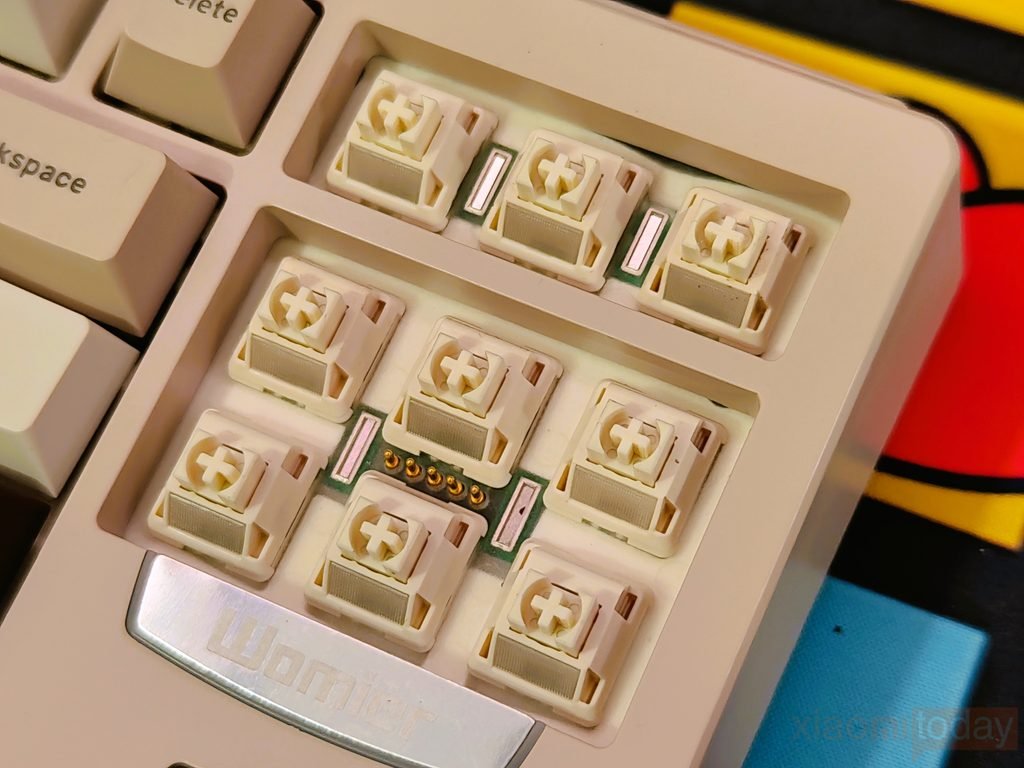
Womier offers the Full POM switches in Mint Blizzard, Rose Whisper, Taro, Beige, and Grey versions, with different force ratings depending on the model. The Beige version in our DUO87 uses a 20mm single-stage spring and is rated for up to 50 million keystrokes. Each switch also has an LED diffuser, which helps spread the RGB lighting around the switch and keycap. The factory lubrication also keeps the movement smooth without requiring any work before installation.
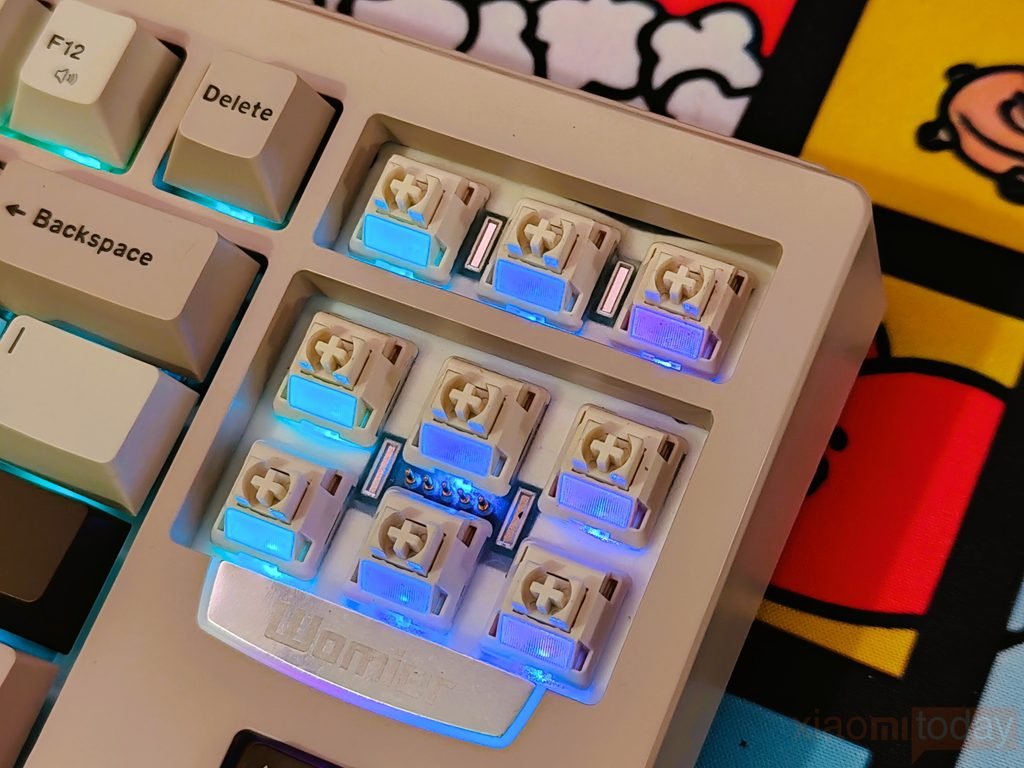
The DUO87 uses a hot-swappable PCB that supports both 3-pin and 5-pin switches, so changing switches does not require soldering. The Womier POM switches are designed to work with Womier keyboards and are also compatible with PCBs that support Cherry MX and MX-style switches. This gives you the option to replace the Beige switches later with another compatible switch if you want to change the typing feel.
Shortcut Keys
The Womier DUO87 keeps its main system and media controls on the Fn key combinations, so you can access common functions directly from the keyboard. The function row handles screen brightness, task switching, voice input, desktop access, search, media playback, mute, and volume. The available functions also change when the keyboard is used in Mac mode, giving the F-row shortcuts their corresponding macOS controls.
| Shortcut | Windows Function | Mac Function |
|---|---|---|
| Fn + F1 | Screen brightness − | Screen brightness − |
| Fn + F2 | Screen brightness + | Screen brightness + |
| Fn + F3 | Task View (Alt+Tab) | Mission Control (Ctrl+↑) |
| Fn + F4 | Voice input (Win+H) | Siri |
| Fn + F5 | Show desktop (Win+D) | Show desktop (F11) |
| Fn + F6 | Search | Search (Command+Space) |
| Fn + F7 | Previous track | Previous track |
| Fn + F8 | Play/Pause | Play/Pause |
| Fn + F9 | Next track | Next track |
| Fn + F10 | Mute | Mute |
| Fn + F11 | Volume − | Volume − |
| Fn + F12 | Volume + | Volume + |
Beyond the F-row controls, the DUO87 includes a few system shortcuts for switching between operating modes and keyboard functions. Fn + Win locks or unlocks the Windows and App keys, while Fn + Caps Lock restores the factory settings when held for three seconds. Fn + W switches between WASD and arrow-key functions. For operating systems, Fn + Z selects Mac mode and Fn + X selects Windows mode.
DUO87 Play Deck Software


The DUO87 Play Deck software gives you control over the keyboard’s display and programmable buttons from a single interface. After connecting the keyboard, the software recognizes the device and shows the available settings. In Key Mode, each Play Deck button can be customized by selecting an option from the Function Library and assigning it to the required position. This is useful for setting shortcuts for frequently used apps, commands, or other supported functions without changing the main keyboard layout.
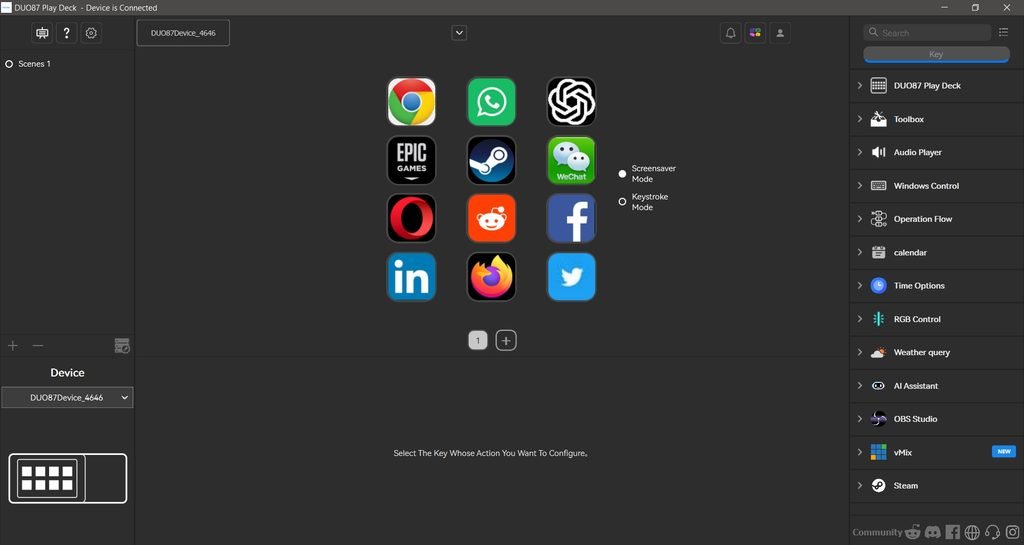
The display can also be customized through Screensaver Mode. You can upload your own images or GIFs at 320 × 480 resolution, with support for JPG, JPEG, PNG, and GIF files. There is also a Keystroke Mode, which allows the screen to show key input instead of the screensaver content. In use, switching between these modes is simple, and the software provides a clear way to manage what appears on the DUO87 Play Deck screen.
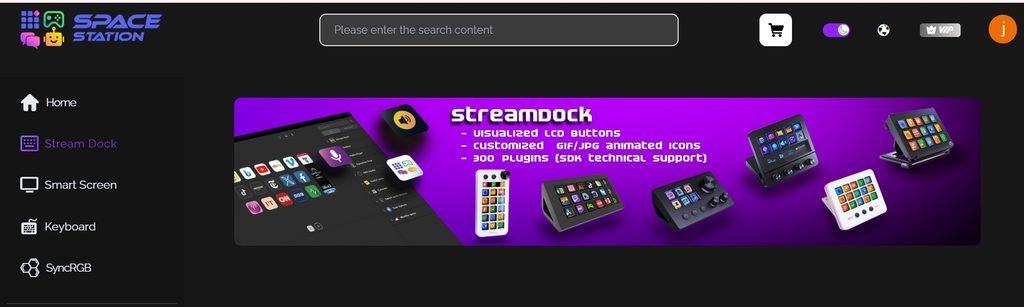
The software also includes Space Station, where you can access additional plugins, icons, and extensions. After signing in, available content can be downloaded and added to the software, while icons can be assigned to individual Play Deck buttons through the Icon Library. The Function Library includes options such as Audio Player, Windows Control, OBS Studio, Steam, RGB Control, Weather Query, Calendar, and Time Options, allowing the Play Deck to be configured for different tasks depending on how you use the keyboard.
VIA Software
The Womier DUO87 supports VIA, giving you another option for configuring the keyboard. Getting it running requires downloading the DUO87 JSON file from Womier’s software page, connecting the keyboard to a computer, and opening VIA. In VIA’s settings, enable the Show Design tab, upload the JSON file, and then use Authorize Device to add the DUO87 to the configuration screen. Once the device is loaded, the keyboard layout appears in the VIA interface and is ready for customization.
VIA lets you remap individual keys and create different layouts using its layer system. You can assign alternative functions to keys and switch between layers when you need different shortcuts for specific applications or tasks. Macro programming is also available, allowing a sequence of commands to be assigned to a key rather than entering each command manually.
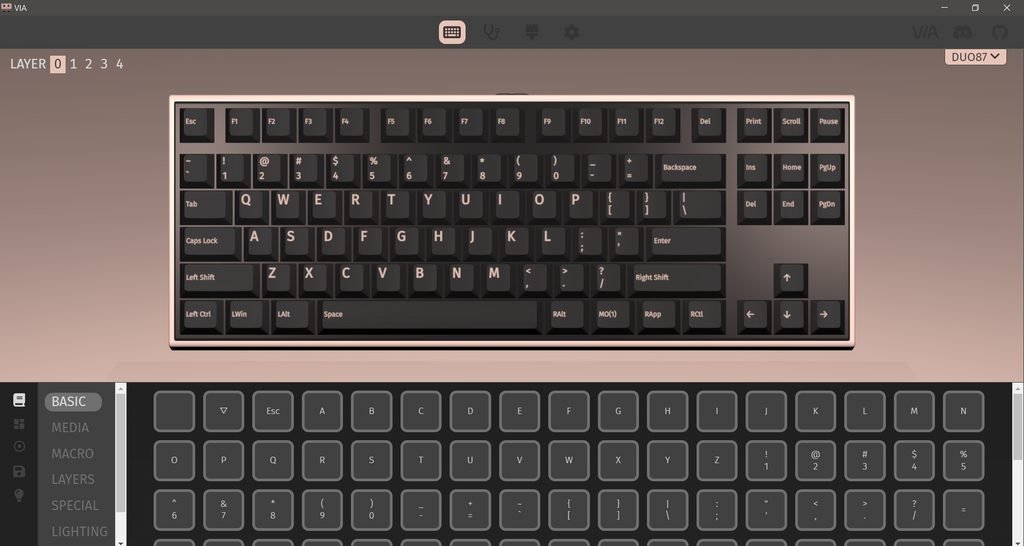
The DUO87’s VIA configuration also provides access to lighting customization and advanced key functions supported by the keyboard. The on-screen keyboard makes it easy to select a key and change its assigned function. For users who prefer VIA’s browser-based interface, the setup takes only a few steps once the DUO87 JSON file is loaded, and the saved configuration can then be used with the keyboard without relying on the dedicated DUO87 software.
Connectivity
The Womier DUO87 uses a wired-only connection, with no Bluetooth or 2.4GHz wireless mode. It connects directly to the computer through USB, which keeps the setup simple. There is also no battery inside the keyboard, so you do not have to deal with charging or checking battery levels during use.
For a desktop keyboard, the wired connection works well if the DUO87 is going to stay at the same workstation. There is no wireless receiver to manage and no connection mode to switch between. The keyboard receives its power directly through USB, so the display, Play Deck controls, RGB lighting, and other functions can be used while the keyboard remains connected to the PC.
Typing and Gaming Experience
I used the Womier DUO87 as my daily keyboard for two weeks, covering regular typing, web browsing, writing, and gaming. The Beige Womier POM switches have a smooth linear feel, and the factory lubrication keeps the keypress consistent throughout the travel. With 50±5gf operating force, 2.0mm pre-travel, and 3.8mm total travel, the switches feel light enough for longer typing sessions without feeling too sensitive. The gasket-mounted structure also adds some softness to each press, while the PBT keycaps provide a comfortable textured surface for extended use.
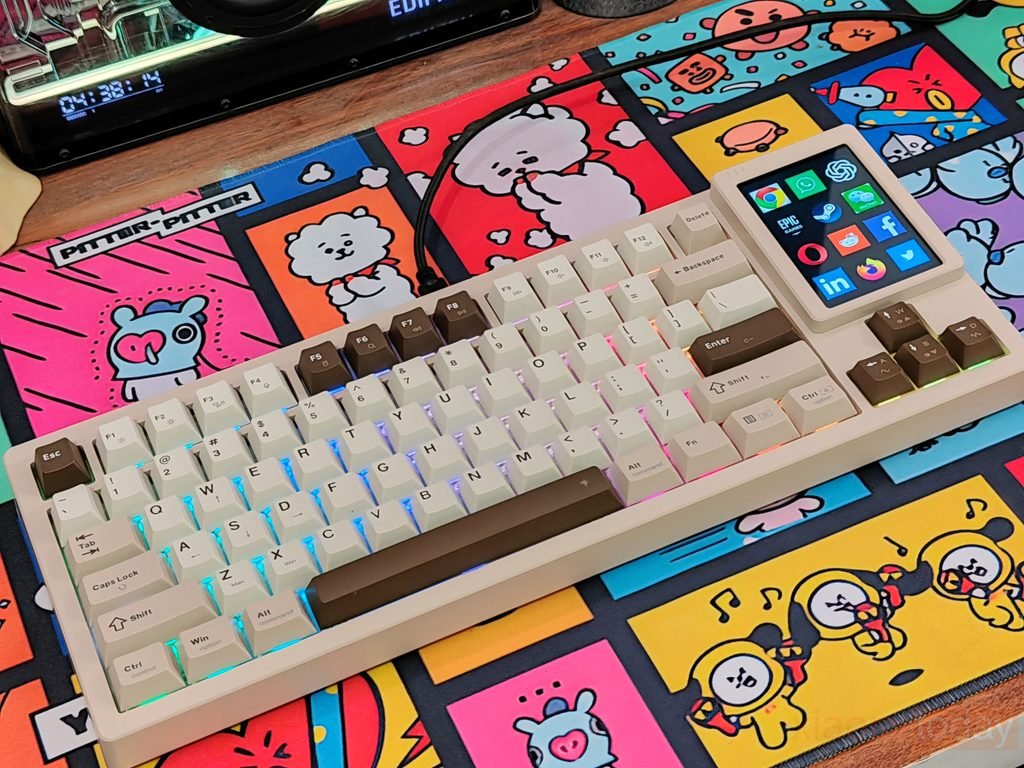
During everyday typing, the TKL layout worked well for writing articles, browsing the web, and general desktop tasks. The function row, navigation keys, and arrow keys are all within easy reach, while the smaller footprint leaves more room for the mouse. The combination of the linear POM switches, gasket mount, flex-cut plate, and internal dampening layers gives the keyboard a softer feel than a rigid mechanical keyboard. I also found the sound more controlled during longer typing sessions, without the hollow echo that can sometimes come from larger ABS keyboard cases.
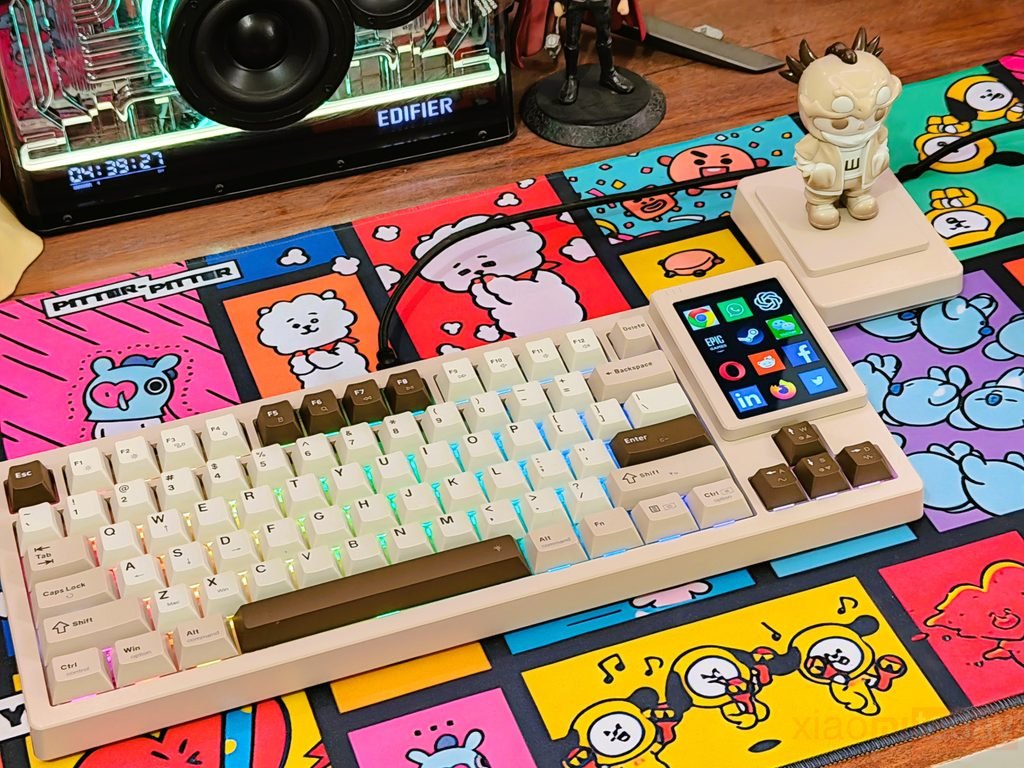
For gaming, I tested the Womier DUO87 with Counter-Strike 2, Valorant, Call of Duty: Warzone, Apex Legends, Forza Horizon 5, and GTA V. The linear switches work well for movement-heavy games, especially when repeatedly pressing WASD. In Counter-Strike 2 and Valorant, the smooth key movement made rapid strafing and movement changes feel natural, while Warzone and Apex Legends benefited from the consistent response when moving, crouching, and switching between actions. Forza Horizon 5 and GTA V also worked well with the TKL layout, giving plenty of space for the mouse without losing the dedicated function and navigation keys.
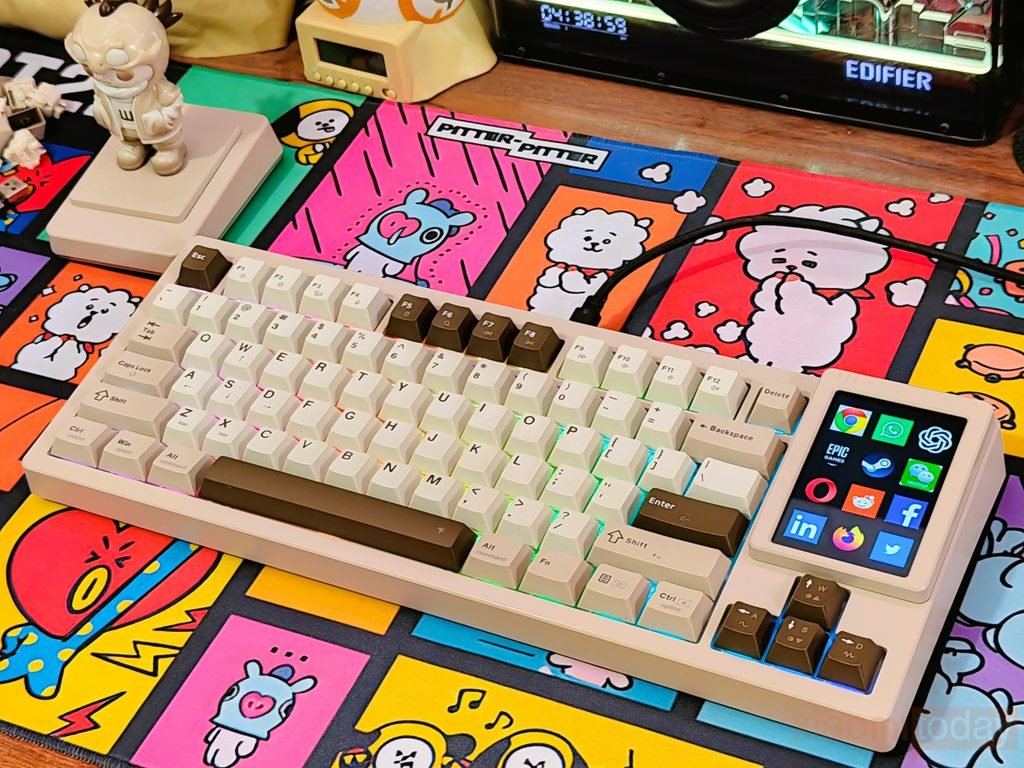
The keyboard stayed firmly in place during gaming thanks to its 1102g weight and rubber feet, so I did not have to reposition it during longer sessions. The wired USB connection also keeps things simple, with no wireless receiver or battery to manage. The Fn + W shortcut for switching between WASD and arrow-key functions is useful when changing between different setups. After two weeks, the DUO87 has proven comfortable for both daily typing and gaming, with its smooth linear switches and softer gasket-mounted feel being the parts I noticed most during regular use.