Symmetrical Controller layouts continue to attract players who prefer balanced analog stick placement for competitive and extended play sessions. With the Gulikit TT MAX and Gulikit TT PRO, GuliKit targets this segment with a hardware-focused approach that prioritizes input precision and wireless performance. Both models combine an Xbox-style grip profile with a PlayStation-inspired button layout, aiming to deliver comfort without abandoning familiar ergonomics.
The Gulikit TT MAX and TT PRO incorporate a tension-adjustable TMR magnetic joystick system built for fine control. Each stick supports up to 720° stepless force tuning via a concealed adjustment mechanism that helps avoid unintended changes mid-session. GuliKit specifies anti-drift durability for the modules and cites up to 4000 levels of precision for input accuracy. For wireless connectivity, the controllers feature the company’s Hyperlink 2 technology, with claimed latency figures as low as 2.62ms on PC, targeting responsive performance in competitive and fast-paced games.
The trigger system uses a switchable 2-in-1 design that allows users to toggle between Hall effect analog input and microswitch digital response, depending on the game type. Vibration feedback is handled by magnetic levitation motors with selectable modes and adjustable intensity. Additional features include gyro support for Switch and PC motion aiming, anti-snapback settings, RGB lighting control, deadzone adjustments, programmable metal back paddles, and interchangeable D-pads and stick caps for tailored input feel.
In this hands-on review, we examine build quality, real-world latency performance, trigger behavior, and long-session comfort to determine how the TT MAX and TT PRO perform across different gaming scenarios.
Specifications
| Feature | GuliKit TT MAX | GuliKit TT PRO |
|---|---|---|
| Joysticks | 720° stepless tension-adjustable magnetic TMR joysticks with a hidden adjustment mechanism | 720° stepless tension-adjustable magnetic TMR joysticks with a hidden adjustment mechanism |
| Precision Level | 4000-Level precision, anti-drift durability | 4000-Level precision, anti-drift durability |
| Wireless Technology | Hyperlink 2 Bluetooth (2.62ms ultra-low latency on PC) | Hyperlink 2 Bluetooth (2.62ms ultra-low latency on PC) |
| Triggers | 2-in-1 Hall effect & microswitch switchable triggers | 2-in-1 Hall effect & microswitch switchable triggers |
| Vibration Motors | Magnetic Levitation Motors (HD / Super Haptic / Rotor modes, adjustable intensity) | Magnetic Levitation Motors (HD / Super Haptic / Rotor modes, adjustable intensity) |
| Back Paddles | 4 removable metal paddles | 4 removable metal paddles |
| Interchangeable Stickcaps | 3 sets (different heights) | Not included |
| Interchangeable D-Pads | 2 styles (4/8 way swap support) | 2 styles |
| Layout Keycaps | Switch & PC layout keycap sets | Switch & PC layout keycap sets |
| Bluetooth Adapter | Hyperlink 2 multi-functional adapter (Xbox / PS / Switch / PC support) | Hyperlink 2 multi-functional adapter (Xbox / PS / Switch / PC support) |
| Gyro Support | Switch gyro + Motion aiming on PC | Switch gyro only |
| APG Function | 10 minutes recording & auto playback | 10-second recording & auto playback |
| Anti-Snapback | Yes | Yes |
| RGB Lighting | Yes | Yes |
| Joystick Sensitivity Adjustment | Yes | Not specified |
| Deadzone Adjustment | Yes (on/off) | Yes (on/off) |
| Battery | 950mAh | 950mAh |
| Connectivity | Wired + Bluetooth | Wired + Bluetooth |
| Platform Support | Switch 1/2, Windows, SteamOS, Android, iOS | Switch 1/2, Windows, SteamOS, Android, iOS |
| Wake-Up Support (Switch) | Yes | Yes |
Unboxing
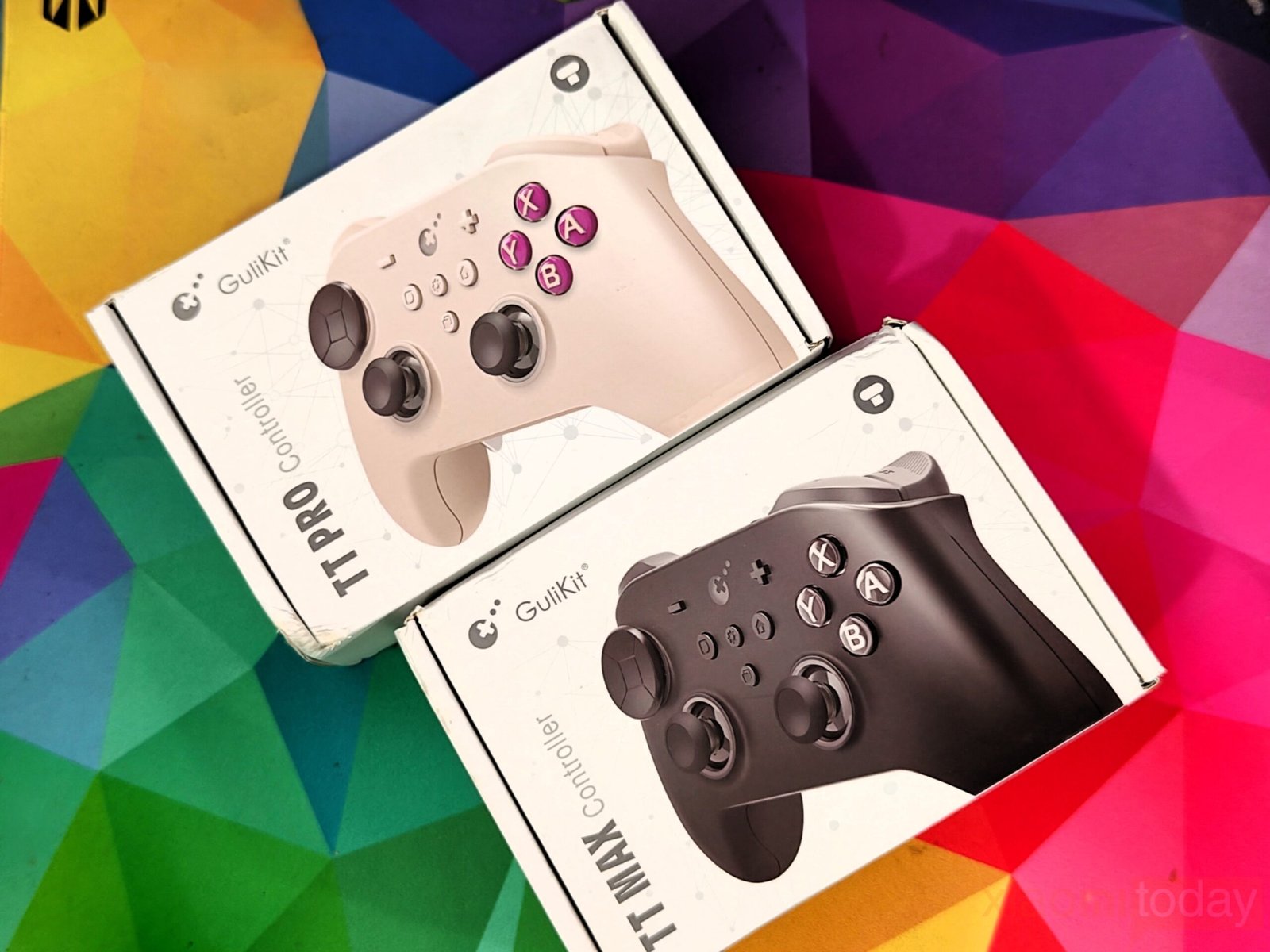
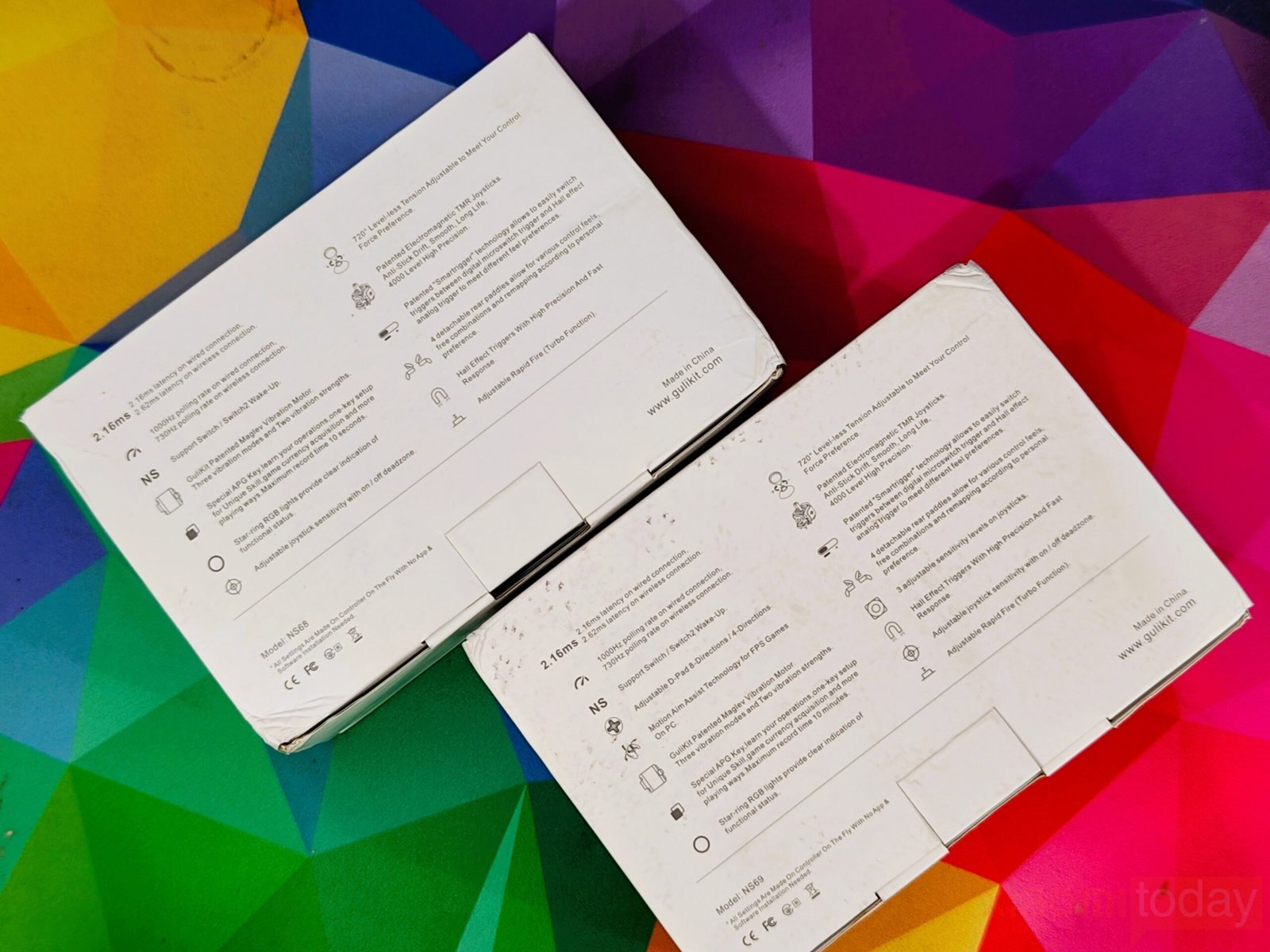
The GuliKit TT Pro and GuliKit TT Max come packed in a white, sturdy cardboard box designed to keep the controller secure during shipping and retail handling. The front of the box features a large product image that clearly displays the controller layout, including the analog sticks, D-pad, and face buttons, while the model branding is printed vertically along the side for a clean retail presentation. On the back, GuliKit provides detailed technical specifications, compatibility information, and key features, giving buyers a clear overview of what the controller offers before unboxing.
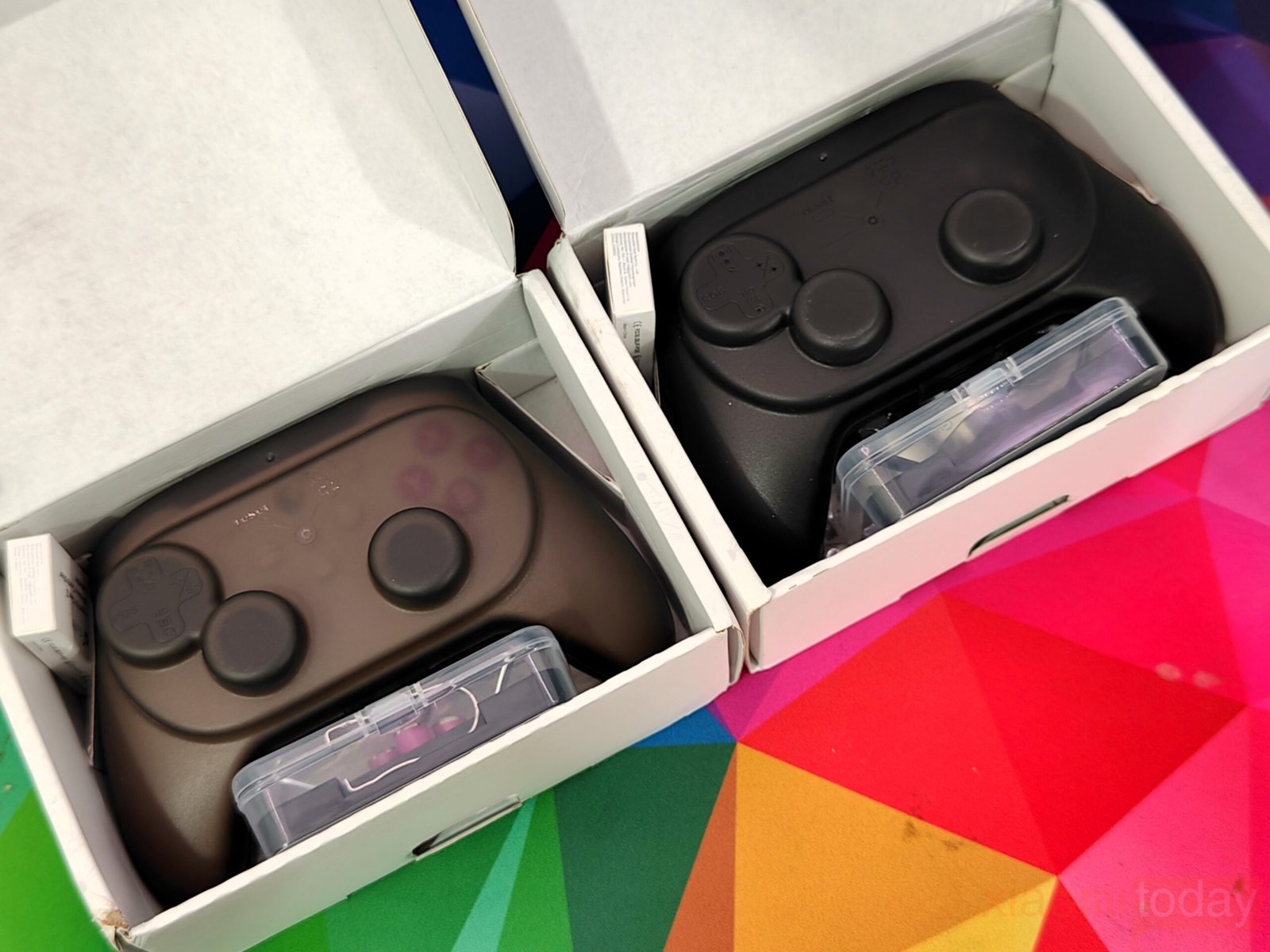
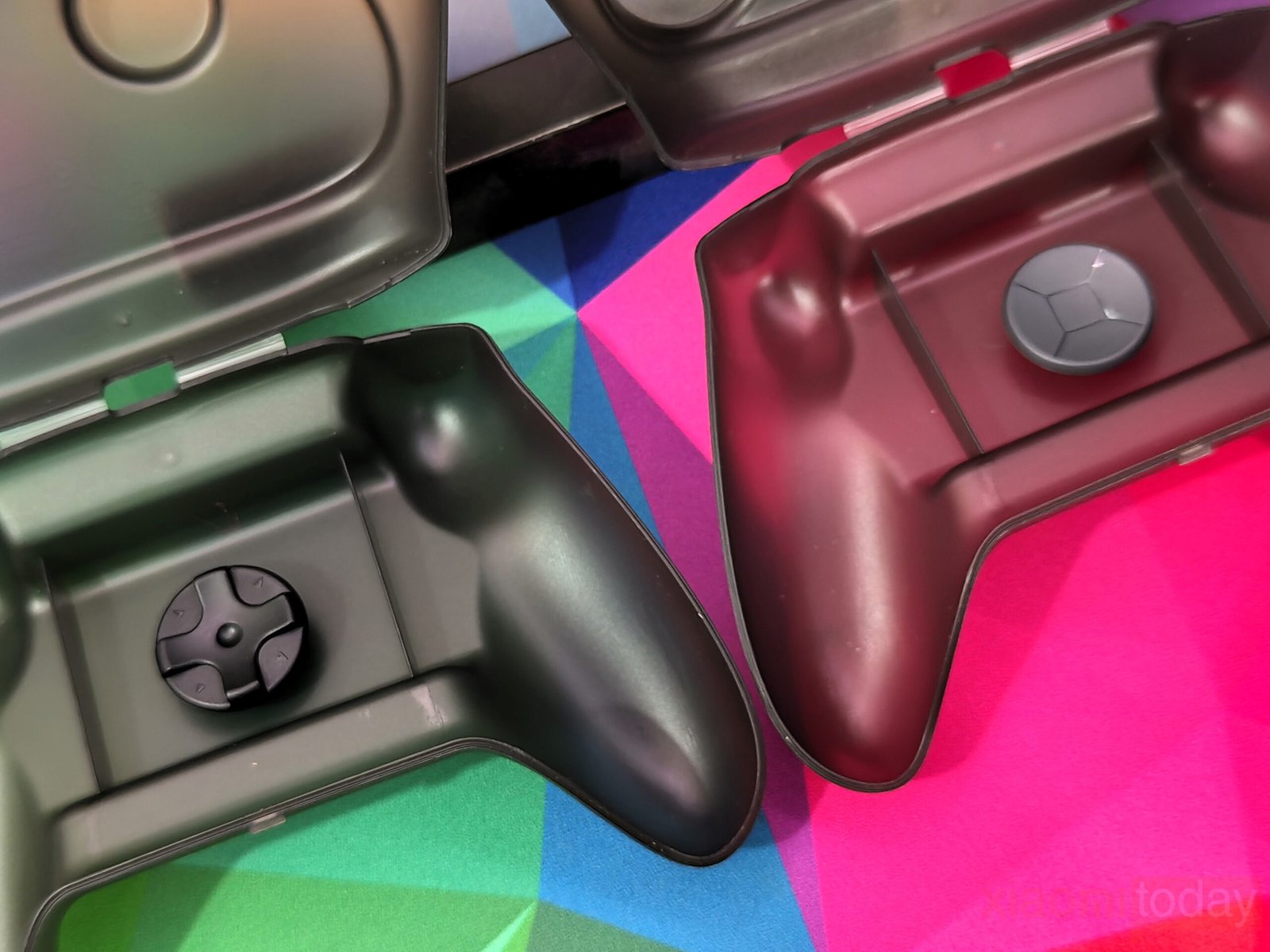
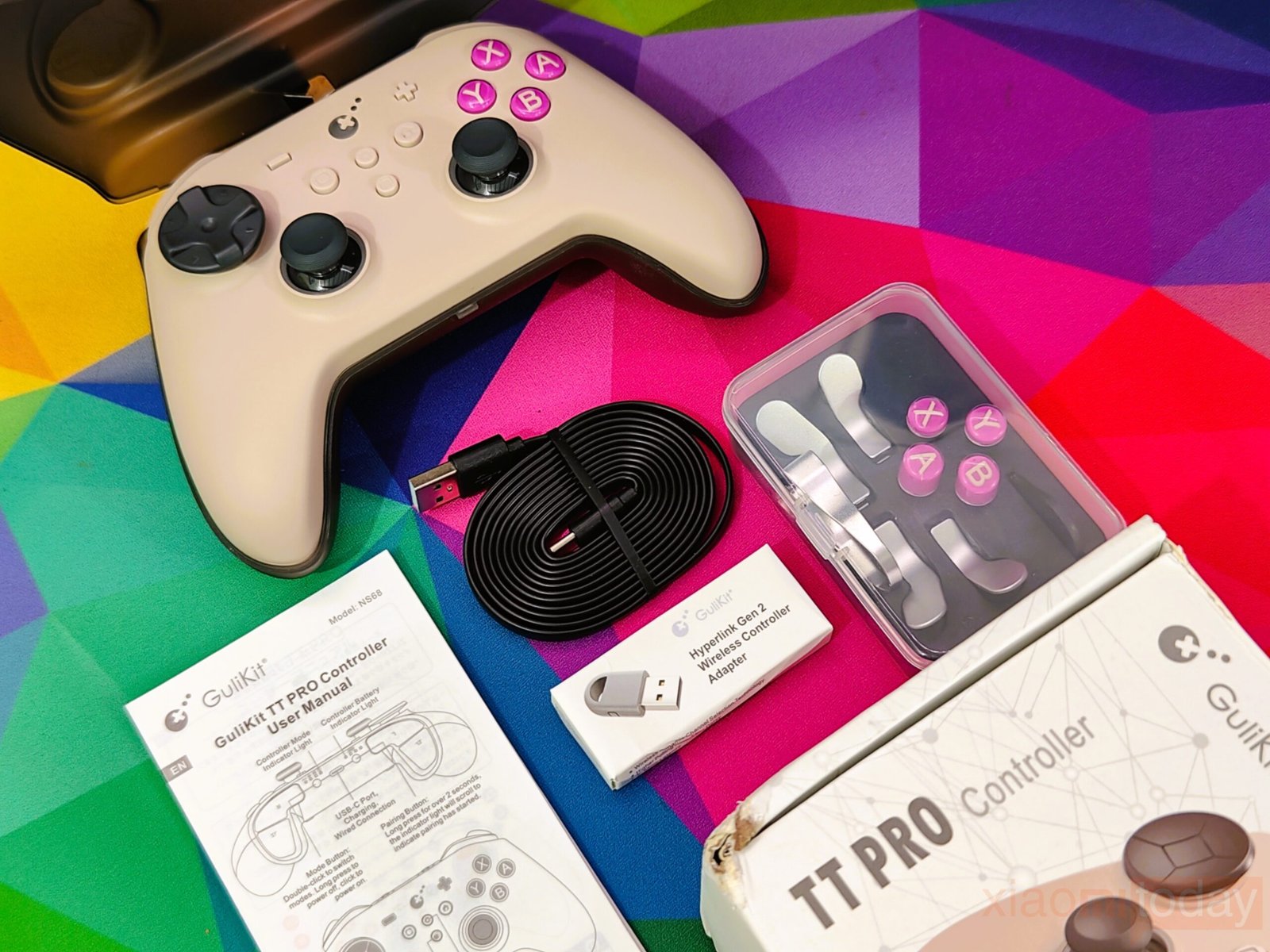
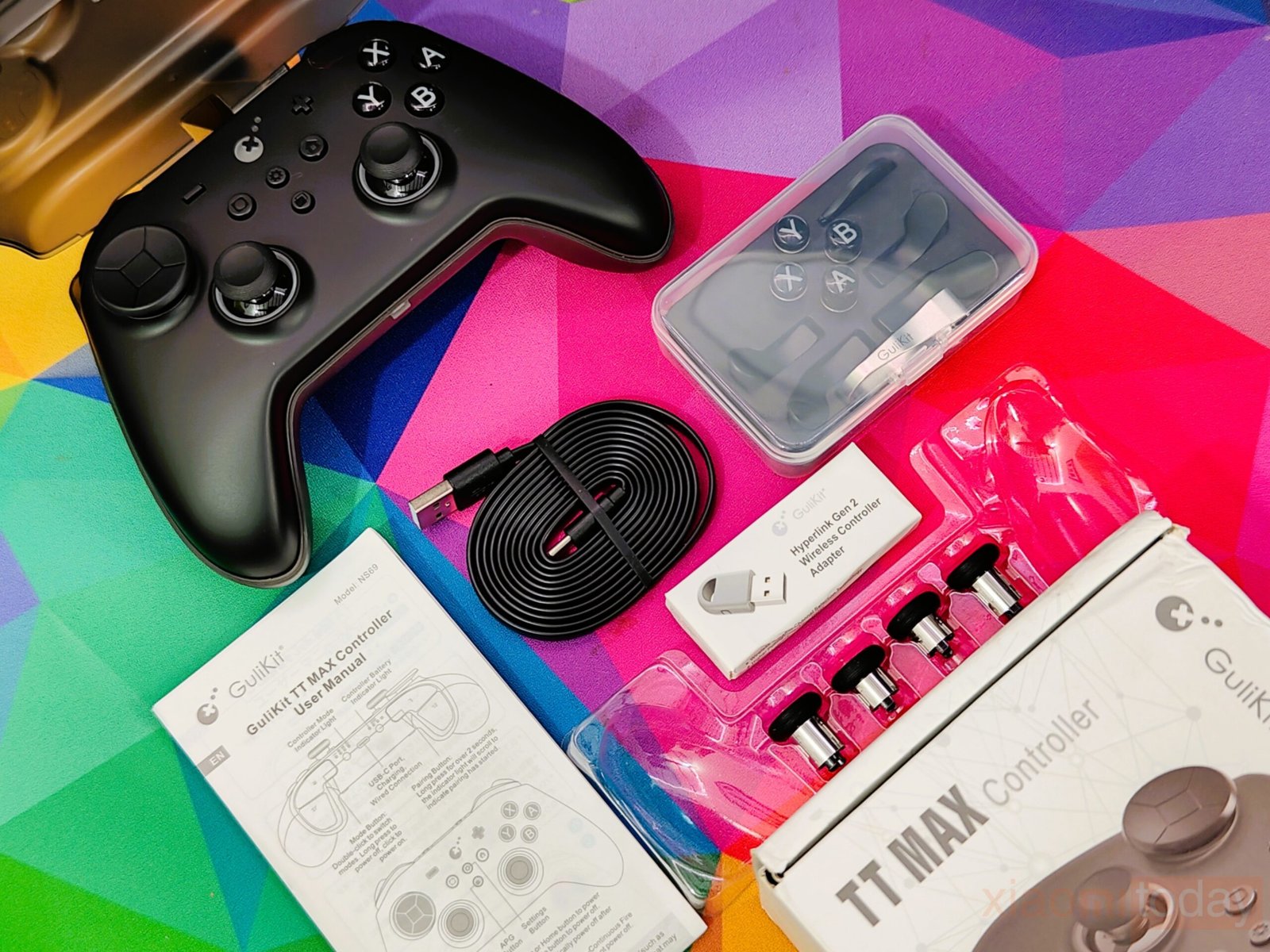
Inside the box, the GuliKit TT Pro and TT Max come with a dedicated plastic case, a Hyperlink 2 2.4 GHz dongle, a 1.5-meter flat Type-A to Type-C cable, and accessories for customization, including button caps for PC layout, rear paddles, a button remover, a screwdriver for stick tension, and a replacement D-Pad. The TT Max also adds a thumbstick cap kit to adjust stick height, which may affect gameplay depending on how the left stick is used, making it easier for users to personalize the controller without extra tools.
Design & Build Quality
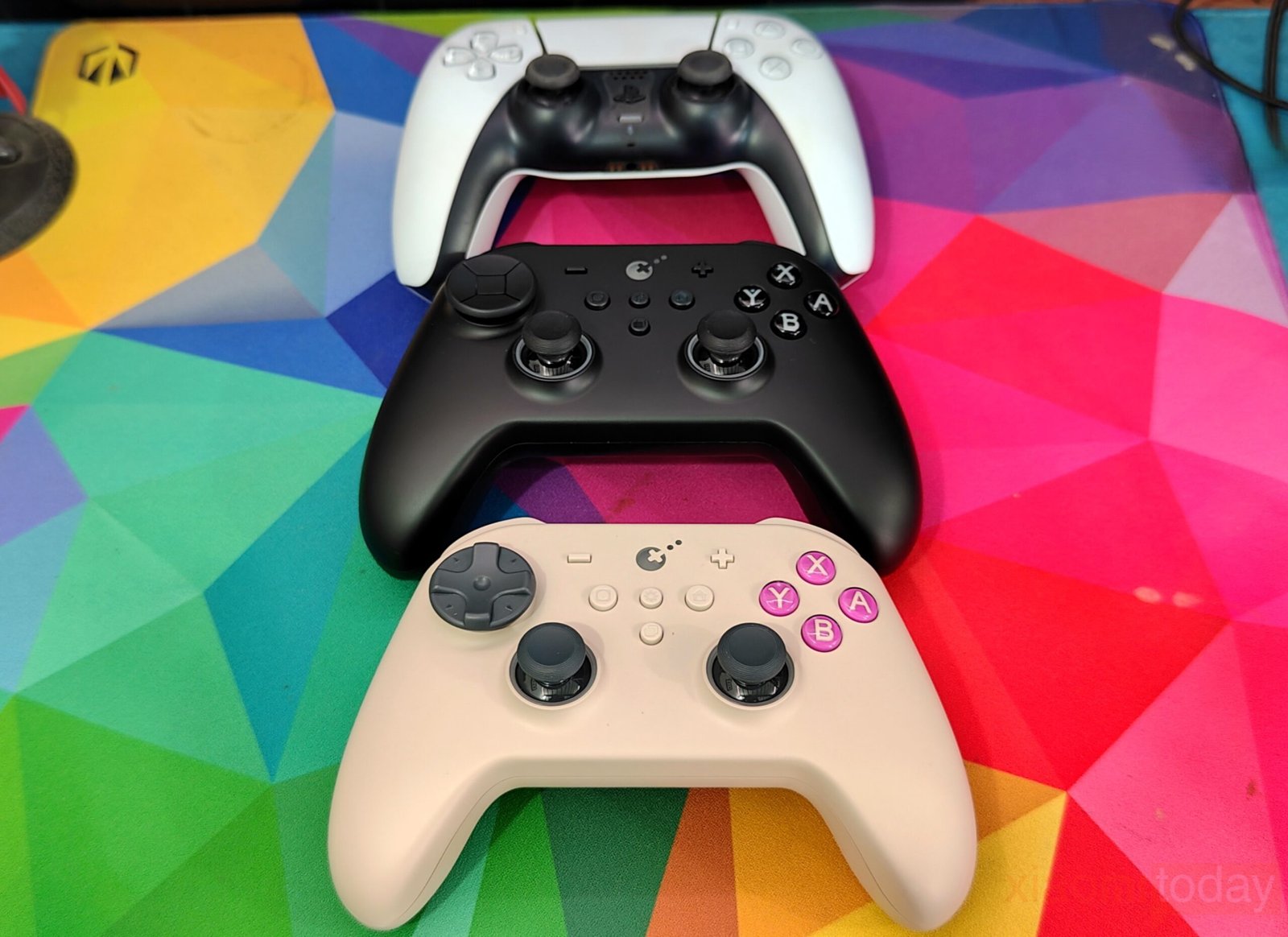
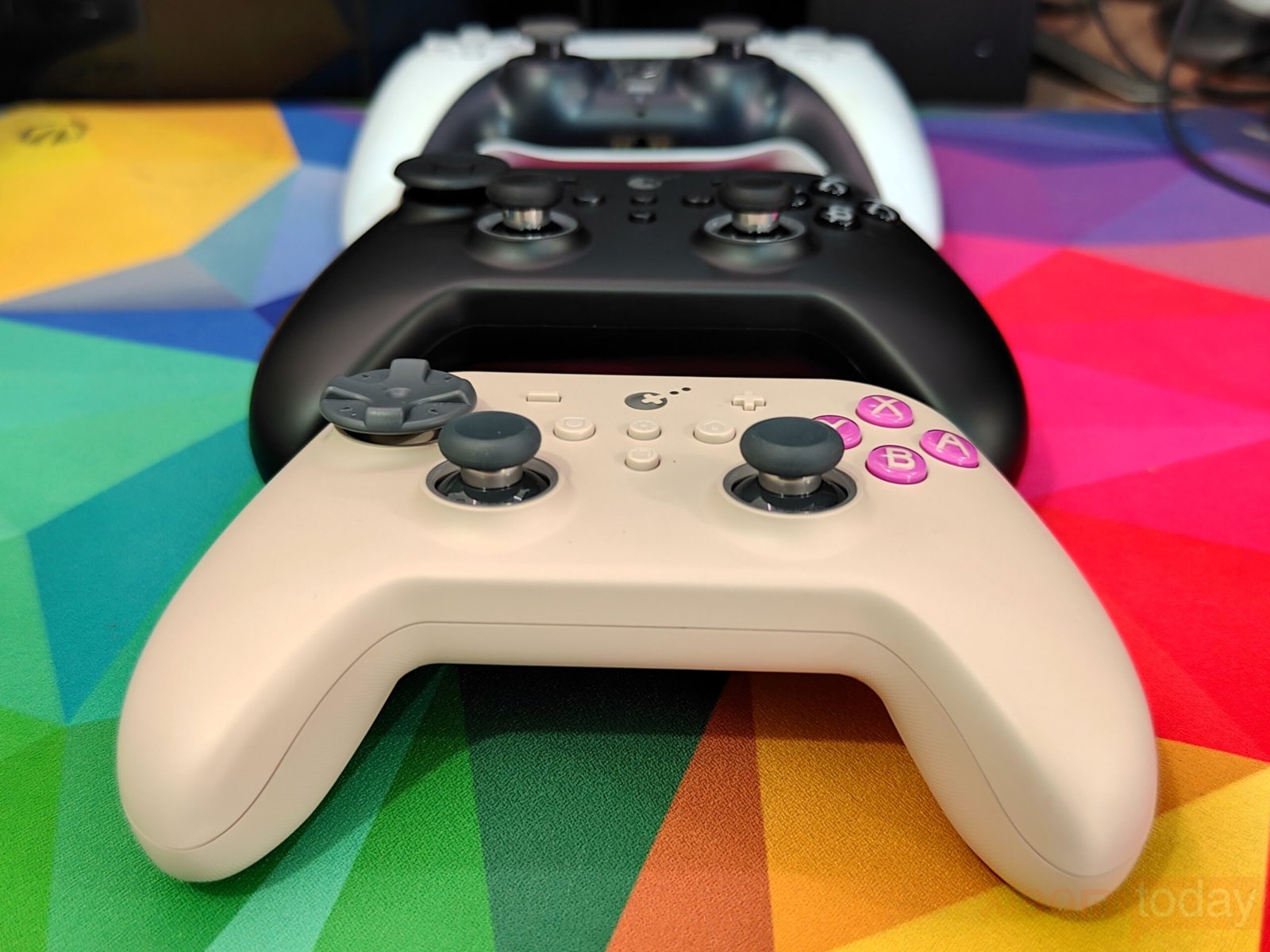
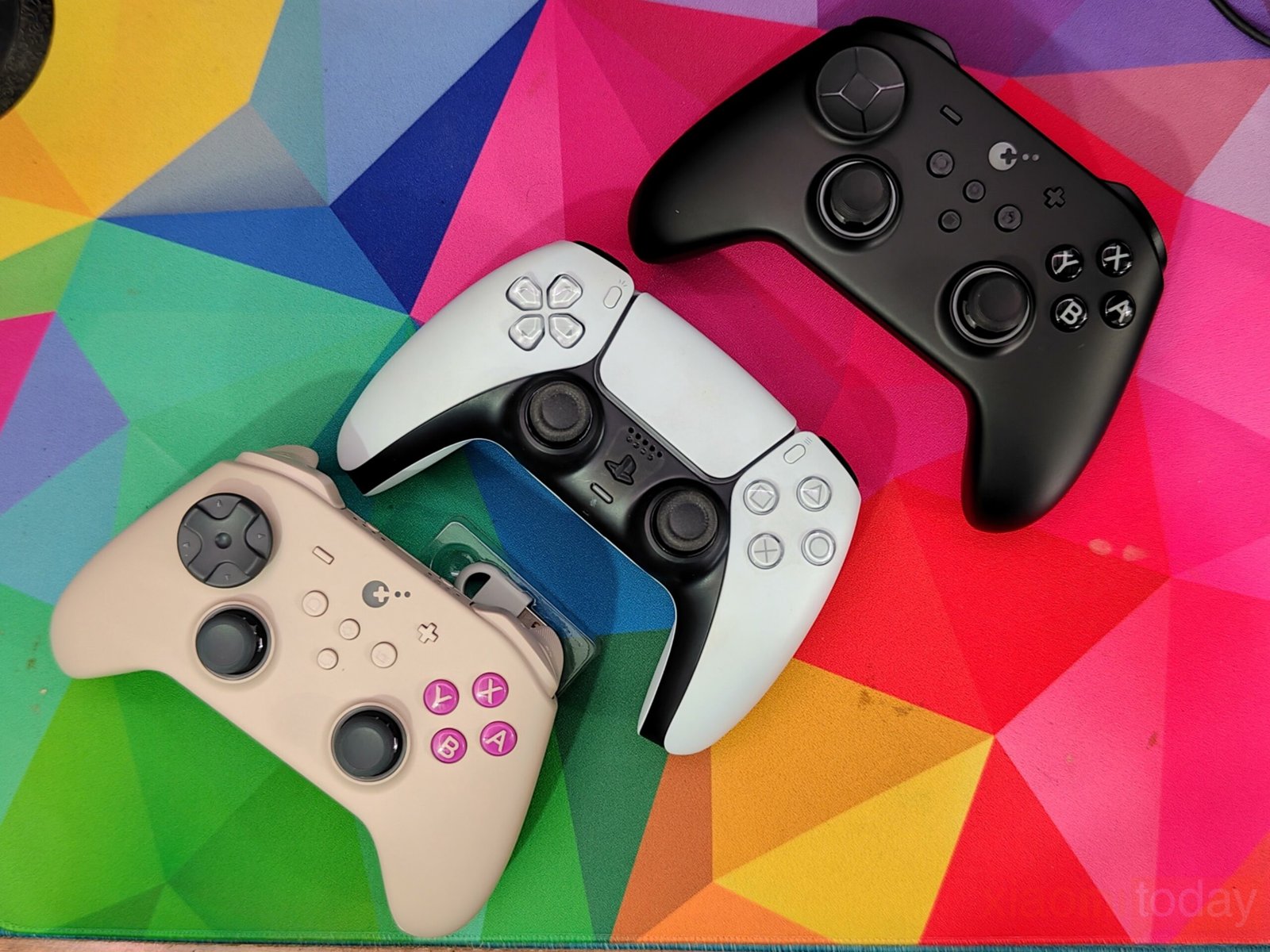
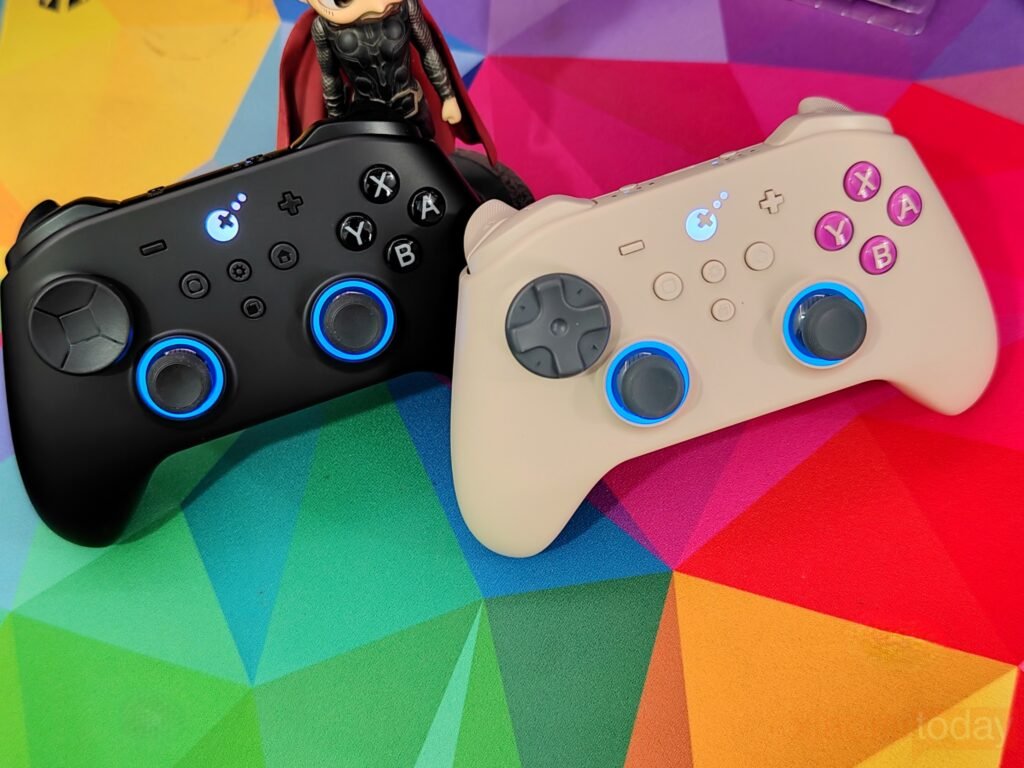
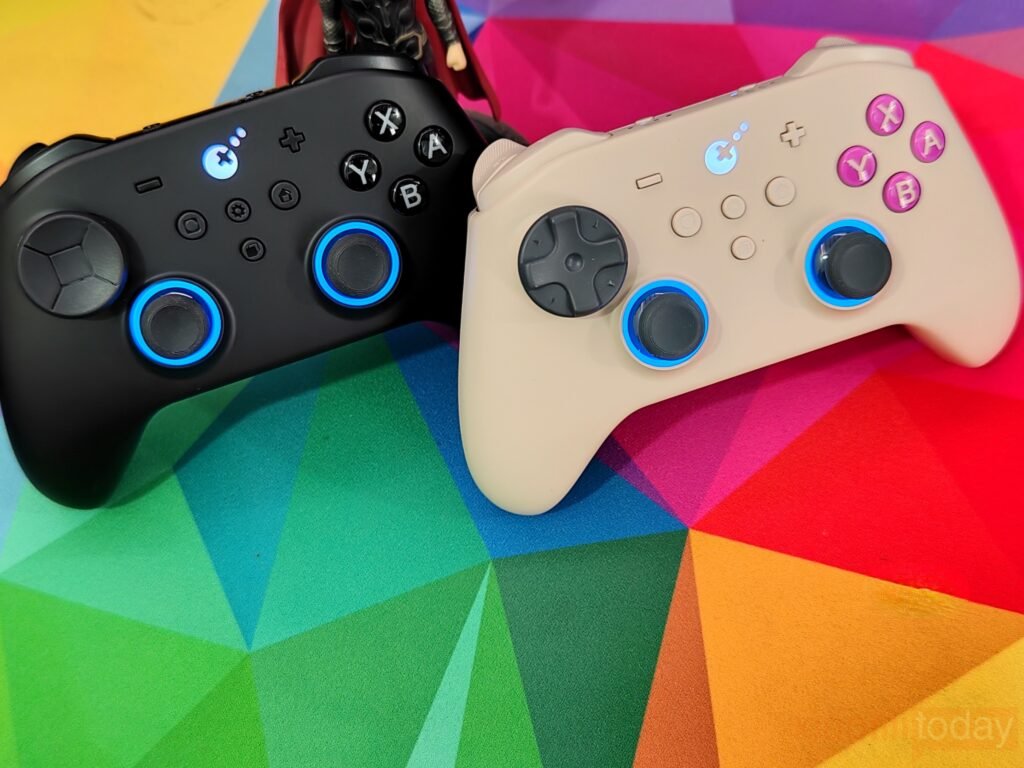
The GuliKit TT Pro and TT Max controllers are slightly smaller than the DualSense, with handles that match the base width but taper as you move upward. Magnetic levitation vibration motors inside each handle deliver a stable and balanced feel, making the controllers comfortable during long sessions.
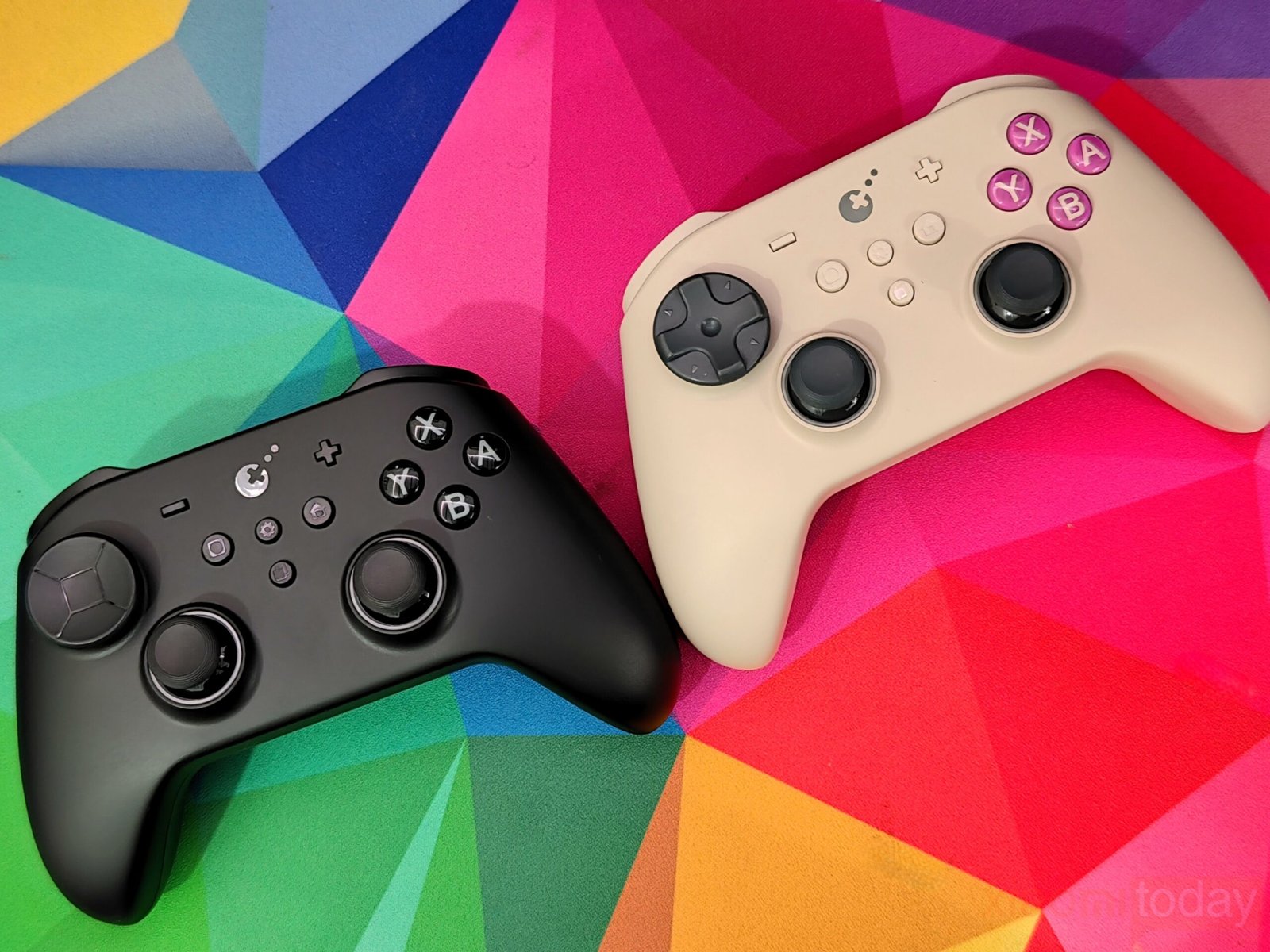
A matte surface on the front provides a secure grip, while the underside features a textured pattern for extra control. Both models are well-built, with precise seams and a solid feel. Conductive rubber buttons on the front offer responsive and accurate feedback, supporting interchangeable layouts for Nintendo Switch and Xbox.
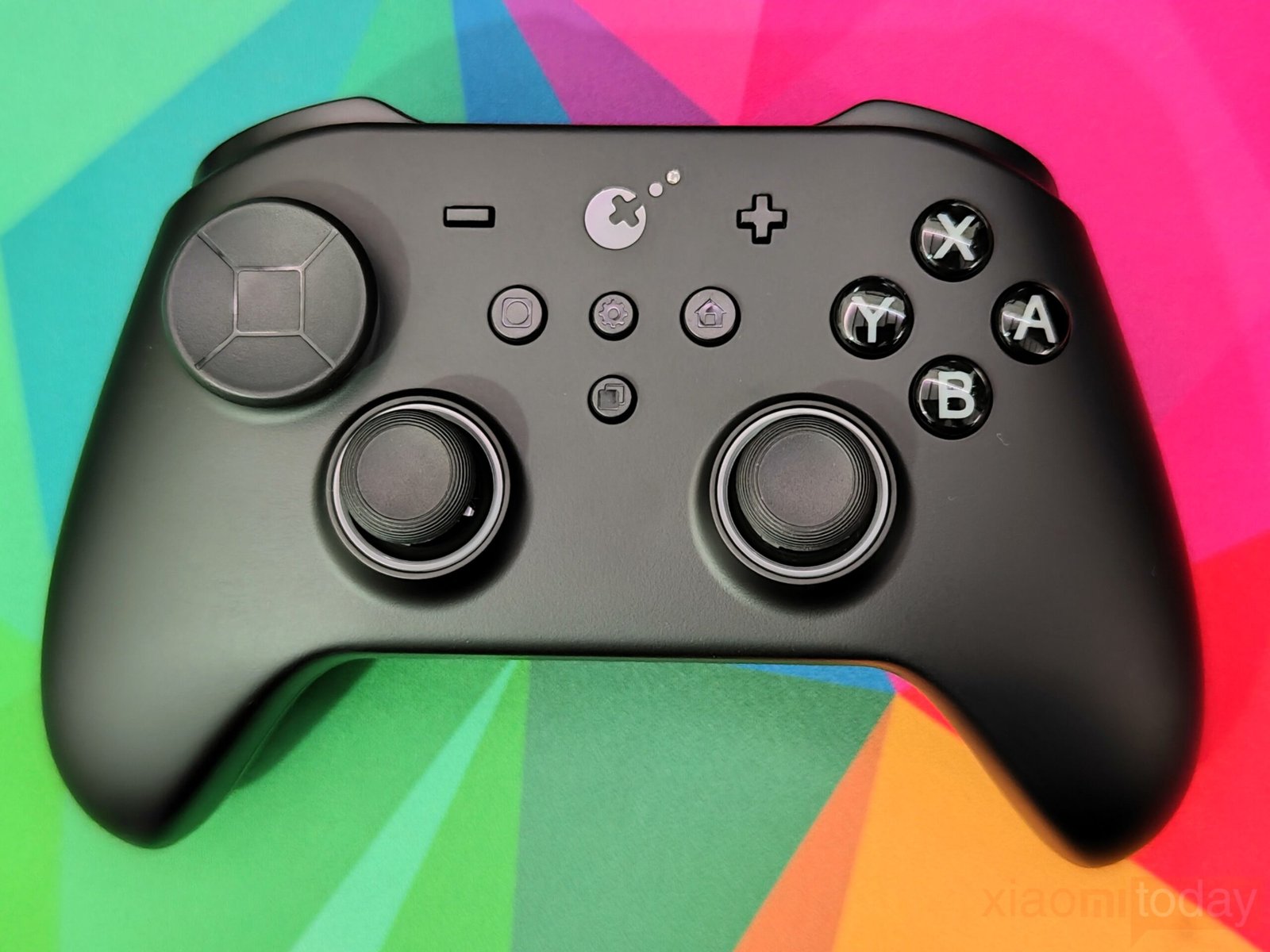
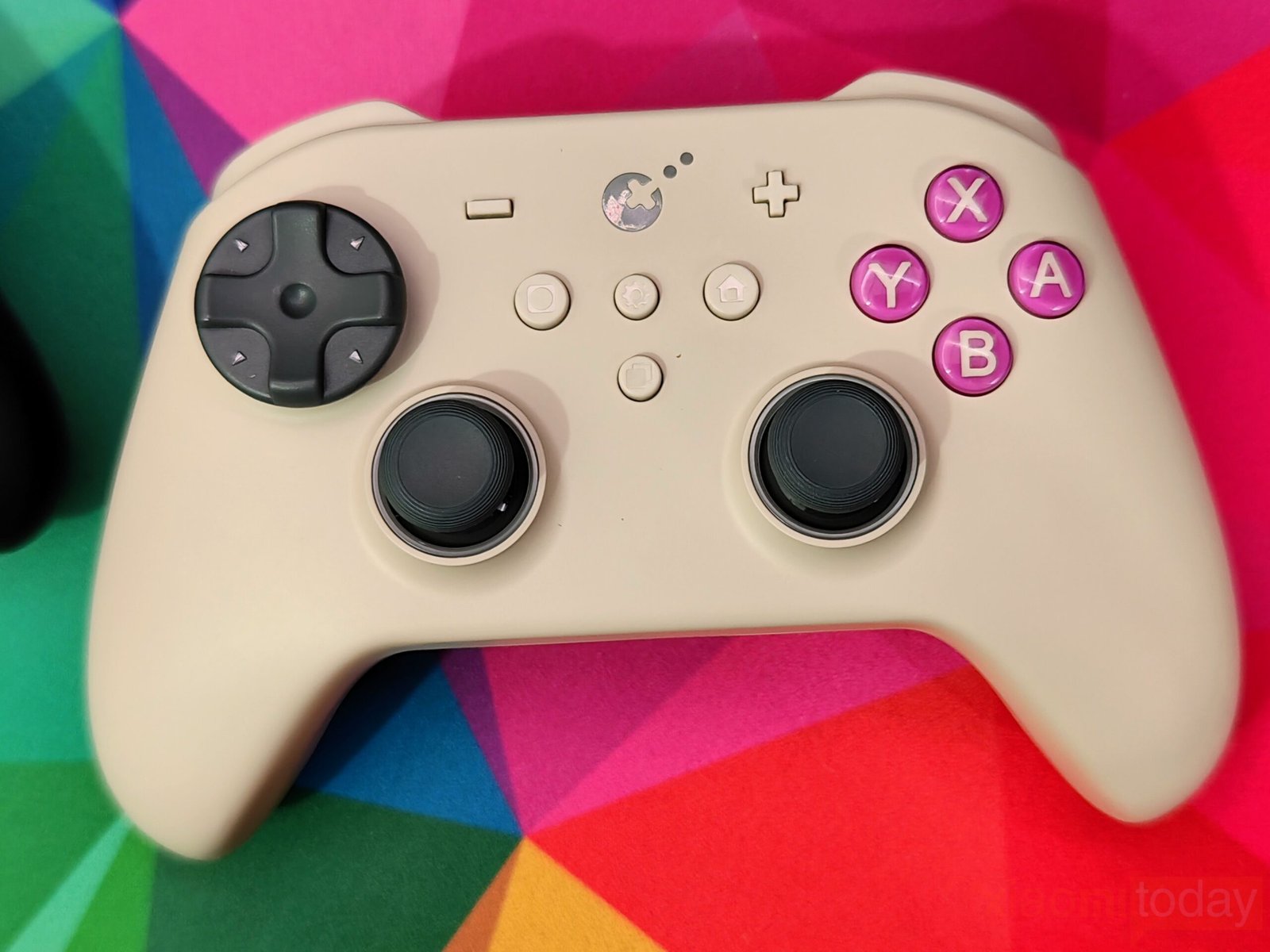
Button placement follows the Nintendo Switch layout, but on PC, the controllers act as XInput devices. The minus button functions as a view, the plus button as a menu, and the home button replicates the Xbox button. The capture button is inactive on PC for now, but a customization app is planned for spring 2026, which will allow reassignment of functions like F12.
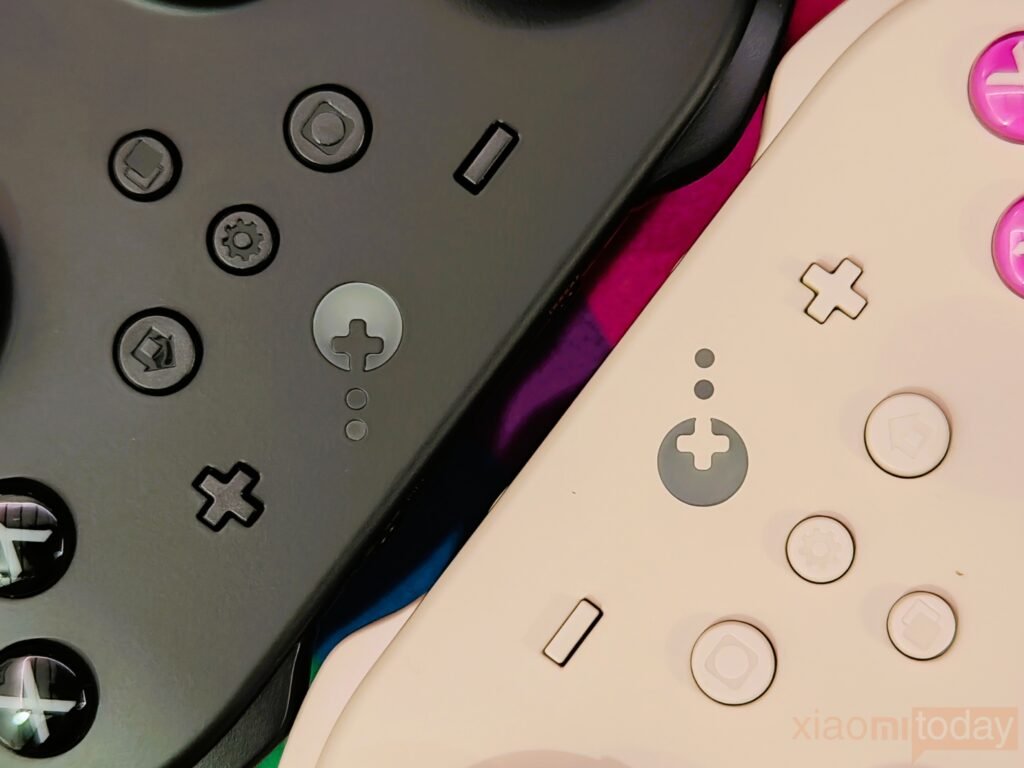
Two extra keys, the setting key and learning key, are located in the center of the front panel. The setting key allows joystick dead zone adjustment, button remapping, and vibration tuning without a PC. Feedback is provided through vibration and lighting, making configuration flexible even on the go.
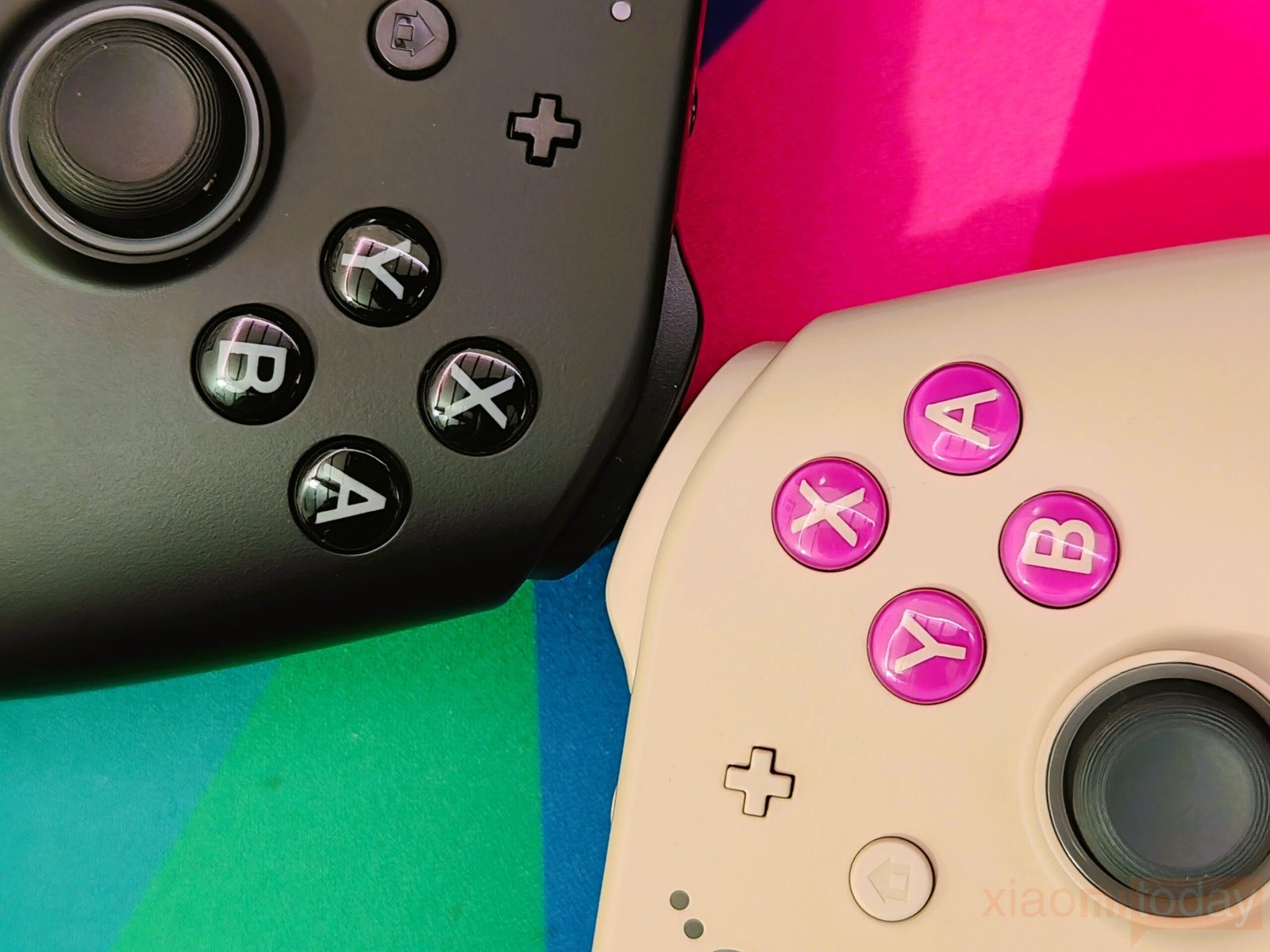
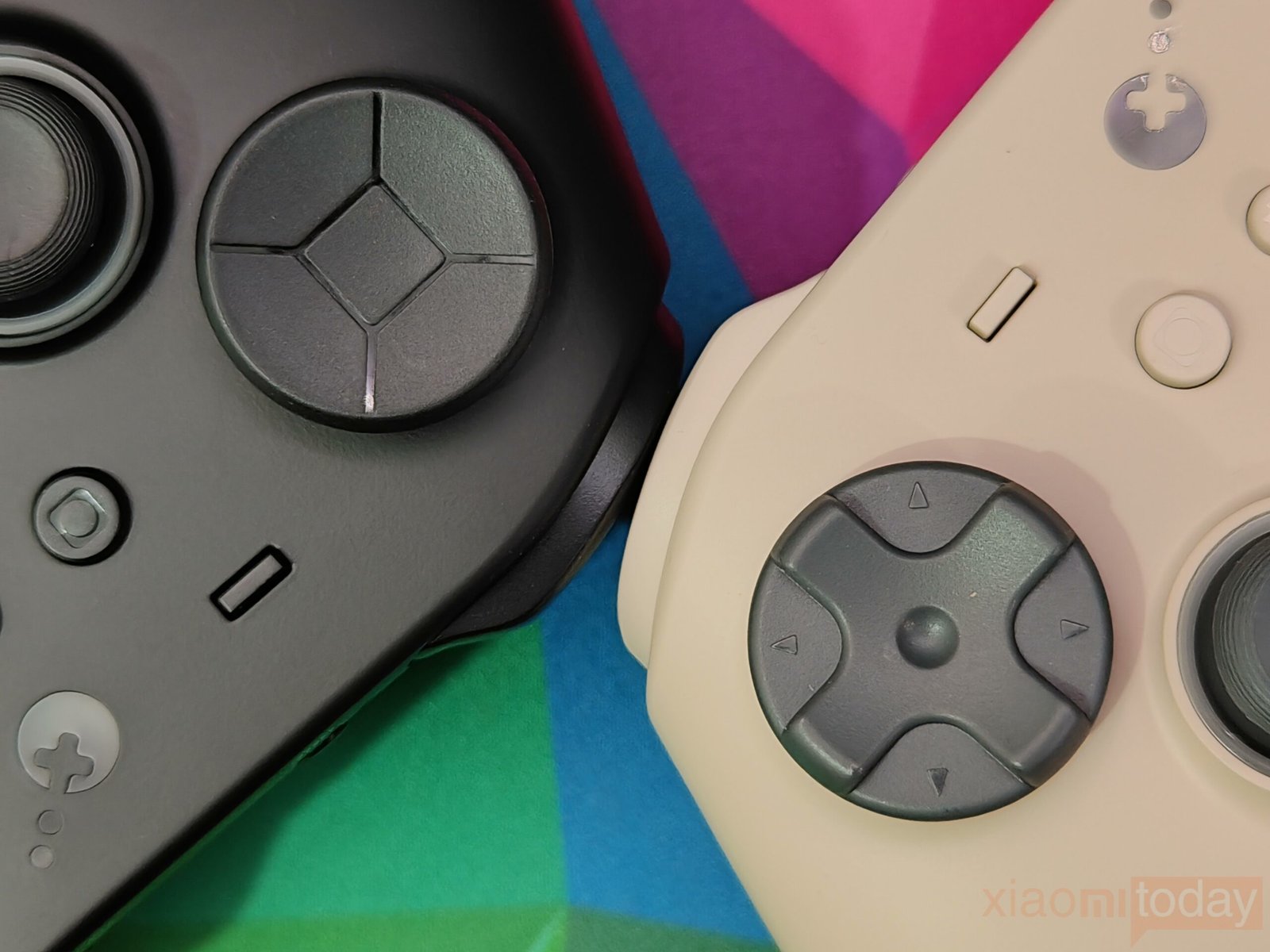
Face buttons use membrane switches, similar to Xbox controllers, offering a silent but responsive feel. The D-pad also uses membrane technology, giving a floating joystick-like sensation. Diagonal inputs may be triggered more easily, which could affect fast-paced games. Bumpers respond with minimal force, adding to long-term comfort.
Both the TT Pro and TT Max share identical hardware, ensuring feature parity across models. This guarantees a consistent experience for all primary controls, unlike other product lines, where Pro models have upgraded sensors.
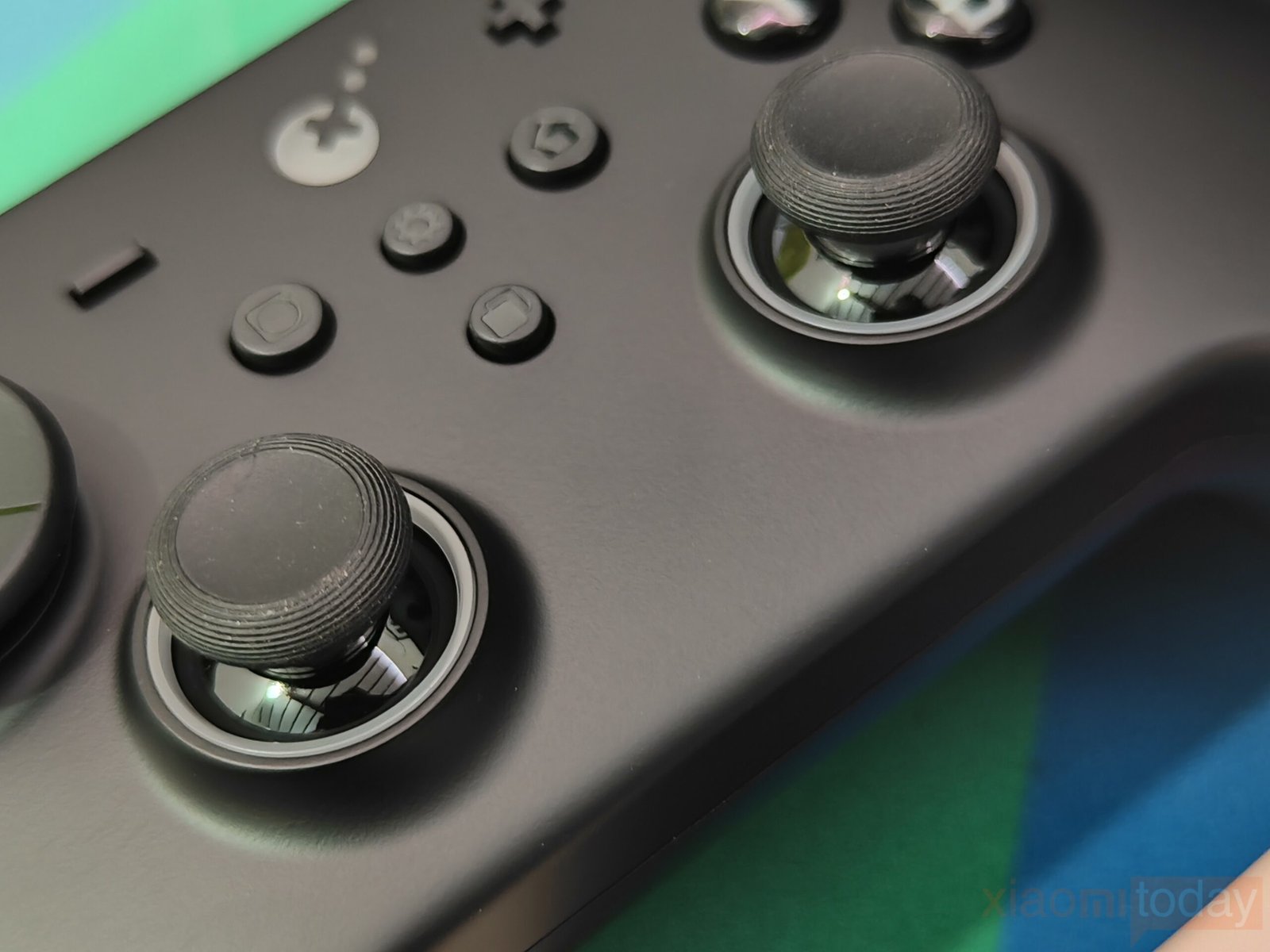
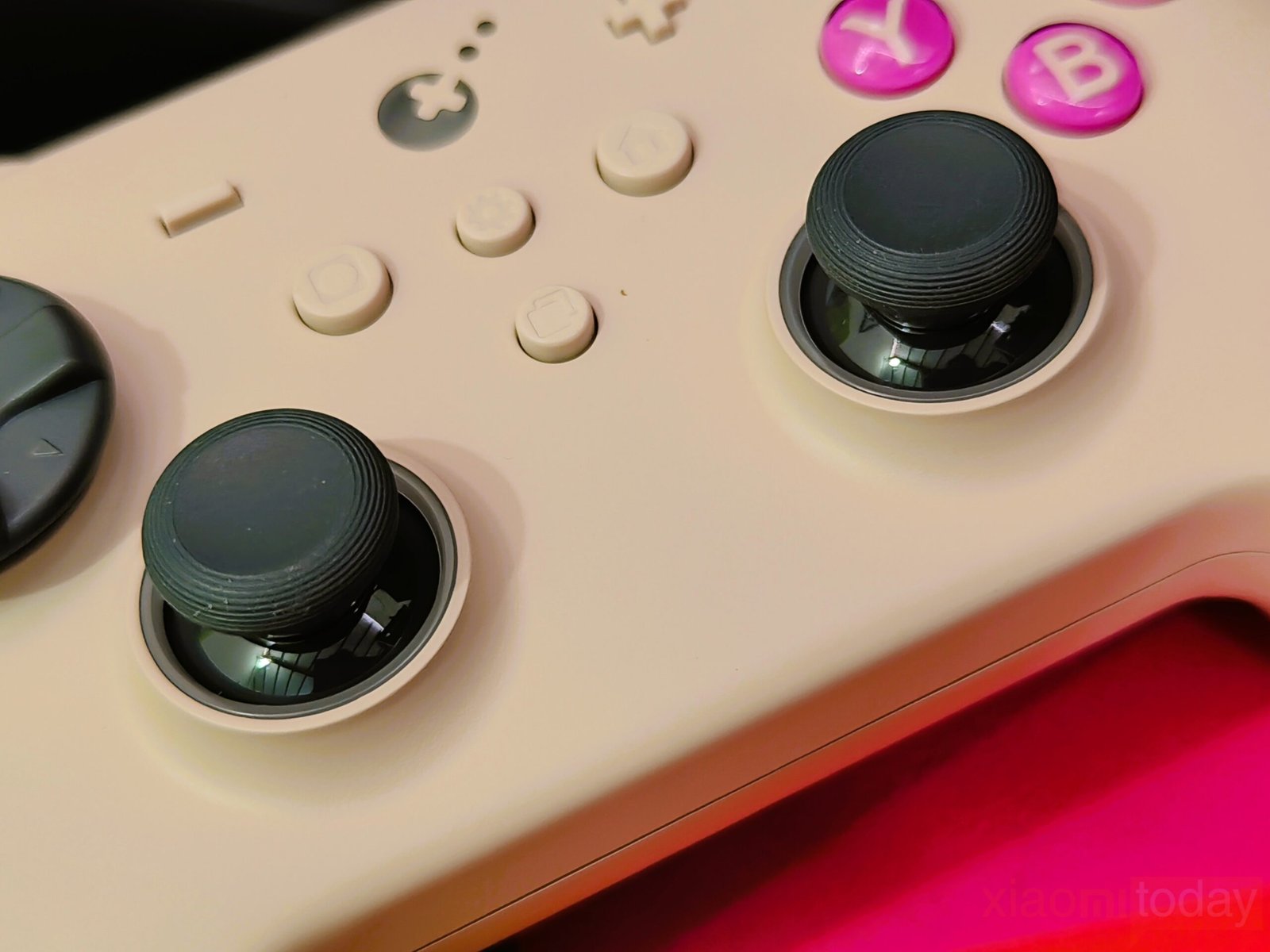
The TMR720° adjustable tension joysticks can be removed and used on other platforms, including DualSense, Xbox, Switch, or Steam Deck. Stick resistance can be adjusted ±30g using the included tool, and metal limitation rings prevent contact at maximum stick travel.
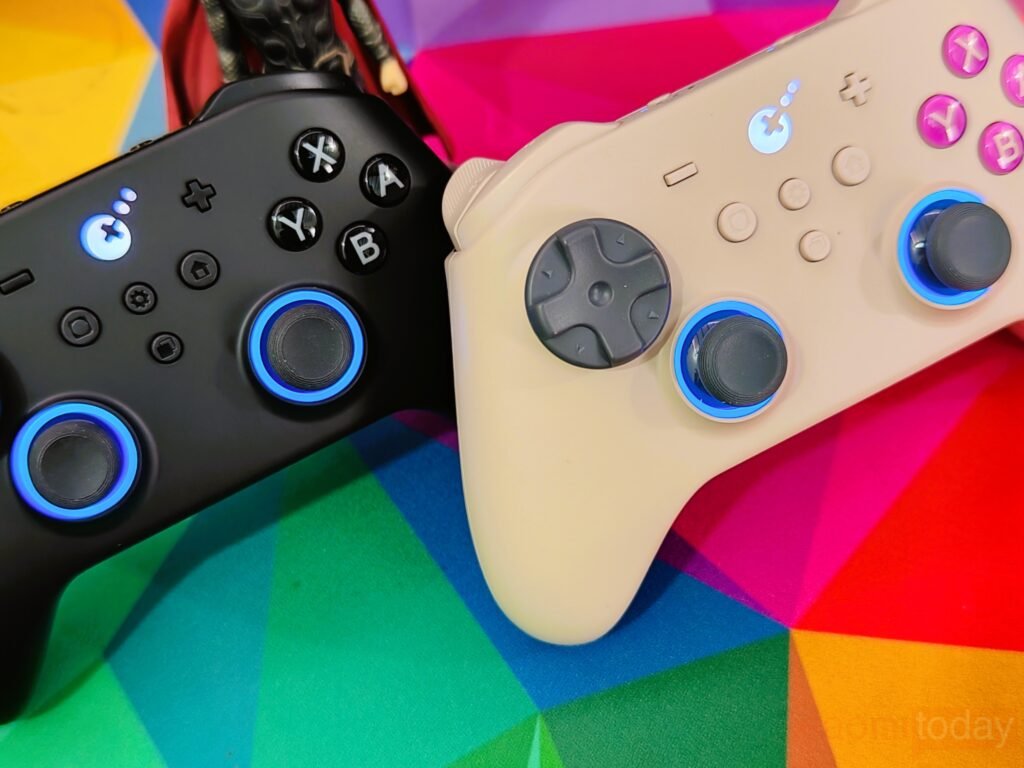
In daily use, the analogue sticks provide smooth movement and accurate input, supporting precise aiming and camera control. The use of TMR technology is intended to reduce long-term stick drift, improving durability over time. Gulikit also adds RGB lighting around both sticks, with options for static blue, rainbow effects, or reactive directional lighting, all adjustable directly on the controller and fully disableable if preferred.
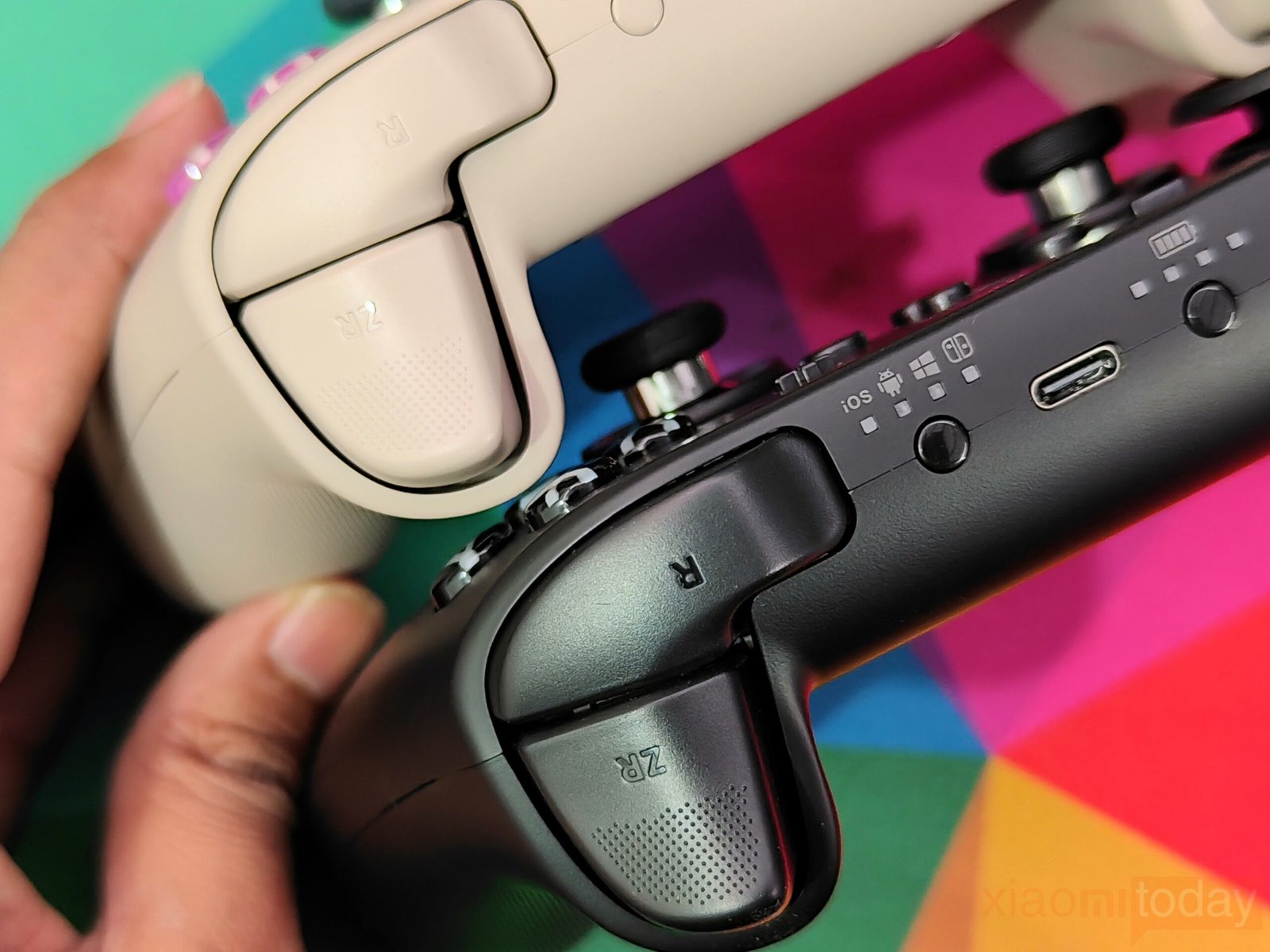
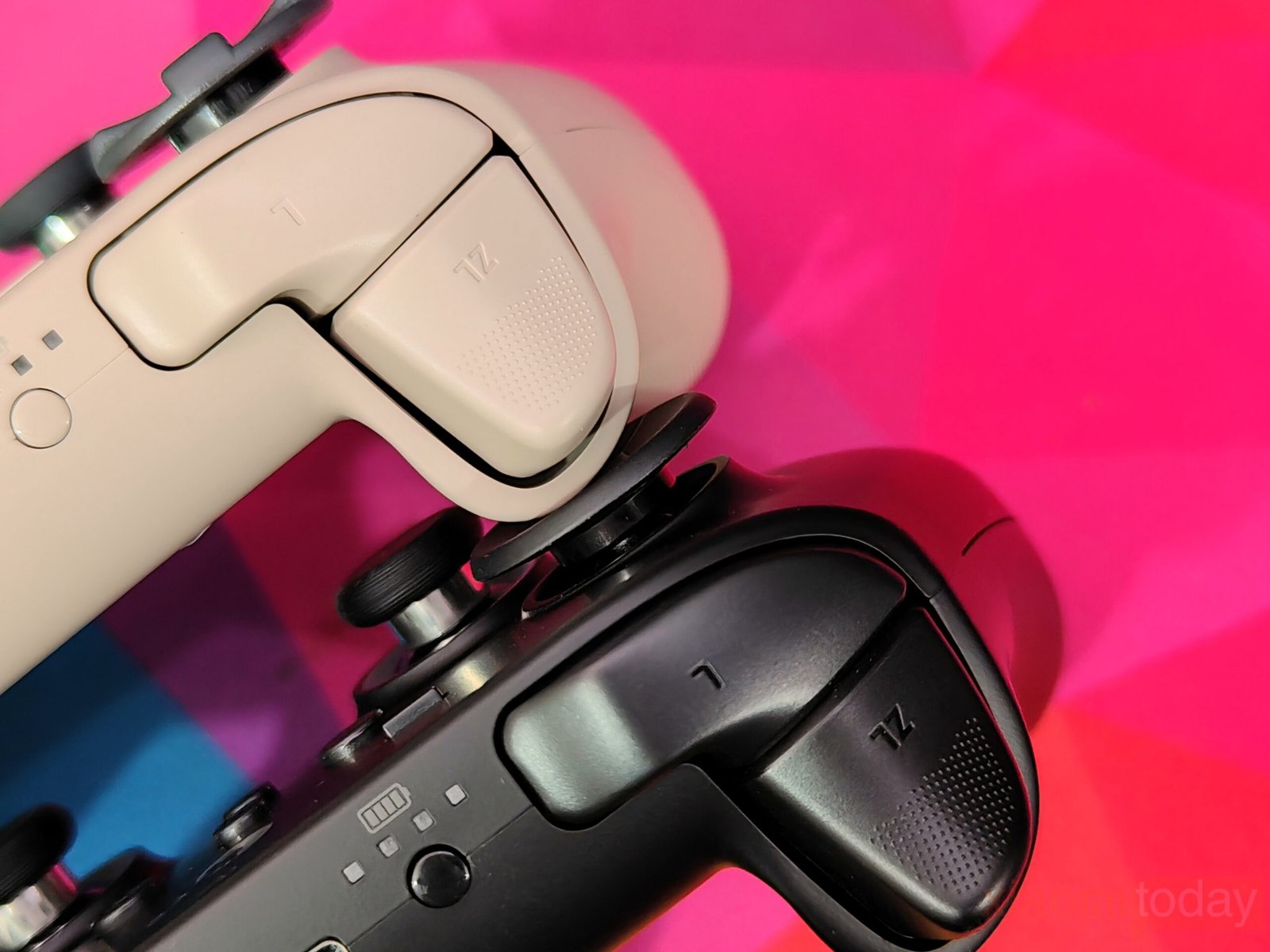
The top-mounted shoulder buttons and triggers feature Hall-effect sensors and trigger stops, with only a minor dead zone at the edges in standard mode.
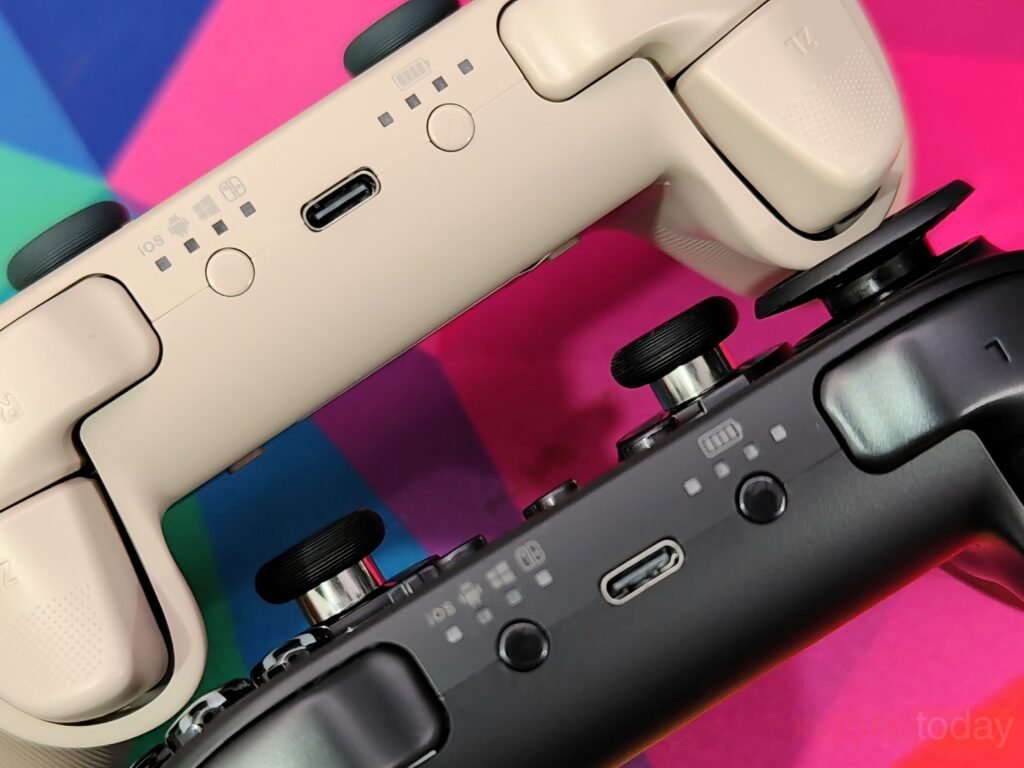
Additional buttons allow connection switching and battery level checks without cluttering the main layout.
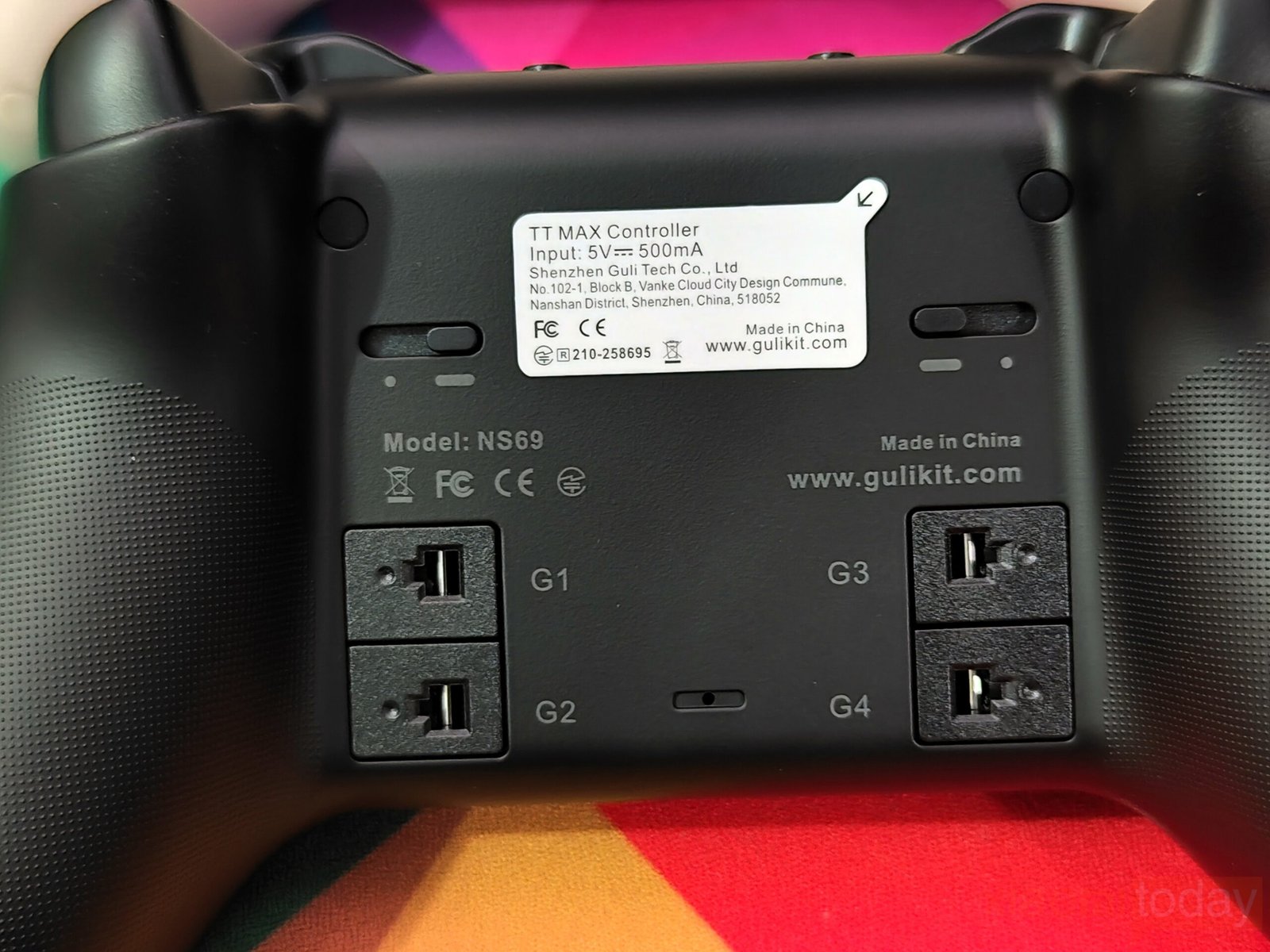
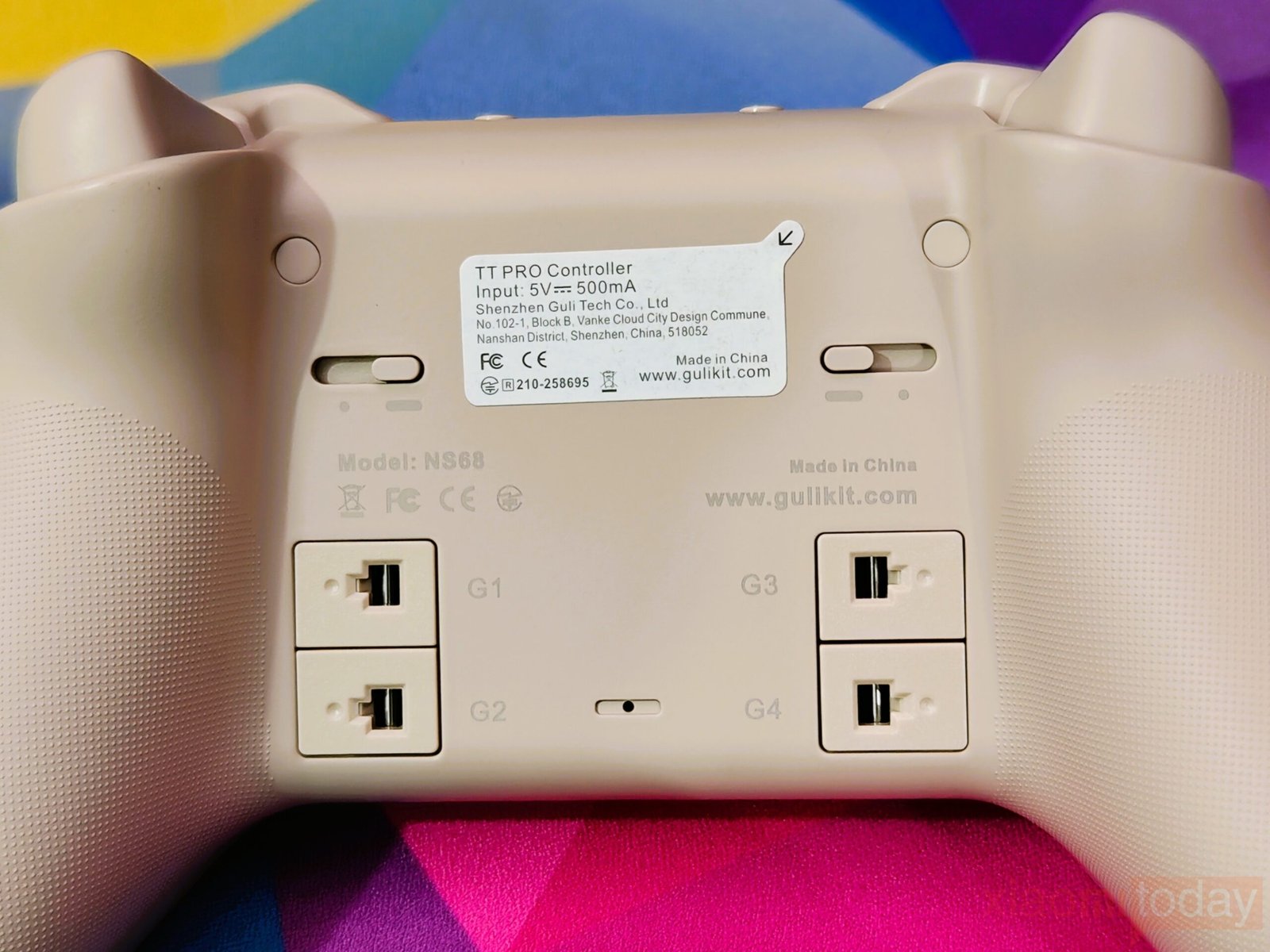
The back houses four rear buttons and a ZR/ZL analog-digital switch. Optional metal paddles snap into four slots, giving comfortable access for the middle fingers while reducing accidental presses. Paddles provide balanced tactile feedback with appropriate resistance.
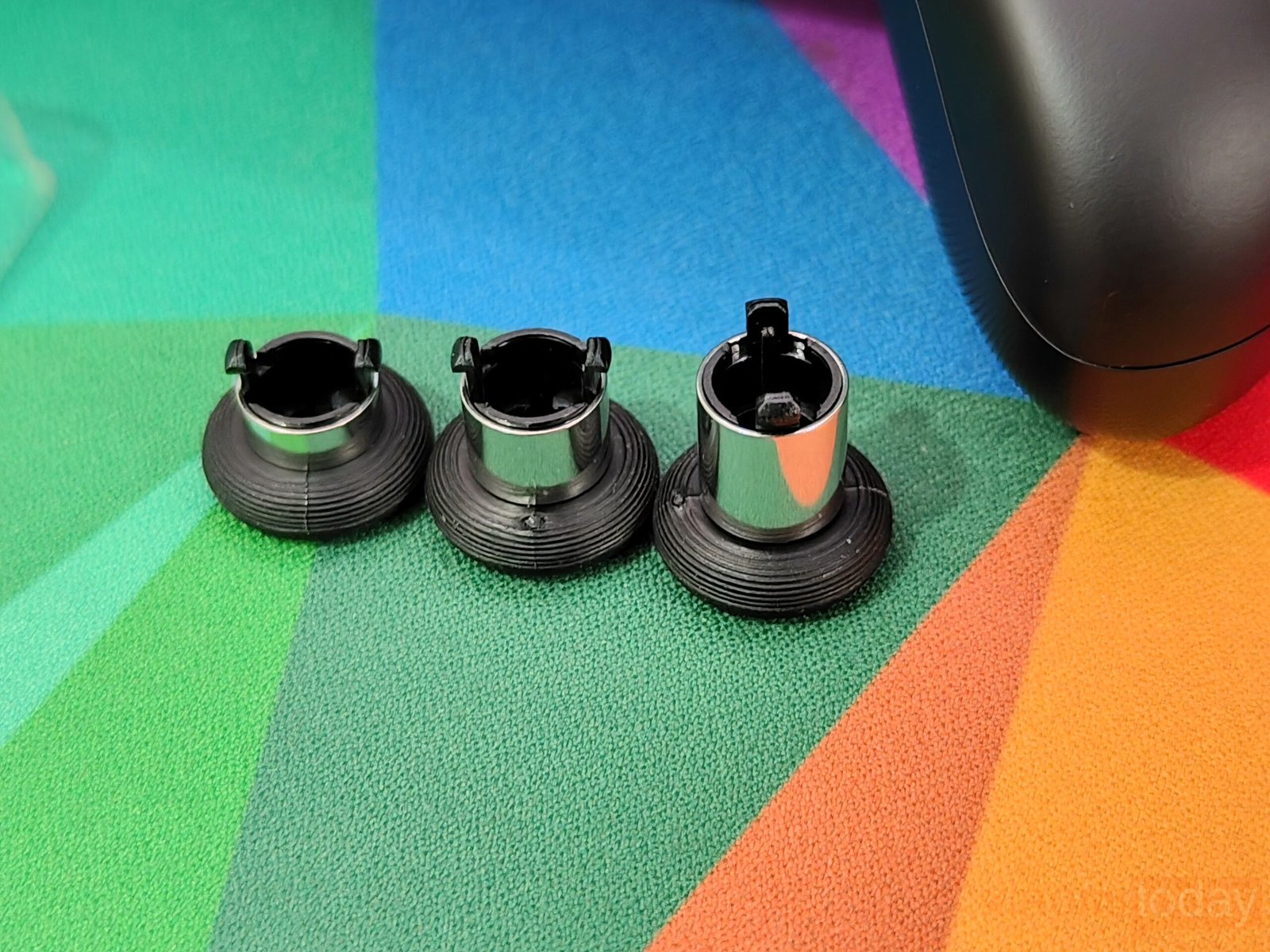
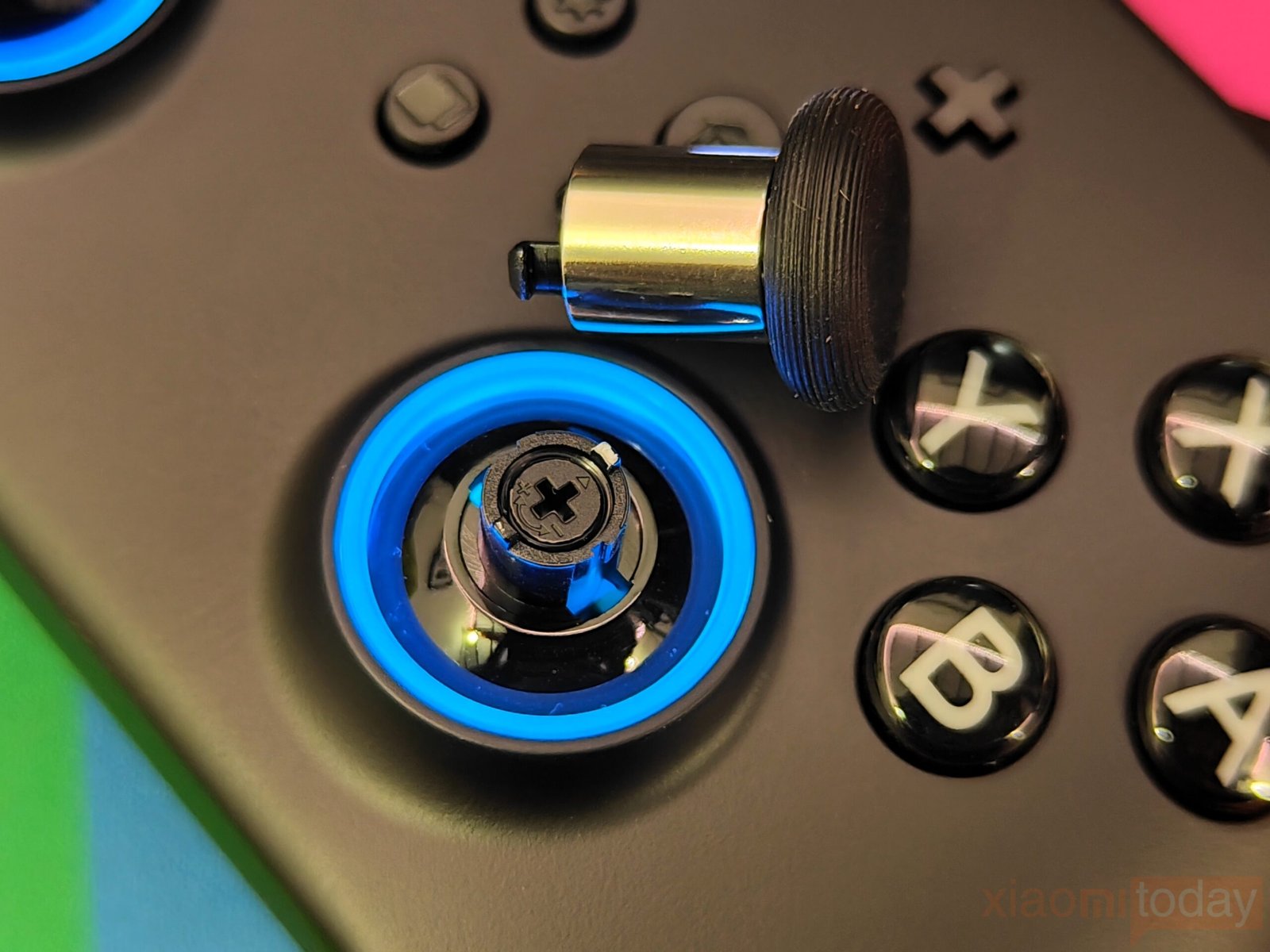
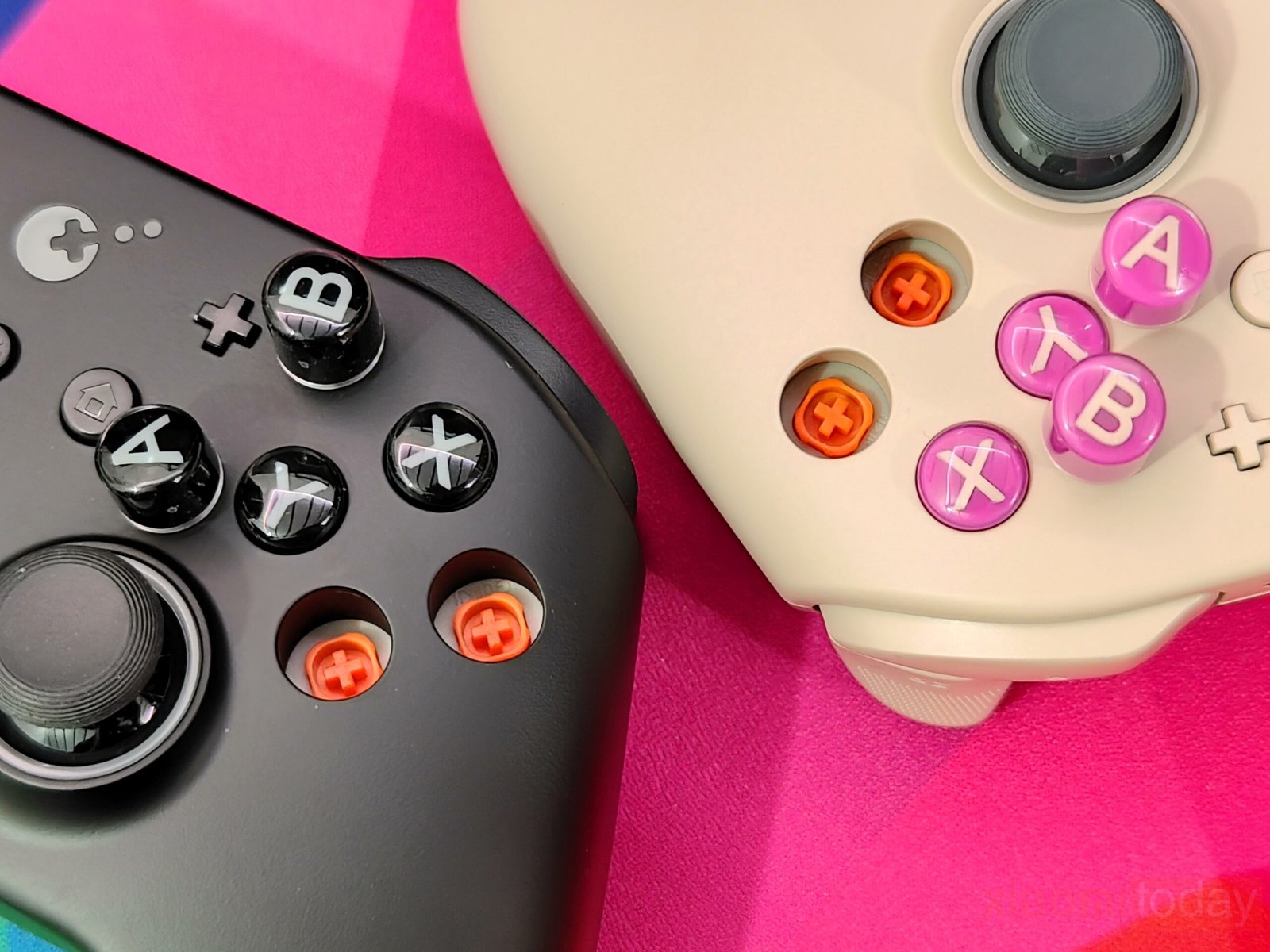
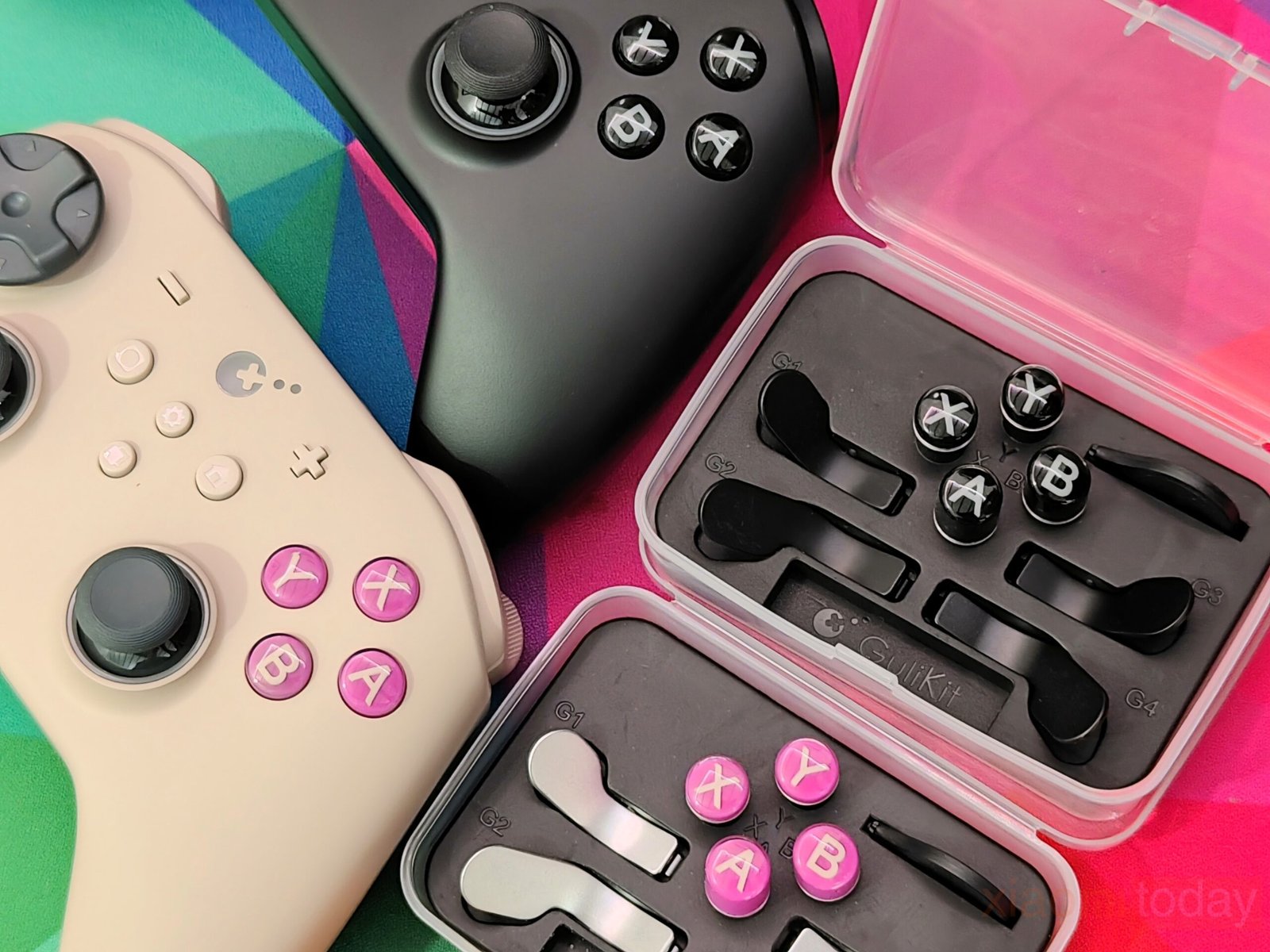
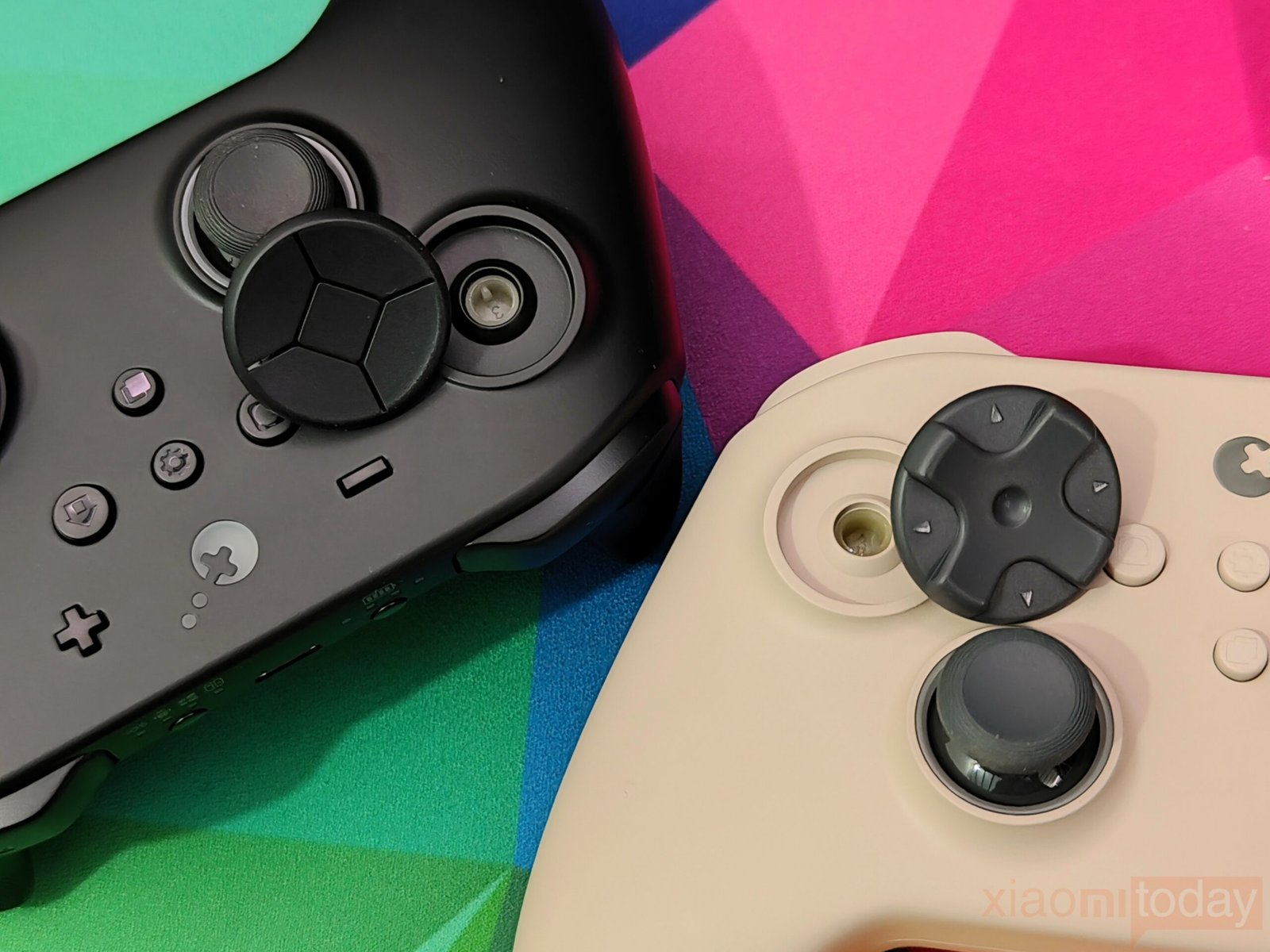
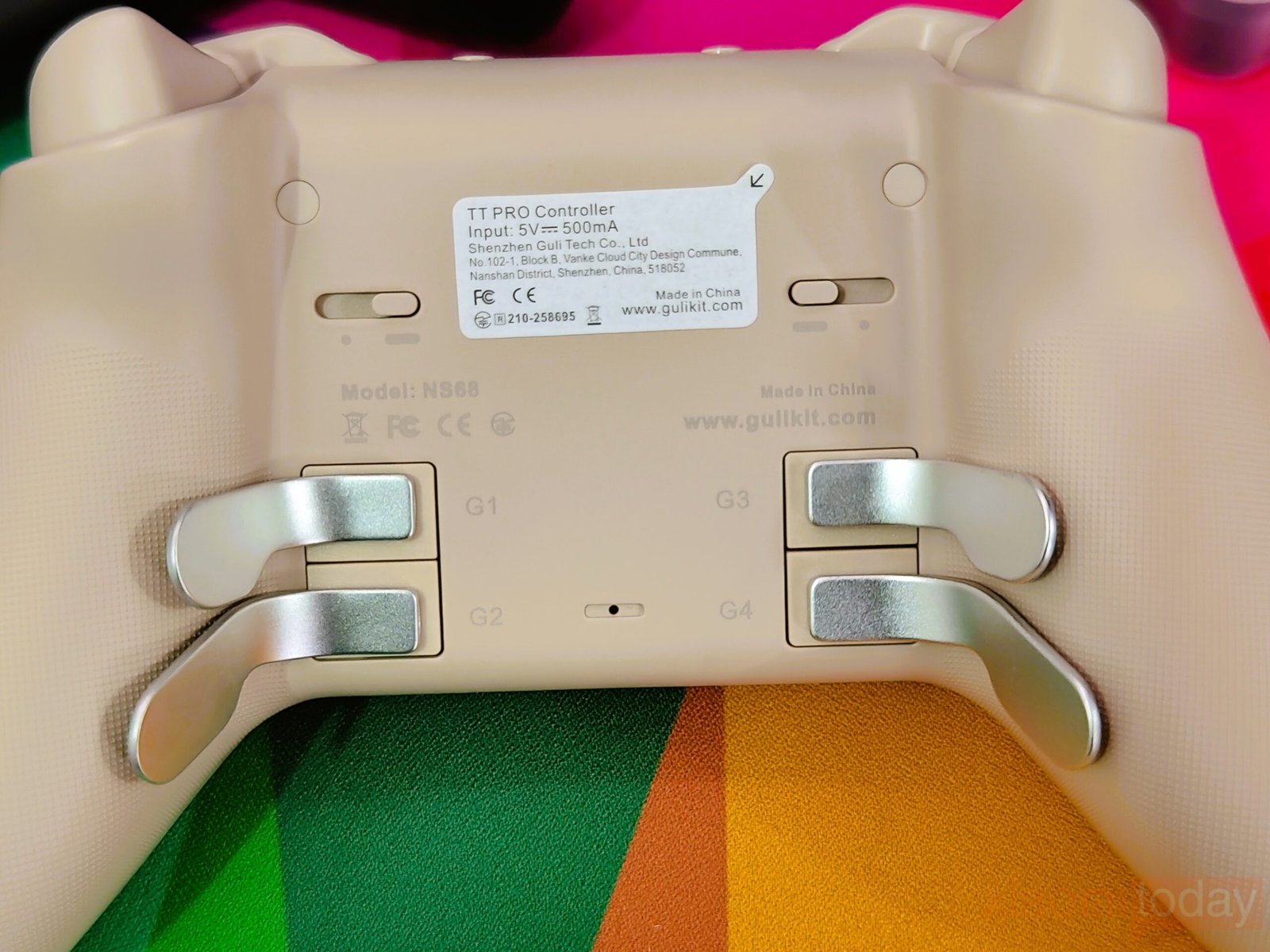
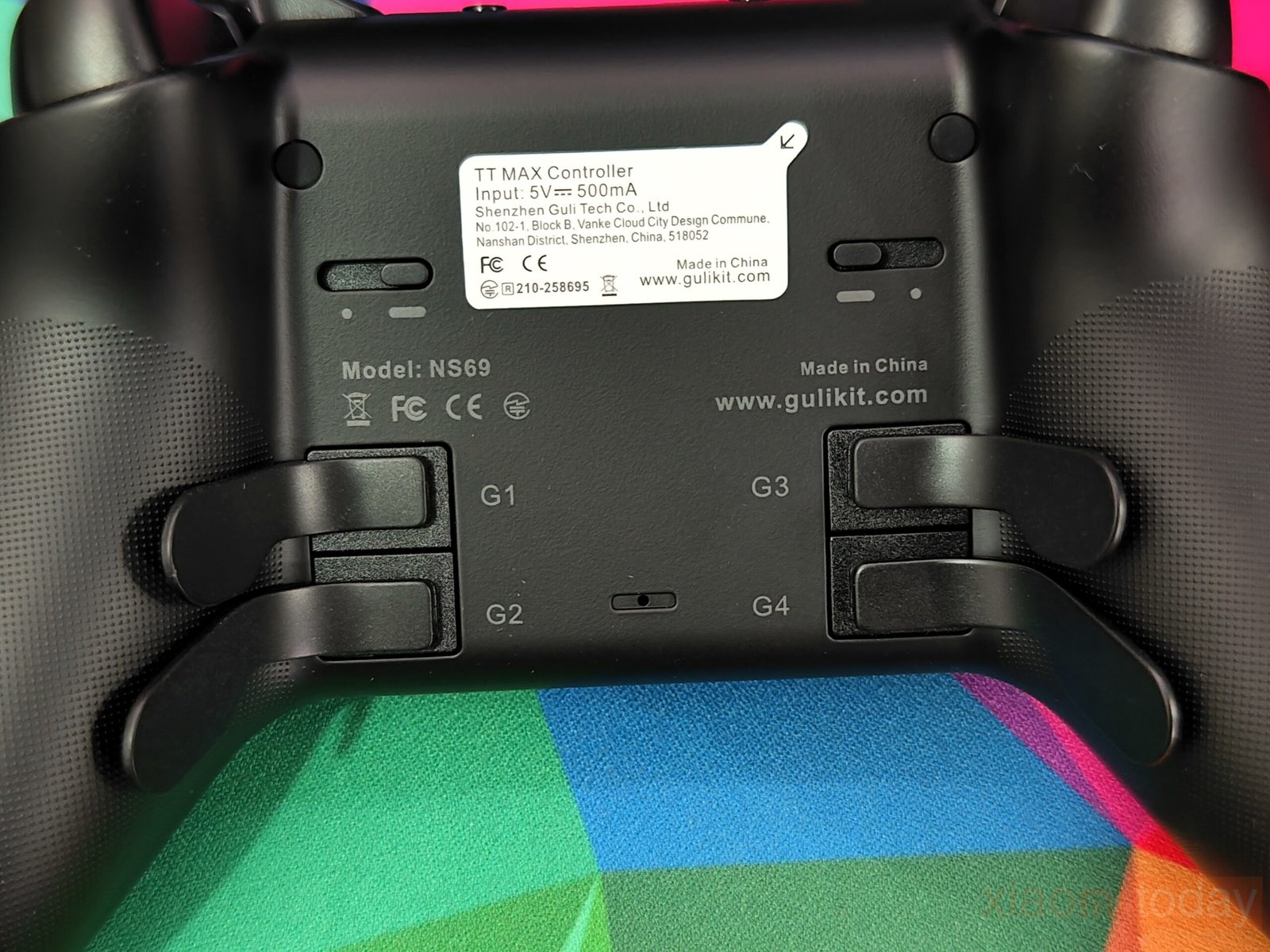
Customization options are extensive. Swappable face buttons let users switch between Nintendo and Xbox labeling, multiple thumbstick caps adjust for height, and two D-pad tops—a cross and a disc-style—offer alternative input experiences. Rear paddles click with a solid feel, delivering functionality usually seen on premium controllers, integrated directly into the design.
GuliKit Hyperlink Gen 2 Dongle Performance and Compatibility
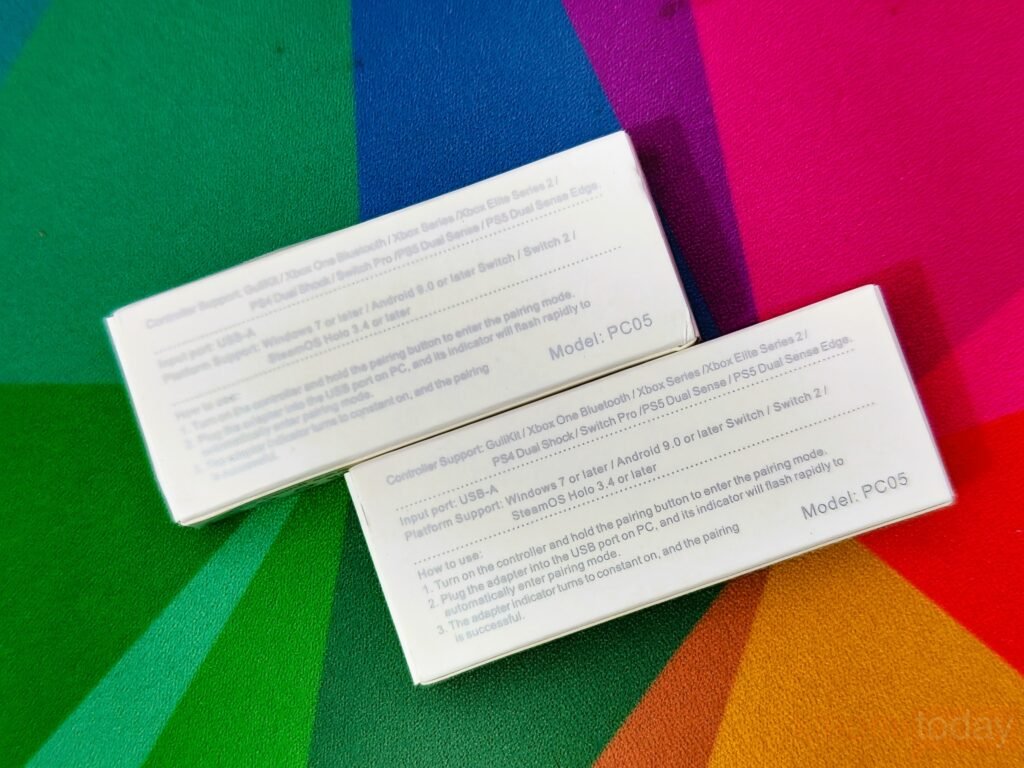
Both controllers include the GuliKit Hyperlink Gen 2 Wireless Controller Adapter; the retail packaging keeps the presentation clean. The front displays GuliKit branding along with the full product name and a printed image of the adapter. The back lists controller and platform compatibility, helping buyers confirm support before use.
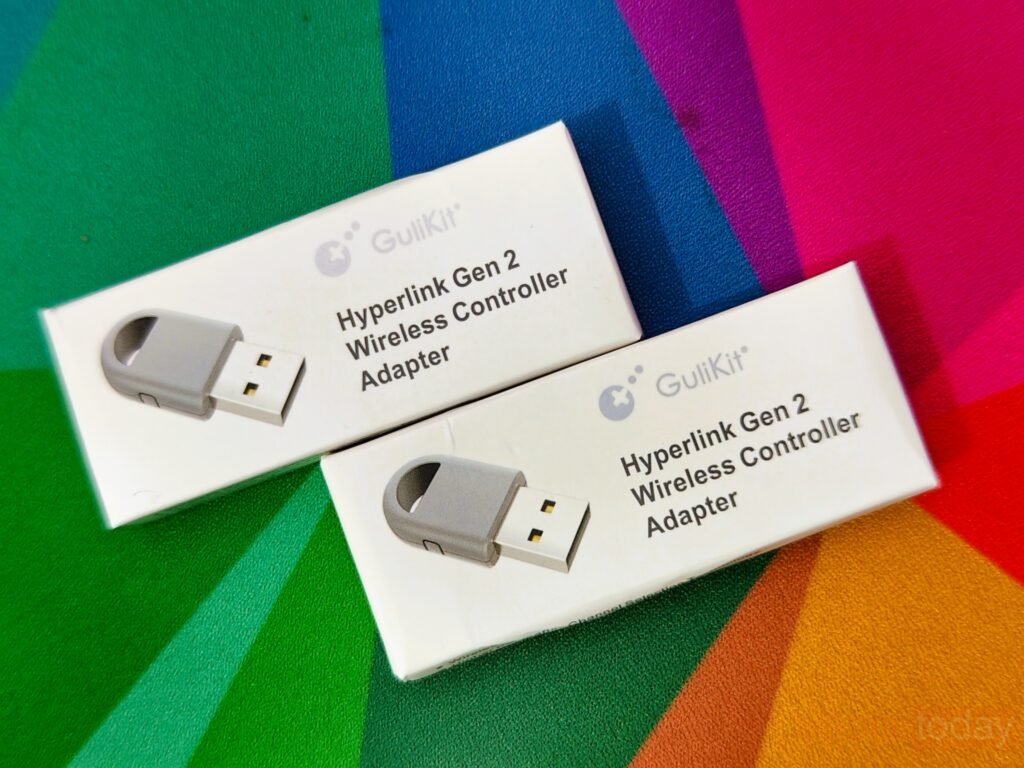
Physically, the dongle uses a standard USB-A connector with a matte gray plastic shell. Its small size prevents it from blocking adjacent USB ports, which is useful on laptops and compact systems. A loop-style end makes removal easier from tight USB slots, while a small side pairing button allows quick syncing. A subtle LED indicator shows connection status without being distracting.
A compact 2.4GHz USB adapter built to reduce wireless input delay on PC and supported platforms. GuliKit rates its second-generation Hyperlink 2 technology at up to 2.62ms latency with an 810Hz polling rate on PC. Compared to typical 2.4GHz and standard Bluetooth connections, the difference is noticeable in fast-paced games where timing and reaction speed matter.
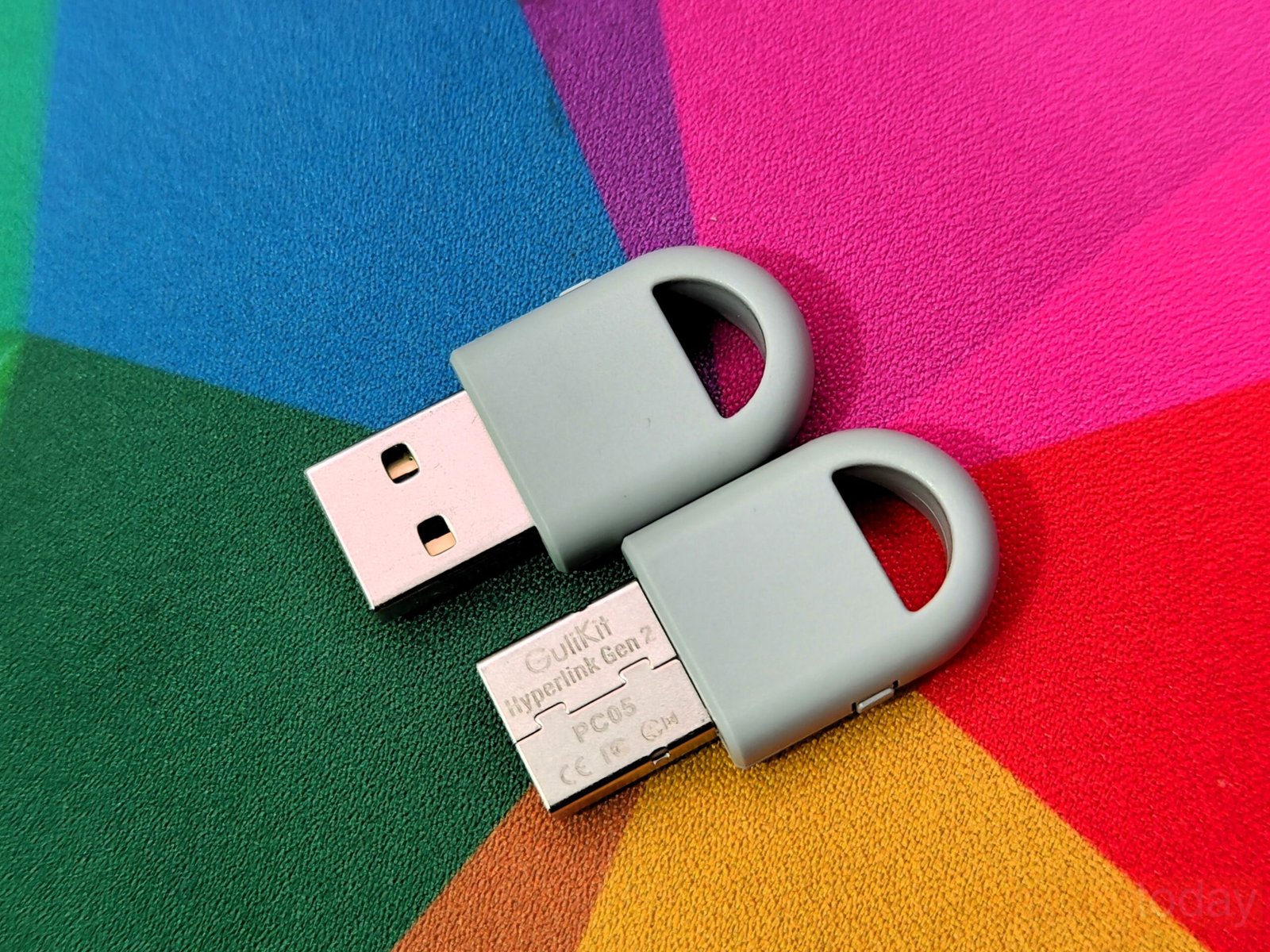
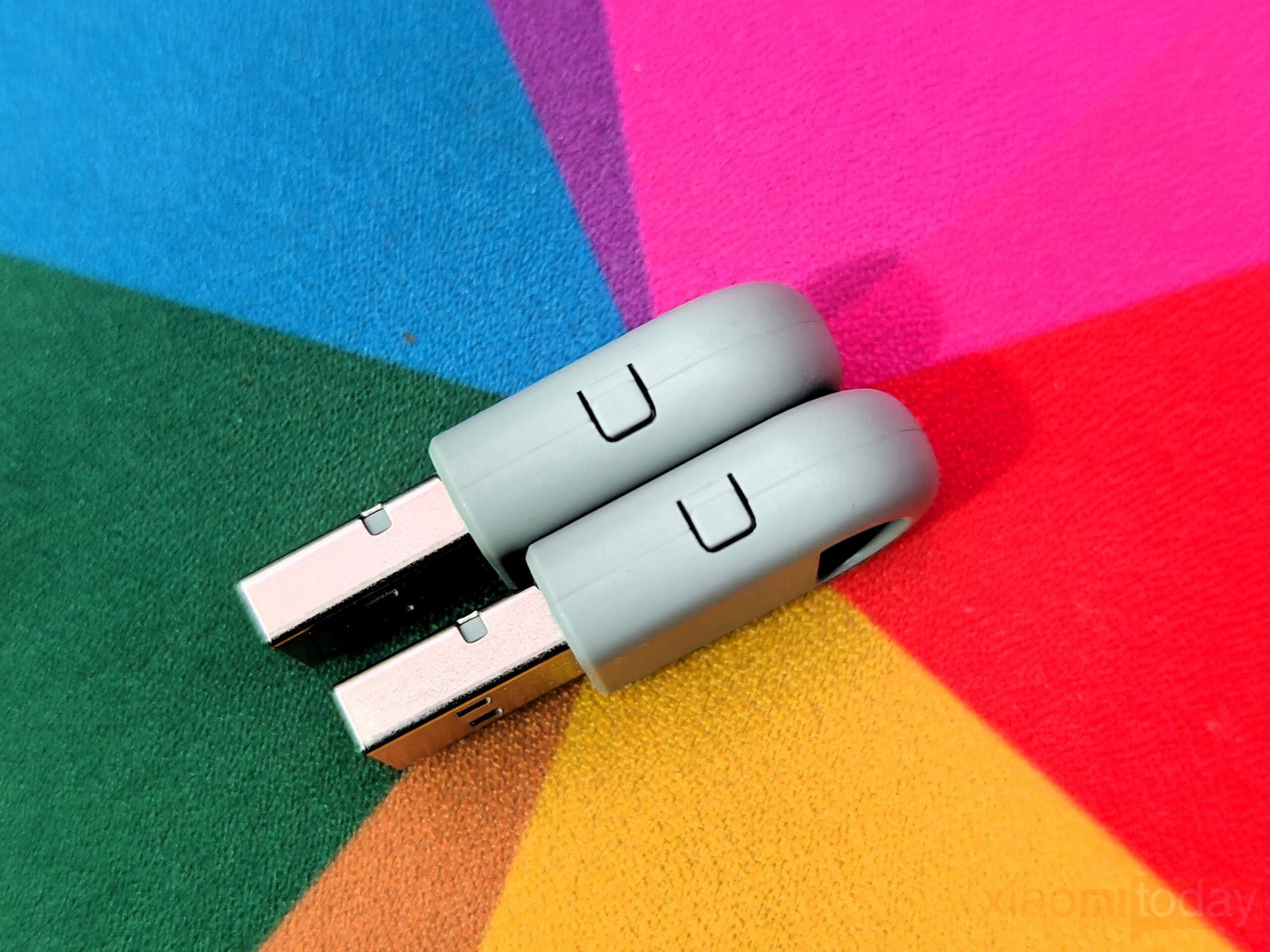
On PC, the dongle maintains a stable connection during extended play sessions. Input registration feels consistent, and there are no sudden dropouts during testing. Installation is plug-and-play on Windows 7 or later, with no additional drivers required in most cases. This makes it a practical option for users who want improved wireless performance without relying on built-in motherboard Bluetooth modules, which can vary in quality.
Controller support includes the Xbox Wireless Controller, Xbox Elite Wireless Controller Series 2, DualShock 4, Nintendo Switch Pro Controller, DualSense, and DualSense Edge. Platform compatibility covers Windows 7 or later, Android 9.0 or newer, Nintendo Switch systems, and SteamOS Holo 3.4 or later.
For users who switch between multiple controllers and devices, the Hyperlink Gen 2 dongle offers a single wireless solution with higher polling rates and lower latency than standard Bluetooth connections. In a hands-on setup, it delivers reliable performance and adds measurable value to the overall controller package.
GuliKit TT Pro vs GuliKit TT Max
The GuliKit TT Pro and GuliKit TT Max share a similar foundation, but their feature sets separate them clearly in daily use. The TT Pro focuses on essential custom key operations, offering limited adjustment options aimed at players who prefer a clean setup without deep configuration. It covers the basics reliably, making it suitable for general gaming across multiple platforms without requiring advanced tuning. For users who value simplicity and stable input performance, the TT Pro delivers what is needed without adding extra layers of complexity.
| Function | TT PRO Controller | TT MAX Controller |
|---|---|---|
| Rear button key assignments | ✔ | ✔ |
| Change joystick deadzone | ✔ | ✔ |
| Automatic continuous input of A/B/X/Y/R/ZR | ✔ | ✔ |
| AB/XY layout switching | ✔ | ✔ |
| R3/L3 sensitivity adjustment | — | ✔ |
| D-Pad 4-way / 8-way switching | 8 directions only | ✔ |
| Aim Assist | — | ✔ |
| Stick bounce prevention mode | ✔ | ✔ |
| Change vibration strength | ✔ | ✔ |
| Change vibration mode | ✔ | ✔ |
| Lighting Control | ✔ | ✔ |
| APG | Max 10 seconds | Maximum 10 minutes |
The TT Max builds on that base with expanded customization tools designed for players who want greater control over their inputs. It supports 4-way and 8-way D-Pad switching, which can influence movement precision depending on the game genre, particularly in fighting and retro titles. In addition, R3 and L3 input sensitivity adjustment allows users to fine-tune stick press responsiveness. The TT Max also includes APG, a macro-style system that records real input sequences and enables repeat playback. Macros can be saved and shared as PC files, offering added convenience for repetitive in-game tasks or practice routines.
GuliKit further enhanced the TT Max with a stick bounce prevention mode introduced during the review period. The feature aims to reduce unintended opposite-directional input when the analog stick snaps back to center after a full tilt, an issue that can occur in fast-paced games such as Super Smash Bros. By applying a brief software-based dead zone during the return motion, the controller minimizes accidental reverse inputs without affecting normal control response. With these additions, the TT Max targets players who demand broader customization, while the TT Pro remains focused on essential functionality for everyday gaming.
Connectivity
The GuliKit TT Pro and TT Max offer versatile connectivity options for gamers using multiple platforms. Both controllers support Nintendo Switch, Switch 2, Windows PCs, Android, and iOS devices, allowing users to switch between systems without extra hardware. Changing modes is quick, making it simple to adapt the controller to each platform. For gamers who play across different devices, this level of compatibility keeps setups clean and convenient.
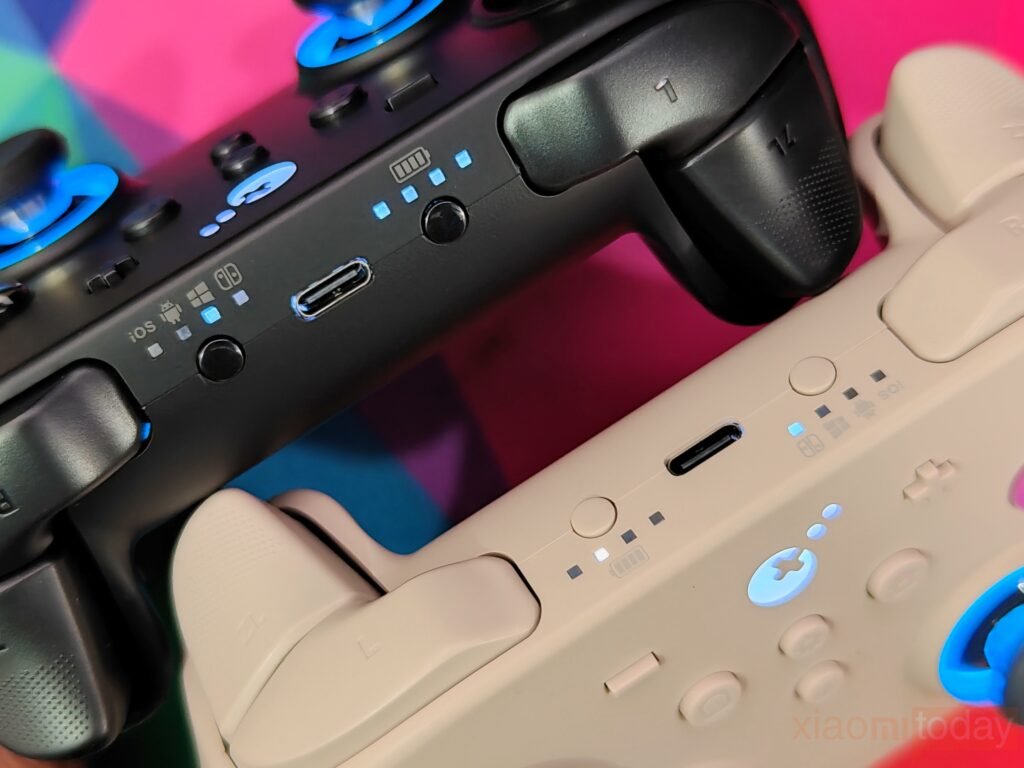
Wireless performance is handled by GuliKit’s Hyperlink 2 Bluetooth technology. In testing, the controllers paired quickly and stayed connected during gameplay. On PC, latency can be as low as 2.62 ms, delivering responsive controls for most gaming scenarios. The controller also works with the Hyperlink 2 multi-functional Bluetooth adapter, extending compatibility to Xbox Series S/X, Elite Series 2, PS4, PS5, Switch Pro, and Xbox One Bluetooth controllers across Windows, SteamOS, Android, and Switch systems.
For users who prefer wired connections, the controllers feature a USB-C port capable of a 1000 Hz polling rate on PC. Wired mode is ideal for competitive play or situations where low latency is a priority. Setting up a wired connection is simple: switch the controller to PC mode and plug in a USB-C cable. On desktop setups, using rear USB ports can help maintain a more stable connection during extended sessions.
Bluetooth pairing on mobile devices and computers is also easy. Holding the pairing button for a few seconds activates pairing mode, and the controller appears as “GuliKit XW Controller” in the device menu. Once paired, the controller stays connected for future sessions. On the Switch and Switch 2, it can even wake the console from sleep, offering added convenience. The GuliKit TT Pro and TT Max provide practical connectivity across most gaming platforms without complex setup.
Battery and Charging
Both controllers are powered by a 950mAh Li-polymer battery, providing reliable runtime for wireless gaming. According to GuliKit, battery life ranges from 14 to 26 hours depending on usage. Using power-saving settings, such as turning off the joystick LED rings, allows the controller to reach the higher end of this range, while enabling vibration and lighting reduces overall runtime.
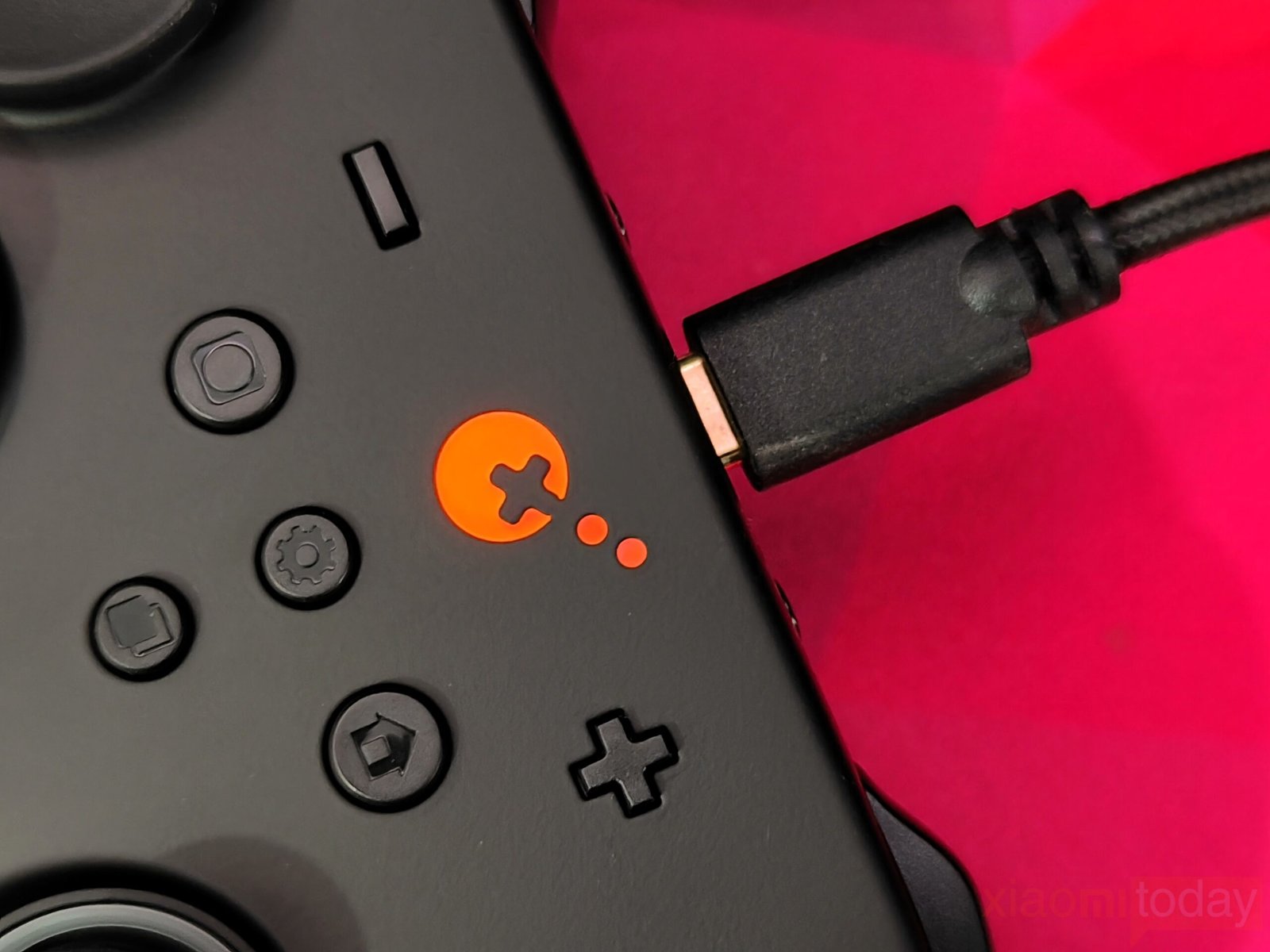
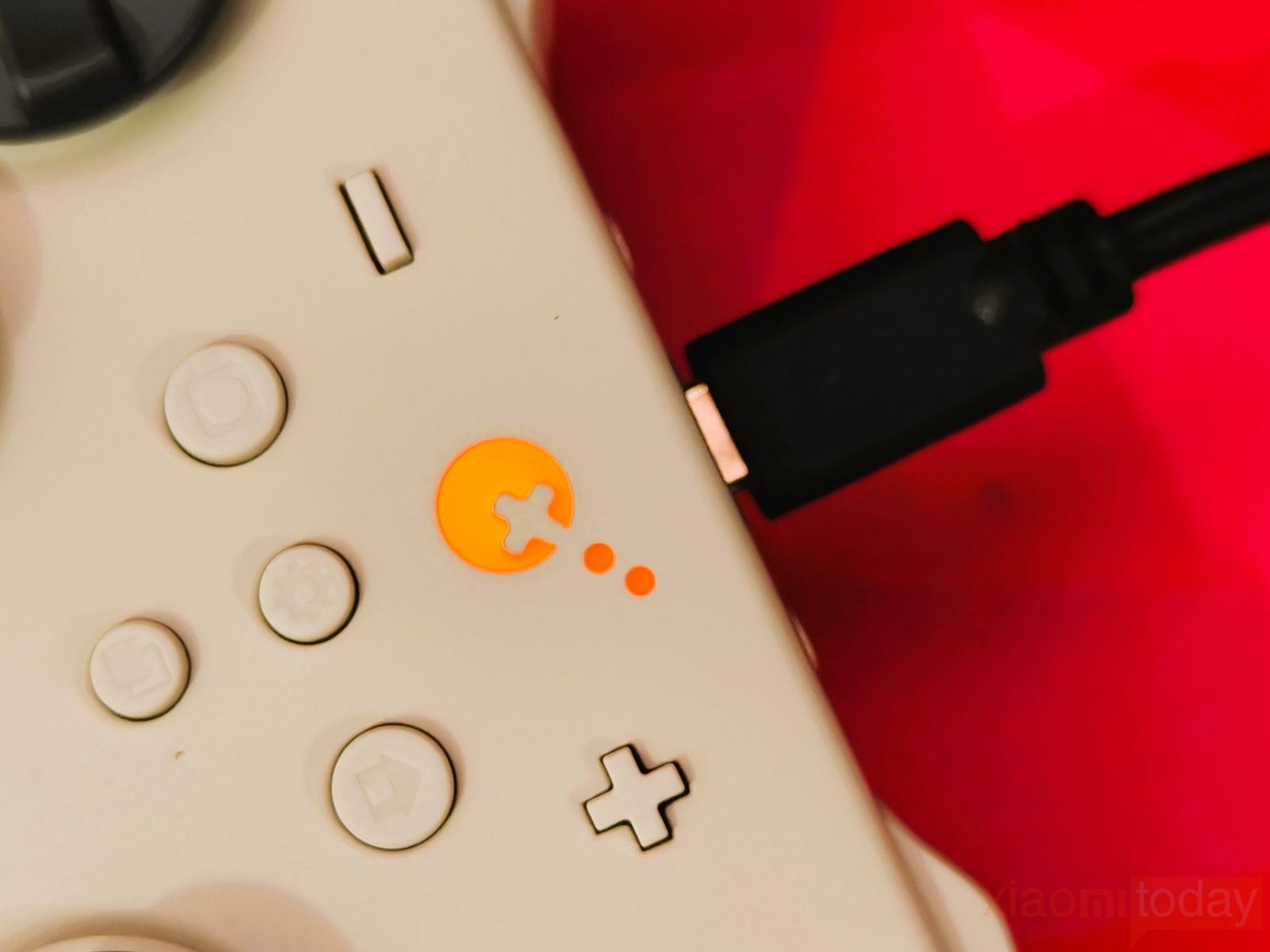
In everyday use, with LED rings active and vibration on high, the controllers last around 10 to 12 hours per charge. This is enough for extended gaming sessions without frequent recharging. Charging is handled through a USB-C port, which is compatible with most modern cables and chargers. A built-in battery indicator displays remaining charge, making it easy to track power levels and plan when to recharge the controller.
Use & Gaming Experience
After two weeks of regular gaming on PC and Nintendo Switch, the GuliKit TT Pro and TT Max delivered stable performance across multiple genres. The symmetrical analog layout feels balanced, especially for players used to PlayStation-style controllers, while the grip shape is closer to an Xbox controller. The handles provide good palm support, and the textured rear surface improves grip during longer sessions. In daily use, I played between two to four hours per session without noticeable discomfort.
For competitive shooters, I tested Call of Duty: Warzone, Apex Legends, and Counter-Strike 2 on PC using the Hyperlink 2 dongle. Input response remained consistent, and aiming adjustments felt controlled. The tension-adjustable TMR joysticks make a difference in fine aiming, particularly when tracking targets at mid-range. On the TT Max, increasing stick resistance slightly improved recoil control. The anti-snapback setting also helped reduce accidental reverse inputs during fast flick movements.
In racing and sports titles like Forza Horizon 5 and EA Sports FC 24, the Hall effect trigger mode offered better throttle control thanks to its analog depth. Switching to microswitch mode reduced trigger travel, which worked better in shooters where quick activation is preferred. The toggle system is physical and easy to access, allowing fast changes between game types without entering software menus.
On Nintendo Switch, I tested The Legend of Zelda: Tears of the Kingdom and Super Smash Bros. Ultimate. Motion aiming worked reliably on supported titles, especially when making small aim corrections. In Smash Bros., the TT Max’s stick bounce prevention feature helped during aggressive directional inputs. It reduces unintended opposite movement when the stick snaps back to center, which can be useful in fast-paced matches.
The magnetic levitation vibration motors provide clean feedback without excessive noise. In racing games, road texture changes are noticeable but controlled. Vibration strength can be adjusted directly on the controller, which is useful when switching between casual and competitive play. RGB lighting around the joysticks can also be disabled to extend battery life.
Battery performance averaged around 10 to 12 hours with vibration and lighting enabled. Turning off the lighting improves endurance. Wireless connectivity remained stable during testing, with no sudden disconnections. Wired mode at a 1000Hz polling rate is available for players who prefer a cable setup.
Overall, after two weeks of testing, both the GuliKit TT Pro and TT Max deliver reliable performance across shooters, racing games, sports titles, and action games. The TT Pro focuses on essential features, while the TT Max adds deeper customization for players who want more control over stick behavior and input tuning.