Epomaker has been expanding its peripheral lineup quickly, and the Click Lite enters the catalog as a compact wireless mouse aimed at users who want a lighter option without giving up core features. After spending time with the Click (Review) and CarbonX (Review) models, the EPOMAKER Click Lite immediately feels like a more travel-friendly mouse, built around the PAW3311 sensor with support for DPI settings up to 12,000. While this sensor isn’t designed for high-end competitive play, it provides enough range for fast movements and higher-resolution displays.
Tri-mode connectivity adds flexibility, supporting 2.4 GHz wireless, Bluetooth, and USB-C. Switching between devices is simple, and the connection stayed stable during extended use. The mouse includes five programmable buttons, allowing customization for games or productivity shortcuts. Its low-profile design resembles the Razer Viper Mini, providing comfort for fingertip and claw grip styles, while the rechargeable battery ensures minimal downtime.
In this hands-on review, we test the Click Lite’s build quality, comfort, and performance to see how it fits into the budget-friendly wireless mouse market.
Epomaker Click Lite – Specifications
| Specification | Details |
|---|---|
| Brand | Epomaker |
| Type | Wireless Gaming Mouse |
| Model | Click Lite |
| Material | Plastic |
| Connection | Tri-Modes (2.4GHz Wireless, Bluetooth, USB-A to USB-C Cable) |
| DPI | 6 stages: 800 / 1600 / 2400 / 3200 / 5000 / 12000 |
| IPS | 300 IPS |
| Acceleration | 35g |
| CPI | 24,000 |
| FPS | 12,000 |
| Sensor | PAW3311 |
| Polling Rate (2.4G & USB Mode) | Default 1000Hz (Adjustable: 125Hz / 250Hz / 500Hz / 1000Hz) |
| Polling Rate (Bluetooth Mode) | 125Hz |
| Battery | 500mAh |
| Compatible OS | Windows / Mac / Linux |
| Size | 12.1 × 6.36 × 3.87 cm |
| Weight | ~59g |
Unboxing
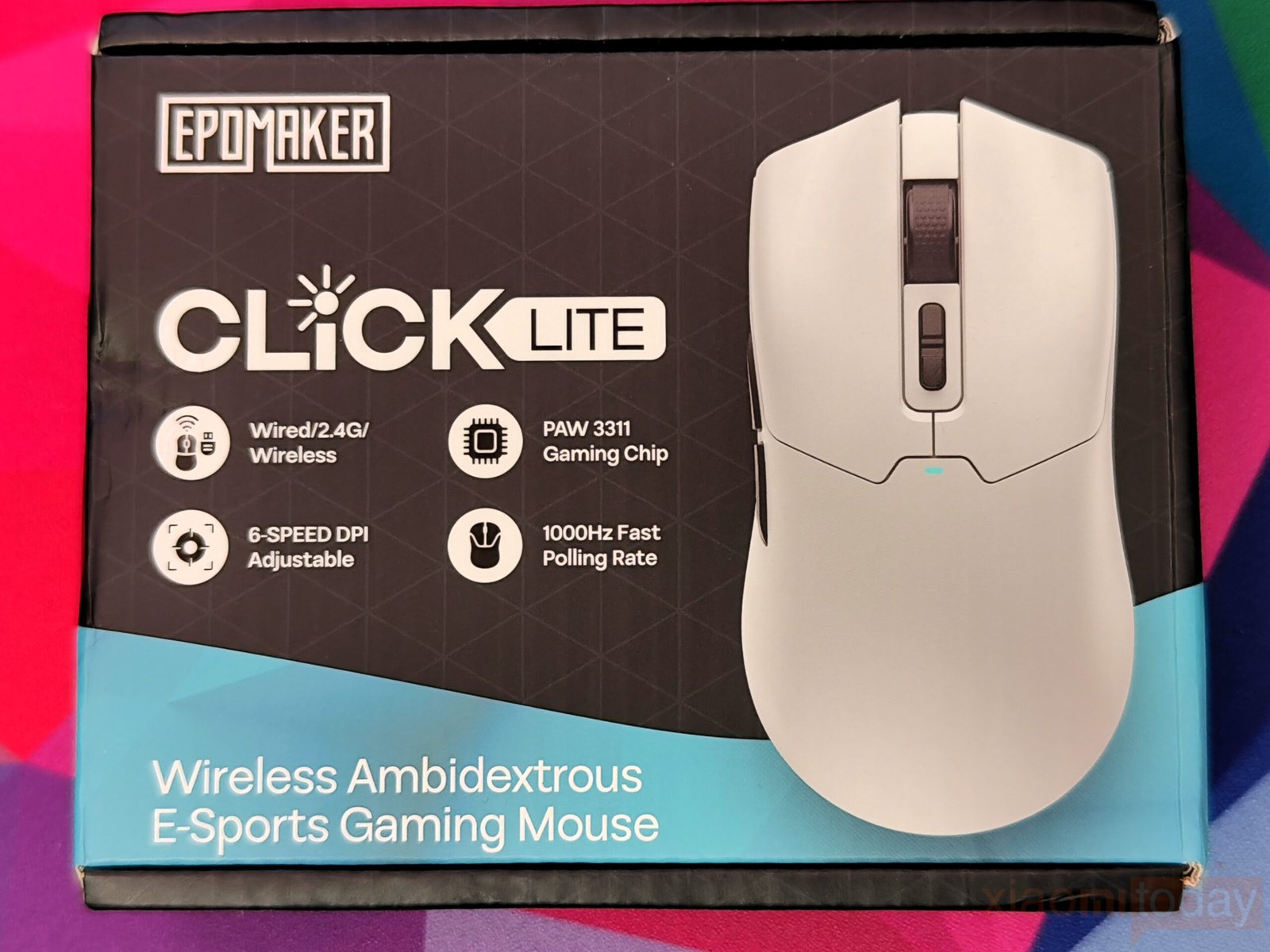
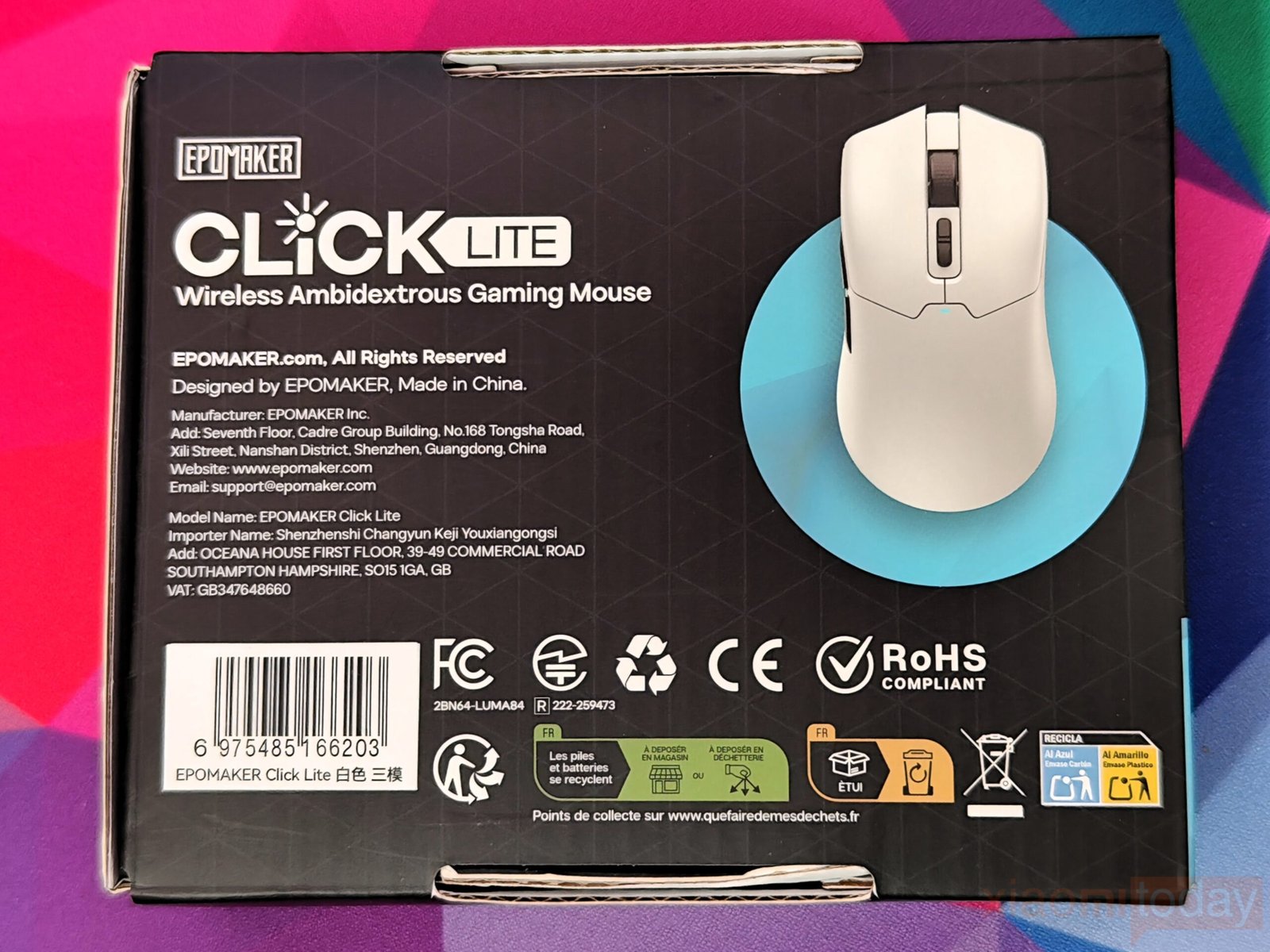
Epomaker’s Click Lite comes in a simple, minimalistic box that keeps the focus on the mouse itself. The front shows a clear image of the device along with icons highlighting its main features, including wireless connectivity, adjustable DPI, polling rate, and sensor type. Branding is subtle, while the back provides compliance, corporate, and safety information in a clean, organized layout. The packaging is functional and easy to navigate, reflecting the practical design approach of the Click Lite.]
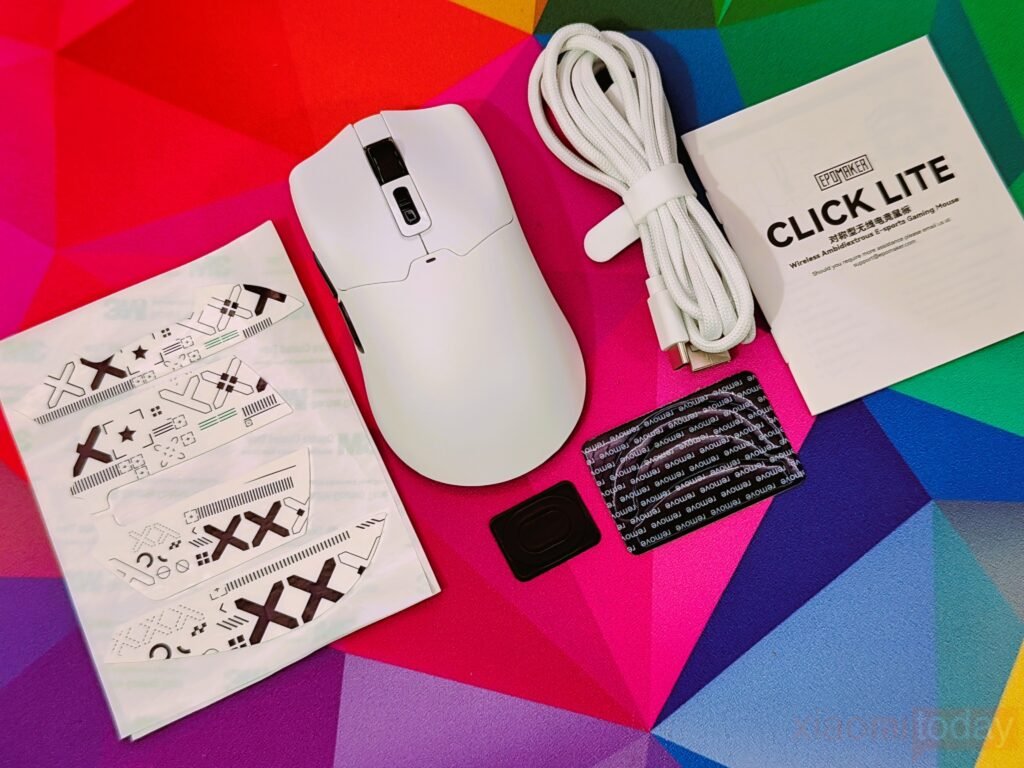
Inside the box, in addition to the Click Lite Wireless Gaming Mouse, a 2.4GHz dongle is stored inside the mouse, and a detachable USB-A to USB-C cable for wired use or charging. The package also includes a multilingual user manual and extra PTFE stickers to maintain smooth movement over time.
Design
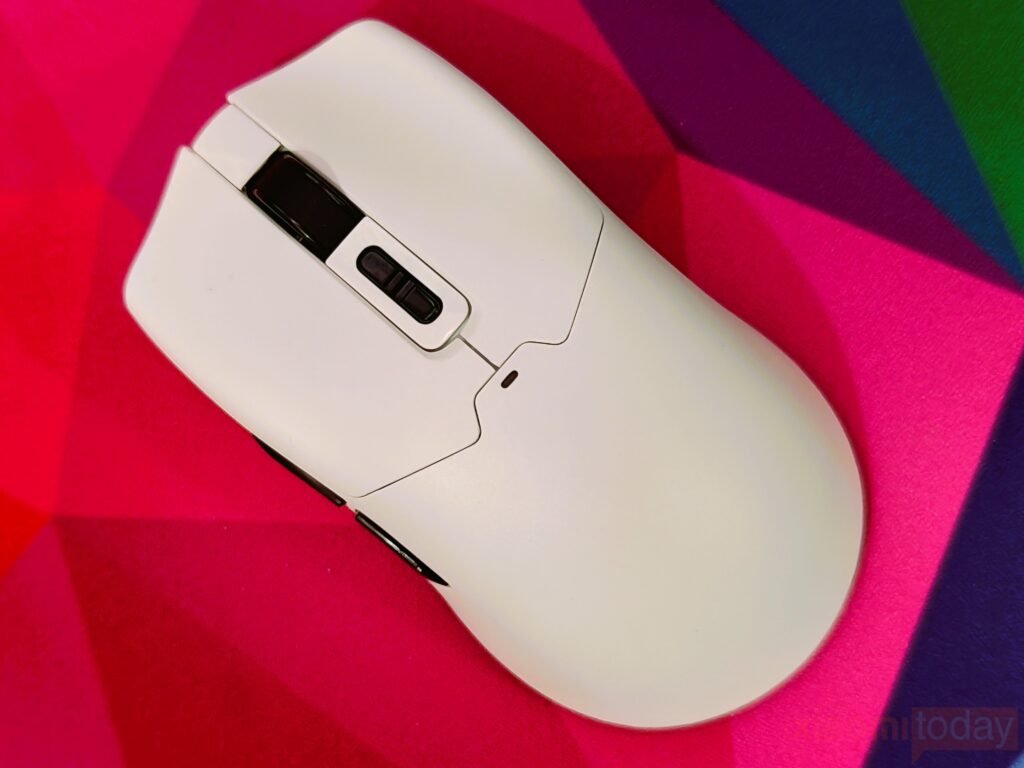
The EPOMAKER Click Lite offers a clean and modern design, available in black and white. Our review unit in white features subtle glossy accents that give it a refined look. Weighing approximately 59 grams, it qualifies as an ultra-light gaming mouse, providing a good balance between speed and control. In testing, the weight felt even, allowing precise tracking and smooth flicks without feeling hollow or unstable. The top of the mouse remains uncluttered, with no logos or extra elements, keeping the overall design simple and elegant.
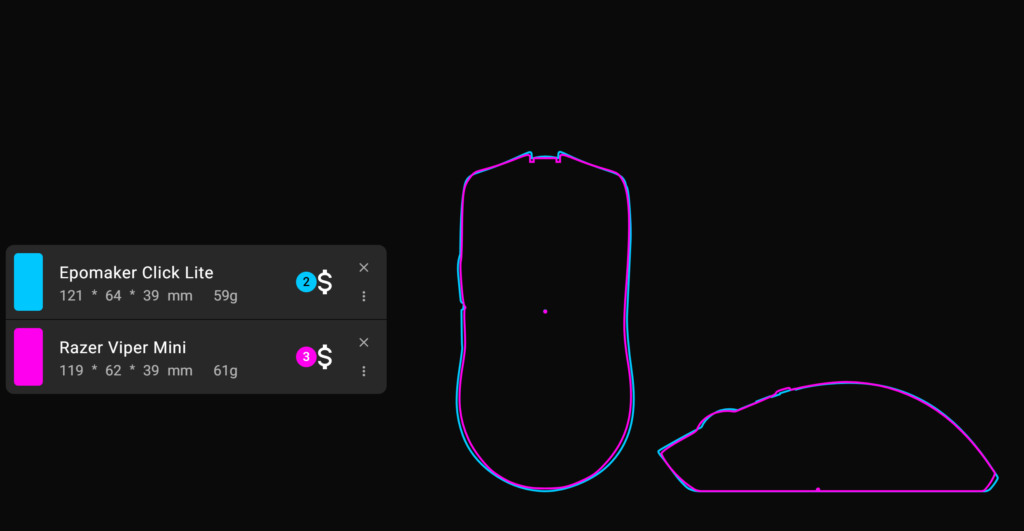
The compact design takes cues from popular small-form mice like the Razer Viper Mini. Its size makes it suitable for a variety of hand sizes and grip styles, including claw and fingertip grips. This versatility allows the Click Lite to work well for both gaming and everyday computer tasks, offering a comfortable fit for most users.
Comfort is one of the mouse’s strong points for claw and fingertip users. The shape provides enough surface area for fingers to rest naturally, and the slight hump at the back helps anchor the palm. Curved sides support the thumb and fingers, aiding precise movements for gaming. Palm-grip users may find the shorter body less supportive compared to larger mice, but claw and fingertip grips feel natural and controlled.
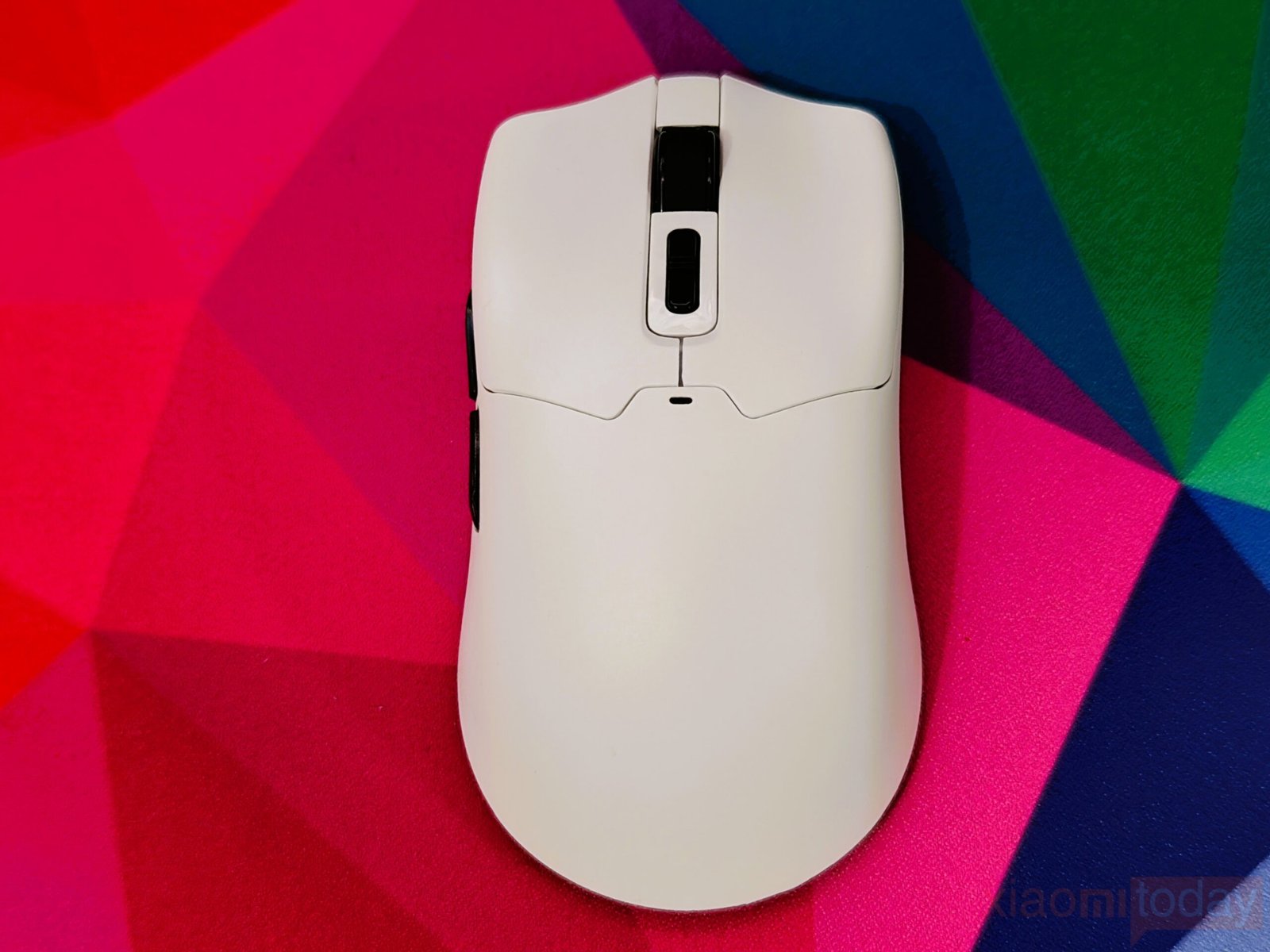

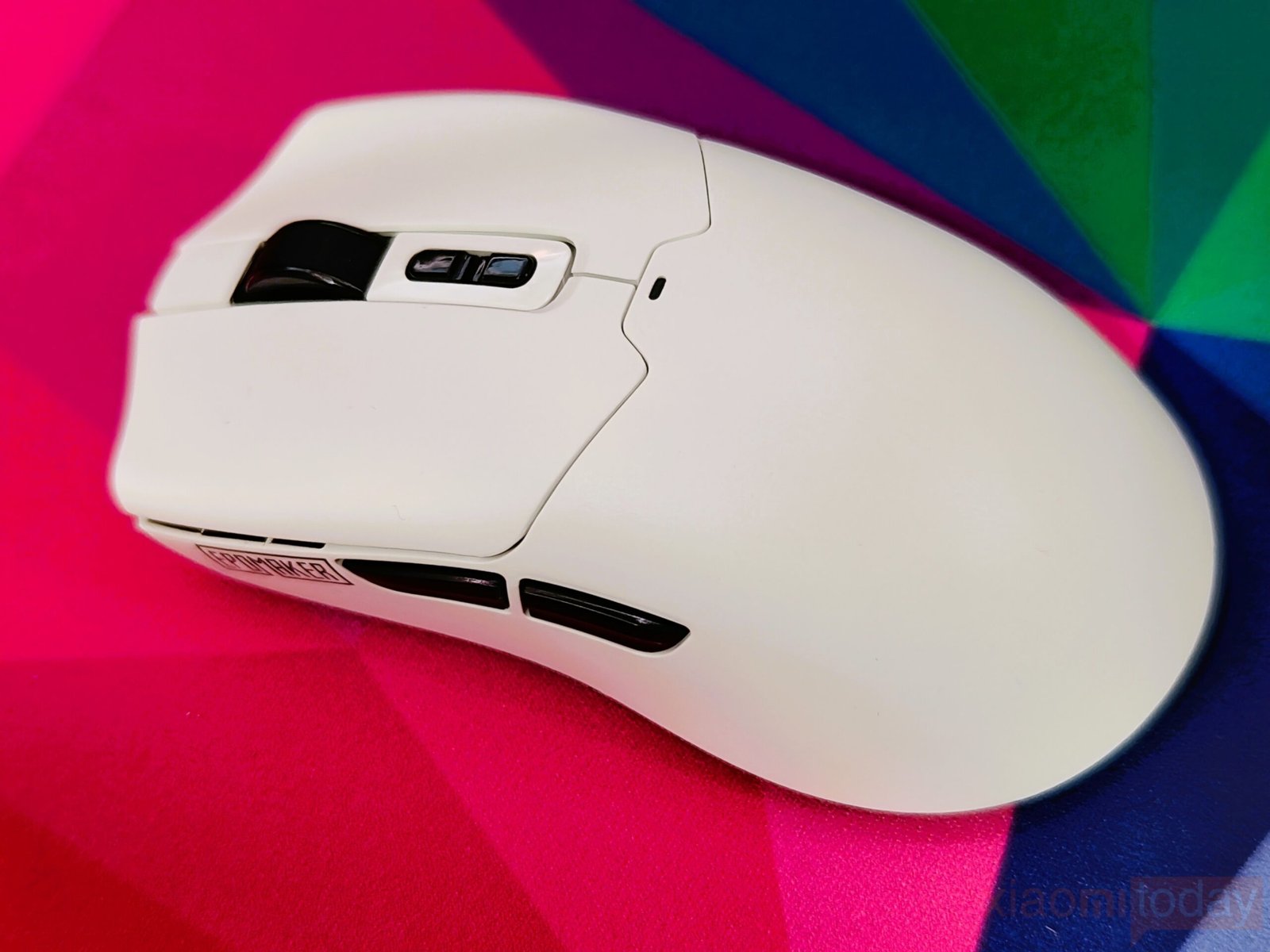
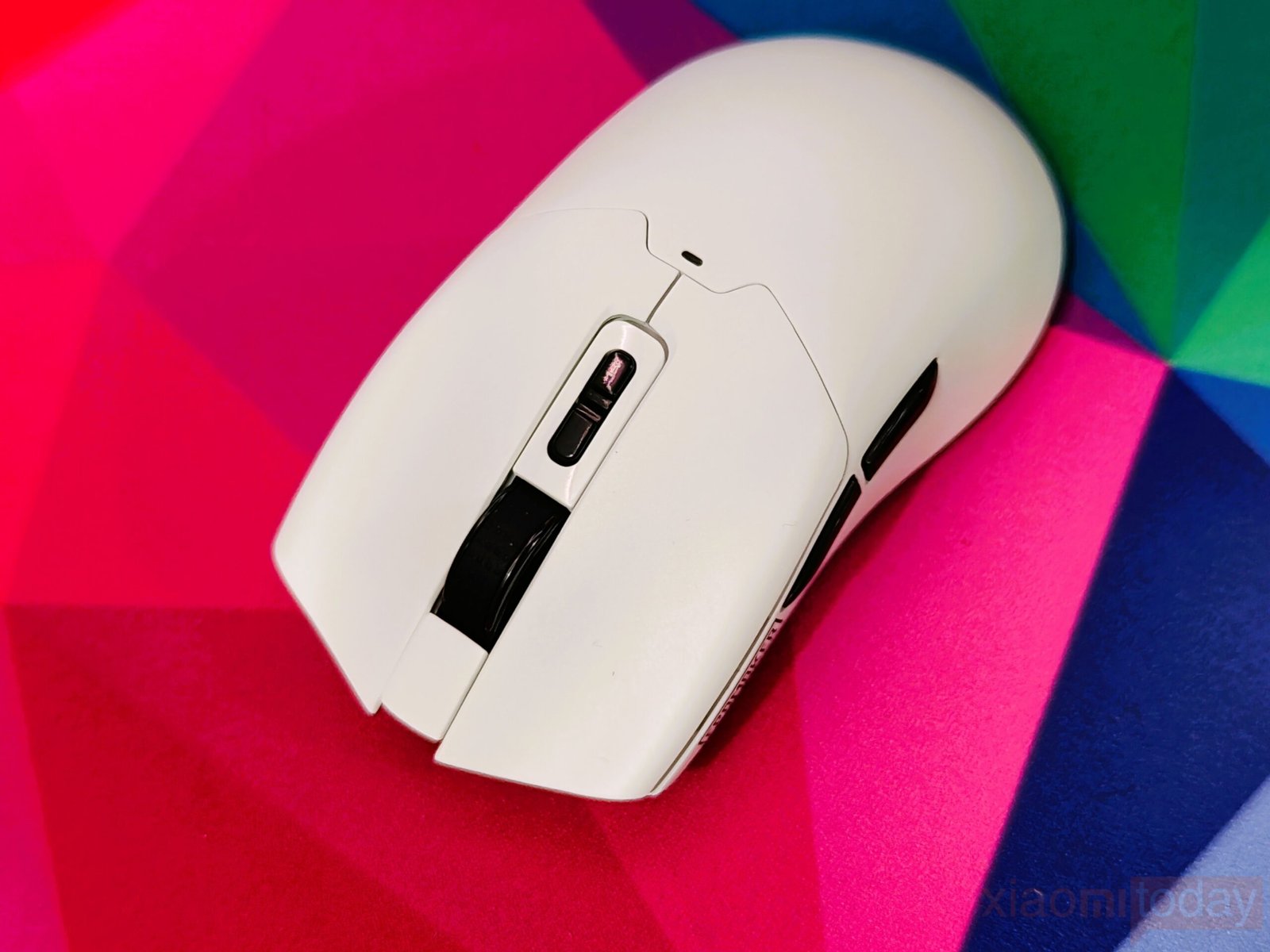
The plastic shell may feel light initially, but the mouse feels grounded in use thanks to its shape and sensor performance. The surface coating adds a light texture that improves grip without requiring additional tape, handling dry hands well, and resisting fingerprints. EPOMAKER includes decals for customization, though they are mainly cosmetic and don’t affect performance. The Click Lite balances lightness and control, making it comfortable for extended sessions.
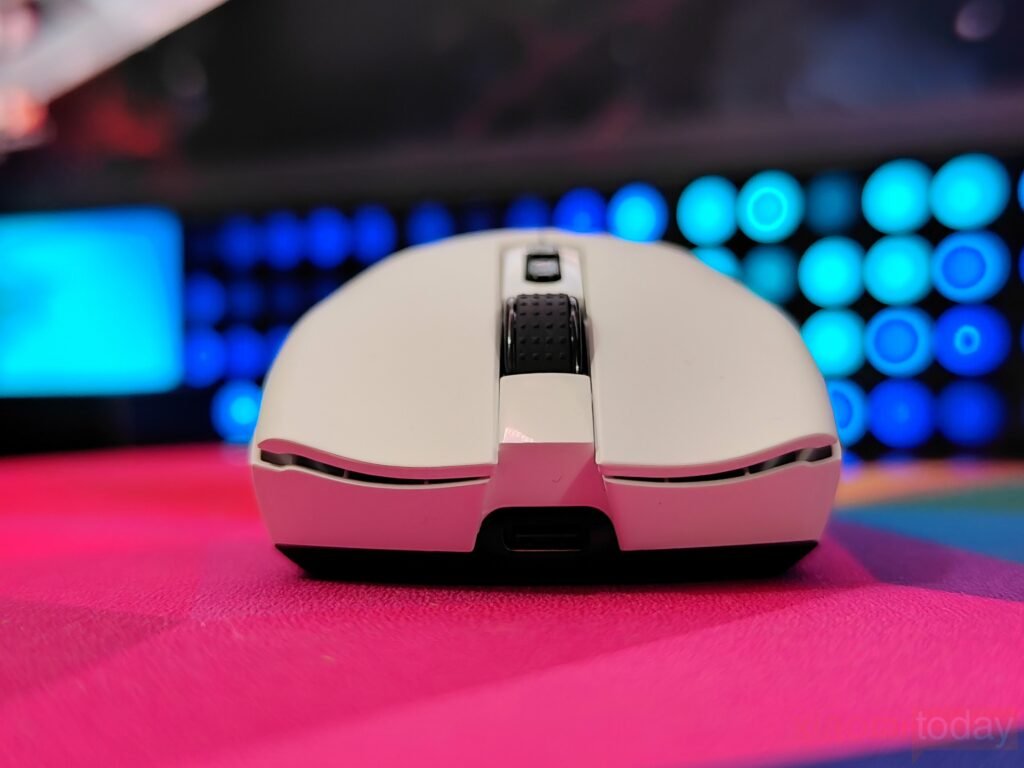
The left and right buttons have a subtle inward curve that fits the fingers comfortably. They use Omron switches, delivering a medium actuation force with a tactile and reliable click. Pre-travel and post-travel are minimal, and there is no side play, so inputs register accurately even during rapid presses. While the clicks are not as sharp as some high-end mice, they remain consistent and comfortable for both gaming and everyday use.
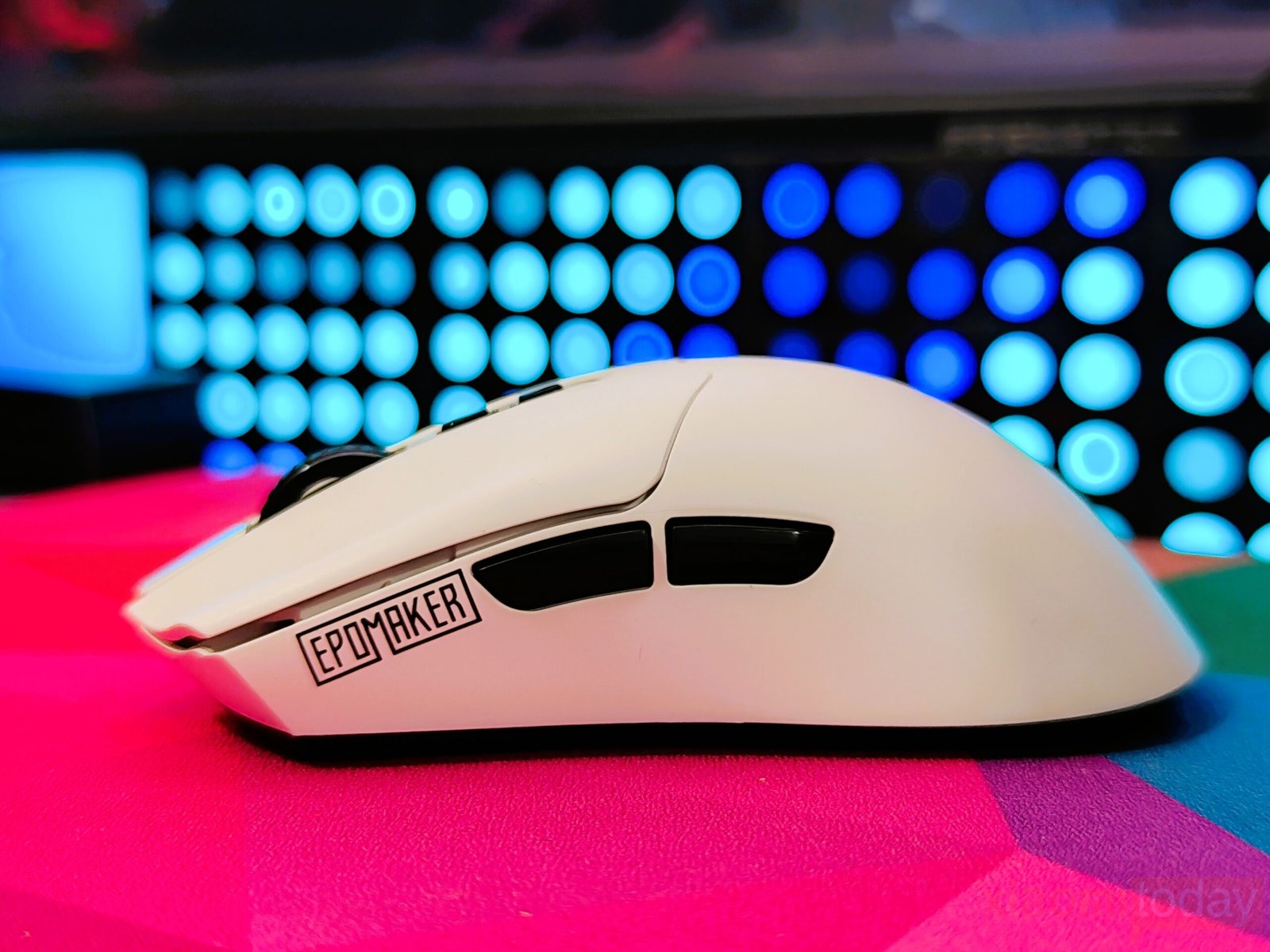
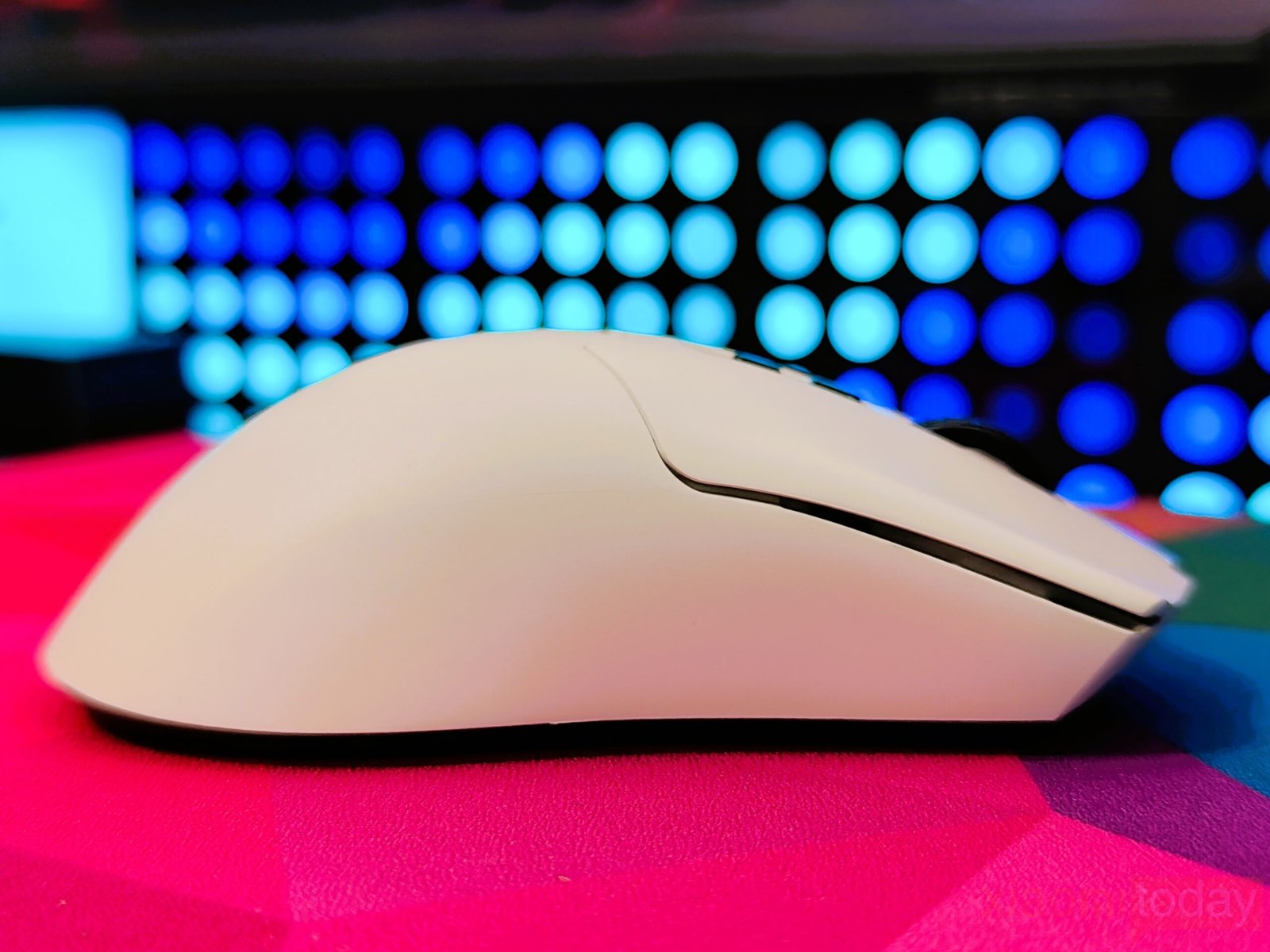
The left side buttons are quiet and crisp, with minimal pre-travel and only a slight amount of post-travel, staying firm without sinking into the shell. Their placement feels natural, letting your thumb reach them easily without shifting your grip. Their close position to the shell also helps prevent accidental presses, though users who prefer a more pronounced tactile feel may find them a bit gentle. The right side remains smooth, keeping the overall shape clean and comfortable.
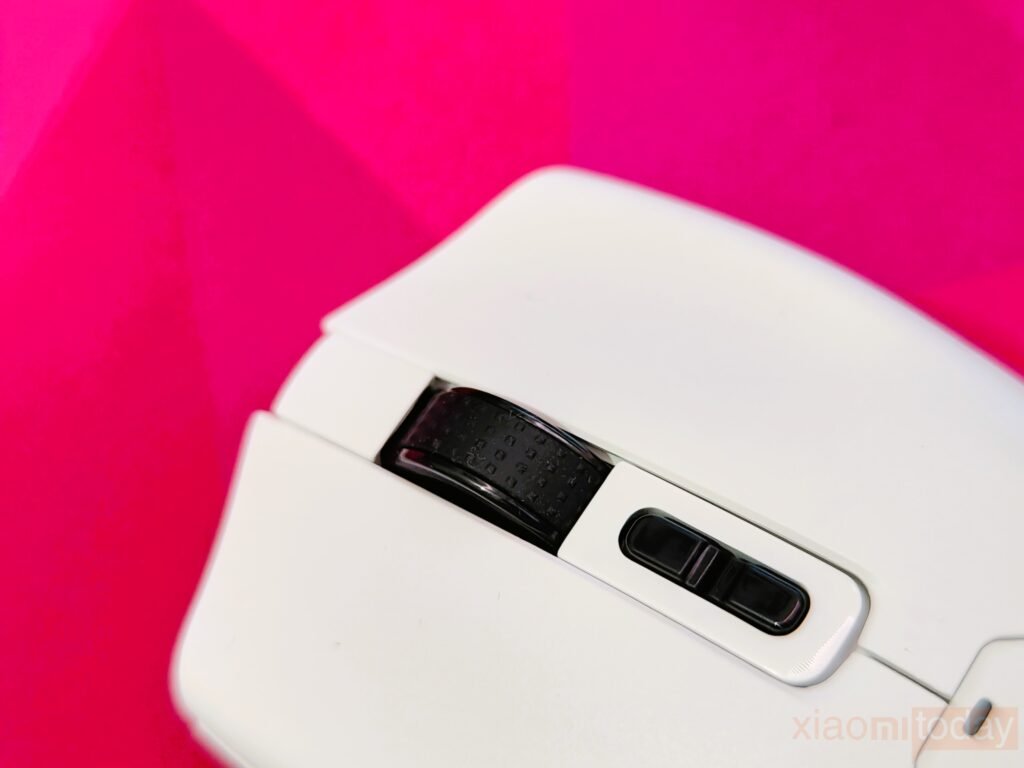
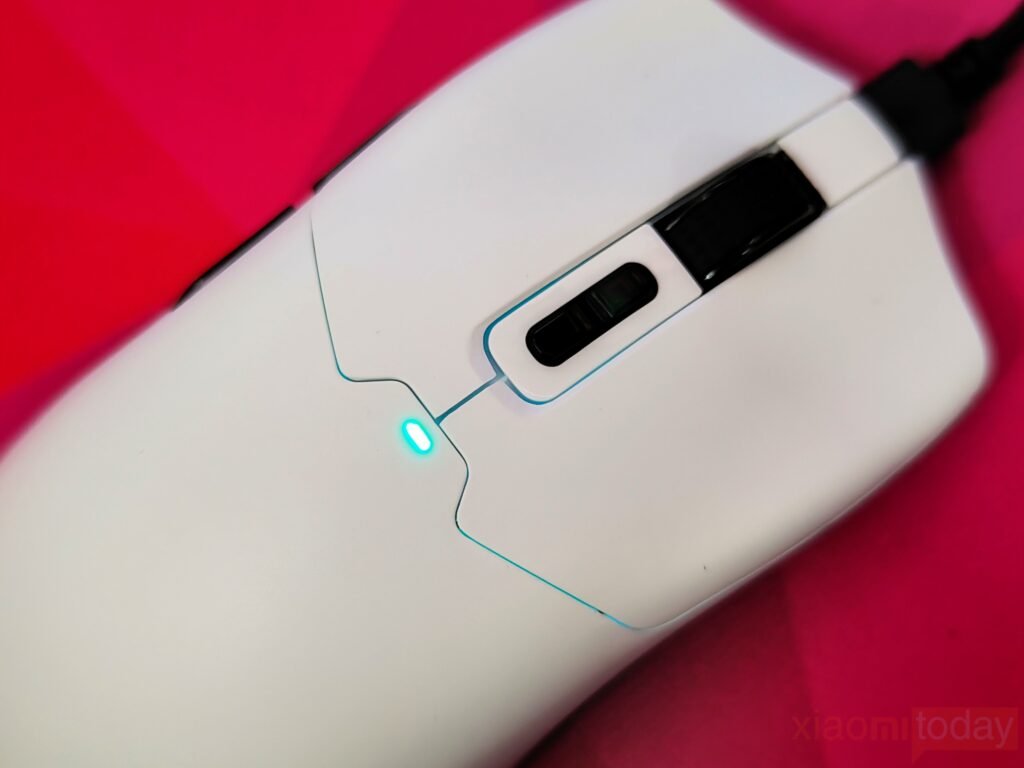
The scroll wheel feels well-balanced, with a rubberized surface that provides a firm grip and smooth rotation. It’s responsive enough for quick scrolling and precise adjustments without feeling too stiff or too loose. Behind the wheel, two buttons let you adjust DPI levels quickly, while a small LED shows the current DPI setting and battery status.

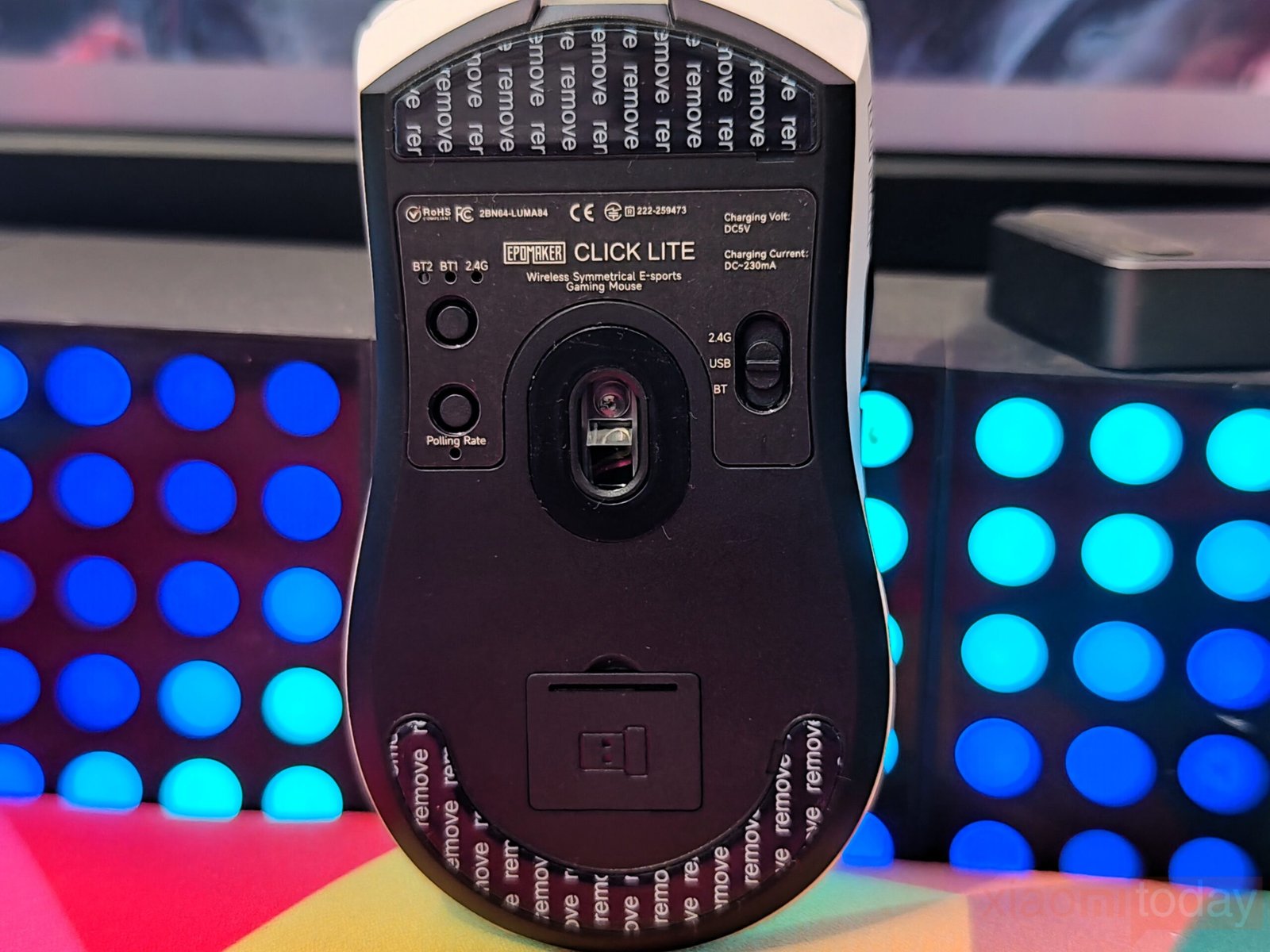

The Click Lite charges through a USB Type-C port on top, allowing you to use it in wired mode without interruption. Turning the mouse over, the skates may seem simple, but they deliver a smooth and consistent glide across the mouse pad. The rounded edges reduce friction, making small, precise movements easier to control. The underside also offers practical controls, including indicators for 2.4G and two Bluetooth connections, a button that switches between connections, a polling rate button with its indicator, and a mode switch for toggling between 2.4G, wired, and Bluetooth. A dedicated slot for the 2.4G dongle keeps it securely stored and easily accessible.
Features and Performance
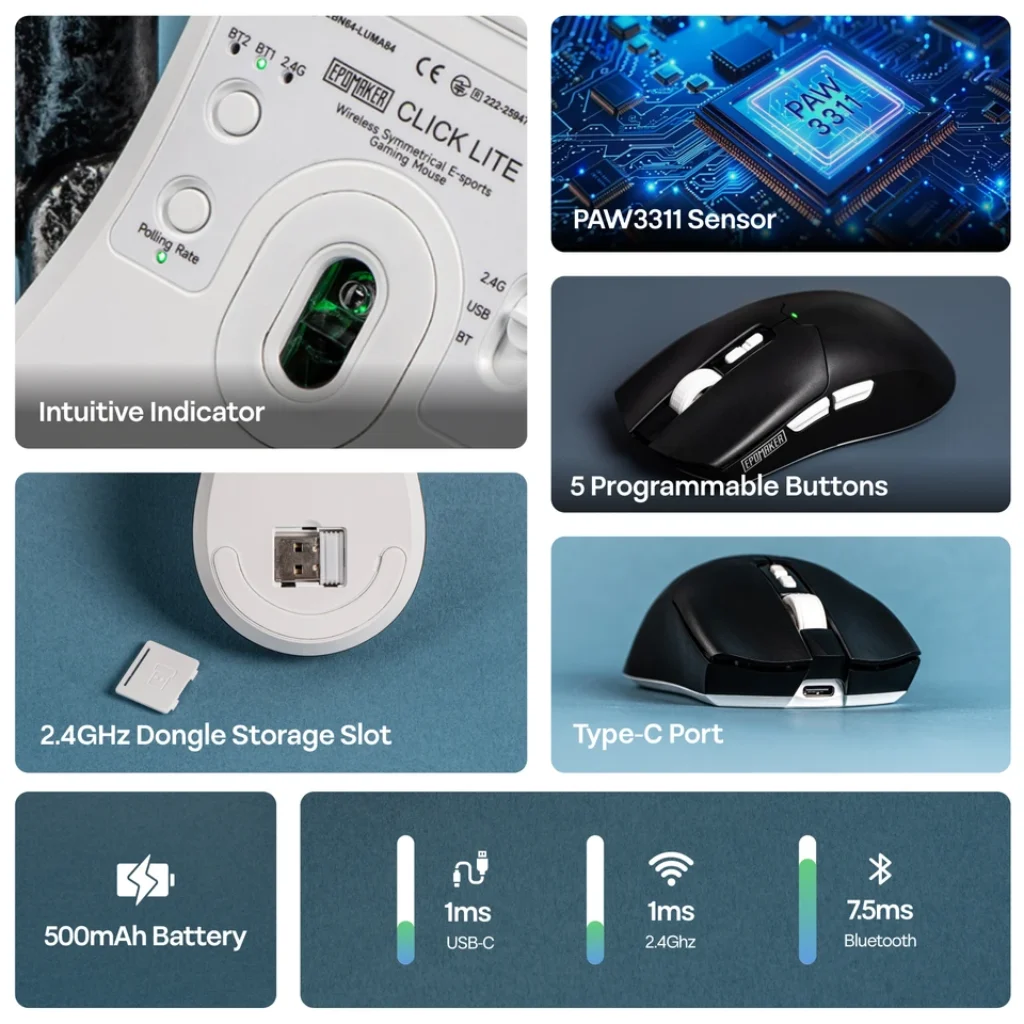
The Click Lite mouse uses the PAW3311 sensor, providing consistent tracking with a 1000Hz polling rate and 1ms response time. Movements feel smooth and precise across different surfaces, making it suitable for both everyday use and gaming. DPI settings range from 800 to 12,000, giving flexibility to adjust sensitivity for different tasks or game types. With a 300 IPS tracking speed and 35G acceleration, the mouse handles quick flicks and fast directional changes accurately, keeping performance reliable during intense gaming moments.
Connectivity

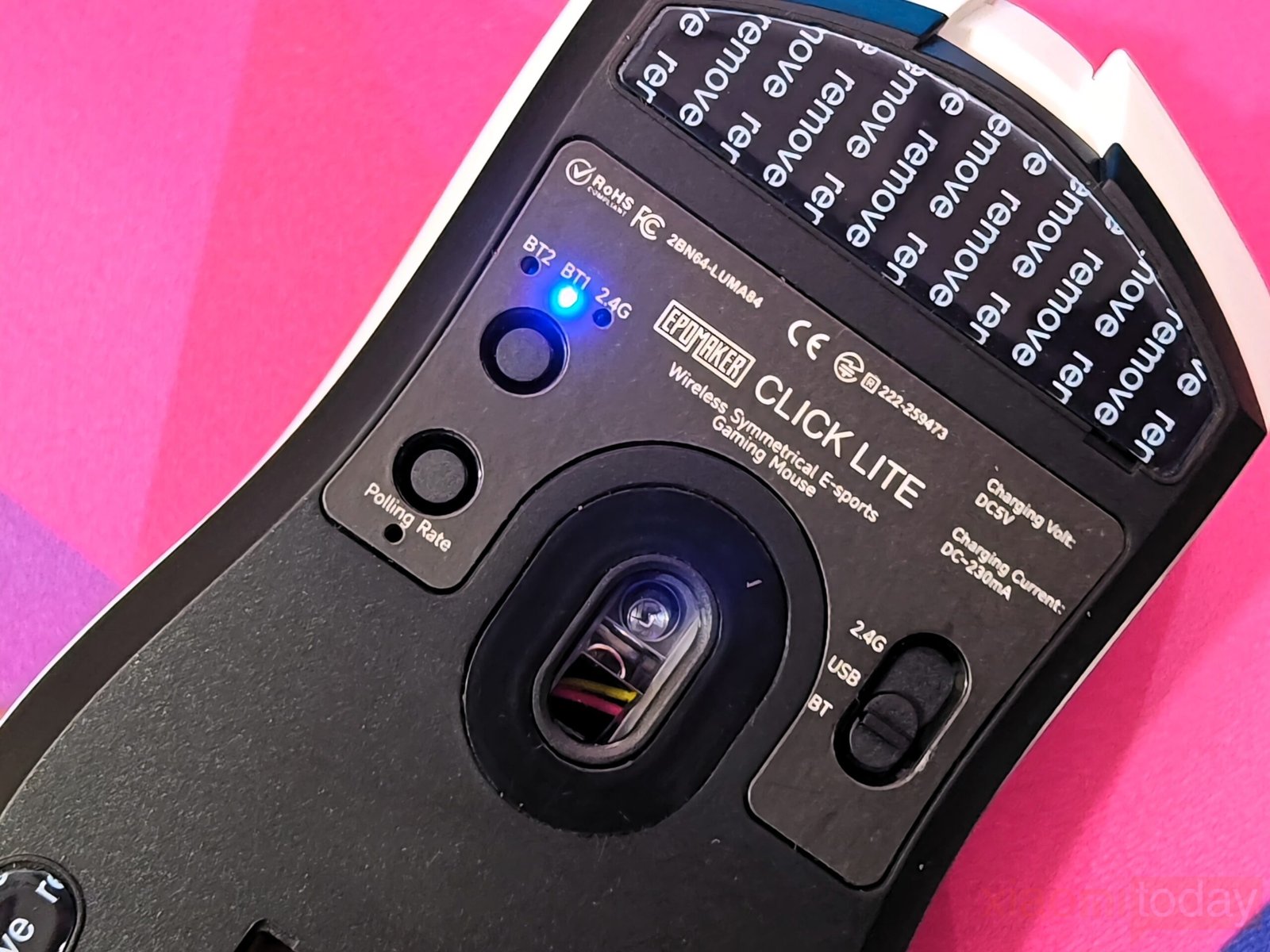
The Epomaker Click Mouse lets you switch between wired, Bluetooth, and 2.4G wireless modes using a simple toggle on the bottom. The 2.4G connection, via the included USB dongle, provides stable performance with minimal delay, making it suitable for gaming. Bluetooth mode supports two devices, so you can switch between them without reconnecting. In wired mode, the detachable USB-C cable allows both connection and charging at the same time, so the mouse can be used while charging. Switching between modes is quick and reliable, making it useful for both gaming and general multitasking across different devices.
Battery
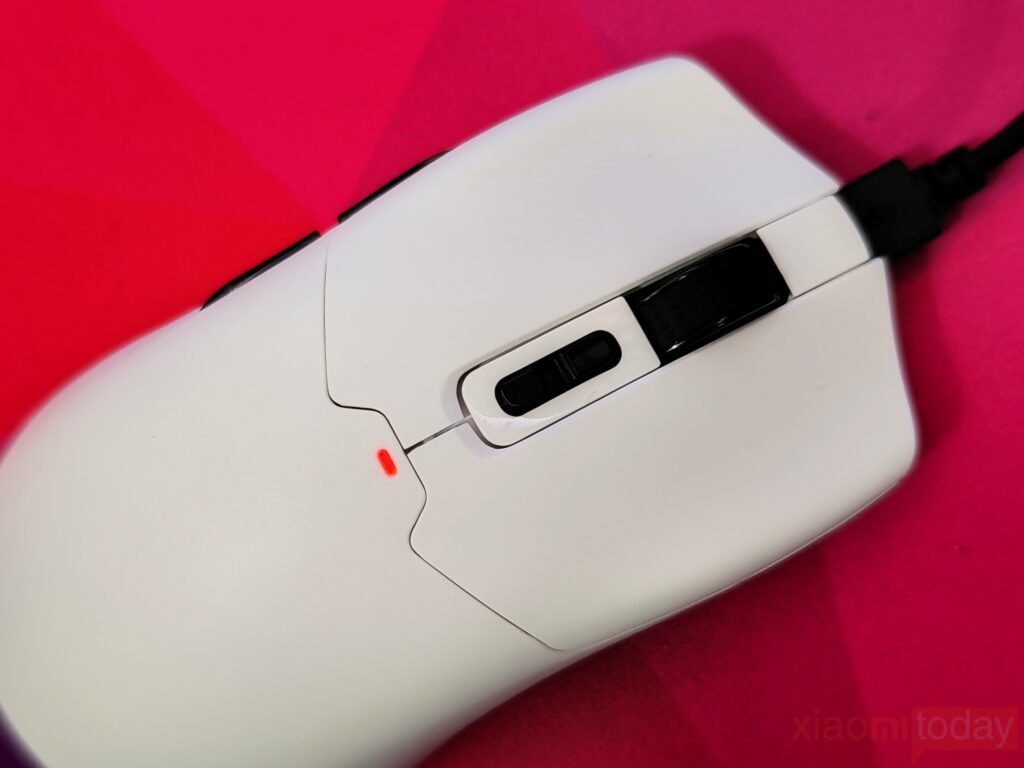
The Click Lite comes with a 500mAh battery, but its performance is solid. During mixed use, it can last around 70 to 80 hours on a single charge, which is enough for five to six days of heavy gaming at the maximum 1,000Hz polling rate, the setting most competitive players prefer. Reducing the polling rate to 500, 250, or 125Hz for everyday use stretches the battery life even further, often beyond a week. The mouse also has an auto-sleep function that activates after a few minutes of inactivity, helping to save power. Additionally, it can be used while charging via USB-C, so gameplay can continue uninterrupted.
Software Experience: Epomaker Click Lite Driver
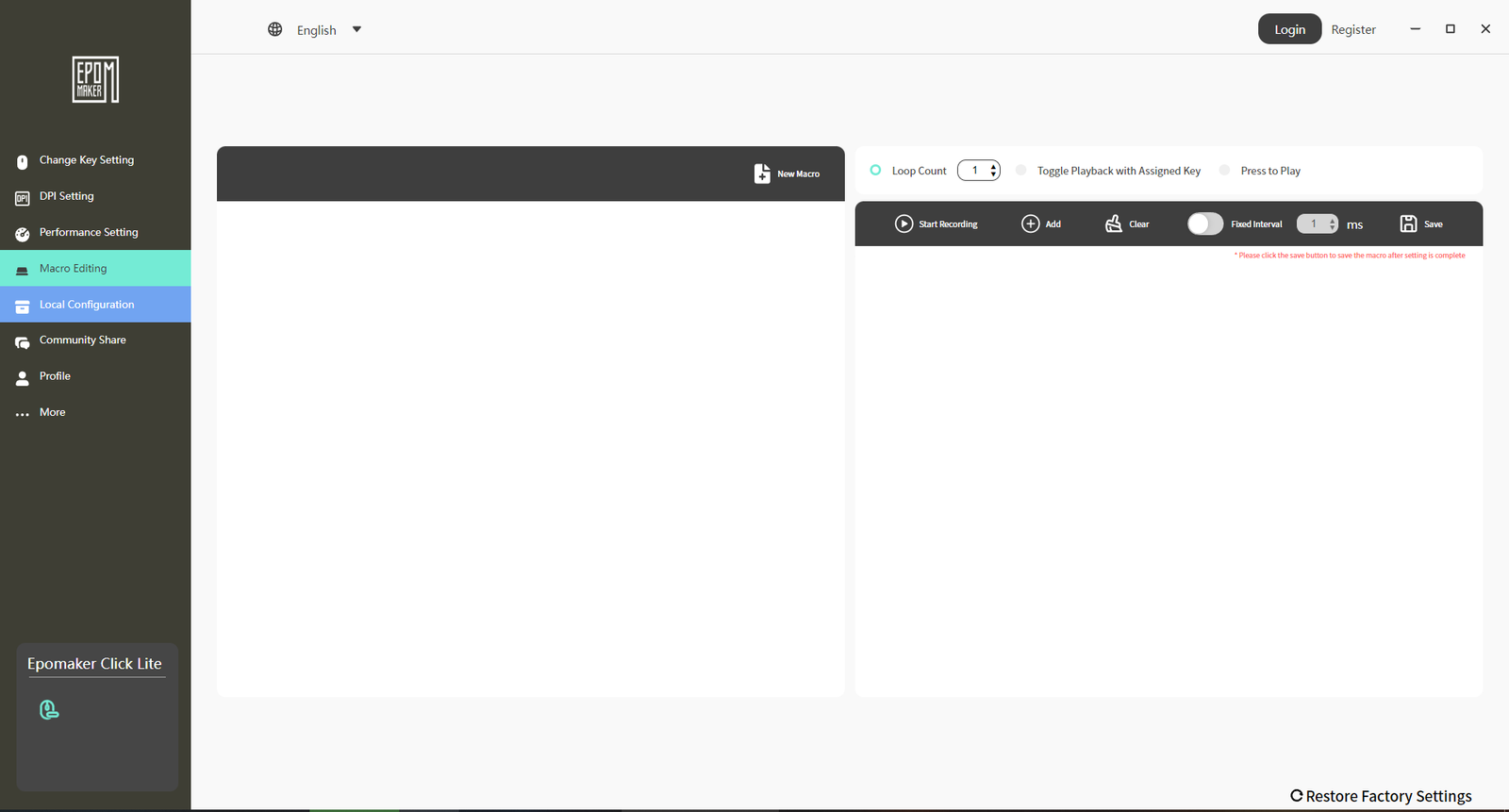
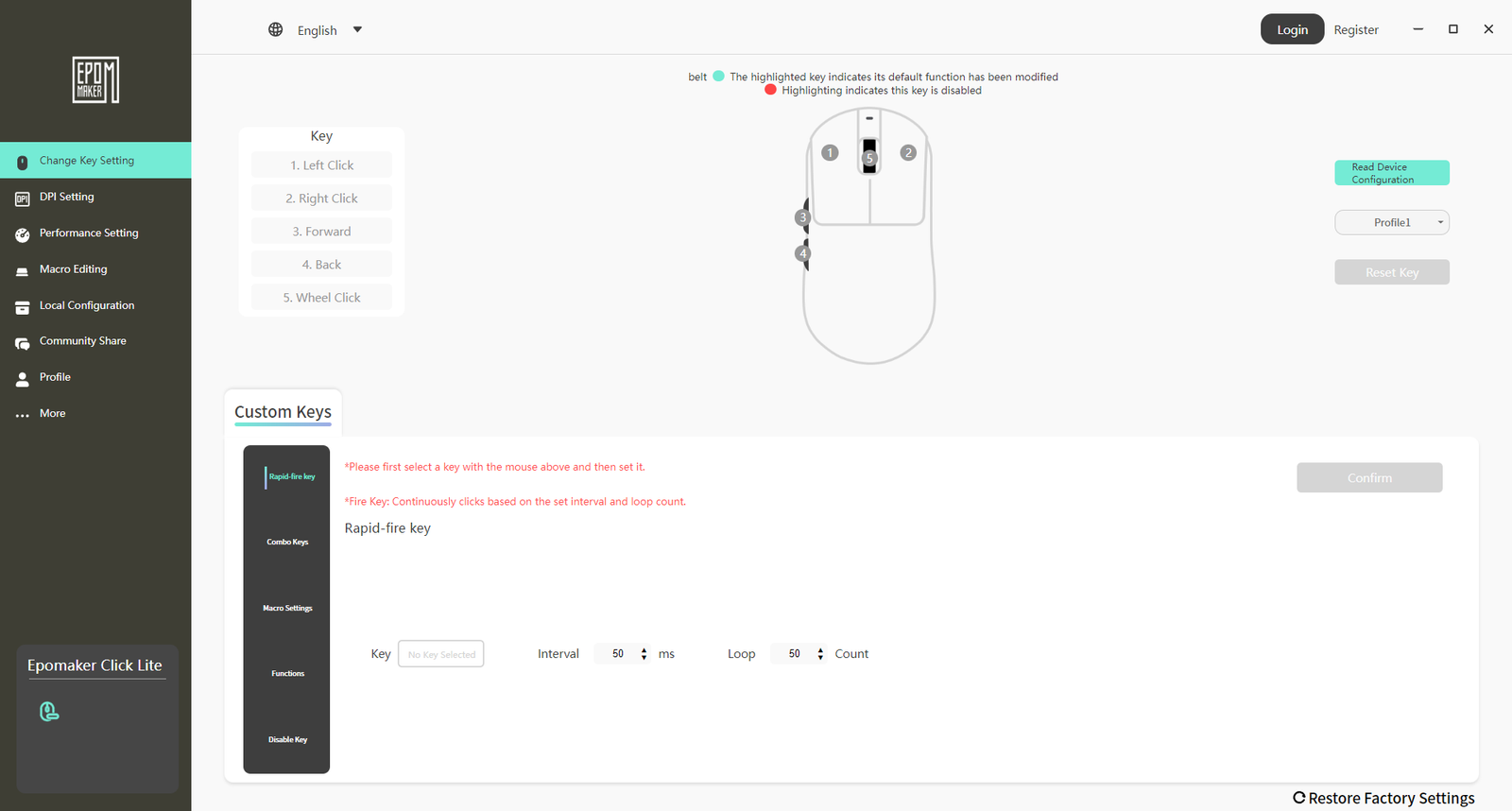
Epomaker’s software for the Click Lite is designed to offer practical customization without adding unnecessary complexity. The main interface, labeled “Change Key Setting,” allows users to remap all five programmable buttons, including the left and right clicks, scroll wheel click, and side buttons. Options include keyboard shortcuts, multimedia commands, macros, or the ability to disable a button entirely. The macro editor is simple but functional, letting users record sequences of keystrokes and mouse actions with adjustable delays and loop settings, making it suitable for basic in-game actions or productivity tasks.
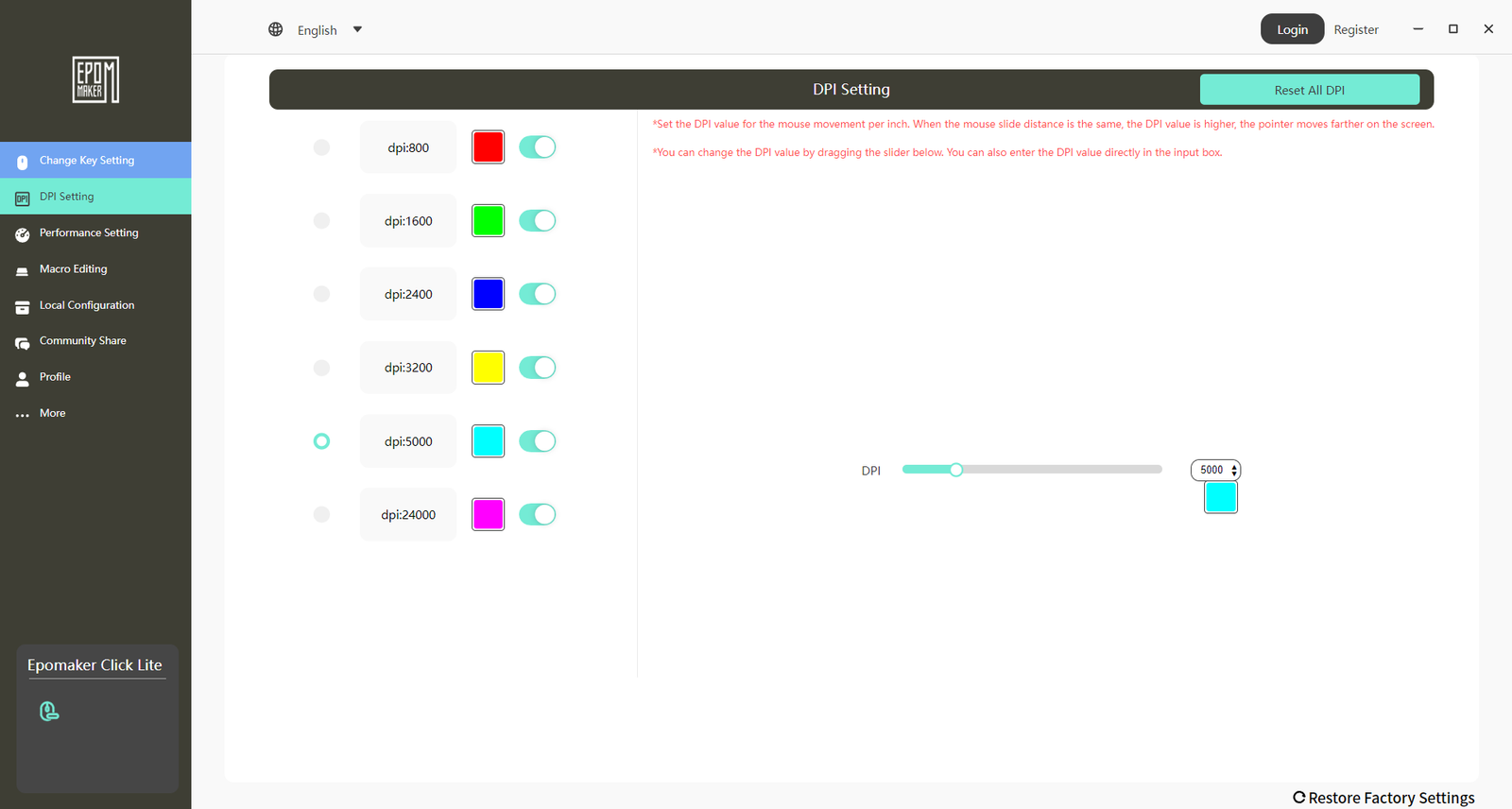
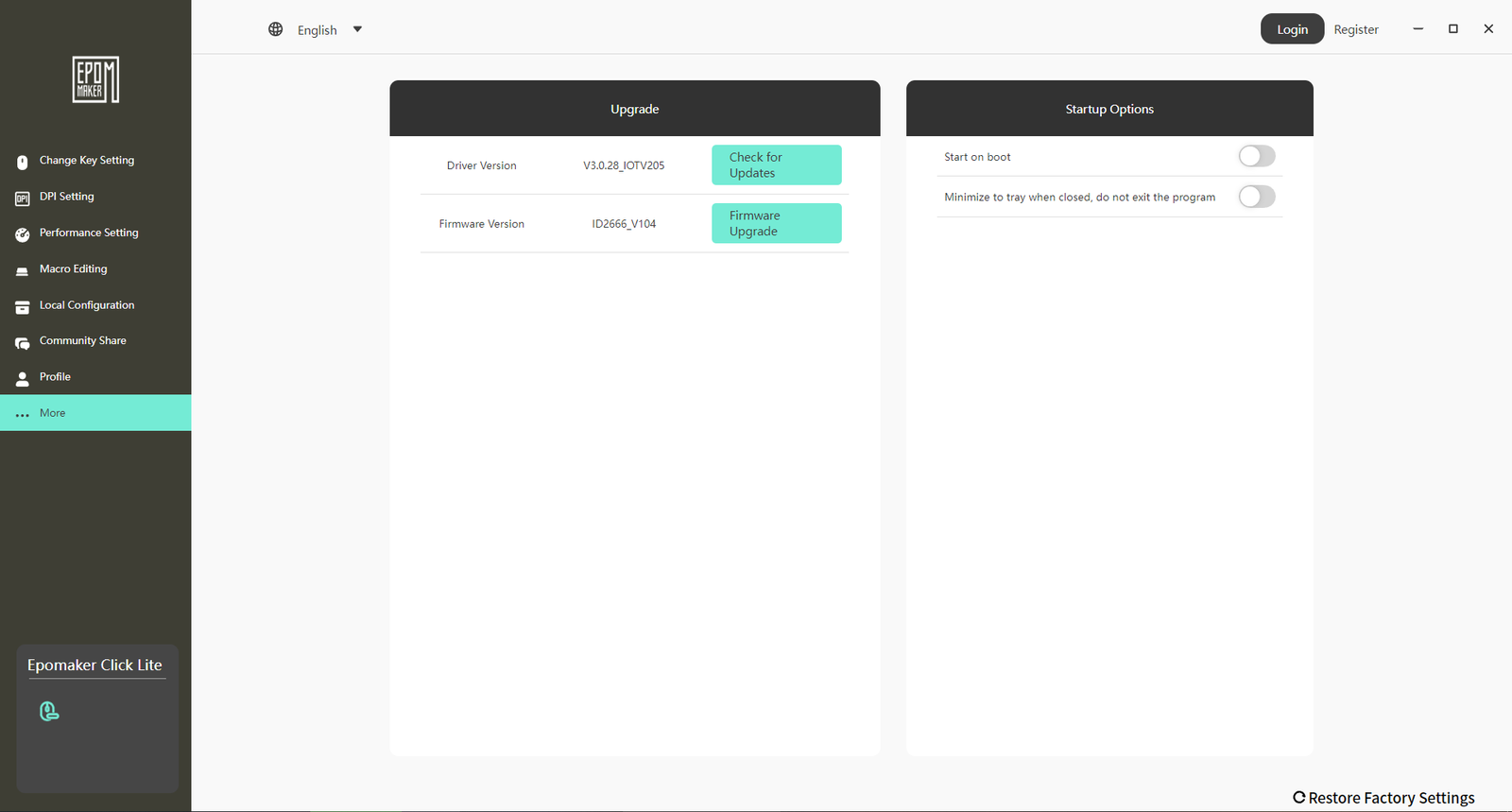
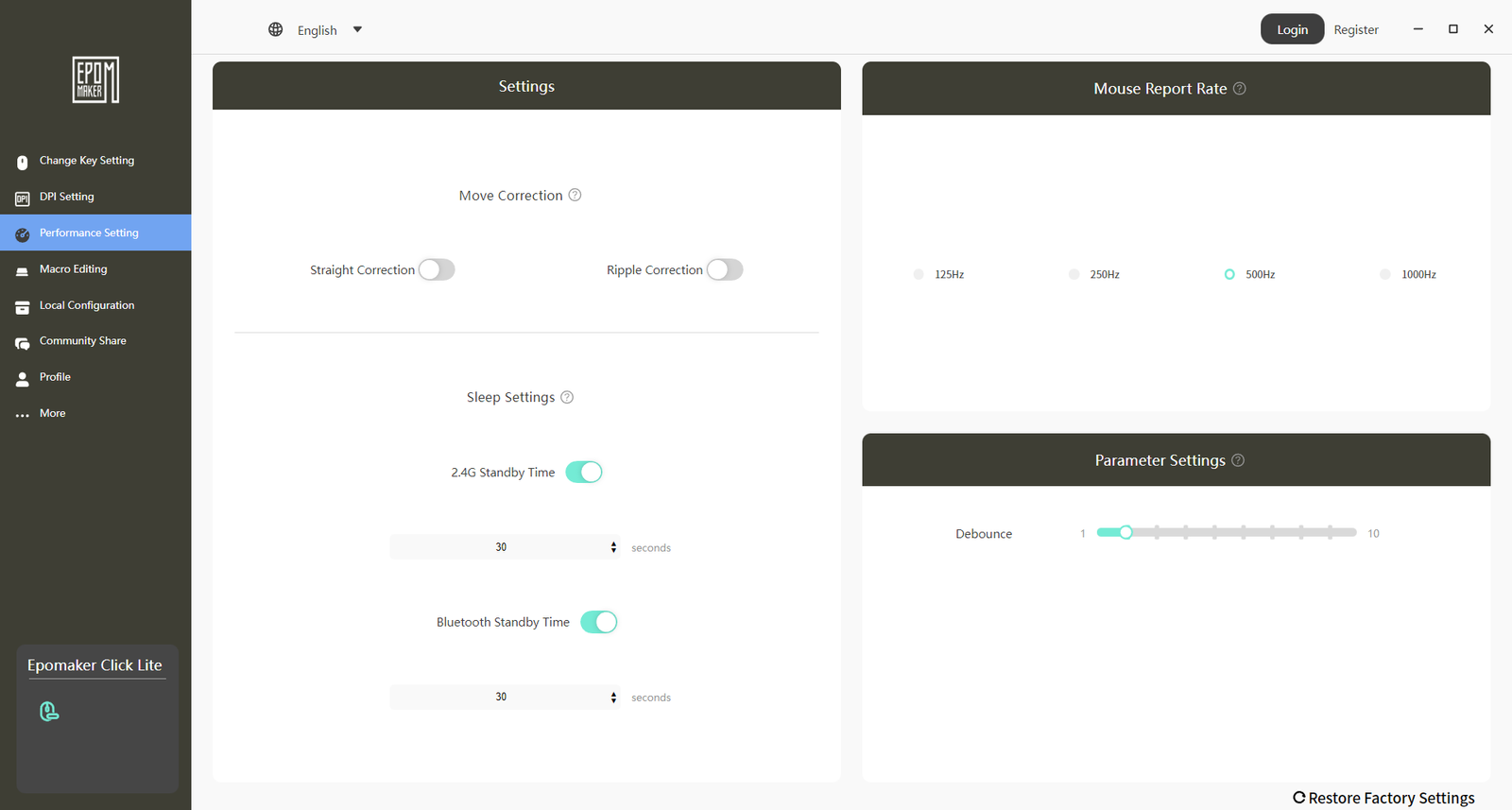
Performance adjustments are handled in the “Performance Setting” and “DPI Setting” tabs. Users can set the Polling Rate from 125Hz up to 1000Hz, adjust Click Debounce Time to fine-tune button responsiveness, and configure up to six DPI levels ranging from 50 to 12,000. Each DPI stage can be paired with a color from a preset palette for quick visual reference. Additional options, such as sleep timer and automatic software launch, are available under “More Settings.” Overall, the software is clean, efficient, and allows users to configure the mouse to their preferences without unnecessary features.
Use Experience – Daily Work and Gaming
After two weeks of regular use, the Epomaker Click Lite proved capable for both daily work and gaming. For office tasks, its lightweight design and low-profile shape made extended use comfortable. Scrolling through documents and web pages was smooth, and the Omron switches responded reliably during typing, clicking, and multitasking. Adjusting DPI levels on the fly made switching between precise tasks, such as editing spreadsheets or graphics, and general browsing easier.
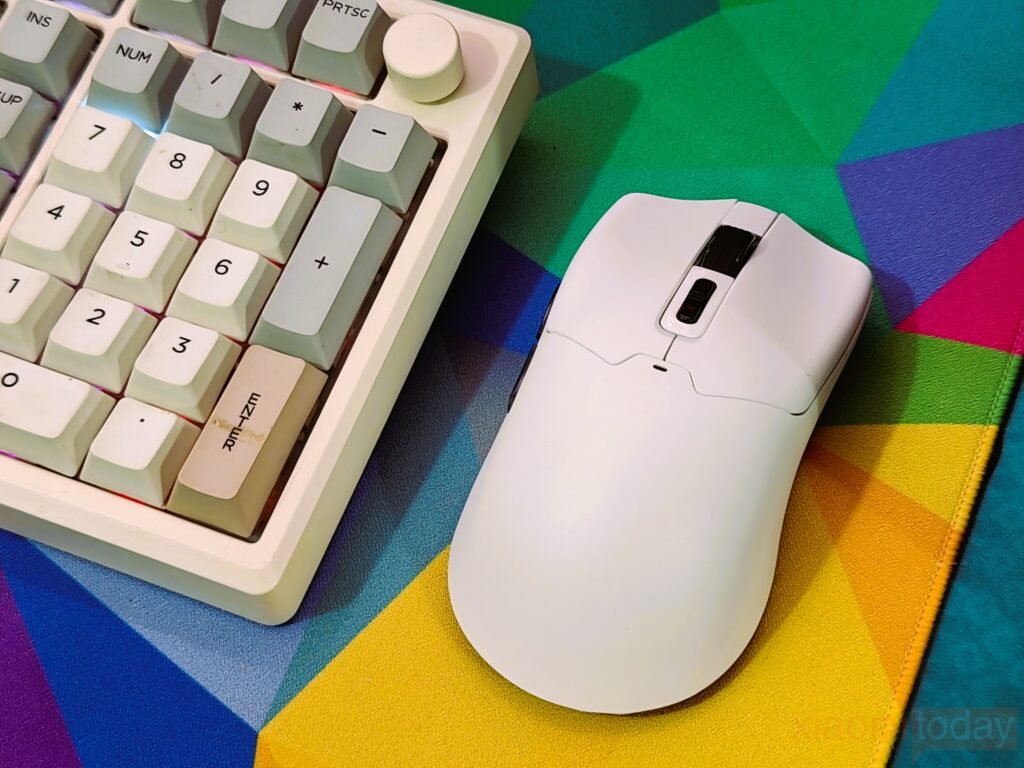
In gaming, the Click Lite handled casual and moderately fast-paced games well. The PAW3311 sensor provided accurate tracking across all DPI settings, and quick movements were registered without delay. The 2.4GHz wireless connection remained stable during long sessions, while Bluetooth was convenient for use on multiple devices. The five programmable buttons were useful for mapping shortcuts or in-game actions. Claw and fingertip grip styles were the most comfortable, while palm grips felt less supported during long gaming sessions.
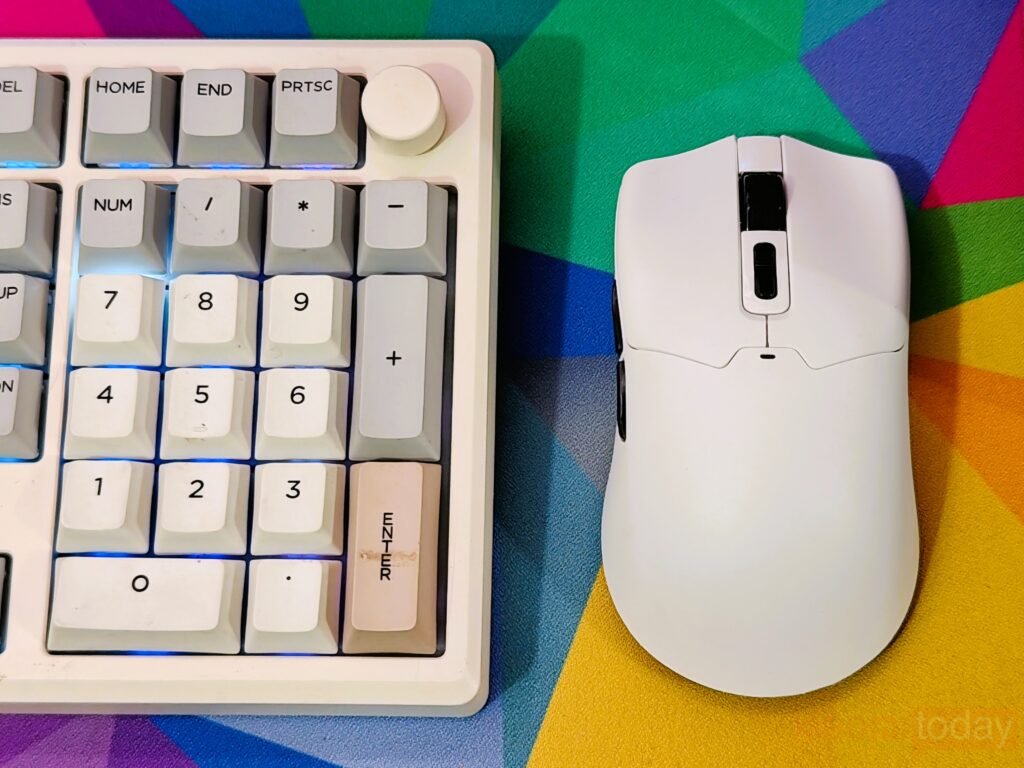
Battery life was sufficient for extended use. Running the mouse at 1,000Hz for several hours a day lasted about a week between charges. Reducing the polling rate for lighter tasks extended battery life further. The option to use the mouse while charging helped avoid interruptions. Switching between wired, Bluetooth, and 2.4GHz modes was simple and reliable, making it easy to move between devices.