Lightweight wireless gaming mice have become the preferred choice for many competitive players. Lower weight can reduce fatigue during long gaming sessions, while improvements in wireless technology have made modern gaming mice just as dependable as their wired counterparts. Today’s premium models are expected to deliver accurate tracking, responsive clicks, stable wireless connectivity, and a comfortable shape that works across different grip styles.
The Ninjutso Sora V3 Wireless Gaming Mouse follows that direction by improving on the Sora V2 instead of completely redesigning it. It retains the same symmetrical shape while introducing upgraded hardware, including the new AIMNINJA 2 Pro 45K sensor, support for an 8,000Hz wireless polling rate, and an ultralight body weighing around 40 grams. The mouse is built for competitive gaming, but its simple design also makes it suitable for everyday desktop use.
After using the Sora V3 for several days across competitive FPS titles, casual games, and regular work, the improvements become easy to notice. The mouse feels solid despite its lightweight construction, the new HyperSwitch/BTS switches provide crisp and consistent clicks, and the updated internal design gives the shell a firmer feel during intense gameplay. Sensor performance remained accurate throughout testing, while the lightweight body made quick movements feel natural without causing fatigue during extended gaming sessions.
With a retail price of $119.99, the Ninjutso Sora V3 enters a highly competitive part of the gaming mouse market. It competes against premium options from well-known brands while offering features expected from a modern flagship wireless mouse.
In this hands-on review, we’ll examine its design, comfort, build quality, gaming performance, battery life, software, and overall value to see whether it earns a place among the best lightweight wireless gaming mice available today.
Specifications
| Specification | Details |
|---|---|
| Product Name | Ninjutso Sora V3 Wireless Gaming Mouse |
| Price | $119.99 |
| Form Factor | Right-handed, Symmetrical |
| Dimensions | 119.2 × 59 × 37.3 mm |
| Weight | Approx. 40g (without mouse feet) |
| Sensor | AIMNINJA 2 Pro Optical Sensor |
| Maximum DPI | 45,000 DPI |
| Tracking Speed | Up to 750 IPS |
| Maximum Acceleration | Up to 50G |
| Polling Rate | Up to 8,000Hz (Wireless & Wired) |
| Motion Sync | Gen 2 MotionSync with Dual Optical Engine |
| Main Switches | Ninjutso HyperSwitch (SPDT) |
| Scroll Encoder | FSWQ Dustproof Encoder |
| Click Technology | HyperClick |
| Scroll Technology | HyperScroll |
| Lift-Off Distance (LOD) | 0.7mm / 1.0mm / 2.0mm (Adjustable) |
| Wireless Connectivity | 2.4GHz Wireless (8K Receiver Included) |
| Wired Connectivity | USB Type-C |
| Battery Life | Up to 3.5 weeks (1KHz), 2 weeks (2KHz), 1.5 weeks (4KHz), 1 week (8KHz) |
| Shell Material | Carbon Fiber Composite |
| Surface Finish | HyperFinish Coating |
| Software | NinjaForce Web Driver & Desktop Client |
| Skates | Large PTFE Feet + HyperSkates Dot Skates |
| Compatibility | Windows |
| Color Options | Black, White, Pink |
| In the Box | Sora V3 Mouse, Capsule 8K Receiver, USB-C Braided Cable, PTFE Feet, HyperSkates Dot Feet, Stickers, Documentation |
Unboxing
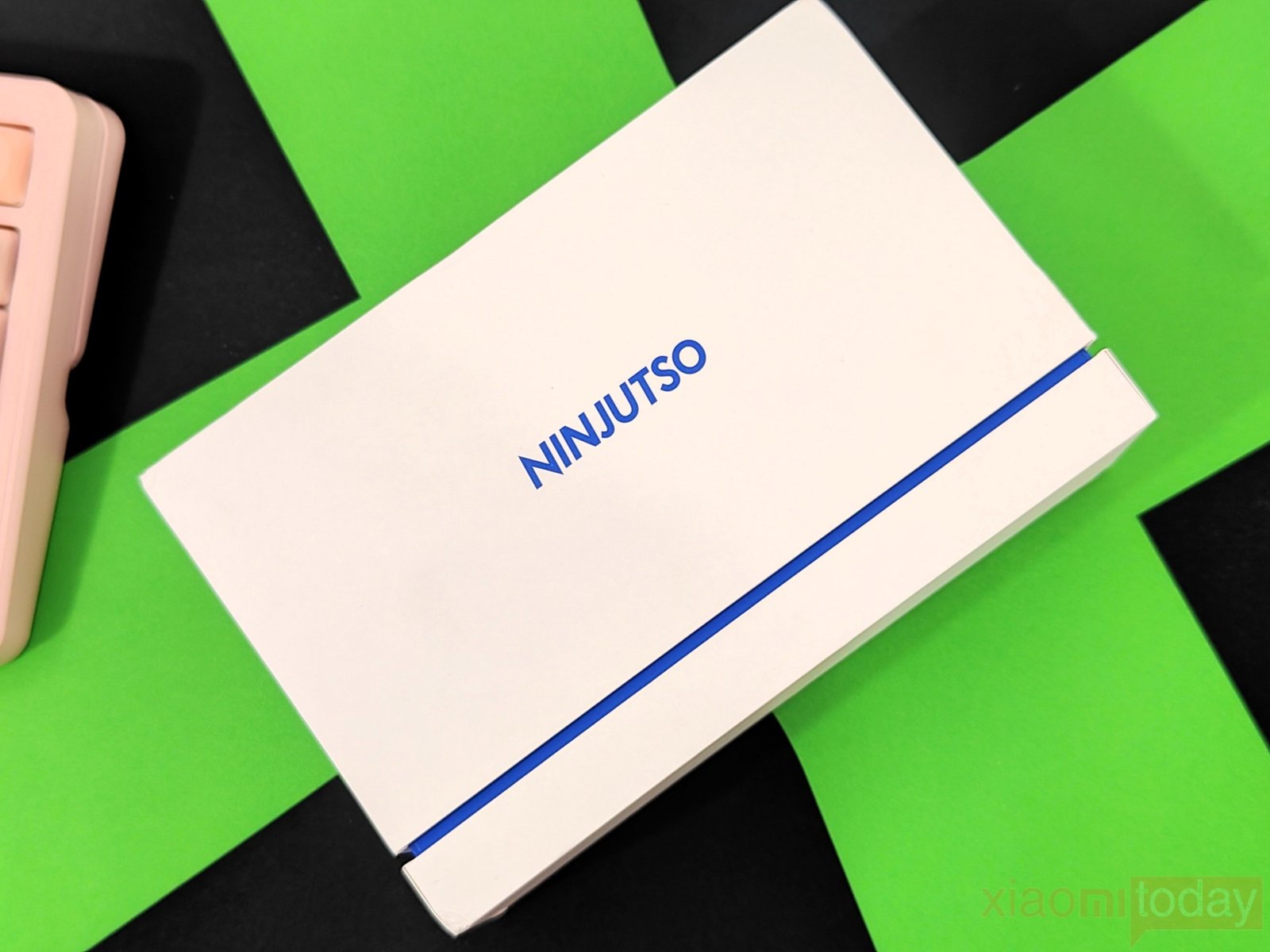
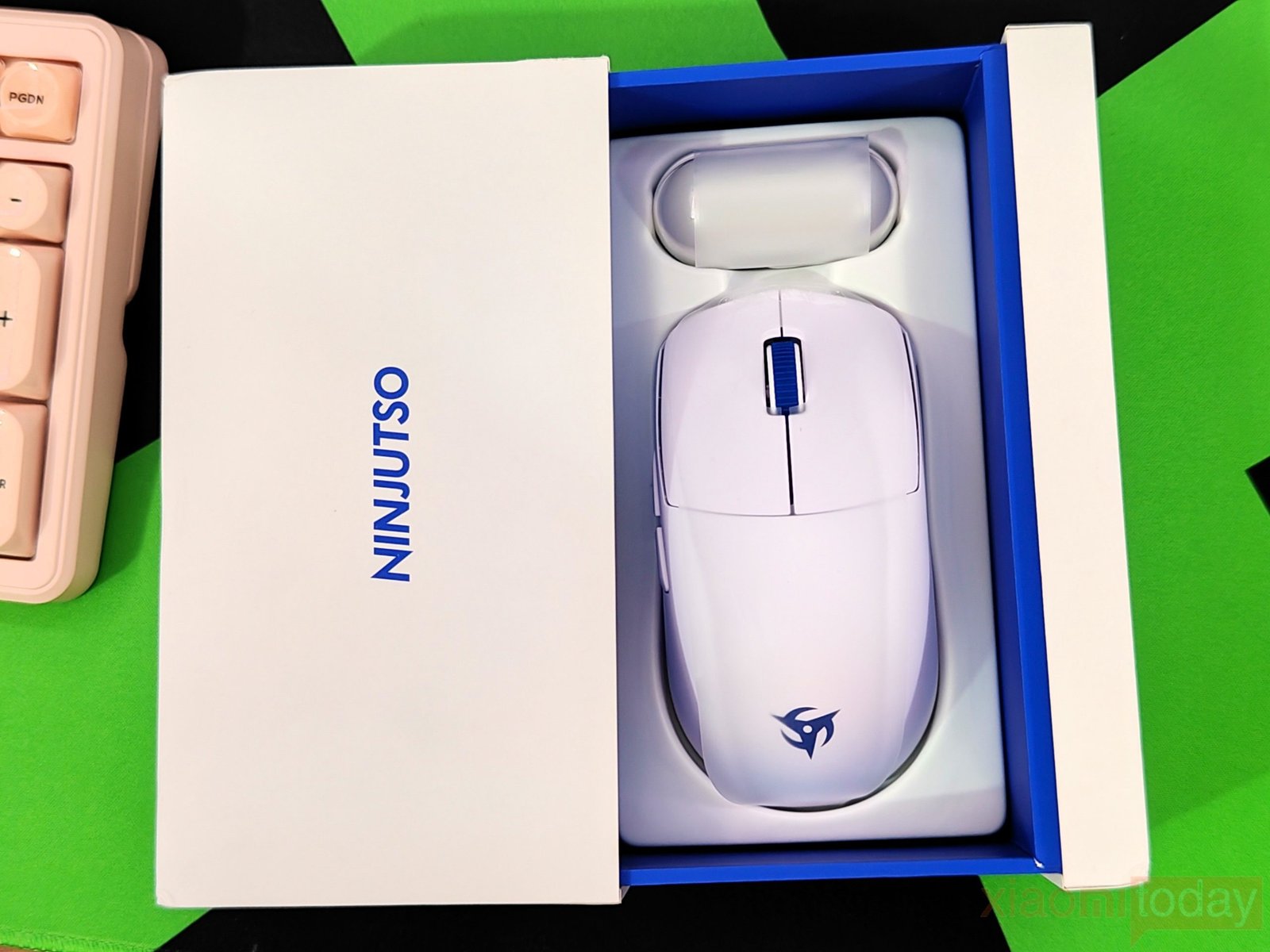
The NINJUTSO mouse arrives in a compact white retail box with blue accents that reflect the company’s clean design approach. The front of the package features only the NINJUTSO logo, while the sliding outer cover reveals a blue inner tray that securely holds the mouse in place. The presentation feels organized from the moment you open the box, with every accessory in its own compartment. The packaging protects the contents well, and everything stays neatly organized during shipping.
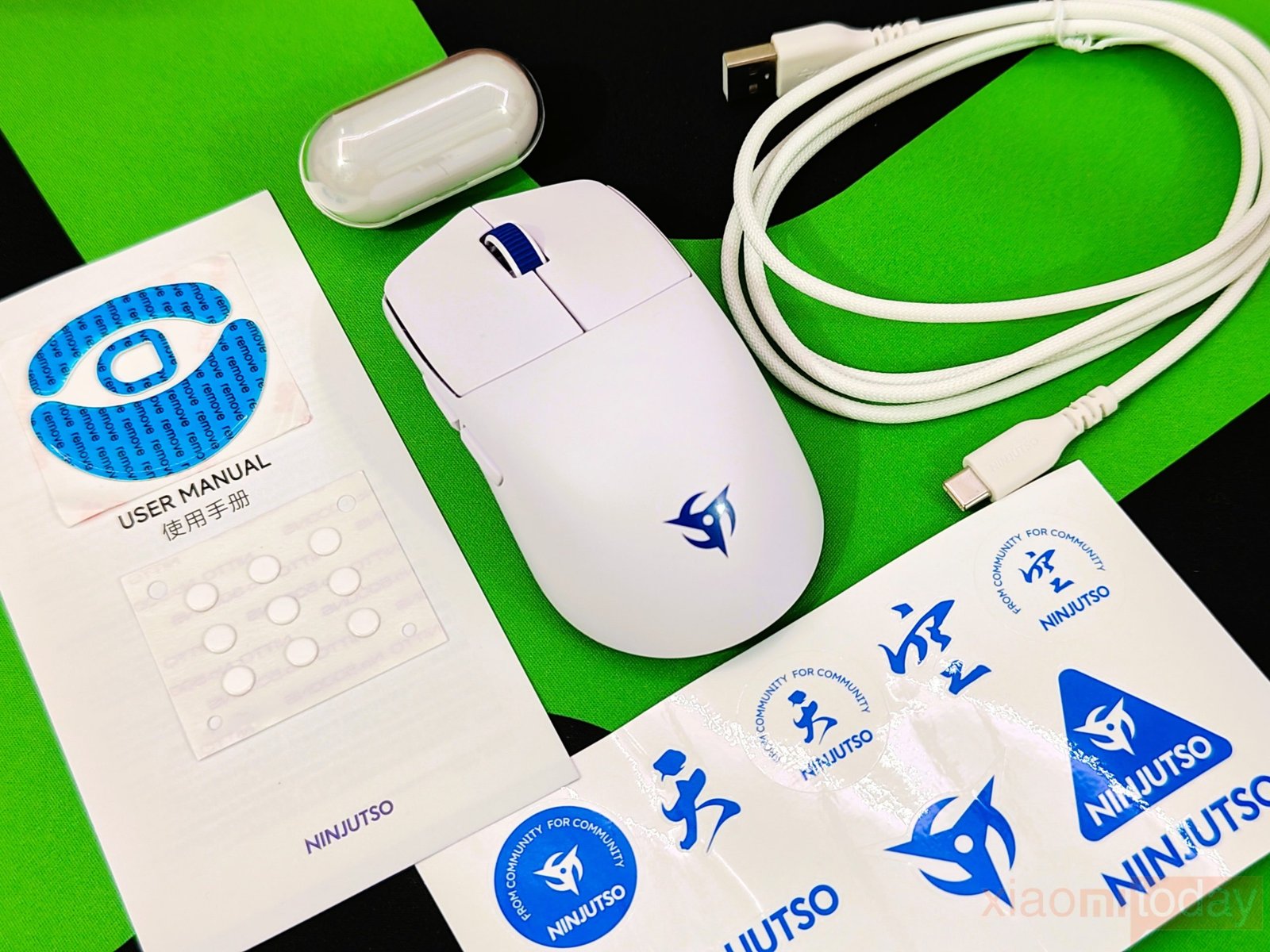
Inside the box, you will find the Sora V3 Mouse, a USB-C Braided Charging Cable, a Capsule 8K Receiver, a user manual, a set of PTFE Feet, HyperSkates Dot Feet, and a sheet of NINJUTSO stickers. The included accessories cover everything needed for daily use, while the extra skates and grip tapes are useful for users who plan to keep the mouse in service for a long time.
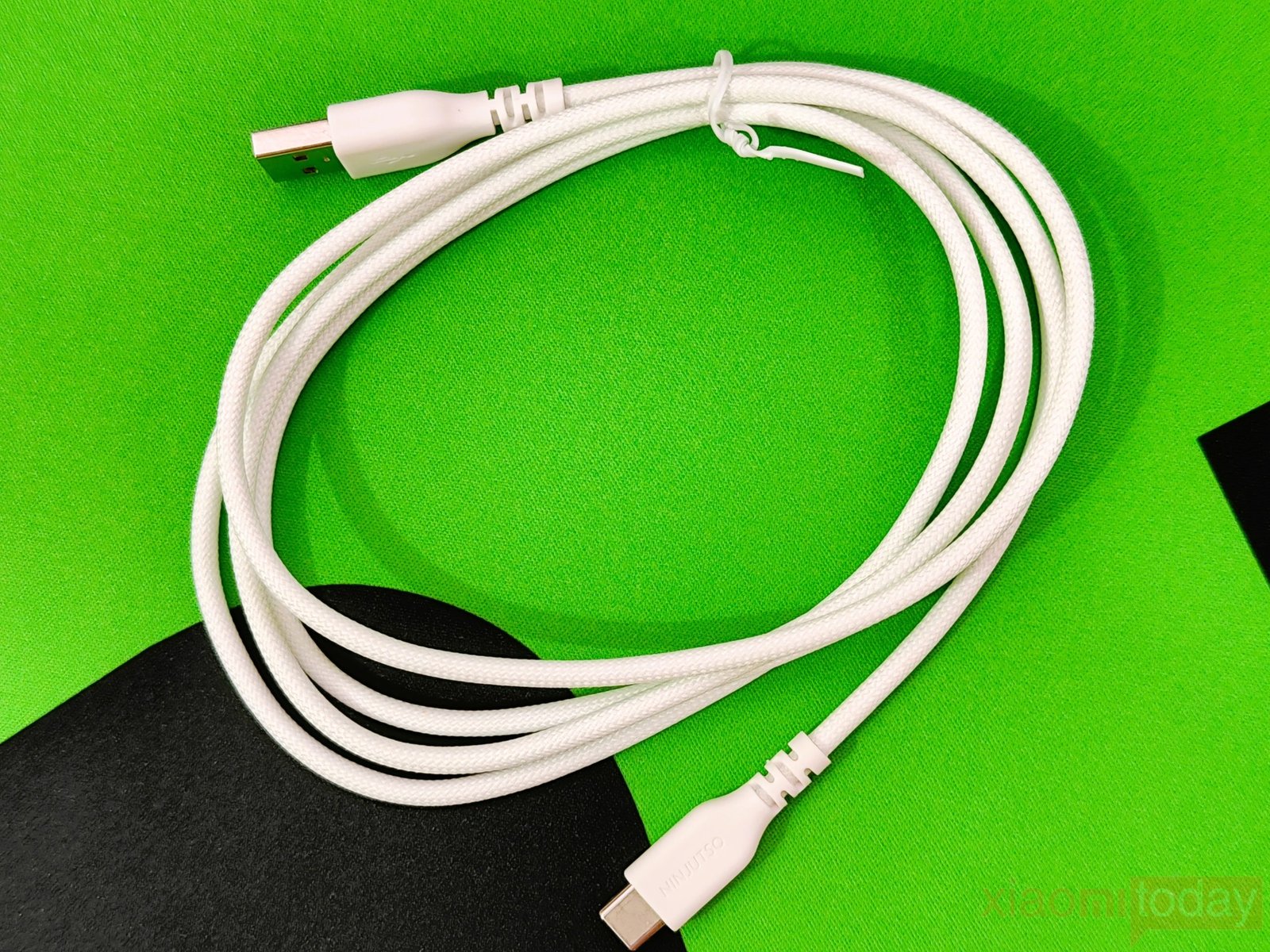
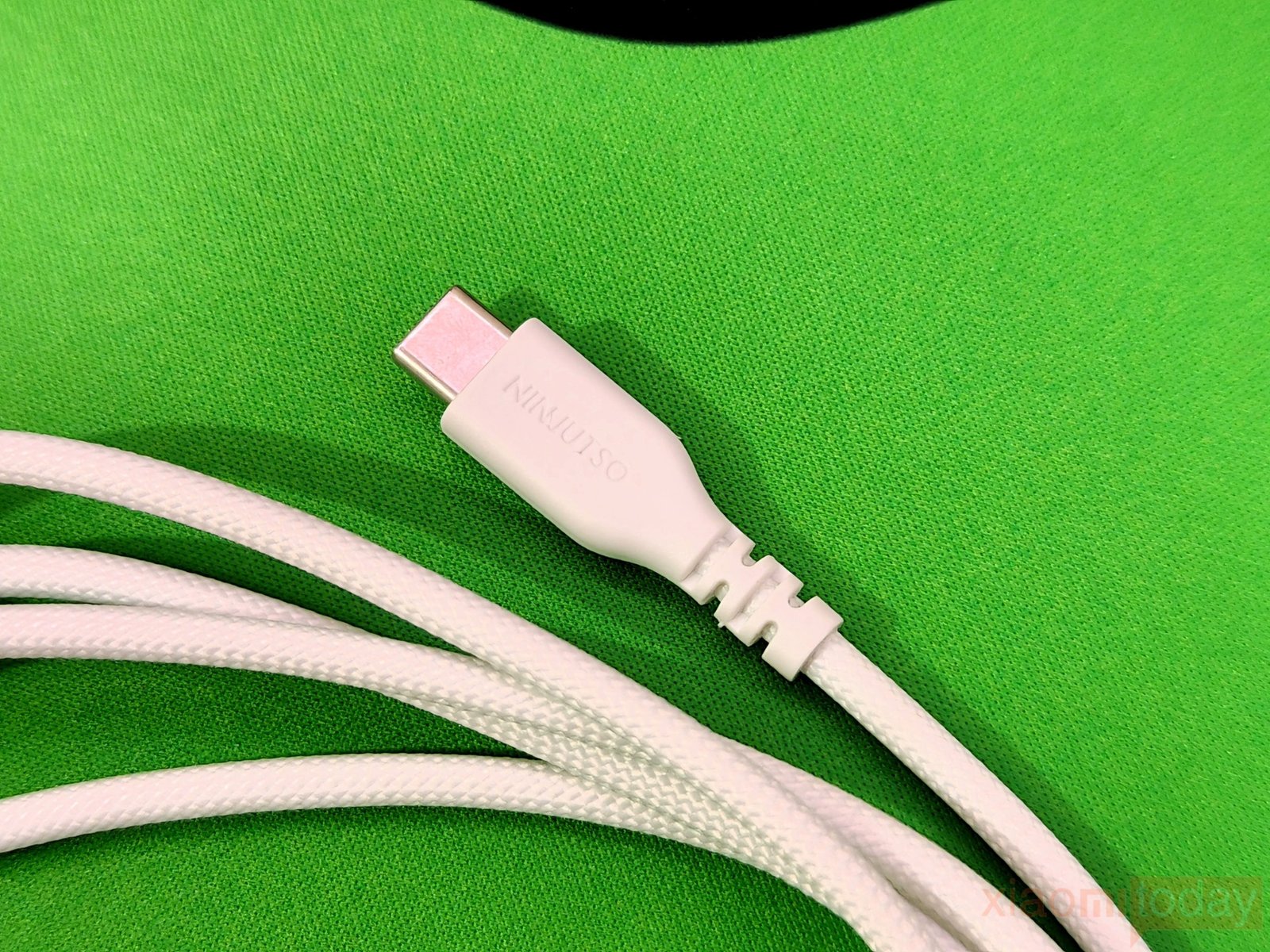
The Ninjutso Sora V3 includes a white braided USB Type-C cable for charging and wired use. The cable has a flexible woven sleeve that is easy to route around a mousepad and does not feel overly stiff during use. Both connectors have white housings with NINJUTSO branding, while the USB-C connector uses molded strain relief to reduce stress around the connection point. The braided finish also matches the white Sora V3, giving the setup a consistent look.
Design and Build Quality
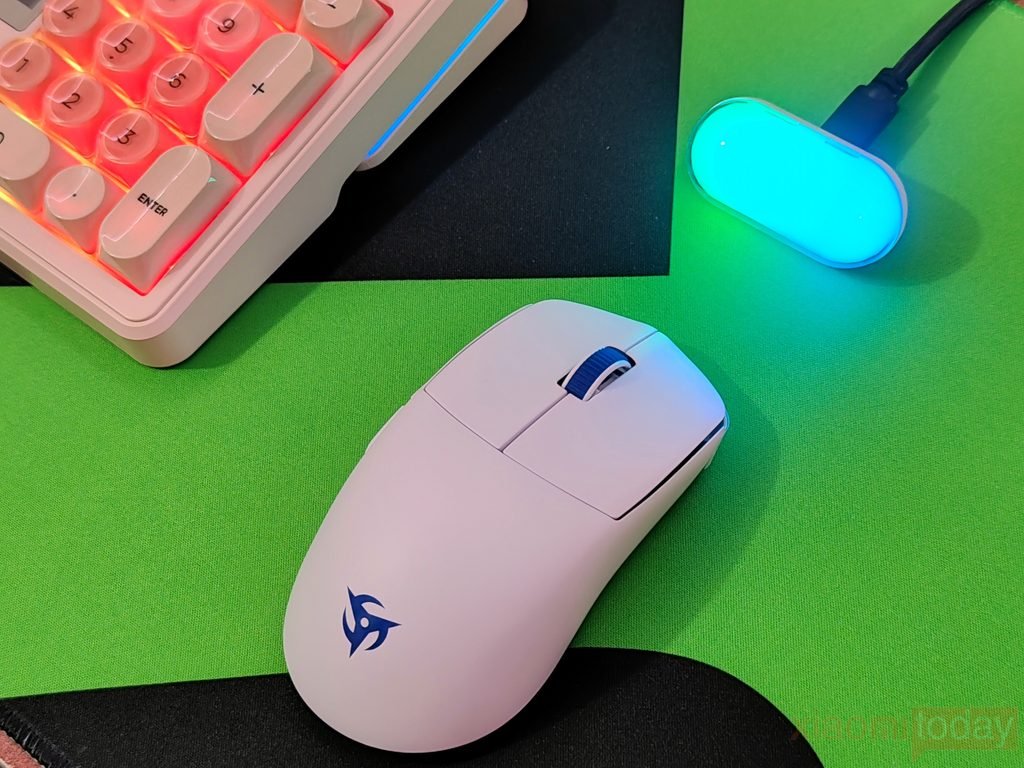
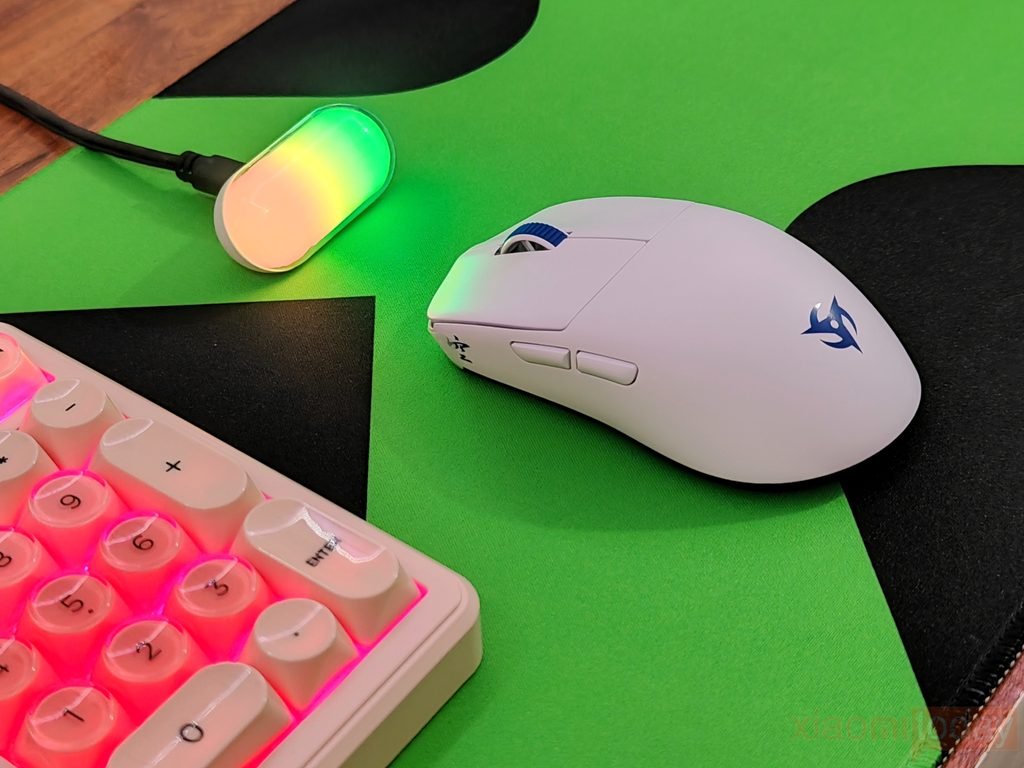
The Ninjutso Sora V3 keeps the symmetrical shape of the Sora V2 while reducing the weight to just 40 grams. It measures 119.2 x 59 x 37.3 mm, giving it a compact profile that is easy to control during fast movements. Unlike many lightweight gaming mice, the Sora V3 uses a solid outer shell instead of honeycomb cutouts. Ninjutso uses an internal ESS skeletal structure to reduce the overall weight while keeping the exterior intact. The mouse is available in Black, White, and Pink, with our review unit being the White version.
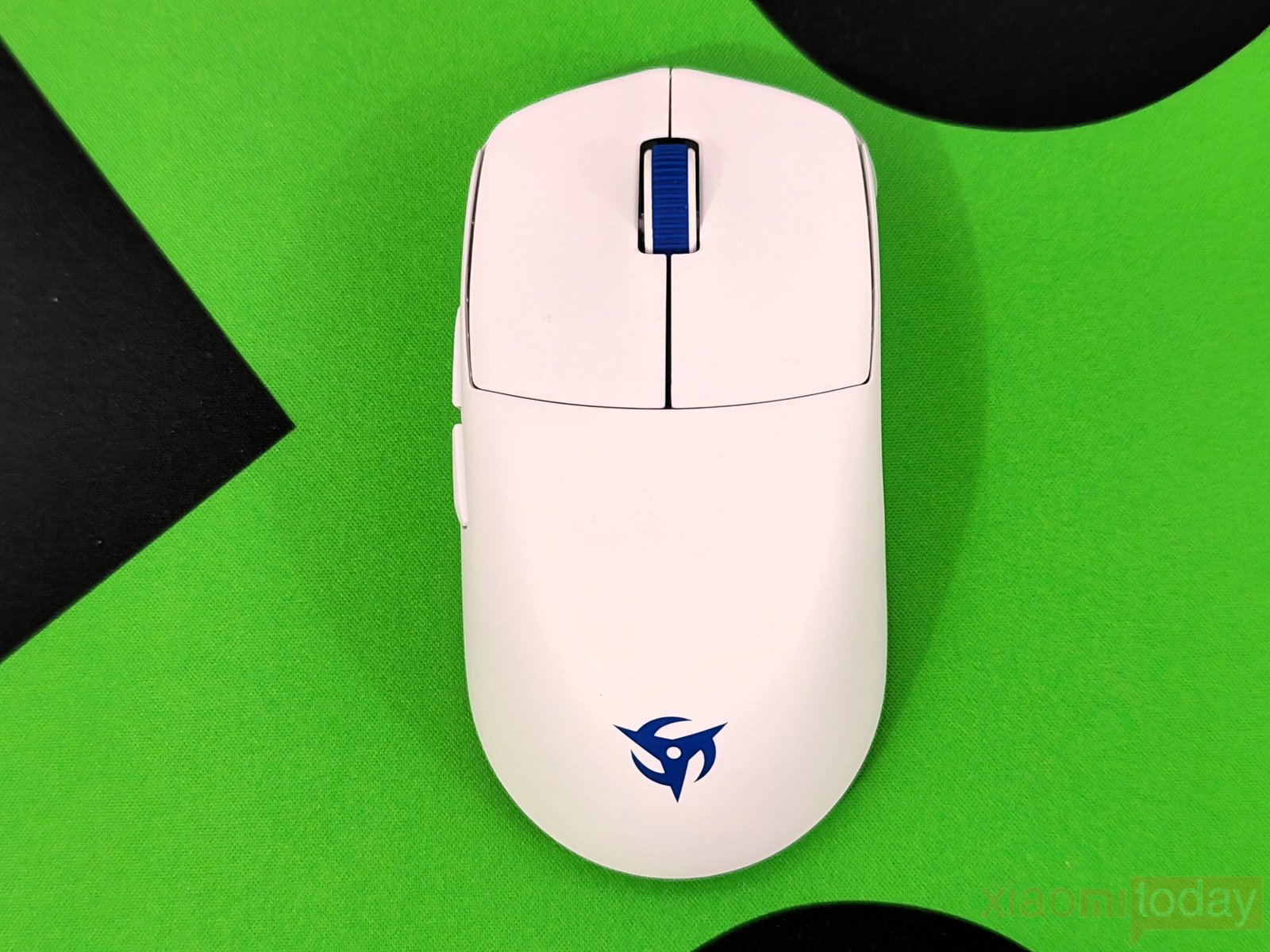
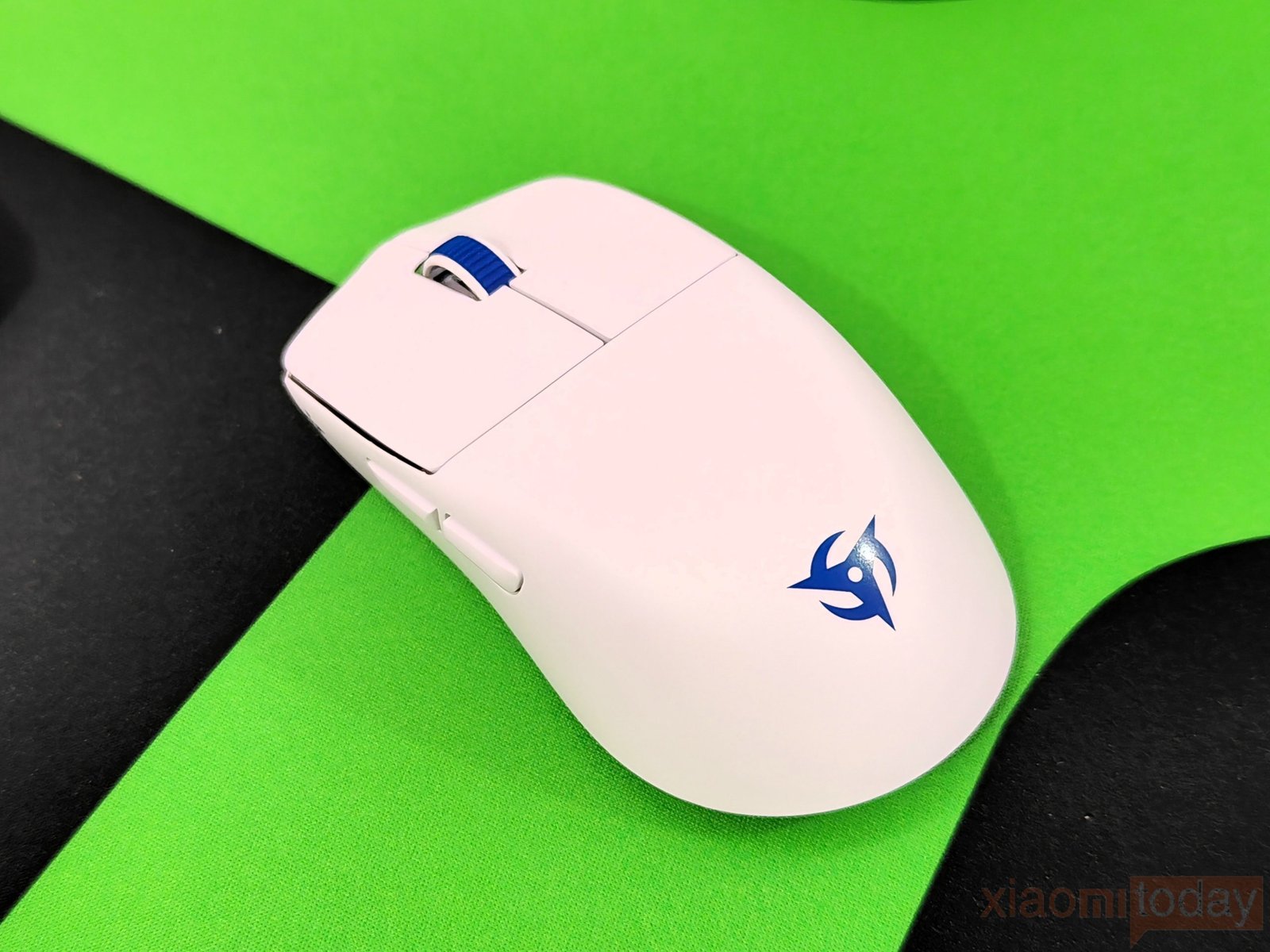
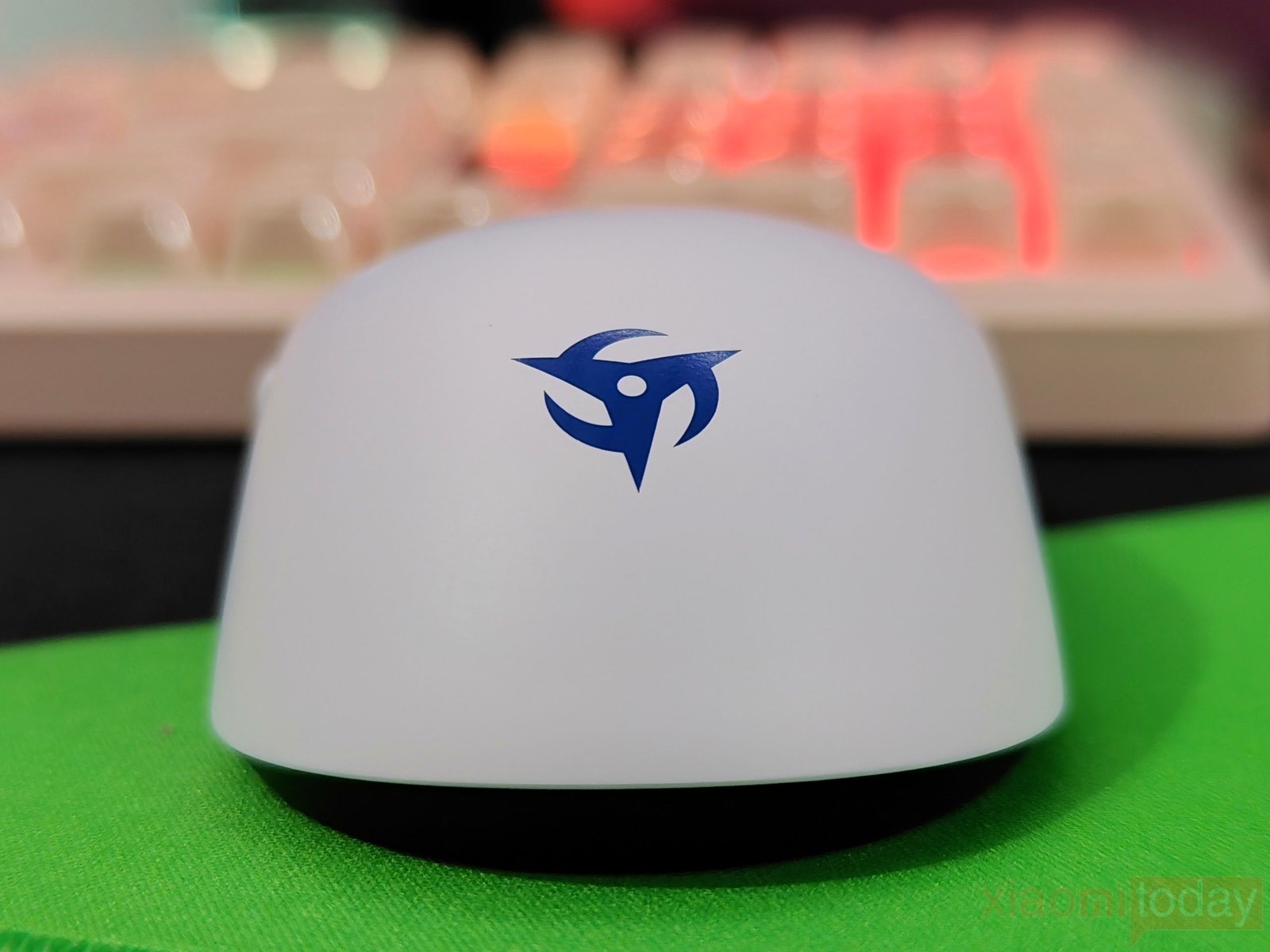
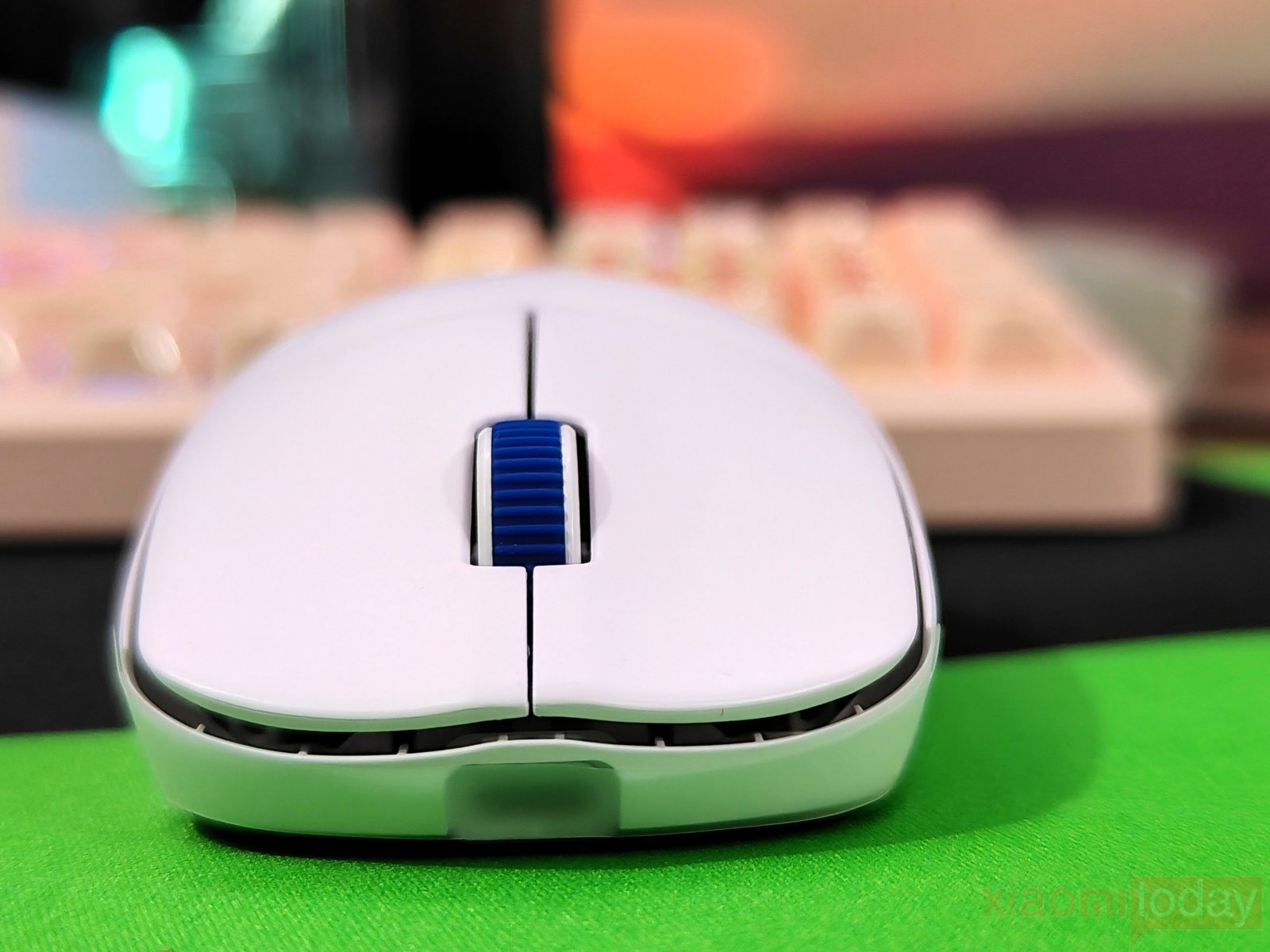
The Sora V3 has a rounded rear section with enough height to support the palm without making the mouse feel bulky. The front section sits lower, and the main buttons slope gently toward the front. This shape works particularly well with claw and fingertip grips, as the short body and low weight make it easy to lift and reposition. After using the mouse for gaming, the shape feels controlled without forcing the hand into a specific position. The symmetrical profile also gives the Sora V3 a balanced feel when moving it across the mouse pad.
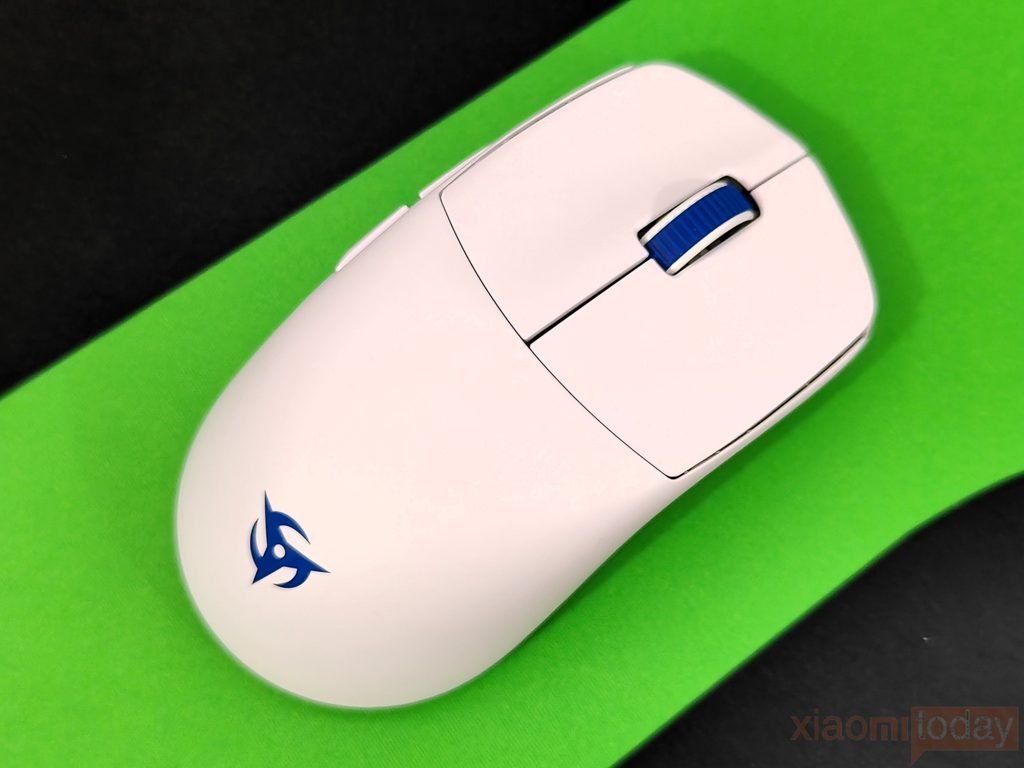
The top shell uses separate left and right mouse buttons with a narrow gap between them. Both buttons have a slight inward curve, giving the fingers a comfortable surface to rest on. The buttons are fairly wide, so there is enough room to adjust finger placement without moving toward the edges. The white finish keeps the design clean, while the blue scroll wheel adds a small amount of contrast. The Ninjutso logo is placed toward the rear of the shell and does not take away from the simple appearance.
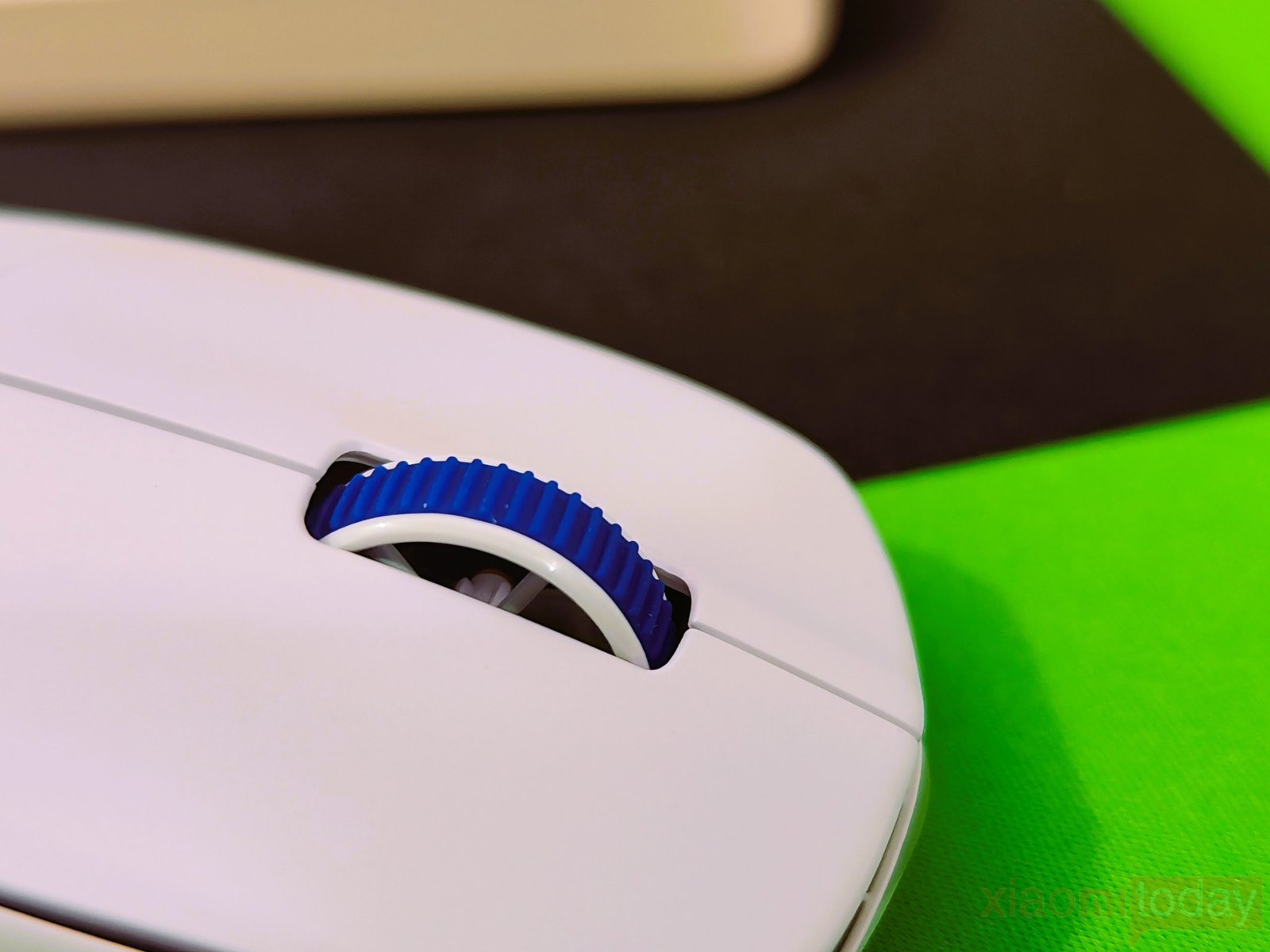
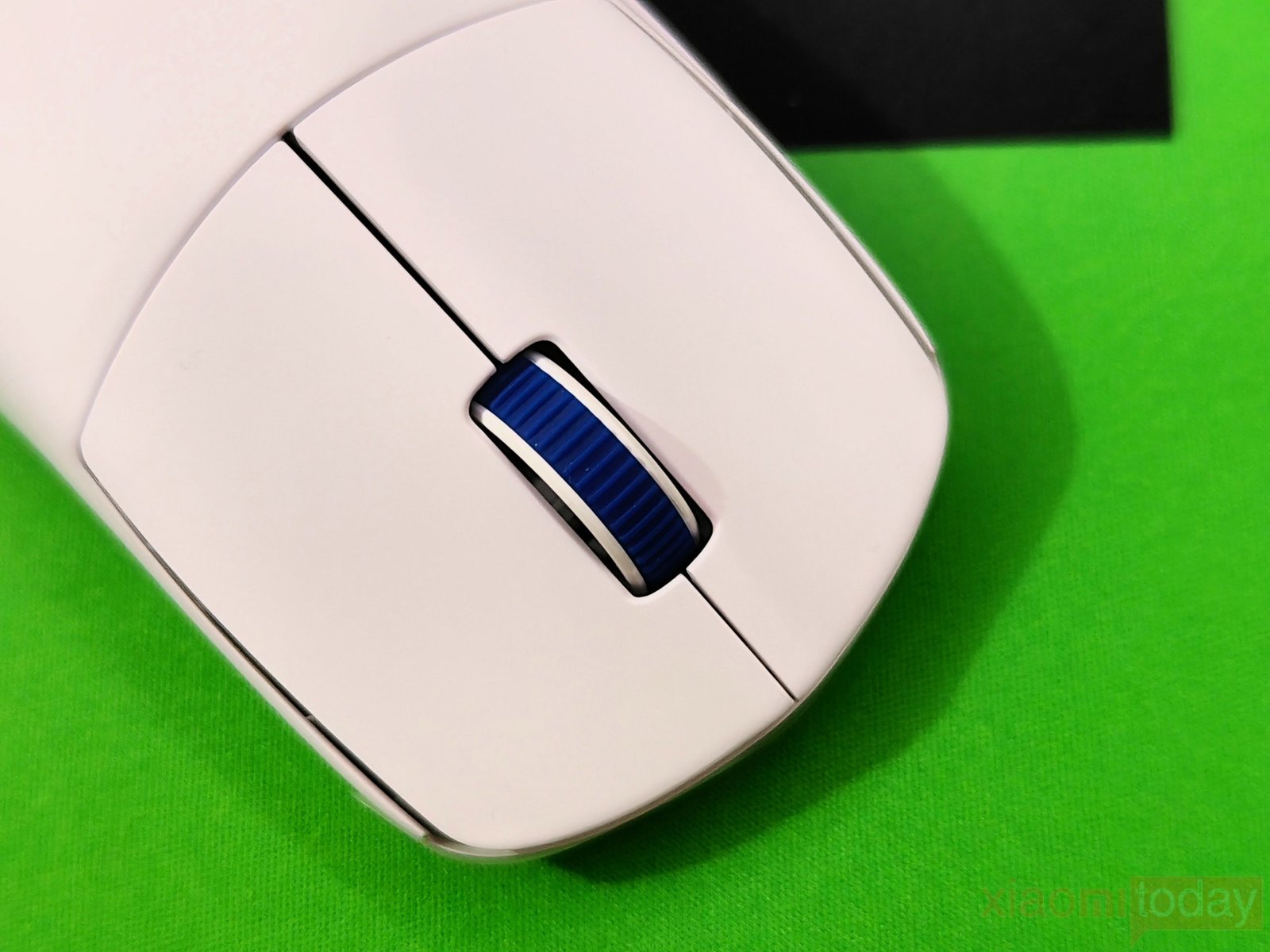
The main buttons use Ninjutso’s HyperSwitch and Button Tensioning System instead of the Omron optical switches found on the Sora V2. The SPDT HyperSwitch has a stated 0.57N actuation force, and the clicks have a crisp response with little pre-travel and post-travel. There is also very little side-to-side movement in the buttons. During regular use, the left and right clicks feel firm and consistent without the soft or mushy response found on some lightweight mice. Ninjutso also claims a 100% no-double-click design. The HyperWheel encoder provides a defined scrolling action, with each step providing clear tactile feedback.
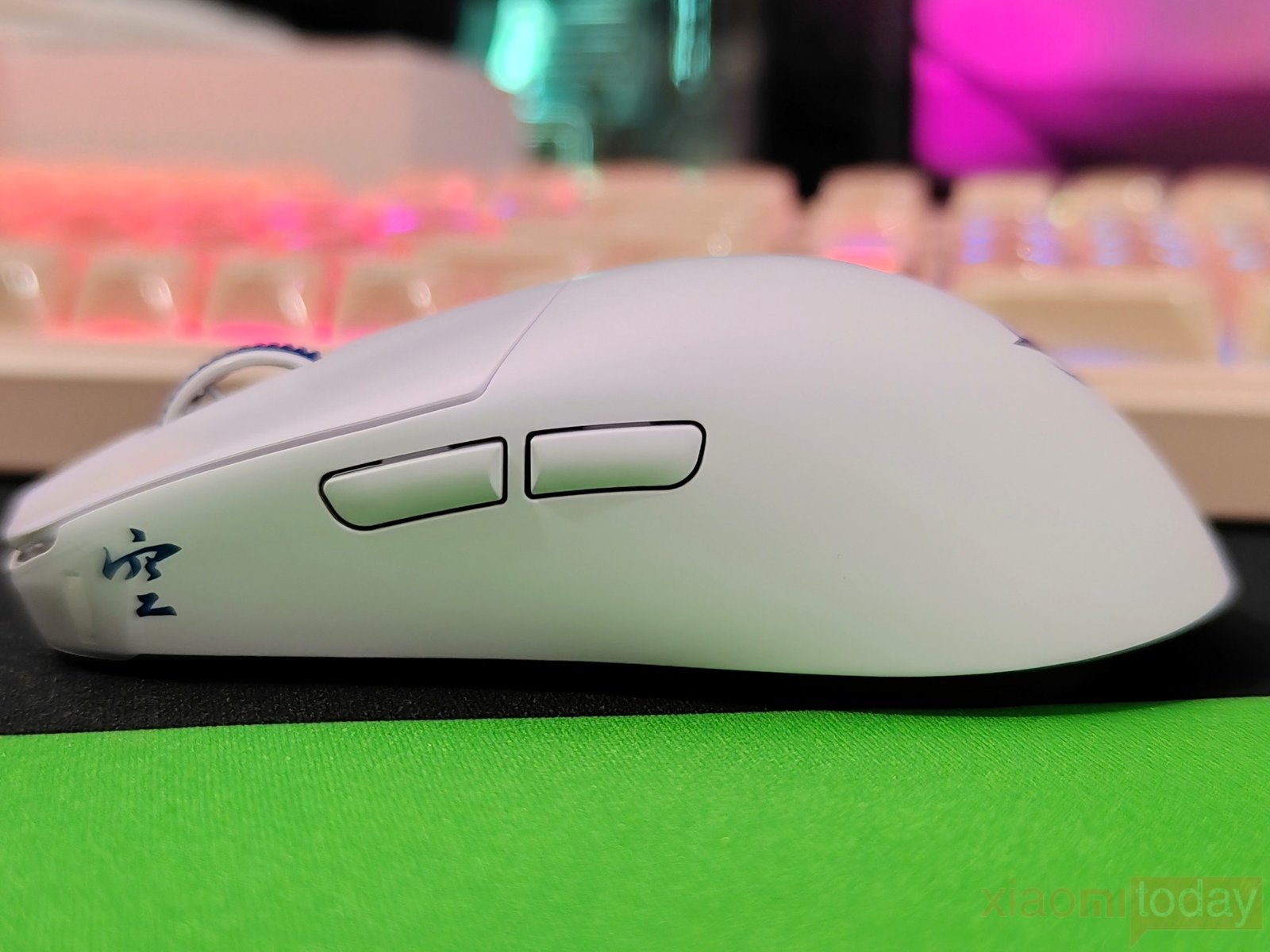
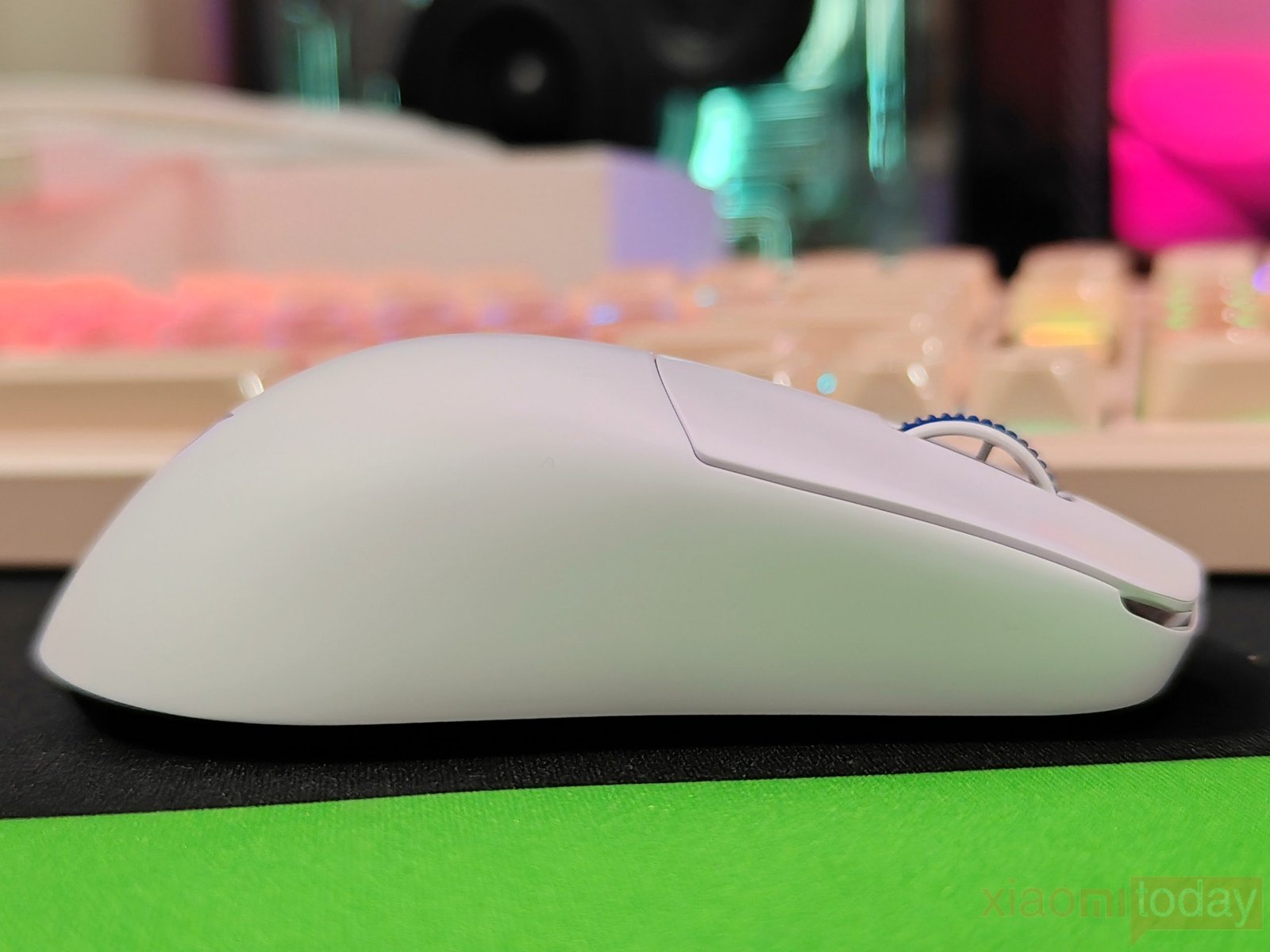
The two side buttons are positioned above the thumb area and are easy to reach while maintaining the same grip. They have a quiet, crisp response and require little movement to activate. There is minimal pre-travel and only a small amount of post-travel, while the buttons remain firmly positioned against the shell. Their placement also keeps them away from the thumb enough to avoid accidental presses during normal gameplay. The right side of the mouse has no buttons, creating a smooth surface for the ring and little fingers.
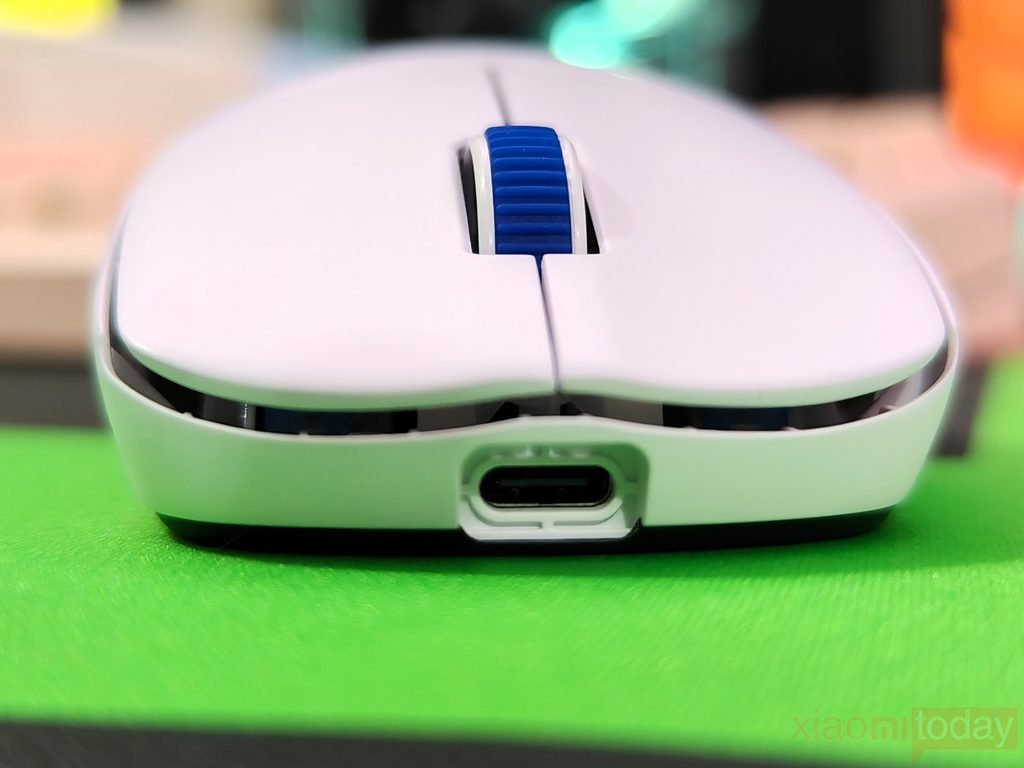
At the front, the Sora V3 has a USB Type-C port for charging and wired operation. The port sits in the center of the front section and is slightly recessed into the shell. This helps keep the cable connector aligned when plugged in. The low front profile is also noticeable from this angle and gives the mouse a compact appearance. There are no ventilation openings or honeycomb cutouts on the top, so the Sora V3 retains the feel of a traditional solid-shell mouse despite weighing only 40 grams.
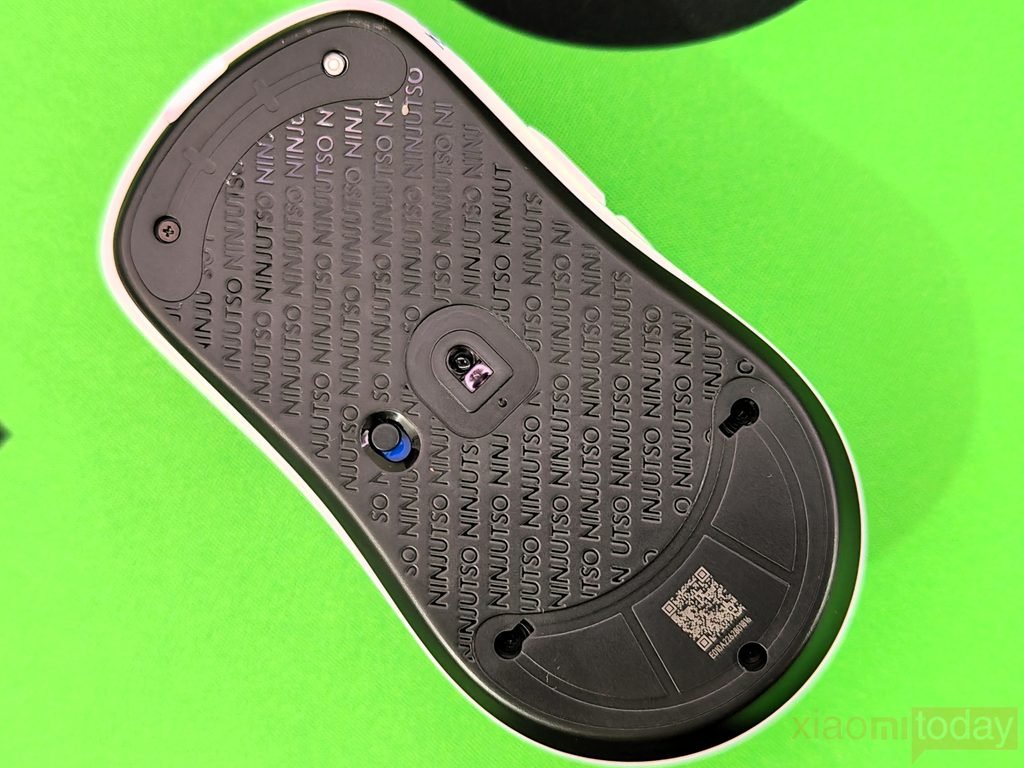
The rear section has a smooth, rounded shape that gradually drops toward the base. The Ninjutso logo is positioned near the lower part of the shell, while the underside uses a textured pattern with the NINJUTSO name repeated across the main area. The optical sensor sits close to the center of the bottom panel, with the power button positioned above it. A recessed section with a QR code is also present, while the glide skates are arranged around the edges to provide consistent contact with the mouse pad.
After spending time with the Ninjutso Sora V3, the combination of its compact shape and 40-gram weight makes it easy to move during fast-paced games. The rounded rear gives enough support for claw and fingertip grips without making the mouse feel large. The solid shell also provides a cleaner exterior than a honeycomb design. The buttons feel firm and responsive, while the side controls are easy to reach without changing grip. For users looking for a lightweight gaming mouse with a conventional solid-shell design, the Sora V3’s shape and construction make it a comfortable option for extended gaming sessions.
Ninjutso’s Capsule 8K Receiver
The Ninjutso Capsule 8K Receiver uses a compact, rounded enclosure with a translucent outer shell and a white inner section. Its small footprint makes it easy to place beside the mouse without using much desk space. The USB Type-C port is located at the rear, so the receiver can be connected through a cable and positioned closer to the mouse. The bottom includes rubber feet that help keep the receiver stable on the desk and reduce unwanted movement during use. There is also a QR code and identification information printed on the underside.
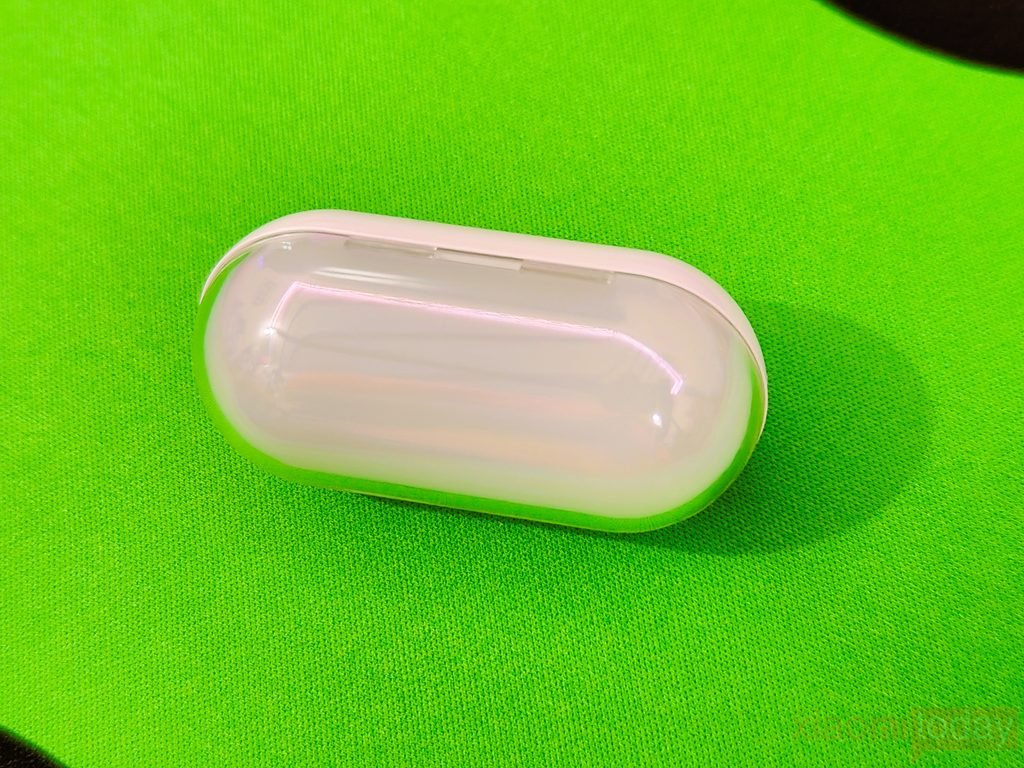
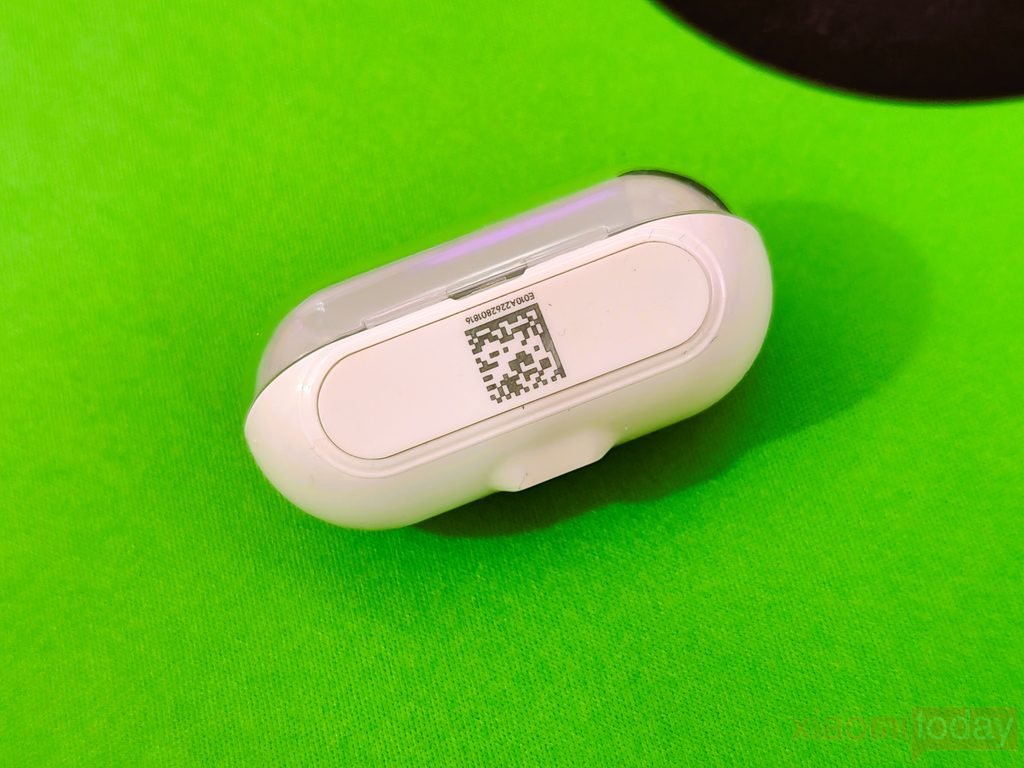
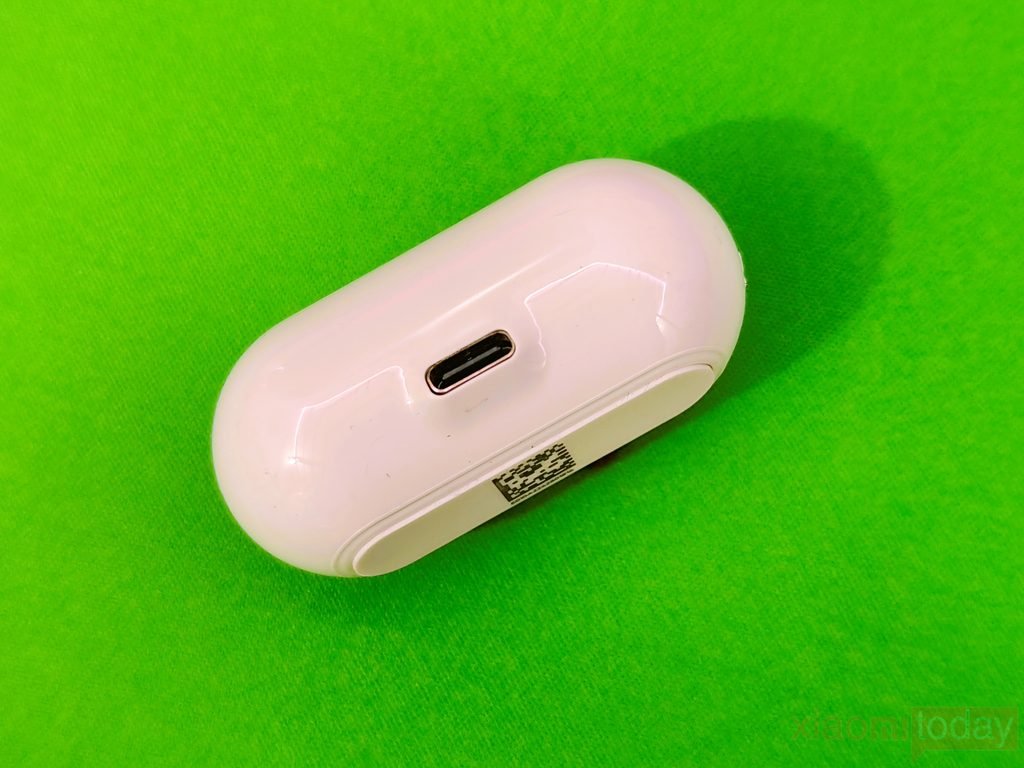
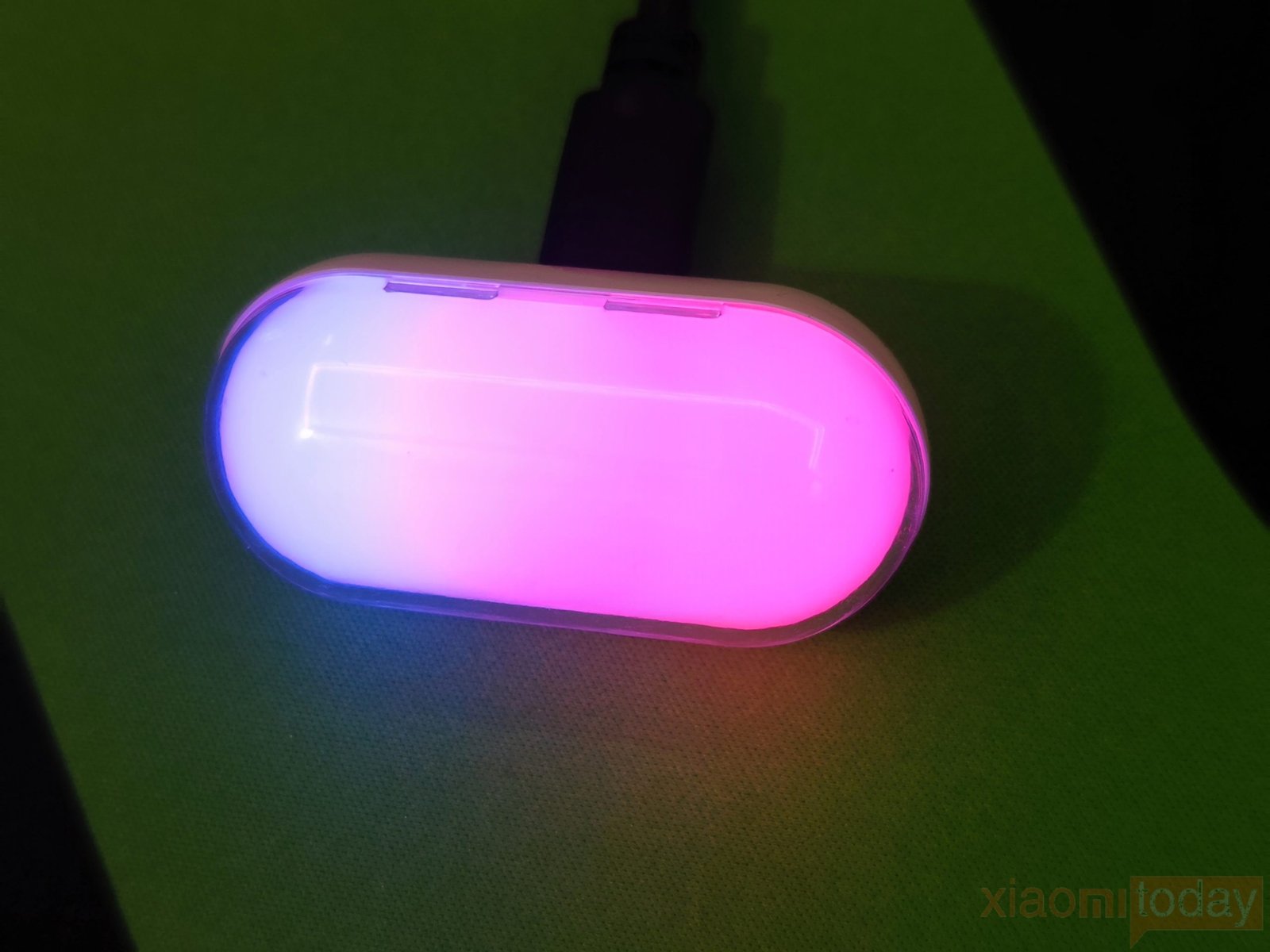
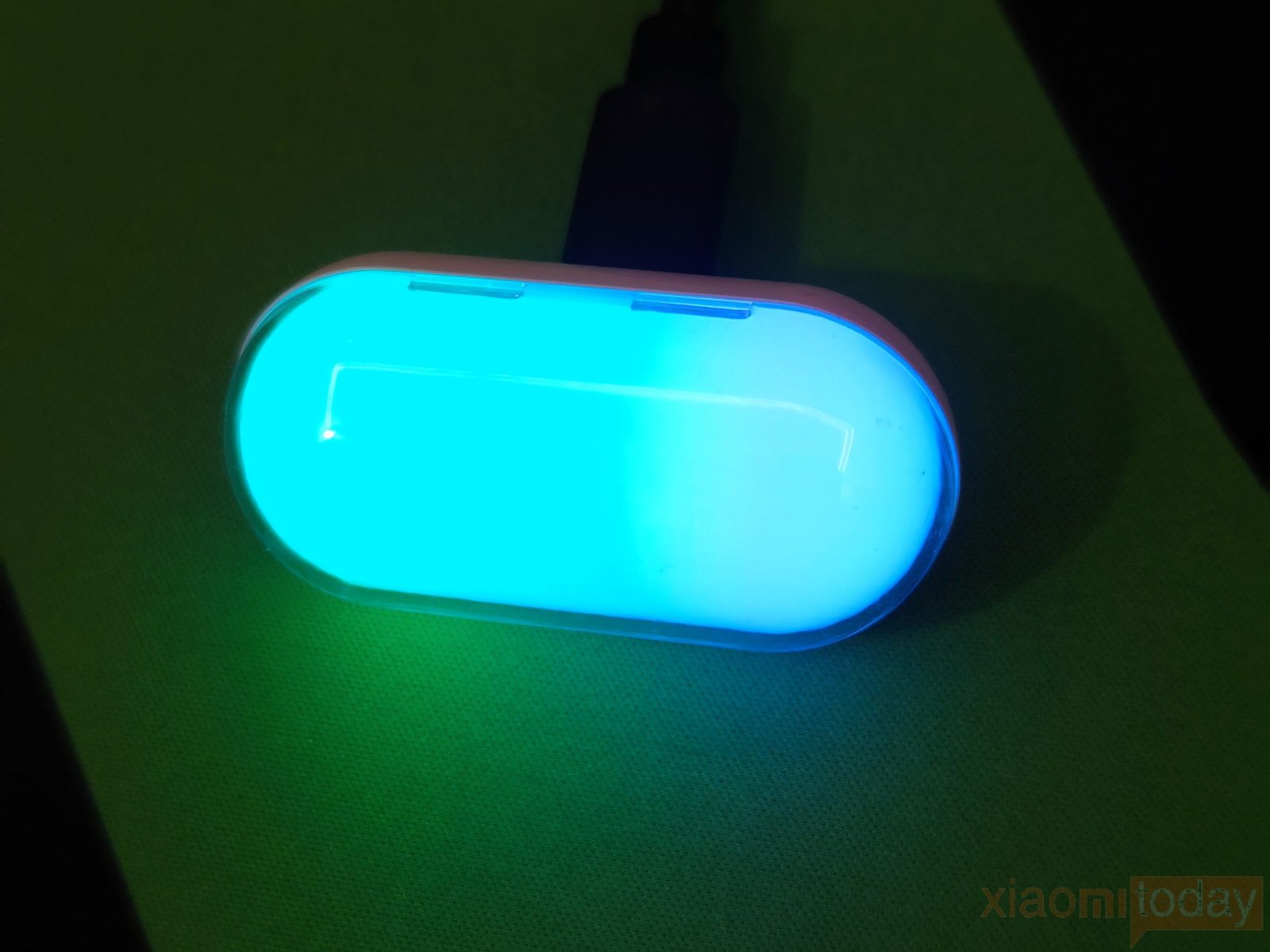
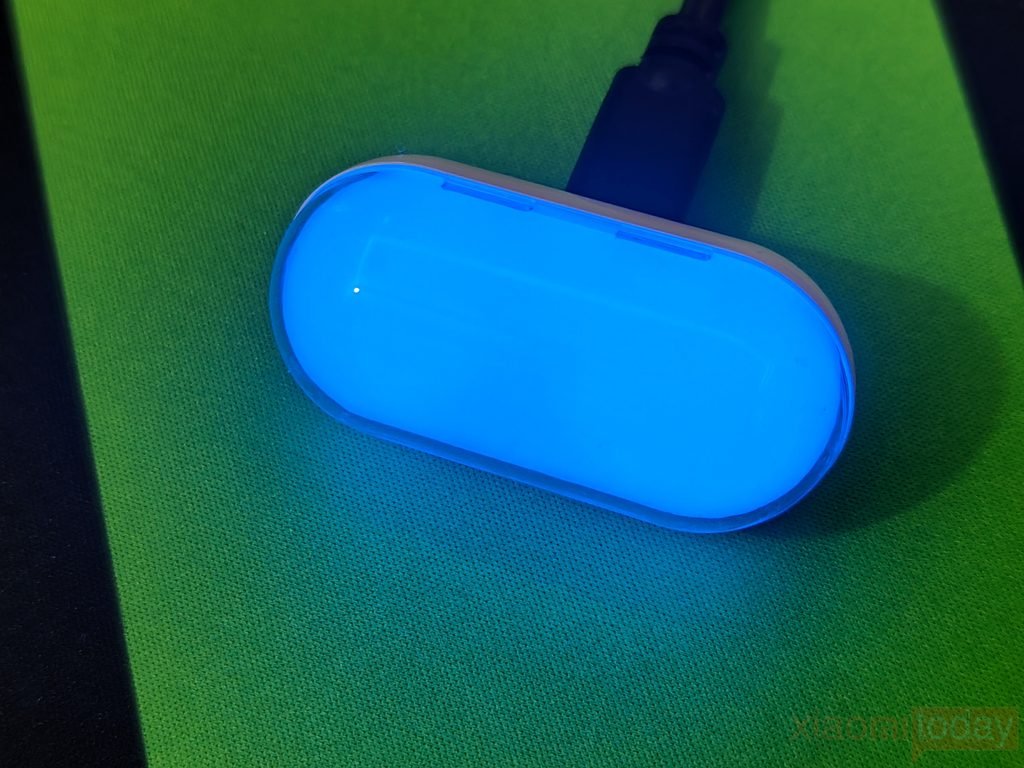
The translucent shell is designed to show the RGB lighting when the receiver is powered on. It uses a rainbow-wave effect by default, cycling through different colors across the enclosure. The lighting can be adjusted through the NinjaForce Web App, allowing users to change the RGB effect and match it with the rest of their gaming setup. The RGB lighting does not affect the receiver’s wireless function, but it gives the Capsule 8K Receiver a more gaming-focused appearance when placed on the desk.
Features and Performance
The Ninjutso Sora V3 is equipped with the AIMNINJA 2 Pro 45K sensor, which uses a dual-optical engine algorithm based on PixArt sensor technology. It supports up to 45,000 DPI, 99.8% resolution, and DPI adjustment in 0.1 DPI increments. This gives users a wide range of sensitivity settings, from low DPI for controlled FPS movements to much higher settings for fast cursor movement. The sensor also uses RawMotion Gen-2 MotionSync, which synchronizes the sensor data with the MCU and PC to help reduce motion delay.
The Sora V3 also uses SymVision Tracking Technology to manage sensor power consumption when the mouse is lifted from the mousepad. The system detects the lift movement and adjusts the sensor operation automatically. Ninjutso claims up to 55% lower power consumption during lift movements compared with the PAW3950. This is particularly useful in FPS games, where lifting and repositioning the mouse is common. The sensor system is also designed to reduce power use at higher feedback rates, which helps the mouse maintain its wireless performance without putting as much load on the battery.
For wireless connectivity, the Sora V3 uses SnappyFire x PixArt 8K wireless technology with the included 8K receiver. It supports an 8000 Hz polling rate, allowing the mouse to send position updates to the PC more frequently than a standard 1000 Hz mouse. Ninjutso claims 15% lower power consumption and up to 50% better anti-interference with this wireless system. Combined with the AIMNINJA 2 Pro 45K sensor and RawMotion Gen-2 MotionSync, the Sora V3 is designed for low-latency tracking and stable wireless performance, making the 8K setup particularly useful for competitive FPS gaming.
Connectivity
The Ninjutso Sora V3 supports both 2.4GHz wireless and USB Type-C wired connectivity. The wireless connection works through the included Ninjutso Capsule 8K Receiver, which uses the 8K wireless system developed with PixArt. It supports up to an 8000 Hz polling rate and is designed to provide a stable connection with low latency during gaming. Switching between wireless and wired operation is handled through the control switch on the bottom of the mouse. There is no Bluetooth support, but the 2.4GHz connection is suitable for both gaming and regular desktop use.
For wired operation, the Sora V3 uses a detachable USB Type-C cable that also charges the internal battery while connected. This means you can continue using the mouse even when the battery needs to be charged. Moving between 2.4GHz wireless and wired modes is quick, and both modes provide consistent tracking and button response. The combination of 8K wireless connectivity and USB Type-C gives the Sora V3 the connection options expected from a modern competitive gaming mouse, while keeping the setup simple for everyday use.
NinjaForce App
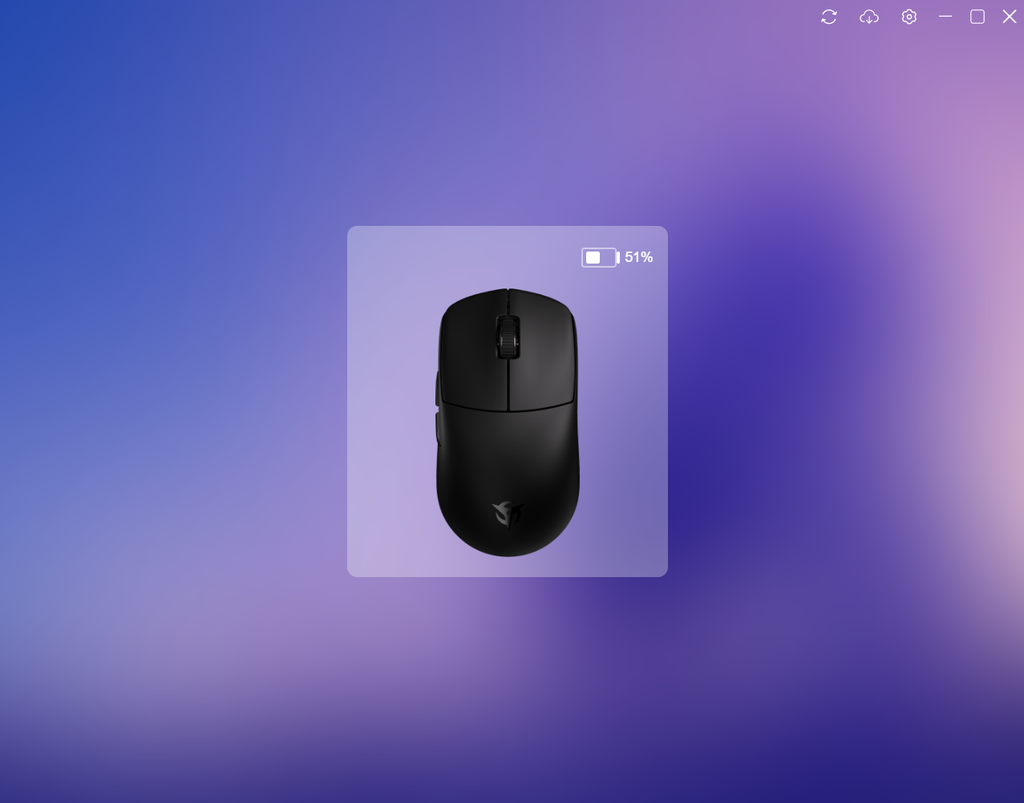
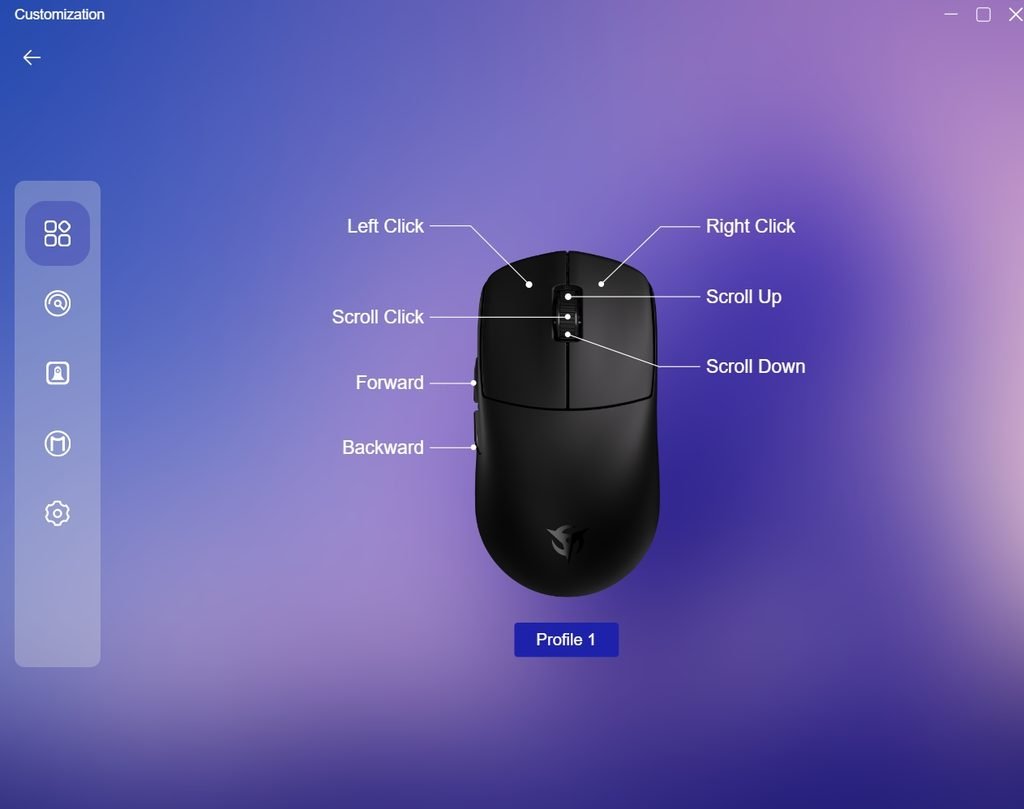
The NinjaForce Web App is the main software interface for configuring the Sora V3. It works through the browser and is also supported by a Desktop Client, so users can choose how they want to manage the mouse. The main dashboard shows the mouse layout and lets you assign functions to the left and right clicks, scroll wheel, and two side buttons. The current battery level is also displayed at the top, which makes it easy to check the remaining charge without using the mouse.
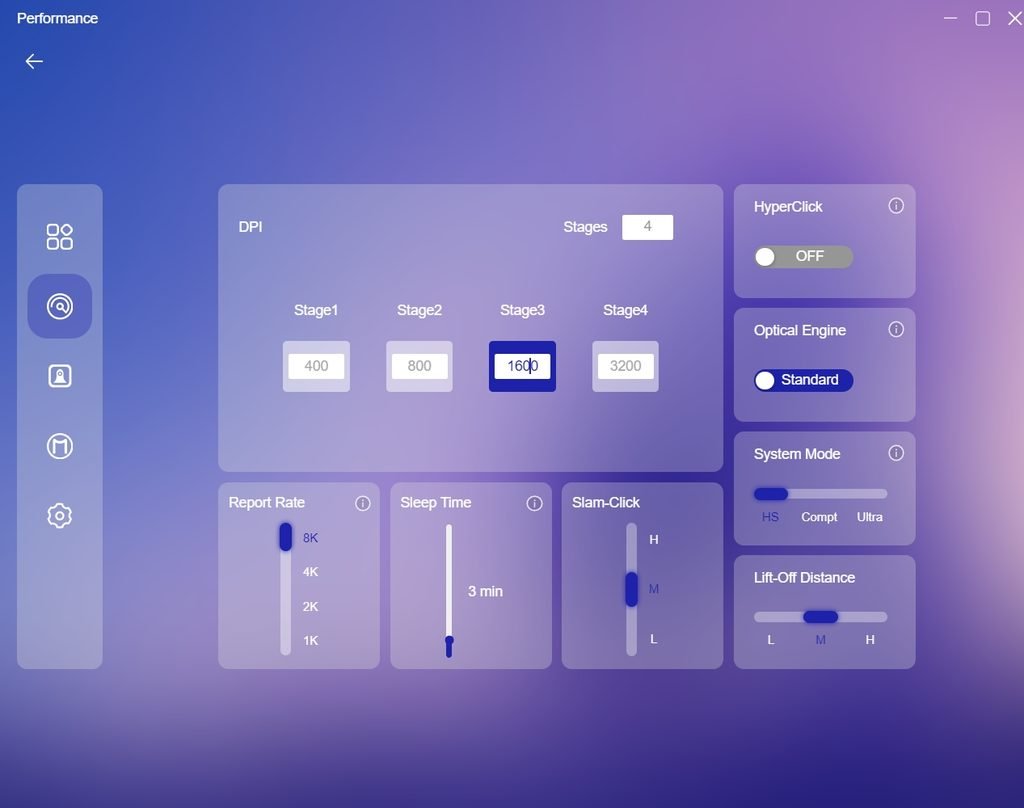
The sensor settings page provides controls for DPI, polling rate, HyperClick, Optical Engine, system mode, sleep time, Angle Tune, Slam-Click, and lift-off distance. Up to four DPI stages can be configured individually. The polling rate can be set from 1KHz to 8KHz, while the lift-off distance can be adjusted between the available levels. These settings give users control over how the Sora V3 responds during different types of gameplay, particularly in FPS titles where sensitivity and lift-off behavior can affect mouse control.
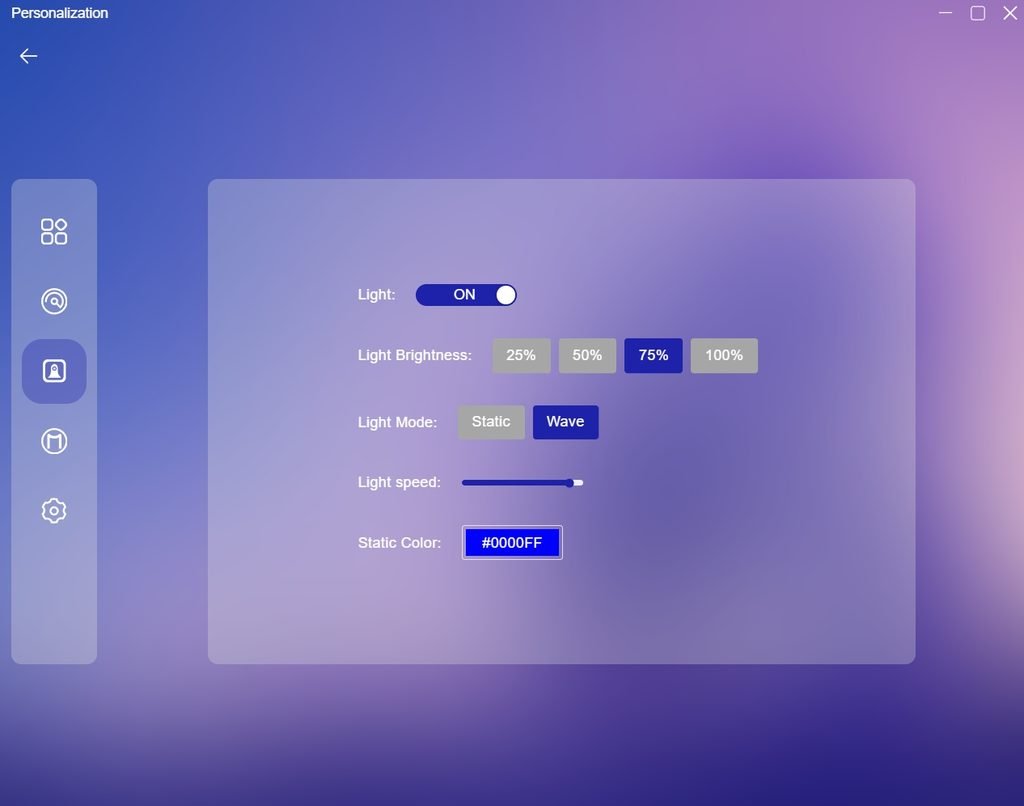
The RGB lighting section is simple to use. Users can switch the lighting on or off, select four brightness levels, and choose between Static and Wave effects. The static mode also allows a specific color to be selected, while the Wave mode includes a speed adjustment. This is enough to change the lighting behavior without making the software difficult to navigate.
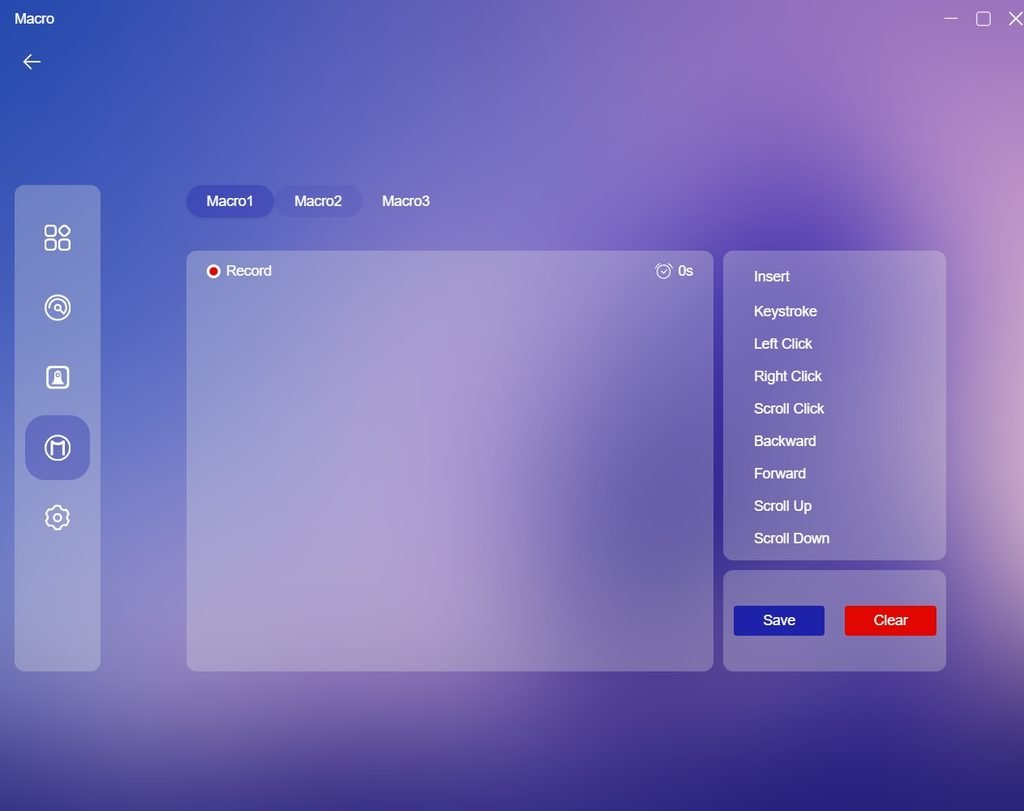
The Macro section provides three macro slots and allows keyboard and mouse actions to be recorded. Each recorded action is shown with its timing, and users can add keystrokes, left and right clicks, scroll functions, and the forward or backward buttons. Macros can be edited before saving, which is useful for users who want to assign repeated commands to the mouse.
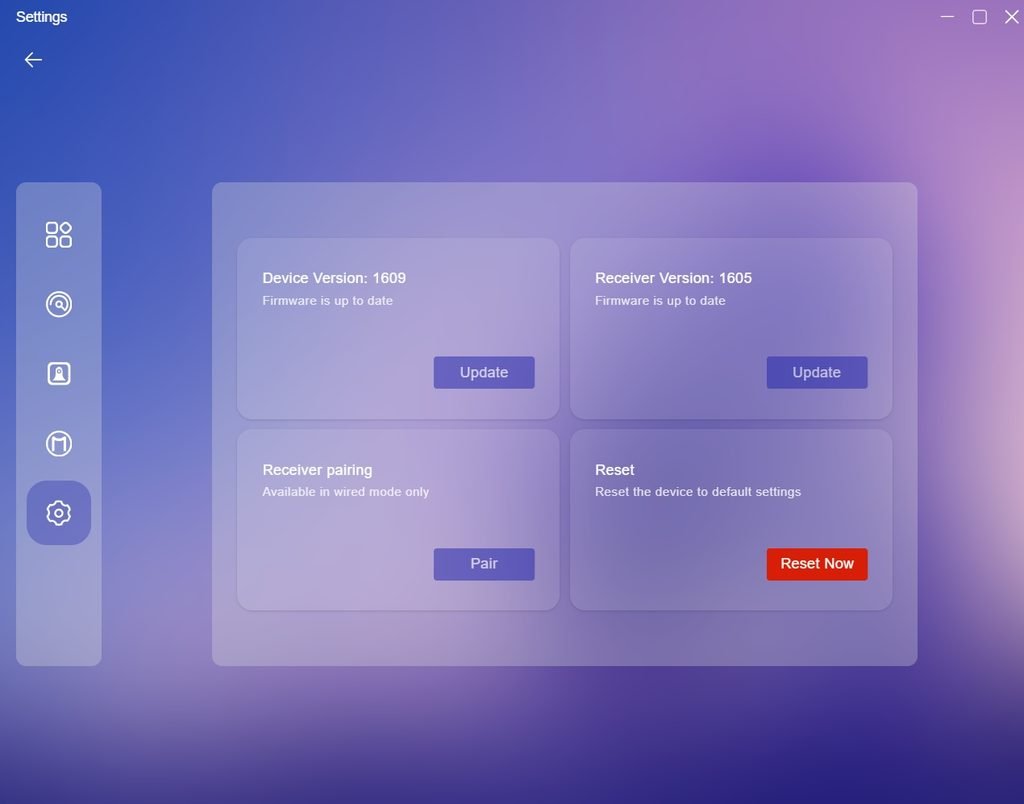
The settings page also handles firmware updates, receiver pairing, and resetting the mouse. The software shows separate firmware versions for the Sora V3 and its receiver, with an update option for each device. Pairing is available while the mouse is connected in wired mode, and the reset option returns the device to its default configuration. Overall, NinjaForce provides the controls needed to configure the Sora V3’s sensor, buttons, polling rate, lighting, macros, and firmware from one interface.
Battery and Charging
The Ninjutso Sora V3 uses a built-in 300mAh rechargeable battery, keeping the mouse light while providing enough capacity for extended wireless use. Battery life changes with the selected polling rate. According to Ninjutso, the mouse can last up to 3.5 weeks at 1000Hz, around 2 weeks at 2000Hz, 1.5 weeks at 4000Hz, and up to 1 week at 8000Hz, based on 5–6 hours of gaming per day. Users who prioritize battery life can stay at a lower polling rate, while 8KHz is available when a higher report rate is preferred.
Charging is handled through the USB Type-C port on the front of the mouse. The included cable can also be used for wired operation, allowing you to continue gaming while the battery is charging. In our testing, the wired connection also makes it easy to keep using the Sora V3 when the battery is low. Actual battery life will vary depending on polling rate, lighting, sleep settings, and daily usage, but the 300mAh battery provides a practical balance between weight and wireless runtime.
Use Experience – Daily Work and Gaming
The Ninjutso Sora V3 feels comfortable from the first few hours of use, mainly because of its 40-gram weight and compact symmetrical shape. For daily work, the low weight makes moving between windows, browsing, editing documents, and other desktop tasks easy without putting much pressure on the hand. The rounded rear provides enough support for the palm, while the lower front section works well with a claw or fingertip grip. I could use the mouse for several hours without feeling the need to change my grip frequently.
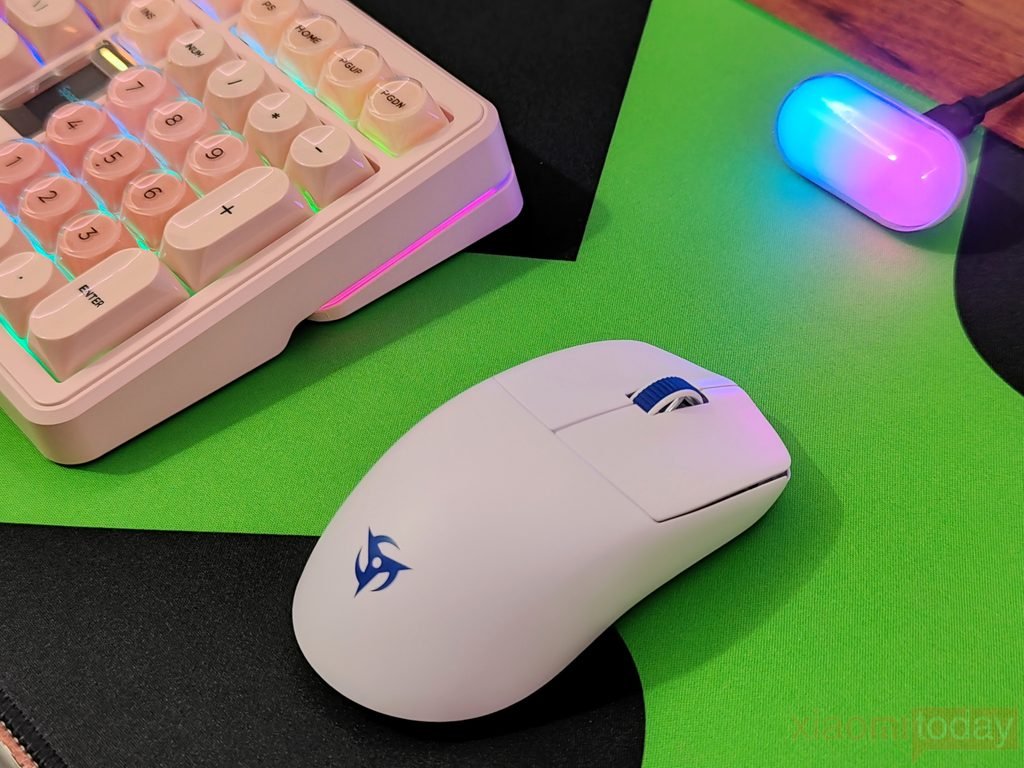
For gaming, I tested the Sora V3 with Counter-Strike 2, VALORANT, Call of Duty: Warzone, Apex Legends, and PUBG. In CS2 and VALORANT, the low weight was useful for low-sensitivity aiming, where frequent lifting and repositioning are part of normal gameplay. Flick shots and small corrections were easy to perform, and the mouse could be lifted from the pad without much effort. The AIMNINJA 2 Pro 45K sensor also kept tracking consistent during quick movements.
In Call of Duty: Warzone and Apex Legends, the Sora V3 handled faster movements and frequent target changes well. These games require a wider range of mouse movement, and the 40-gram body made it easy to move across the pad quickly. Tracking moving targets also felt controlled, while the shape gave enough support when keeping the hand on the mouse for longer matches.
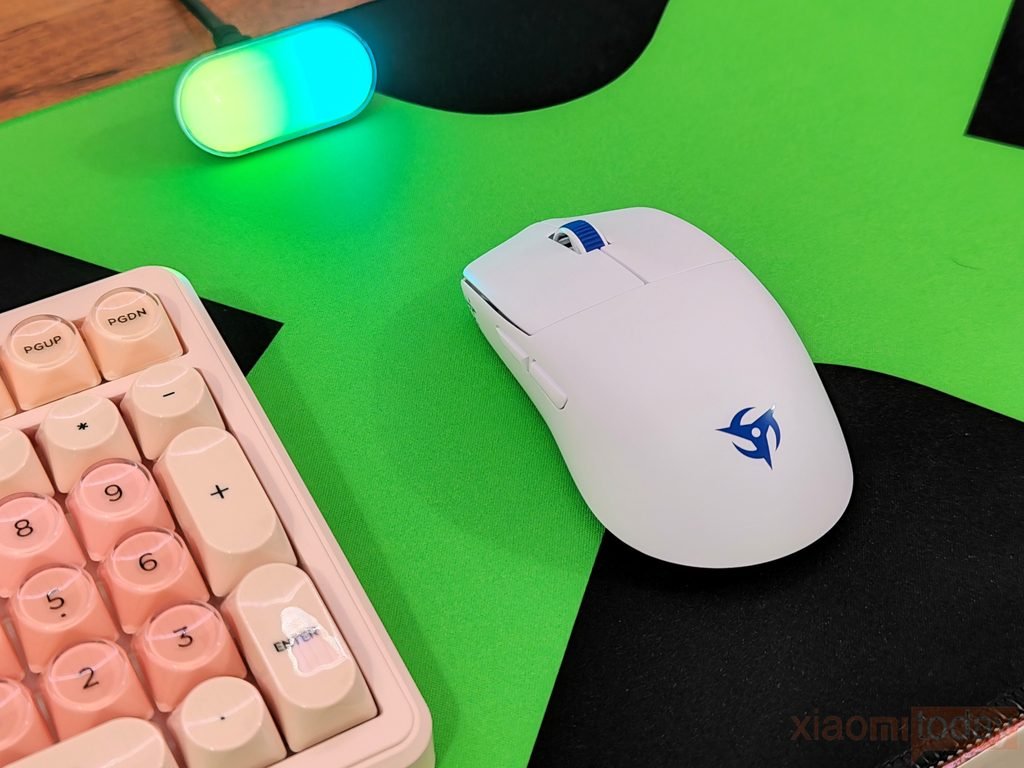
I also used the mouse in PUBG, where aiming can involve slower movements and longer periods of controlled tracking. The Sora V3 worked well here too. Its lightweight body made repeated adjustments easy, while the shape provided enough support for longer sessions. The main clicks remained consistent when firing single shots or making repeated inputs, and the side buttons were easy to reach when assigned to in-game functions.
The HyperSwitch/BTS main buttons have a crisp response with relatively short travel. In FPS games, this made repeated clicks feel quick without requiring much force. The two side buttons also have limited travel and remain firm inside the shell, which helped prevent accidental activation while aiming. The scroll wheel has defined steps, making it useful for weapon switching and other controls in games such as PUBG and Warzone.
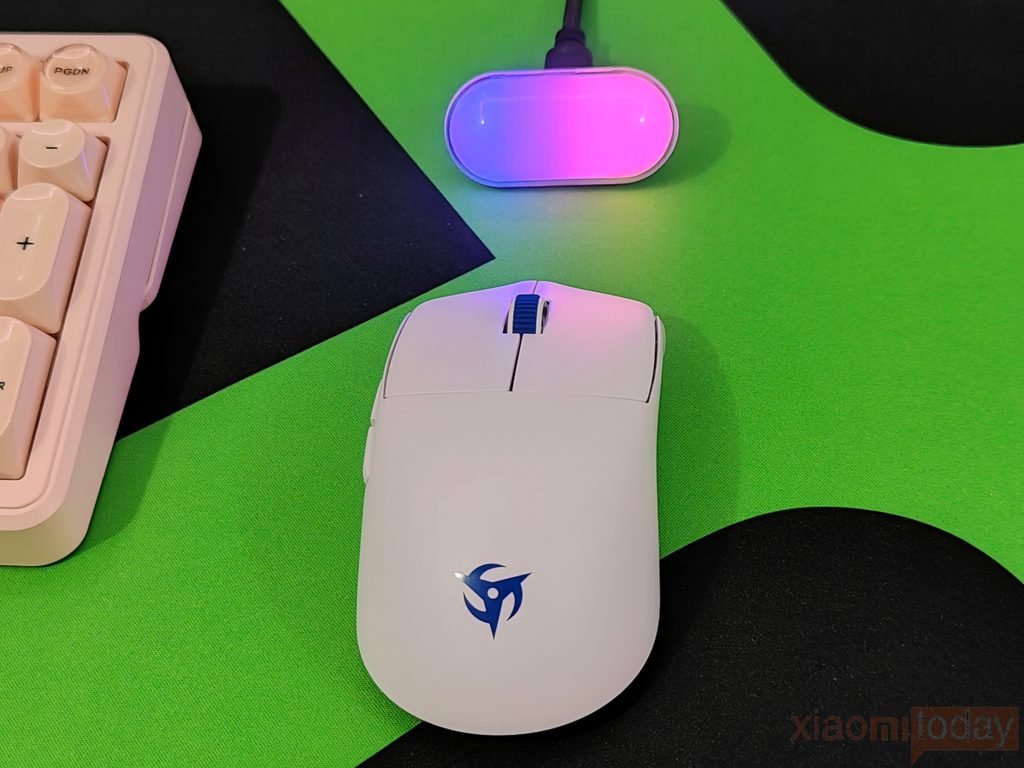
The Capsule 8K Receiver maintained a stable 2.4GHz connection during my gaming sessions. The Sora V3 supports polling rates up to 8000Hz, although 1000Hz is more practical for general use and provides longer battery life. For competitive gaming on a high-refresh-rate display, the higher polling-rate settings are available when needed. I did not experience connection drops or interruptions during the games tested.
After several days of using the Sora V3 for work and gaming, its 40-gram weight is the feature that has the biggest effect on everyday use. It makes large mouse movements easier and reduces the effort needed for repeated repositioning. Combined with the accurate sensor, responsive clicks, comfortable shape, and reliable wireless connection, the Sora V3 is well suited to FPS gaming while remaining comfortable enough for regular desktop work.