Corsair has announced a new update for the Corsair XENEON EDGE 14.5″ LCD Touchscreen, bringing widget support through the Elgato Marketplace. The addition gives users access to a growing library of downloadable widgets while also allowing developers and community creators to build their own applications for the display.
The integration expands the functionality of the XENEON EDGE beyond the widgets previously included inside Corsair’s software updates. Users can now browse, download, and install widgets directly through iCUE software without manually searching for compatible tools online.
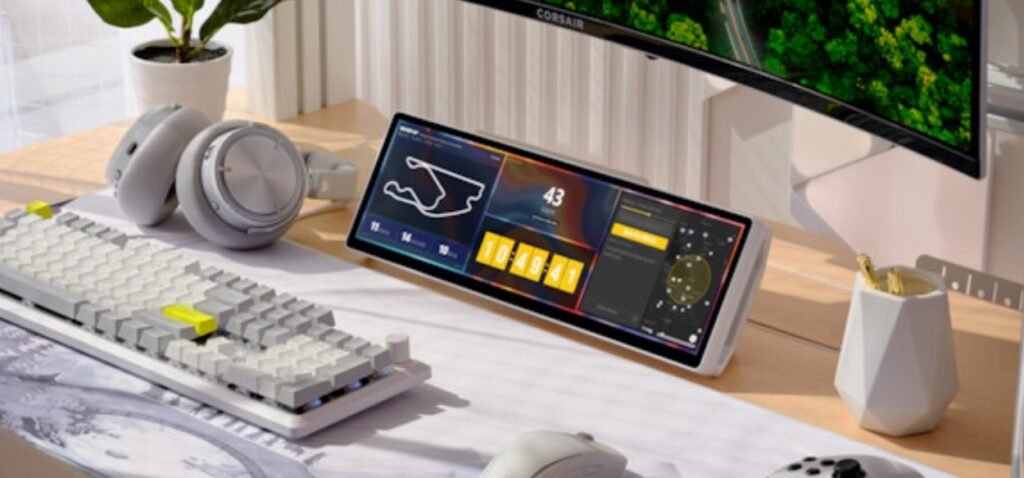
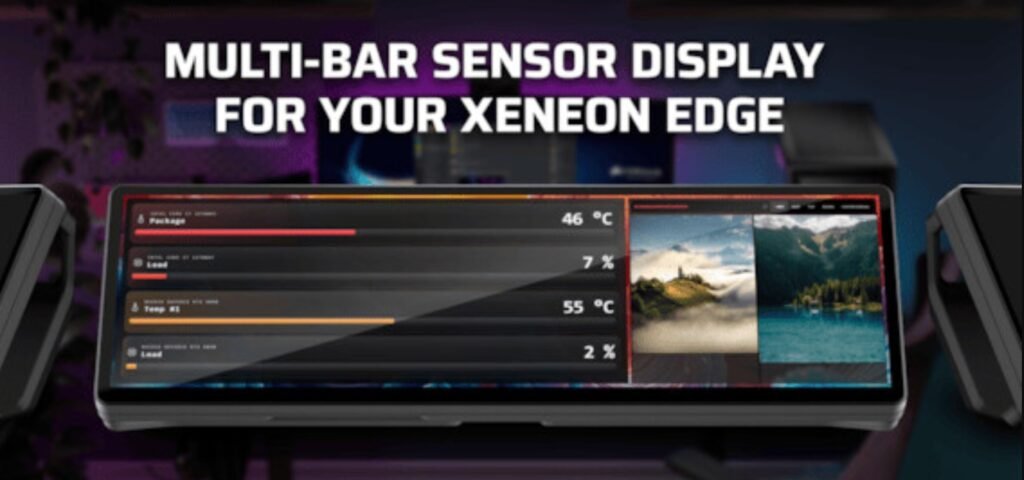
Corsair confirmed that more than 20 first-party widgets are already available at launch as free downloads. These include utilities such as countdown timers, system monitoring panels, network ping trackers, live sports score displays, and a doodle pad designed for quick notes or sketches on the touchscreen.
The Elgato Marketplace currently hosts thousands of digital assets for the Corsair and Elgato ecosystem, including Stream Deck plugins, voice effects, and OBS scene collections. With support now added for the XENEON EDGE, users have a dedicated section where touchscreen widgets can be managed directly from the storefront.
Taylor Ward, Director of Ecosystem at Elgato, said the company expects the community to play a major role in expanding the platform over time, similar to how the Stream Deck ecosystem evolved with third-party development support.
The company also noted that touchscreen widgets offer developers a different type of interface compared to traditional Stream Deck integrations, creating opportunities for new software ideas and interactive tools.
Corsair is making widget development more accessible by providing official documentation through Elgato’s developer platform. According to the company, users with little programming experience can also experiment with widget creation using AI-assisted coding tools capable of generating functional code from text-based prompts. Simple widgets may only take a few hours to develop, while more advanced projects could be completed within a couple of days. Once created, widgets can be imported directly into Corsair iCUE software for immediate use on the XENEON EDGE touchscreen.
Corsair also plans to allow creators to distribute their widgets through the Marketplace in the future, either as free downloads or paid community content.
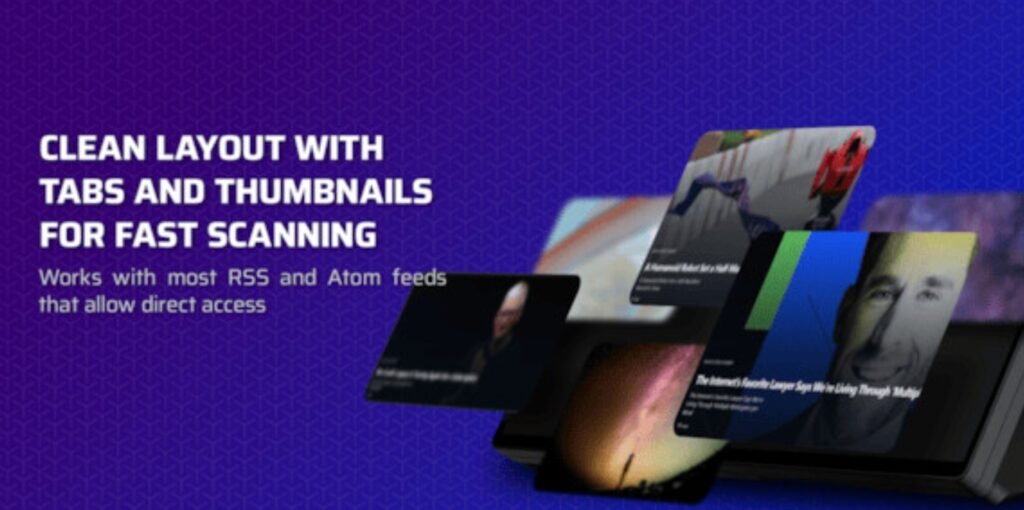
The new feature arrives alongside the release of iCUE version 5.44. Before this update, widgets were integrated directly into the software and could only be expanded through official software releases. With Marketplace integration now available, widgets can be added separately through a process similar to importing RGB lighting profiles for Corsair peripherals. Newly installed widgets automatically appear inside iCUE, where they can be customized for the XENEON EDGE display.
Widgets for the Corsair XENEON EDGE 14.5″ LCD Touchscreen are now available through the Elgato Marketplace alongside the latest version of iCUE software. Additional information can be found on the Corsair Official Website and the Elgato Marketplace.