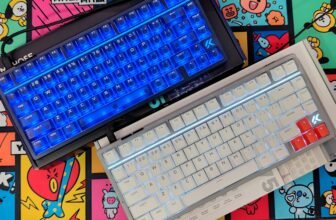
A mechanical keyboard can have a premium case, customizable switches, and wireless connectivity—but the Angry Miao AM Relic 80 adds a design that’s hard to mistake for anything else. Its CNC-machined aluminum body has intentionally chipped corners inspired by Daniel Arsham’s Future Relic series, with RGB lighting shining through in a diamond pattern. That look puts the Relic 80 in a different lane from the usual slab-style keyboard. The question is whether its typing experience and features justify the attention it’s likely to draw on your desk.
The Relic 80’s typing system is built around a three-stage leaf-spring mount. Users can adjust its settings and choose between stainless steel and phosphorus copper springs, with Angry Miao claiming 12 possible typing feels. An eight-layer internal build includes a 1.2mm hotswap PCB, FR4 plate, IXPE switch pads, and PORON foam. The goal is to control unwanted resonance and create a deeper sound. In this review, we’ll focus on how the adjustable mount changes key feel and whether the keyboard’s construction delivers the sound and consistency it promises.
Wireless features are a major part of the package. The AM Relic 80 supports wired, Bluetooth, and 2.4GHz connections, making it suitable for moving between a desktop, laptop, tablet, or gaming setup. Its 10,000mAh battery uses two 5,000mAh cells, and Qi charging offers another way to power it without plugging in a cable. Those specs make a big promise for a wireless mechanical keyboard; battery life, connection reliability, and day-to-day comfort will determine how well it holds up.
In this hands-on review, we examine the AM Relic 80’s build quality, mounting system, typing feel, sound profile, connectivity, and battery performance to determine whether its premium construction and extensive customization options justify its place in the enthusiast mechanical keyboard market.
Specifications
| Specification | Details |
|---|---|
| Product Name | Angry Miao AM Relic 80 |
| Keyboard Layout | 80% |
| Layout Options | TKL (Tenkeyless) / WKL (Winkeyless) |
| Mount Type | Three-Stage Adjustable Leaf Spring Mount |
| Typing Angle | 8° |
| Front Height | 19 mm |
| Weight (Base Kit) | 2.0 kg |
| Weight (Bundle) | 2.25 kg |
| Case Material | Aluminum Alloy |
| Available Finishes | Chalk White / RAW (Review Unit) |
| Chalk White Finish | E-coat |
| RAW Finish | Stone + Acid-Washed Anodizing |
| Included Switches (Bundle) | Icy Silver Pro V3 |
| Switch Mounting | Hot-swappable |
| PCB | 1.2 mm, 4-layer hot-swap PCB with cut-outs and RGB |
| Internal Structure | 8-layer acoustic structure |
| Battery | 5000 mAh × 2 (10,000 mAh total) |
| Connectivity | USB, Bluetooth, 2.4 GHz wireless |
| Wireless Charging | Qi wireless charging |
| RGB Lighting | Per-key RGB and diamond-pattern corner lighting |
| Typing Customization | 12 typing combinations |
| Key Mapping & Macros | Supported via AM Master |
| Official Price | $660 |
| Warranty | 1 year |
Unboxing
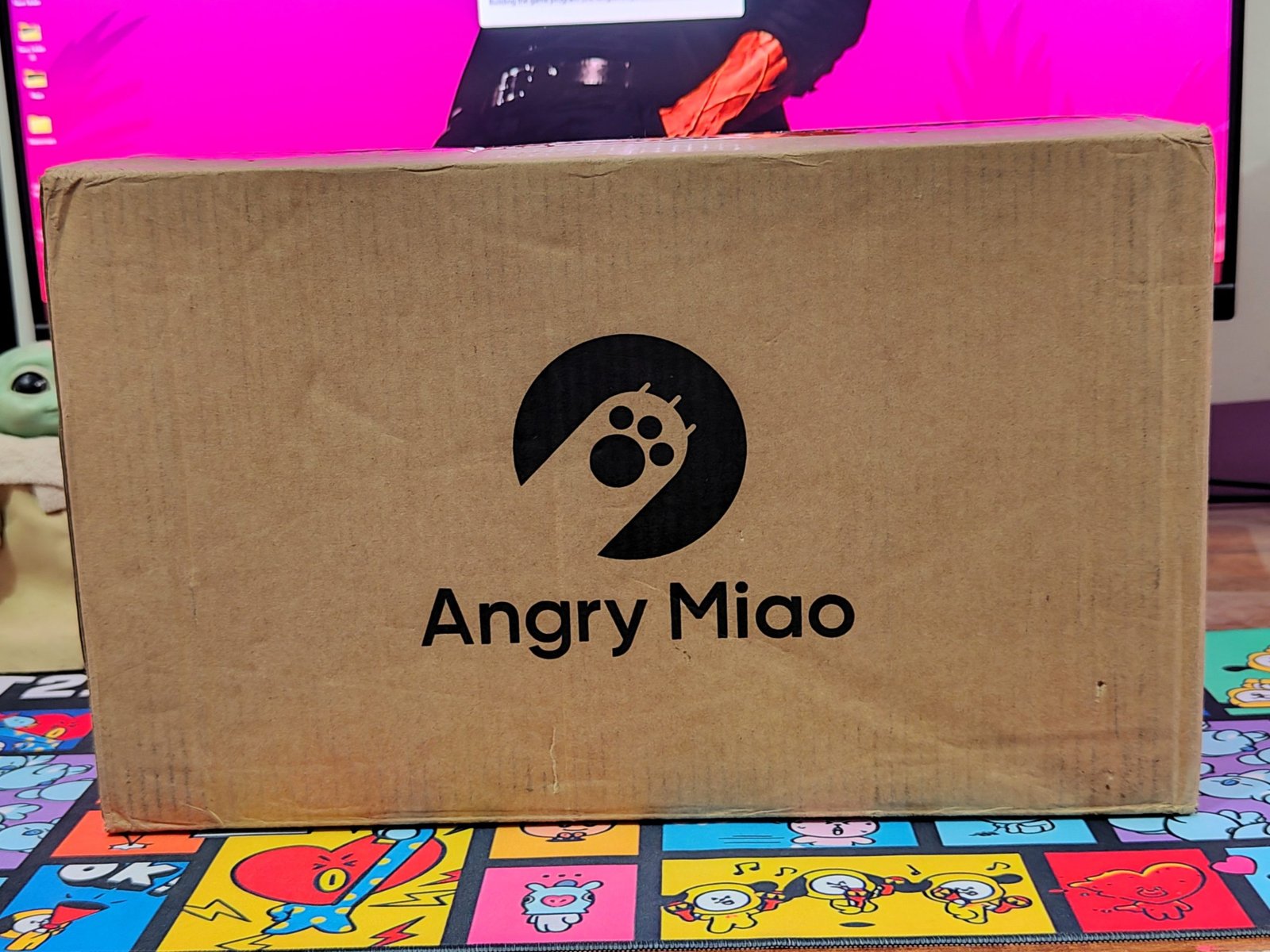
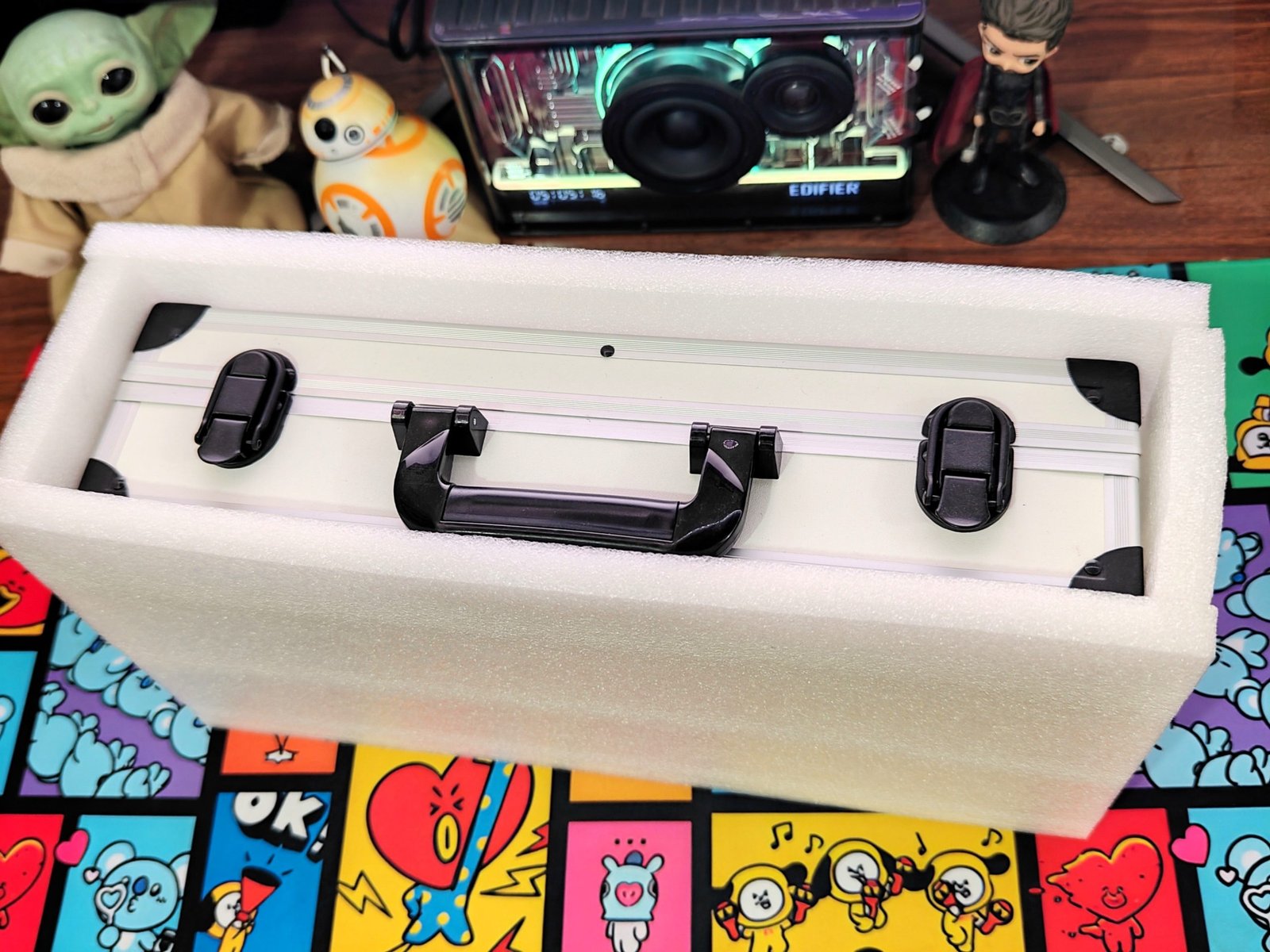
The Angry Miao AM Relic 80 arrives in a plain corrugated cardboard box with the company’s logo on the front. Inside, thick foam holds the metal carrying case in place and protects it during shipping. The outer packaging is simple, but it does its job: the hard case is kept secure before you get to the keyboard itself.
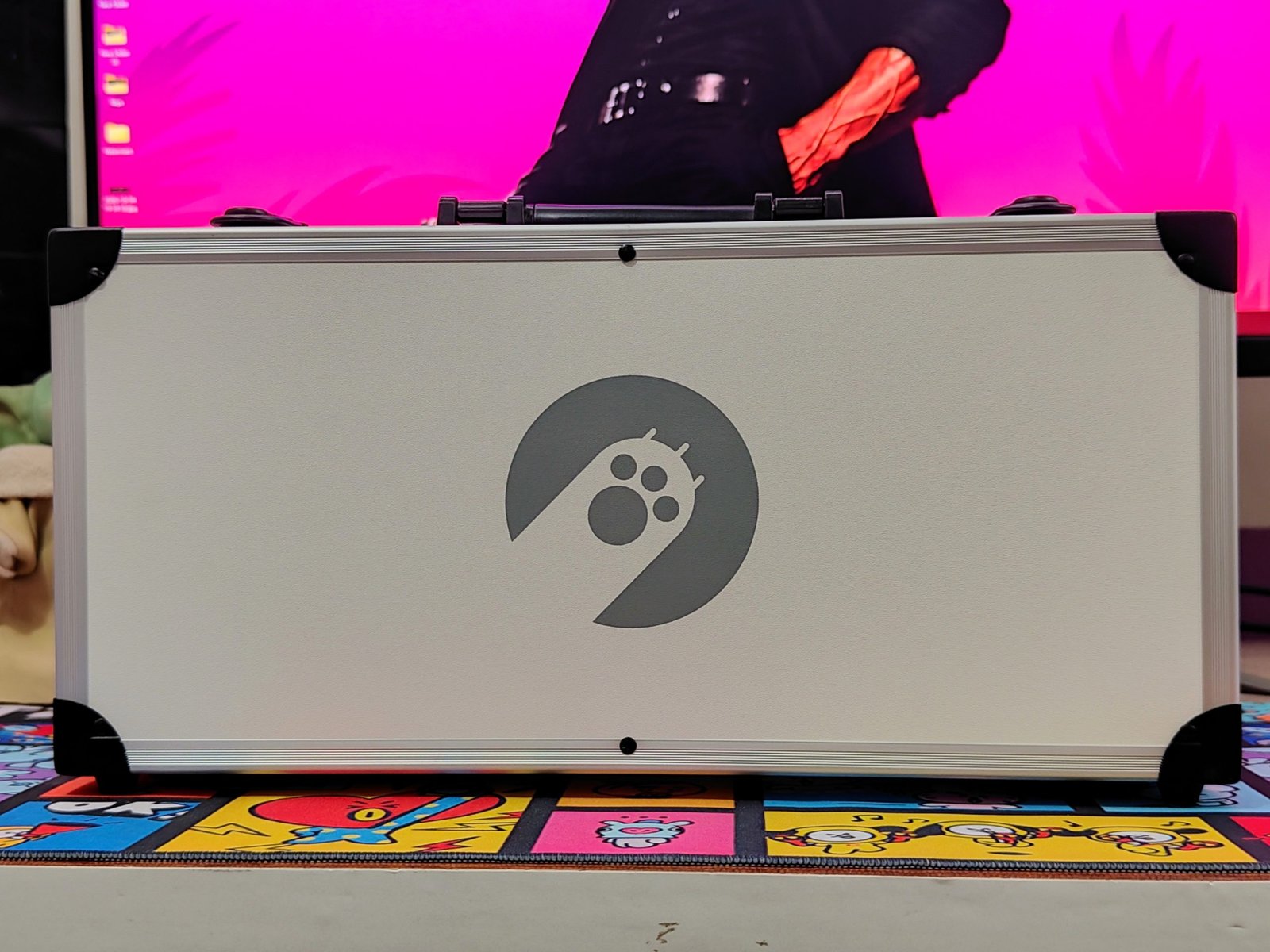
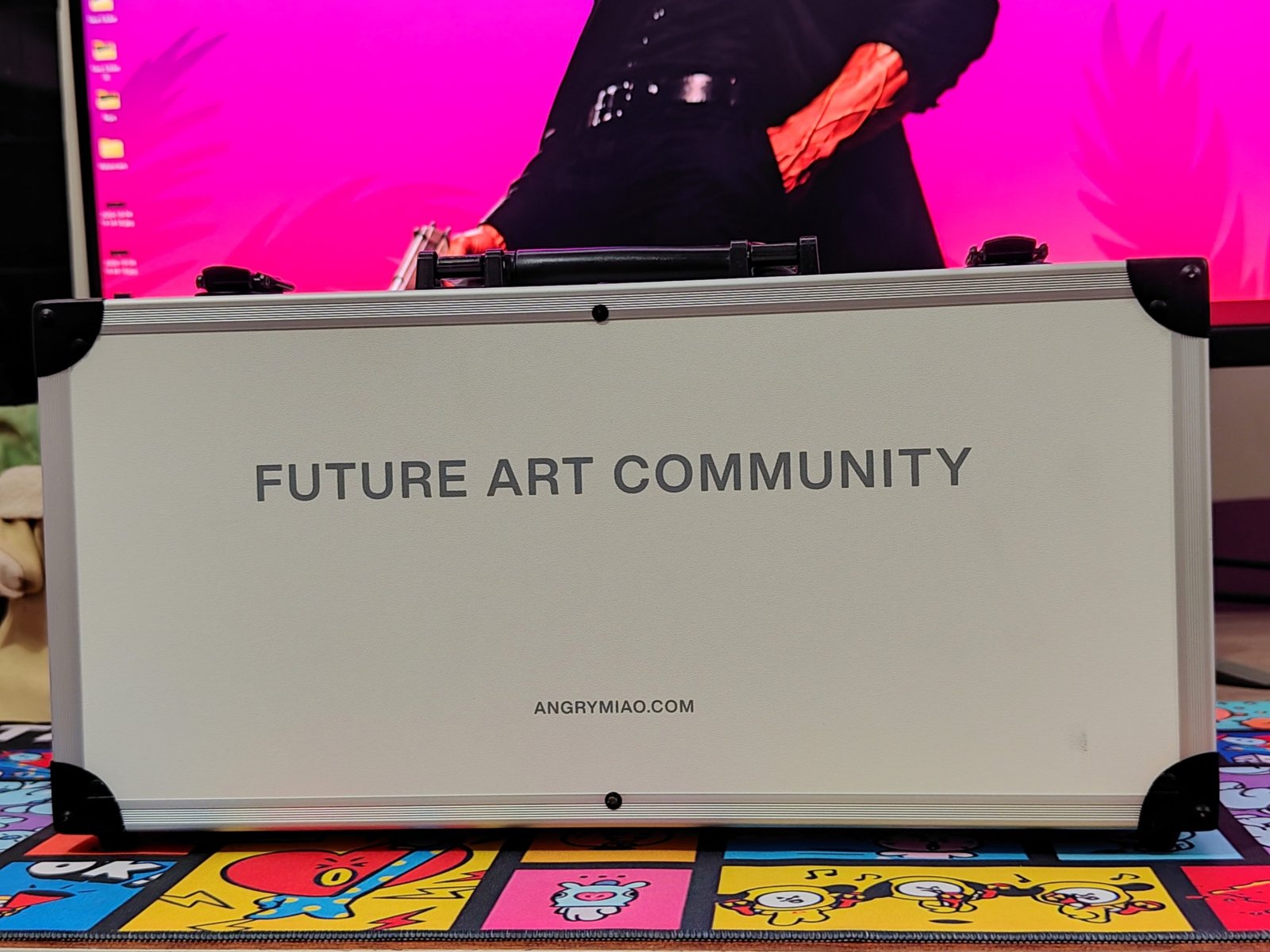
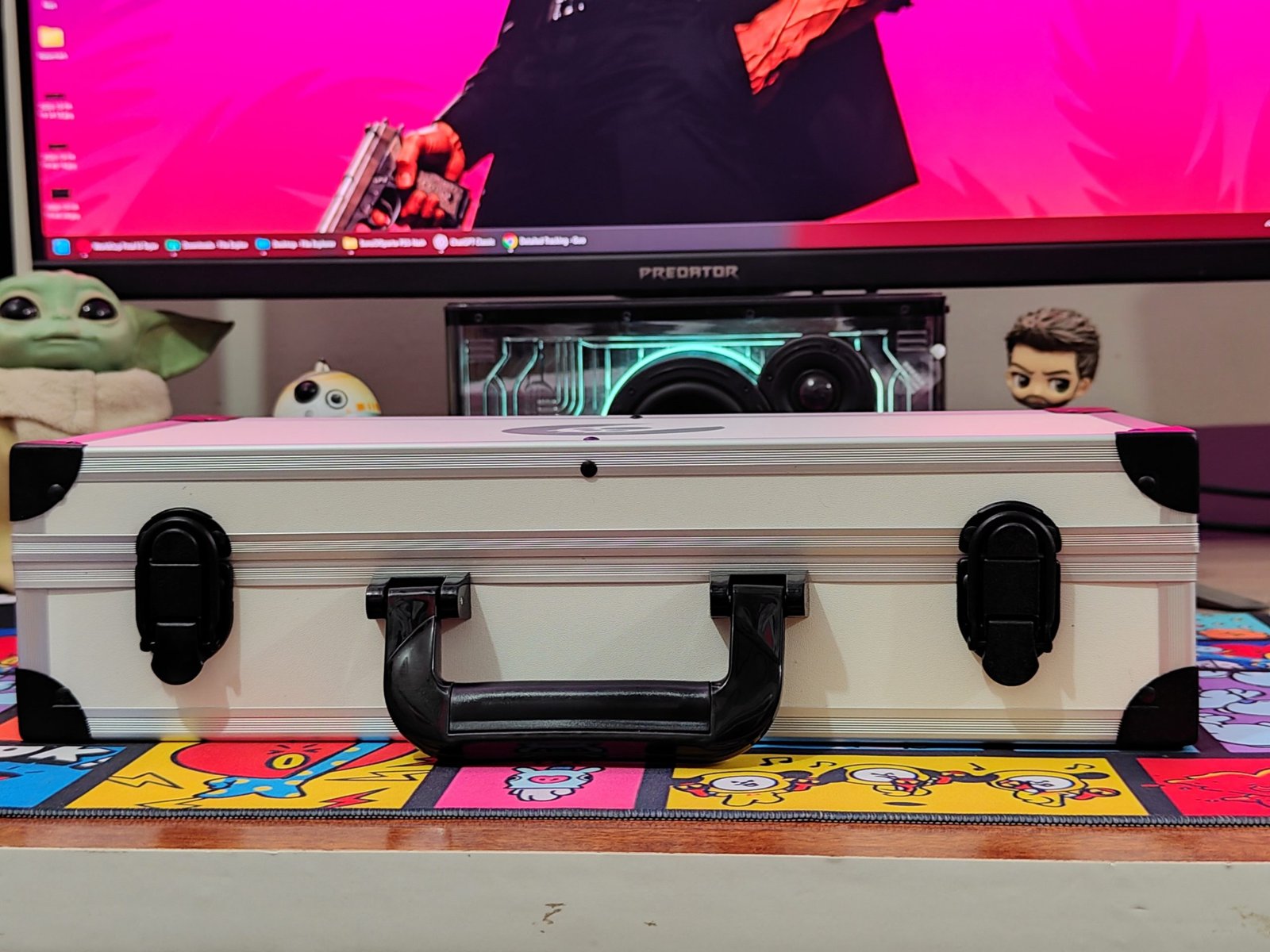
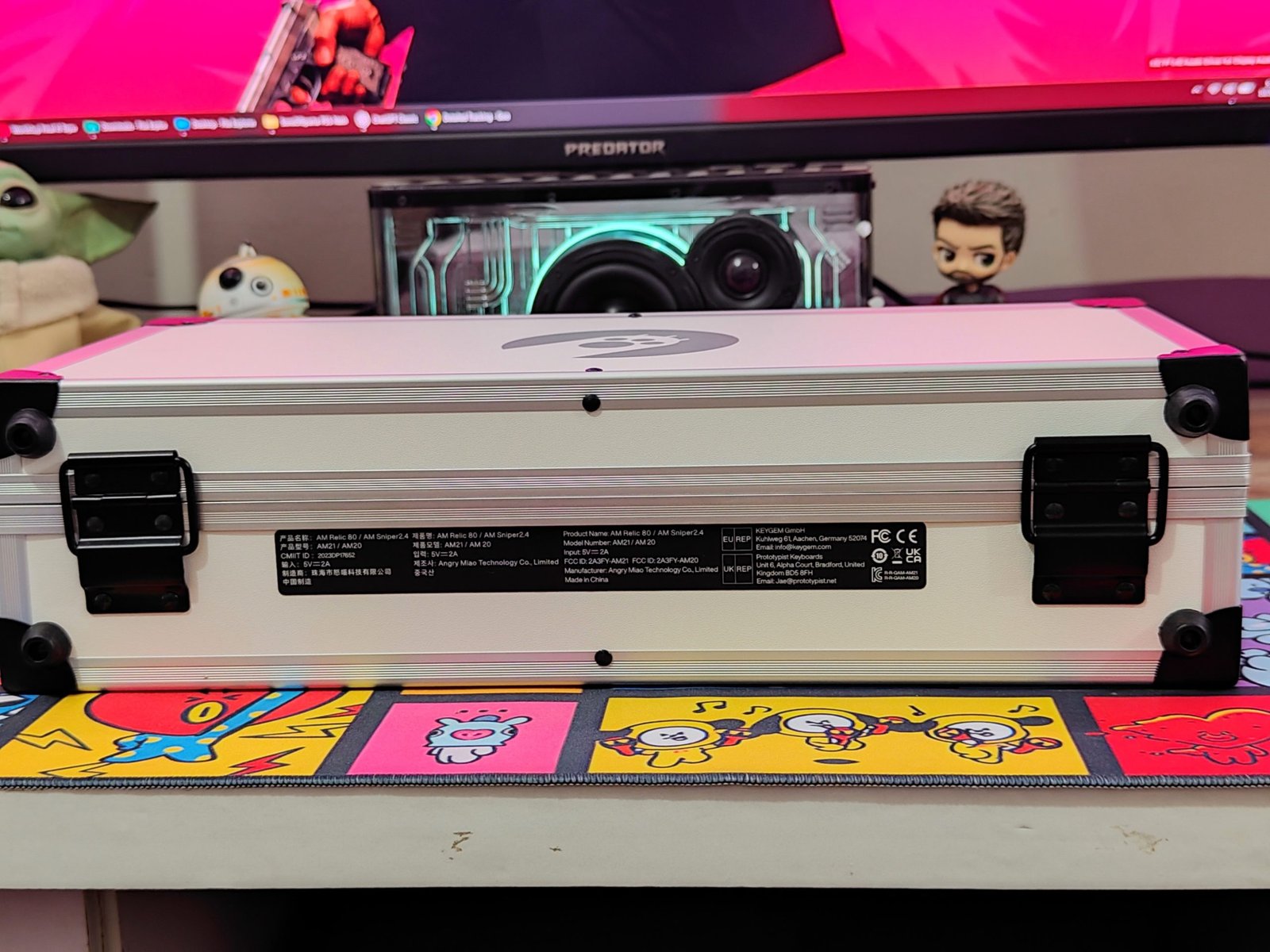
The included case is a metal briefcase with a textured light-colored finish, black corner guards, metal edging, and an Angry Miao logo. It has two front latches and a folding handle, while “Future Art Community” branding appears on the back. A label underneath lists the product and manufacturer details. The case is bulky compared with the keyboard alone, but it gives the Relic 80 a dedicated place for storage and transport.
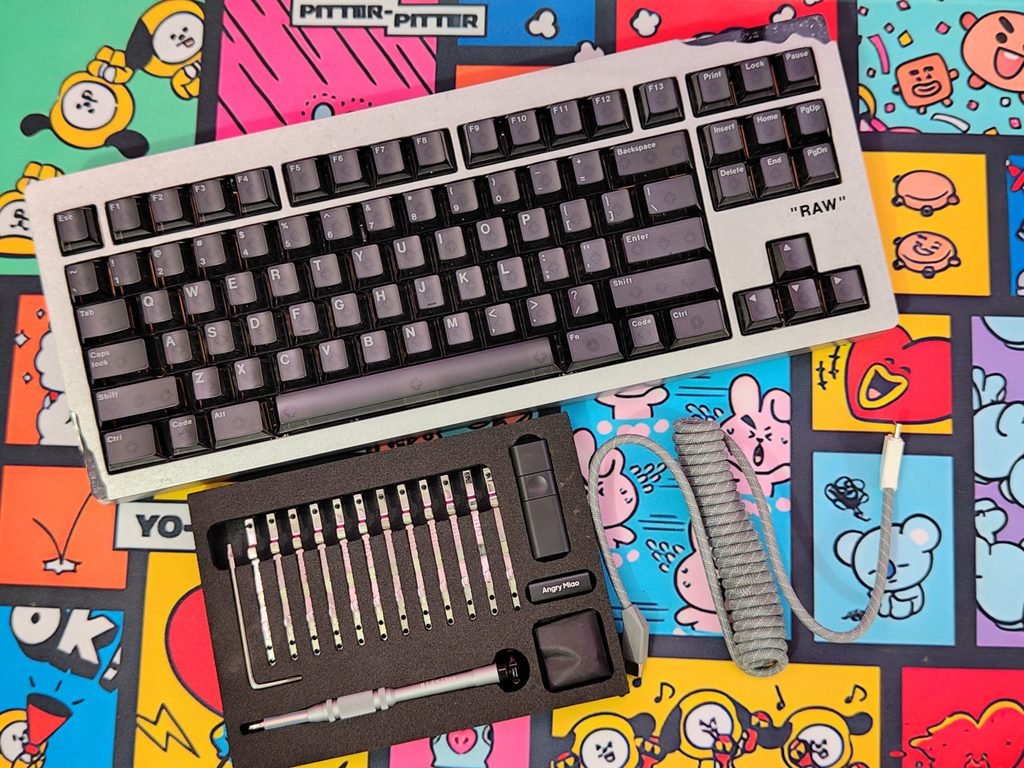
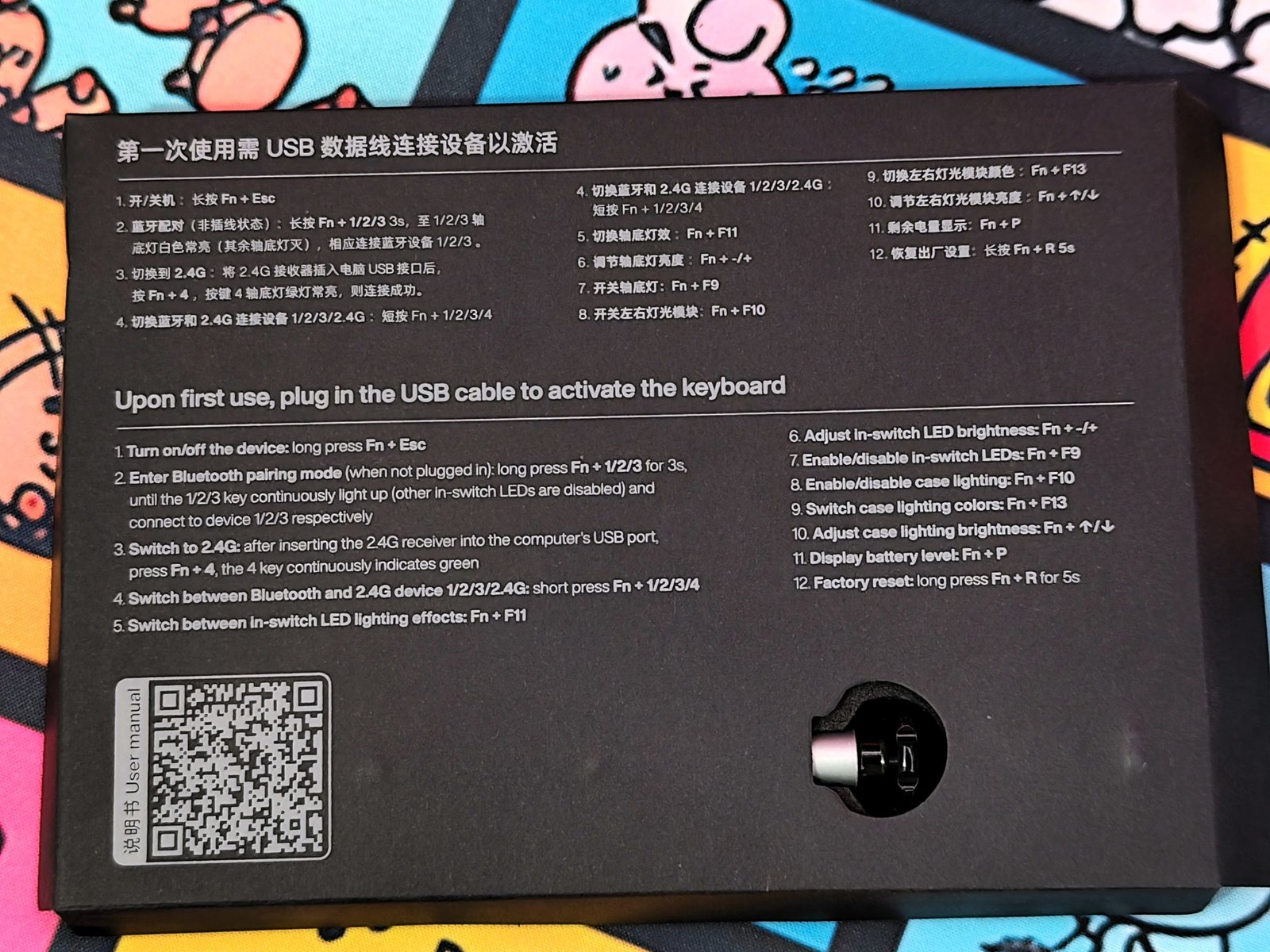
Inside the case, the AM Relic 80 sits alongside a USB-C to USB-C braided spring cable, a 2.4GHz wireless dongle, a USB-C coupler, an extra leaf-spring kit, a screwdriver, and an extra foam adjustment pad. The accessories are held in fitted foam, and a quick-start guide covers the keyboard’s connections and key combinations. The included tool kit and spare parts are useful additions for owners who plan to adjust the keyboard’s mount.
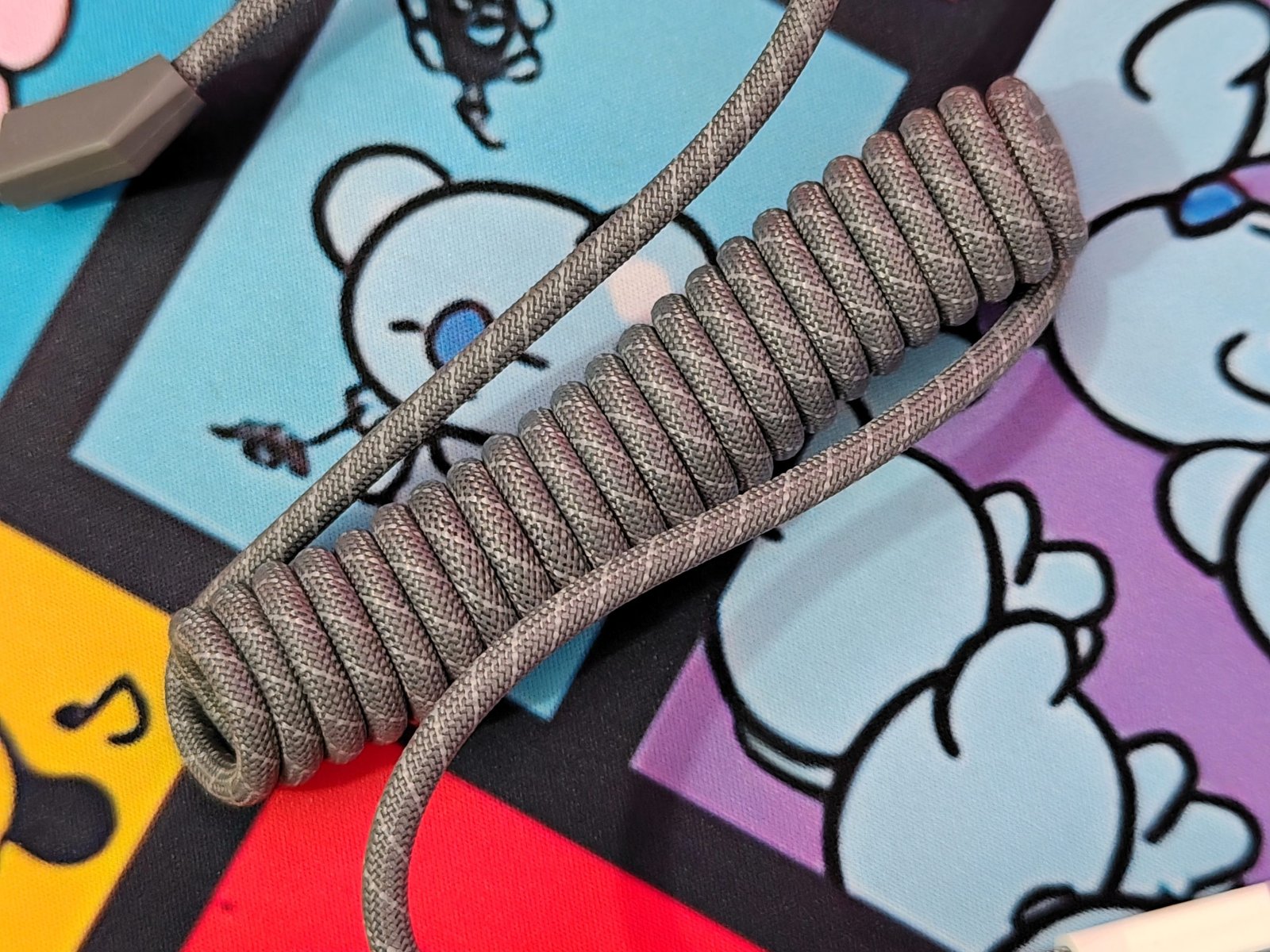
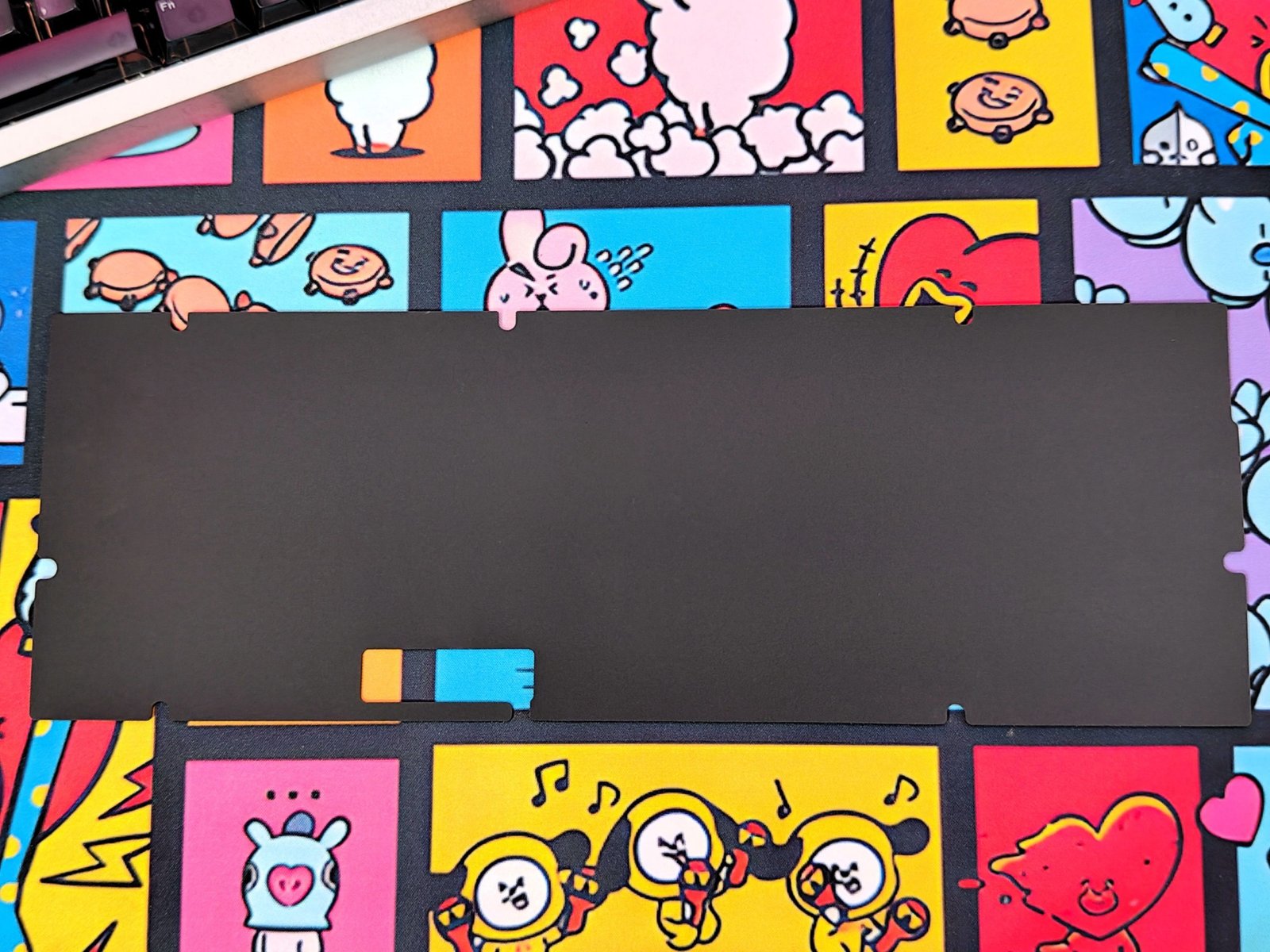
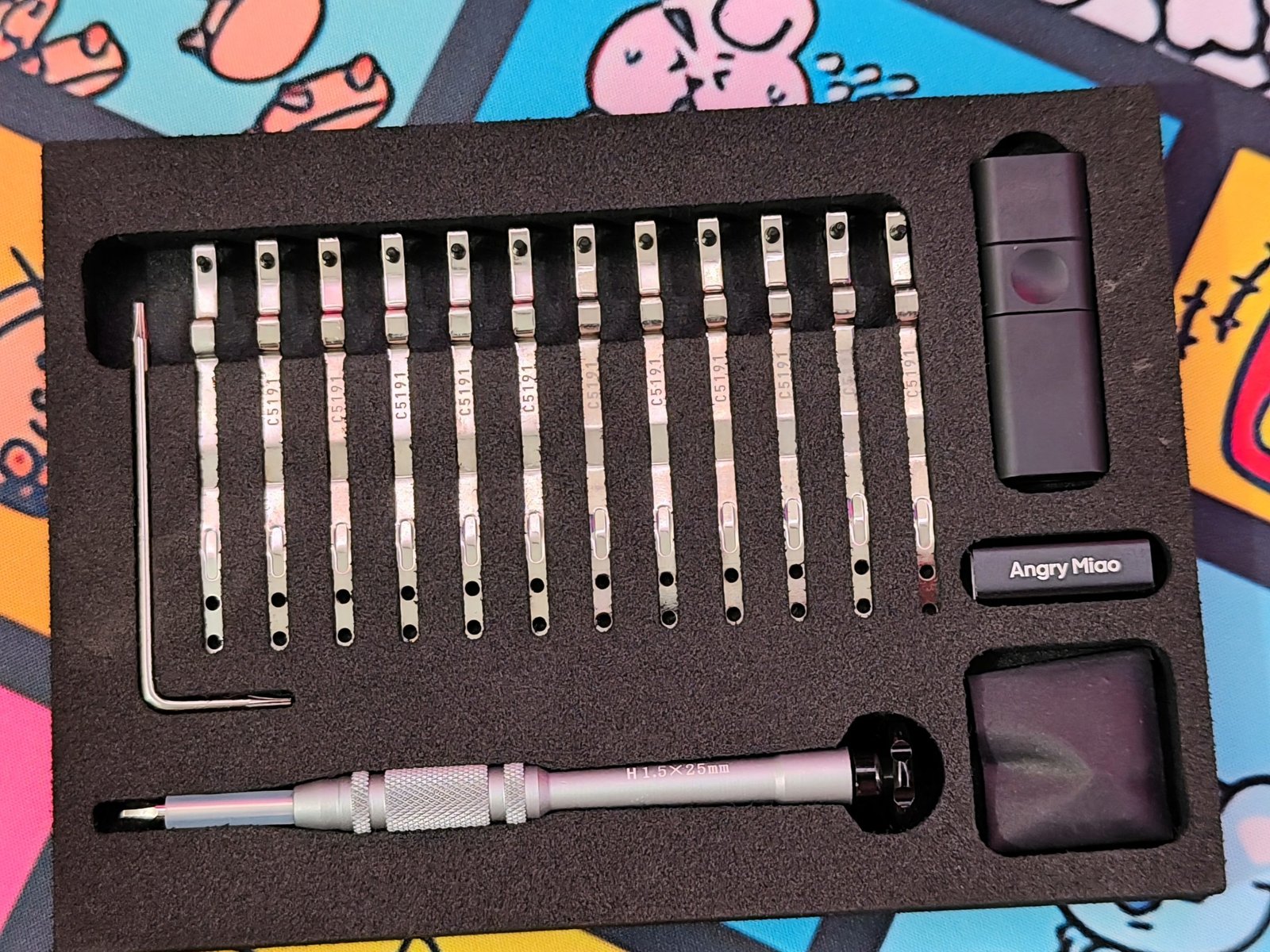
The braided USB-C cable has a coiled section and Angry Miao branding on its connectors. The spare leaf springs and foam pad let users change parts of the Relic 80’s mounting setup, while the screwdriver is provided for the adjustment process. These accessories support one of the keyboard’s main features: a typing feel that can be tuned to suit the user.
Design and Build Quality
The Angry Miao AM Relic 80 is an 80% mechanical keyboard with a 6063 aluminum alloy case and a weight of 2.25kg. It comes in Chalk White with an E-coat finish or RAW with a stone- and acid-washed finish; our review sample is the RAW edition. The exposed metal has a pale, industrial look that contrasts with the dark keycaps. A small “RAW” label beside the arrow keys identifies the version, while the function row, navigation keys, and arrow cluster preserve the familiar 80% layout.
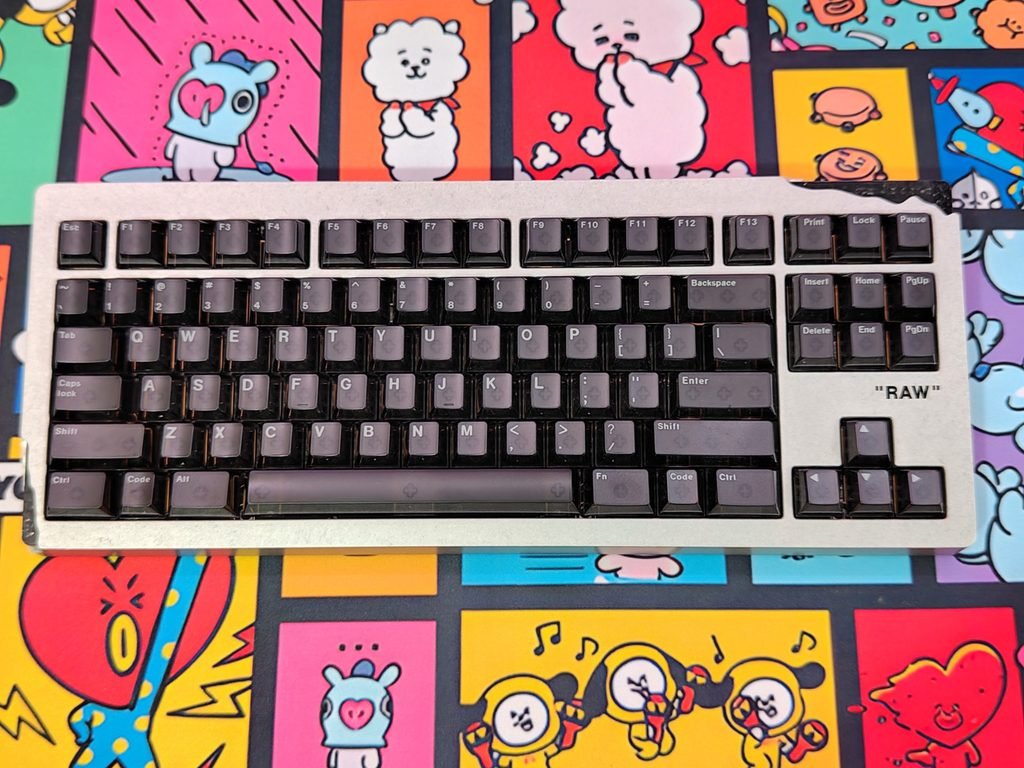
The RAW finish leaves the aluminum’s texture visible. Fine, irregular marks cover the top plate, while the bottom shows parallel CNC machining grooves. Angry Miao says the top is vibratory-polished with silicone media and then acid-anodized; the underside skips sandblasting to retain its machining marks. The result is a case with two distinct surfaces: a rough, matte top and a visibly machined base. It suits the keyboard’s industrial design, though buyers who prefer a smooth, uniform finish may find the Chalk White version a better fit.
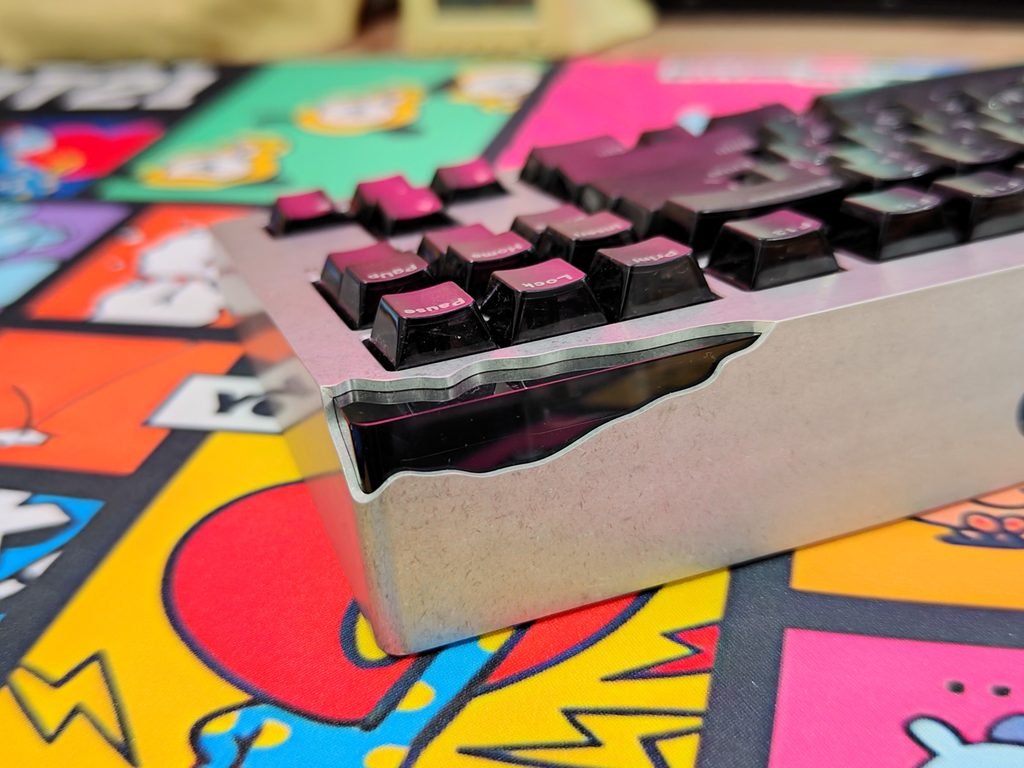
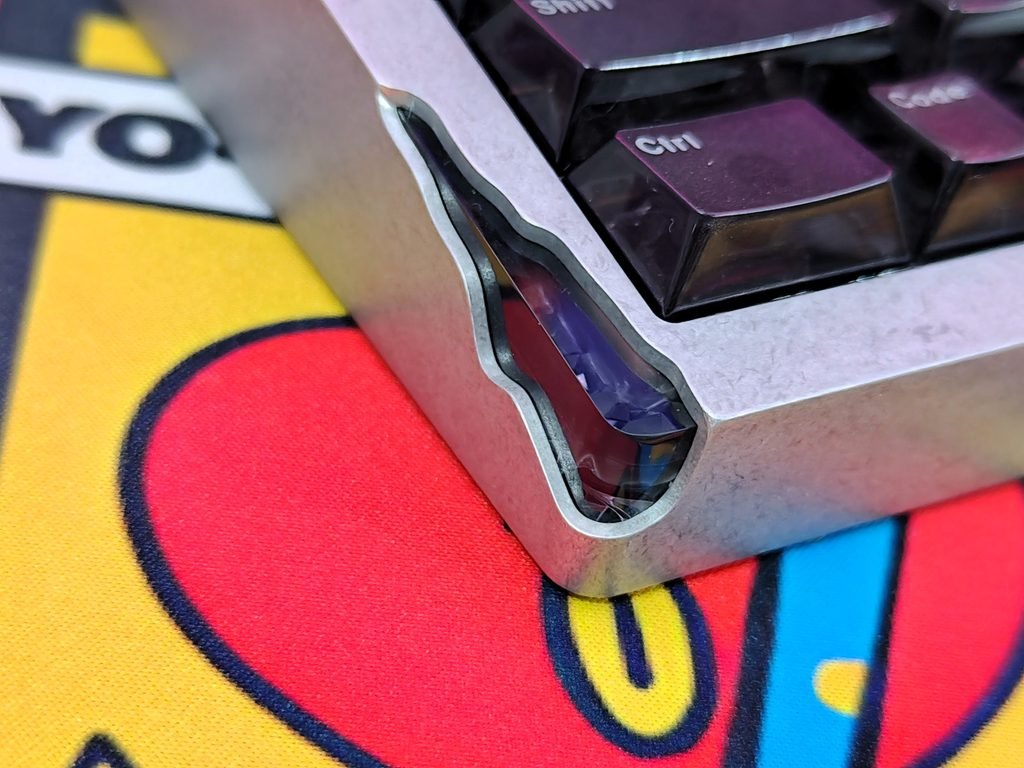
The case design takes inspiration from Daniel Arsham’s Brillo Box and Future Relic series. Its sculpted corners appear chipped and worn, with dark inserts and RGB lighting following the uneven edges. From the front and sides, the lights form a diamond-like pattern around the openings. The back also has a circular wireless charging area integrated into the aluminum base, adding Qi charging support without changing the keyboard’s overall shape. Angry Miao says the case involves several hours of CNC machining; the repeated contours around the board show how much of its design depends on that process.
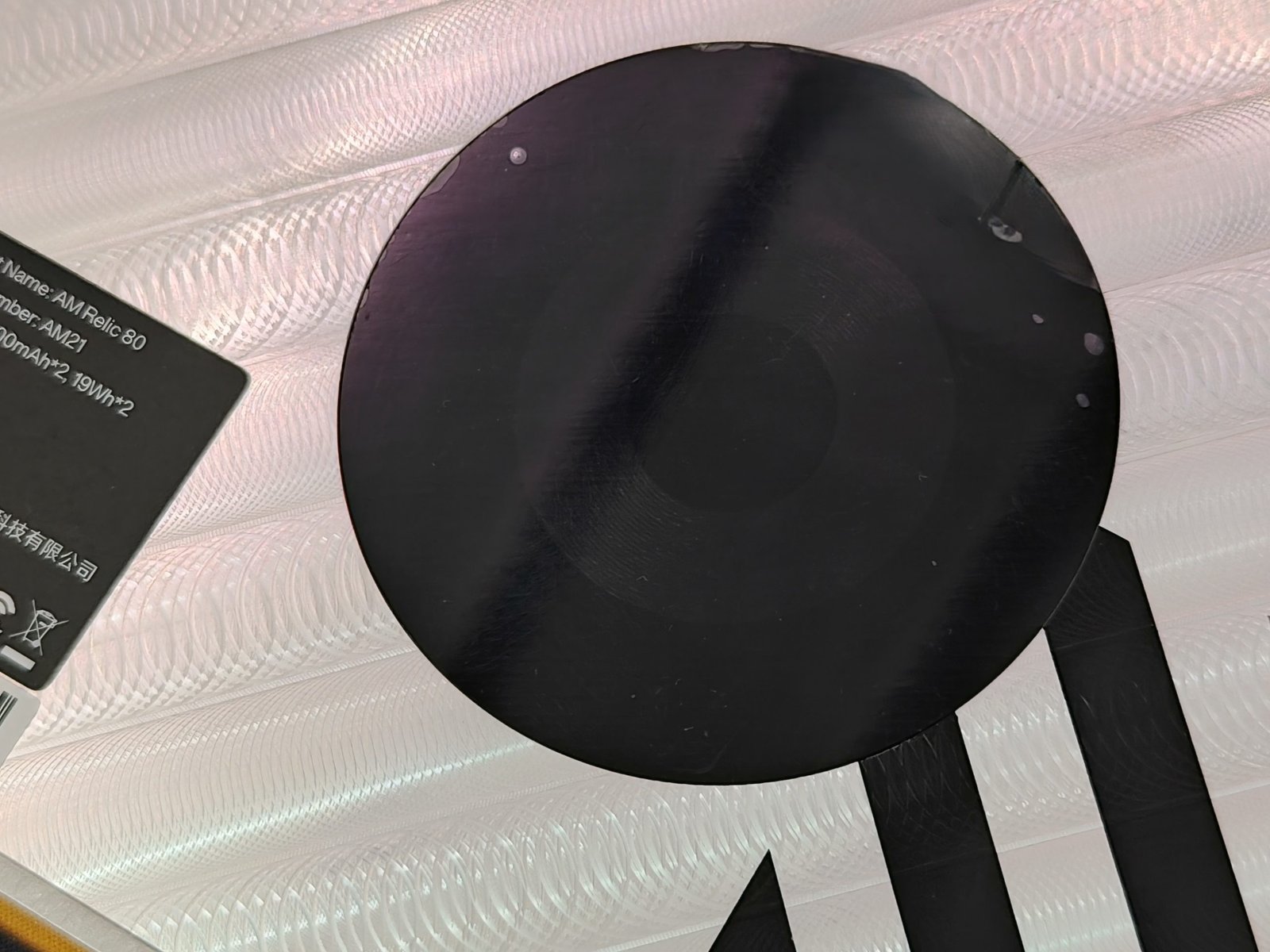
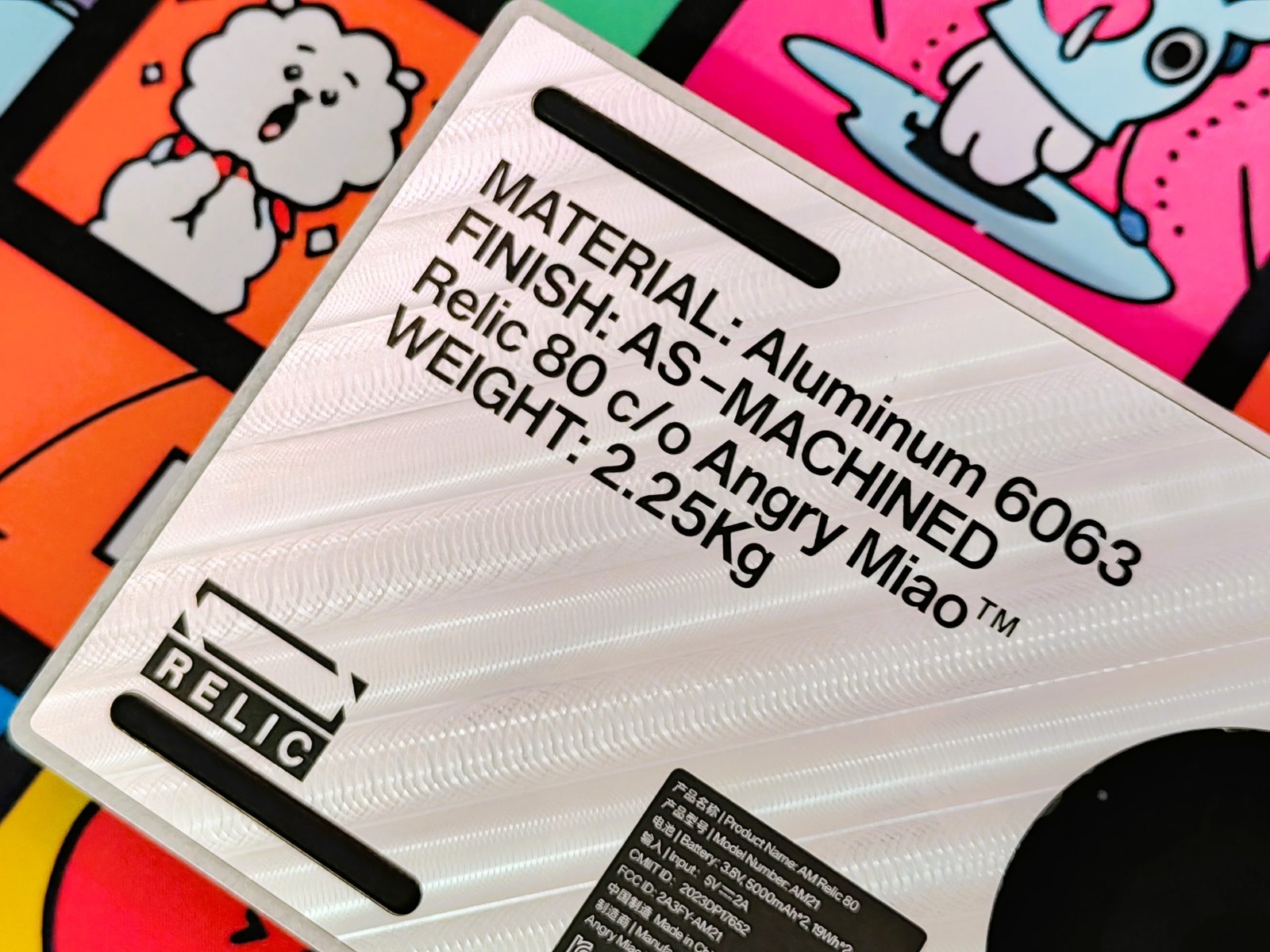
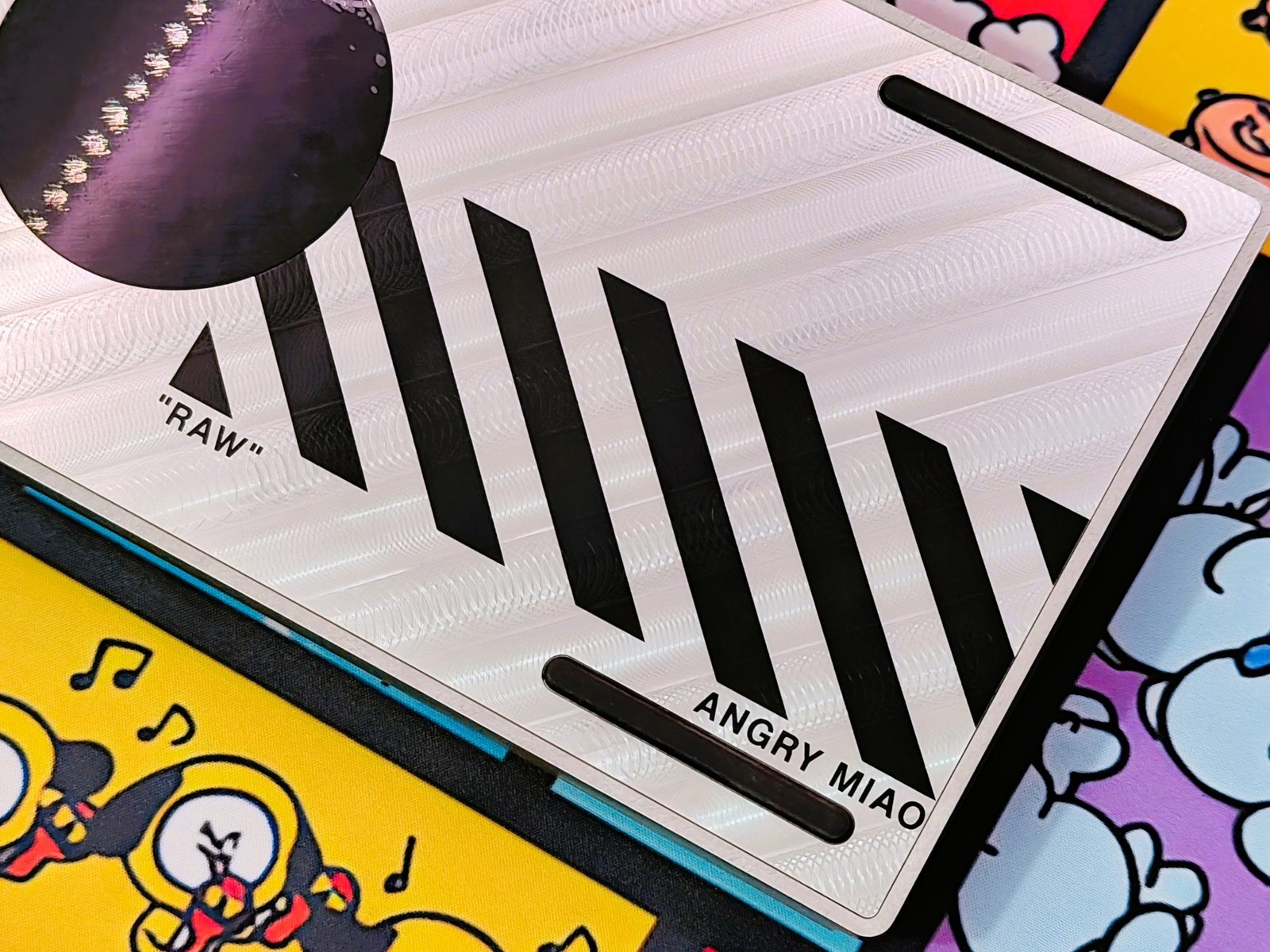
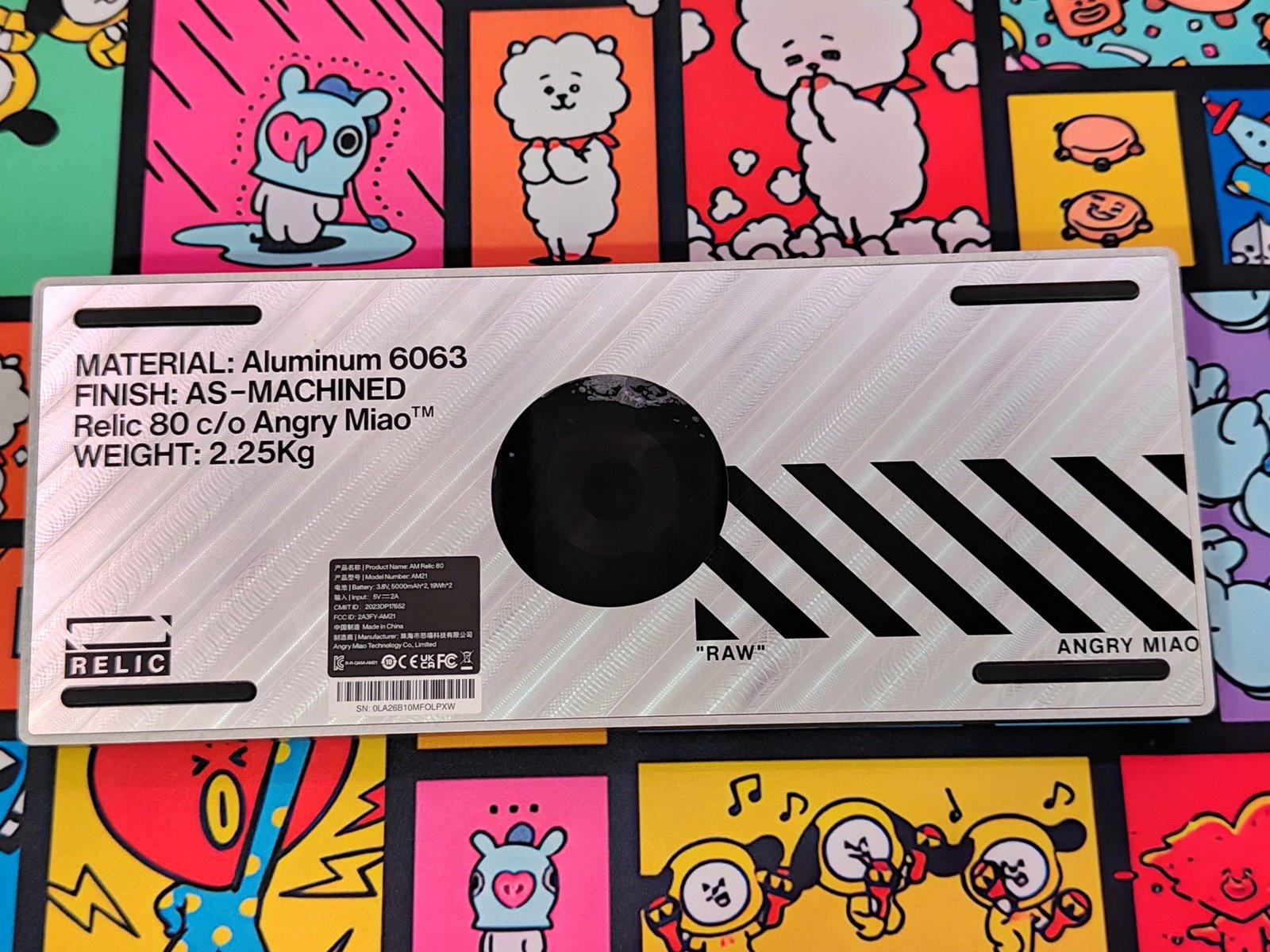
Black graphics on the underside mark the RAW edition, with a large logo, diagonal bars, and product details printed against the exposed aluminum. The wireless charging area sits among these markings. Angry Miao says the graphics use industrial ink and have passed water, salt spray, adhesion, and abrasion tests; those are manufacturer claims, rather than results from long-term wear testing in this review. At 2.25kg, the AM Relic 80 feels planted on a desk and is not a keyboard you’ll want to carry around often. Its stonewashed top, machined underside, and illuminated corners give the aluminum case a look that differs from a typical 80% mechanical keyboard.
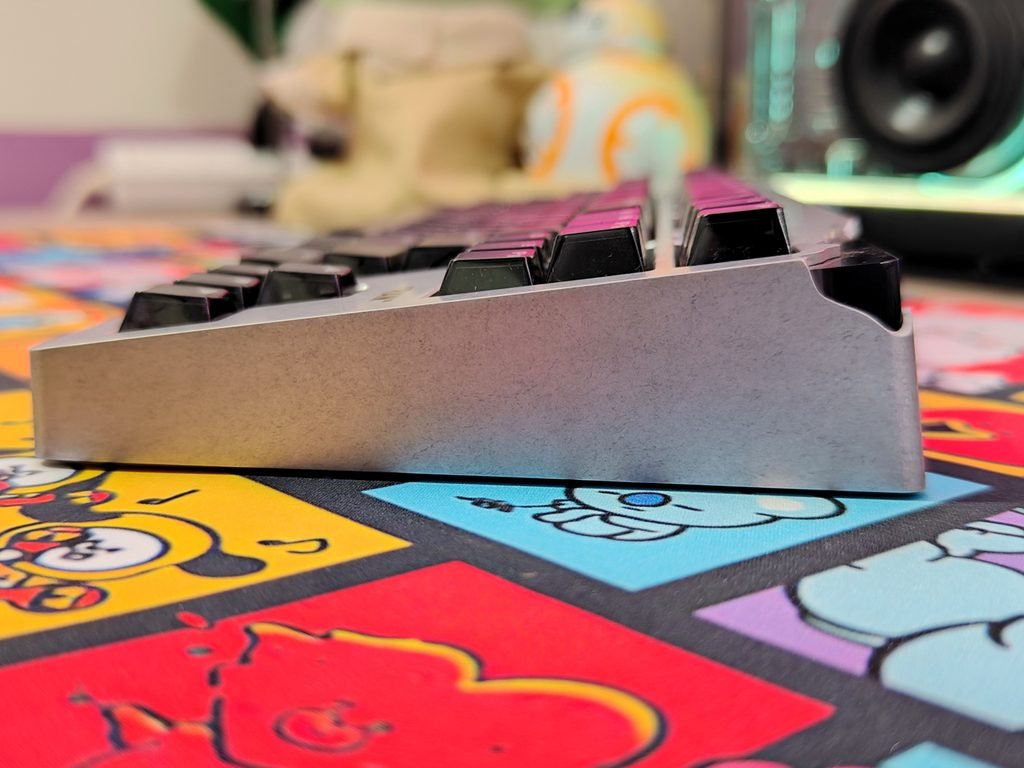
The Angry Miao AM Relic 80 has a 19mm front height and an 8-degree typing angle. For a keyboard with a complex internal structure, the low front edge keeps the keys from sitting too high at the wrists. The fixed slope gives the board a clear incline, though comfort will depend on your desk setup and typing posture. In our hands-on use, the case’s height and angle are worth considering if you usually type without a wrist rest.
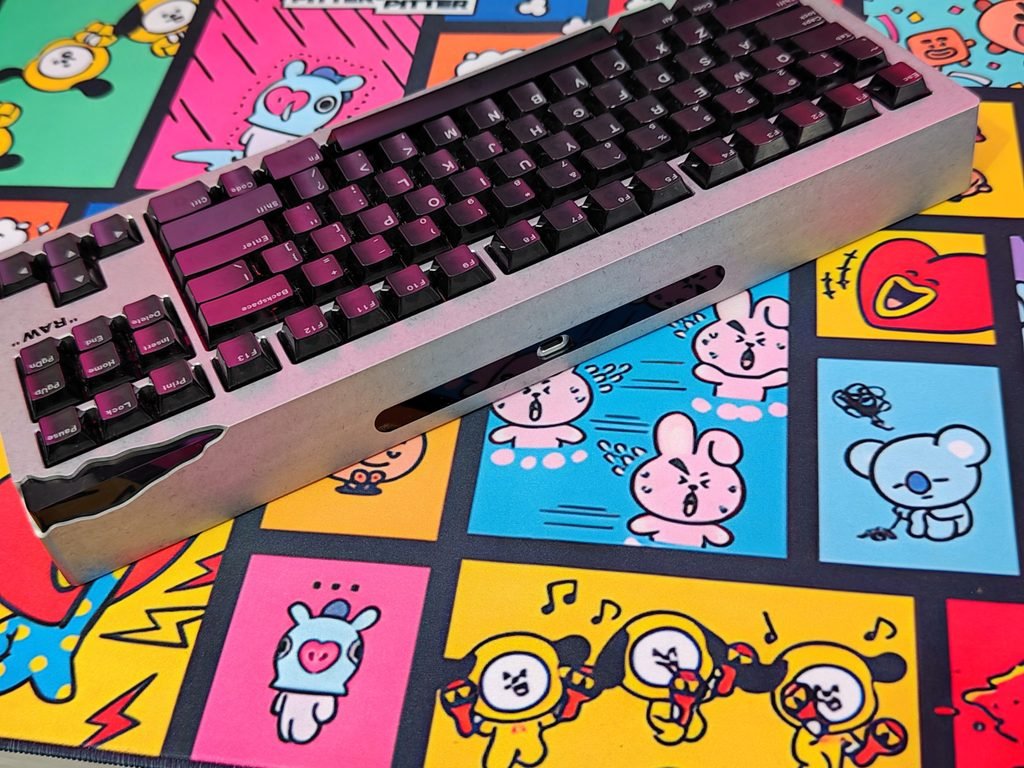
A USB-C port sits at the center of the front edge, recessed into a dark strip in the aluminum case. Its placement keeps the connection easy to reach while preserving the clean look of the front. The port supports wired use and charging, so connecting the supplied cable does not require reaching around to the back of the keyboard.
The Angry Miao AM Relic 80 has a three-stage adjustable leaf-spring mount, with settings intended to change how much the keyboard flexes while typing. Angry Miao says users can combine these settings with different foam configurations for up to 12 typing combinations, from firm to more flexible. Adjusting the mount takes some effort, so this is best suited to users who want to tune the keyboard and settle on a preferred feel, rather than switch profiles during the day.
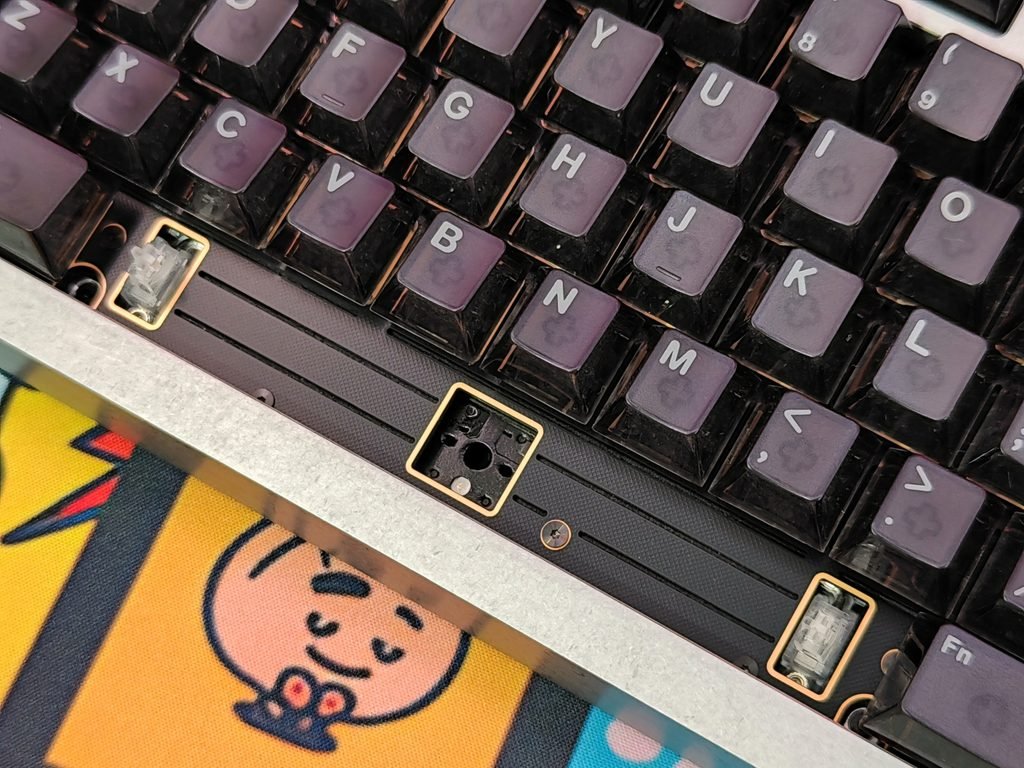
The leaf springs sit diagonally across the 80% layout. Angry Miao says this arrangement helps distribute pressure across the board for a more even typing feel. In use, the key question is whether the corners and center respond consistently, and how much difference the spring and foam adjustments make. The layout is designed to address uneven flex, but the plate, case, and foam layers also affect the feel.
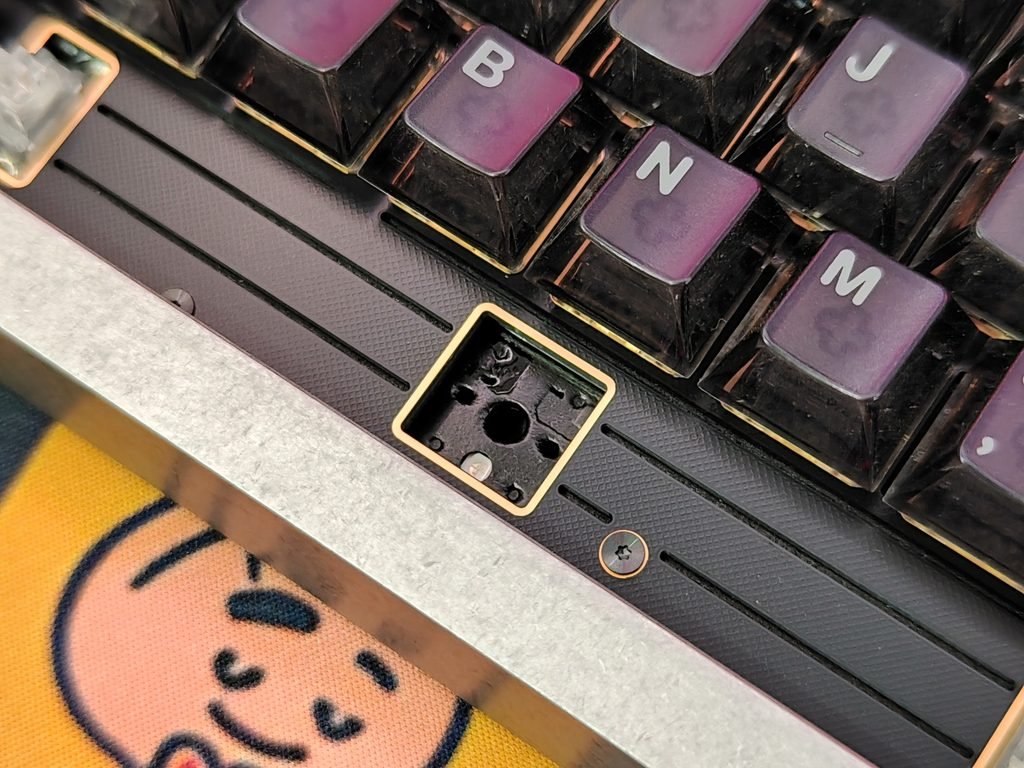
Inside, the Relic 80 uses eight layers, including an FR4 plate with cutouts, PORON foam, custom PCB foam, IXPE switch pads, PET film, and a PORON bottom pad. These layers are intended to cushion keystrokes and reduce hollow resonance. Angry Miao describes the result as a deeper “thock” sound. Switches and keycaps also shape the sound, so we’ll judge the keyboard by how the complete setup sounds and feels during typing.
Keycaps & RGB Lighting
Angry Miao replaced the original RAW keycaps on our AM Relic 80 sample with its Frosted set. Made from translucent polycarbonate, the caps have dark, frosted tops and clear sides. Their medium-height, sculpted shape is based on the Cherry profile, with contoured rows and gently dished tops. The finish suits the RAW aluminum case, keeping the overall look muted when the keyboard is switched off.
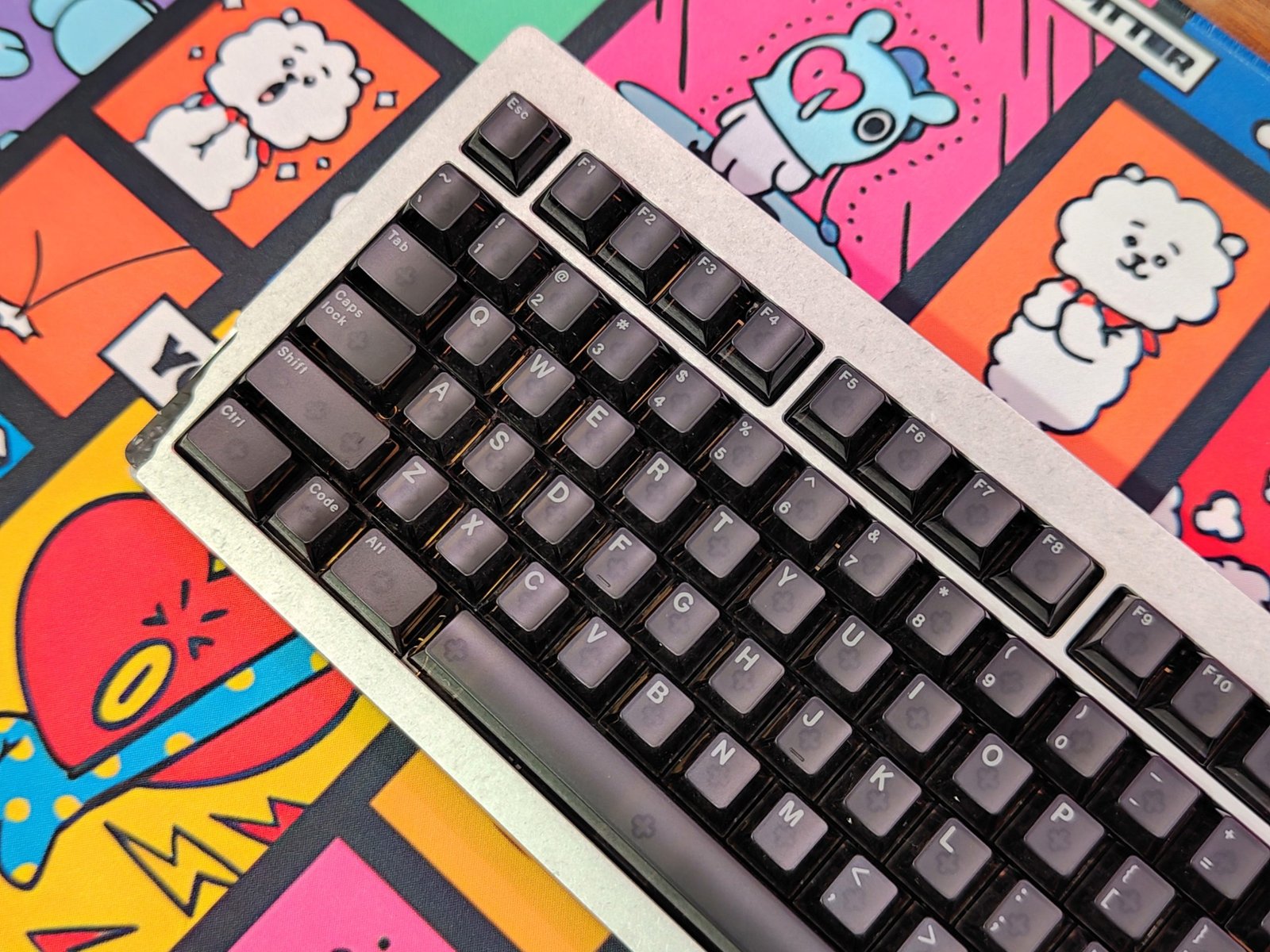
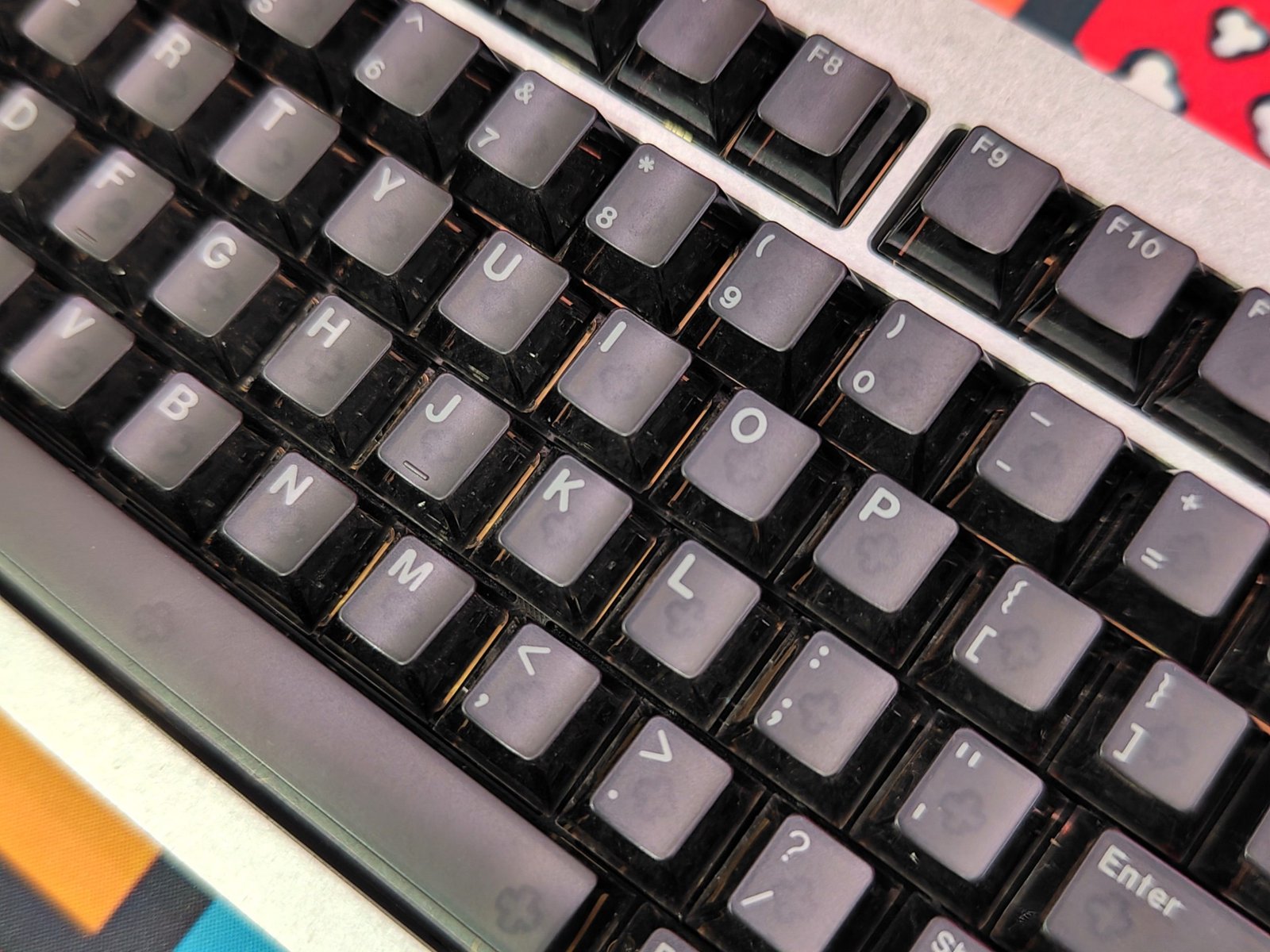
The keycaps use Angry Miao’s custom molds rather than a standard OEM profile. Their legends remain easy to read, and the translucent sides reveal more of the lighting beneath each key than an opaque set would. The medium height should feel familiar to users accustomed to Cherry-style caps, though the shape and feel will still come down to personal preference.
RGB lighting also runs through the translucent corner modules set into the case’s eroded edges. Their diamond-patterned surfaces break up the light, creating a faceted effect that changes with the selected color. The lighting is concentrated around the corners, where it follows the case’s sculpted cutouts.
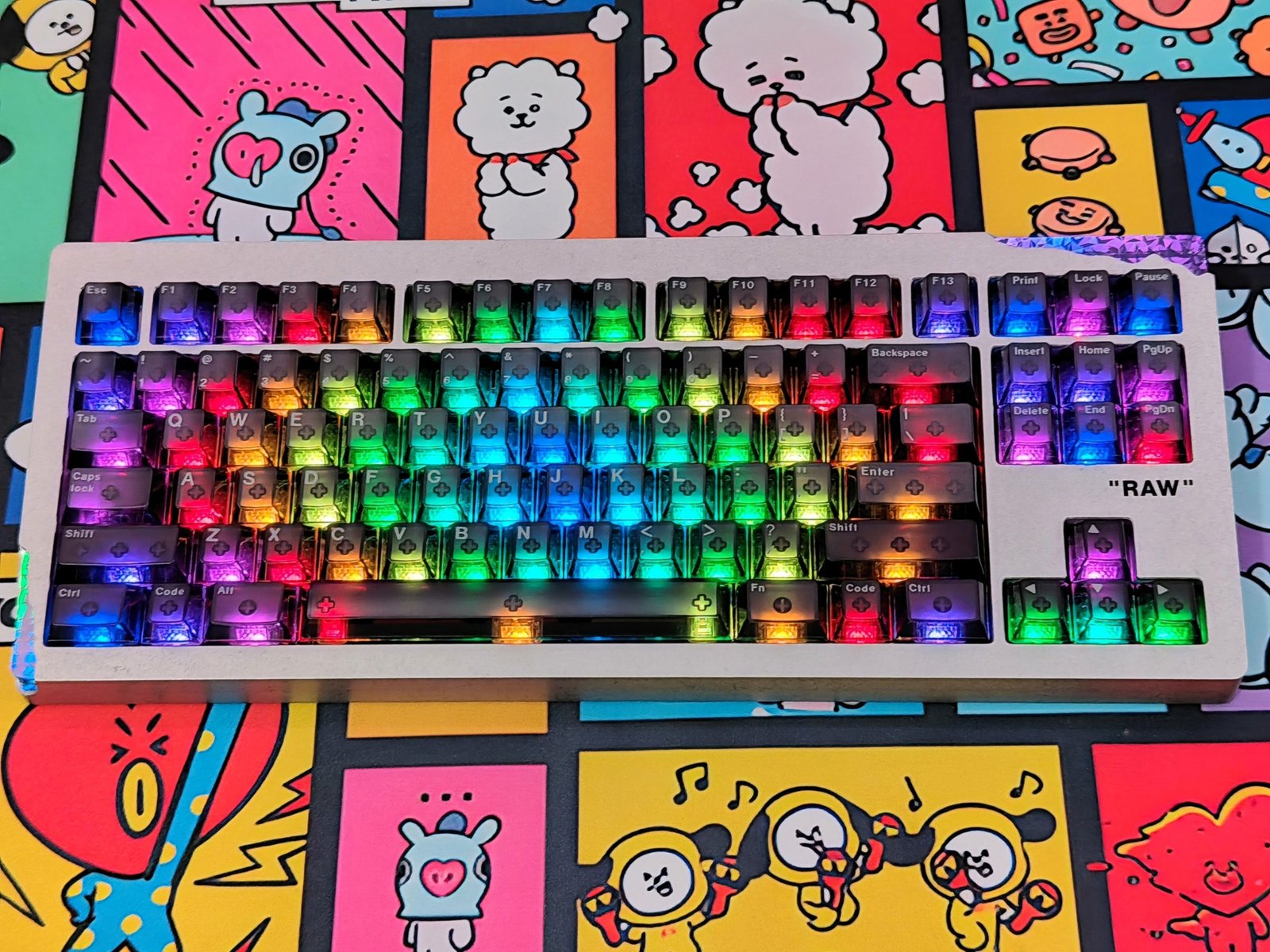
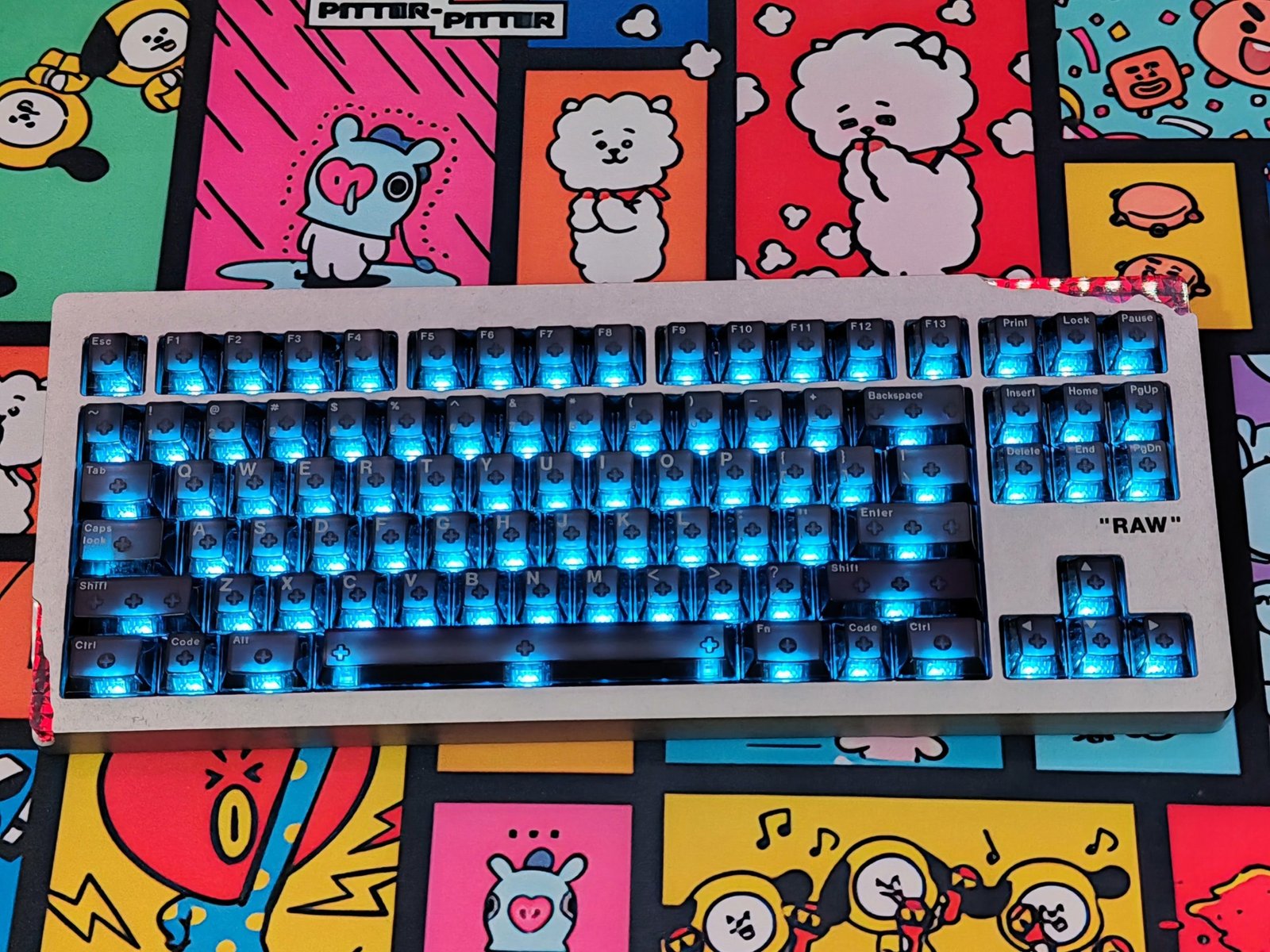
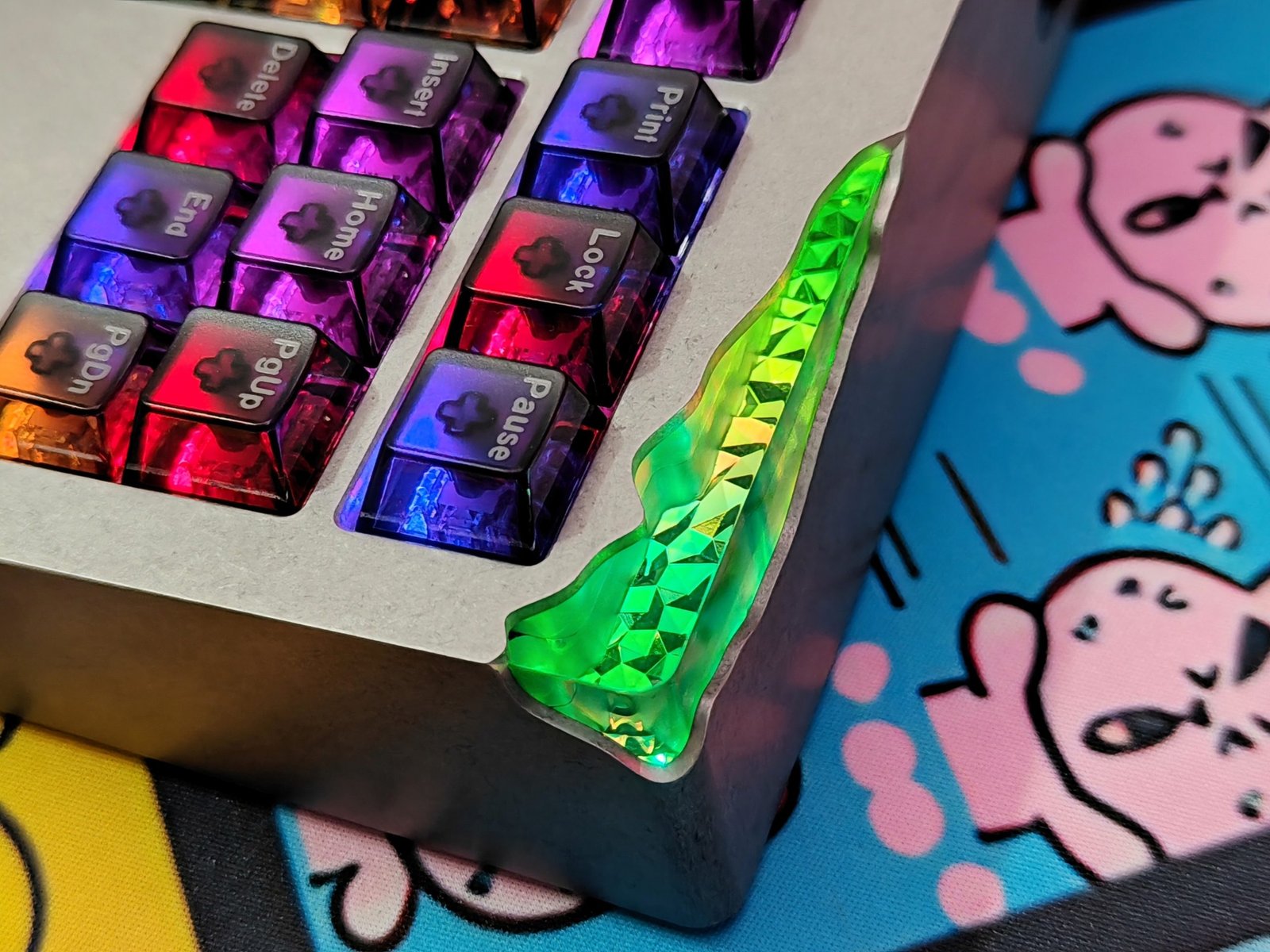
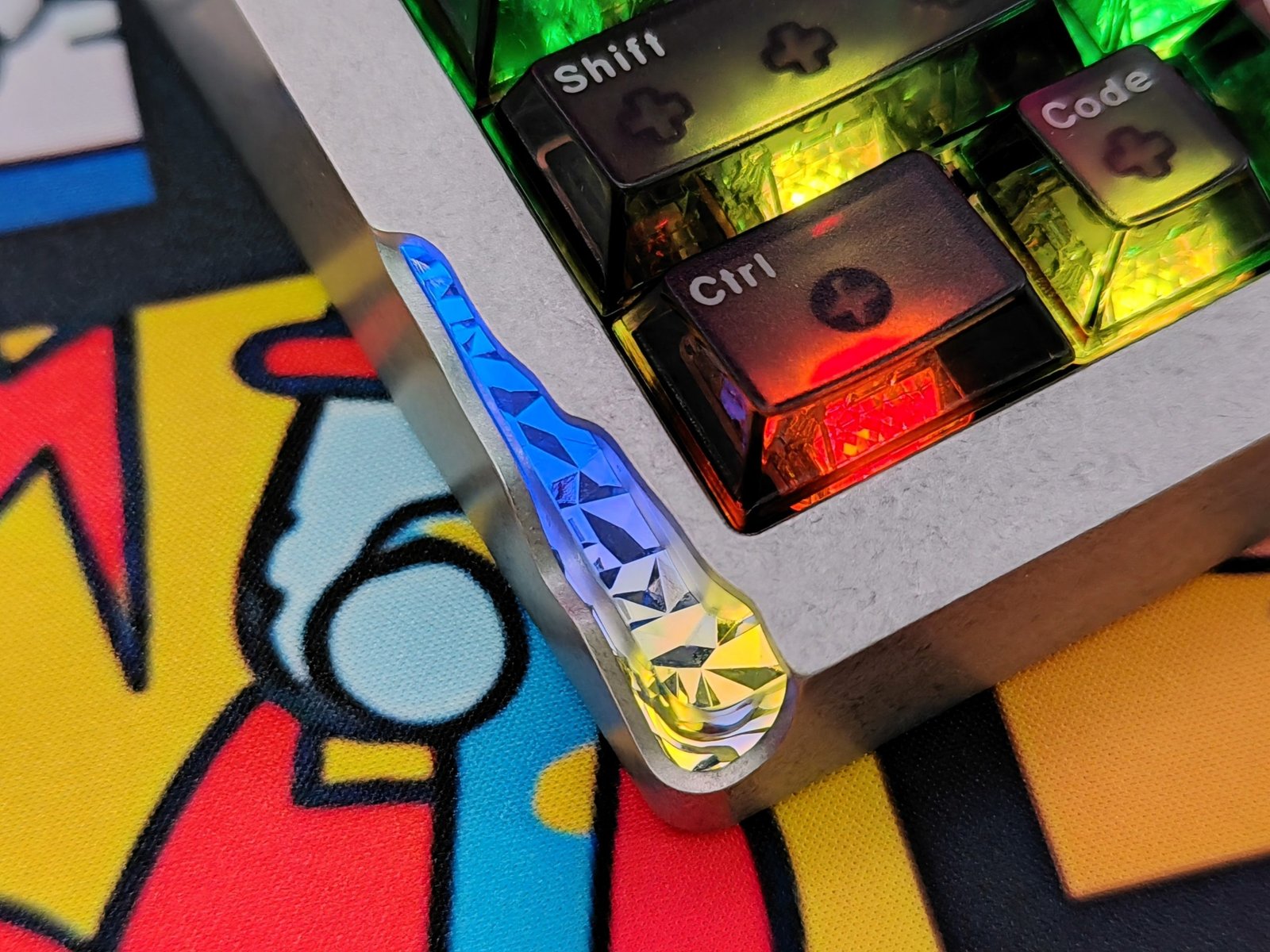
With the Frosted keycaps installed, light also shines through the sides of the keys. This gives the board two distinct lighting areas: the keys and the corner modules. The result is vivid at higher brightness, as our photos show, but the lighting can be adjusted or switched off for a less colorful desk setup.
Icy Silver Pro V3 Switches
The Angry Miao Icy Silver Pro V3 is a linear mechanical switch supplied with the AM Relic 80. It has a 40gf actuation force and 2.0mm of pre-travel, so keypresses start with a light touch and no tactile bump. Total travel is 3.7mm, with a 50gf bottom-out force. The switches are factory-lubed, and their semi-transparent Y3.5 composite stems move with low friction.
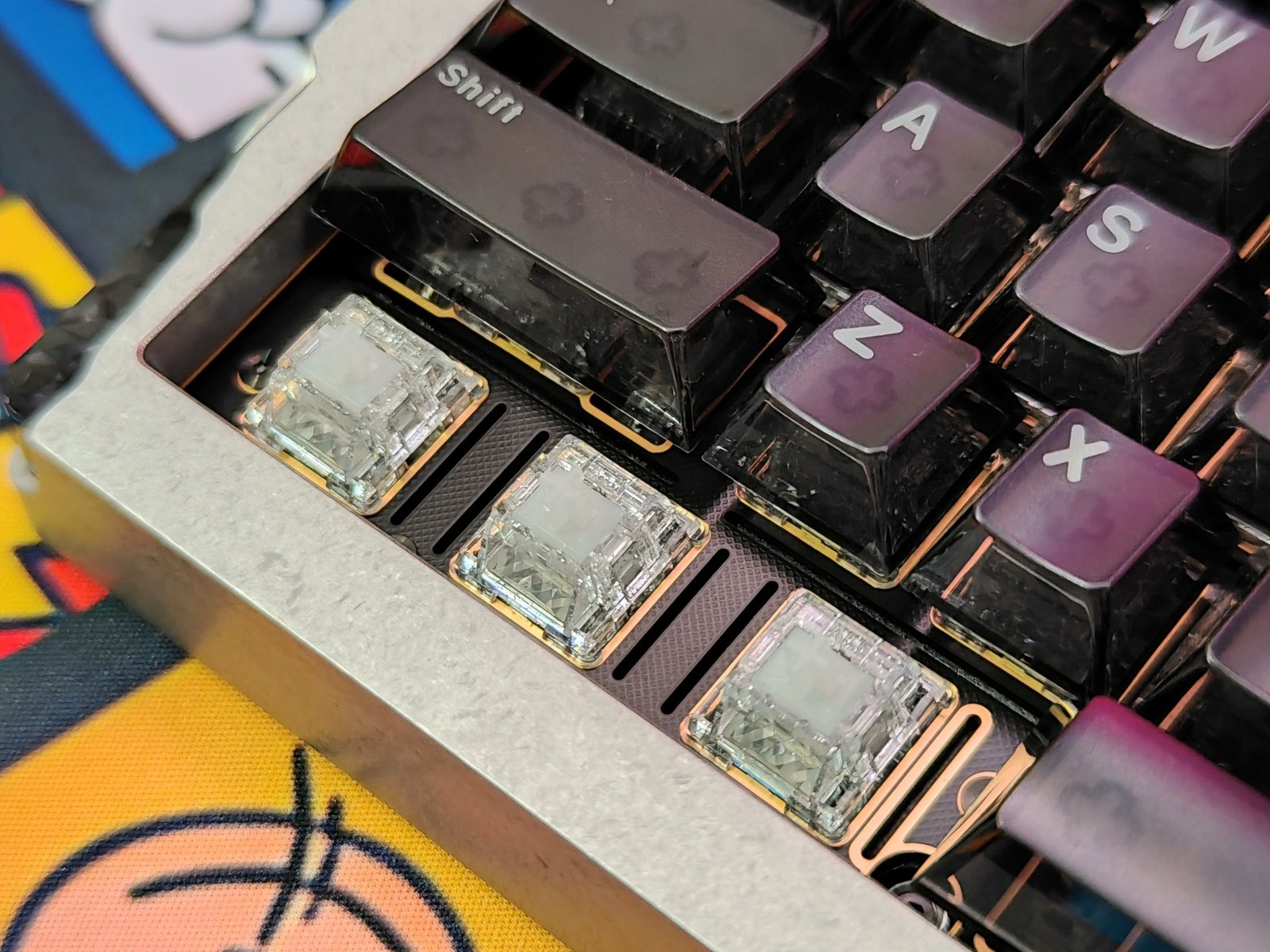
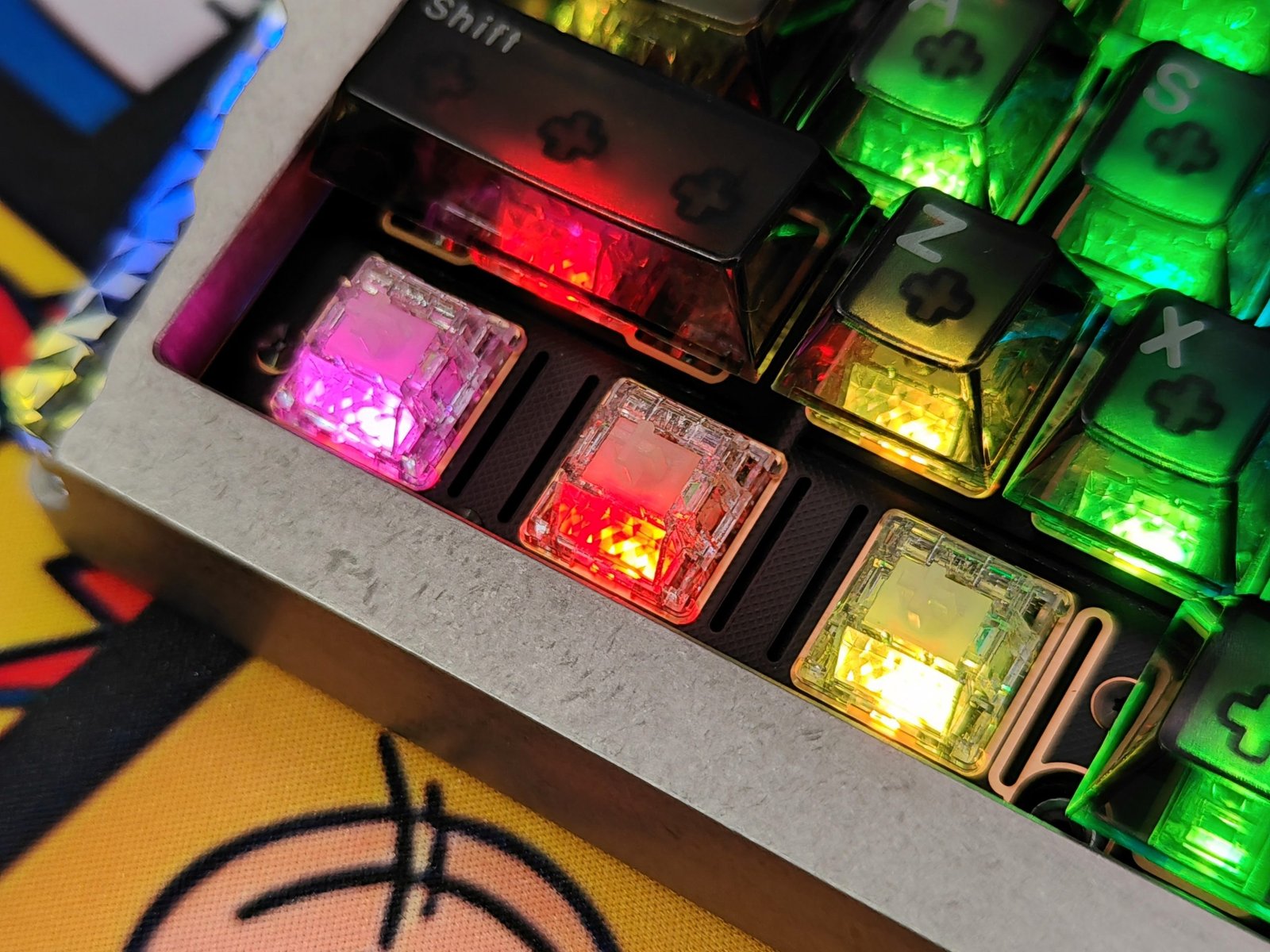
The transparent PA12 nylon housing works with a faceted prism light guide to spread RGB illumination through the switches. Silver particles in the top housing add texture to the lighting, which is visible through the Relic 80’s Frosted keycaps. In use, the RGB effect will vary with the selected color and brightness. Angry Miao describes the sound as clean and “thocky,” though the keyboard’s adjustable mount, foam layers, keycaps, and desk surface all affect the final sound.
| Specification | Details |
|---|---|
| Type | Linear |
| Actuation force | 40gf ± 5gf |
| Bottom-out force | 50gf ± 5gf |
| Pre-travel | 2.0mm ± 0.3mm |
| Total travel | 3.7mm ± 0.3mm |
| Housing | Transparent PA12 nylon |
| Stem | Semi-transparent Y3.5 composite |
| Mounting | 5-pin MX-style |
These are standard MX-style switches, so they work with compatible mechanical PCBs but not magnetic or Hall-effect boards. Their light linear action and transparent housing suit users who want smooth key travel and RGB lighting, while the listed force and travel figures give a useful reference for comparing them with other switches.
Connectivity
The Angry Miao AM Relic 80 supports USB-C, Bluetooth 5.1, and 2.4GHz wireless through the AM Sniper2.4 dongle. Bluetooth can pair with up to three devices, which is useful if you switch between a PC, tablet, or laptop. Plugging in the USB-C cable automatically changes the keyboard to wired mode. The Relic 80 also supports Qi wireless charging, so you can charge it with a compatible charger or charging surface.
The first connection requires plugging in the USB cable to activate the keyboard. After that, hold Fn + Esc to turn it on or off. To pair over Bluetooth, unplug the cable and hold Fn + 1 for three seconds until the 1 key stays lit white. For 2.4GHz, connect the AM Sniper2.4 dongle, then hold Fn + 4 for three seconds until the 4 key stays lit white. The indicator keys help show when pairing mode is active.
| Action | Steps |
|---|---|
| Power on or off | Hold Fn + Esc |
| Enter Bluetooth pairing | Unplug the cable; hold Fn + 1 for 3 seconds until the 1 key stays lit white |
| Enter 2.4GHz pairing | Connect the AM Sniper2.4 dongle; hold Fn + 4 for 3 seconds until the 4 key stays lit white |
The connection options suit different setups: Bluetooth makes it easy to move between paired devices, while the dongle provides a dedicated 2.4GHz link. USB-C remains available for wired use and charging. During testing, connection stability and latency are the key points to assess, particularly when using Bluetooth or 2.4GHz for gaming.
AM Master APP
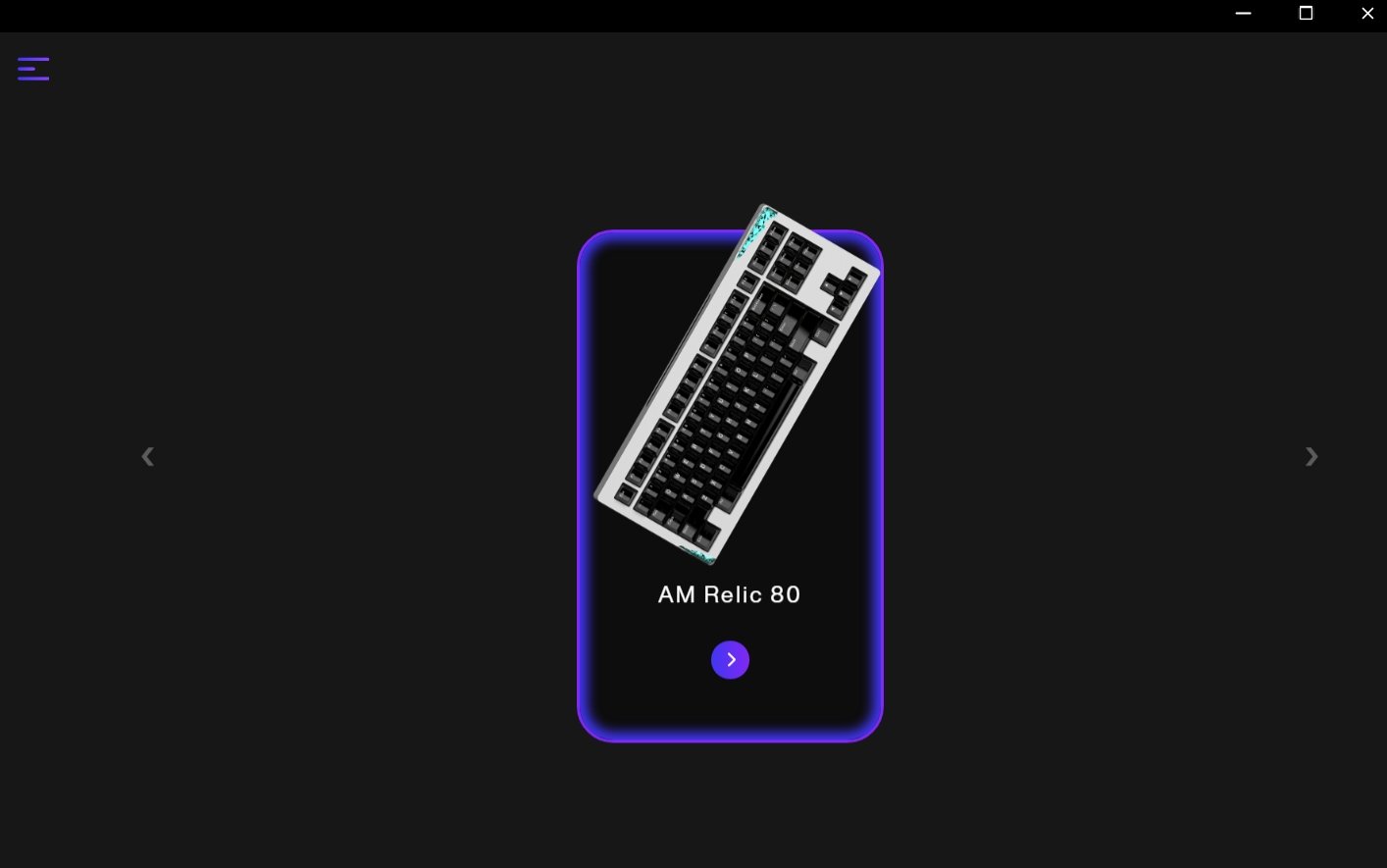
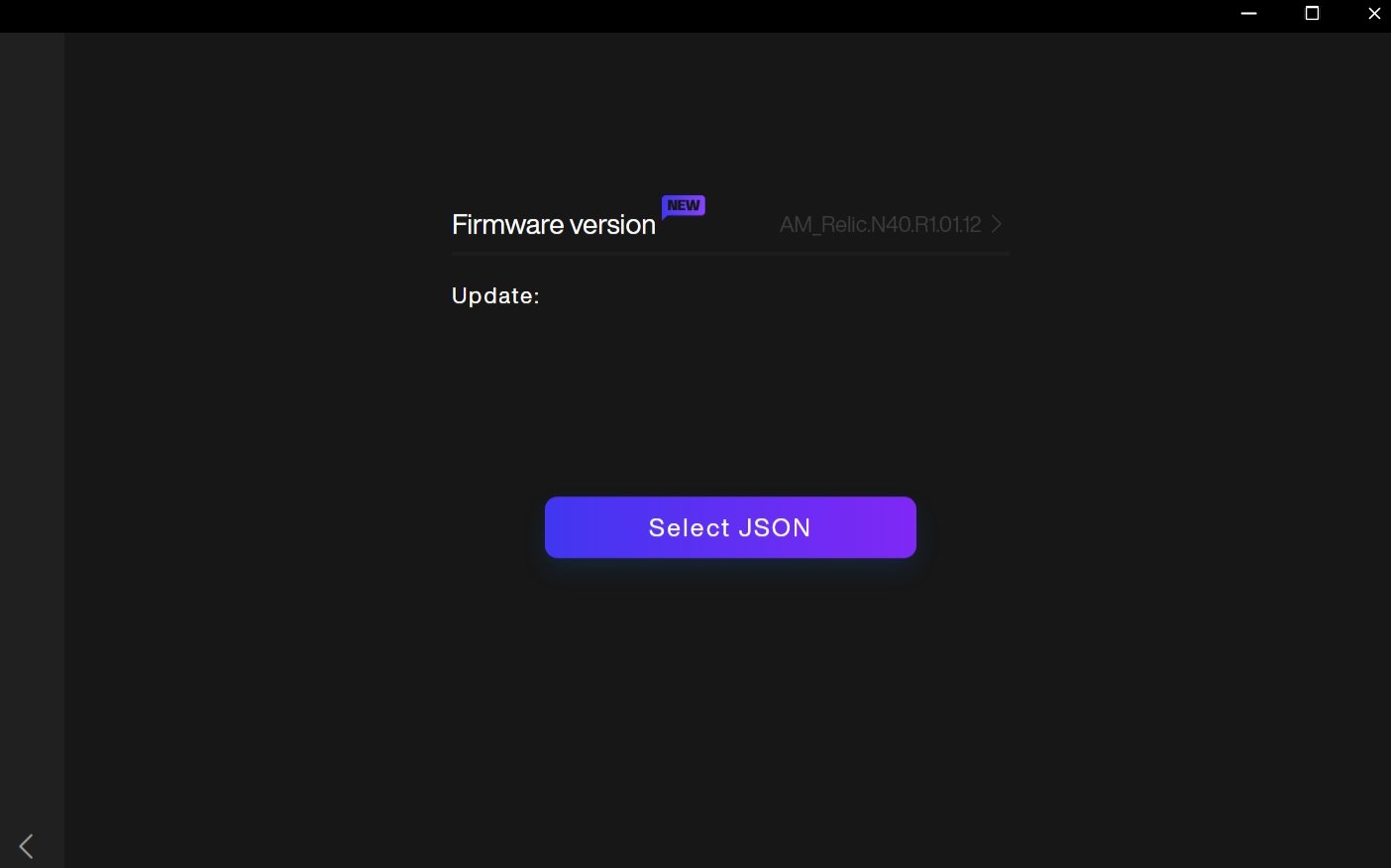
AM Master is Angry Miao’s desktop app for loading custom configurations onto the AM Relic 80. The setup uses two tools: create a layout or lighting profile on Angry Miao’s browser-based DIY page, then import its JSON file through AM Master. The keyboard must be connected to the computer by USB while you configure it. You can download AM Master from Angry Miao’s website.
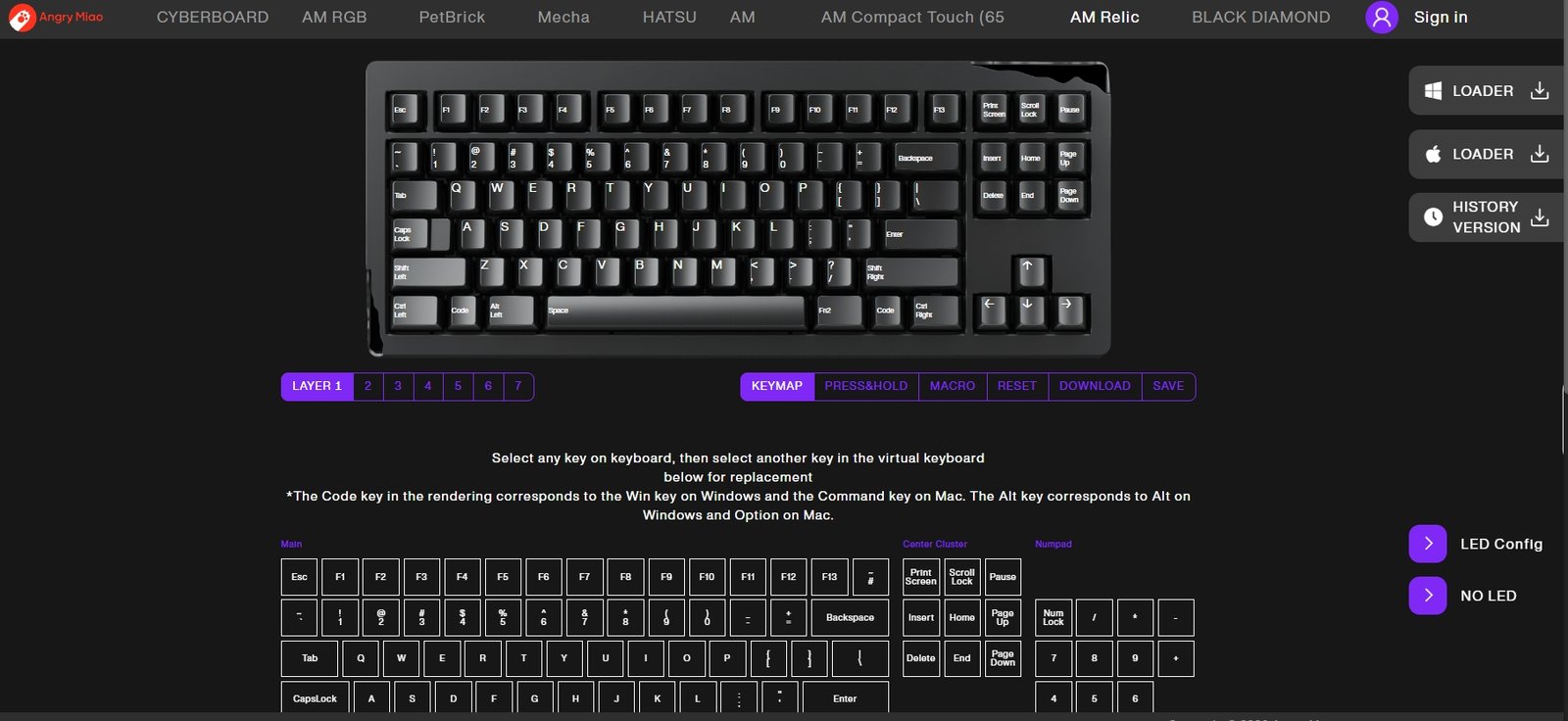
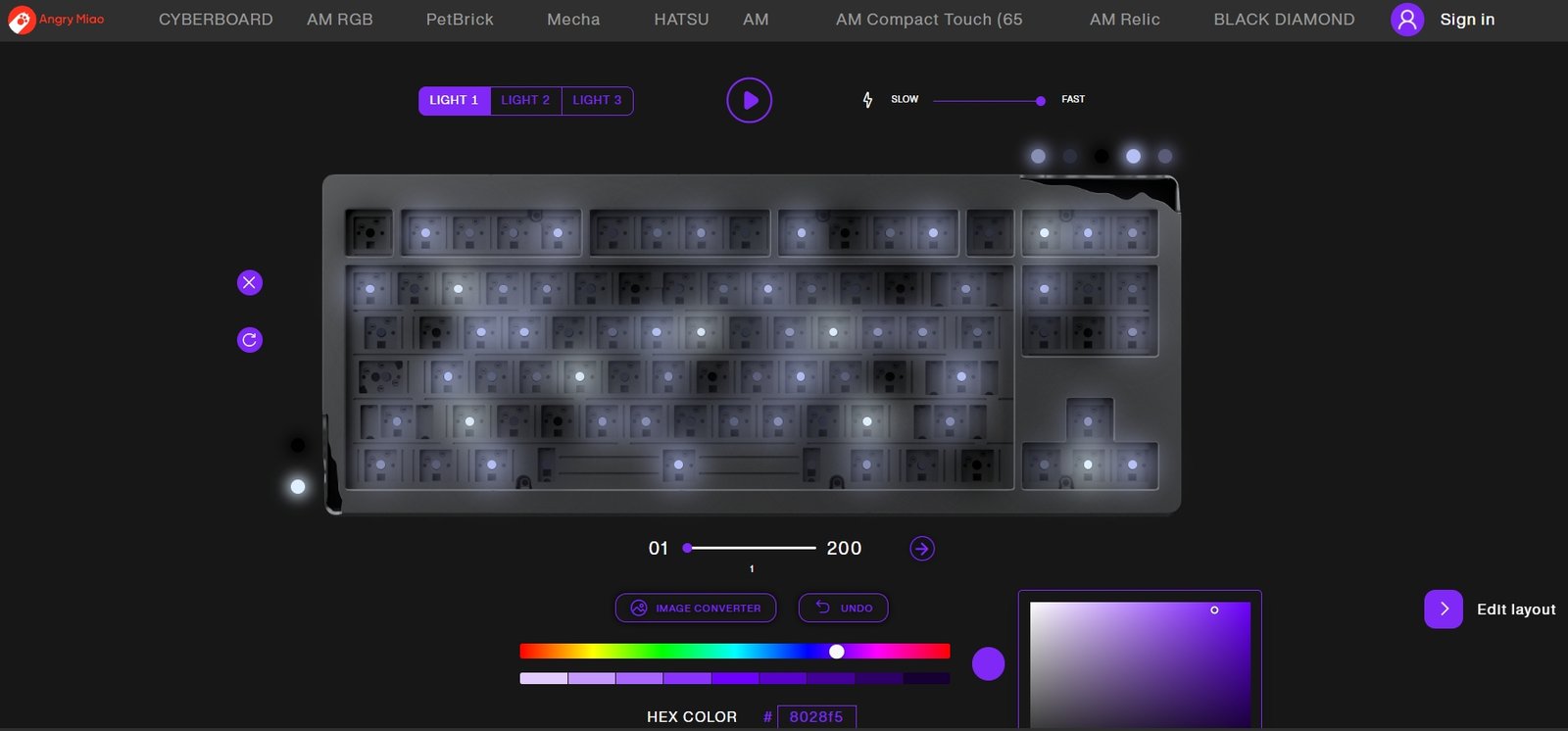
The DIY page lets you remap keys, assign press-and-hold actions, create macros, and edit lighting. For RGB settings, open the In-Switch LED Configuration page. Its virtual keyboard and lighting controls let you choose colors and effects for the key lighting and case lights.
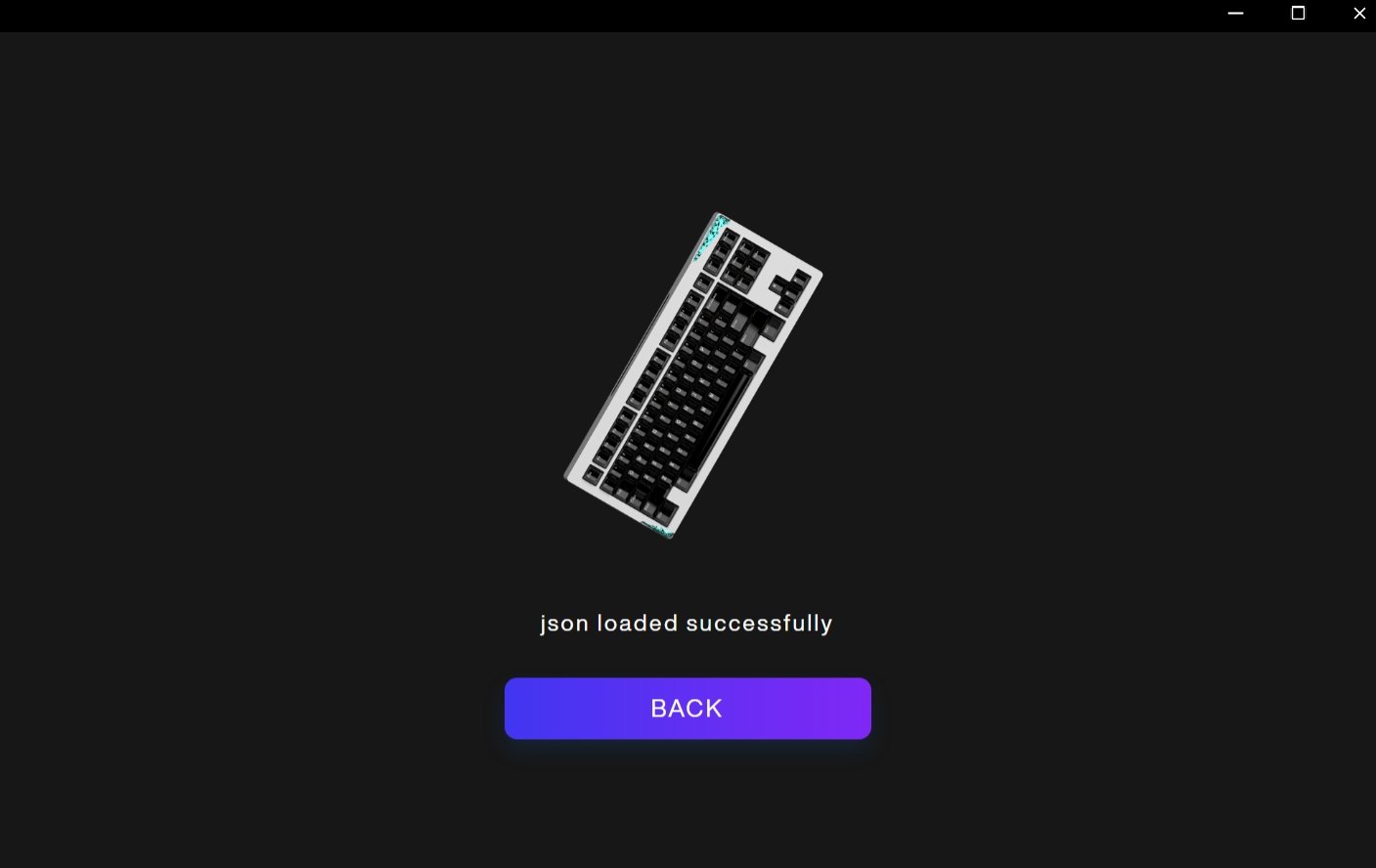
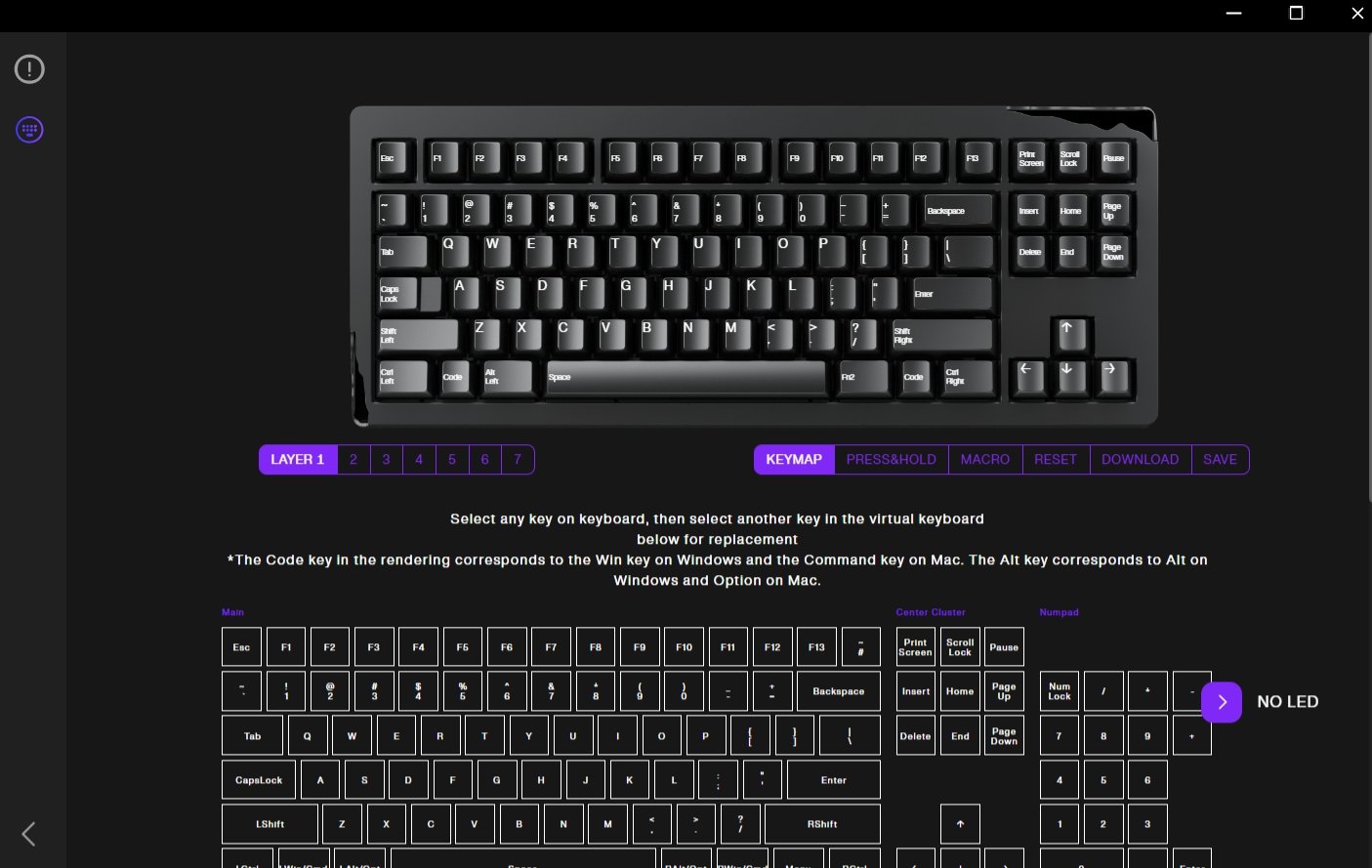
When the configuration is ready, download it as a JSON file, open AM Master, and select the file to import it. The app confirms when the JSON has loaded successfully. You can also use configuration files shared by other users, which saves you from building a layout from scratch.
The AM Relic 80 supports up to seven keymap layers. Holding Fn accesses layer 2 by default; you can assign keys to switch directly to other layers. This lets you set up different keymaps for work, games, or shortcuts. Configuration takes a few steps across the browser editor and desktop app, but the available keymap, macro, and lighting options provide plenty of control.
Battery and Charging Performance
The Angry Miao AM Relic 80 has two 5,000mAh batteries, for a total capacity of 10,000mAh. It supports USB-C charging and 5W Qi wireless charging. Angry Miao estimates a full charge takes about three to four hours over USB-C, compared with 10 to 12 hours on a Qi charger. For a quicker top-up, wired charging is the better option.
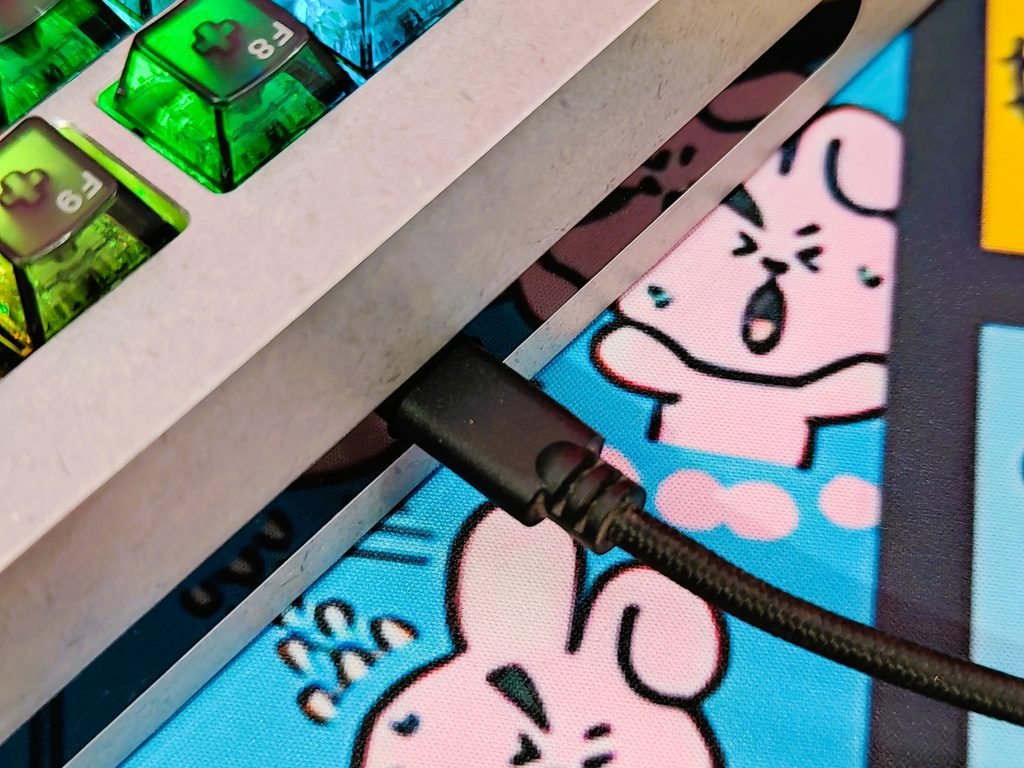
Battery life depends on how you use the lighting. Angry Miao estimates two to three weeks of typical use, or roughly 300 hours of continuous wireless runtime, with the case-corner RGB and in-switch LEDs at full brightness. Turning off the lighting can extend runtime to several months of regular use, according to the company. These are manufacturer estimates; actual battery life will vary with brightness, lighting effects, connection mode, and daily use.
| Battery level or status | Indicator |
|---|---|
| 100% | Number keys 1–0 glow green for 3 seconds |
| 90% | Number keys 1–9 glow green for 3 seconds |
| 80% | Number keys 1–8 glow green for 3 seconds |
| 70% | Number keys 1–7 glow yellow-green for 3 seconds |
| 60% | Number keys 1–6 glow yellow-green for 3 seconds |
| 50% | Number keys 1–5 glow yellow-green for 3 seconds |
| 40% | Number keys 1–4 glow orange for 3 seconds |
| 30% | Number keys 1–3 glow orange for 3 seconds |
| 20% | Number keys 1–2 flash red for 3 seconds |
| 10% | Number key 1 flashes red for 3 seconds |
| Below 10% | Number keys 1–0 and case-corner RGB flash red for 3 seconds |
| Fully charged | Number keys 1–0 and case-corner RGB flash green for 5 seconds |
| Below 5% | Number keys 1–0 and case-corner RGB flash red for 5 seconds, repeated every 5 minutes |
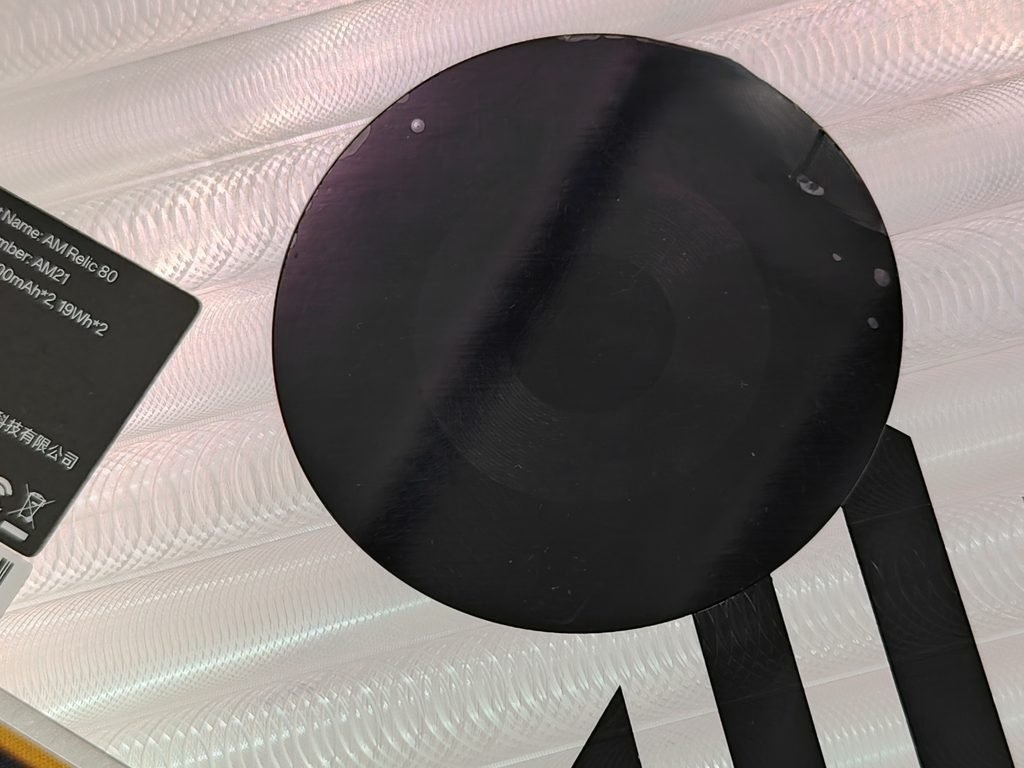
Qi charging lets you power the keyboard on a compatible charging surface without connecting a cable. Angry Miao says the Relic 80 starts charging when the battery drops below 85% and stops once it reaches 100%. You can check the battery level at any time by pressing Fn + P. The number row lights up to show the remaining charge, with the color changing from green at higher levels to orange and red as the battery runs low.
Typing, Working, and Gaming Experience
The AM Relic 80’s 80% layout keeps the function row, arrow keys, and navigation keys while taking up less desk space than a full-size keyboard. Its Icy Silver Pro V3 linear switches have a listed 40gf actuation force and 2.0mm pre-travel, giving them a light press without a tactile bump. The three-stage leaf-spring mount and adjustable foam let owners tune the board’s flex and sound. Changing the setup takes some work, so it’s better suited to settling on a preferred feel than switching between configurations during the day.
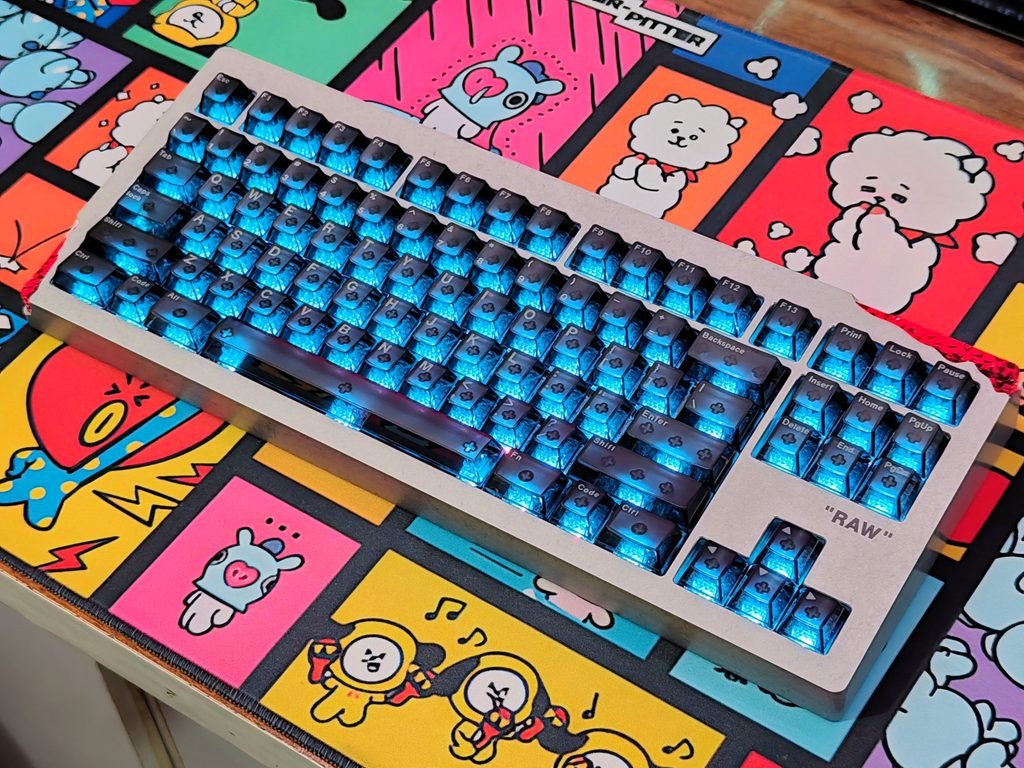
For daily tasks such as writing, spreadsheets, and shortcuts, the layout keeps commonly used keys within reach. You can assign different functions through the AM Master app and DIY editor, including macros and up to seven keymap layers. The 2.25kg aluminum case stays firmly on the desk, but makes the keyboard less convenient to move between workspaces. The 19mm front height and 8-degree typing angle shape wrist position; comfort will depend on your desk height and typing posture.
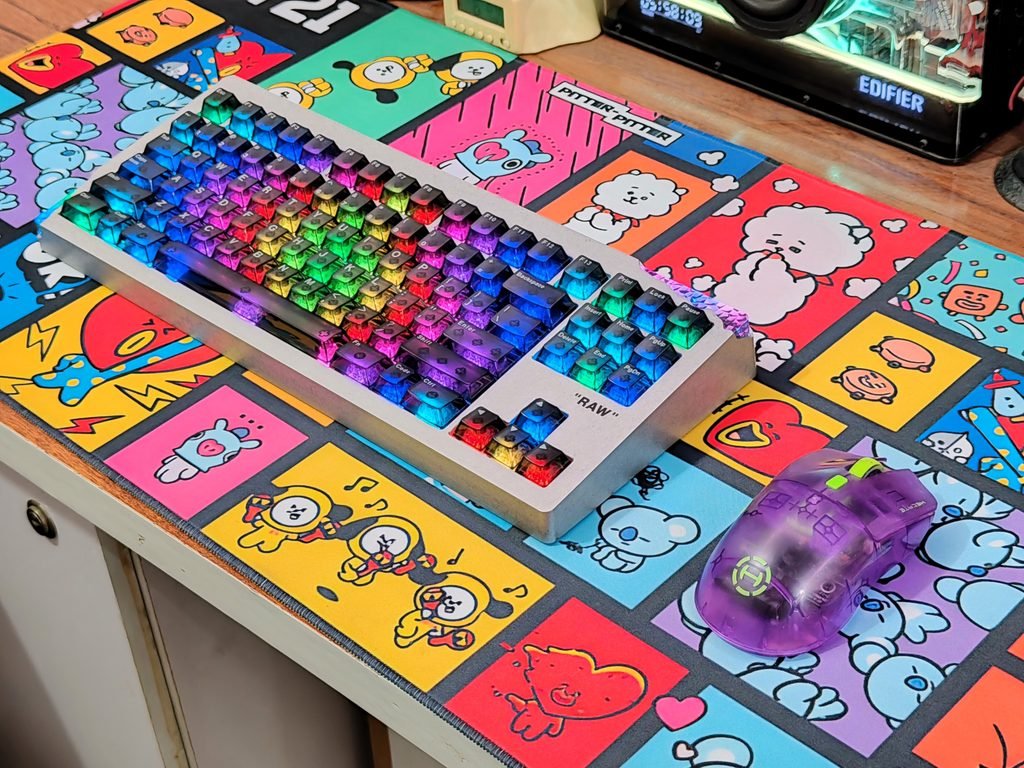
For gaming, the 2.4GHz connection is the option to try for titles that benefit from quick input, while Bluetooth is useful when switching among paired devices. The compact layout leaves more room for mouse movement in games such as Counter-Strike 2, Valorant, and Apex Legends. The linear switches suit repeated movement and ability presses if you prefer an uninterrupted keypress. We don’t have measured latency or polling-rate results, so we can’t compare the Relic 80’s response time with dedicated gaming keyboards.