A 68g wireless gaming mouse with an 8000Hz polling rate and a PAW3950 sensor sounds like a familiar formula, but the Womier G59 has one feature that changes how you deal with battery life. It comes with two 300mAh batteries, allowing you to swap a depleted cell for a charged one instead of putting the mouse on a cable. For anyone who spends long hours gaming, that can be more useful than simply having a larger built-in battery.
The G59 uses the PAW3950 optical sensor with sensitivity up to 30,000 DPI and seven DPI stages. While 30,000 DPI is far beyond what most gamers will use, the sensor’s tracking consistency is what matters in practice. Womier pairs it with an 8000Hz polling rate over wired and 2.4GHz wireless connections, targeting players who want low input latency and fast cursor updates without moving to a heavier mouse. That makes the G59 suitable for more than a dedicated gaming PC, especially if you regularly switch between a desktop, laptop, tablet, or phone.
The mouse also includes an OLED display that shows information such as DPI, connection mode, and battery status without requiring you to open the software. The software provides control over the seven programmable buttons, DPI settings, macros, and other mouse functions, while RGB lighting gives the G59 some room for customization. The real question is whether all of these features come together in a mouse that feels good during actual use.
In this review, we put the Womier G59 through its paces, looking at its shape and build, PAW3950 tracking, 8000Hz performance, wireless connectivity, software, battery swapping, and everyday gaming experience.
Specifications
| Specification | Details |
|---|---|
| Model | Womier G59 |
| Sensor | PixArt PAW3950 |
| Buttons | 7 programmable buttons |
| Weight | 68 g |
| Battery | 2 × 300 mAh hot-swappable batteries |
| Connectivity | Wired / 2.4 GHz Wireless / Bluetooth |
| DPI Range | 400 / 800 / 1600 / 3200 / 6400 / up to 30,000 DPI |
| Polling Rate – Wired / 2.4 GHz | 125 / 250 / 500 / 1000 / 4000 / 8000 Hz |
| Polling Rate – Bluetooth | 125 / 250 Hz (125 Hz default) |
| Macro Support | Yes, via software |
| Button Remapping | Yes |
| OLED Display | Yes — DPI, connection mode, battery status |
| Software | Supported |
| Battery System | Hot-swappable dual-battery design |
| Maximum DPI | 30,000 |
| Maximum Polling Rate | 8000 Hz |
Unboxing
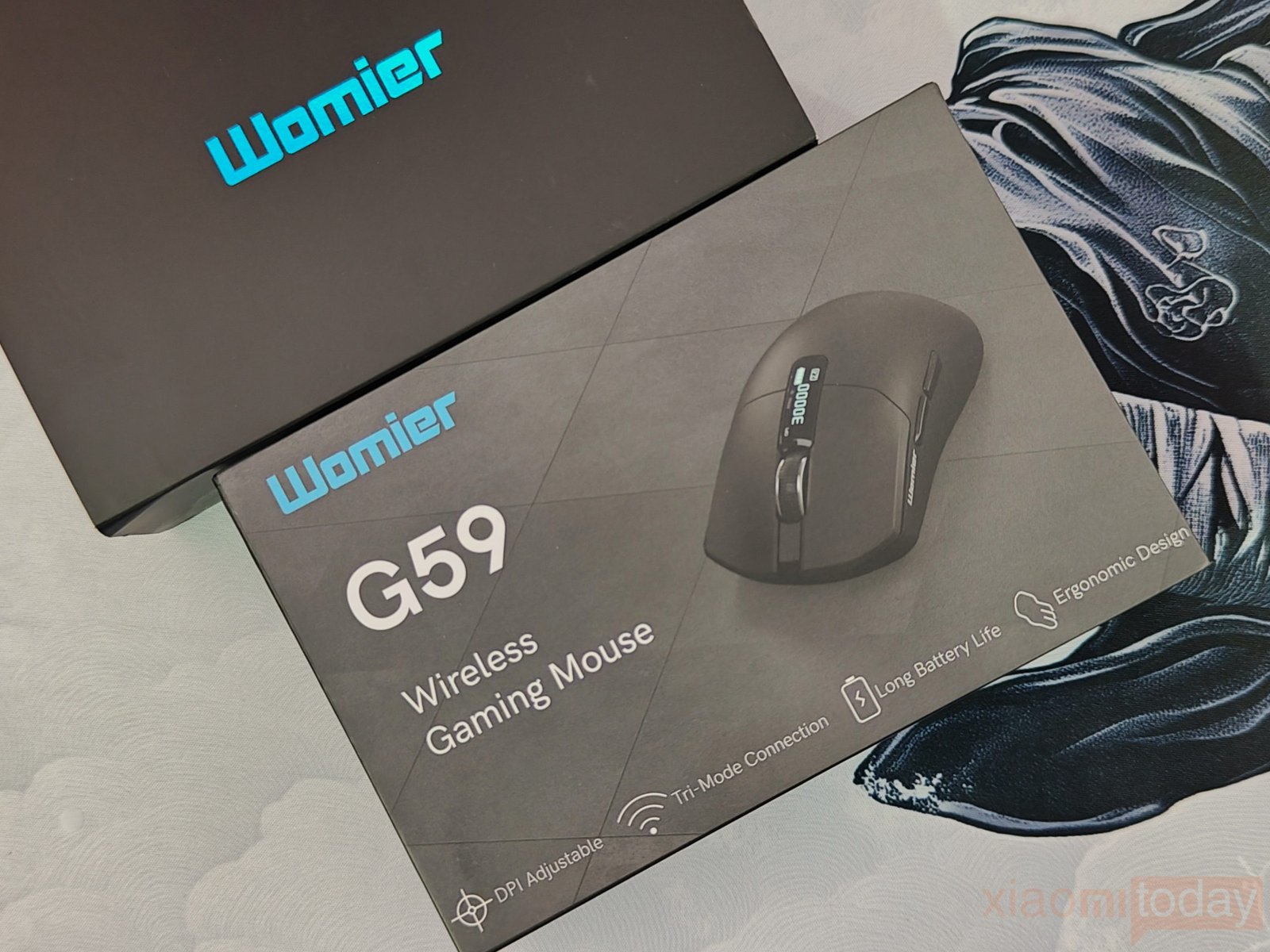
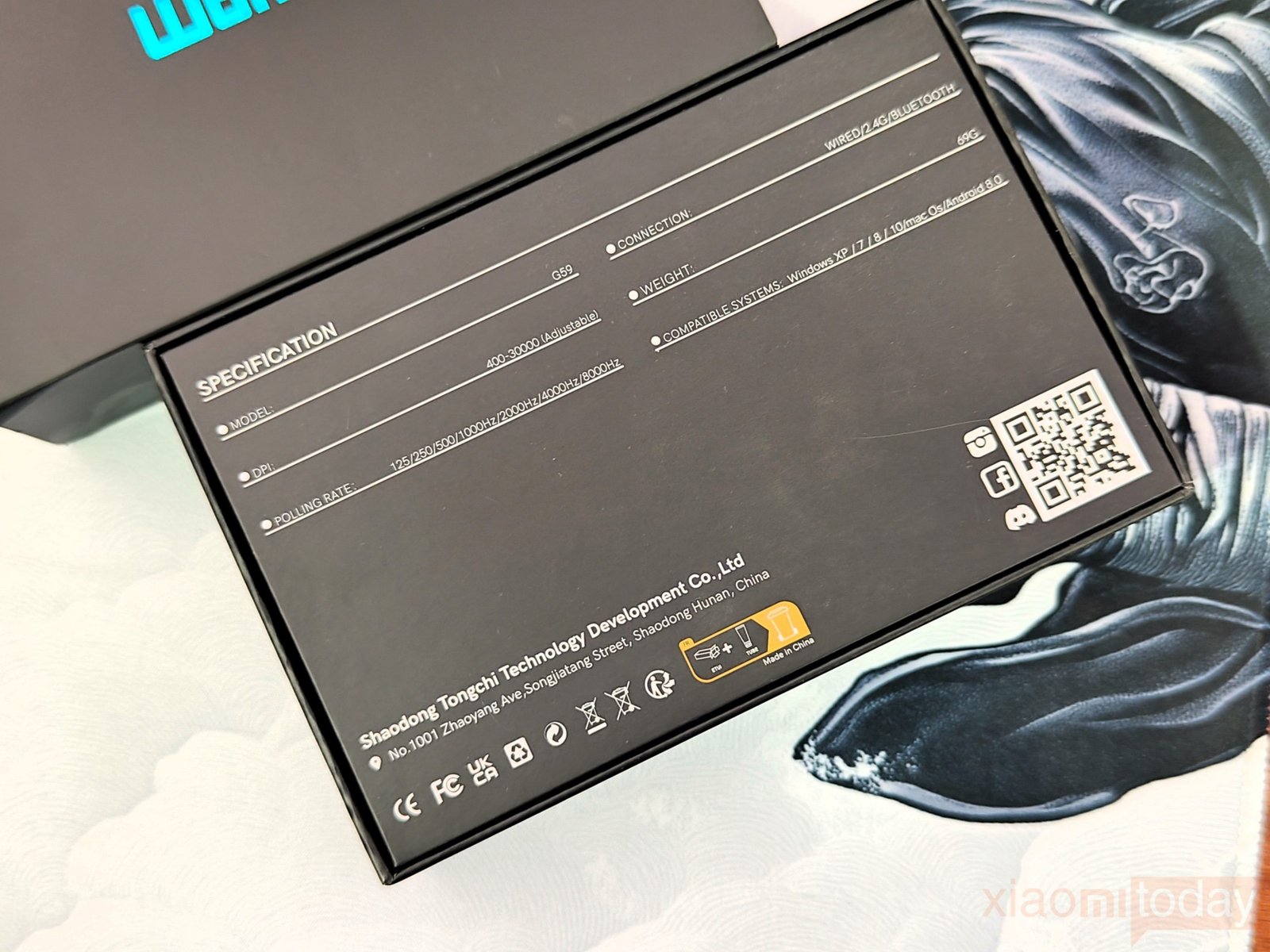
The Womier G59 comes in two layers of packaging. The outer box is a plain black cardboard cover with only the Womier logo on top. Removing it reveals the actual product box, which has a more detailed design with the G59 mouse pictured on the front. It also highlights the main features, including adjustable DPI, tri-mode connectivity, long battery life, and an ergonomic design. The back of the box lists the main specifications, including up to 30,000 DPI, 8000Hz polling, wired/2.4GHz/Bluetooth connectivity, and a 68g weight.
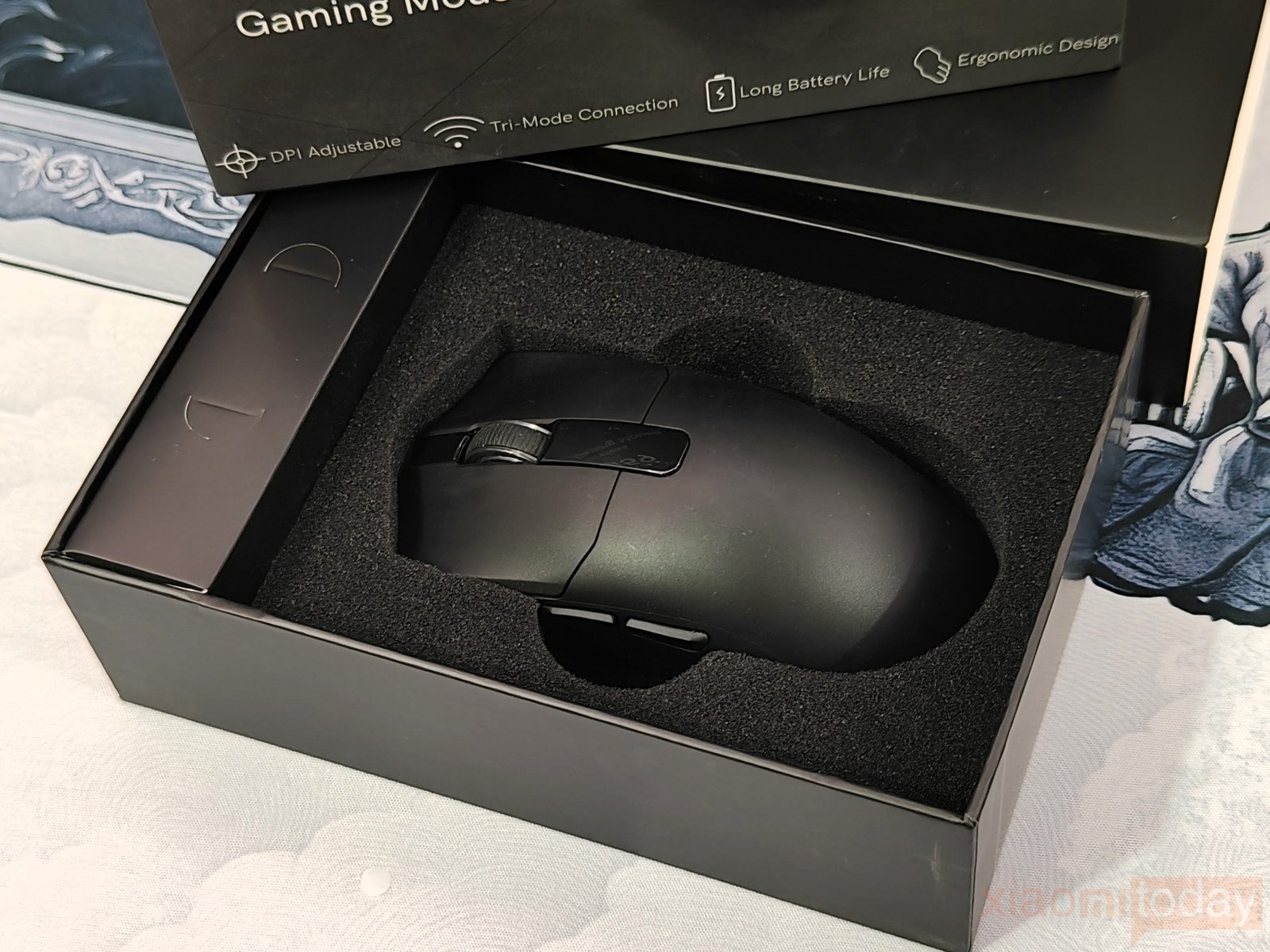
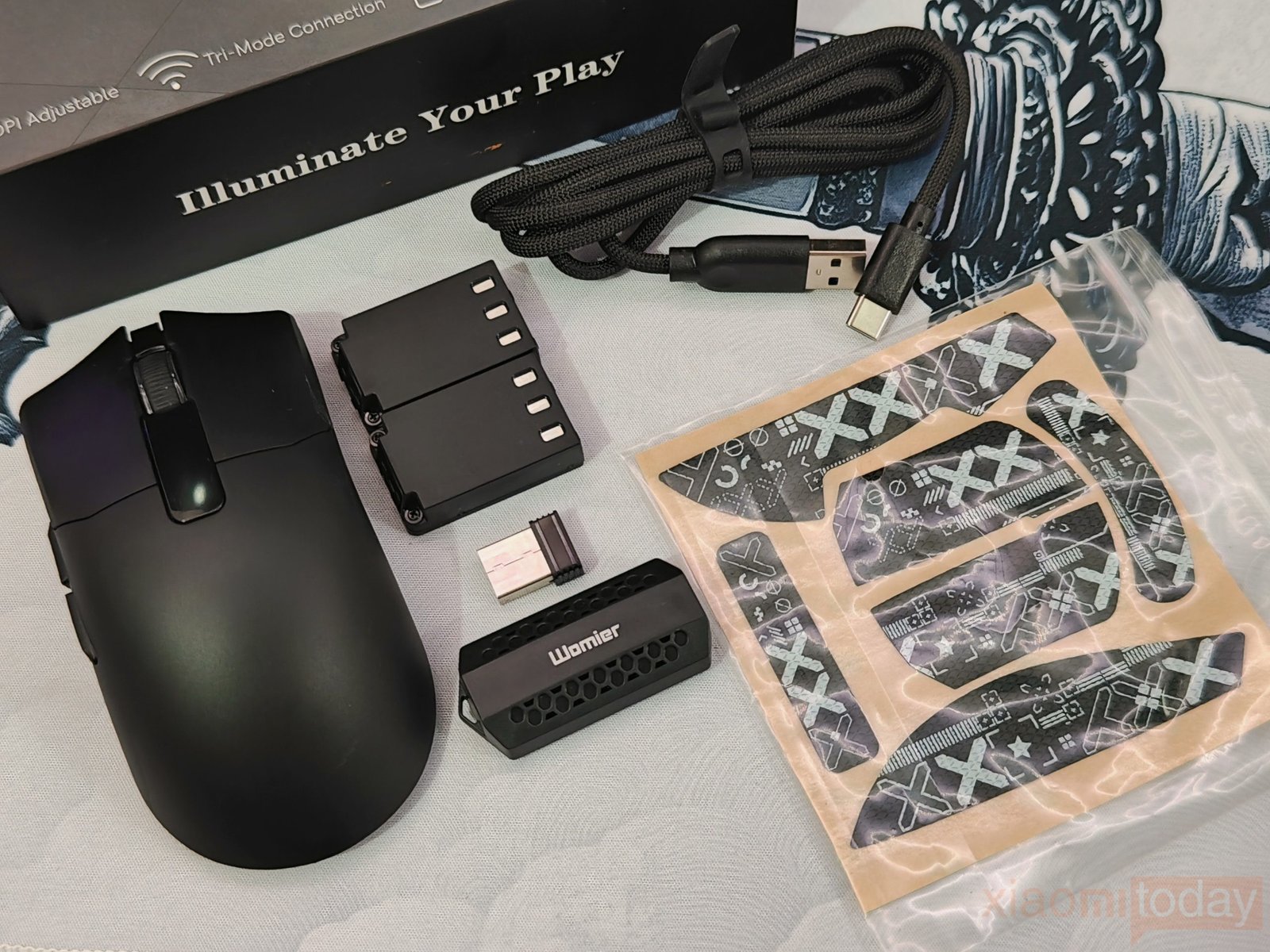
Inside, the Womier G59 sits in a molded foam tray that keeps the mouse protected during shipping. The package includes the mouse, a 2.4GHz 8000Hz receiver, two 300mAh batteries, a USB data cable, and anti-slip mouse stickers. The two batteries are especially useful because the G59 uses a removable battery system, allowing you to keep a spare charged and swap it when needed. The included grip stickers can also be applied to the mouse if you prefer a more secure hold.
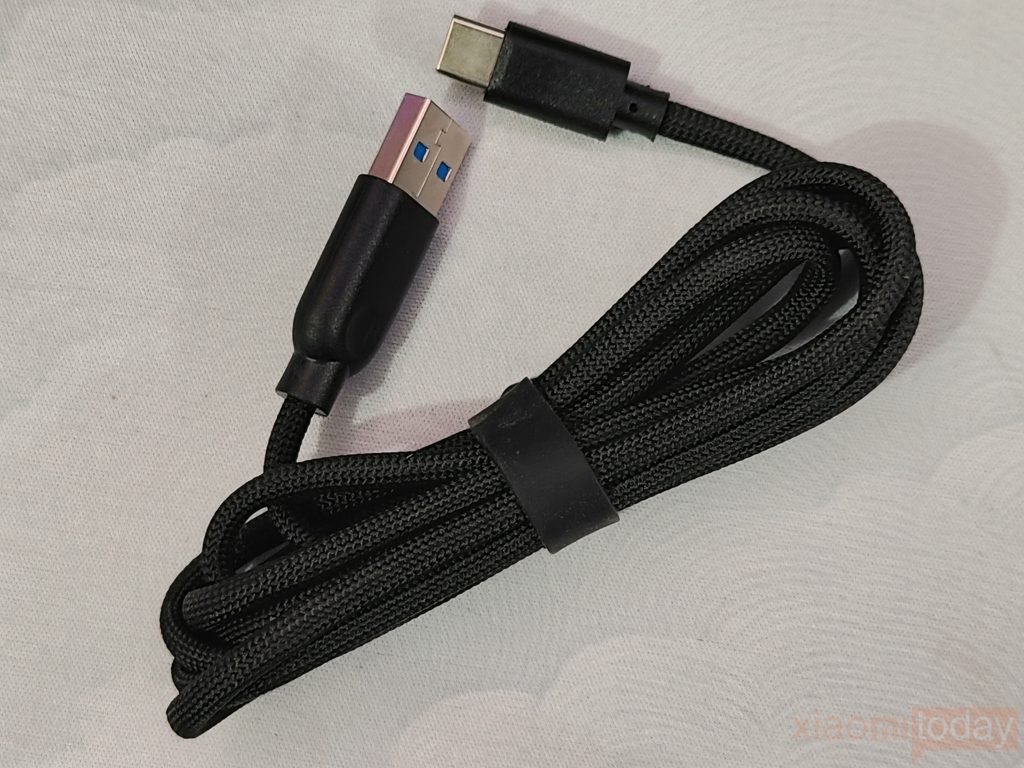
The included USB cable has a braided exterior and is used for both wired connectivity and charging. It is flexible enough to use the G59 as a wired gaming mouse without feeling overly stiff on the desk.
Design and Build Quality
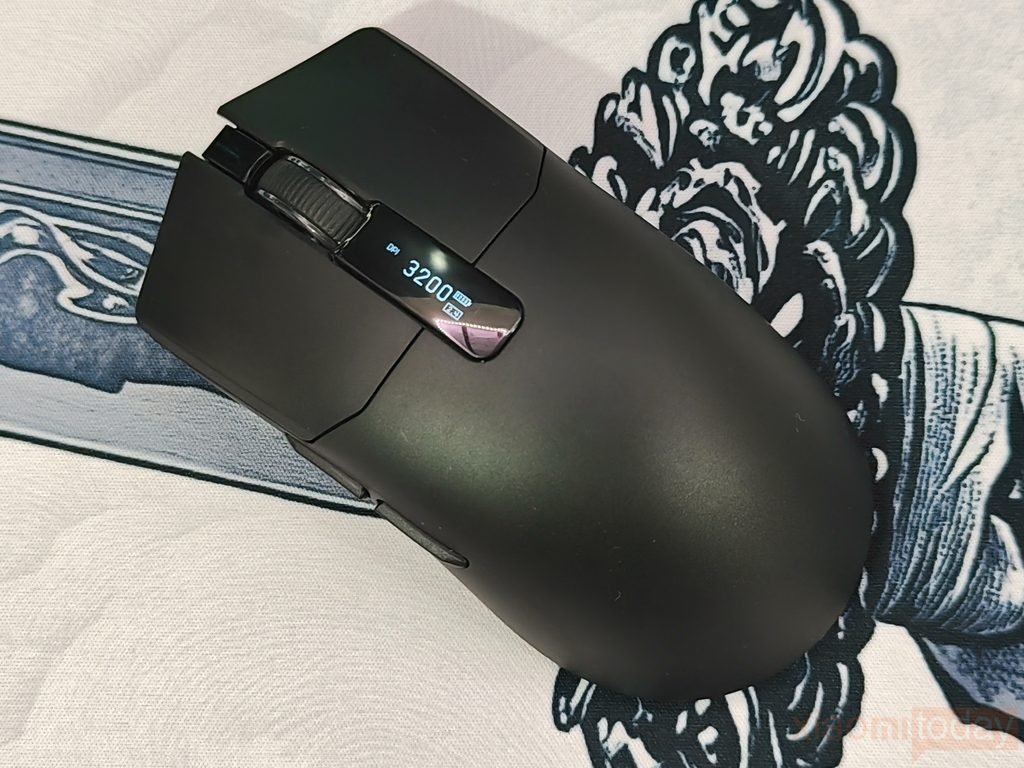
The Womier G59 keeps its design simple, with a black-only finish and a smooth matte surface across the shell. It has a clean shape without the sharp lines or oversized styling seen on some gaming mice. The plastic feels solid in hand, and the shell does not give much under normal pressure. The different sections of the body also fit together neatly, giving the G59 a well-assembled feel. Its black finish should also work well with both gaming and office setups.
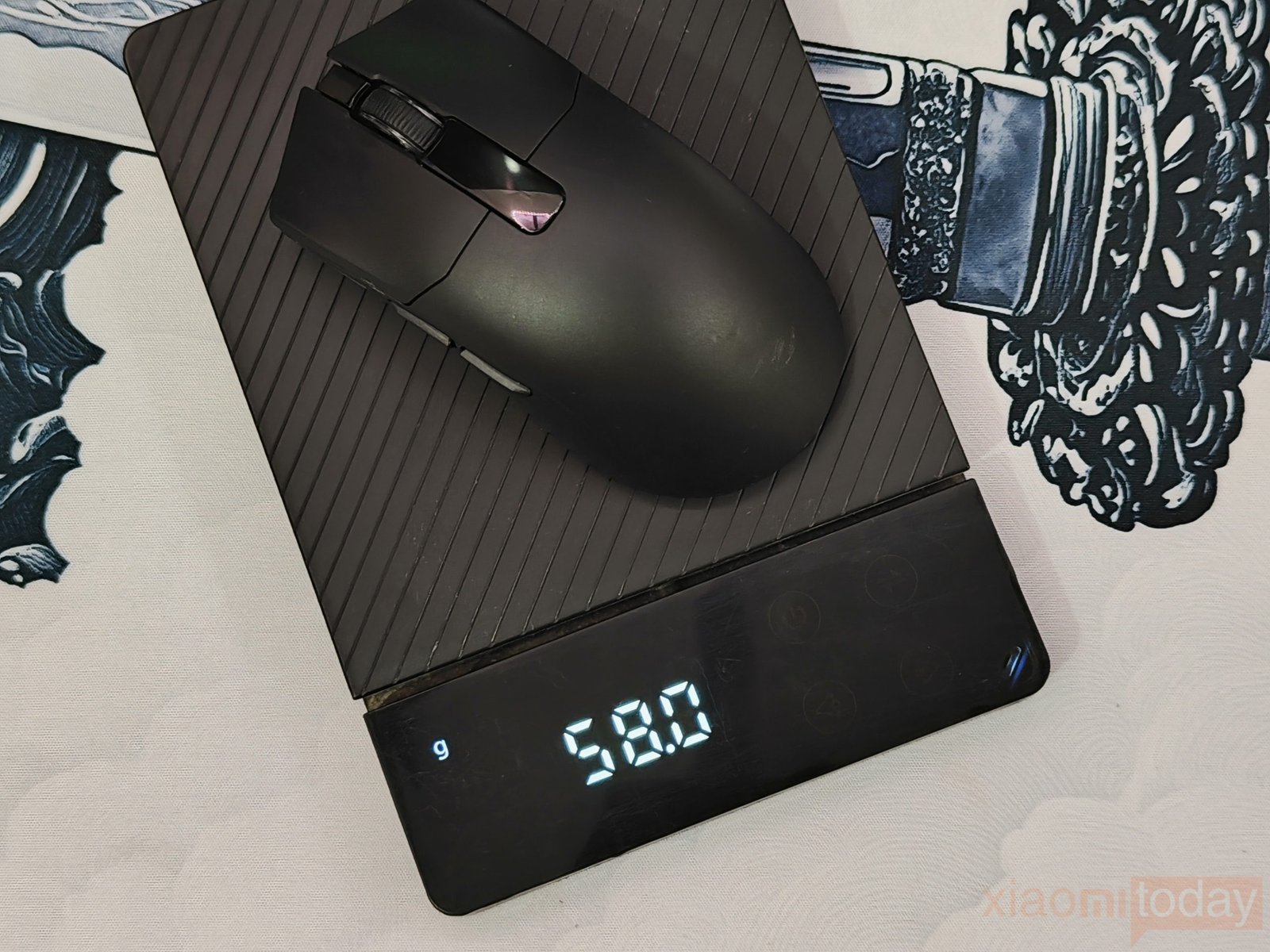
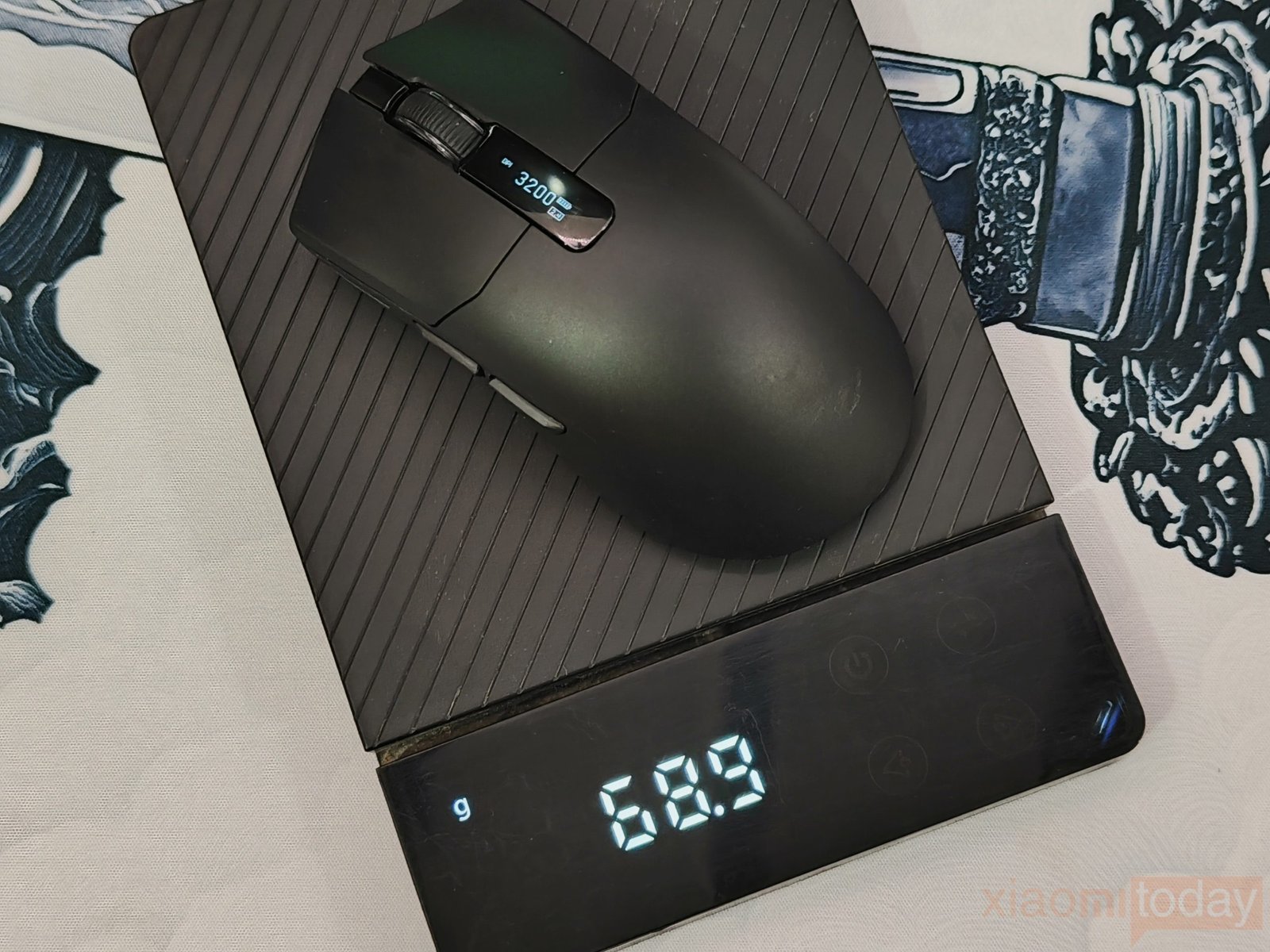
With the battery installed, the Womier G59 weighs 68 grams, while the mouse itself weighs around 57 grams without the battery. That makes the battery responsible for roughly 11 grams of the total weight. At 68 grams, the mouse still feels light enough for quick movements, while the additional weight from the battery gives it a little more balance on the desk. Removing the battery makes the mouse noticeably lighter, which may appeal to users who prefer a very light setup.
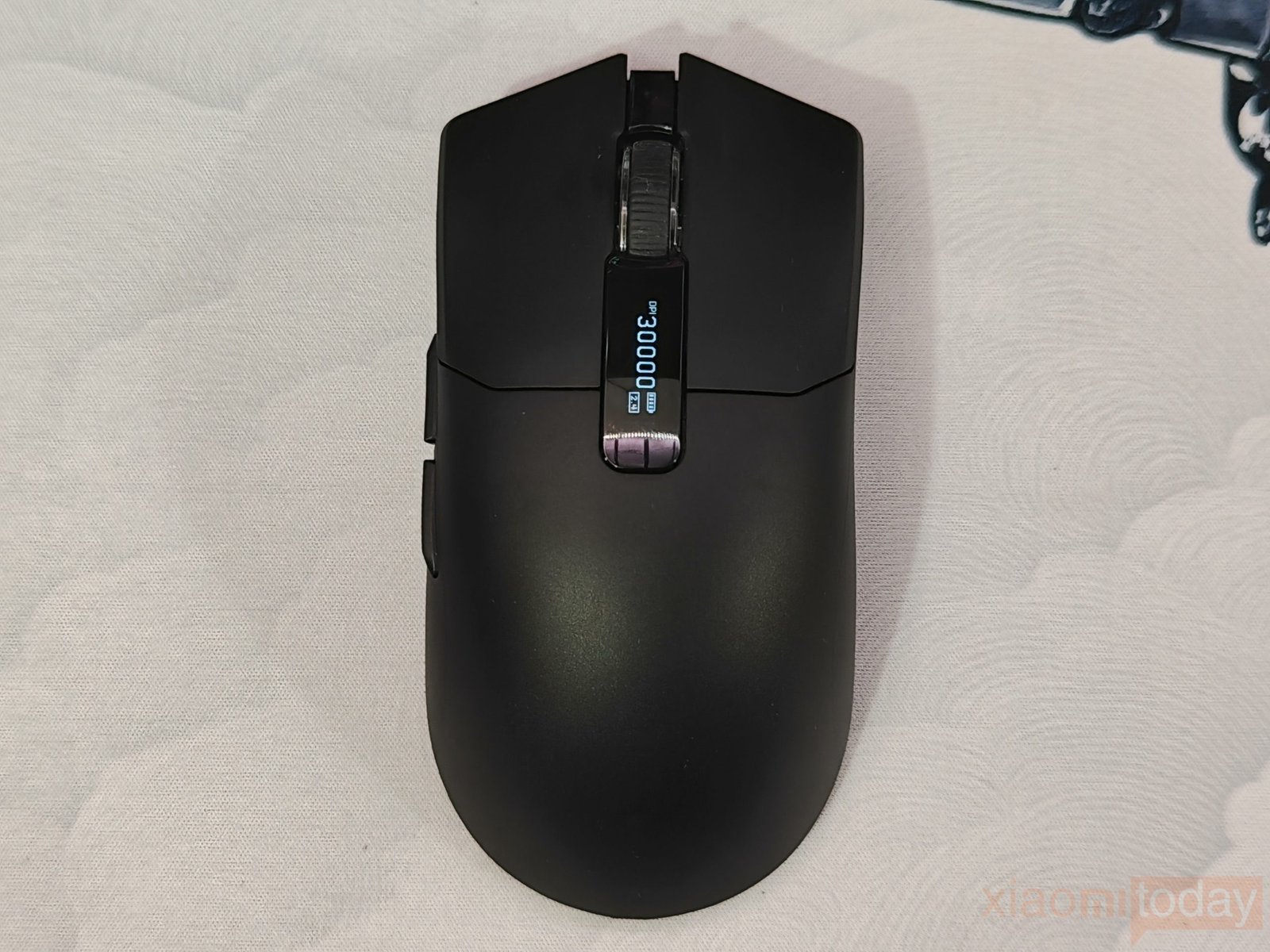
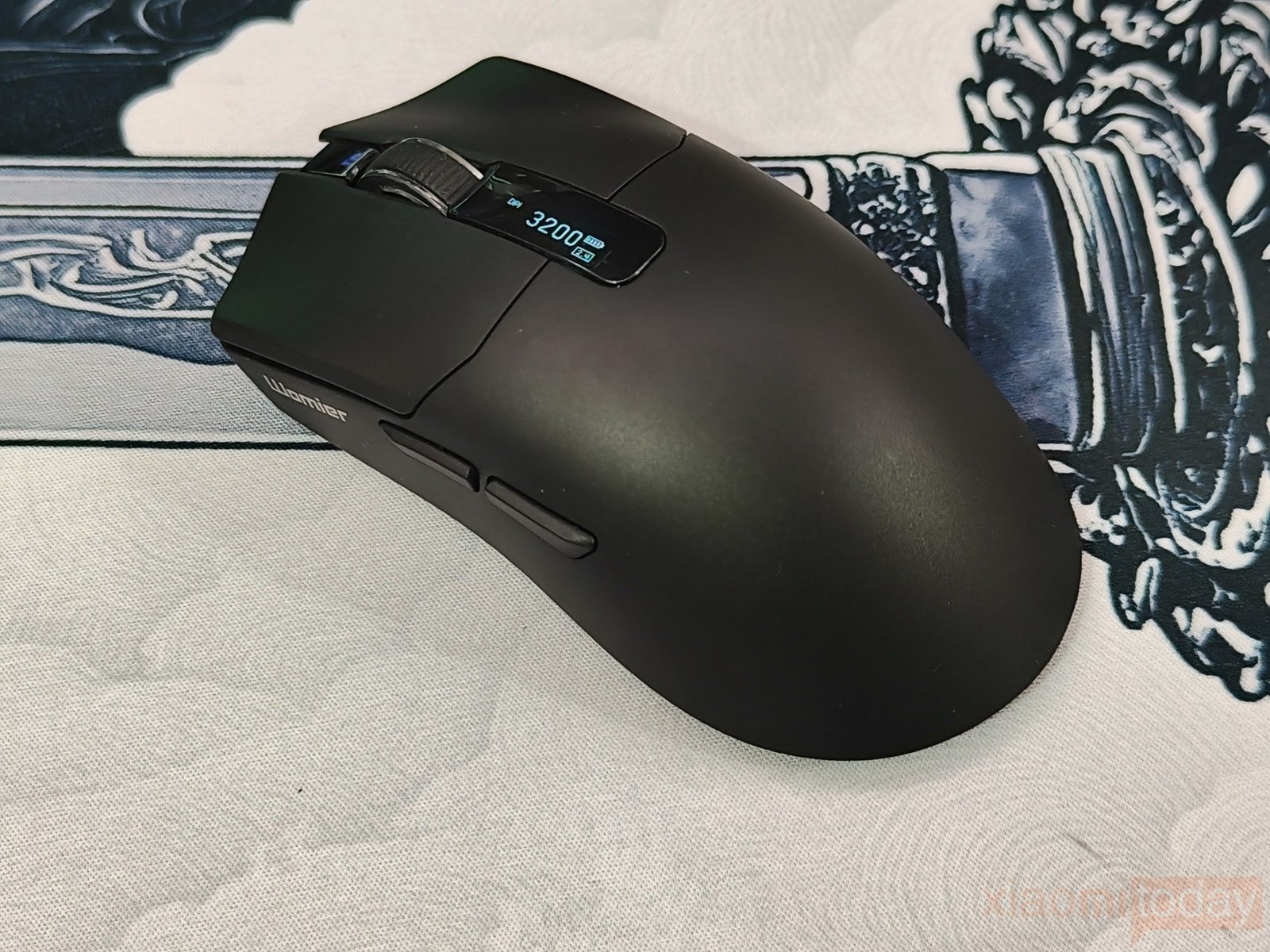
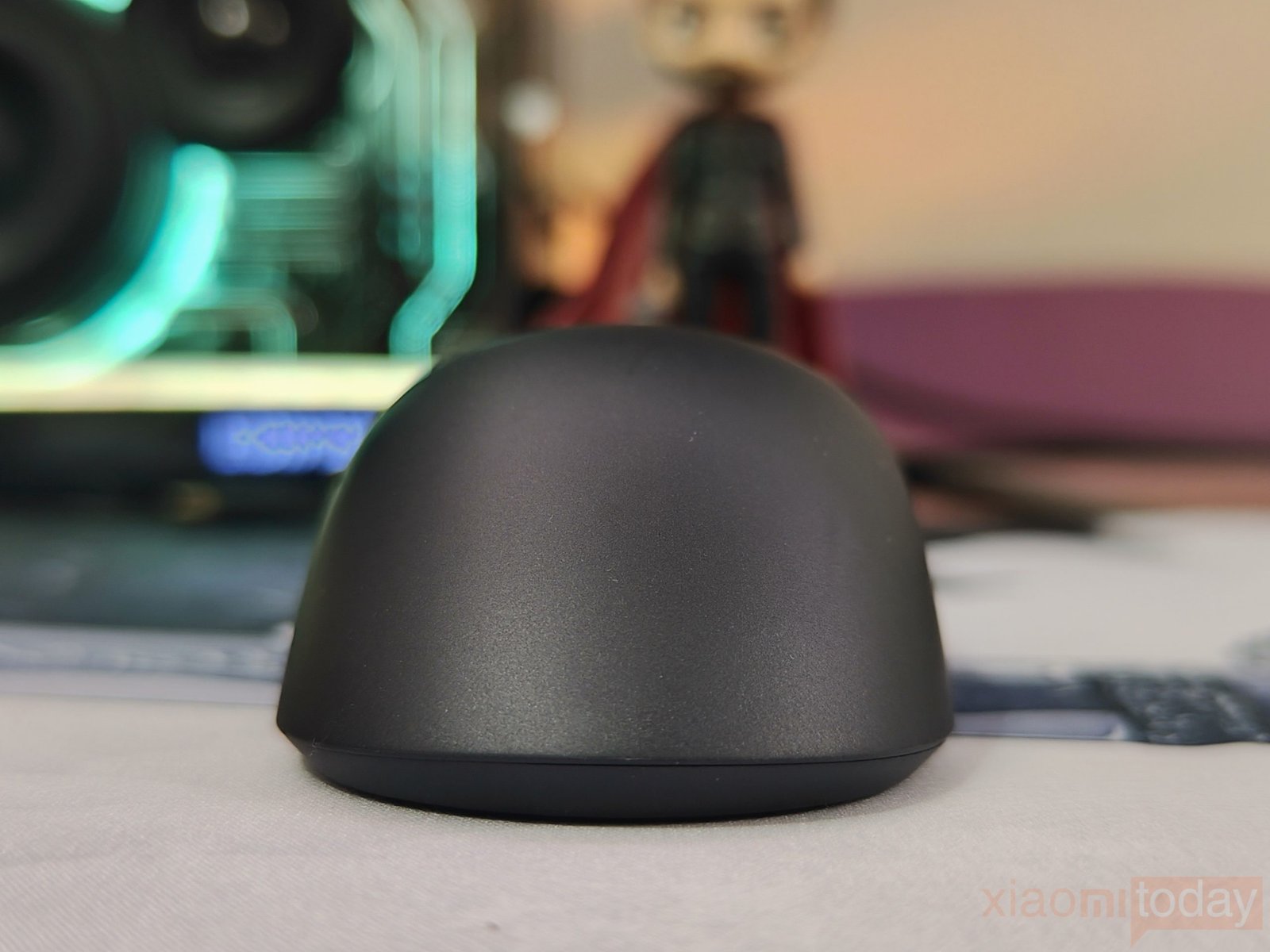
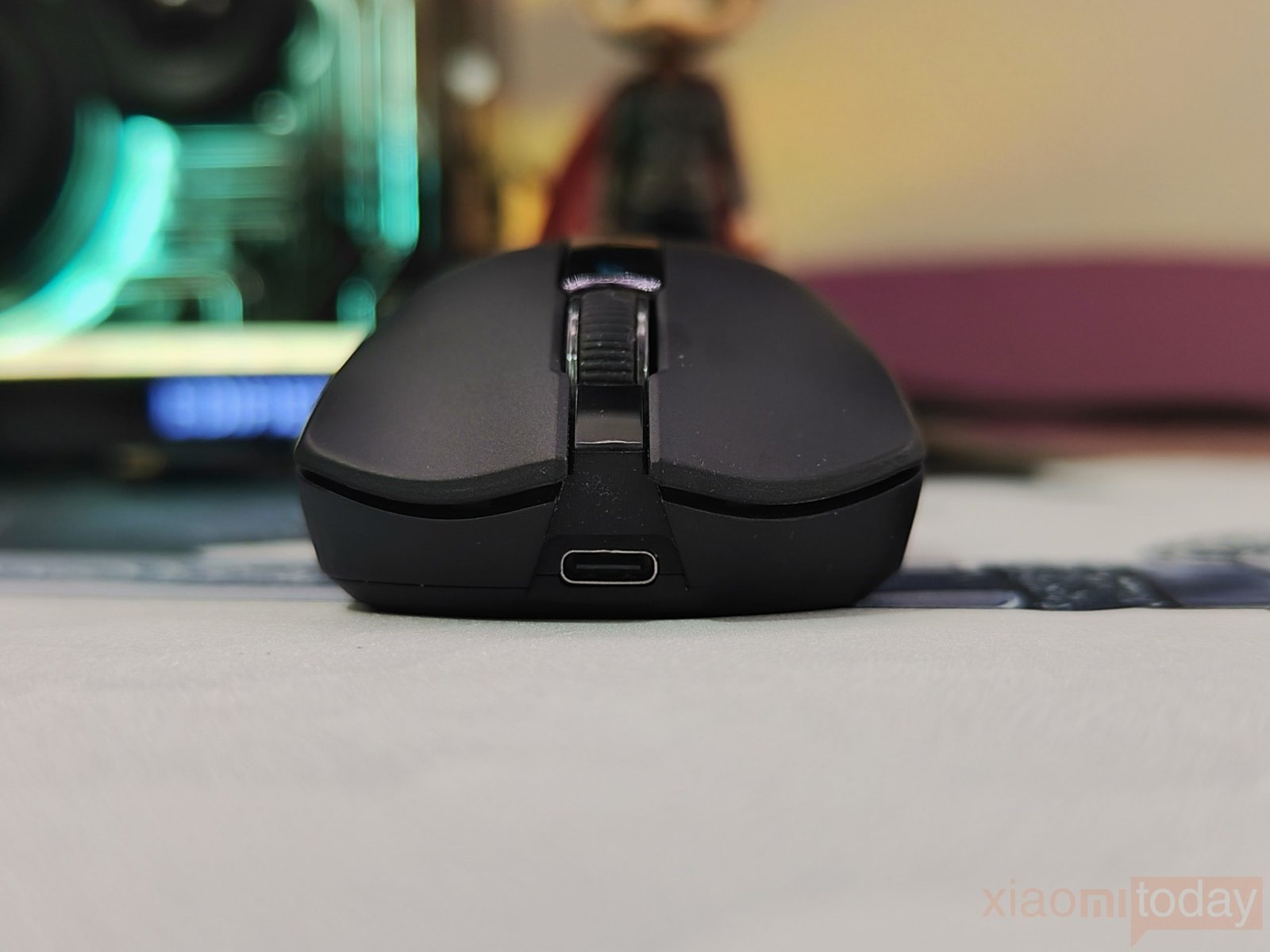
The G59 uses a symmetrical ergonomic shape with a rounded rear section that supports the palm and a lower front profile. The sides curve inward enough to give the thumb and fingers a comfortable position, while the wider rear helps keep the hand supported. Womier’s design is intended to work with palm, claw, and fingertip grips, although comfort will naturally depend on hand size and grip preference. After using it, the shape feels familiar and easy to adjust to, especially for users who prefer a medium-sized mouse with a rounded profile.
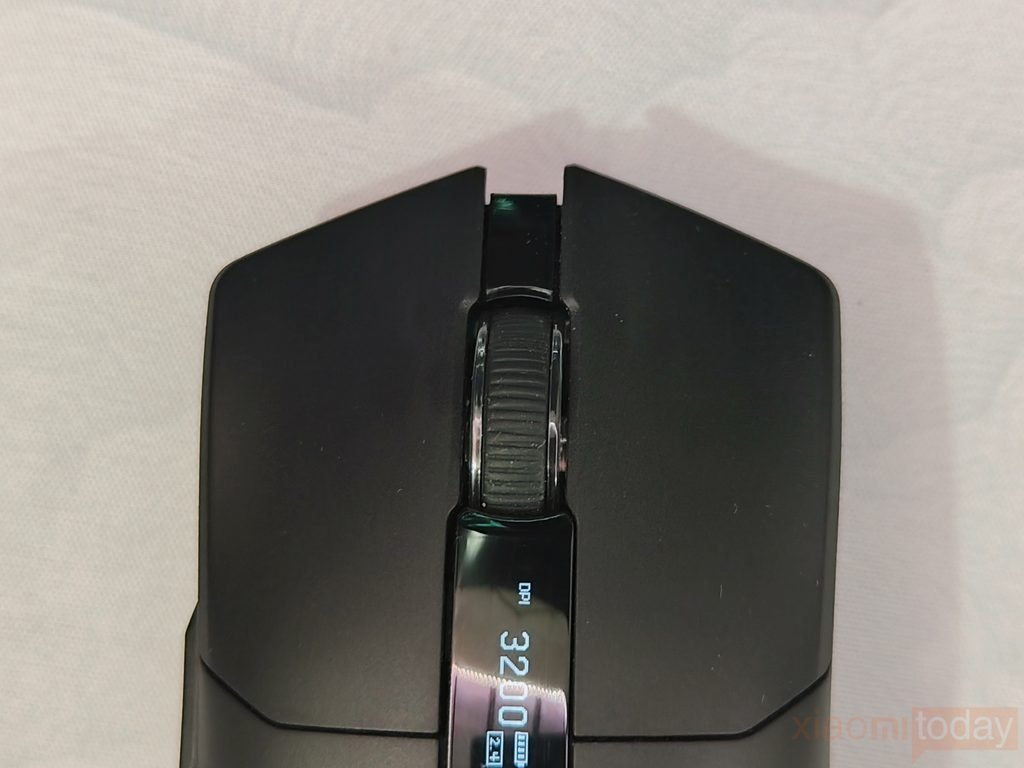
The Womier G59 uses Omron mechanical switches for the left and right mouse buttons, with TTC tuning. The clicks have a defined, crisp feel and register without needing much pressure. Both buttons have a consistent feel across repeated presses, which is useful for fast clicking in games as well as regular desktop work. The button sections also sit cleanly within the shell, with no noticeable wobble during use.
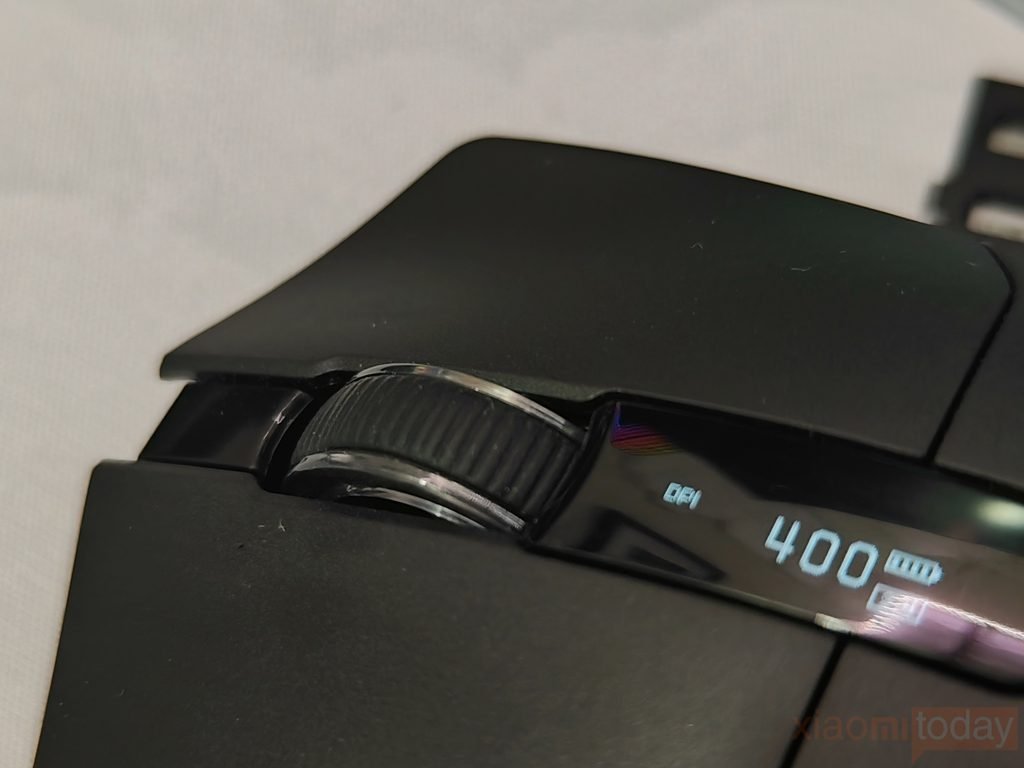
The scroll wheel has a rubberized surface with raised grooves that provide a good grip for scrolling. Its steps are clearly defined, making it easier to control smaller movements instead of scrolling too far at once. The wheel also has a firm middle-click with a clear press. After using it for gaming, web browsing, and general desktop work, the wheel feels controlled and predictable without being overly stiff.
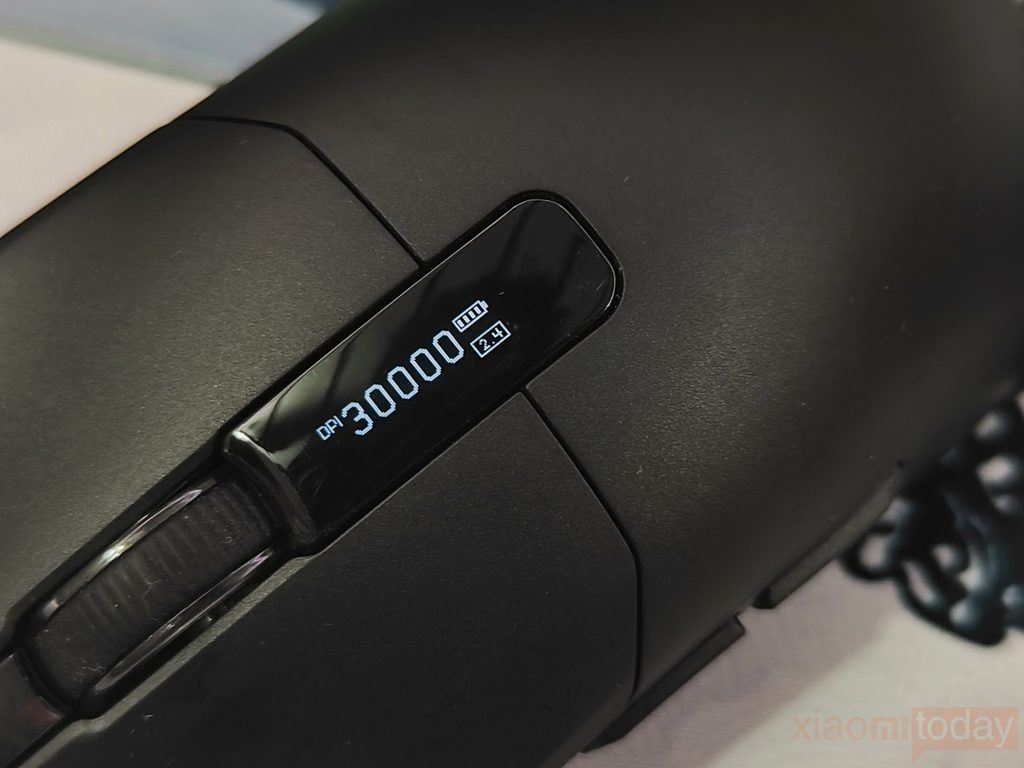
The Womier G59 features a small OLED screen placed between the main buttons, showing the mouse’s current DPI, battery level, and connection mode. The information is easy to check while using the mouse, so there is no need to open the software just to see the current settings or battery status. The display is compact and fits neatly into the mouse’s top section without affecting the overall layout.
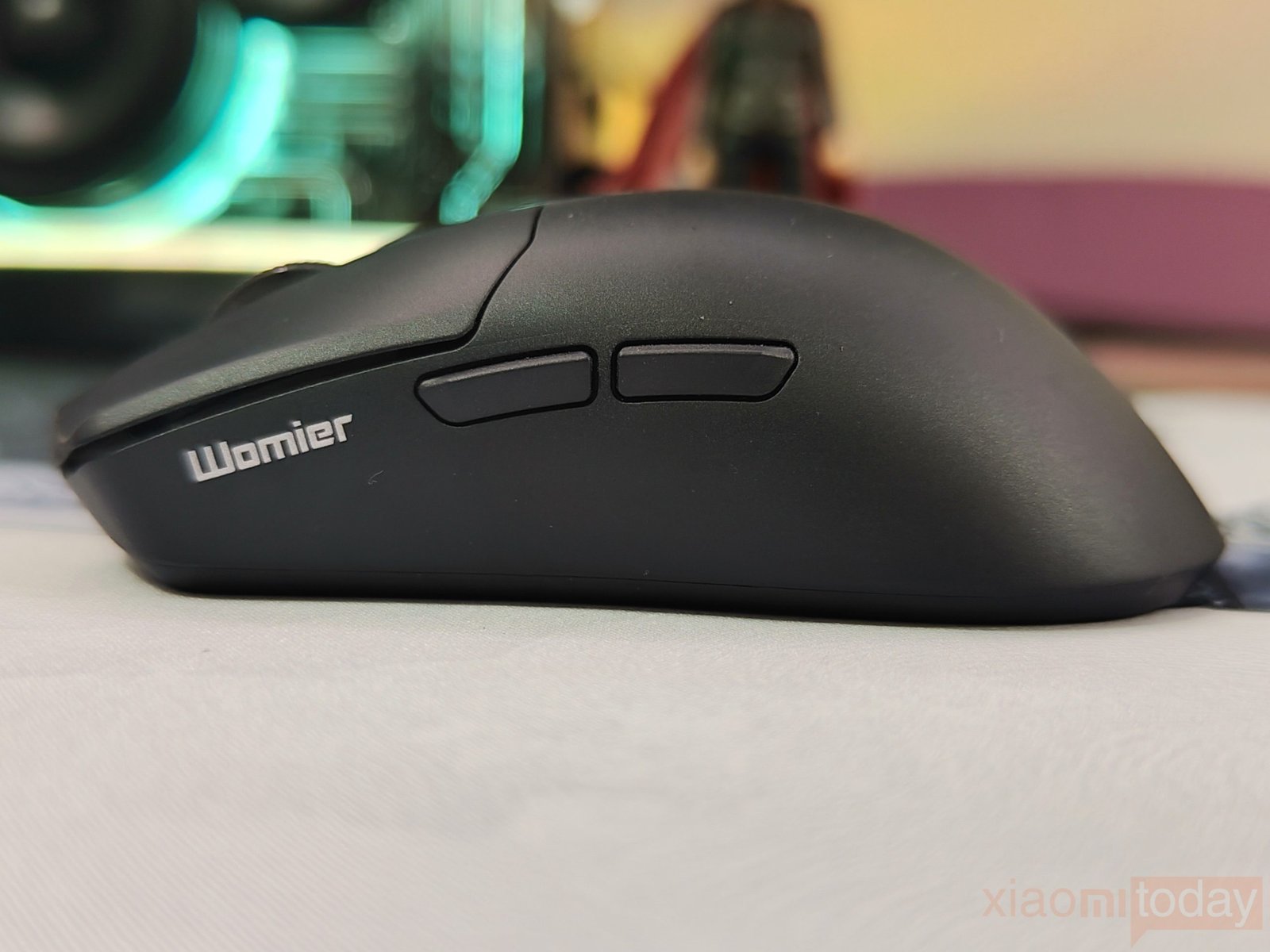
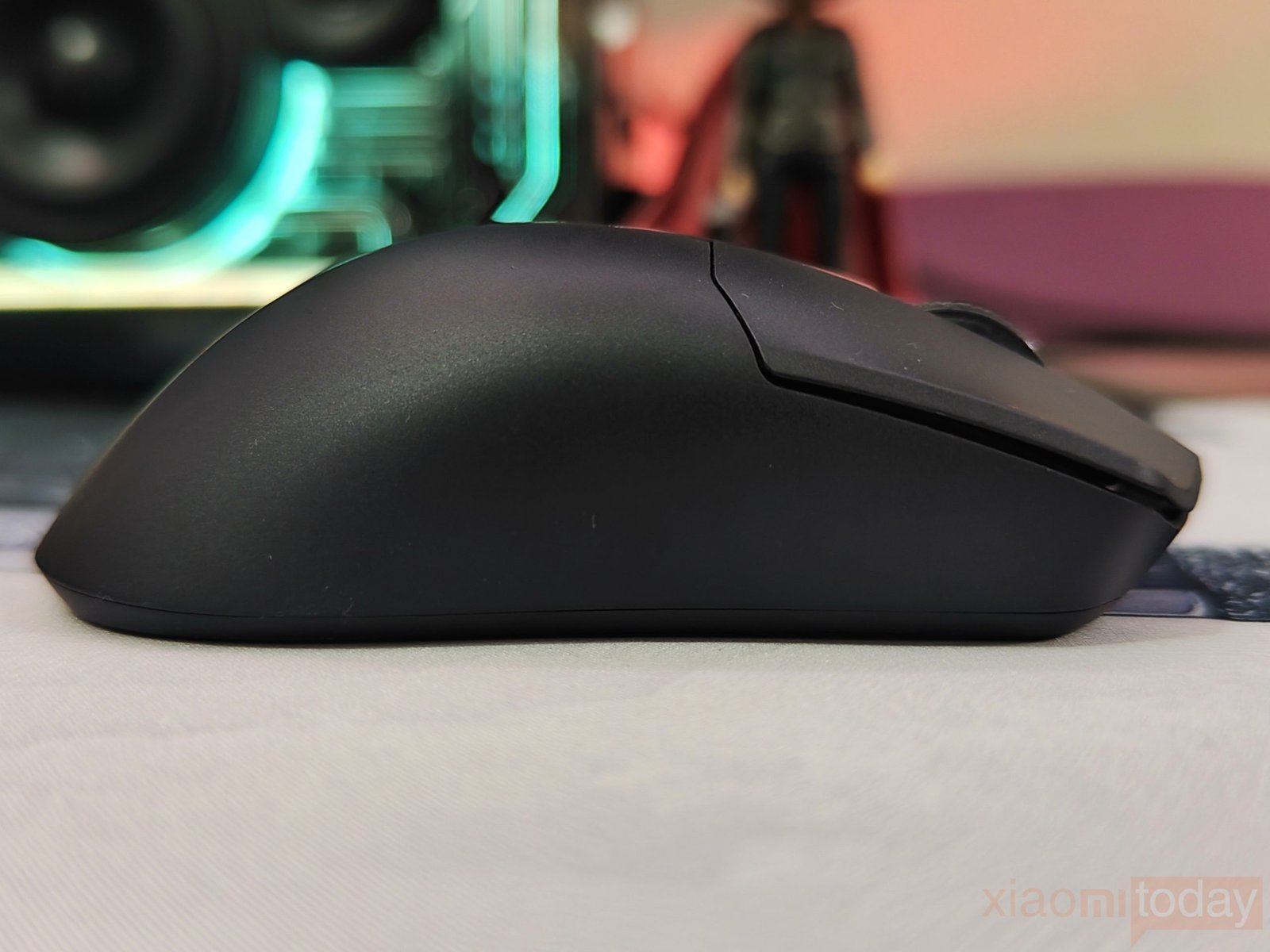
The Womier G59 has two programmable side buttons on the left side, positioned where the thumb can reach them without changing grip. Both buttons are slightly raised and have enough separation to make them easy to distinguish during use. The side panel curves gently inward around the thumb, while the right side remains clean and provides a stable resting area for the ring and little fingers. This layout keeps the G59 comfortable for everyday use while giving gamers two additional controls for in-game commands, shortcuts, or other functions.
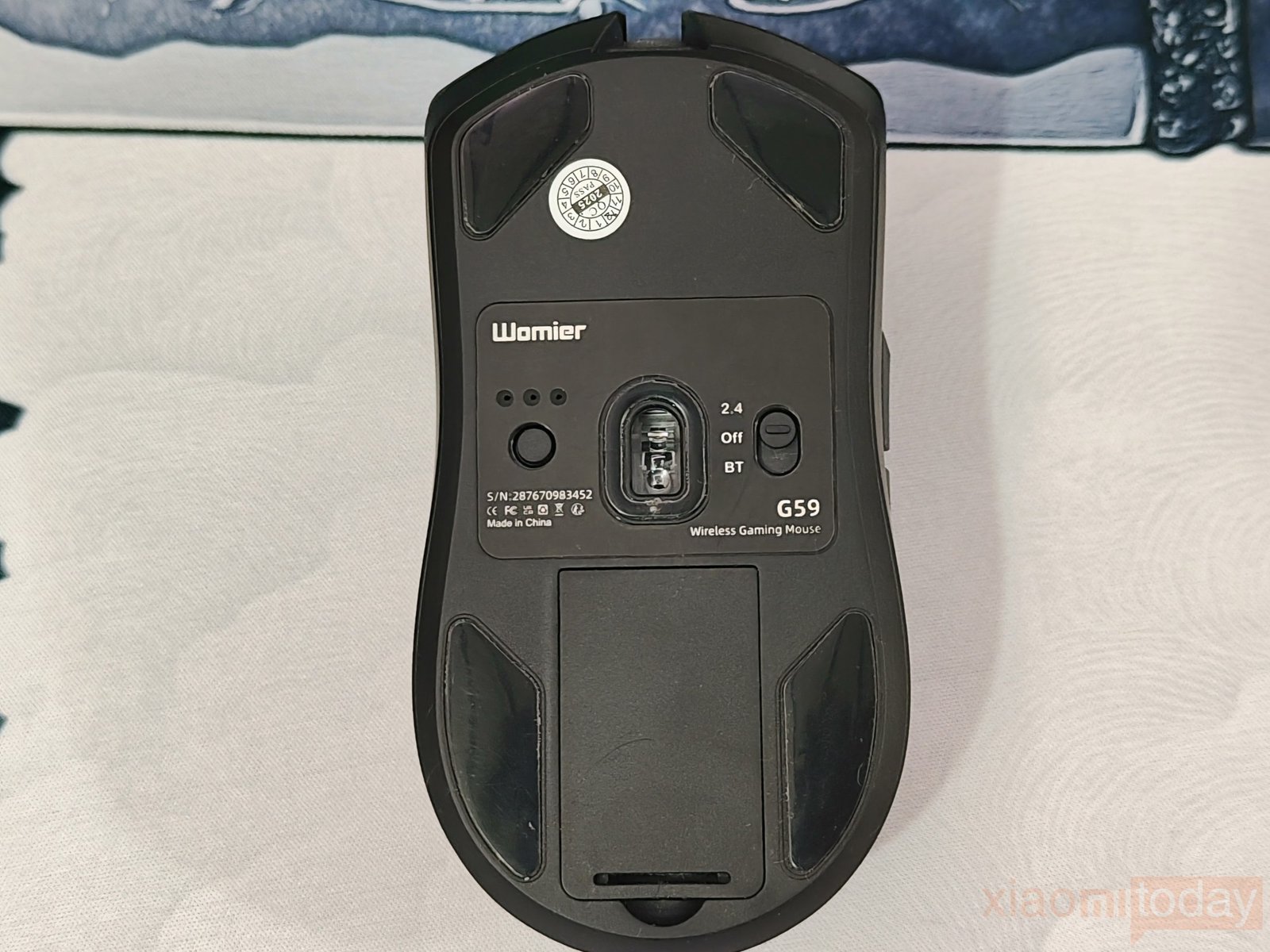
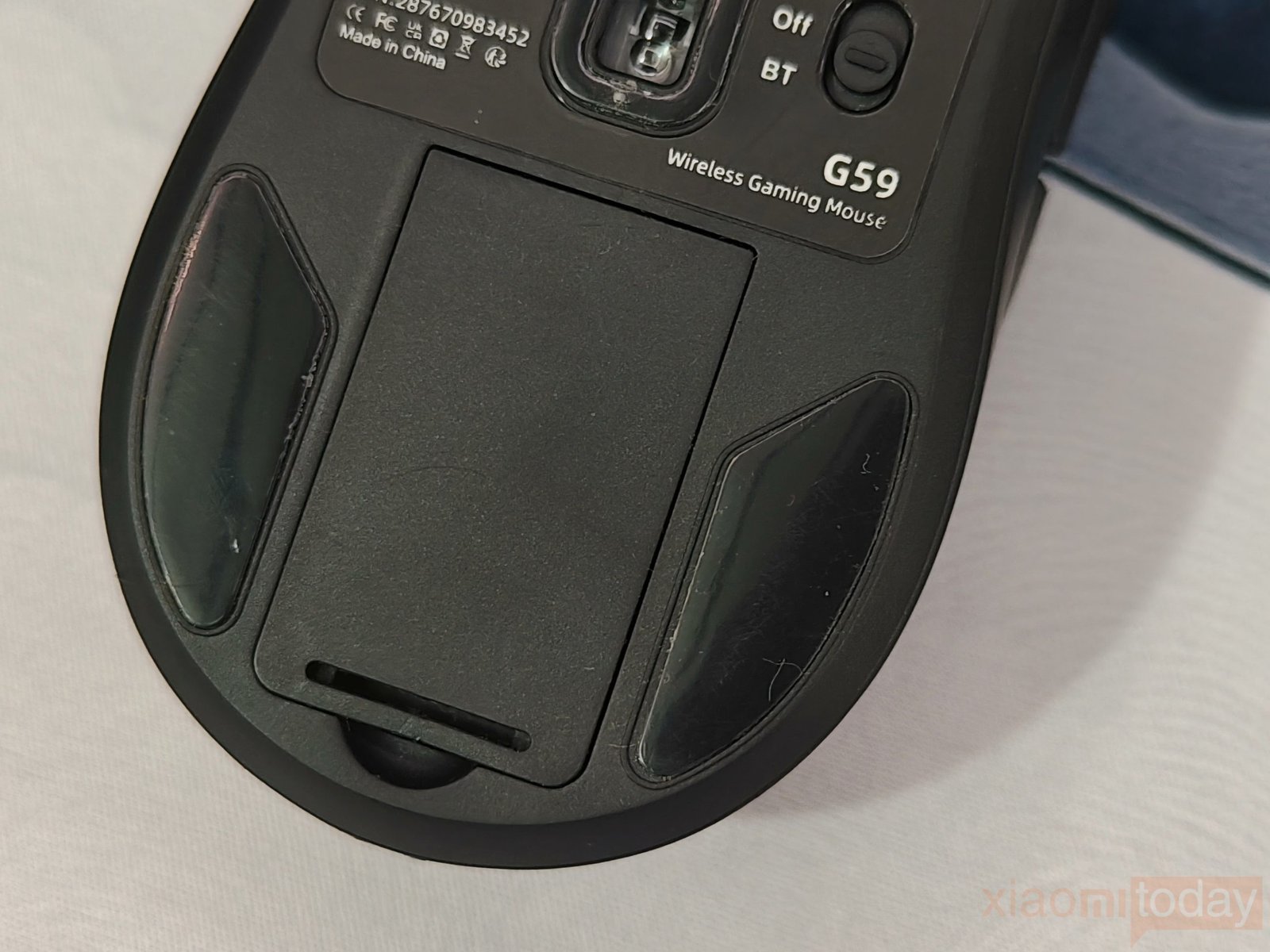
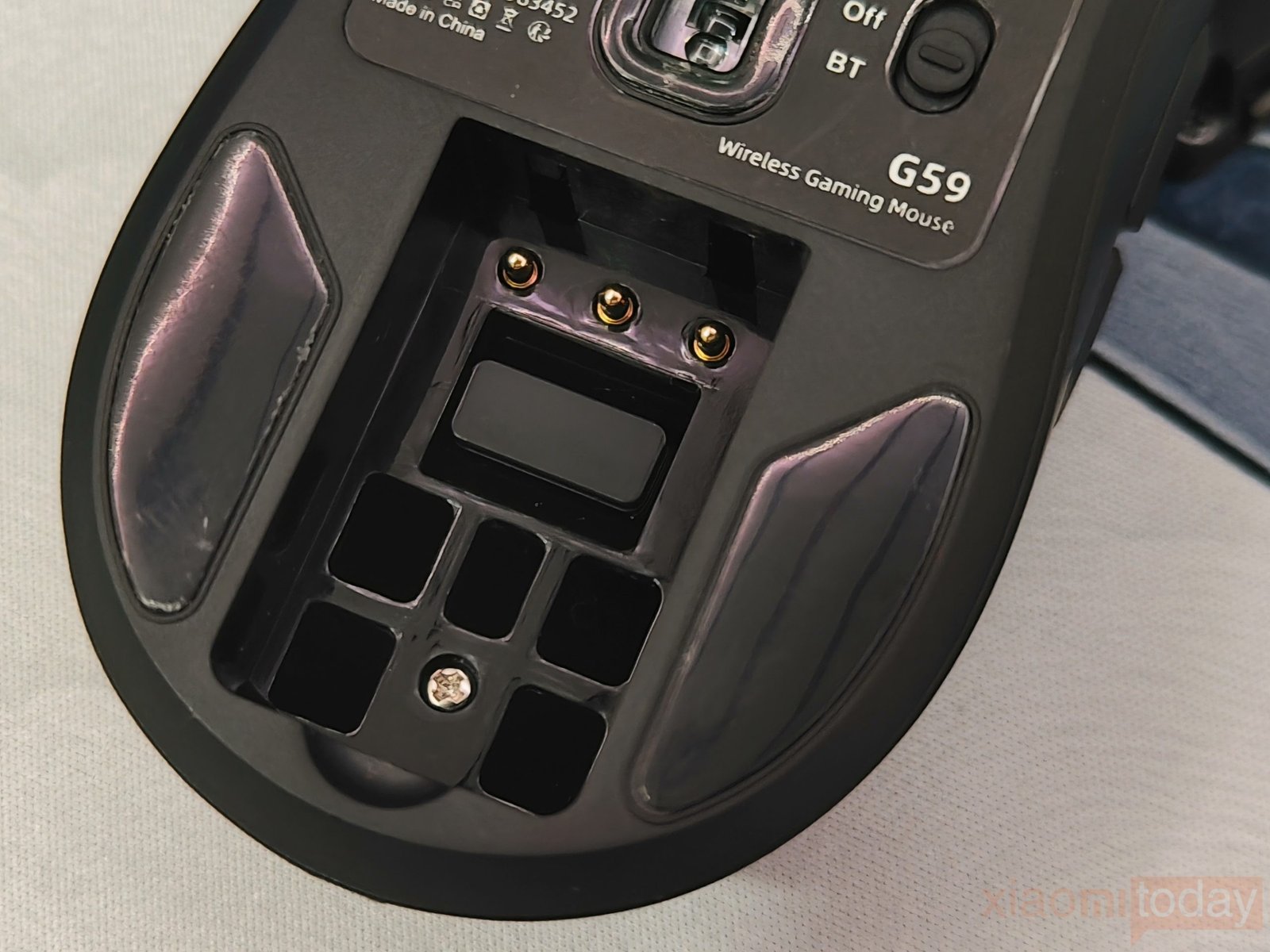
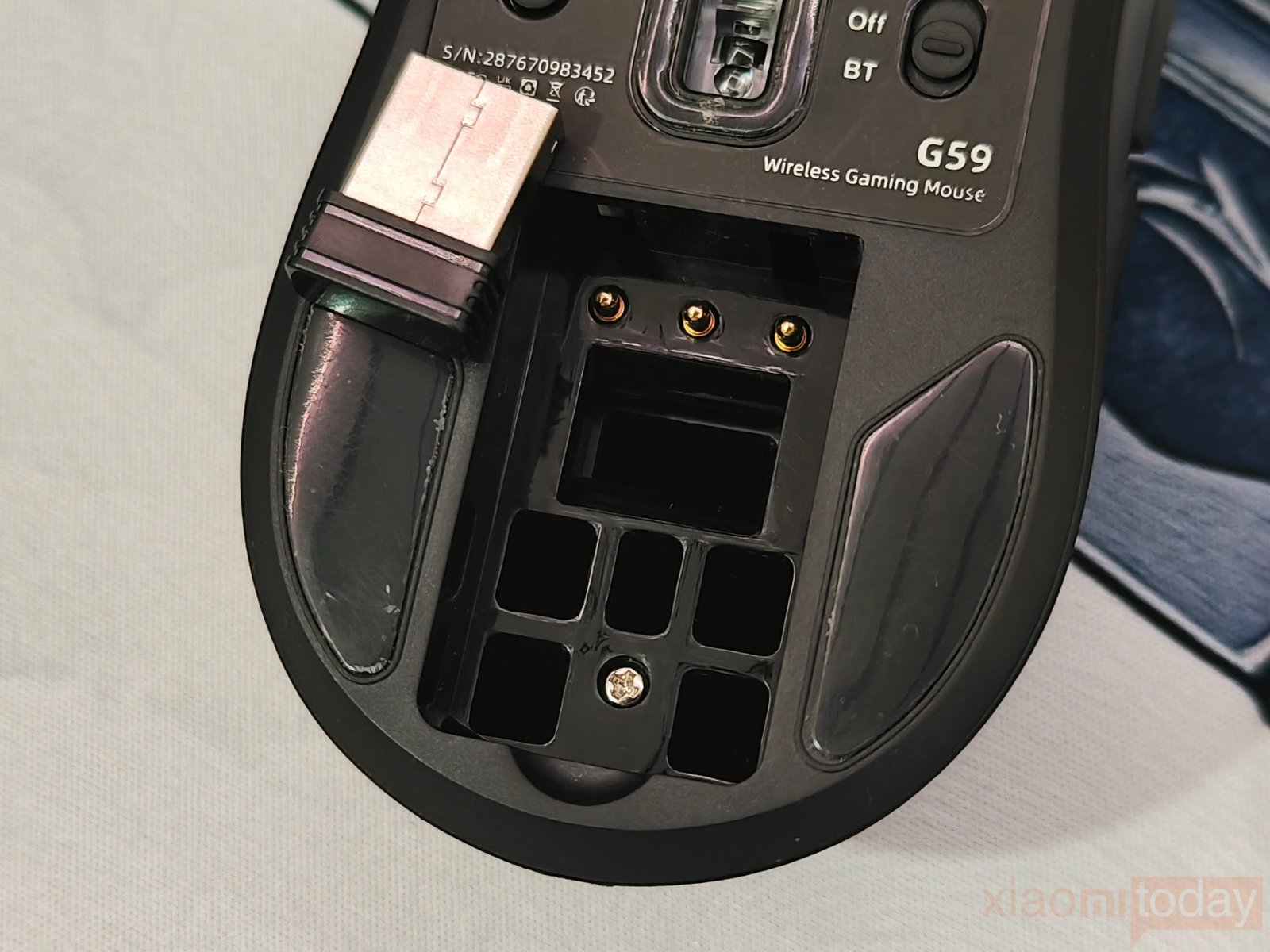
The bottom of the Womier G59 houses the sensor, glide feet, connection switch, and removable battery. The battery can be taken out and replaced when needed, which is useful for keeping a spare battery ready for longer gaming sessions. The 2.4GHz wireless dongle is also stored in the battery compartment, so it can be kept with the mouse when travelling or switching between setups. A dedicated switch lets you select 2.4GHz, Off, or Bluetooth, while the overall underside layout remains clean and easy to access.
Battery Design
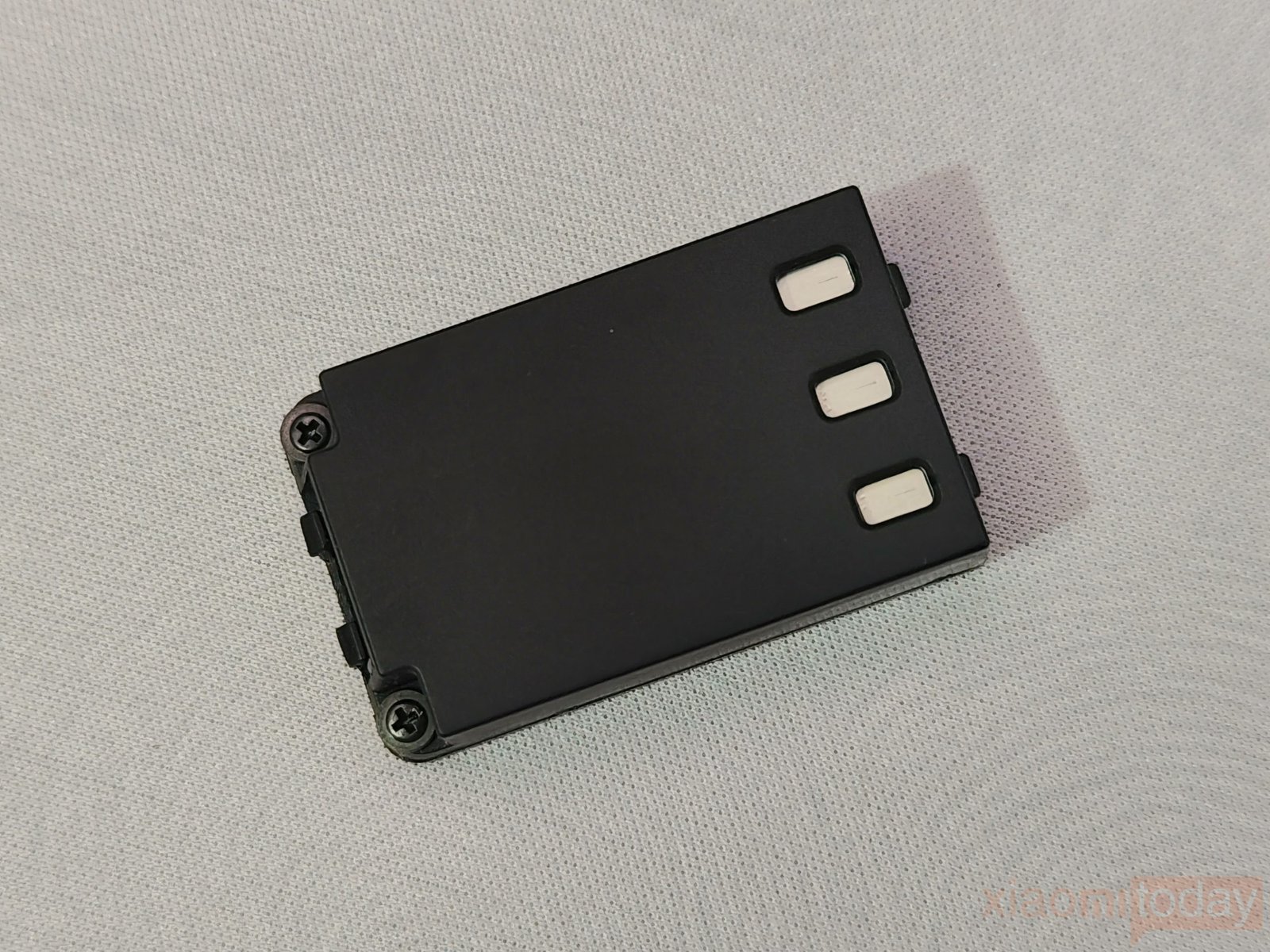
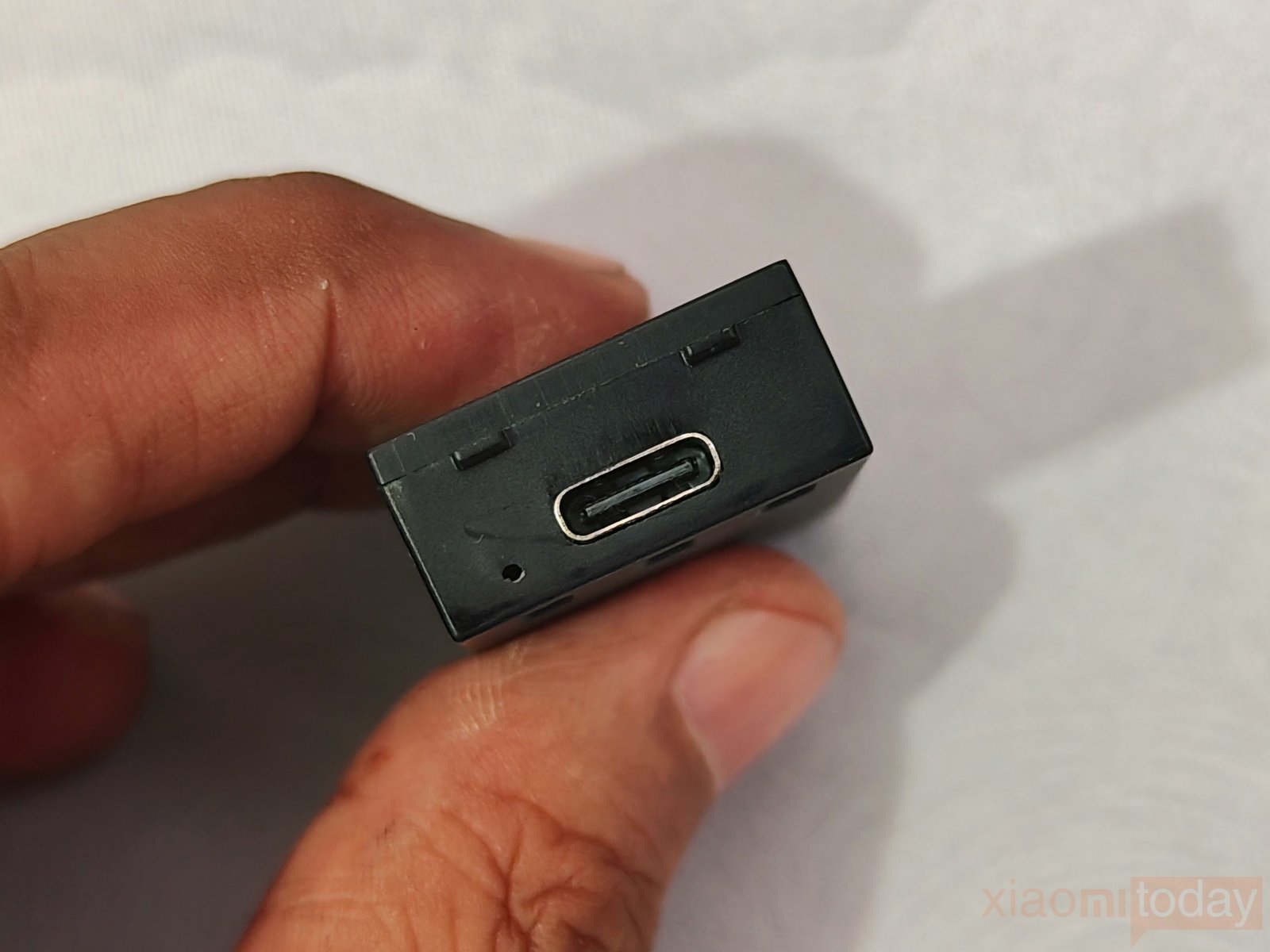
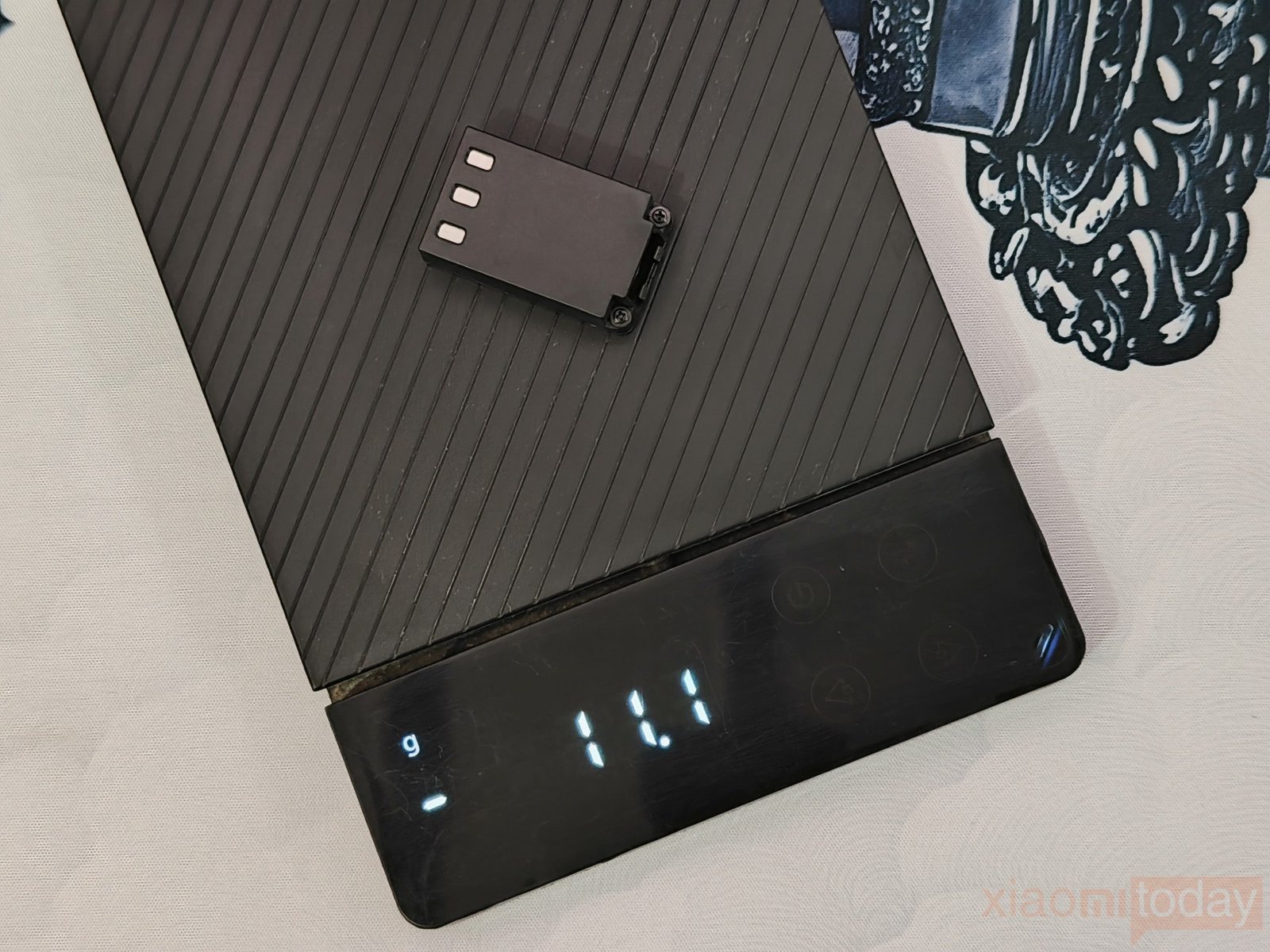
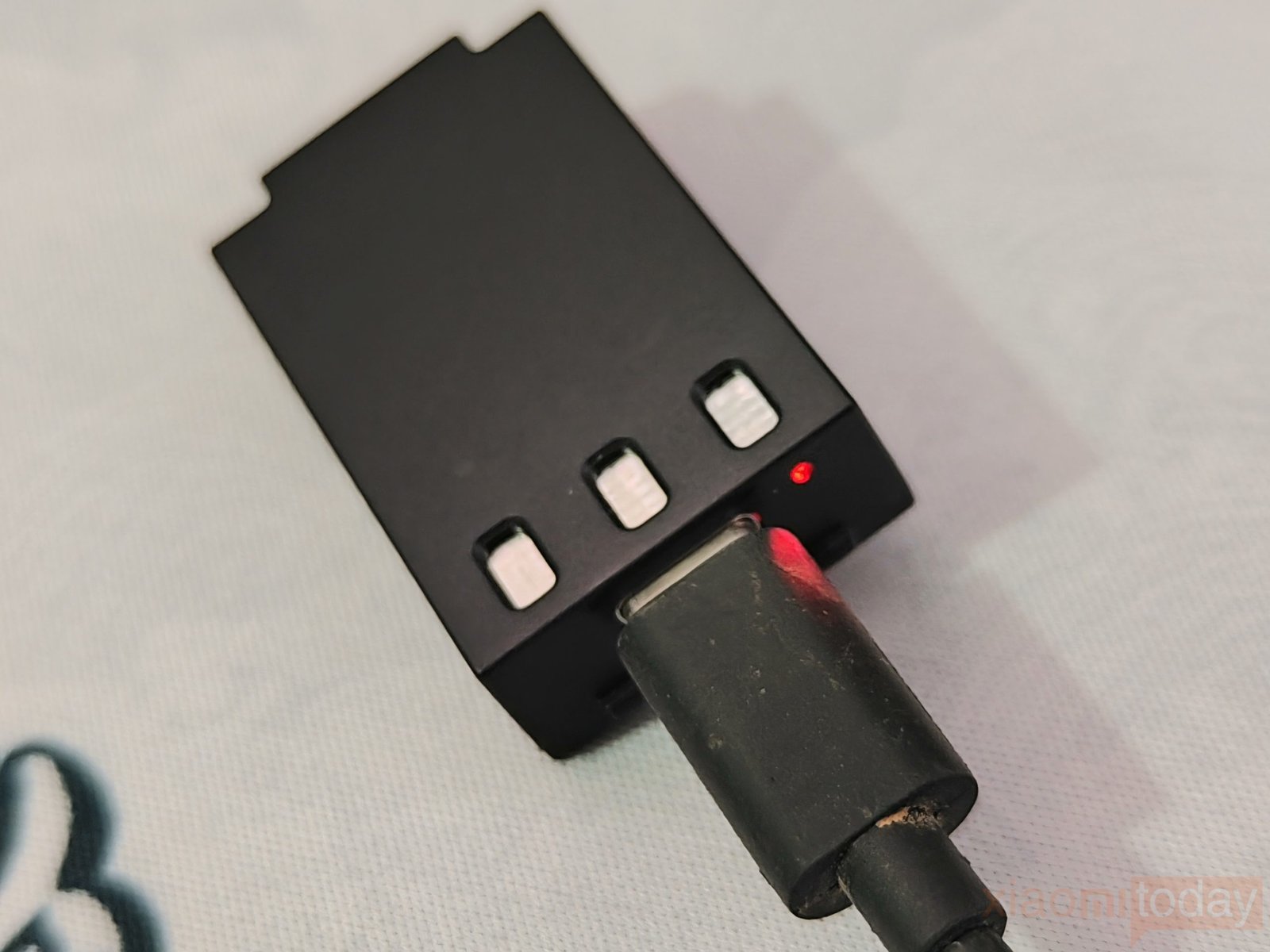
The Womier G59 uses a removable 300mAh battery that weighs around 11 grams. The battery has a compact housing with three metal contact points that connect to the mouse, while a USB Type-C port on the battery allows it to be charged separately. A small LED indicator next to the port shows the charging status. This setup lets you keep the spare battery charged while using the other one in the mouse, so you can swap batteries instead of stopping to charge the mouse.
Womier 8KHz Wireless Dongle
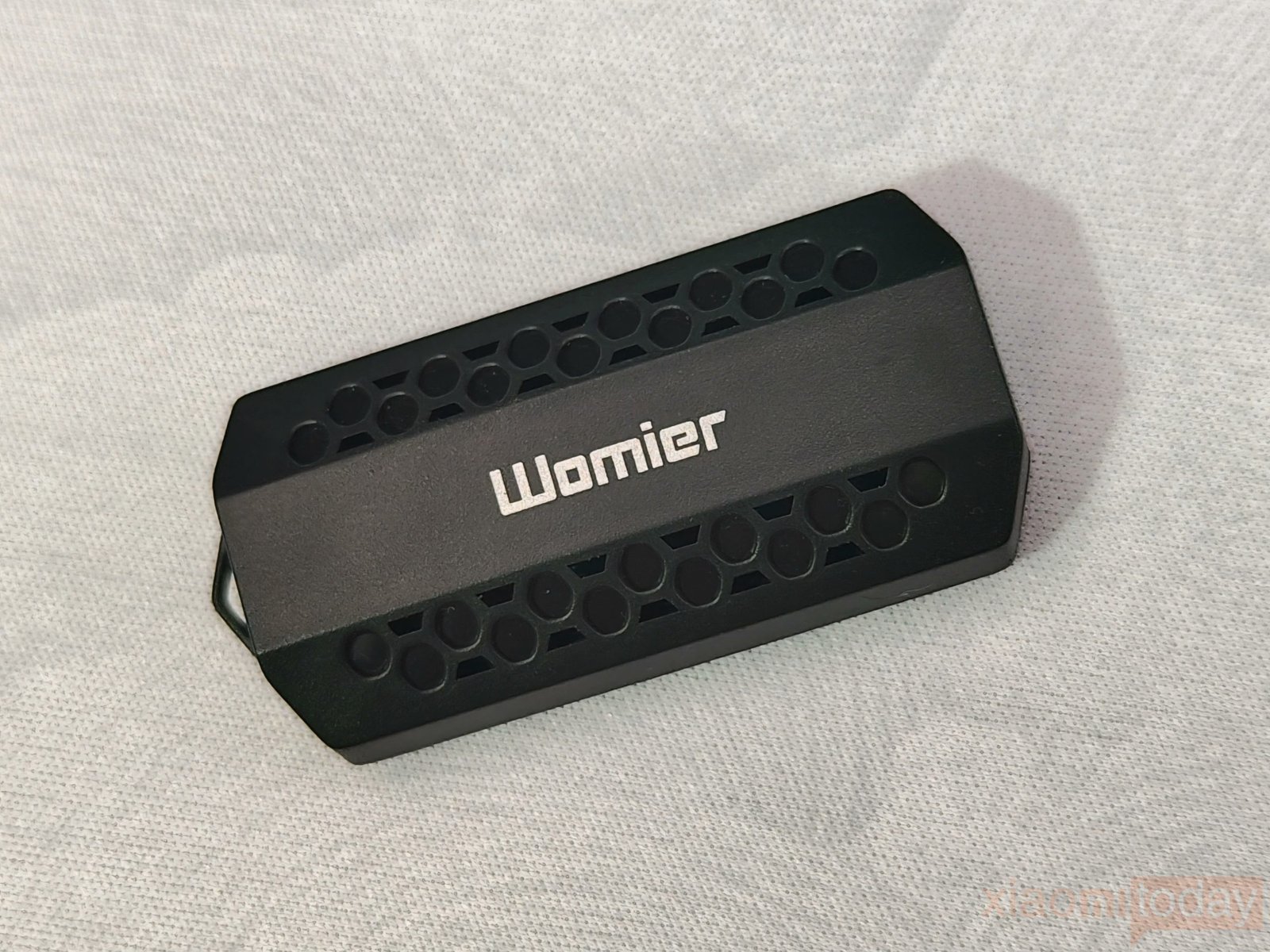
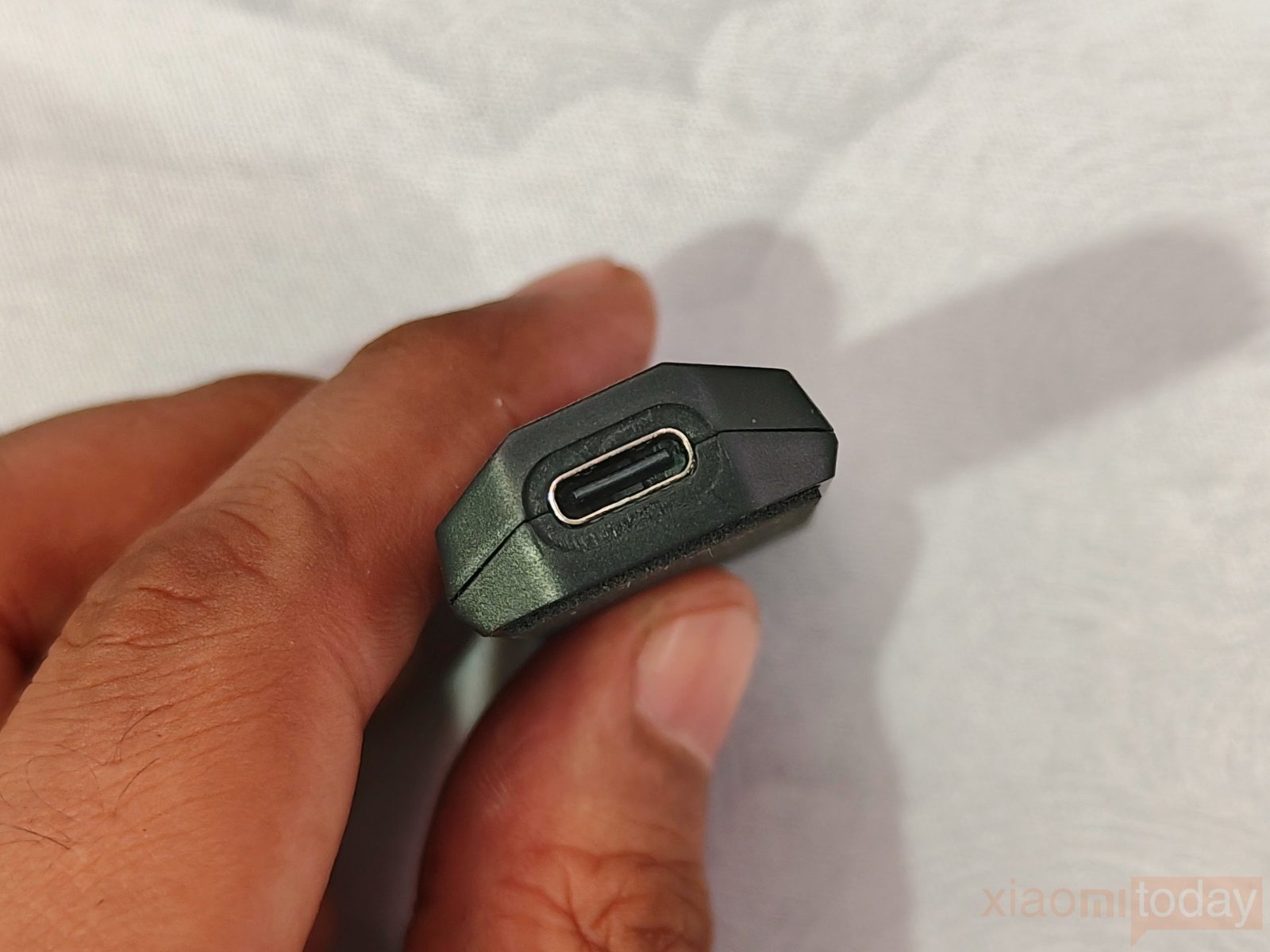
The Womier G59 comes with a dedicated 2.4GHz 8000Hz wireless dongle for high-speed wireless operation. The receiver has a compact rectangular design with the Womier logo on the top and a USB Type-C port on the side for connecting the included cable. Its small size makes it easy to place on the desk without taking up much space, while the solid plastic housing feels durable enough for regular use. It supports the G59’s 8000Hz polling rate over 2.4GHz, giving you the same maximum polling rate available in wired mode. There is no LED indicator on the dongle, which keeps the design simple.
Features and Performance
The Womier G59 is equipped with the PAW3950 gaming sensor, offering up to 30,000 DPI and 750 IPS tracking speed. It also supports an 8000Hz polling rate for both wired and 2.4GHz wireless connections. The high DPI range gives plenty of room for different sensitivity settings, while the PAW3950 keeps tracking accurate during quick movements. For normal desktop use and gaming, the sensor feels smooth and consistent without needing to run it at the maximum DPI setting.
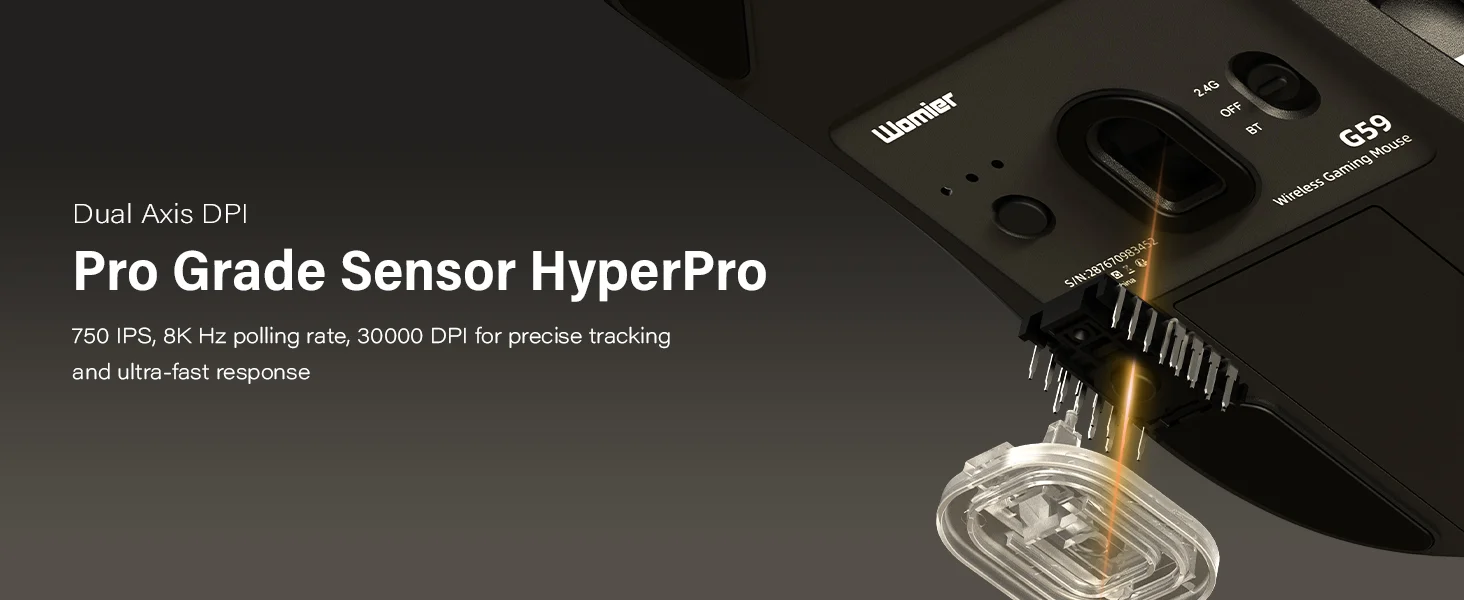
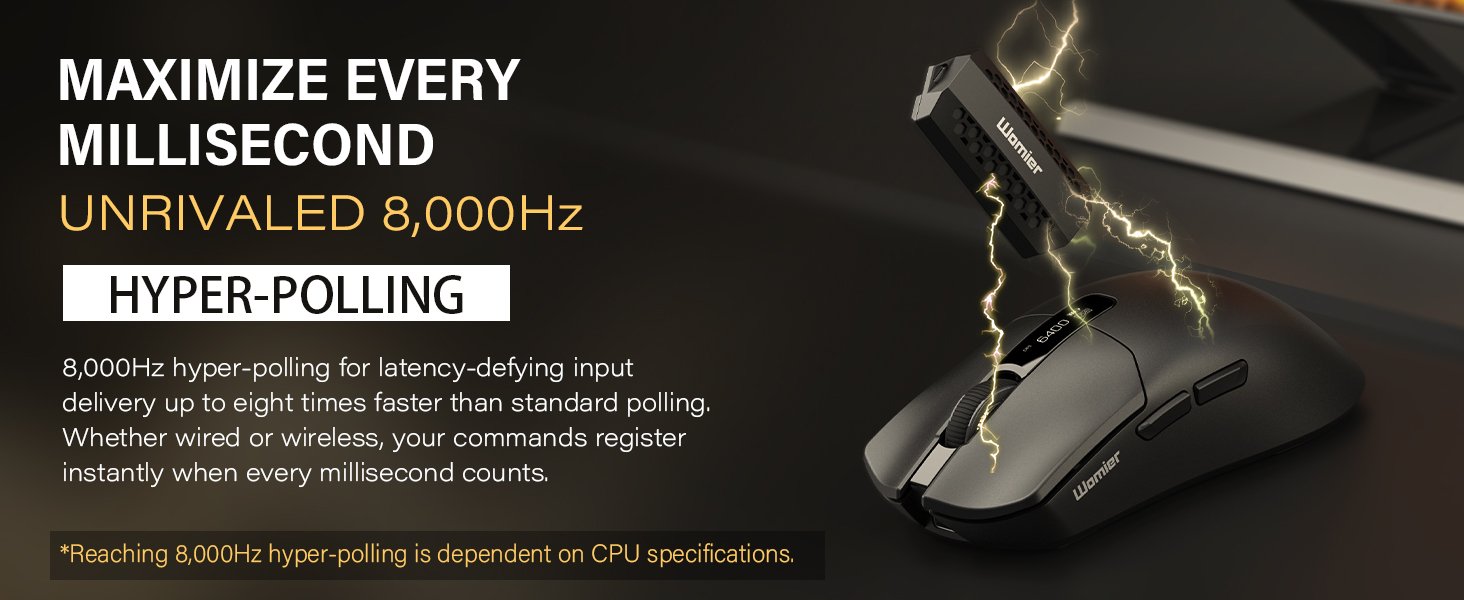
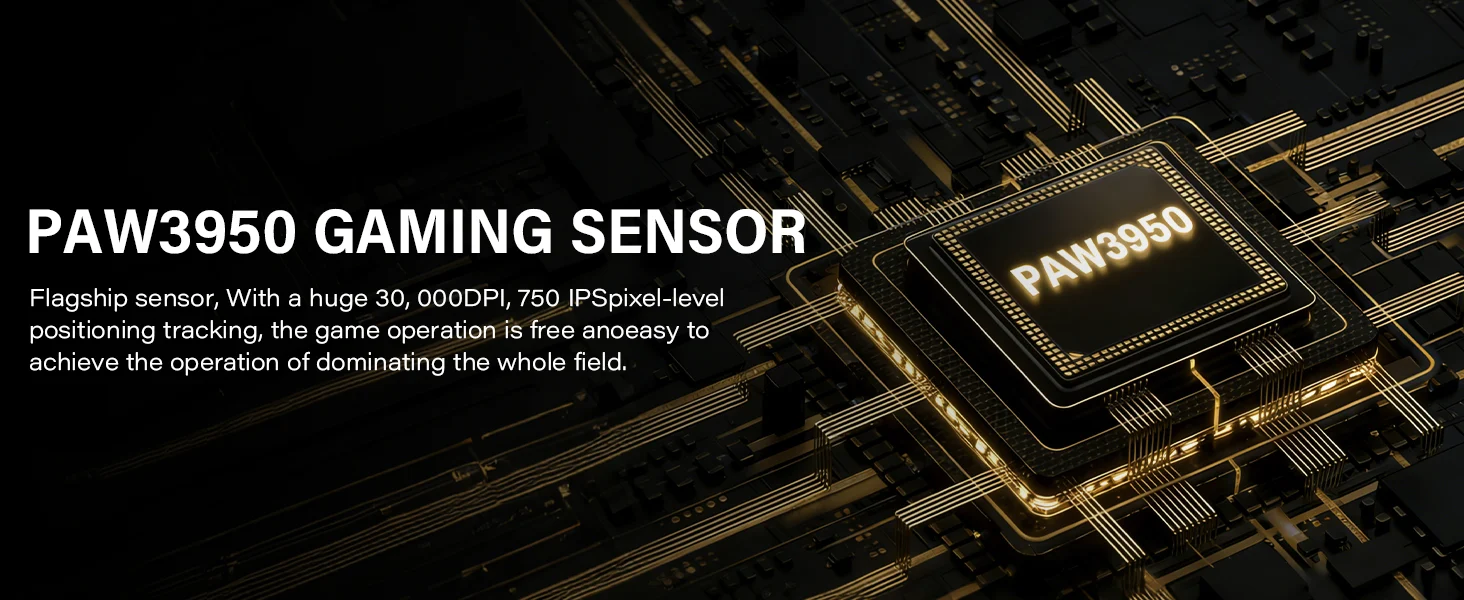
The 8000Hz polling rate allows the mouse to send position updates more frequently, which can make fast movements feel smoother, particularly when paired with a high-refresh-rate monitor. The G59 also features dual-axis DPI adjustment, giving users more control over sensitivity. With the PAW3950 sensor, 750 IPS tracking, and 8000Hz polling, the Womier G59 has the hardware needed for fast-paced games where quick mouse movement and precise tracking are important.
Connectivity
The Womier G59 supports tri-mode connectivity with 2.4GHz wireless, Bluetooth 5.0, and USB-C wired mode, so it can be used across a PC, laptop, or Mac without changing to a different mouse. The 2.4GHz connection is the preferred option for gaming, while Bluetooth is more suitable for everyday use. USB-C wired mode provides a direct connection and also charges the mouse at the same time.
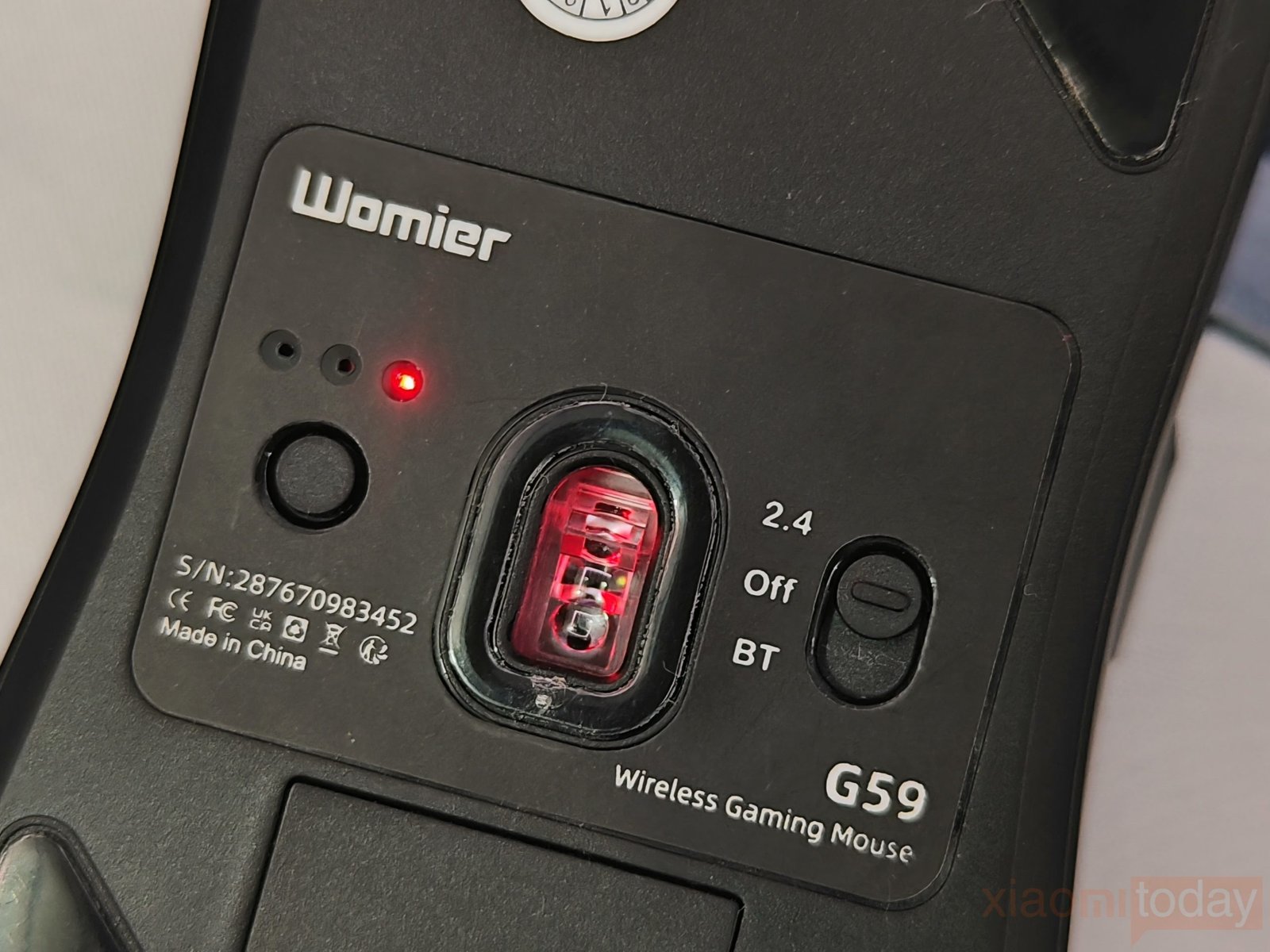
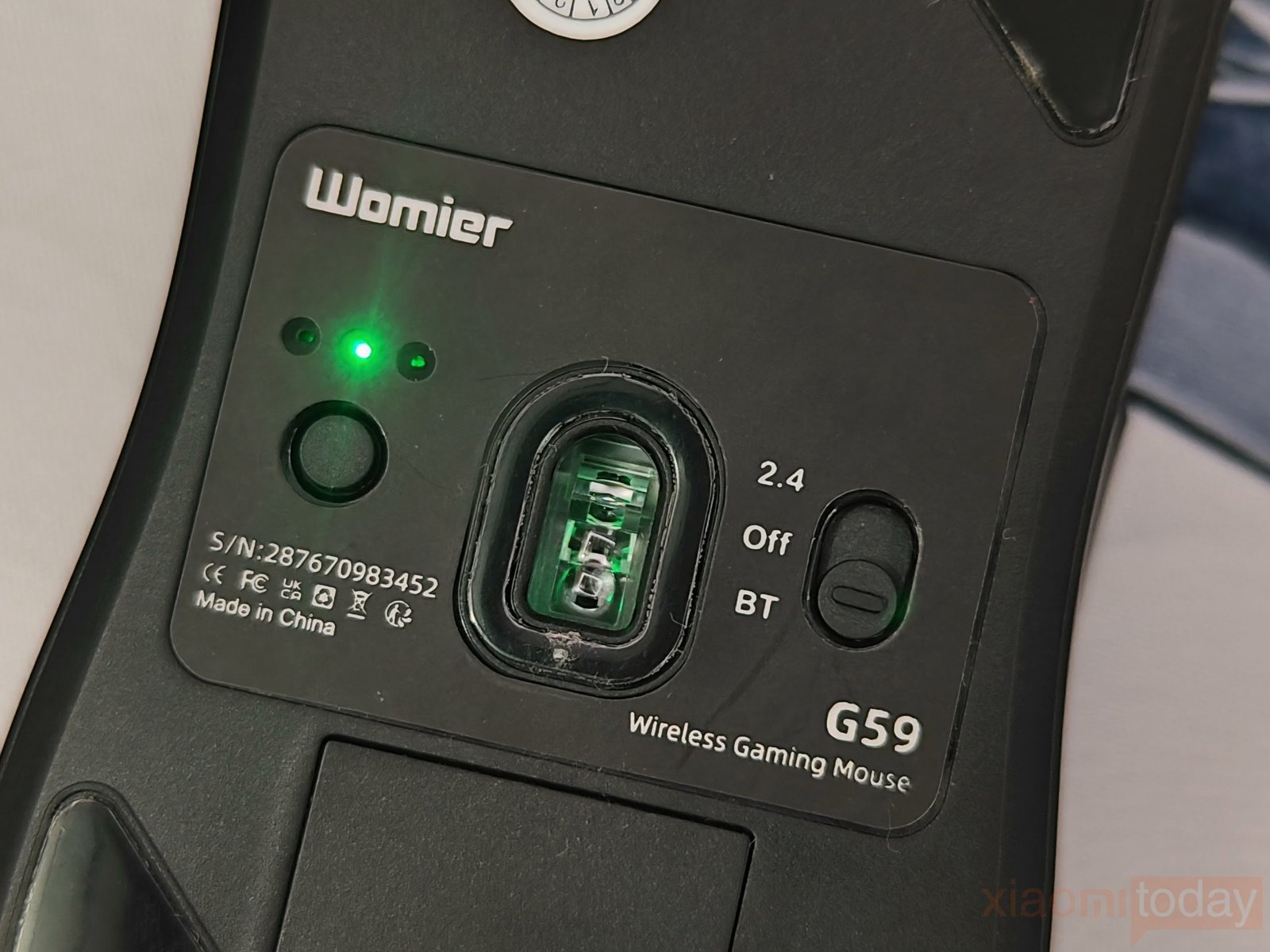
The mouse supports polling rates of 125Hz, 250Hz, 500Hz, 1000Hz, 2000Hz, 4000Hz, and 8000Hz in wired mode, while 2.4GHz wireless also supports up to 8000Hz. Bluetooth is limited to 125Hz and 250Hz. The polling rate can be adjusted through the software, allowing users to choose a setting based on their system and usage. The 8000Hz option is useful for fast-paced gaming and high-refresh-rate displays, although it also requires suitable PC hardware to make full use of it.
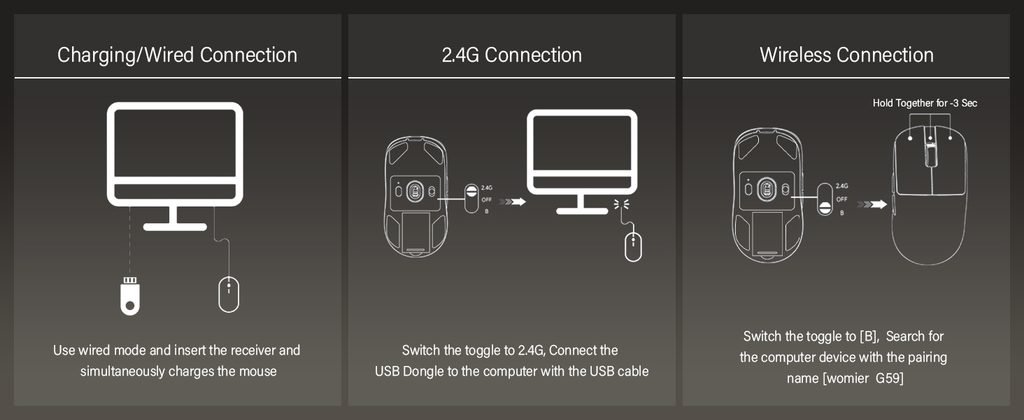
Switching between the three modes is handled using the selector on the bottom of the Womier G59. For 2.4GHz, set the switch to 2.4G and connect the USB dongle to the computer using the supplied USB cable. For Bluetooth, move the switch to the B position, hold both required buttons for around three seconds, and select “Womier G59” from the Bluetooth device list. In wired mode, connect the USB-C cable directly to the mouse, and it can be used while charging.
WOMIER G59 Driver
The WOMIER G59 Driver provides the settings needed to configure the mouse without making things complicated. The Key Assignment section lets you change the functions of the left, right, middle, forward, and backward buttons, while the DPI Setting offers six levels from 400 to 30,000 DPI. The software also lets you adjust the polling rate, with options ranging from 125Hz to 8000Hz, and includes a Macro Editor for creating custom commands. On the left side, you can check the mouse battery level and set the power-down time to help manage battery use.
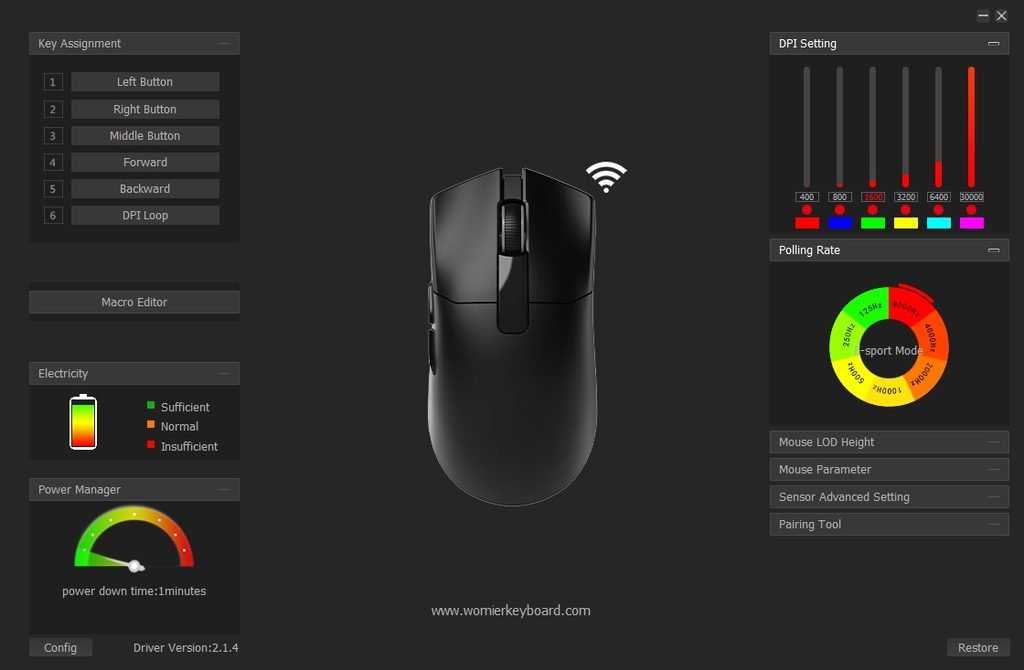
There are also controls for Mouse LOD Height, Mouse Parameter, Sensor Advanced Setting, and Pairing Tool. The sensor settings provide additional control over tracking behavior, while the pairing tool can be used to configure the wireless connection. The interface keeps these options in separate sections, making it easy to find the settings you need. For everyday use, the WOMIER G59 Driver covers the main functions expected from a gaming mouse, including button remapping, DPI adjustment, polling rate selection, macros, battery monitoring, and sensor configuration.
Battery and Charging
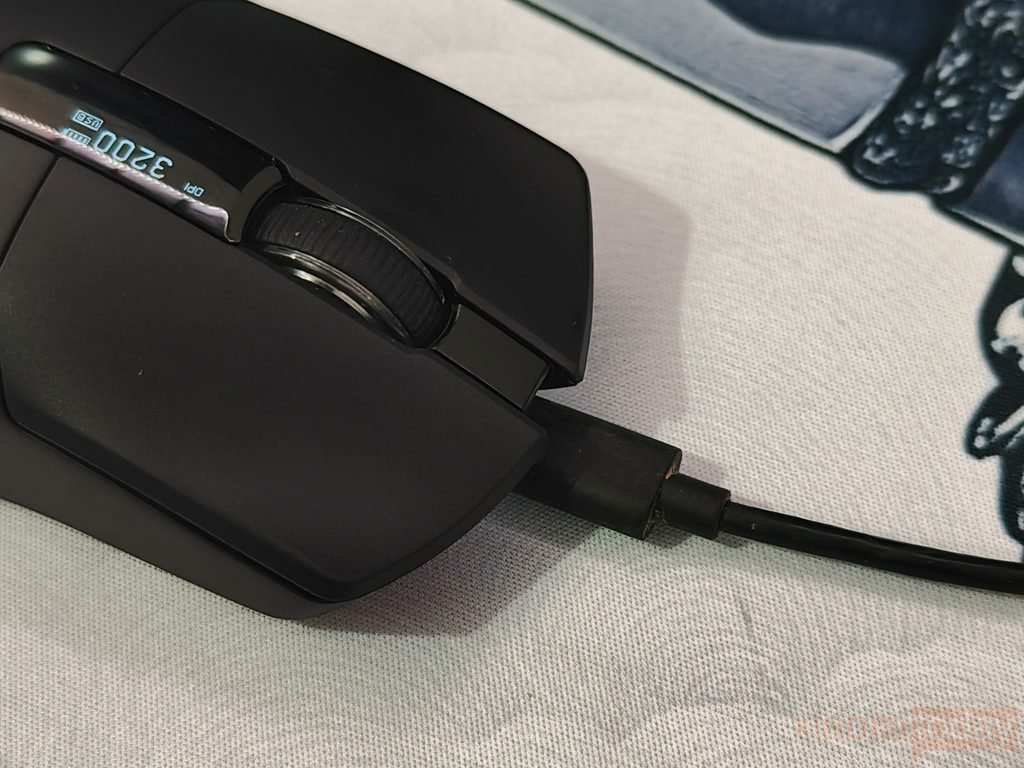
The Womier G59 uses a hot-swappable battery system with two removable 300mAh batteries, so you can replace a low battery with a fully charged one instead of stopping to charge the mouse. During my testing, one battery provided around three to five days of use, even with the polling rate set to 8000Hz. Actual battery life will depend on the polling rate, connection mode, and daily usage, but having a spare battery makes the G59 more practical for long gaming sessions and regular desktop use.
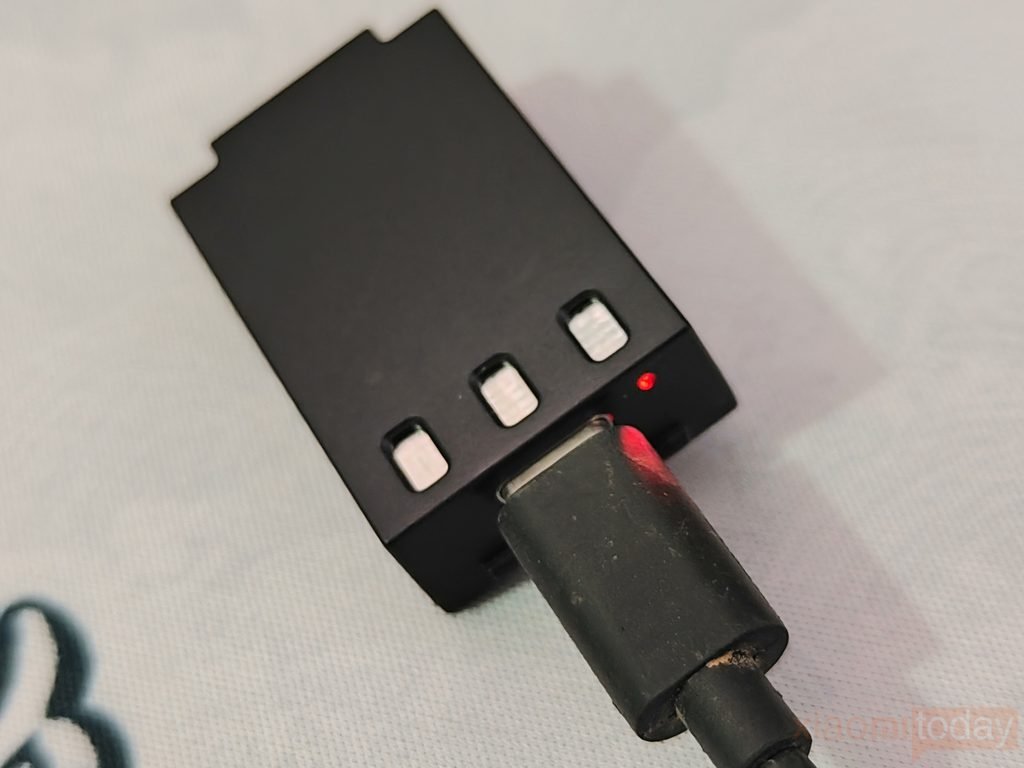
The batteries are charged through the mouse’s USB-C port, and a fully depleted battery takes around two hours to charge completely. When the cable is connected, the G59 enters charging mode and the battery icon on the screen scrolls to indicate that charging is in progress. Since the battery is removable, you can also keep the spare battery charged and swap it in when needed, avoiding the usual downtime associated with a built-in battery.
The Womier G59 also manages power differently depending on the connection mode. In 2.4GHz mode, it enters deep sleep after one minute of inactivity and wakes when you move the mouse or press a button. Bluetooth mode enters deep sleep after 15 minutes, while wired mode does not use sleep mode. The battery indicator also warns when the voltage gets low, flashing below 3.3V, while the mouse powers off and enters deep sleep when the voltage drops below 3.0V.
Use Experience – Daily Work and Gaming
The Womier G59 is comfortable to use throughout a normal workday. At 68g, it moves easily across the mouse pad and does not feel tiring during long periods of browsing, writing, editing, or switching between applications. The rounded body gives the palm enough support, while the main buttons have a crisp and consistent click. The scroll wheel is also well suited to everyday tasks, with defined steps that make scrolling through websites and long documents easier to control. The shape feels natural after a short adjustment period and works well for users who prefer a lighter gaming mouse.
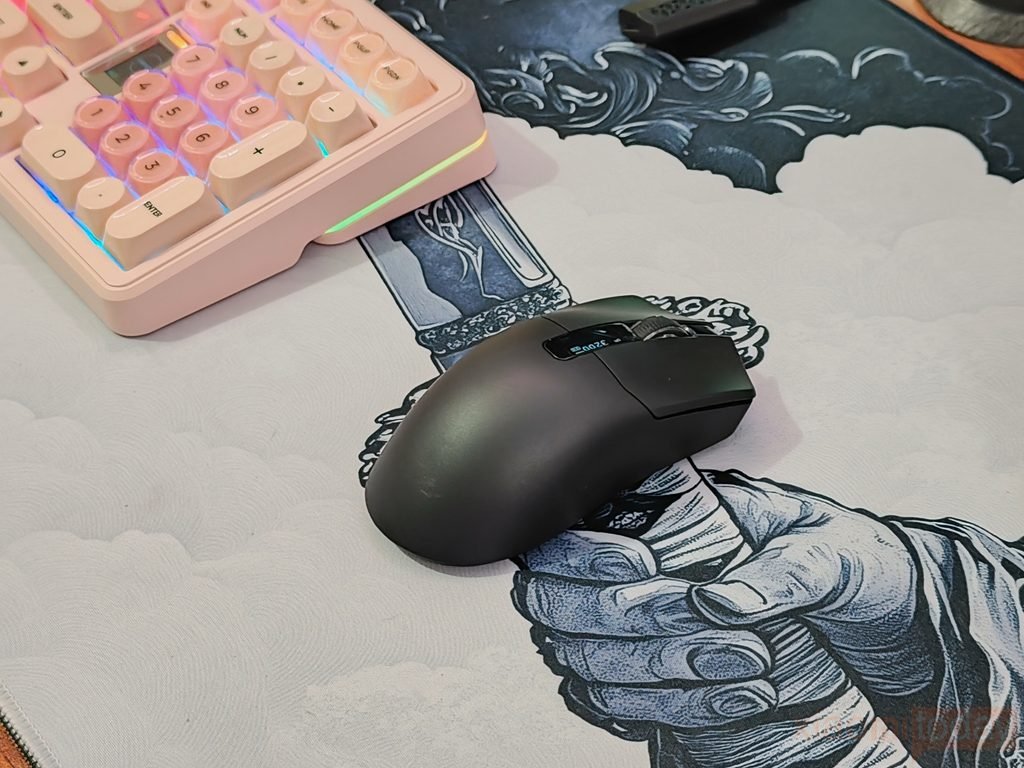
In competitive gaming, the Womier G59 feels quick and easy to control. In first-person shooters, flick shots, tracking, and small aim corrections can be handled without much effort. The lightweight body is helpful when making wider movements at lower sensitivity, while the stable shape keeps the mouse under control during faster changes in direction. The main buttons respond cleanly to repeated clicks, and the side buttons are positioned within easy thumb reach for actions such as melee attacks, push-to-talk, abilities, or weapon switching. During longer matches, the mouse remains comfortable without requiring frequent grip adjustments.
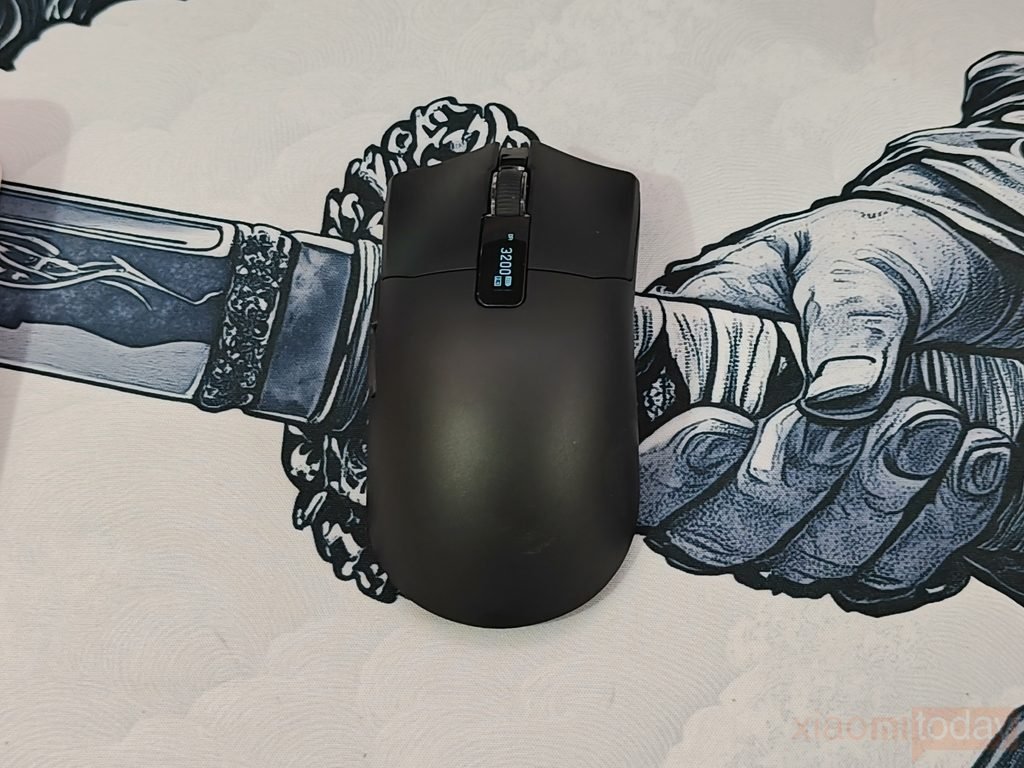
For games that demand precise movement, the G59 provides a good balance between speed and control. In tactical shooters such as Counter-Strike-style games, small crosshair adjustments feel predictable, while faster arena-style games benefit from the lighter movement. Tracking moving targets also feels consistent, and the mouse can be lifted and repositioned quickly when playing at lower sensitivity. The smooth glide helps during repeated movements across a larger mouse pad, which is useful when aiming with the arm rather than relying only on the wrist.
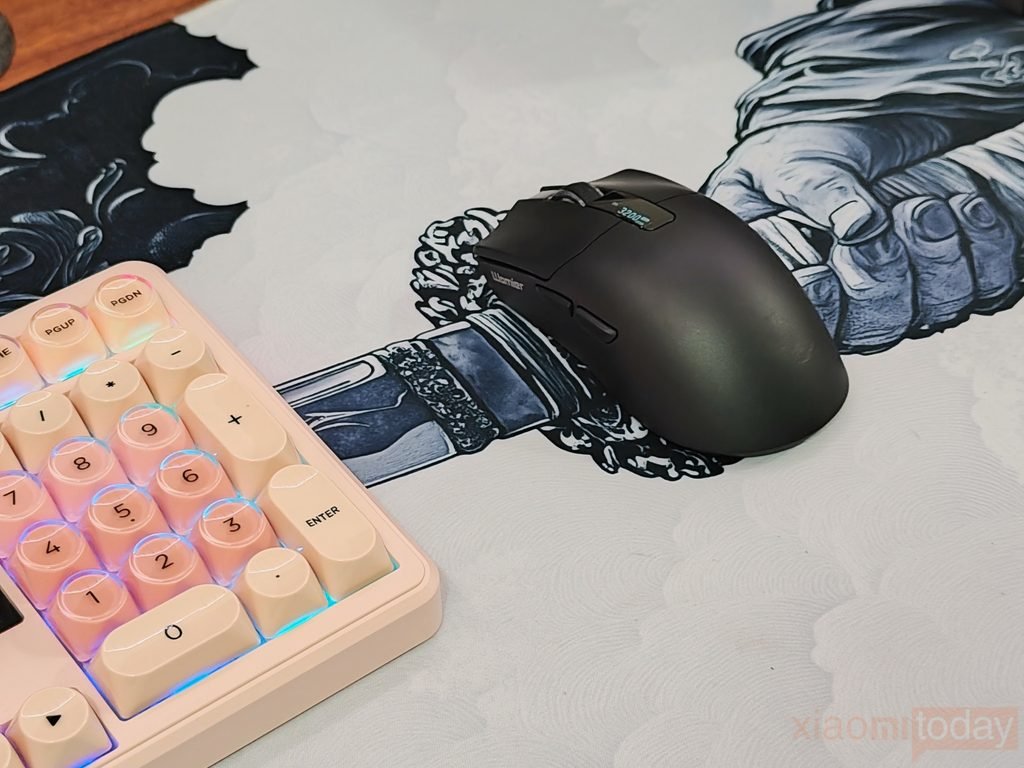
The G59 also works well when moving between gaming and regular desktop use. The OLED display makes it easy to check the current setting and battery status without opening the software, while the different grip options make the mouse comfortable for both relaxed and more active use. Battery performance was also good during testing, with one 300mAh battery lasting around three to five days at 8000Hz depending on usage. When the battery runs low, the charged spare can be installed instead of leaving the mouse connected to a cable. This makes the Womier G59 convenient for users who spend long hours working and gaming on the same PC.