Modern laptops continue to reduce the number of built-in ports, pushing users toward external hubs and docking solutions. The USB-C Laptop Docking Station Stand (9-in-1) combines both into a single device, aiming to improve workspace efficiency while reducing cable clutter. By integrating dual 4K HDMI output with an adjustable aluminum stand, the product targets users who want a cleaner desk setup without adding multiple accessories.
The dock includes two HDMI outputs supporting up to 4K at 60Hz, alongside USB 3.0 ports, USB-C data connectivity, SD and microSD card readers, and 100W Power Delivery passthrough. It connects through a single USB-C cable, expanding connectivity for modern MacBook, Windows, and other USB-C laptops that support DisplayPort Alt Mode and Power Delivery. Windows systems with DP 1.4 support can extend content across two external displays using MST, while macOS devices remain limited to mirrored output due to system-level restrictions.
Alongside port expansion, the built-in stand provides nine adjustable height levels, allowing users to position their laptop at a more comfortable viewing angle. The aluminum construction adds rigidity while maintaining a lightweight, foldable form factor designed for mobile setups. The open structure also helps improve airflow compared to placing a laptop flat on a desk.
In this hands-on review, we examine build quality, display performance, port functionality, and day-to-day usability to see whether this 9-in-1 docking station stand offers practical benefits for both office and mobile workflows.
Specifications
| Feature | Specification |
|---|---|
| Type | USB-C Laptop Docking Station Stand (9-in-1) |
| Video Output | 2 × HDMI |
| Max Resolution | Up to 4K @ 60Hz |
| USB Ports | 2 × USB 3.0 (5Gbps), 1 × USB-C (5Gbps) |
| Power Delivery | USB-C PD up to 100W |
| Card Slots | SD + microSD (TF) |
| Display Support | Dual Extended (Windows DP1.4 MST) / Mirror (macOS) |
| Compatibility | macOS, Windows, Linux, ChromeOS |
| Laptop Size | 10–17 inches |
| Stand Adjustment | 9 height levels |
| Material | Aluminum alloy |
| Weight | ~0.7 lbs |
| Design | Foldable, portable |
Unboxing
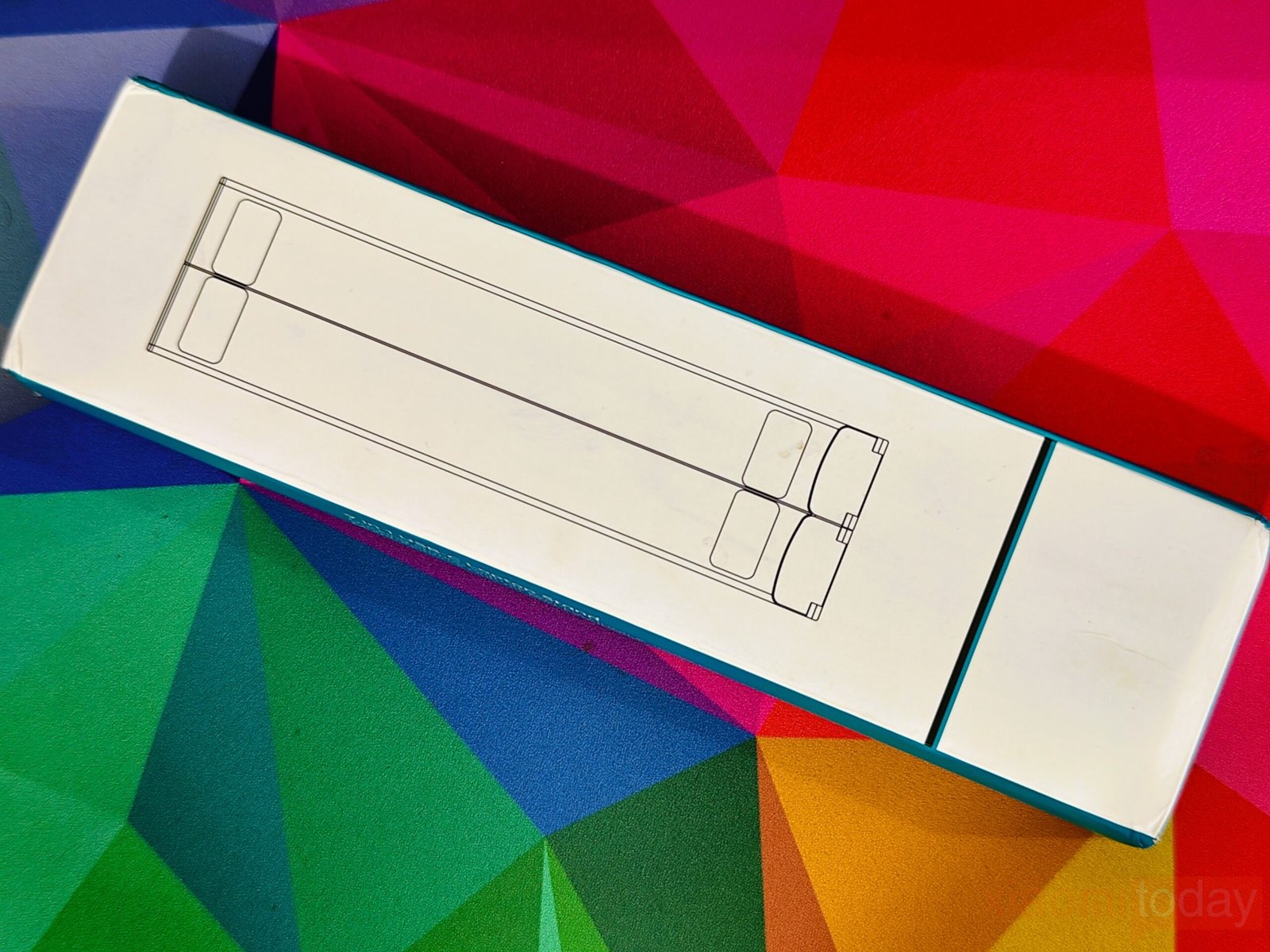
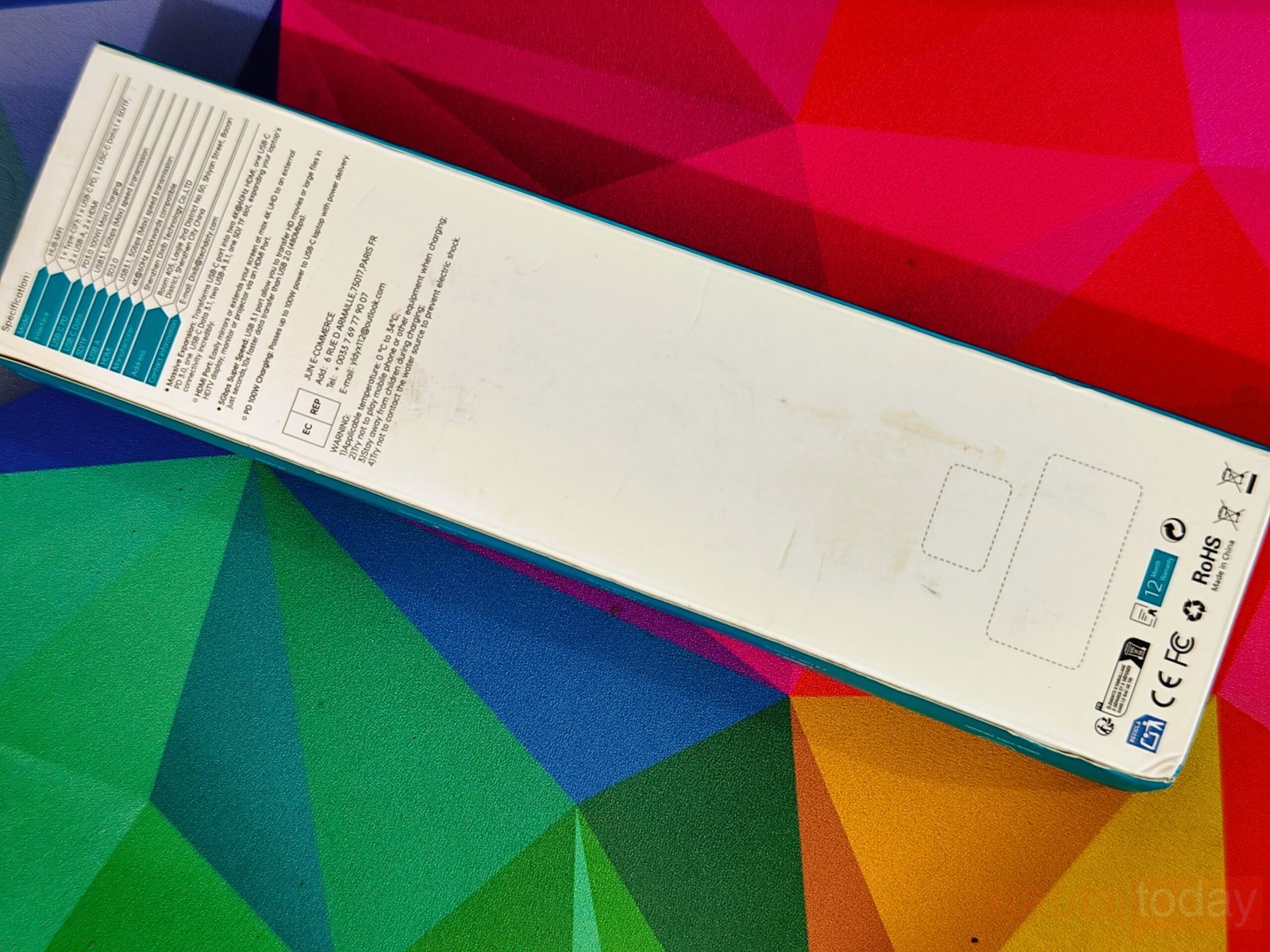
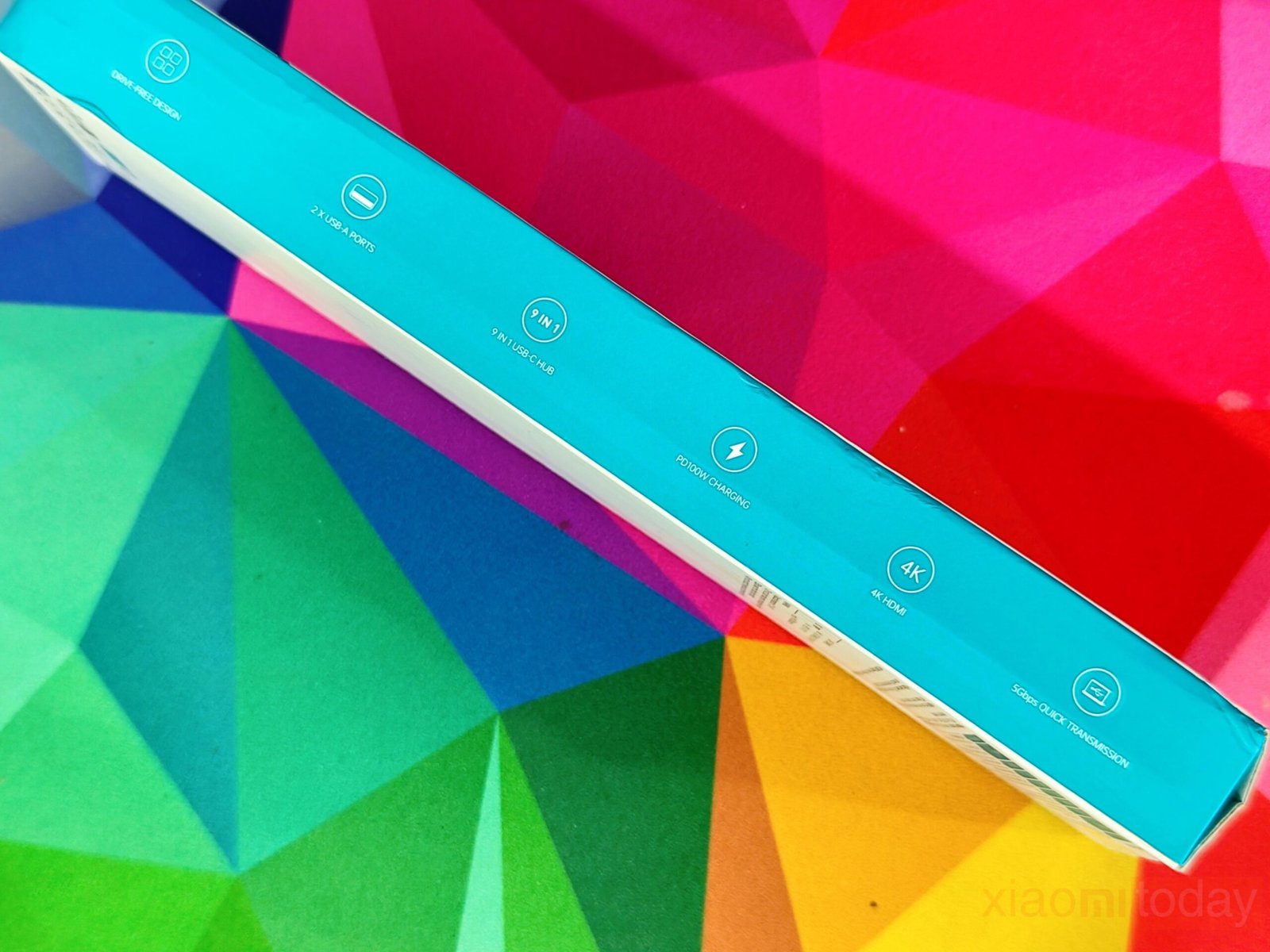

The USB-C Laptop Docking Station Stand (9-in-1) comes in simple, compact packaging that reflects its functional design. The front of the box shows a clear outline of the dual-panel stand, giving a quick visual of the product, while the back lists the HUB-M91 model, port layout, and main specifications, including 4K@60Hz HDMI output, USB 3.1 speeds, and up to 100W Power Delivery. The sides use icon-based graphics to highlight features like high-speed data transfer, PD charging, and 4K video support, and one edge clearly identifies the product as a multifunctional docking station.
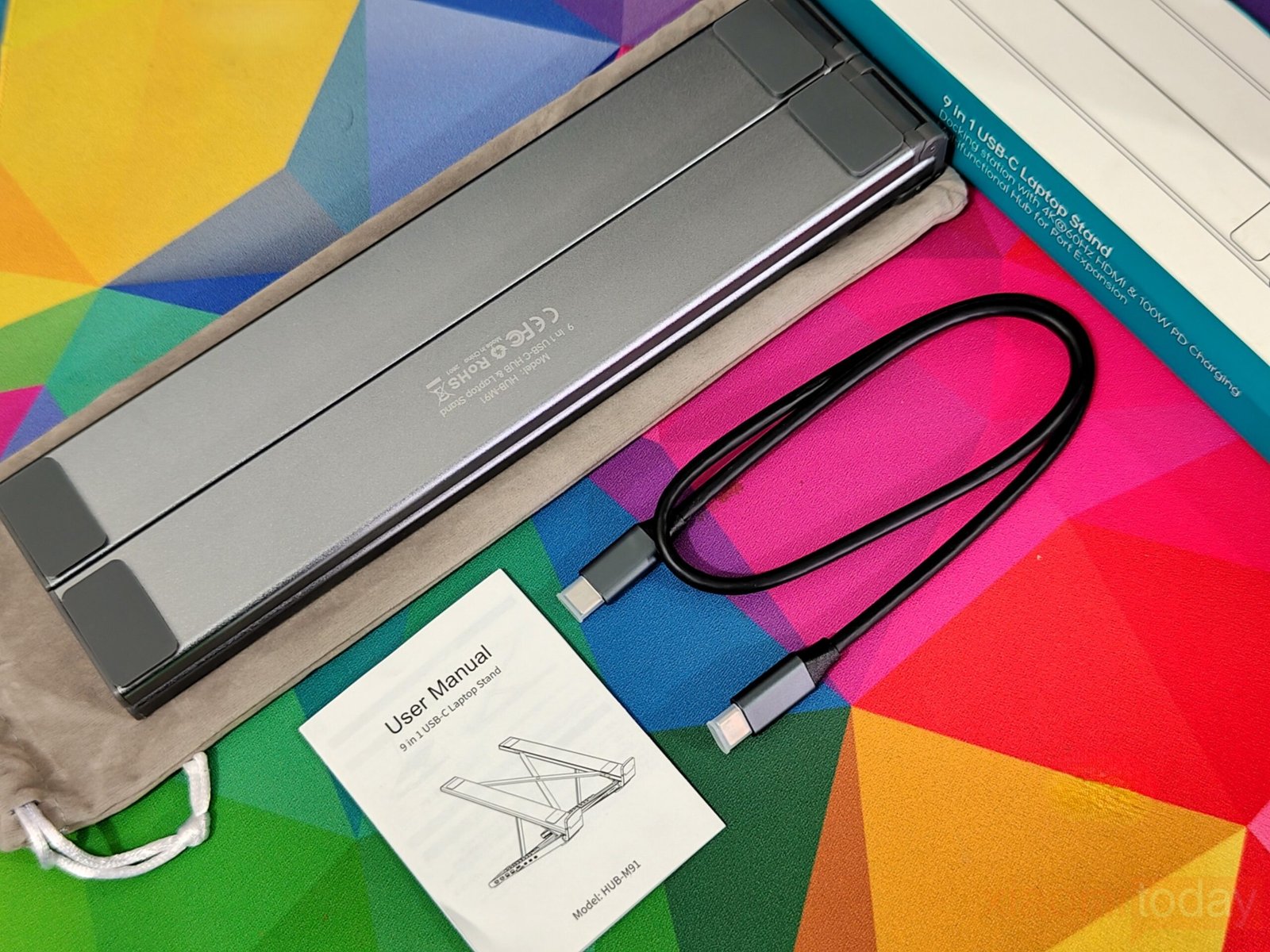
Inside the box, the USB-C Laptop Docking Station Stand (9-in-1) is presented neatly and practically. The hub itself is wrapped in a soft fabric sleeve that protects it from scratches during shipping. A USB-C to USB-C cable is included for connecting the dock to a laptop, with a solid build and good thickness. A small user manual provides basic setup instructions and a clear overview of the ports. While there are no extra accessories, everything required to start using the hub is included, making the unboxing simple and efficient.
Design & Build Quality
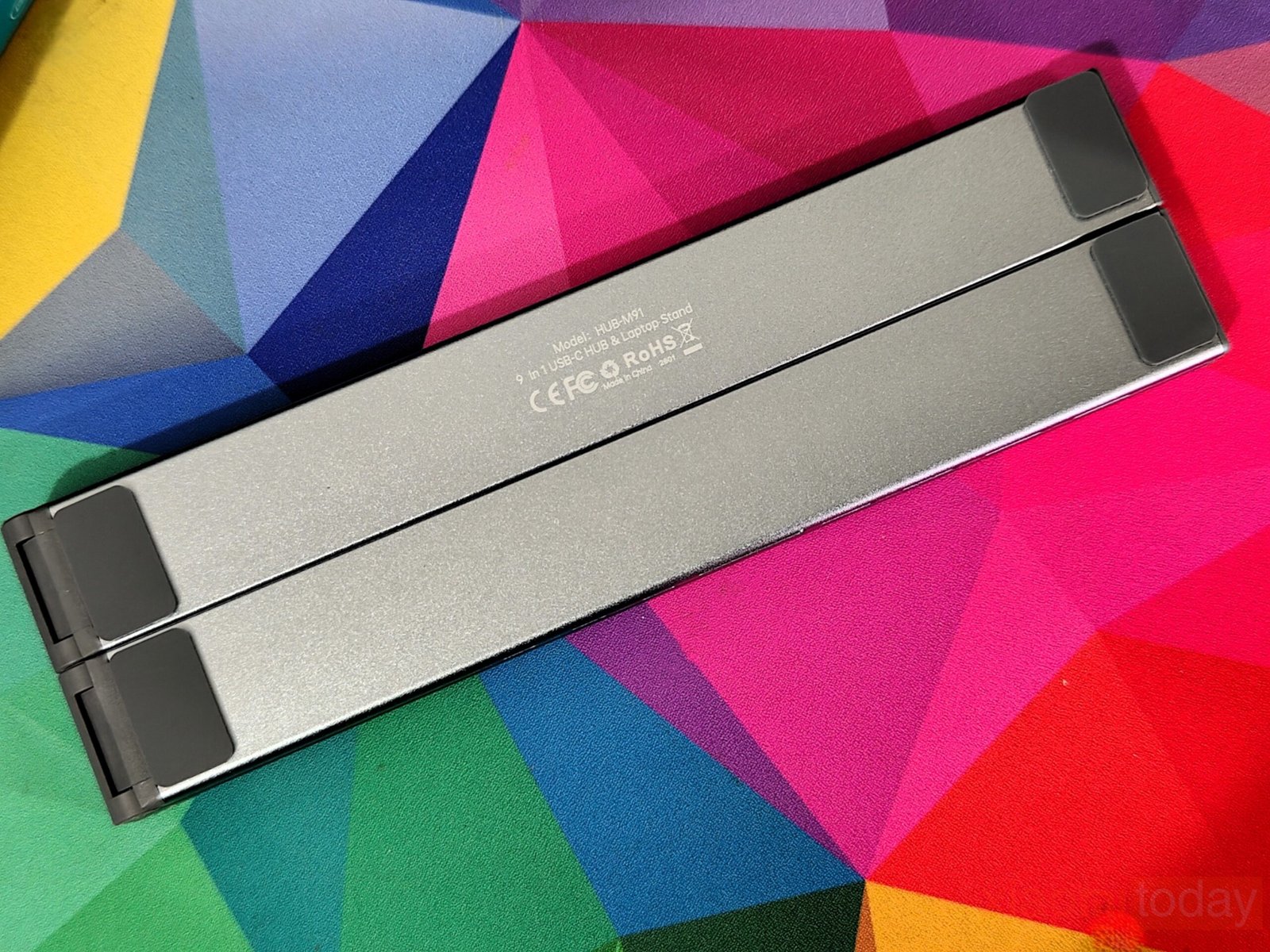
Taking a closer look, the overall design focuses on function first, with a layout that combines a foldable laptop stand and a USB-C docking solution into a single unit. The frame is built entirely from aluminum alloy, giving it a solid feel in hand while keeping the weight low enough for daily carry. In use, the structure holds firm with minimal flex, even when typing directly on the laptop keyboard. The dual-hinge setup and reinforced joints help distribute weight evenly, which is noticeable when using heavier laptops.
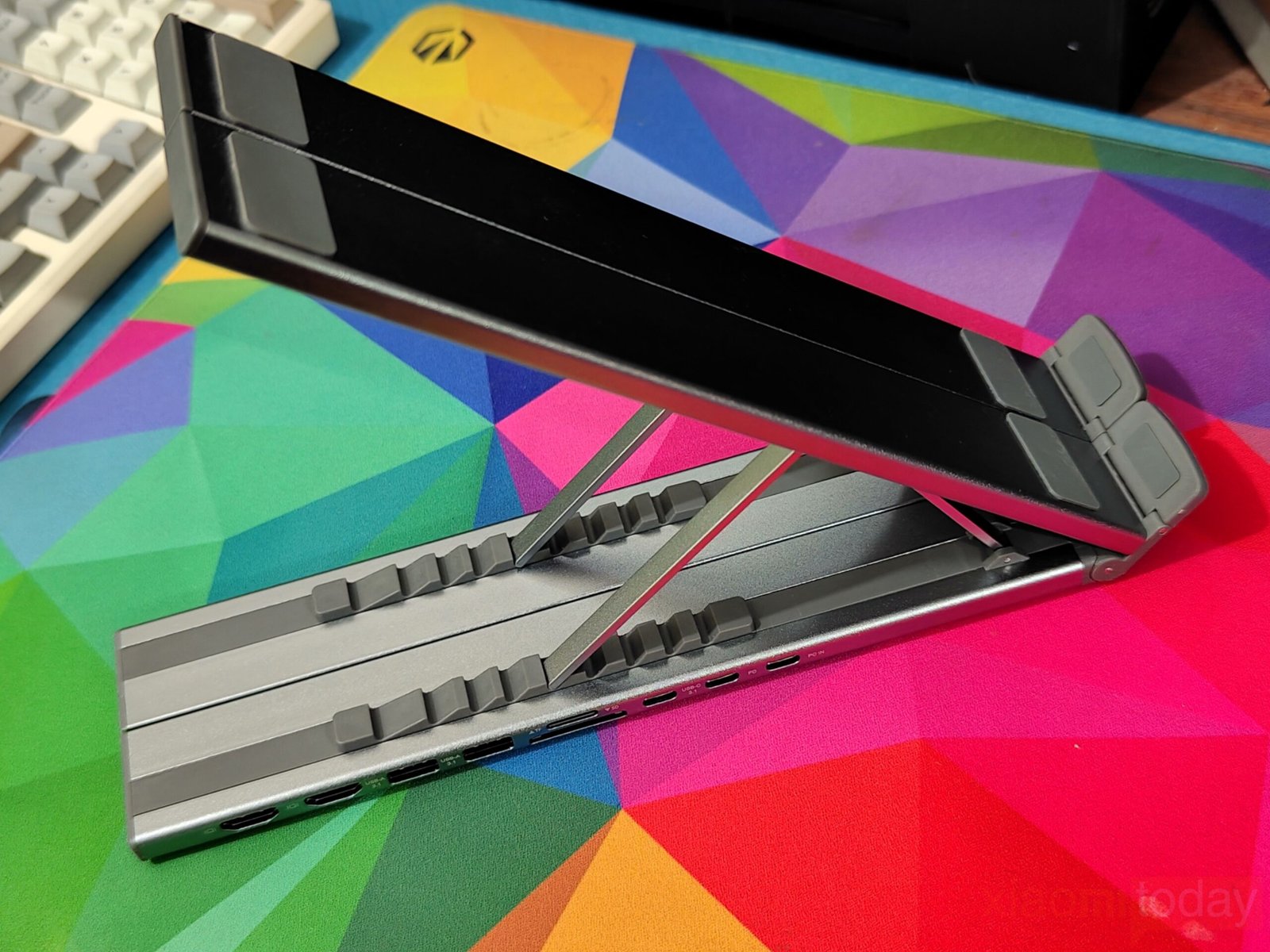
Adjustment is handled through a multi-step hinge system that offers nine height levels. The range spans from a low typing angle to a more elevated position suited for pairing with an external keyboard. Each step locks into place with enough resistance to keep the platform stable under load. The triangular support structure plays a key role here, forming a stable base that reduces pressure on individual joints and improves overall balance.
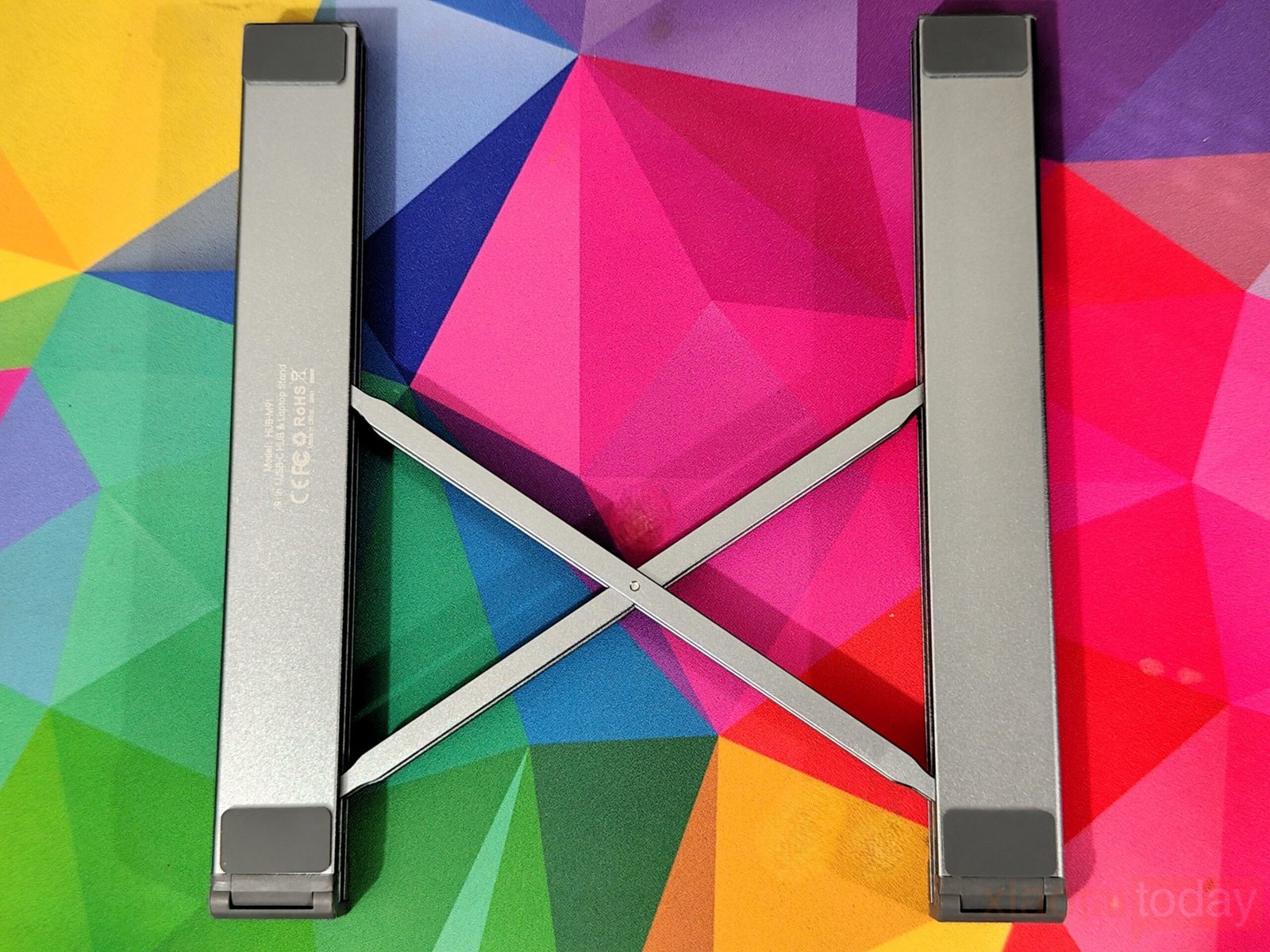
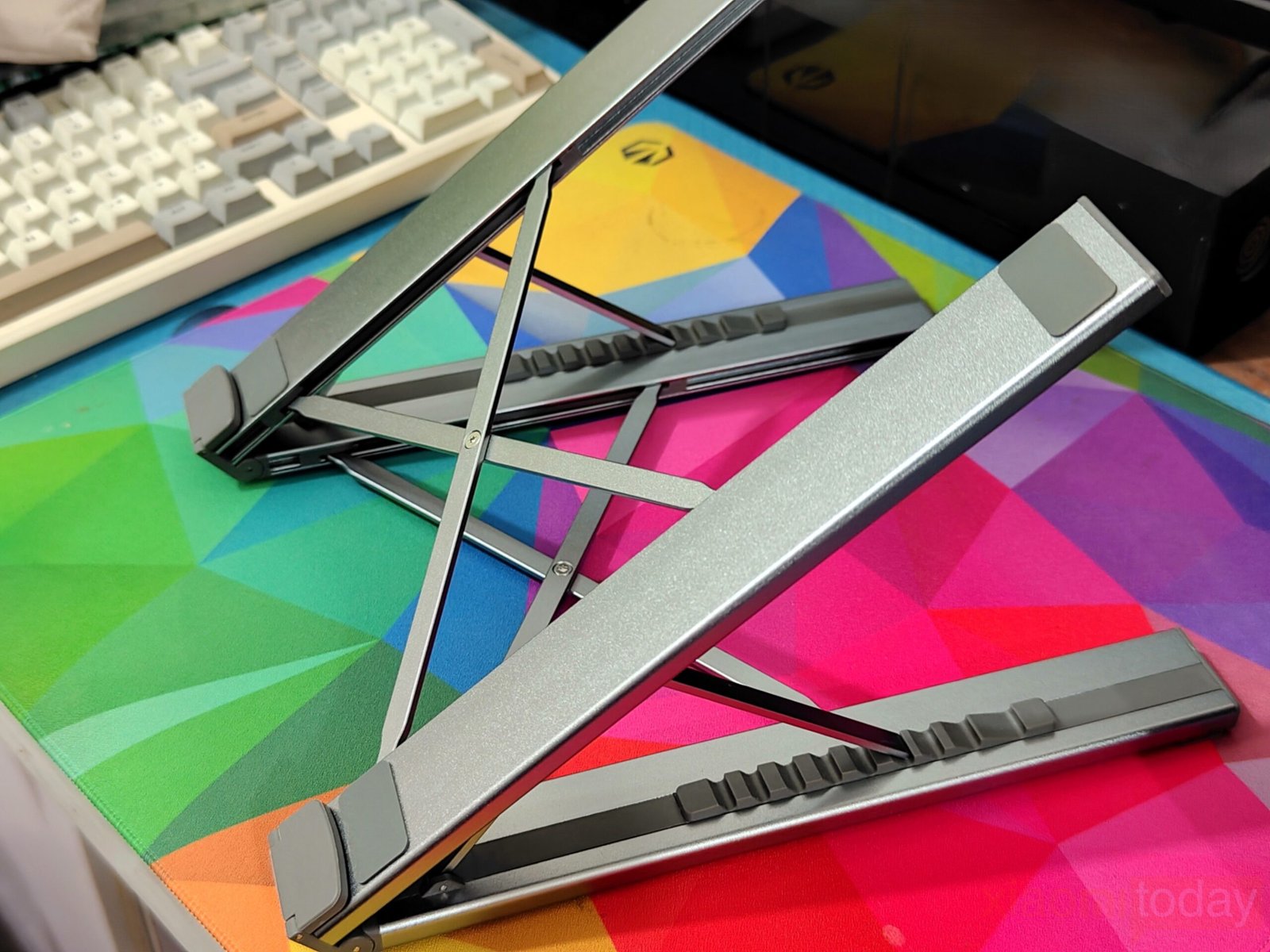
The folding mechanism is simple and practical. It follows a three-step process where the base arms slide outward, the center frame expands into a cross pattern, and the top section lifts into position. The movement feels controlled, and the parts align properly without any looseness. Folding it back down is just as quick, which makes it easy to pack when moving between setups.
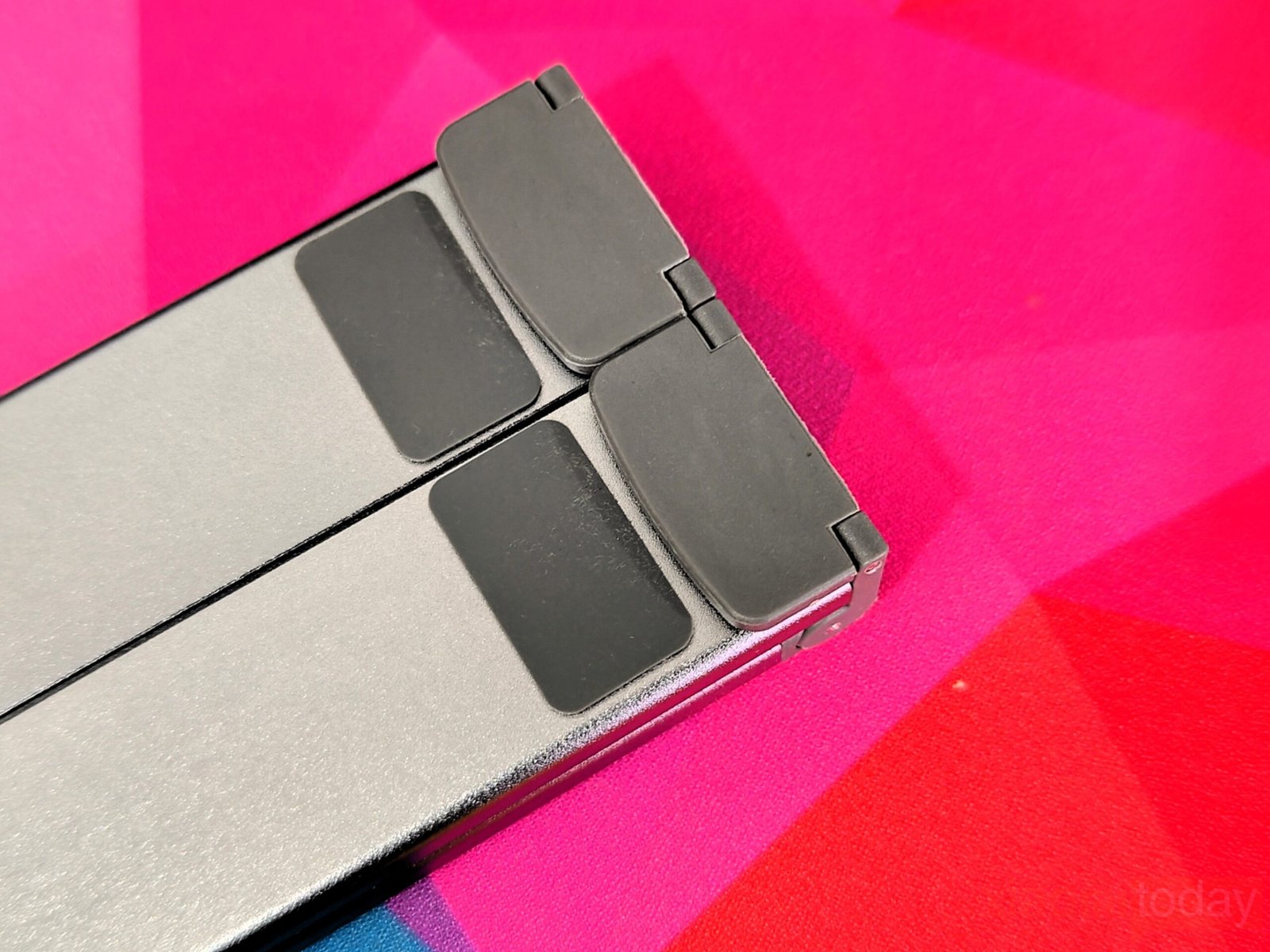
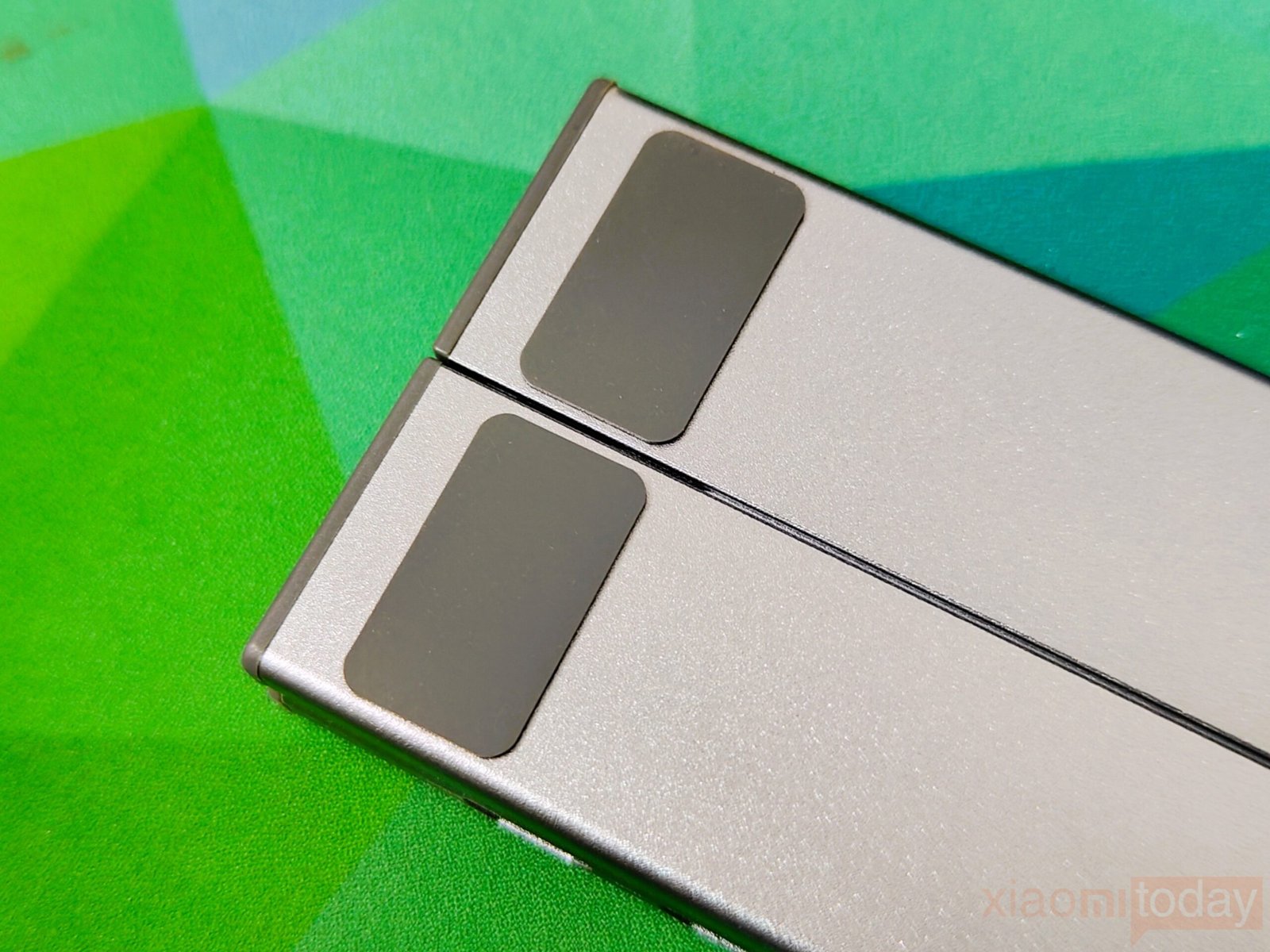
Surface protection is handled with multiple silicone pads placed across the top and bottom sections. These pads keep the laptop from shifting during use and also prevent scratches. The grip is consistent across different surfaces, including smoother desks. The raised contact points also leave small gaps underneath the laptop, helping with airflow.
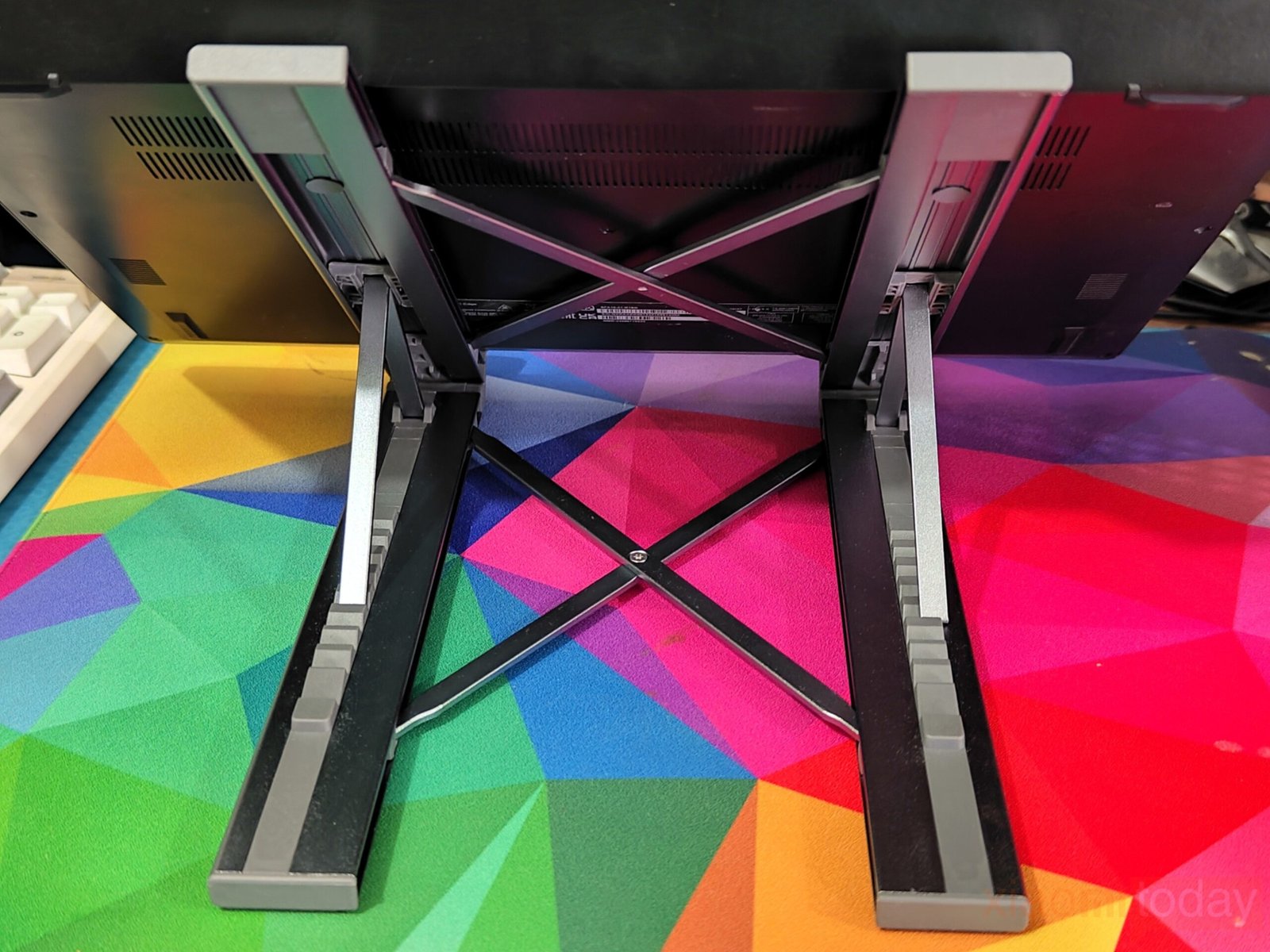
The open-frame layout improves ventilation compared to flat designs. By lifting the laptop and allowing air to pass through the underside, heat buildup is reduced during longer sessions. This becomes more useful when the laptop is under load, where even passive airflow can make a difference.
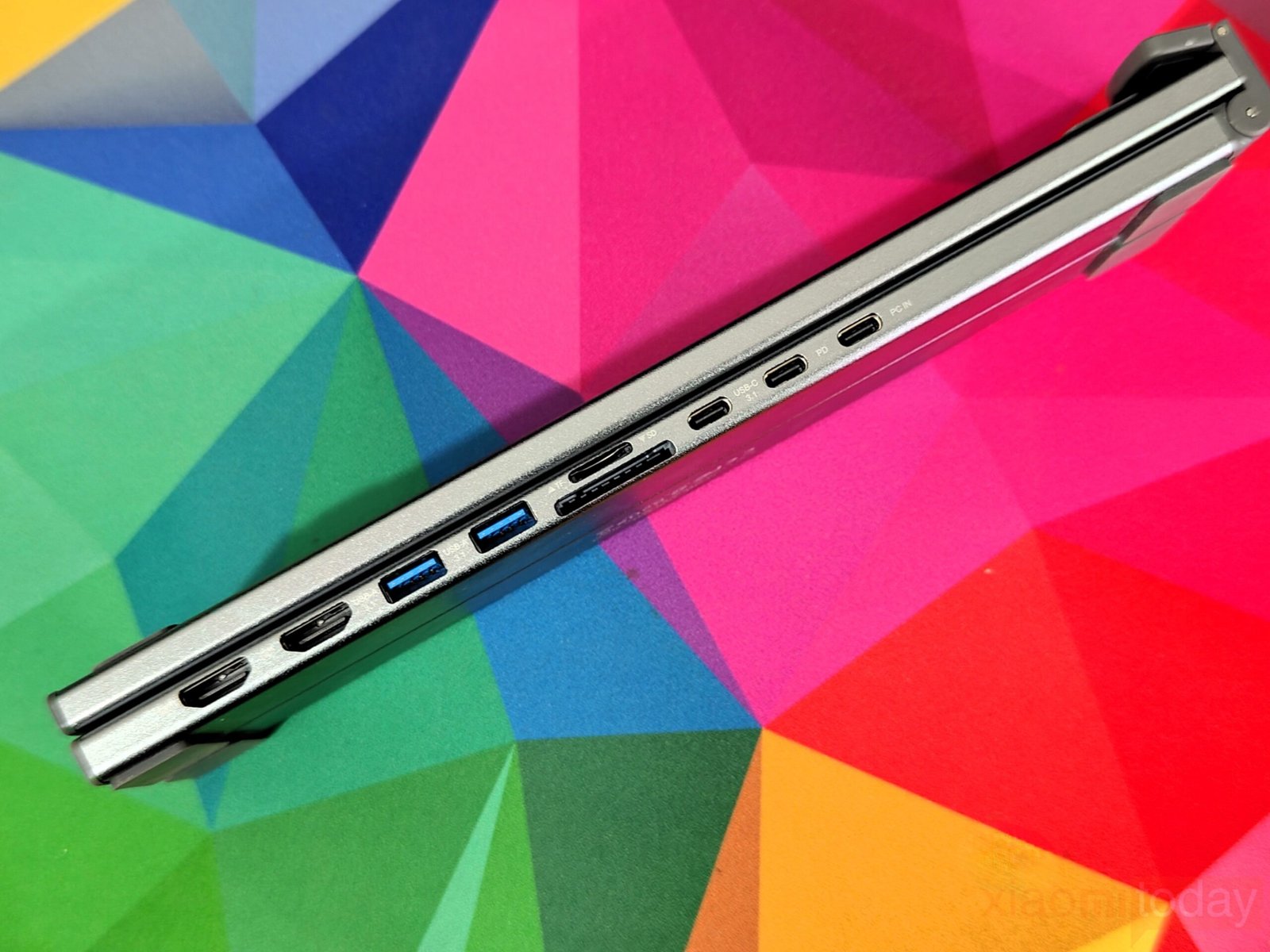
On the connectivity side, the integrated USB-C hub is built directly into the base. The port selection includes HDMI with 4K output, two USB-A ports rated at 5Gbps, a USB-C data port, USB-C power delivery input up to 100W, and SD and TF card slots. The ports are spaced well enough to avoid crowding, and having everything on one side helps keep cables organized.
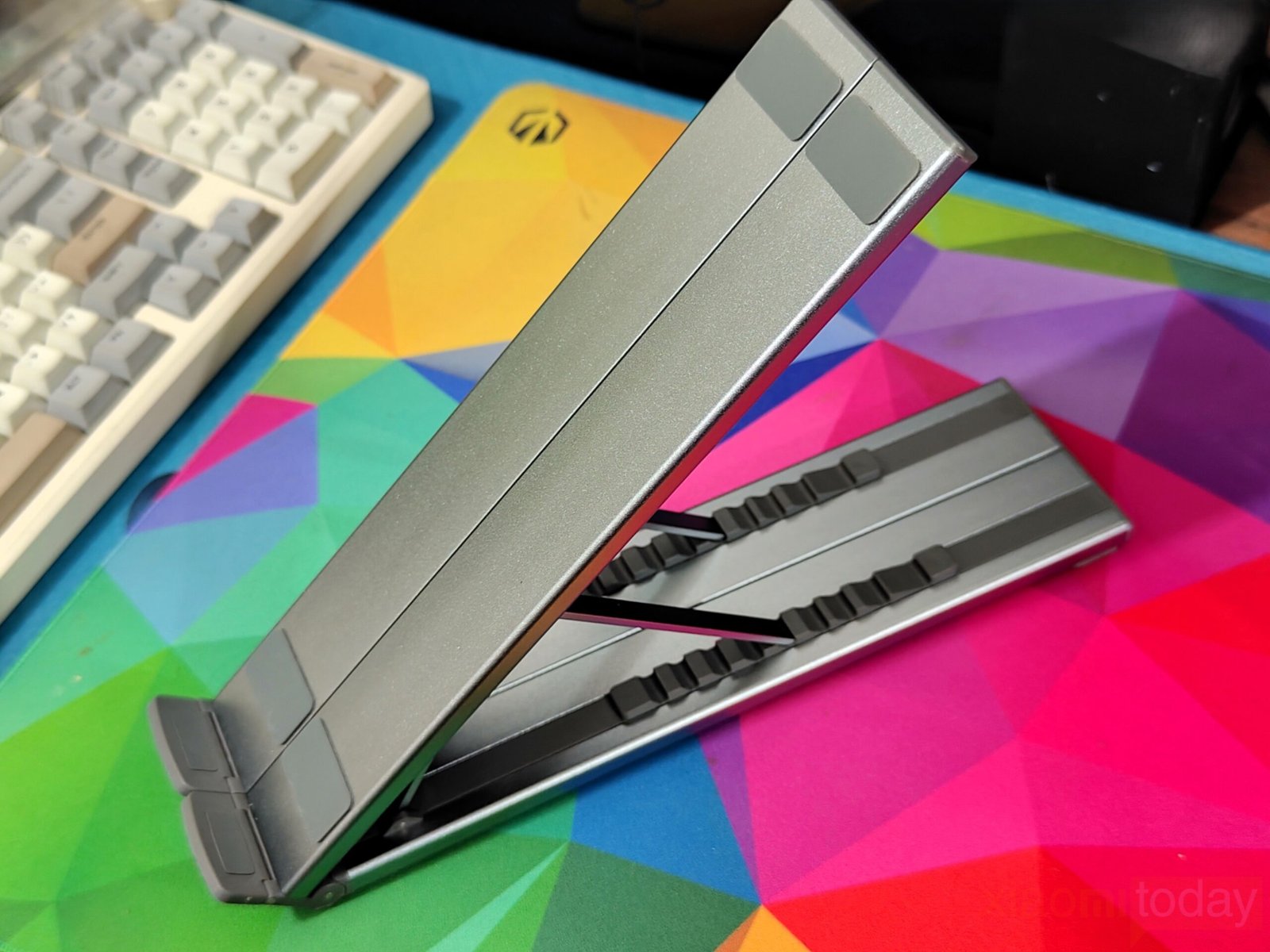
In terms of portability, the stand folds down to a compact size of around 10.5 × 2.2 × 0.9 inches and weighs about 0.7 lbs. It fits easily into a backpack, and the included storage pouch adds a bit of protection during travel. Despite the slim form factor, the base remains stable, with the weight distribution keeping the laptop balanced even at steeper angles.
The design manages to combine durability, adjustability, and connectivity in a way that fits both desk setups and mobile use without adding unnecessary complexity.
Features
The USB-C docking station integrates a foldable laptop stand with a multi-port hub, offering a practical way to improve desk organization while expanding connectivity. The stand supports laptops ranging from 10 to 17 inches, making it suitable for both compact ultrabooks and larger productivity systems. Its lightweight and foldable structure makes it easy to carry, while the raised position helps create a more comfortable viewing angle during extended use. By combining a stand and dock into a single unit, the setup reduces the need for extra accessories and keeps cable management simple through a single USB-C connection.
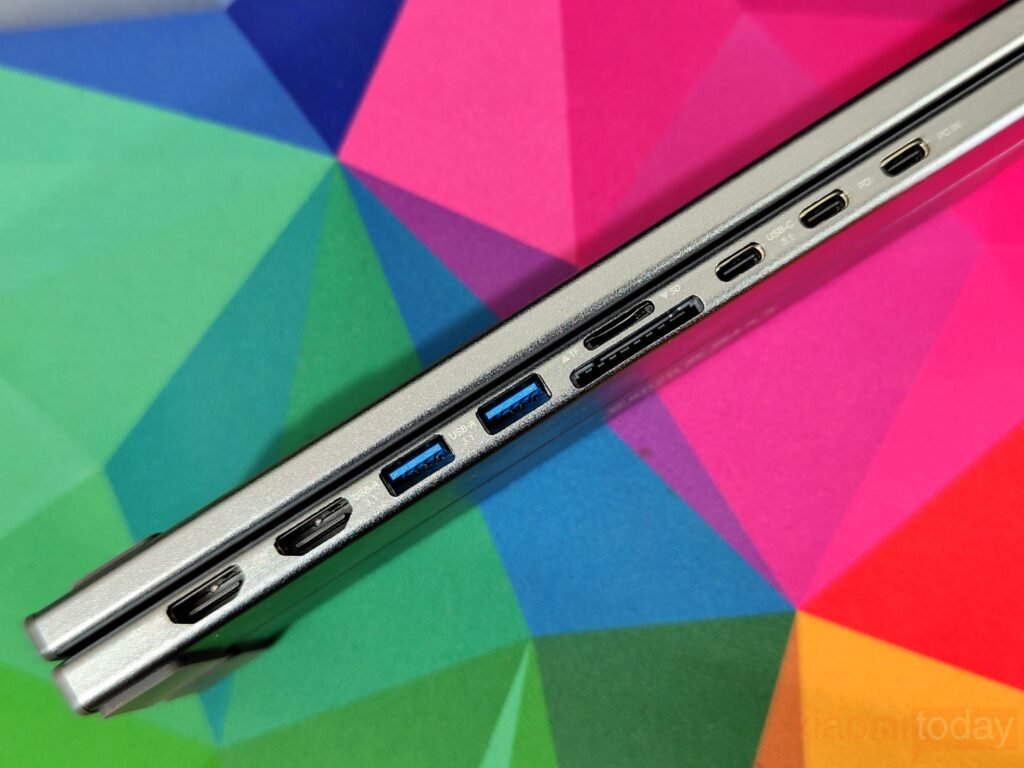
In terms of connectivity, the dock provides a total of nine ports designed to handle everyday peripherals and external displays. Dual HDMI outputs support resolutions up to 4K at 60Hz, allowing users to connect high-resolution monitors for multitasking or content work. Data connectivity includes two USB 3.0 ports and one USB-C 3.0 port with transfer speeds up to 5Gbps, suitable for external drives, input devices, and accessories. The dedicated USB-C PD 3.0 port supports pass-through charging, allowing the laptop to remain powered while using the dock. Integrated SD and TF card readers provide added convenience for users working with memory cards.
The docking station supports dual display output on compatible Windows laptops using DisplayPort 1.4 with MST, enabling extended desktop mode across two monitors. On macOS systems, both external displays mirror the same image due to operating system limitations related to SST support. The dock is compatible with laptops featuring USB 3.2 Gen2, Thunderbolt 3, or Thunderbolt 4 ports, and supports macOS, Windows 10, Linux 2.4 or newer, and ChromeOS. As with most USB-C hubs, full functionality depends on the laptop’s USB-C port supporting Power Delivery, DisplayPort Alt Mode, and data transfer.
Use Experience
Using the USB-C Laptop Docking Station Stand (9-in-1) in daily work feels practical, especially for laptops that no longer include multiple built-in ports. The setup process is quick: unfold the stand, connect the USB-C cable, and the dock becomes active without additional configuration on most systems. This single connection handles display output, data transfer, and charging, helping reduce the number of cables required on the desk.
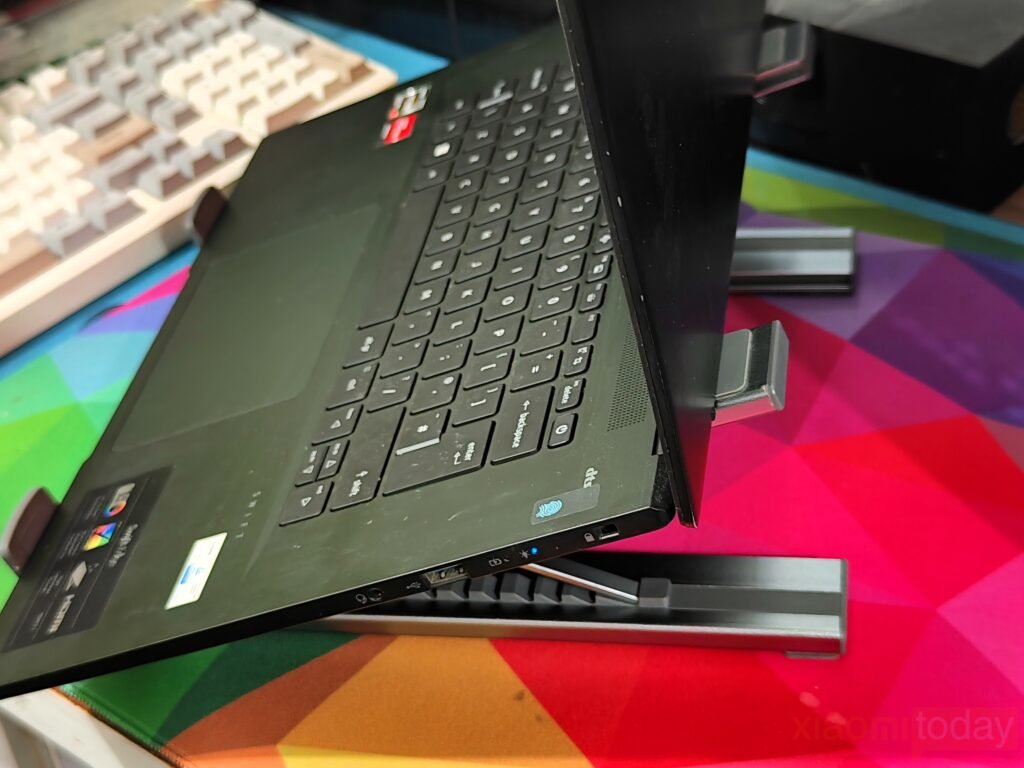
The adjustable stand plays an important role in everyday comfort. With nine height levels available, the laptop can be positioned at a more natural viewing angle compared to a flat desk setup. The hinge mechanism holds its position well once adjusted, providing enough resistance to prevent the laptop from shifting during typing. For longer sessions, raising the screen closer to eye level can help maintain a more balanced posture, particularly when used together with an external keyboard and mouse.
Display performance remains consistent when connected to compatible hardware. Windows laptops that support DisplayPort 1.4 can extend content across two external displays using MST, which is useful for multitasking workflows such as working across documents, communication apps, and web browsers at the same time. On macOS devices, both HDMI outputs mirror the same image due to operating system limitations. While this restricts dual-screen expansion on macOS, the mirrored output still works well for presentations, reference material, or general desktop duplication.
The available USB ports provide stable connectivity for common accessories. Peripherals such as wireless receivers, keyboards, external storage, and USB drives connect without interruption. Transfer speeds align with standard USB 3.0 performance, which is suitable for everyday file movement and backups. The integrated SD and microSD card readers are convenient for quickly accessing memory cards without needing an additional adapter.
Power Delivery passthrough allows the laptop to remain charged while the dock is in use. During testing with multiple devices connected, the power connection remained stable without interruptions. The aluminum construction does not trap much heat, and the raised design allows airflow underneath the laptop, which can help manage temperatures during extended workloads.
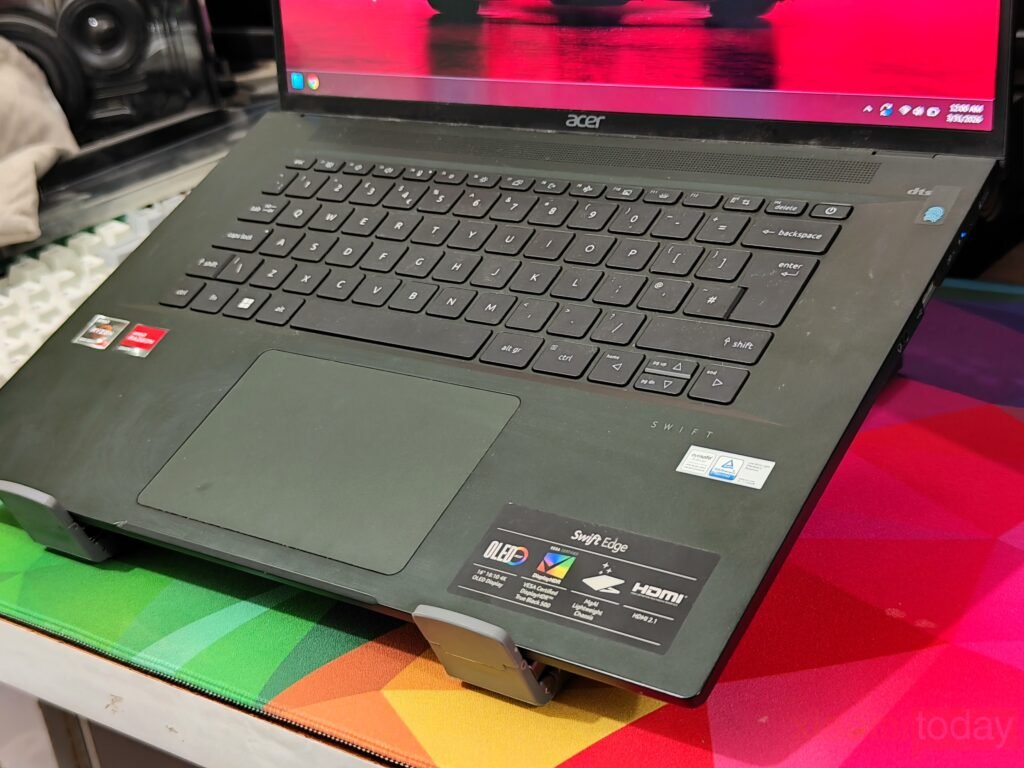
Cable management is easier than using separate adapters, as most connections remain on one side of the dock. Even when connecting multiple devices, the workspace feels more organized compared to traditional hub setups. The foldable structure also makes the unit practical for travel, as it fits easily into a backpack and can be deployed quickly when moving between workspaces.
Overall, the combined design focuses on everyday usability. It provides a stable platform for the laptop while expanding connectivity in a way that supports both desk-based and mobile setups without adding unnecessary complexity.