Buying a budget gaming monitor often feels repetitive, with many options sharing similar specifications and pricing. The KTC 27M1 27-Inch 1440p 210Hz Gaming Monitor enters this space with a familiar 27-inch 1440p layout but raises the ceiling with a 210Hz refresh rate. This combination targets users who want smoother motion than standard 165Hz panels while keeping costs under control, making the 27M1 an interesting option on paper.
During hands-on use, the Fast IPS panel delivers the expected balance between speed and image quality. The 2560×1440 resolution looks sharp at this screen size and works well for both gaming and everyday tasks. Motion handling feels clean at higher refresh rates, and Adaptive Sync support, including FreeSync and G-Sync compatibility, helps maintain smooth gameplay when frame rates fluctuate. Color reproduction is consistent, which is useful for users who split time between games, media, and general desktop work.
KTC also includes a few practical extras that add value in daily use. The ergonomic stand allows for height, tilt, and swivel adjustments, while the headphone hanger and shielding hood are uncommon additions in this price range. Connectivity is flexible with multiple HDMI and DisplayPort inputs, and the built-in speakers are suitable for basic audio needs. At $229.99 on Amazon, the KTC 27M1 positions itself as a capable all-around gaming monitor focused on high refresh rates and solid panel performance without moving into higher-priced territory.
Let’s take a closer look at how the KTC 27M1 performs in real-world use and whether it lives up to its specs.
Specifications
| Feature | Specification |
|---|---|
| Screen Size | 27 inches |
| Panel Type | Fast IPS |
| Resolution | 2560 × 1440 (QHD / 2K) |
| Refresh Rate | Up to 210Hz (OC via DP 1.4) |
| Response Time | 1ms (MPRT) |
| Color Gamut | 130% sRGB |
| Color Support | 1.07 Billion Colors |
| Contrast Ratio | 1000:1 |
| Brightness | 450 cd/m² |
| HDR Support | Yes |
| Speakers | Dual 2W built-in speakers |
| Special Feature | Anti-reflection shielding hood (flocking inner bezel) |
| DisplayPort | DP 1.4 — up to 200Hz (210Hz OC) |
| HDMI | HDMI 2.0 — up to 144Hz |
| VESA Mount | 100 × 100 mm |
| Blue Light Filter | Yes |
| Flicker Free | Yes |
| Height Adjustment | 150 ± 5 mm |
| Tilt | -5° to 35° |
| Swivel | -60° to 60° |
| Pivot | -5° to 90° |
Unboxing
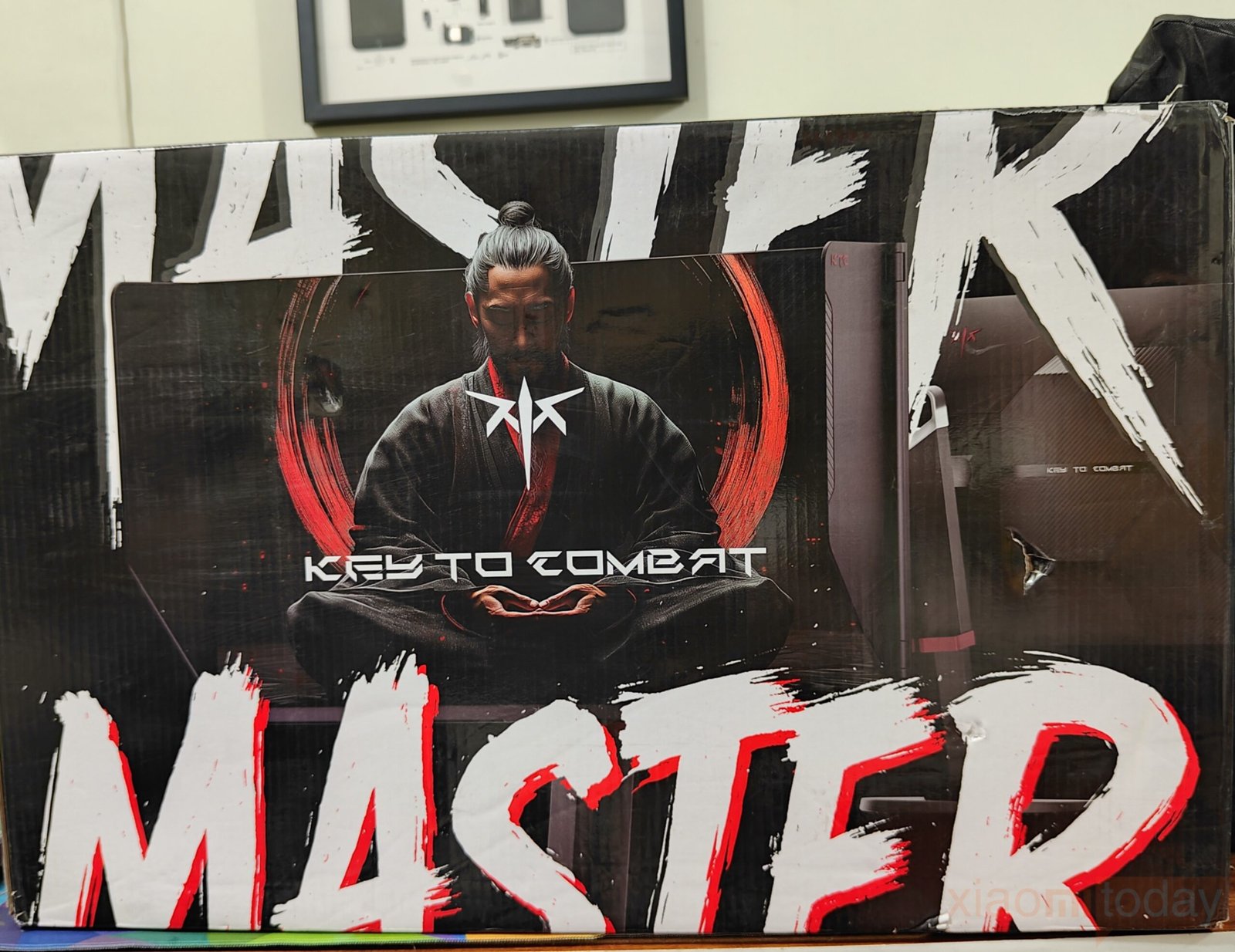
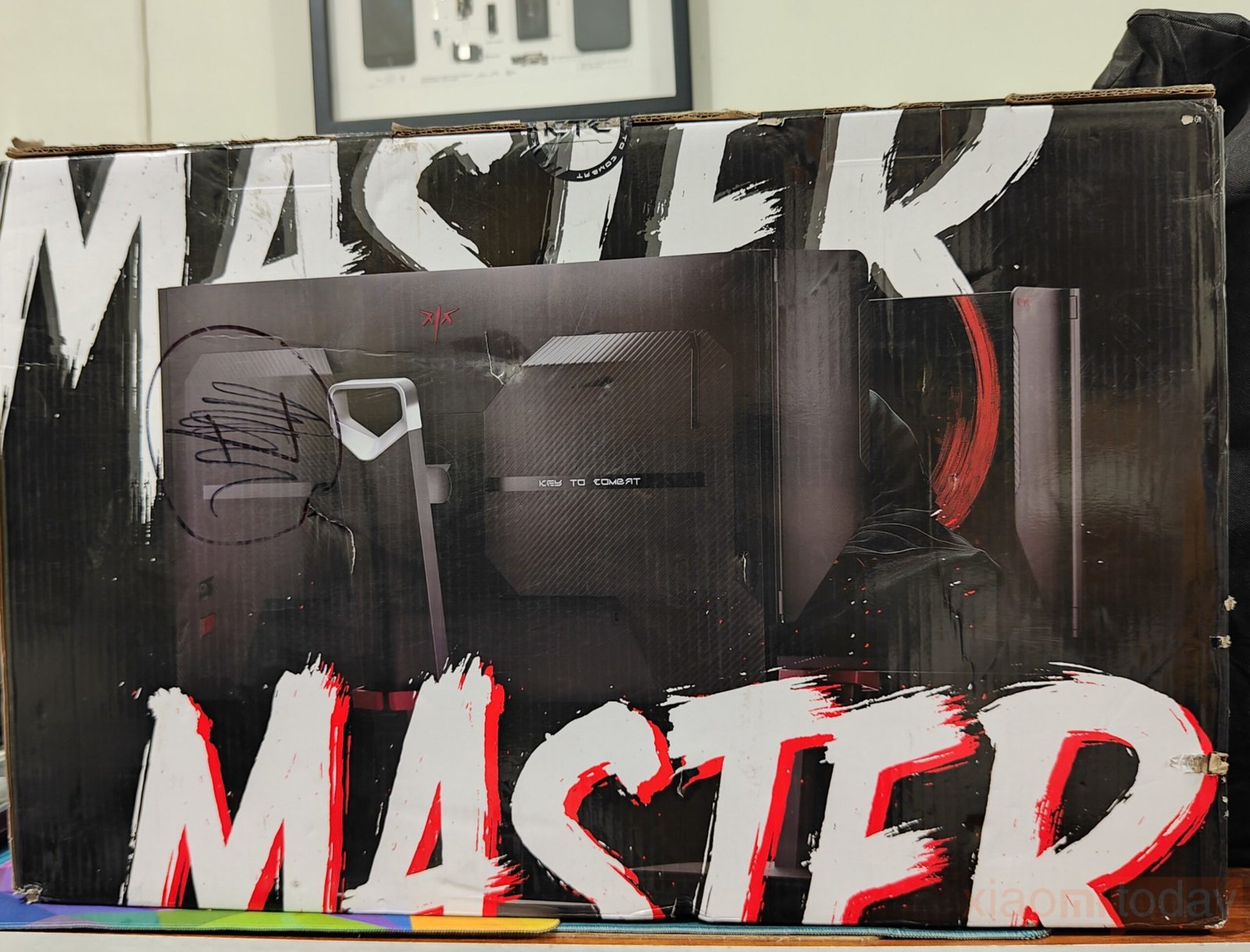
The packaging clearly reflects its focus on gaming, with the front panel featuring the large “MASTER” logo in bold brush-stroke lettering and a central samurai-style graphic set against a glowing red circle. The KTC logo and “KEY TO COMBAT” slogan are integrated into the design, while the monitor itself is shown in the background, highlighting its slim bezels and streamlined stand. The black, white, and red color scheme maintains a clean and cohesive presentation. On the back, the branding continues, shifting attention to the rear design of the monitor. Dark backgrounds with red particle effects maintain a consistent, gaming-oriented look across both sides of the box.
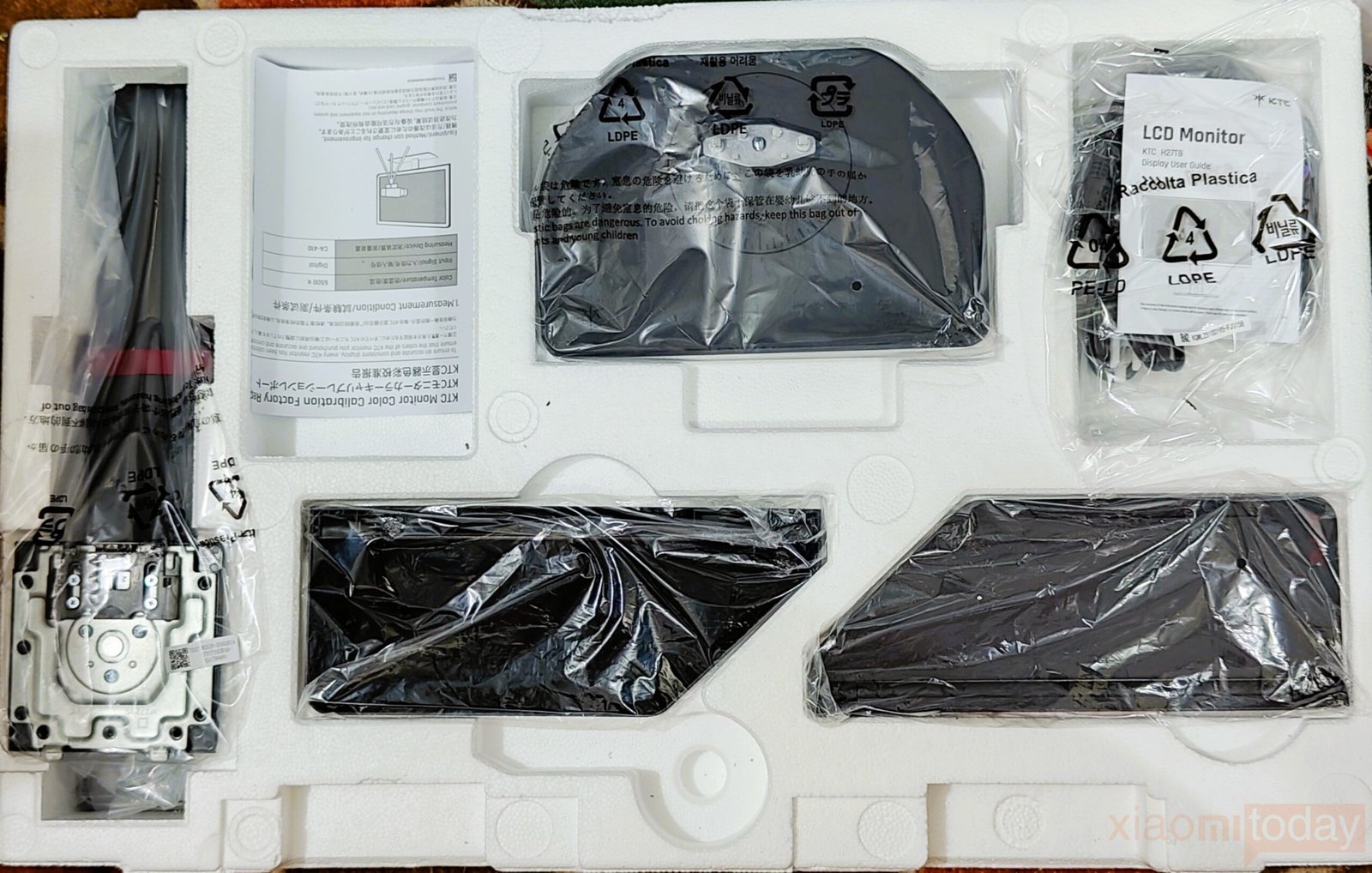
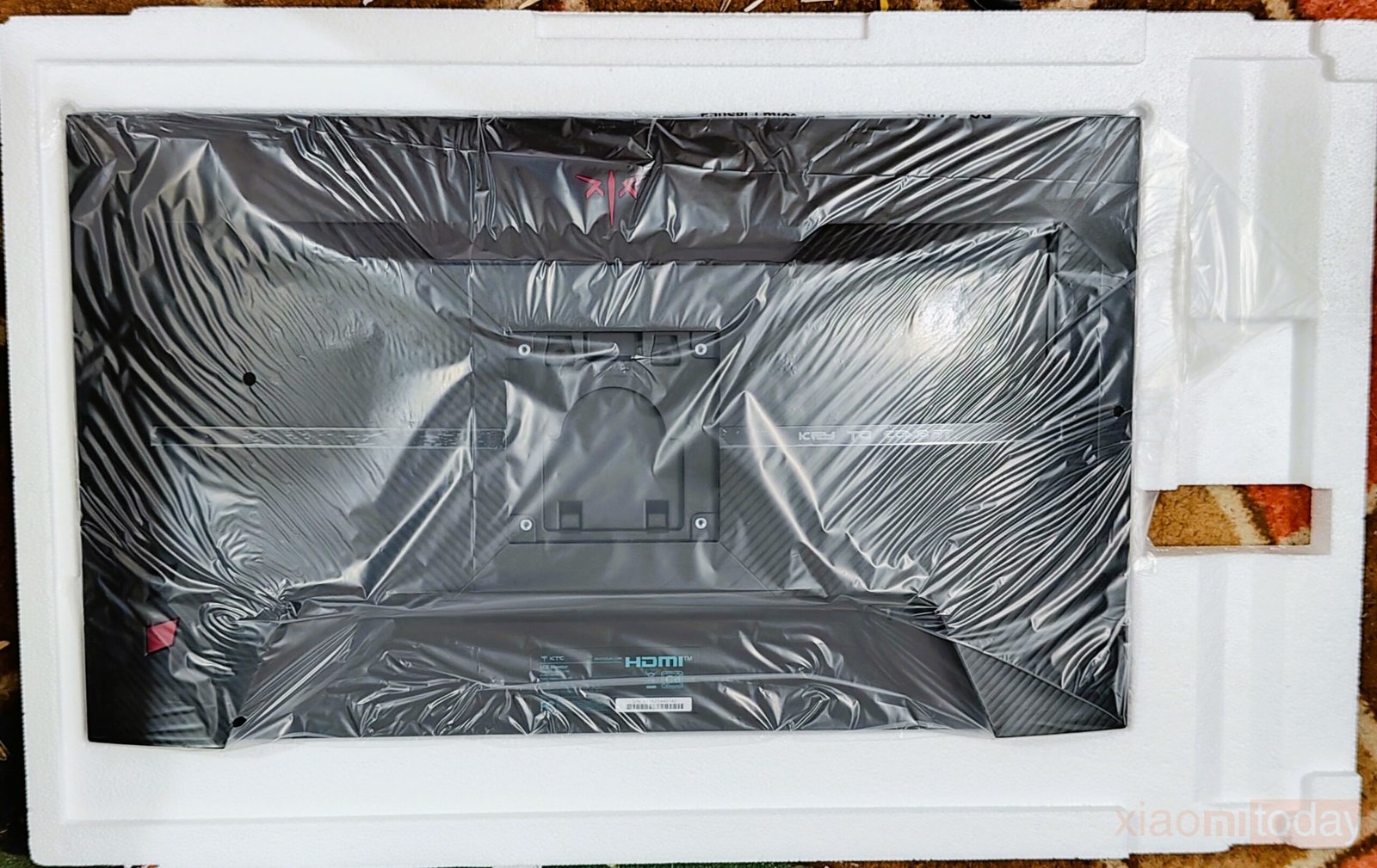
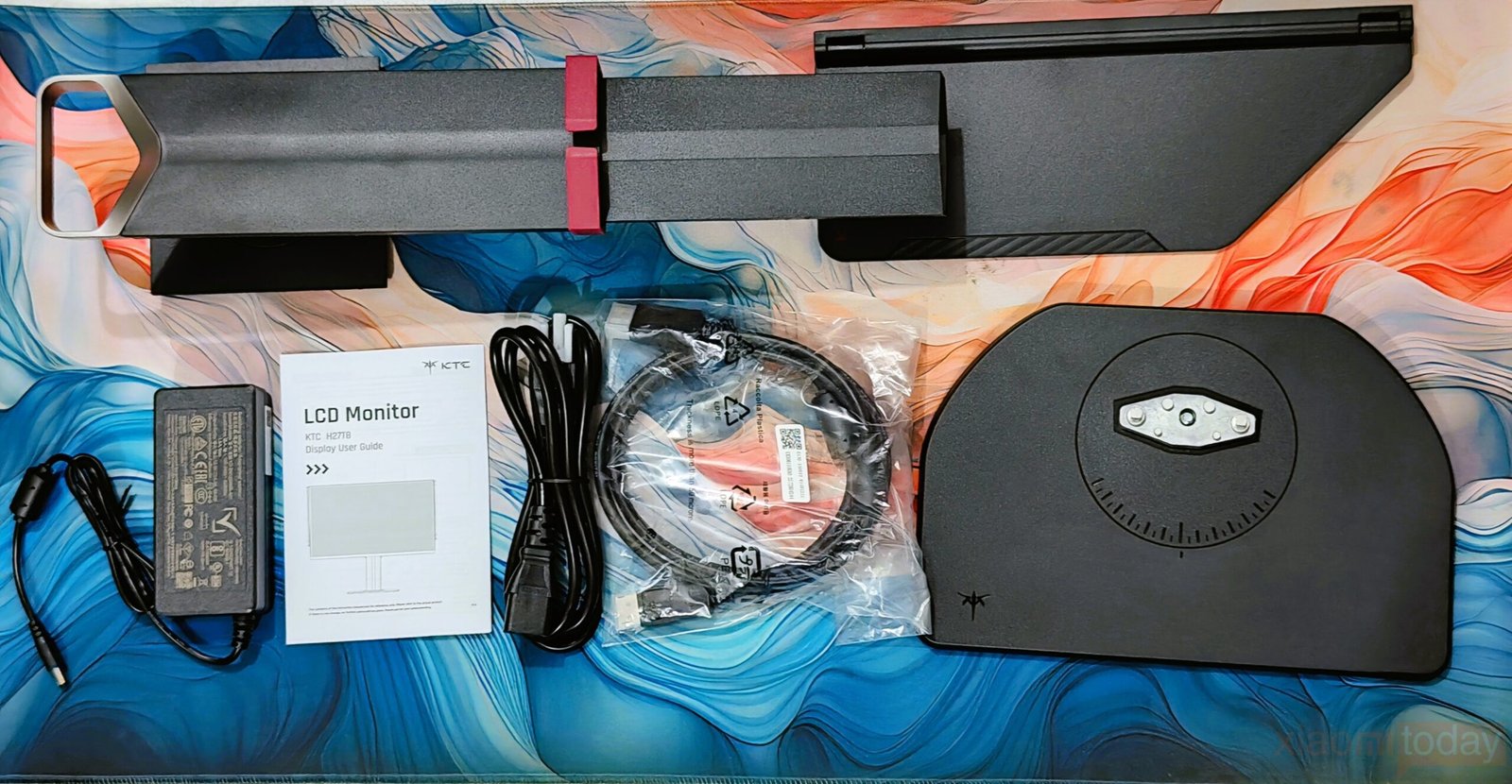
The package includes the monitor along with a solid base for quick setup. Two monitor shielding hoods are provided to help minimize glare and improve viewing focus. KTC 27M1 also includes a quick start guide, a DisplayPort cable, an adapter, and a power cord, giving users all the necessary accessories to get started right away.
Design and Build Quality
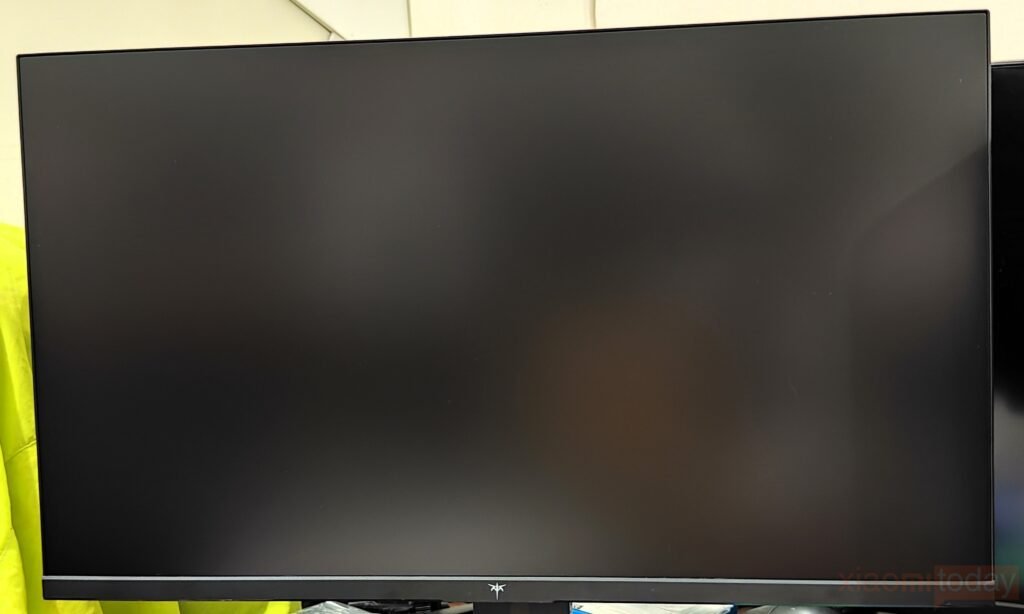
The KTC 27M1 adopts a design clearly aimed at competitive gaming setups while maintaining a restrained, professional look. From the front, the 27-inch panel features a three-sided narrow bezel layout that keeps the focus on the screen itself and works well for dual-monitor arrangements. Branding is minimal, with a small logo centered along the bottom bezel. A power status light sits in the lower-right corner and remains subtle enough to avoid drawing attention during use.
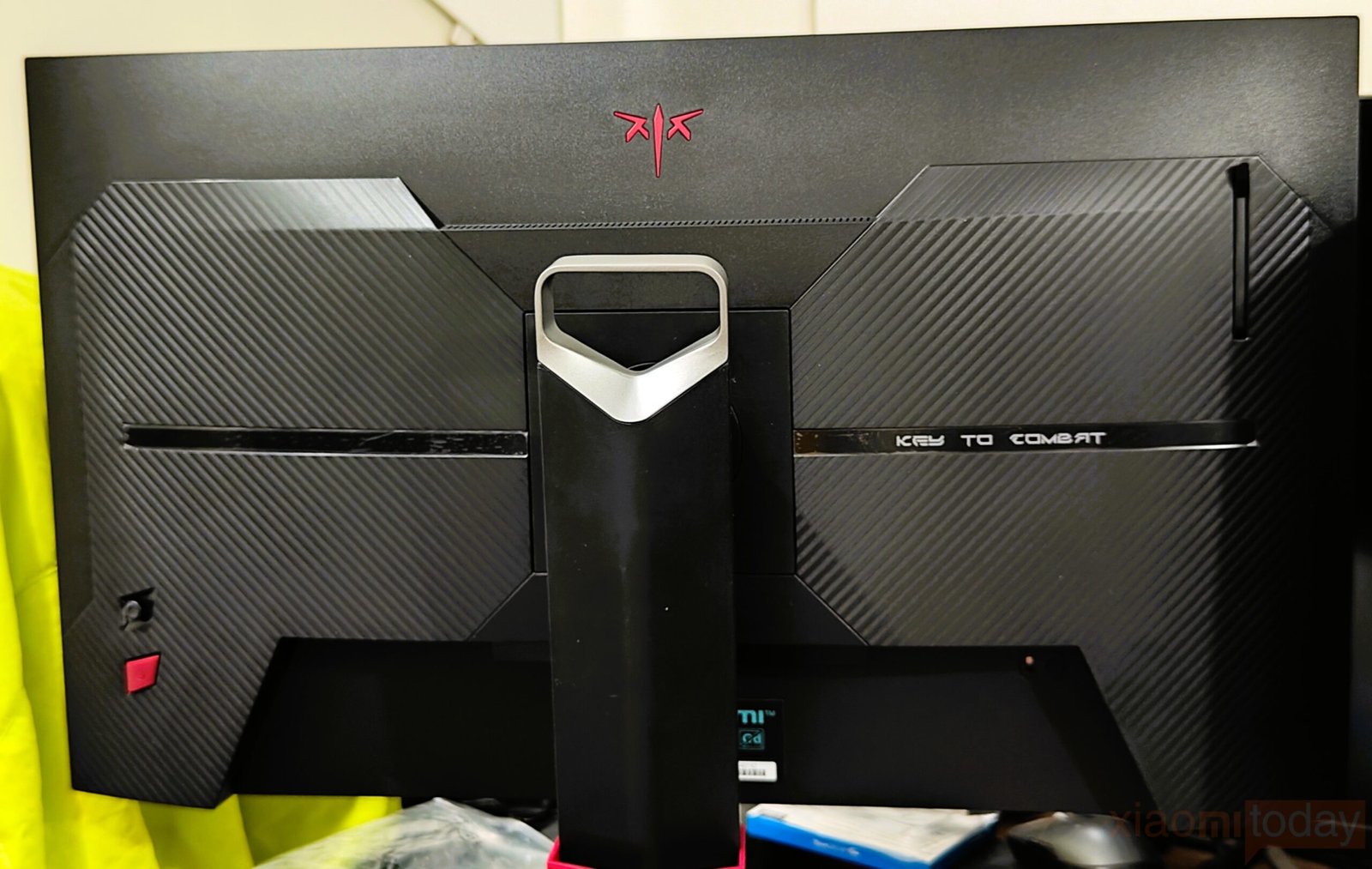
The rear of the monitor carries a more aggressive gaming theme. The matte-black plastic housing is paired with carbon-fiber textured sections that add visual detail without looking excessive. A silver horizontal accent strip engraved with “KEY TO COMBAT” runs across the center, positioned below the red KTC Master trident logo. While clearly gamer-focused, the overall design remains tidy and well-balanced.
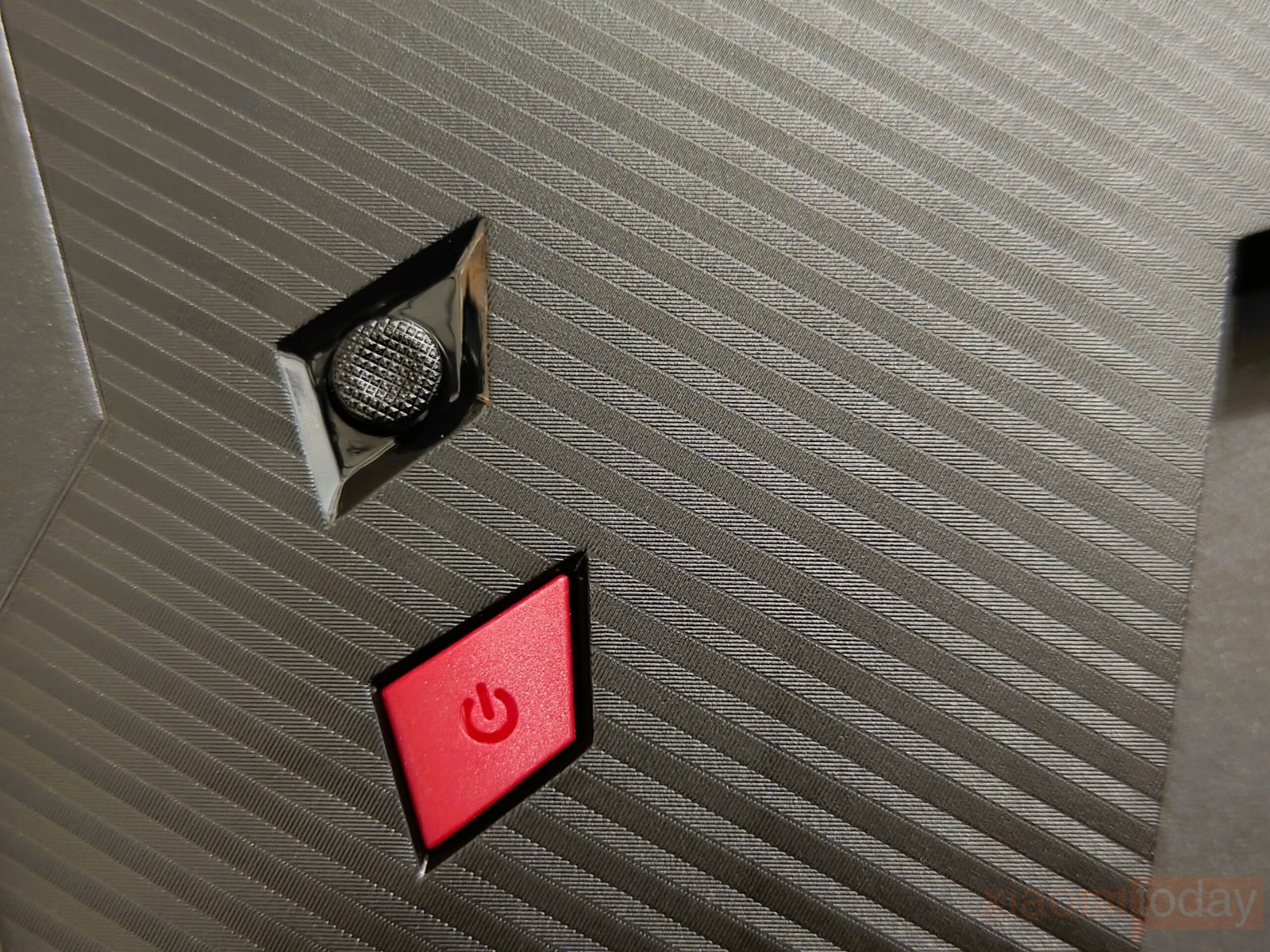
Menu navigation is handled through KTC’s rear-mounted five-way joystick. The control layout is intuitive, and the joystick provides firm, consistent feedback, making OSD adjustments quick and accurate. This control method feels well-suited for a monitor that may see frequent setting changes for different games or content types.
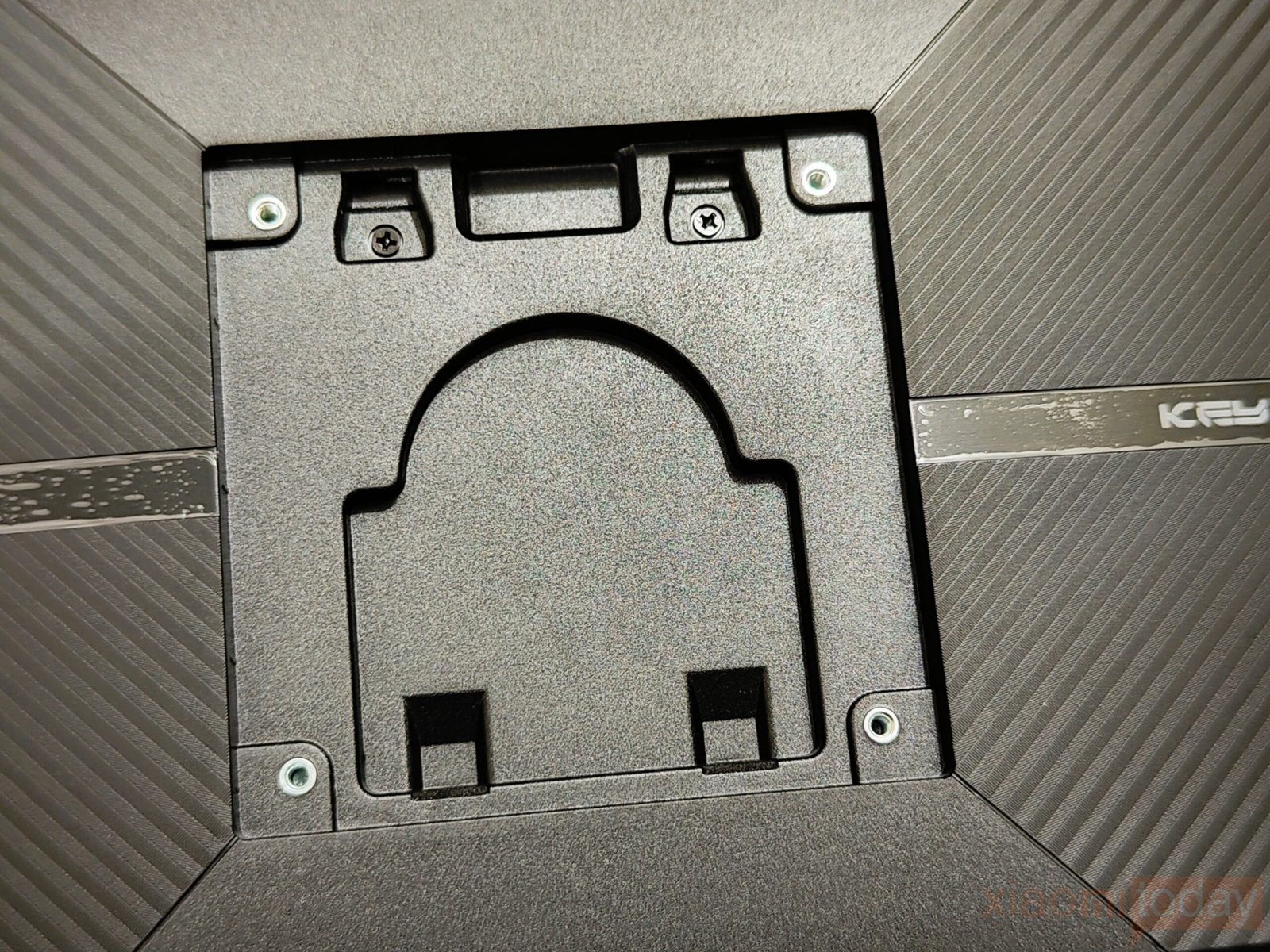
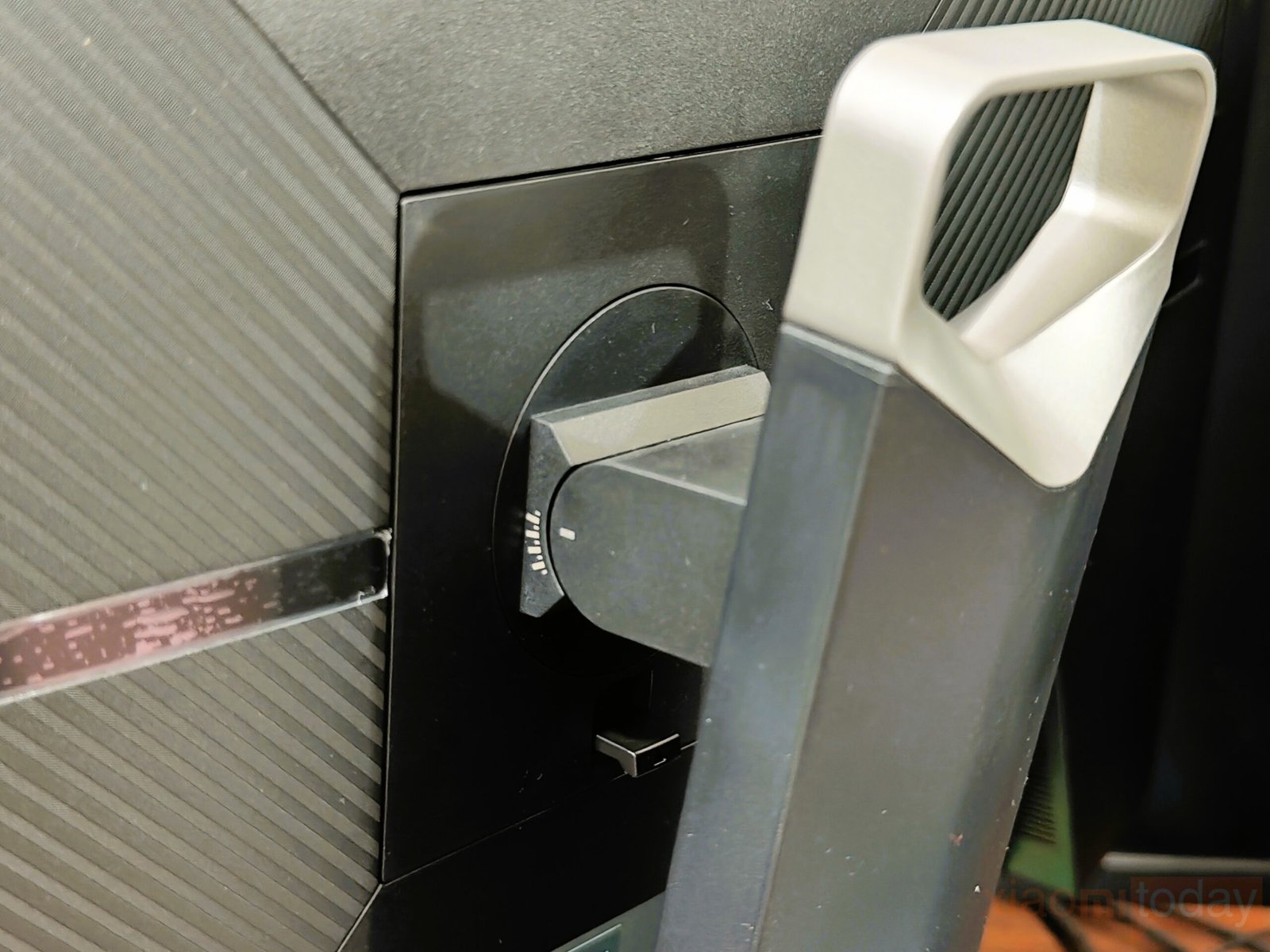
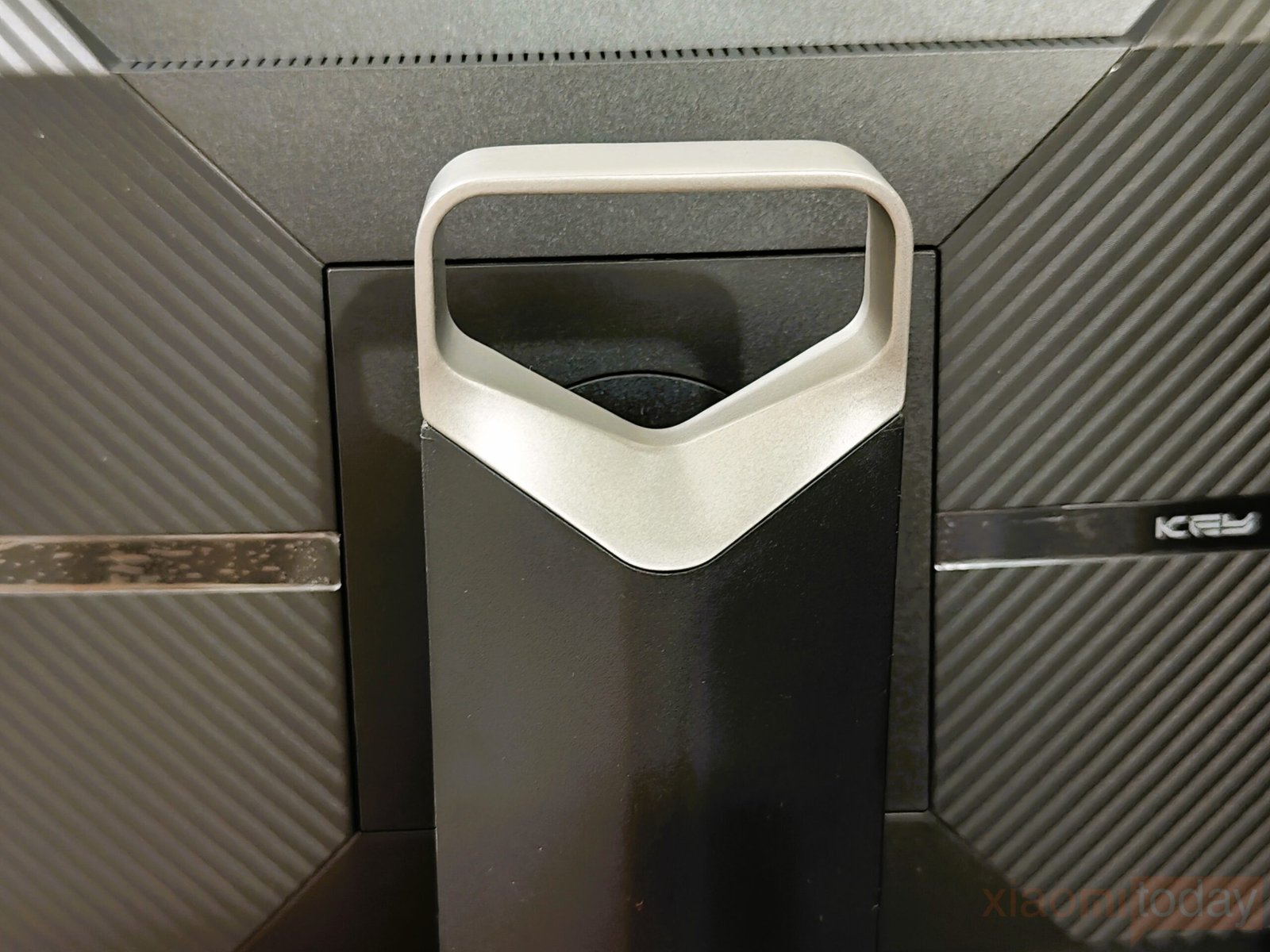
The included stand focuses on practicality and ease of use. It connects through a quick-release design that makes installation and removal fast, with no tools required. Adjustment options cover height, tilt, swivel, and pivot, and each movement feels well-damped rather than loose or abrupt. A sturdy carrying handle is integrated into the top of the stand neck, making it easier to move the 27-inch monitor between locations. The stand neck angles slightly backward, creating more distance between the screen and the user—a helpful feature for smaller desks that need extra mouse movement space.
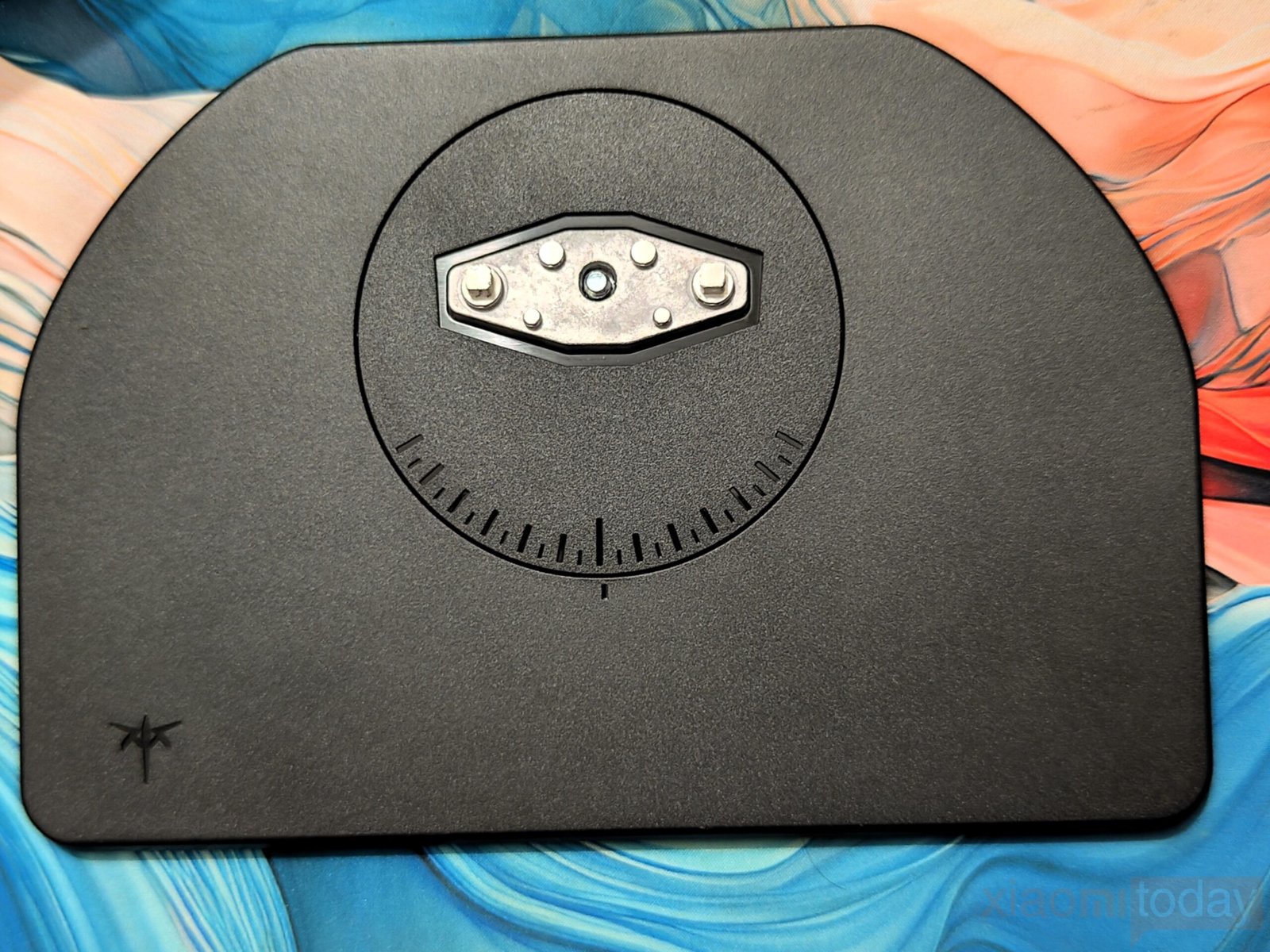
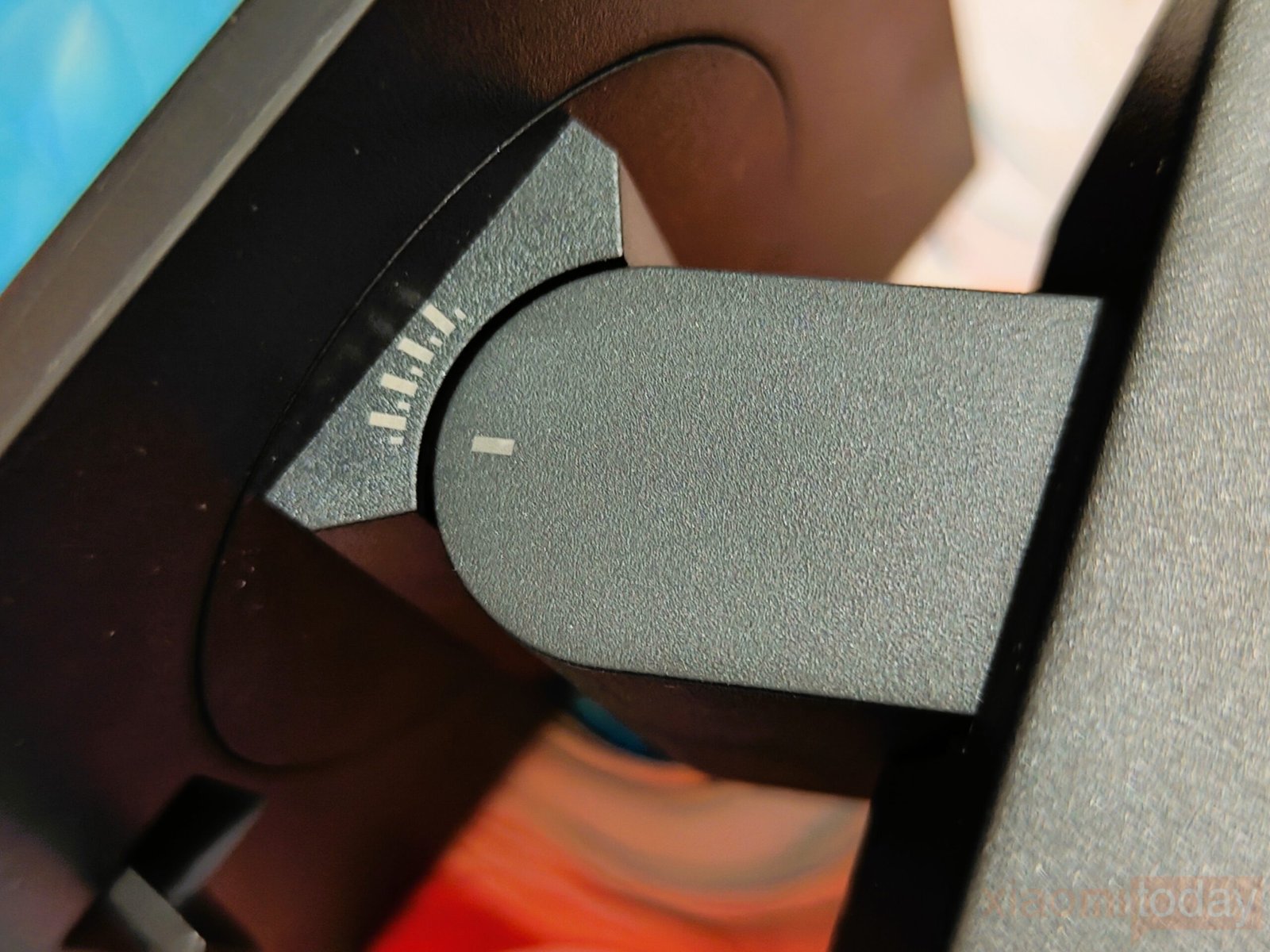
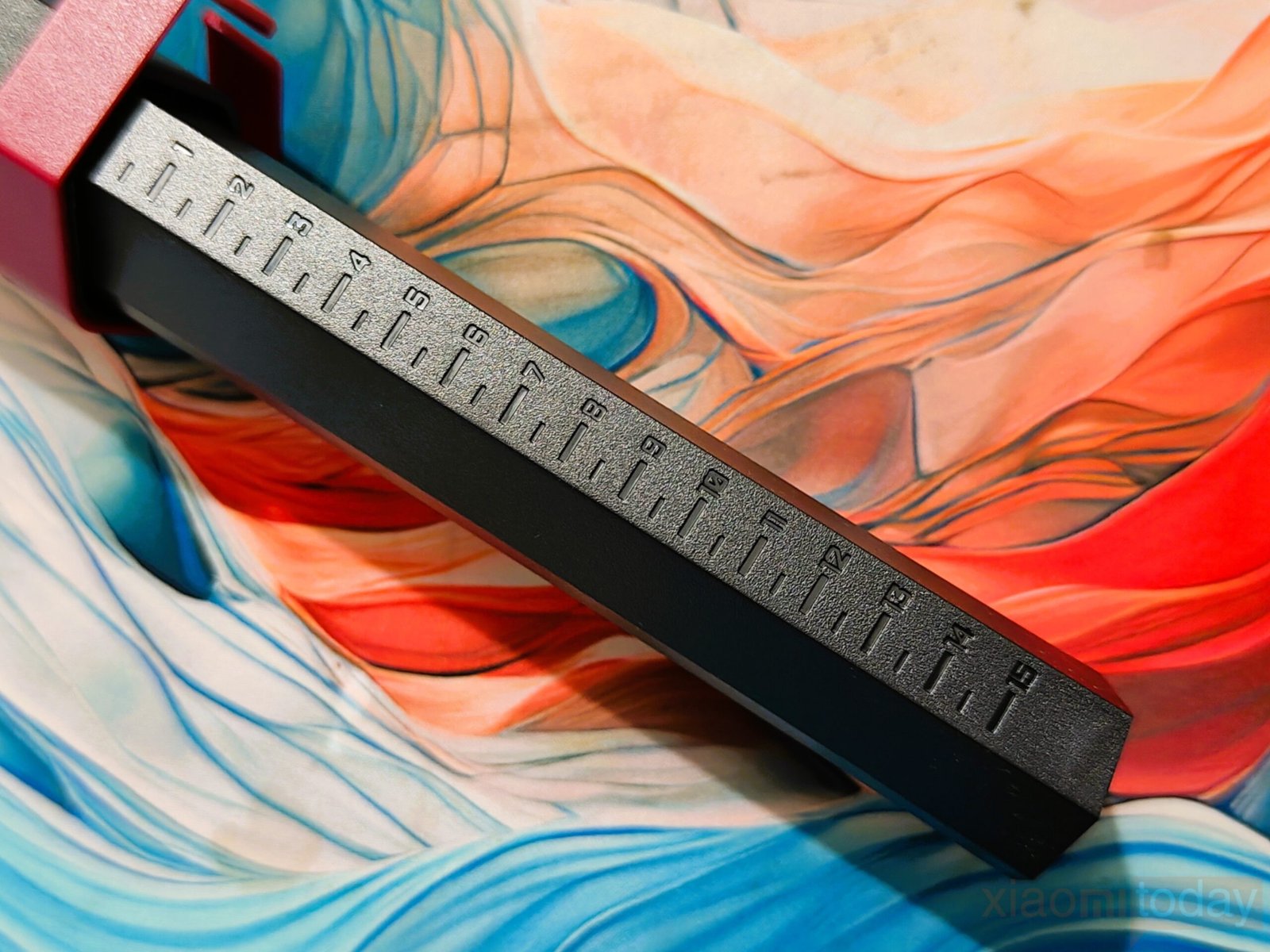
KTC adds etched measurement scales to both the stand neck and the base. These markings make it easy to note precise height, tilt, and swivel positions, which can be useful if the monitor is frequently repositioned or transported. Users who value consistent ergonomics will find this feature particularly helpful. The height range extends up to 150mm, tilt adjustment reaches 40 degrees, swivel allows up to 120 degrees of movement, and the display can be rotated 90 degrees for portrait use. Users planning a different mounting setup can also rely on the standard 100×100mm VESA interface.
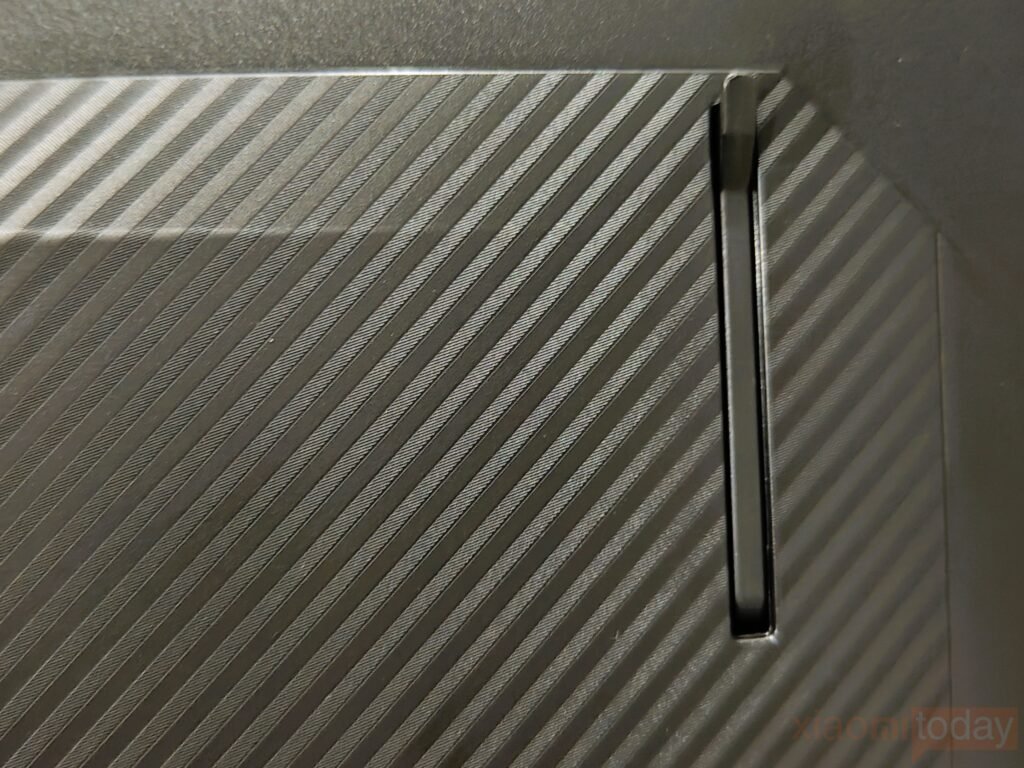
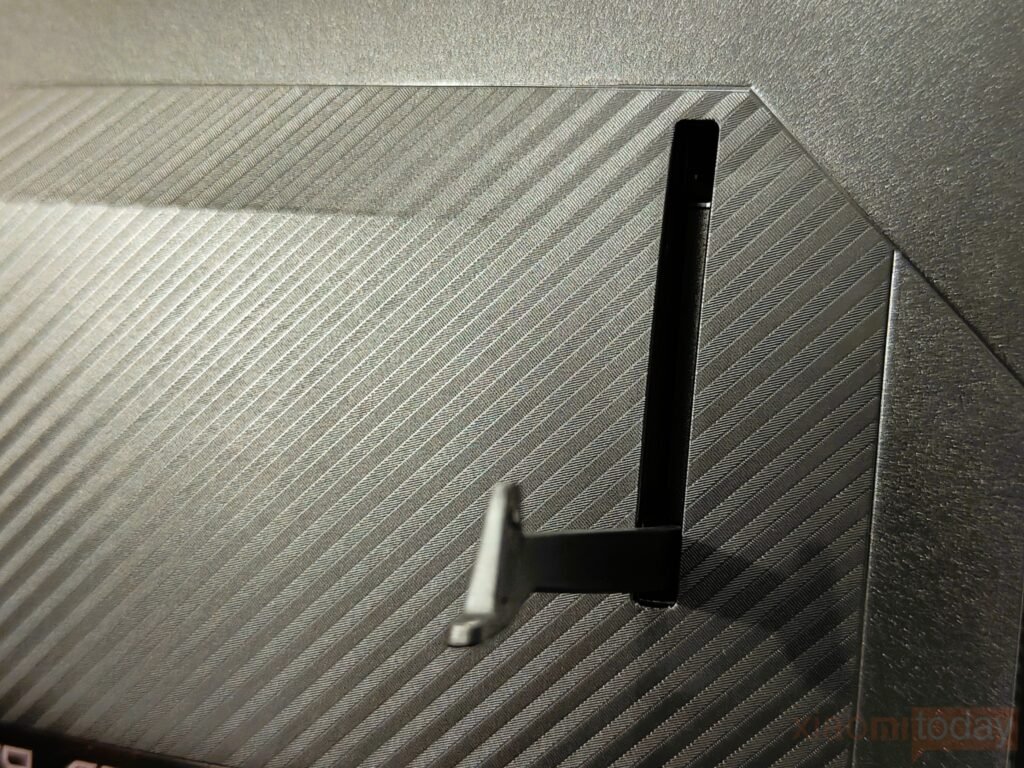
A foldable headphone hook is tucked along the left side, keeping headsets off the desk when not in use.
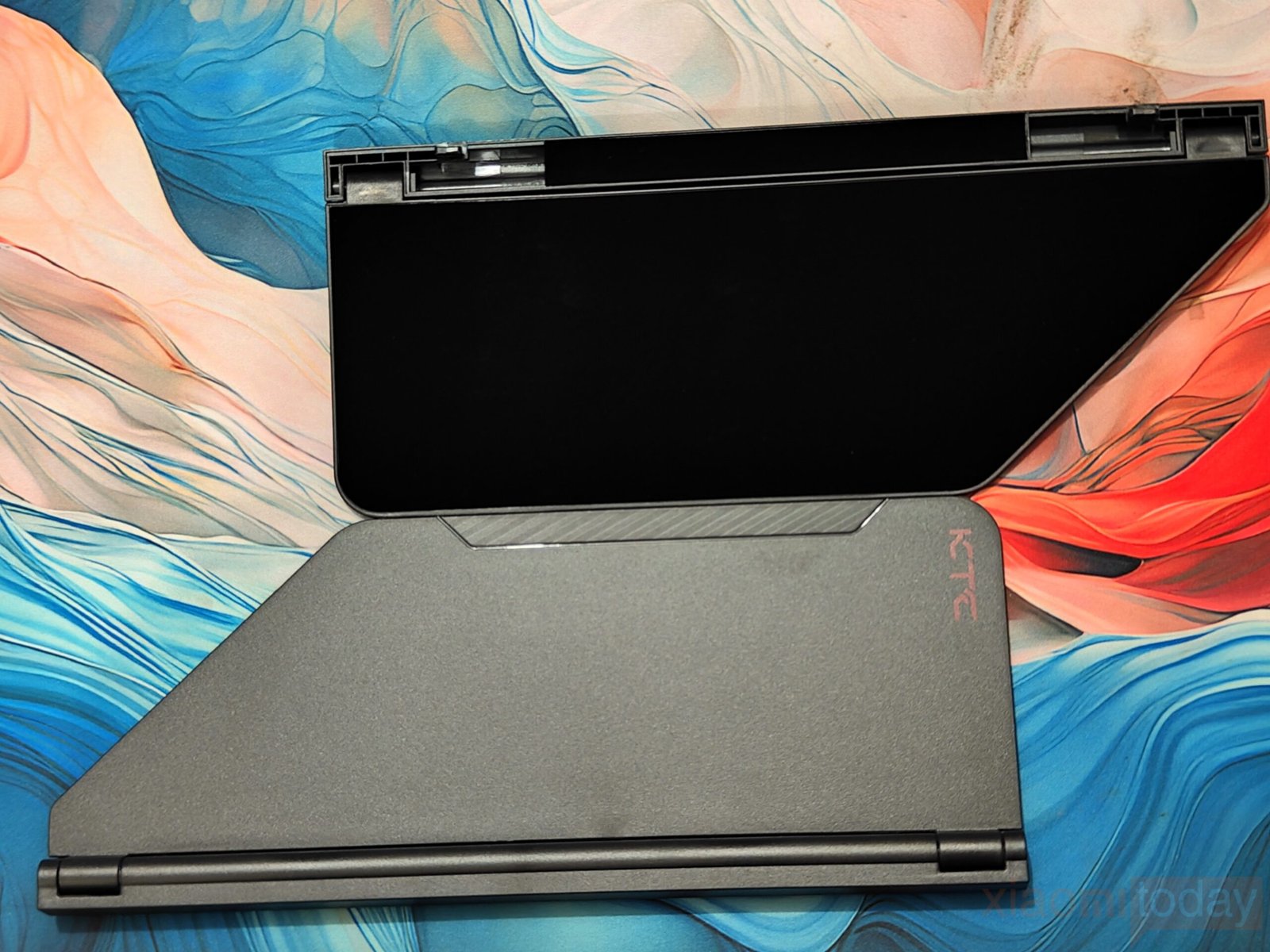
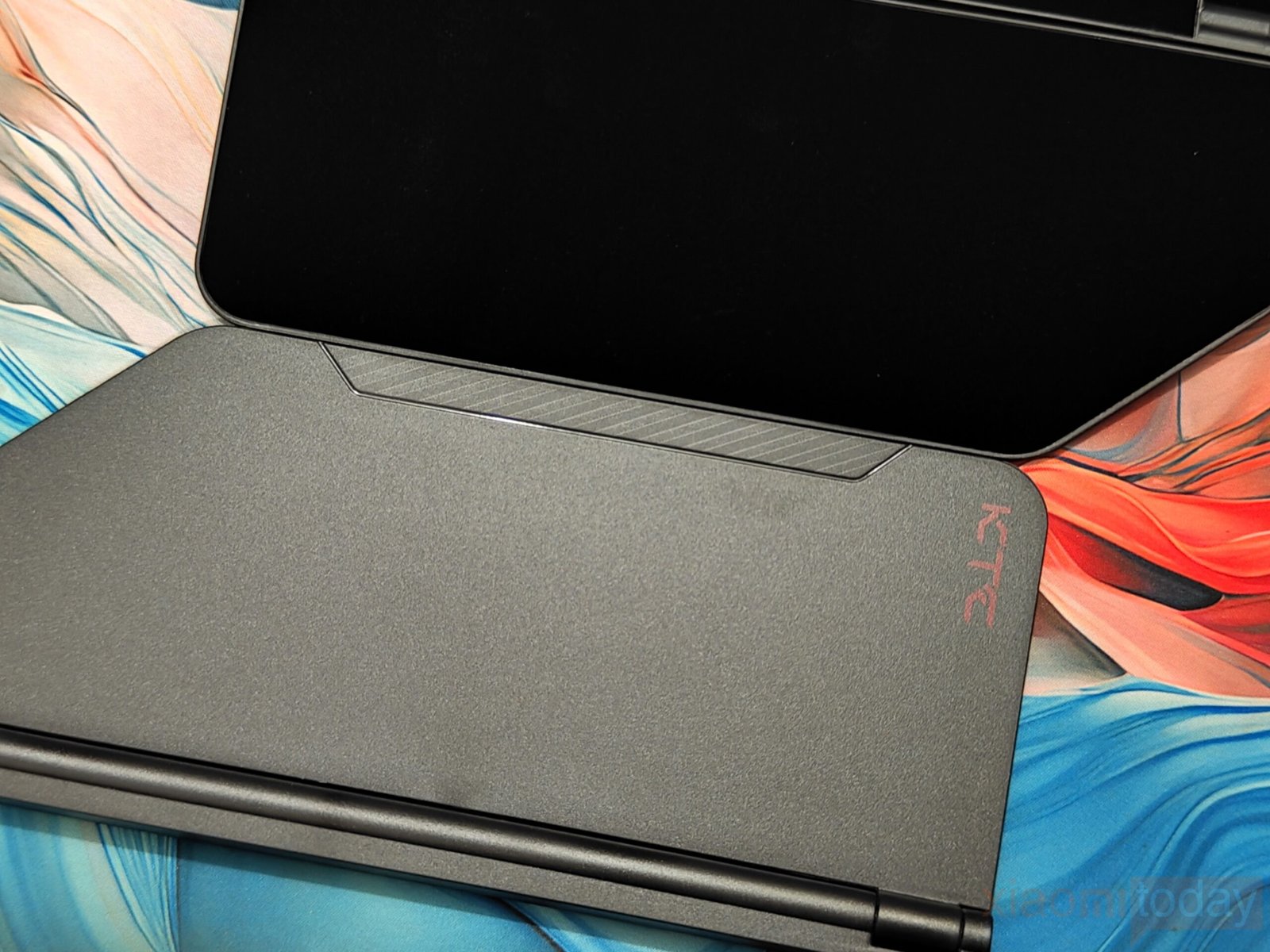
The monitor includes a partial shielding hood with a flocked inner surface around the bezel. This material helps reduce reflections by absorbing stray light and can improve visual consistency in brighter environments. The hood does offer some reduction in ambient light, though the lack of a top section limits its overall effectiveness compared to a full enclosure.
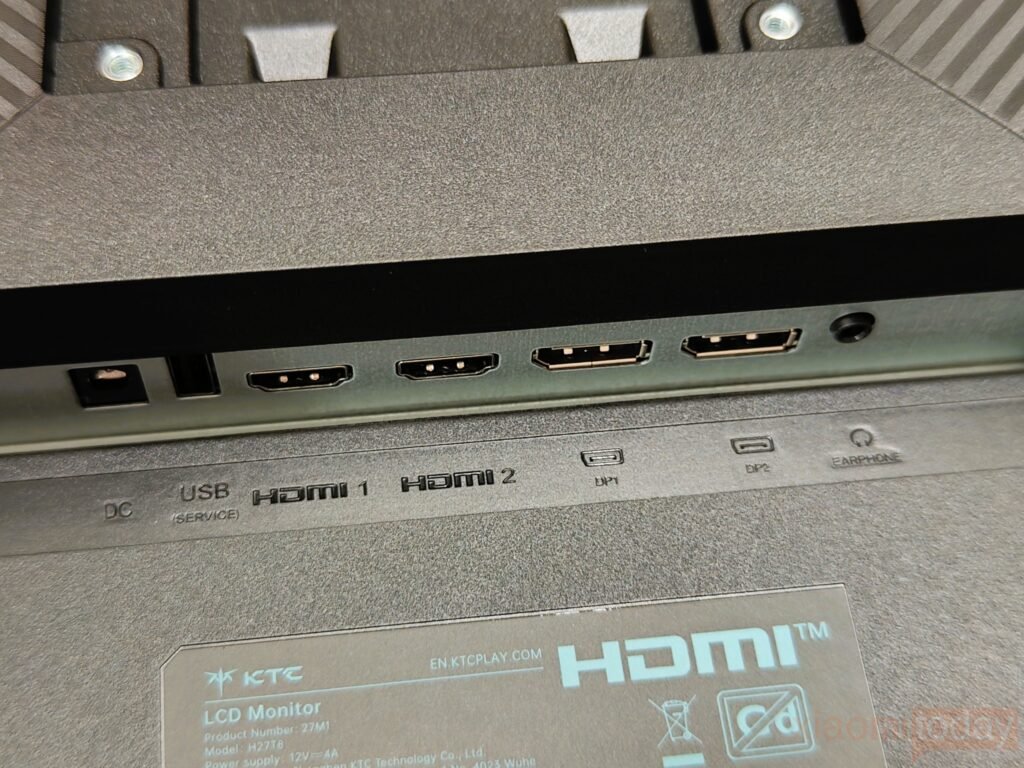
Connectivity is generous for a monitor in this category. The KTC 27M1 is equipped with two HDMI 2.0 ports and two DisplayPort 1.4 inputs, allowing multiple systems to remain connected at the same time. HDMI is limited to 144Hz at 2560×1440, which aligns with console use, while DisplayPort is better suited for higher refresh rates on PC. A 3.5mm headphone jack is included. USB connectivity is minimal, with a single USB 2.0 port reserved for firmware updates rather than peripherals.
Features
The KTC 27M1 27-inch monitor delivers sharp and detailed visuals thanks to its fast IPS panel with a native 2560 x 1440 QHD resolution. Text appears crisp, images show fine details, and videos are clear, making it suitable for both work and entertainment.
The monitor also includes built-in dual 2W speakers, offering basic audio output that keeps the desk setup neat and eliminates the need for extra speakers in casual use. In daily use, the speakers produce low volume and a thin, flat sound, lacking any significant bass or depth. They are suitable for simple tasks like video calls or podcasts, but are not ideal for gaming or watching movies where richer audio is needed. Users looking for better sound quality will benefit from connecting external speakers or headphones.
Gaming performance is enhanced by the 210Hz refresh rate, which ensures that fast-moving scenes remain fluid and smooth. Combined with a 1ms (MPRT) response time, the monitor reduces motion blur and ghosting, allowing games to feel more responsive. This makes it easier to track moving targets, enjoy high-speed action, and maintain precision in competitive titles without compromising visual clarity.
Color accuracy is another strong aspect of the KTC 27M1. The display covers 130% of the sRGB color gamut and supports 1.07 billion colors, producing more accurate and nuanced tones. With a 1000:1 contrast ratio and 450 cd/m² peak brightness, the monitor is capable of delivering well-defined shadows and highlights. HDR support further improves the dynamic range, making images and video appear more lifelike and detailed.
Beyond gaming and general use, the monitor’s color performance and brightness make it suitable for creative work. Photo editing, video production, and design tasks benefit from the precise color reproduction, while the wide viewing angles of the IPS panel ensure consistency when viewing from different positions. Overall, the KTC 27M1 balances performance and versatility, providing a display that works well for both entertainment and productivity.
OSD Menu
The KTC 27M1 uses a small joystick on the lower-right side for navigating the on-screen display. It is easy to reach and responsive, allowing smooth movement through the menus. The interface itself is clean and well-organized, with clear labels and bold, high-contrast text that makes reading settings simple even in bright lighting. Image adjustments include four gamma presets and basic color temperature options labeled as “Warm” and “Cool,” alongside six-axis color saturation controls for fine-tuning red, green, and blue channels. An sRGB preset is included, but there are no profiles for AdobeRGB, DCI-P3, or Rec.709, which may limit use for professional color work.
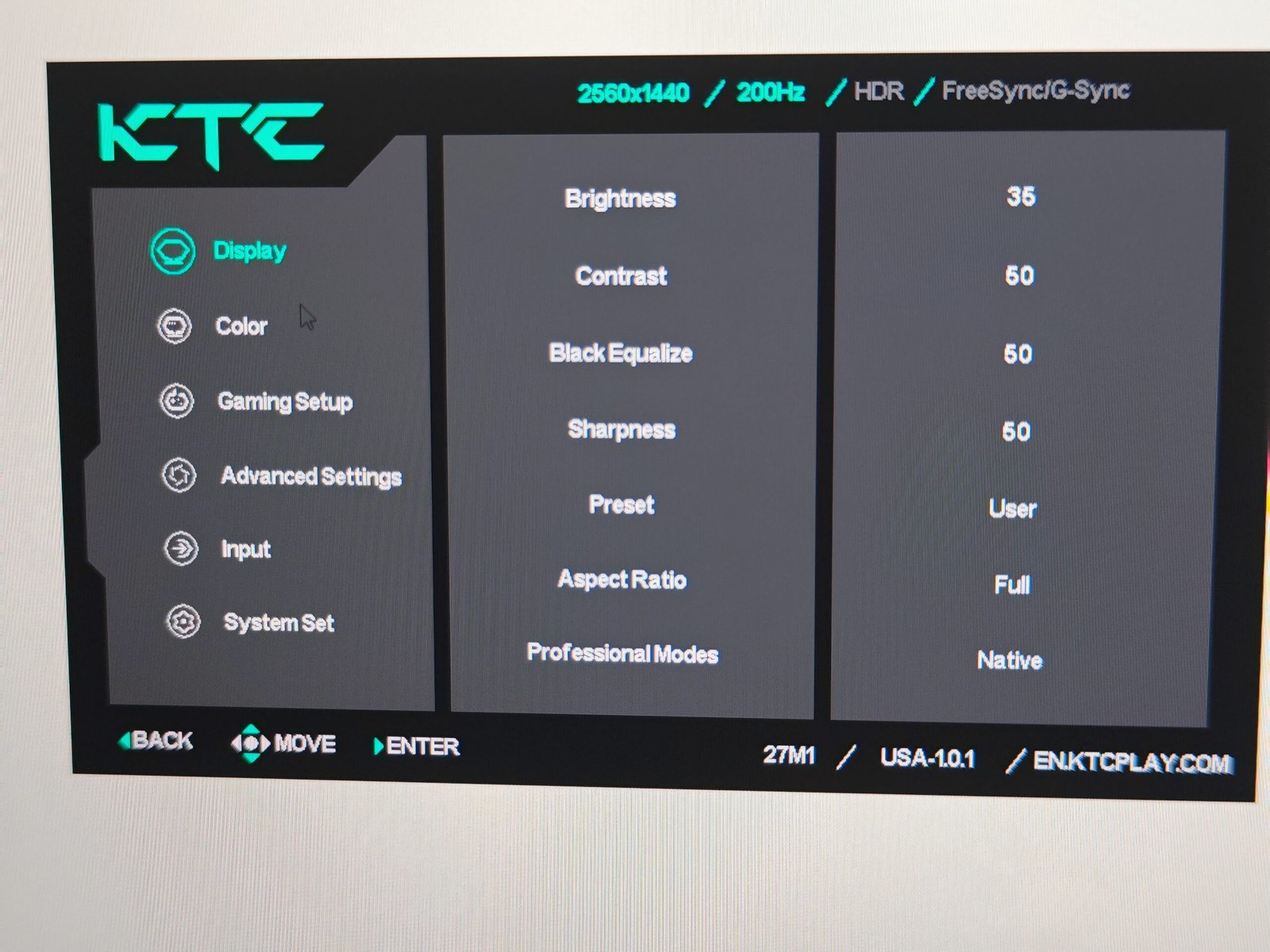
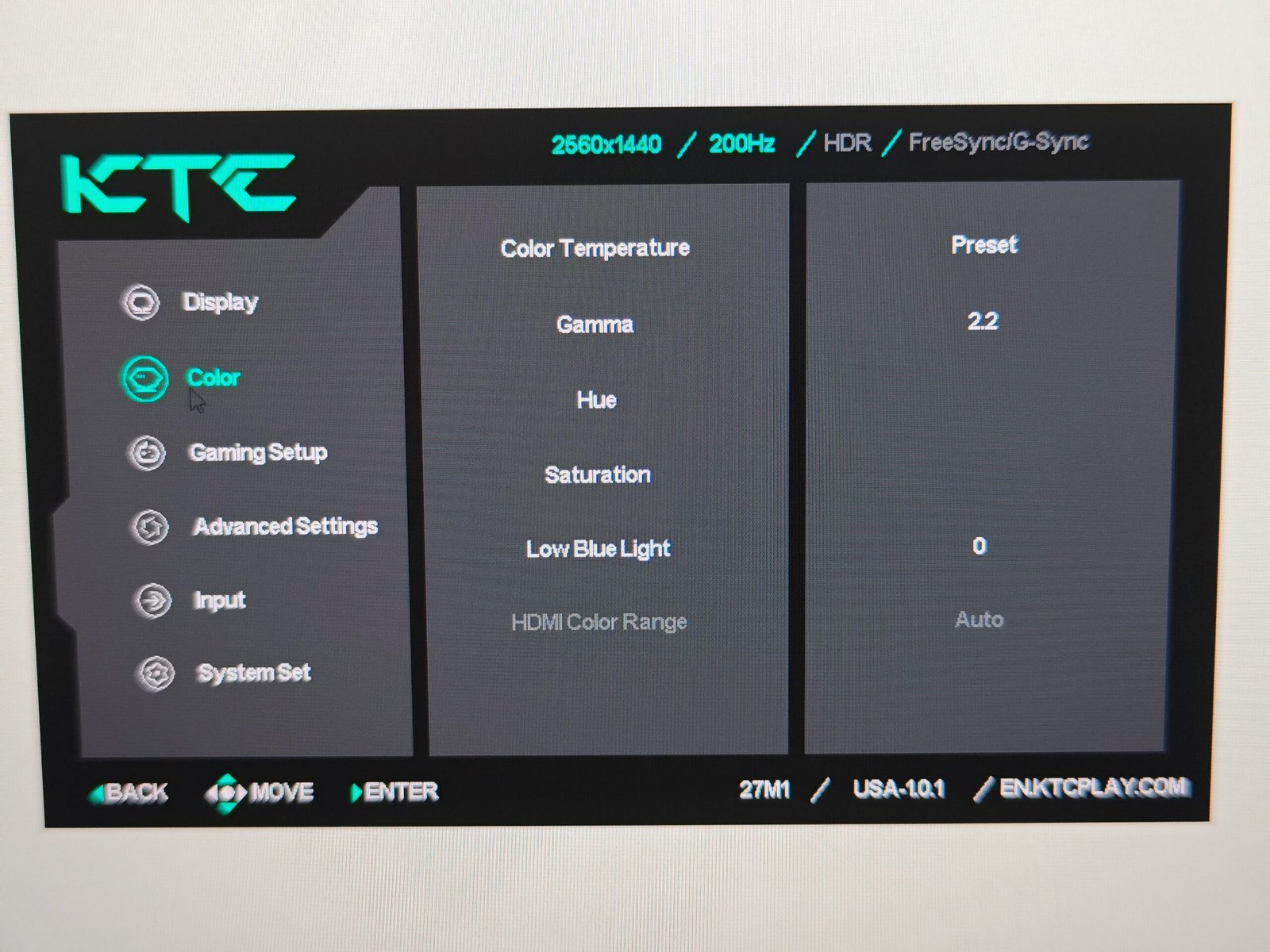
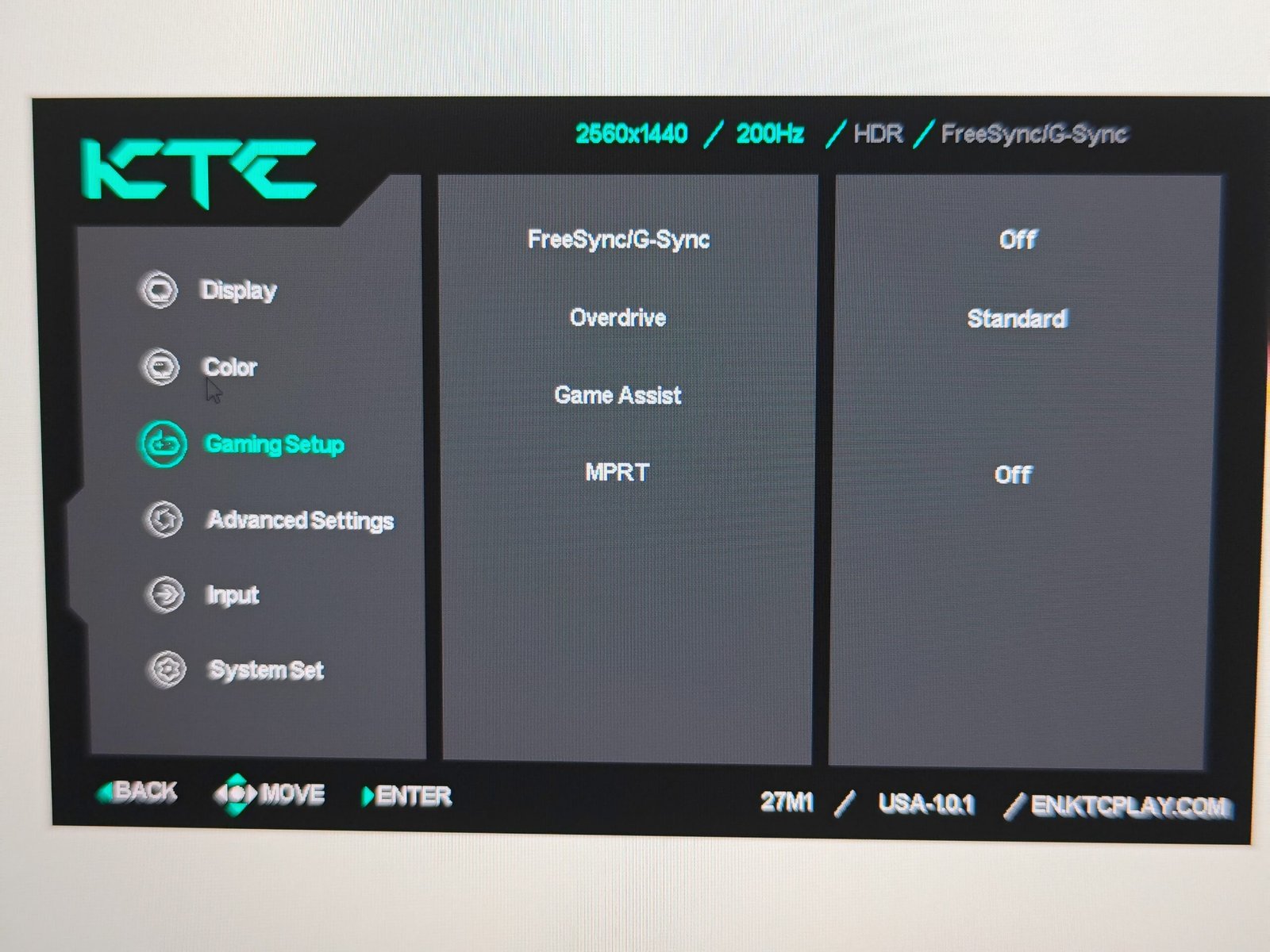
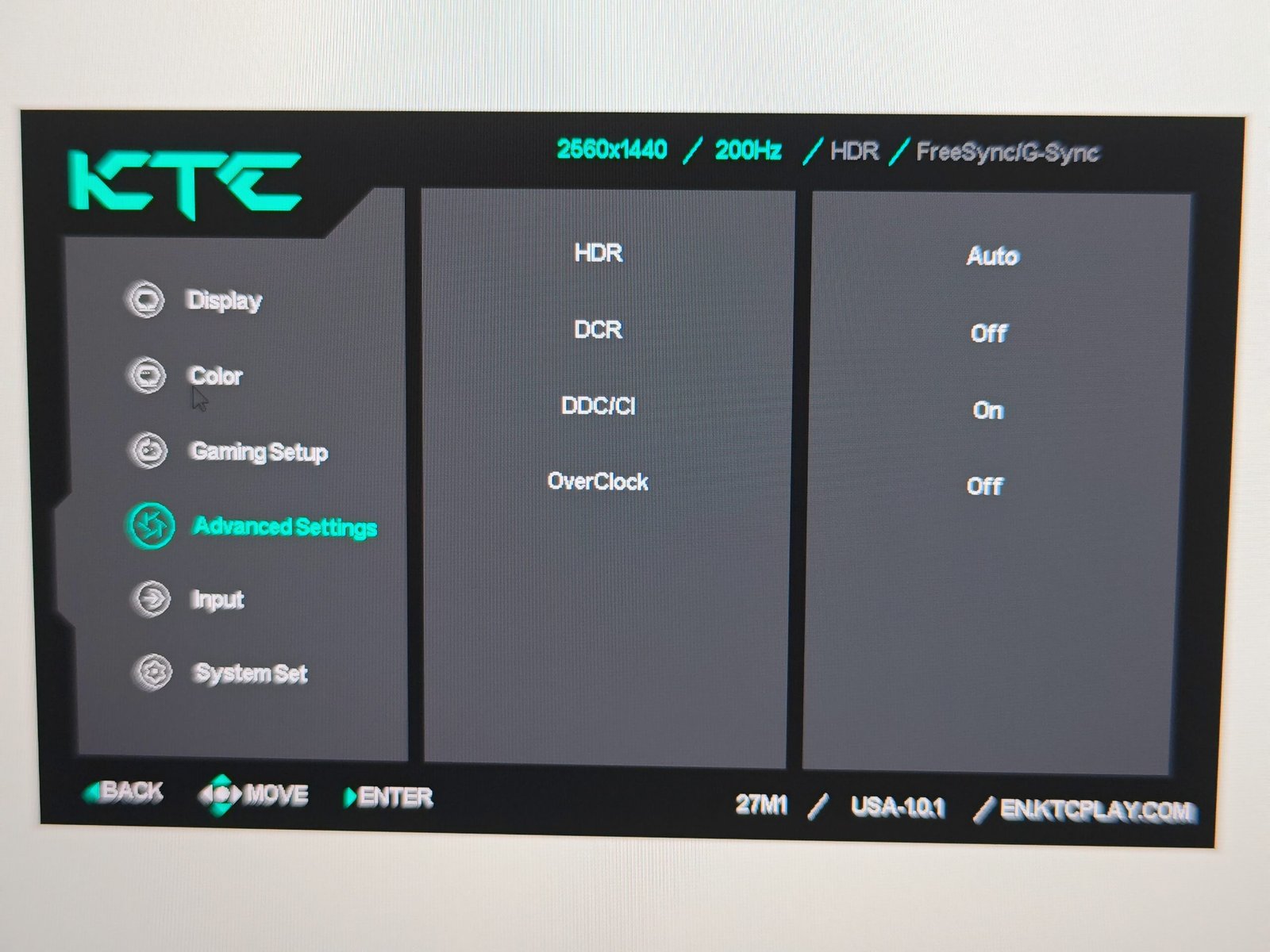
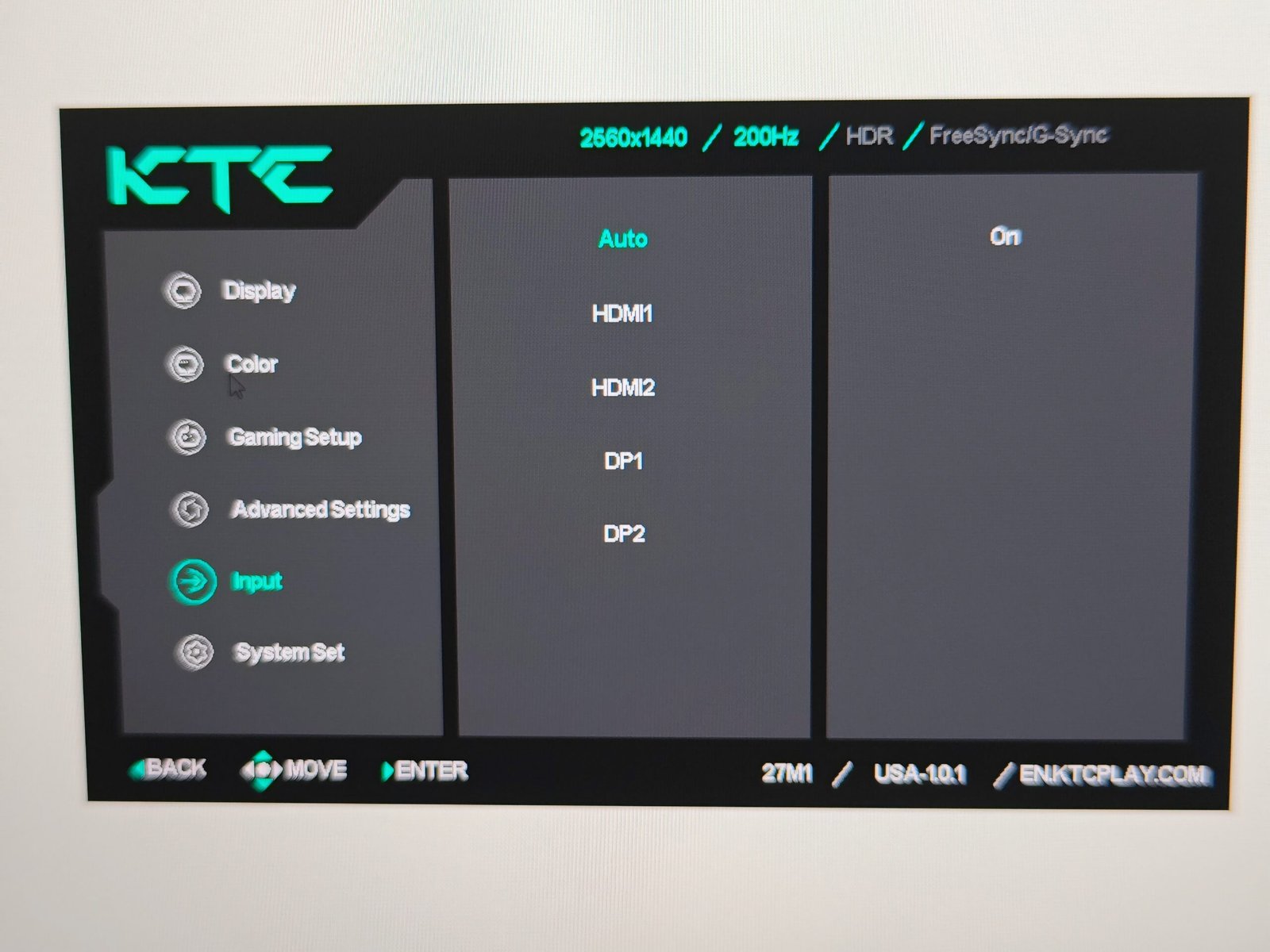
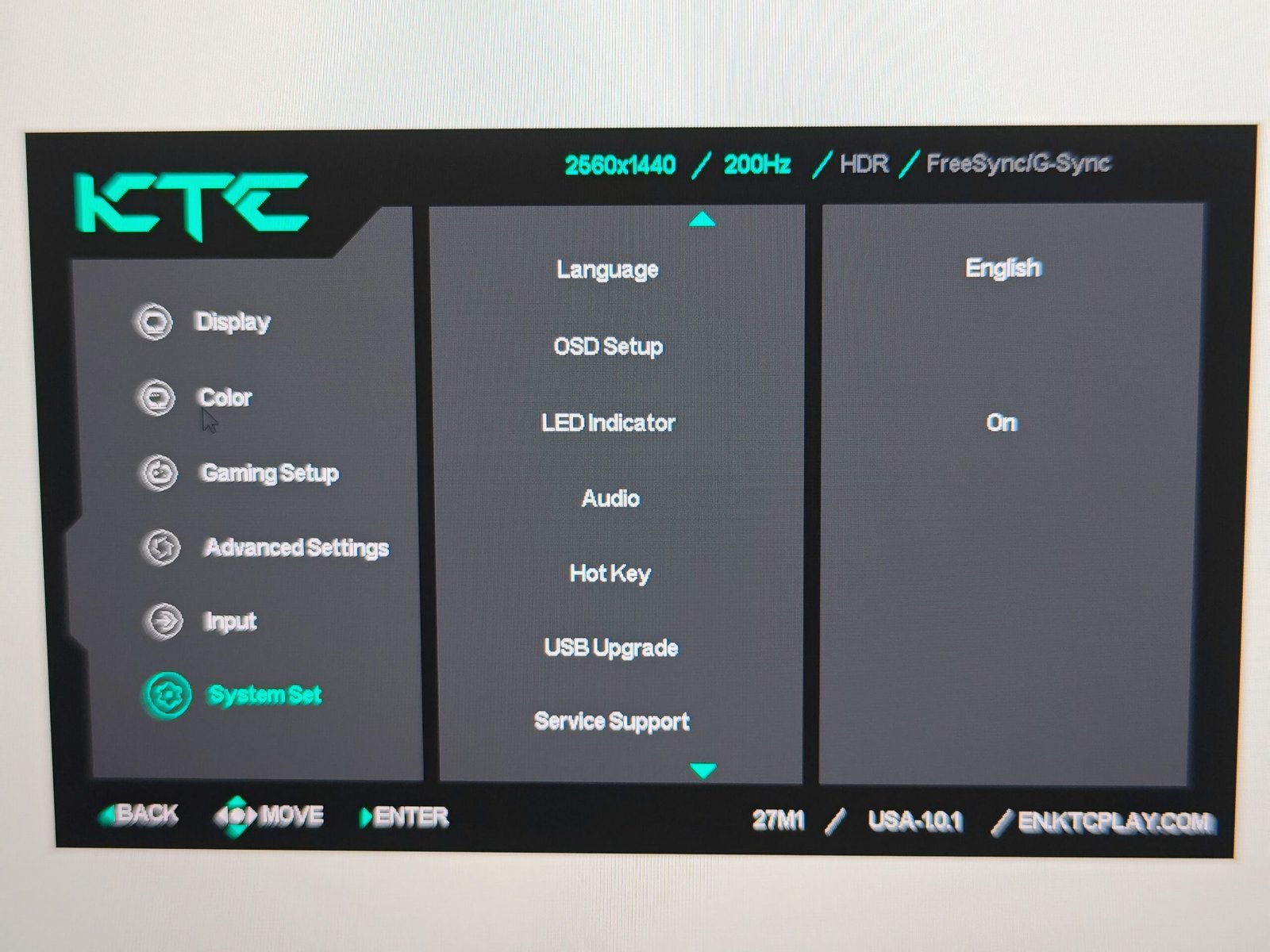
For gaming, the monitor offers practical features such as an on-screen crosshair, timer, and FPS counter, while a 4:3 aspect ratio mode is also available for older titles. The menu system covers the essential settings, but all adjustments must be made directly on the monitor itself, as KTC does not provide a companion software utility for Windows or MacOS. This contrasts with other brands, such as Alienware and Asus, which allow software-based control for quicker access and fine adjustments. Overall, the OSD is functional and responsive, providing the necessary tools for general users and casual gaming without additional software support.
Image Quality (SDR, HDR, and Refresh Rate Performance)
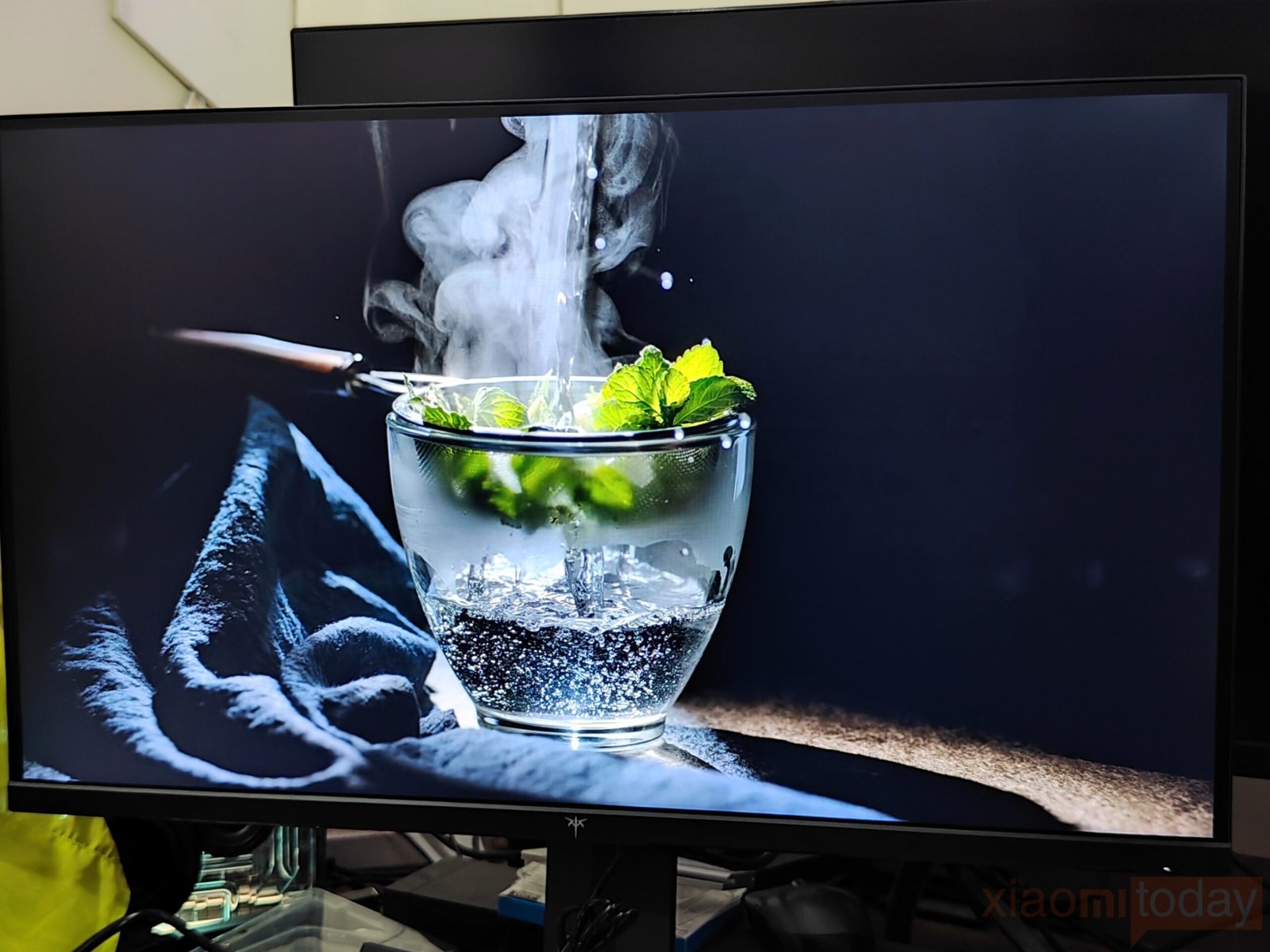
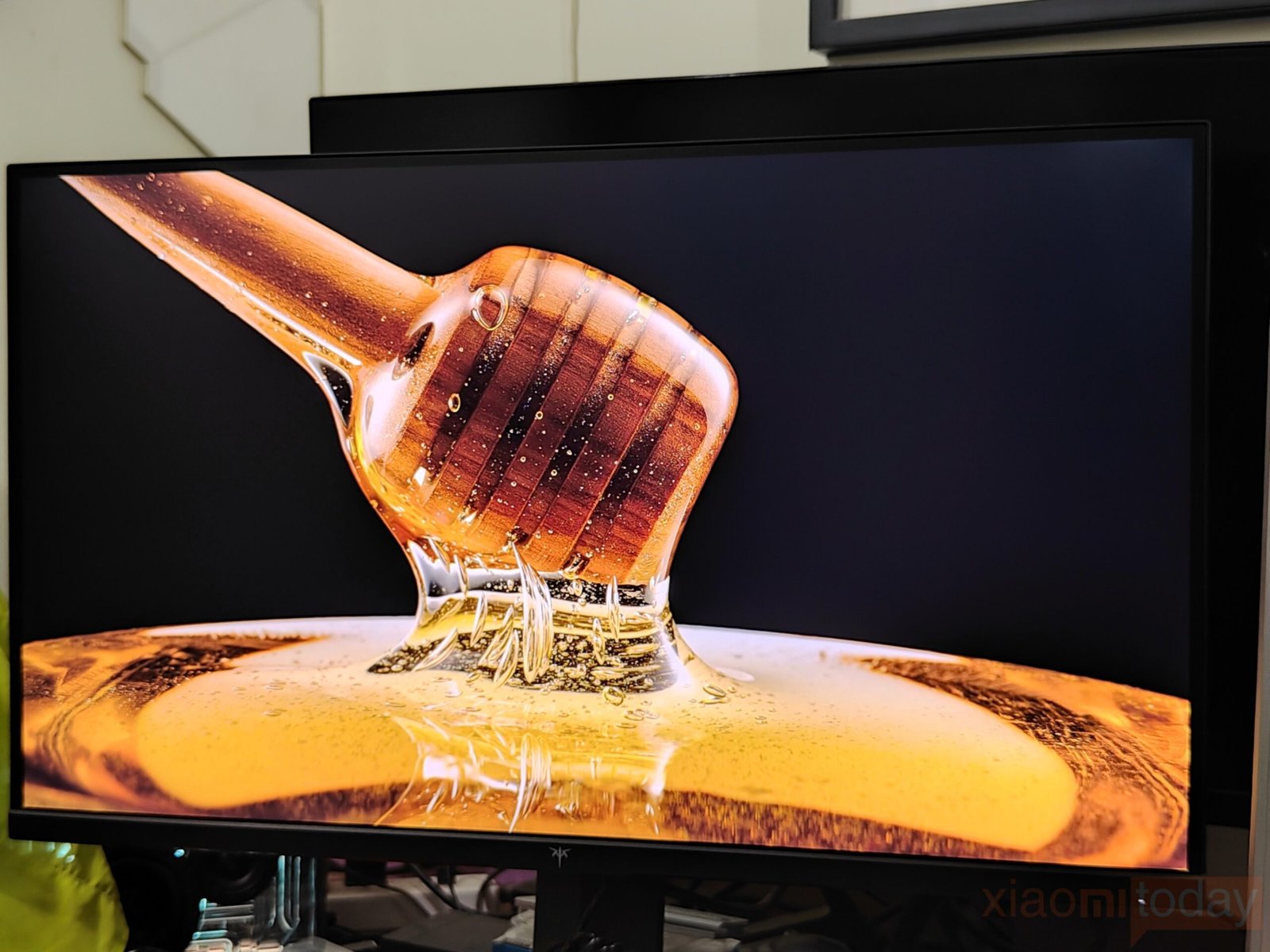
The KTC 27M1 delivers clear and detailed visuals on its 27-inch Fast IPS panel at a native 2560×1440 resolution. In standard SDR content, text appears crisp, and images retain fine detail without color oversaturation. The panel covers 130% of the sRGB color gamut, producing vibrant yet balanced tones that work well for gaming, media playback, and daily desktop use. Brightness levels up to 450 cd/m² ensure content remains visible in well-lit rooms, while the 1000:1 contrast ratio maintains depth in darker scenes. Viewing angles are wide and consistent, keeping colors stable even when the screen is viewed from the side, which is useful for multi-monitor setups or group viewing.
HDR content shows noticeable improvements in contrast and dynamic range, although the lack of local dimming limits the depth of darker scenes. Highlights in HDR media appear more pronounced, and shadows retain detail without looking washed out. Brightness and color performance combine to make HDR movies, games, and creative content more immersive than SDR alone. While it does not match higher-end HDR monitors with full-array local dimming, the panel provides a visible enhancement for media and gaming, making scenes appear more dynamic and lifelike.
The 27M1 supports up to 210Hz over DisplayPort, offering smooth and fluid visuals in fast-paced games. With a 1ms MPRT response time, it reduces blur and ghosting, keeping fast-moving objects clear. Adaptive Sync support, including AMD FreeSync and Nvidia G-Sync compatibility, helps maintain consistent frame pacing even when frame rates fluctuate. Titles that demand quick reactions, such as first-person shooters or racing games, benefit from more precise visuals and improved responsiveness, contributing to a comfortable gaming experience.
It is important to note that the maximum 210Hz refresh rate is only achievable via DisplayPort, while HDMI connections are limited to 144Hz. The monitor also includes an enhanced pixel response time mode, which sharpens motion but can introduce over-sharpening or minor artifacts. MPRT mode inserts black frames between normal frames to reduce perceived motion blur, making fast-moving content appear clearer. However, this can create a “double image” effect and reduce perceived brightness by about half. The panel’s high brightness largely compensates for this reduction, but MPRT is something that may take some time for users to get accustomed to.
Daily and Gaming Use Experience
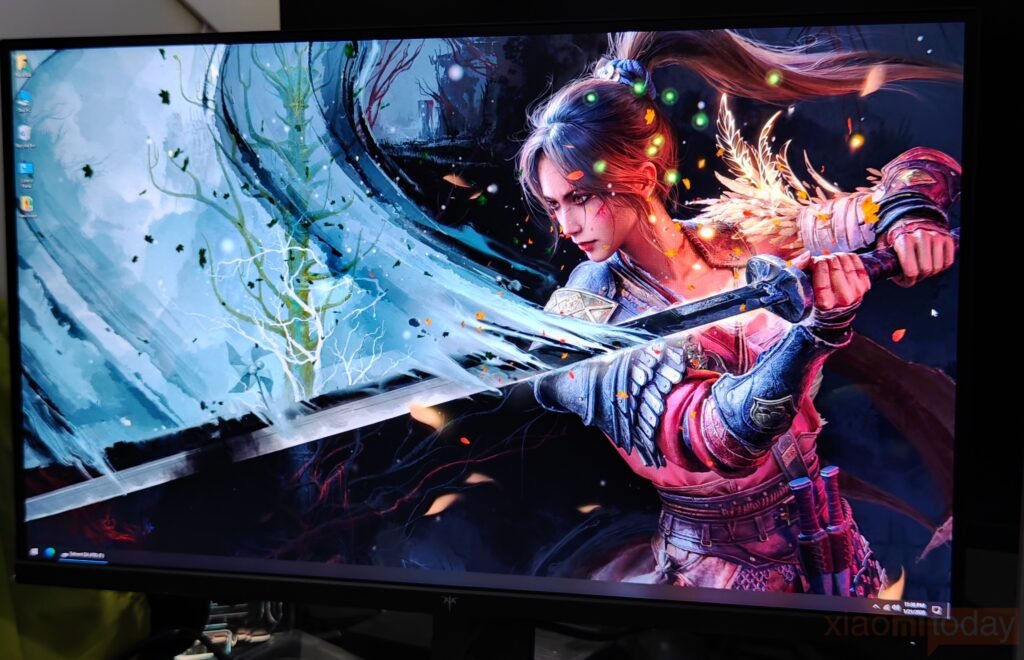
In everyday use, the KTC 27M1 27-Inch 1440p 210Hz Gaming Monitor performs reliably for both work and media. The 27-inch Fast IPS panel at 2560×1440 delivers clear text and sharp images, making tasks like document editing, web browsing, and video streaming comfortable over long periods. Colors remain consistent across wide viewing angles, which is helpful for multi-monitor setups or collaborative work. The built-in 2W speakers are adequate for casual videos and calls, while the ergonomic stand with height, tilt, swivel, and pivot adjustments allows for a comfortable setup. The included partial shielding hood helps reduce glare, keeping the display clear even in brightly lit environments.
Gaming on the KTC 27M1 emphasizes smooth motion and fast response. Competitive shooters such as Valorant and CS: GO benefit from the 210Hz refresh rate and 1ms MPRT response time, making fast movements and target tracking feel more precise. Action and racing titles like Call of Duty: Modern Warfare II and Forza Horizon 5 also feel fluid, with Adaptive Sync support helping reduce tearing when frame rates change. The 130% sRGB coverage ensures colors remain accurate and detailed, while HDR content adds better contrast, improving immersion in both single-player and multiplayer games. Fast-paced titles particularly highlight the monitor’s ability to combine sharp visuals with smooth motion.
For mixed use, the 27M1 handles both work and entertainment without compromise. Watching videos, editing photos, or enjoying HDR content is clear and vibrant, thanks to the 450 cd/m² brightness and stable color reproduction. Even slower-paced or older games like Stardew Valley and The Witcher 3 look crisp and colorful, demonstrating that the monitor balances visual quality and responsiveness across different scenarios. Whether for gaming, productivity, or media consumption, the KTC 27M1 provides a reliable and flexible experience suitable for a wide range of daily tasks and gaming sessions.
Conclusion
The KTC 27M1 27-Inch 1440p 210Hz Gaming Monitor is available now on Amazon. For more information, visit the official KTC website. For more controller reviews, click here.