At 47g, the Angry Miao AM Infinity .97 is built for players who want a light wireless mouse without a plastic shell. Its open magnesium-aluminum frame, 8K polling support, and quick-swap batteries put it in the high-end gaming mouse category. We’re starting this hands-on review with the Basalt Black model; Cloud White and Neon Rosa are also available.
The .97 in the name refers to a slightly smaller shape, designed with fingertip and claw grip in mind. A magnetic Hatchback cover adds palm support, while the skeletal frame keeps the wireless mouse at 47g. Connect it by cable and the listed weight drops to 37g. That combination makes shape and comfort central to the review: a low weight only helps if the mouse fits your hand and grip.
Angry Miao pairs the mouse with a PAW3950 sensor rated for up to 30,000 DPI, 750 IPS, and 50G acceleration. The company also advertises a 20,000 FPS “Blast Mode” and its own Real8K Engine for 8,000Hz polling. Those specifications target competitive games such as Valorant, Counter-Strike 2 and Apex Legends. We’ll focus on how tracking and wireless response hold up in use, rather than treating the headline figures as a verdict.
The battery system is unusual: two removable cells are designed to swap in around 1.2 seconds, with claimed runtimes of 30 hours at 8K polling and up to 165 hours at 1K. The 2.4GHz receiver also works as an RGB charging dock. TTC Orange Dot V2 optical switches, a stated 100-million-click lifespan, and a browser-based driver complete the feature set.
Our full review will assess whether the AM Infinity .97’s light frame and ambitious specifications translate into a mouse that feels right in everyday play.
Specifications
| Specification | Details |
|---|---|
| Hand design | Optimized for claw and fingertip grip or smaller hands |
| Materials | Magnesium-aluminum alloy hollow frame and PC base |
| Colors | Basalt Black, Cloud White, Neon Rosa |
| Weight | Wired: 39 g (excluding battery); wireless: 47 g |
| Sensor | PAW3950 |
| Micro-switches | TTC Orange Dot Optical Micro-Switch V2 and independent MMB micro-switch |
| Polling rate | Dual 8K wired/wireless |
| Max acceleration | 50G |
| Max speed | 750 IPS |
| Sensitivity | Up to 30,000 DPI; default 1,600 DPI |
| FPS | Locks at a constant 20,000 sampling rate in Blast Mode |
| Charging | Hot-swappable magnetic charging; optimized runtime: 165 hours at 1K / 30 hours at 8K |
| Battery | 340 mAh |
| Connection | Bluetooth, wired, or 2.4G; bottom switch positions: left / middle/right |
| USB port | Type-C |
| Software | Driverless web interface for customizing polling rate, DPI, key assignments, debounce time, sensor height, and RGB settings |
| Buttons | 7: left/right, middle scroll wheel, scroll wheel forward/backward, and forward/backward buttons |
| RGB lighting | Customizable connection indicator light colors |
| Dimensions | Length: 123.2 mm (with hatchback cover) / 115 mm (without); width: 62 mm; height: 38.6 mm |
Unboxing
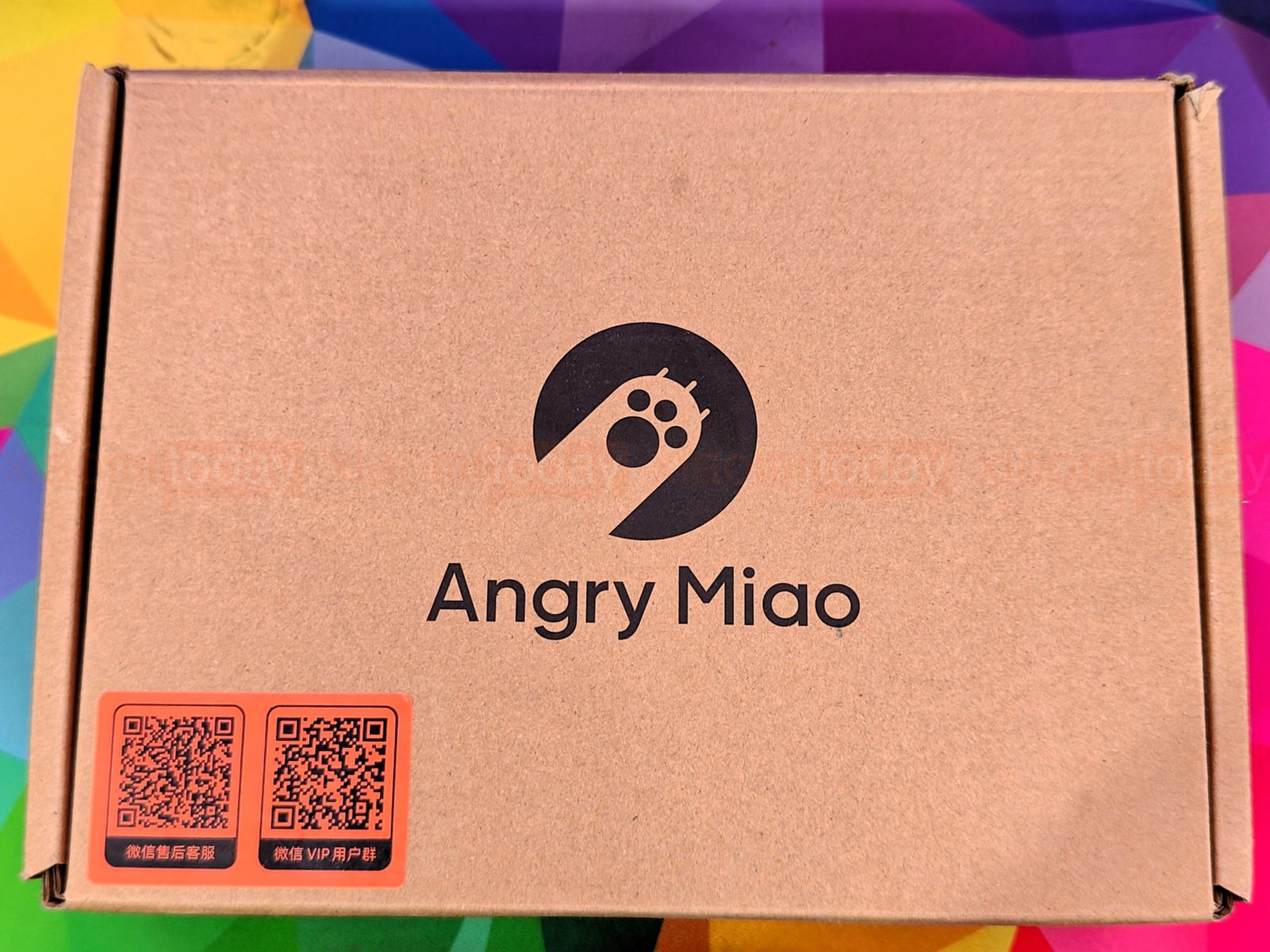
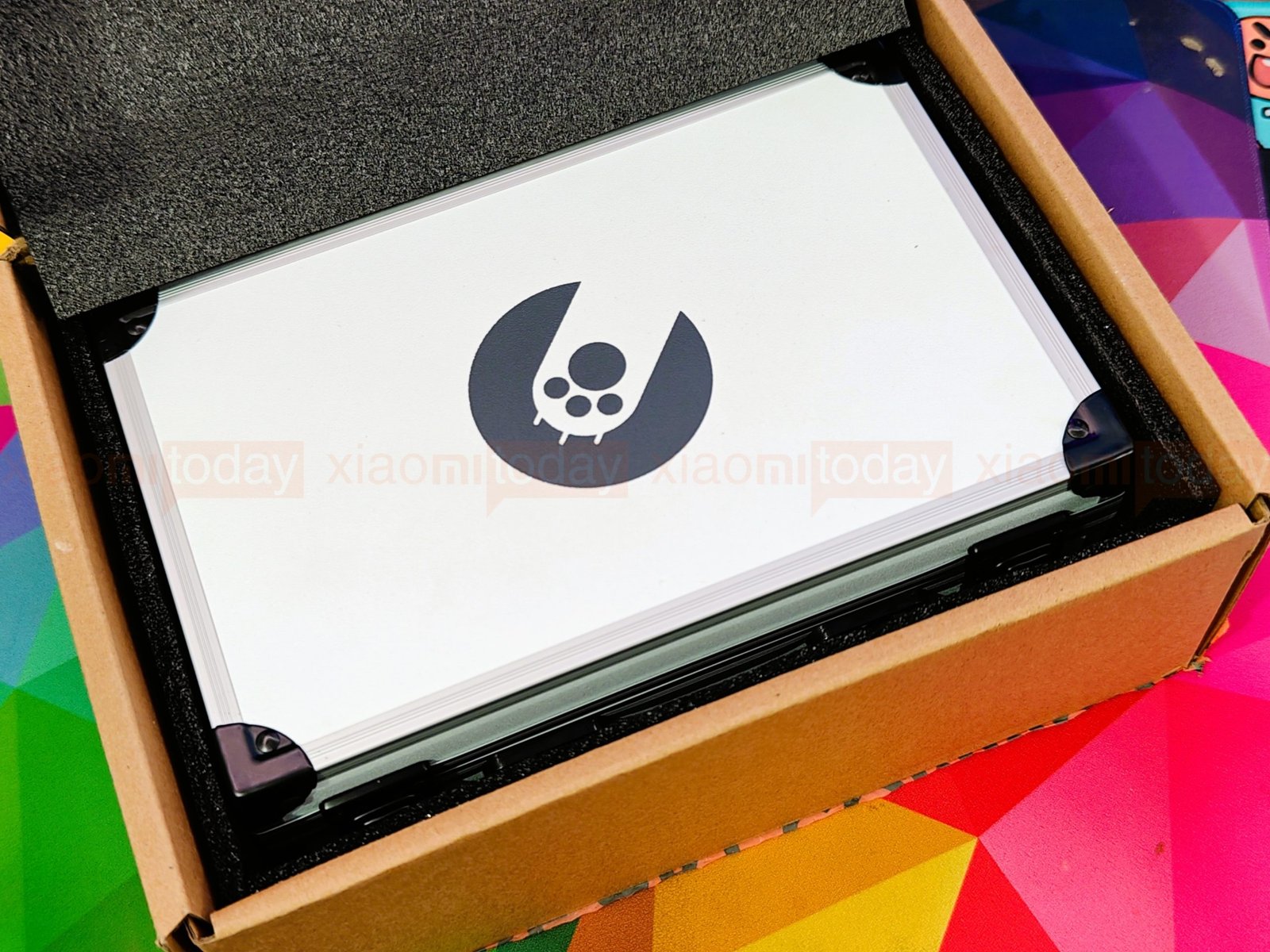
The Angry Miao AM Infinity .97 comes in a plain kraft cardboard box with the company logo on top and two orange QR code labels on the back. There is little product information on the exterior. Inside, a foam insert holds the hard carrying case securely during shipping.
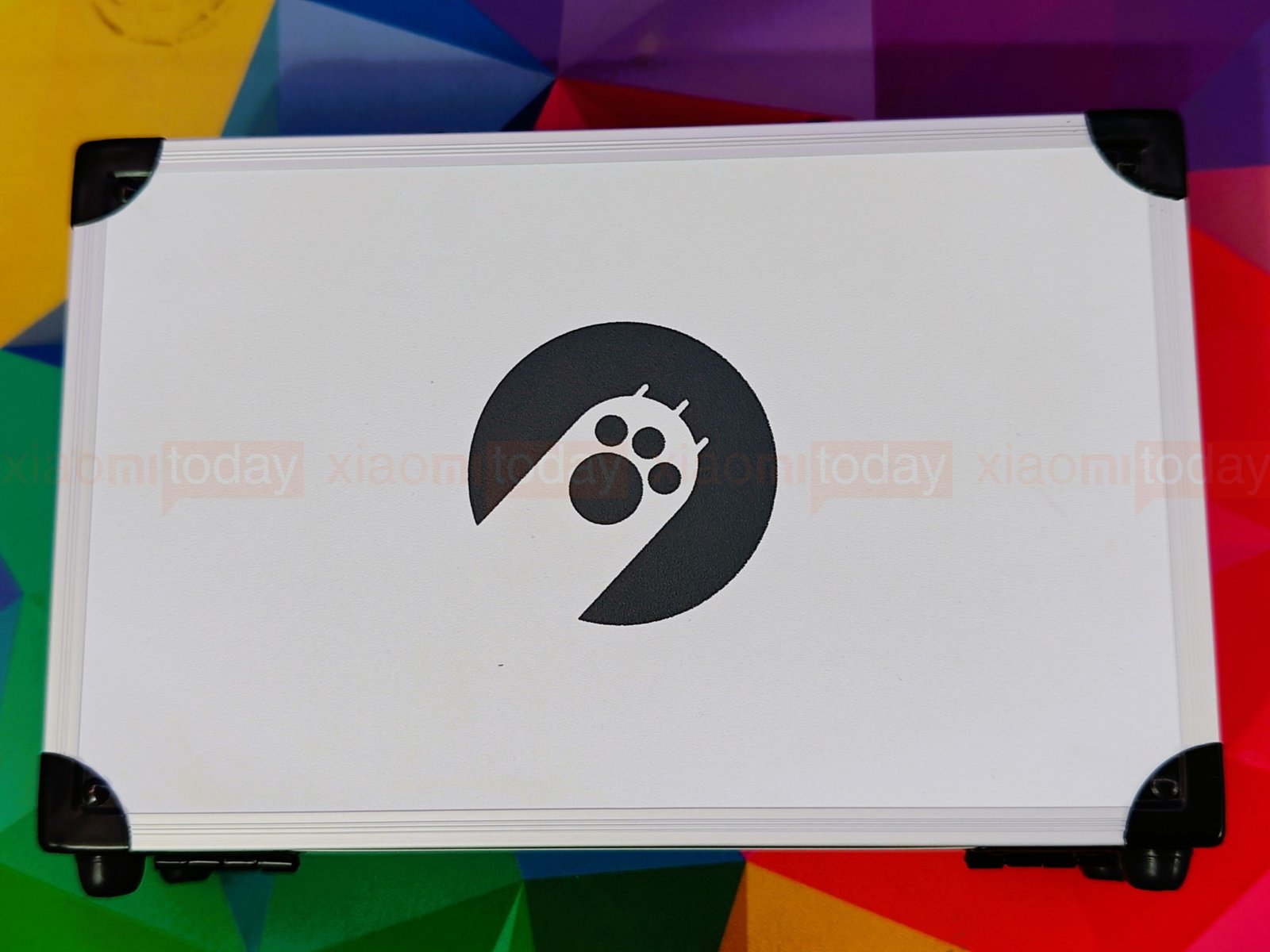

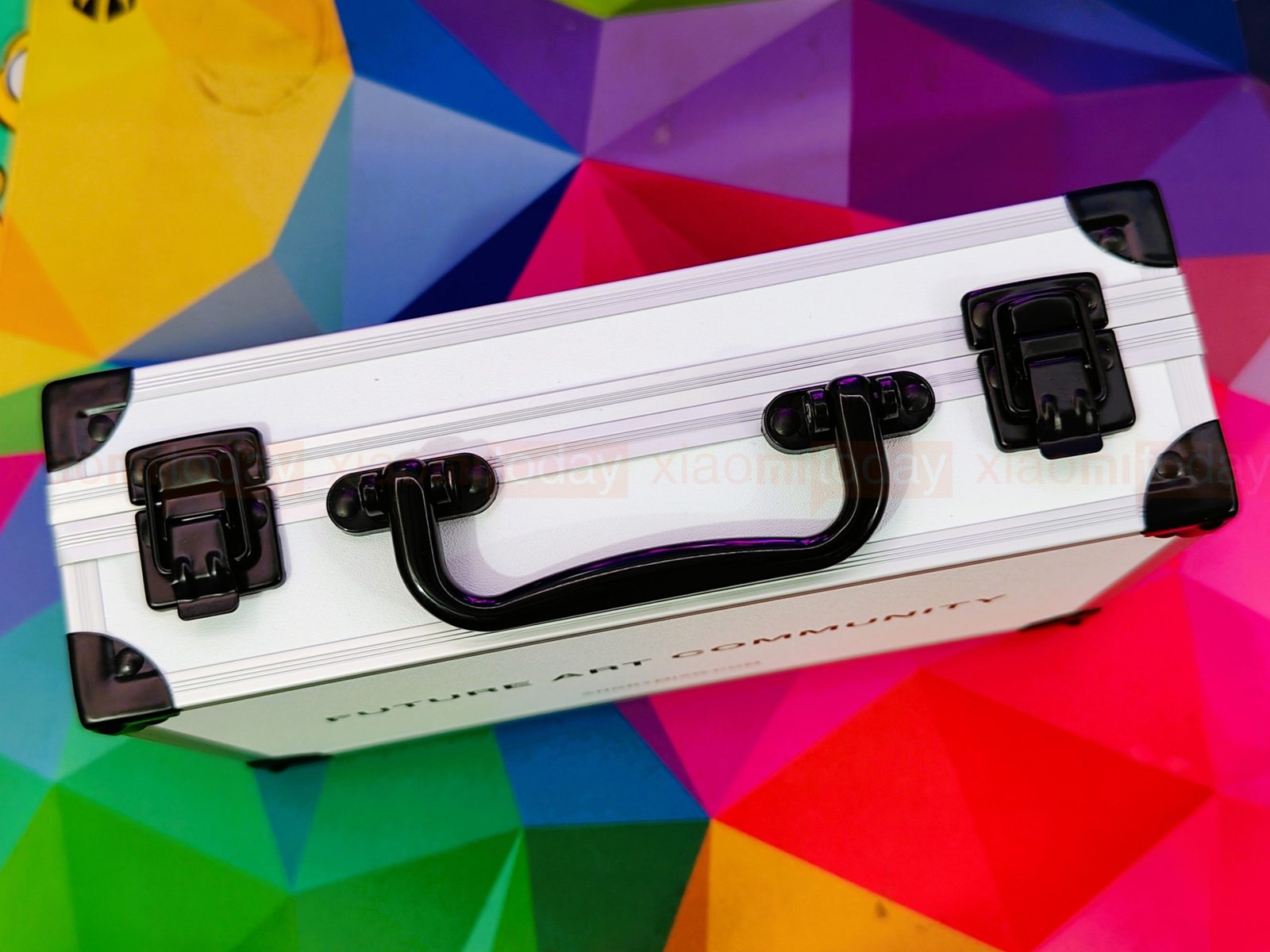
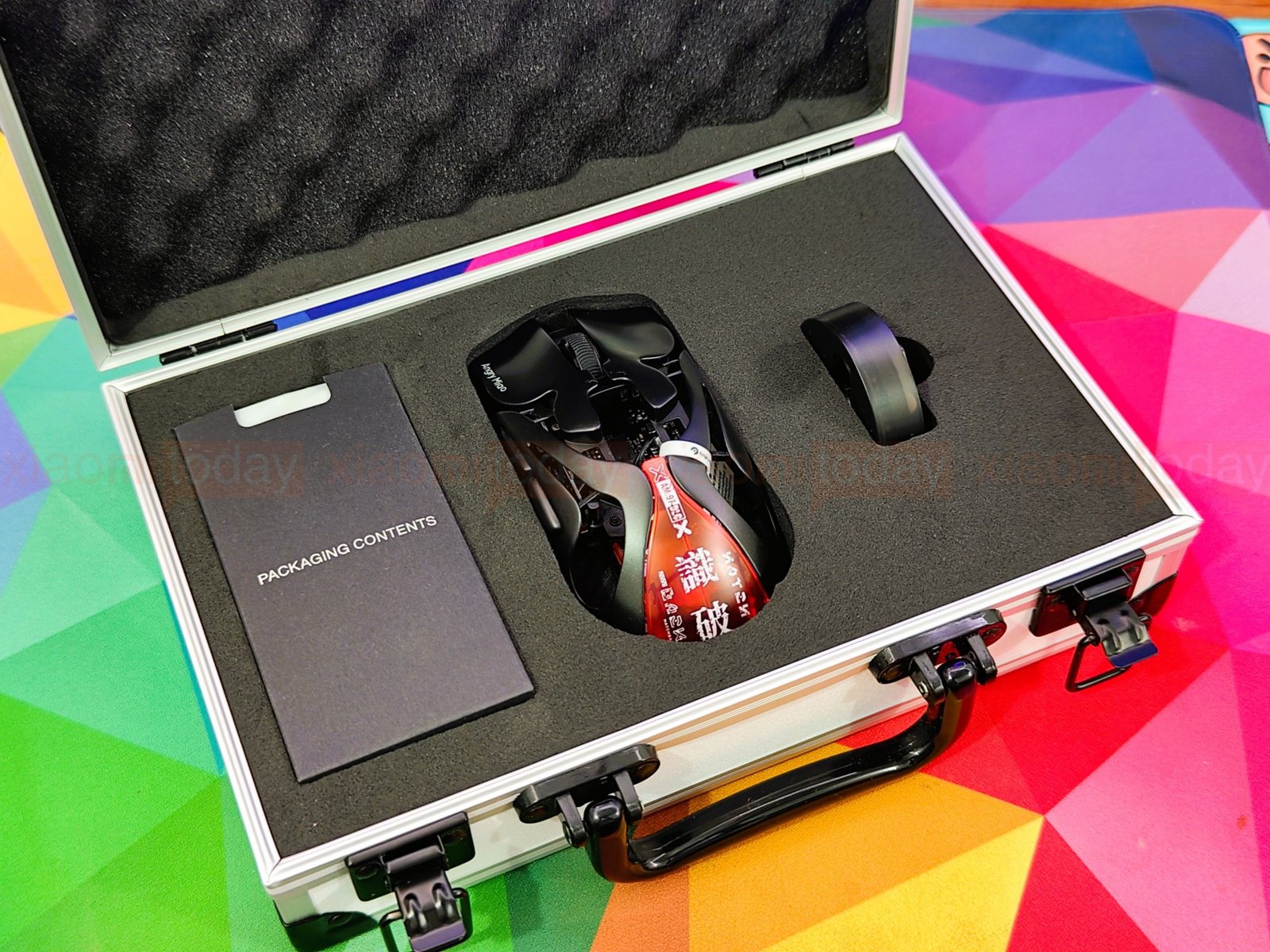
The included case has an aluminum frame, reinforced corners, two front latches, and a top handle. Angry Miao’s logo is printed on one side, with “Future Art Community” and the company website on the other. It takes up more space than a typical mouse box, but its fitted foam interior has room for the AM Infinity .97 and its accessories.
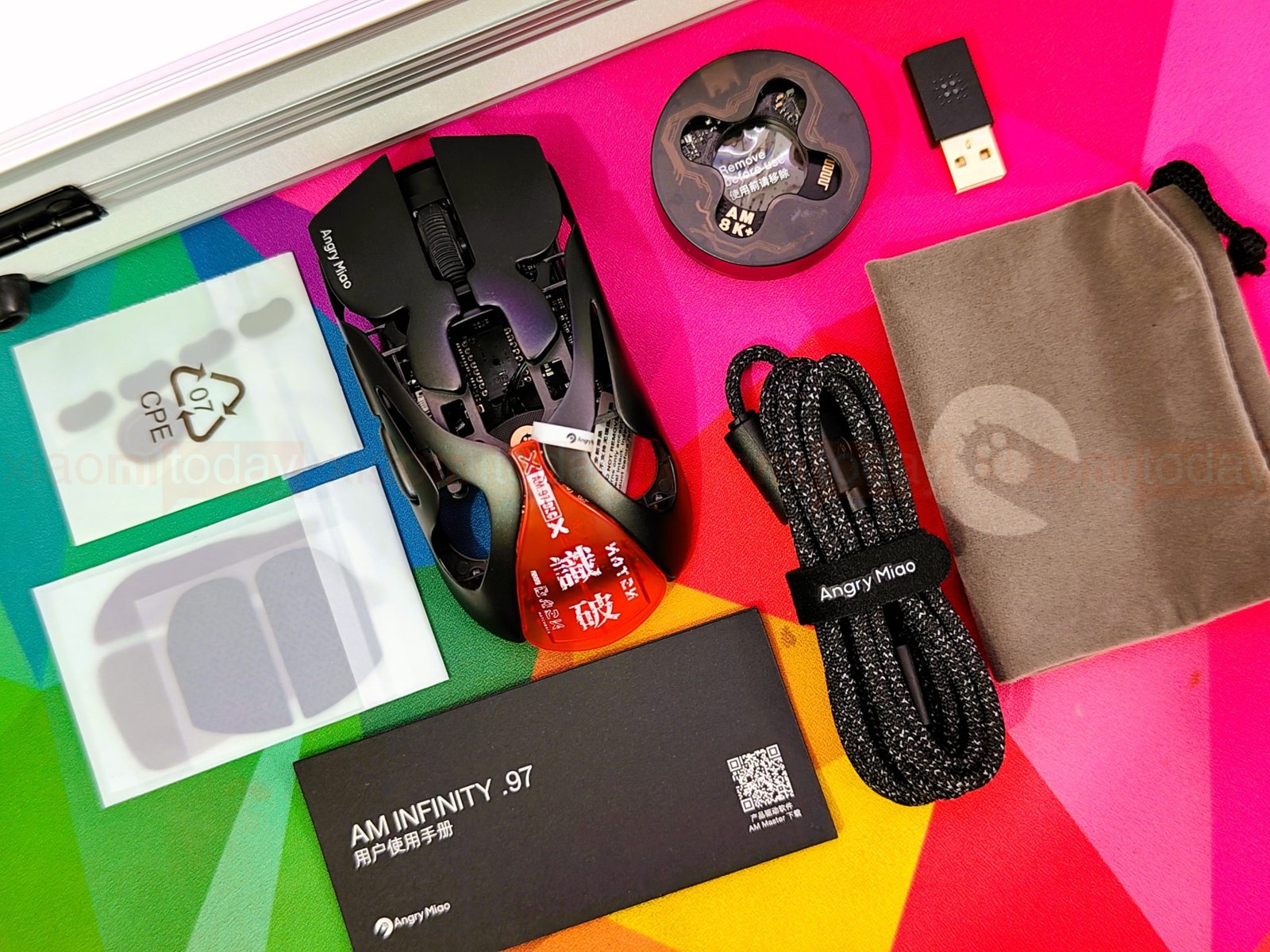
Inside the case, the Basalt Black AM Infinity .97 sits in a foam cutout beside the receiver and a booklet labelled “Packaging Contents.” The box also includes a 2.4GHz receiver with a battery charging dock, two magnetic hot-swap batteries, a braided USB-C to USB-C cable, a USB-C to USB-A adapter, replacement mouse feet, grip tape, a soft storage pouch and user documentation.
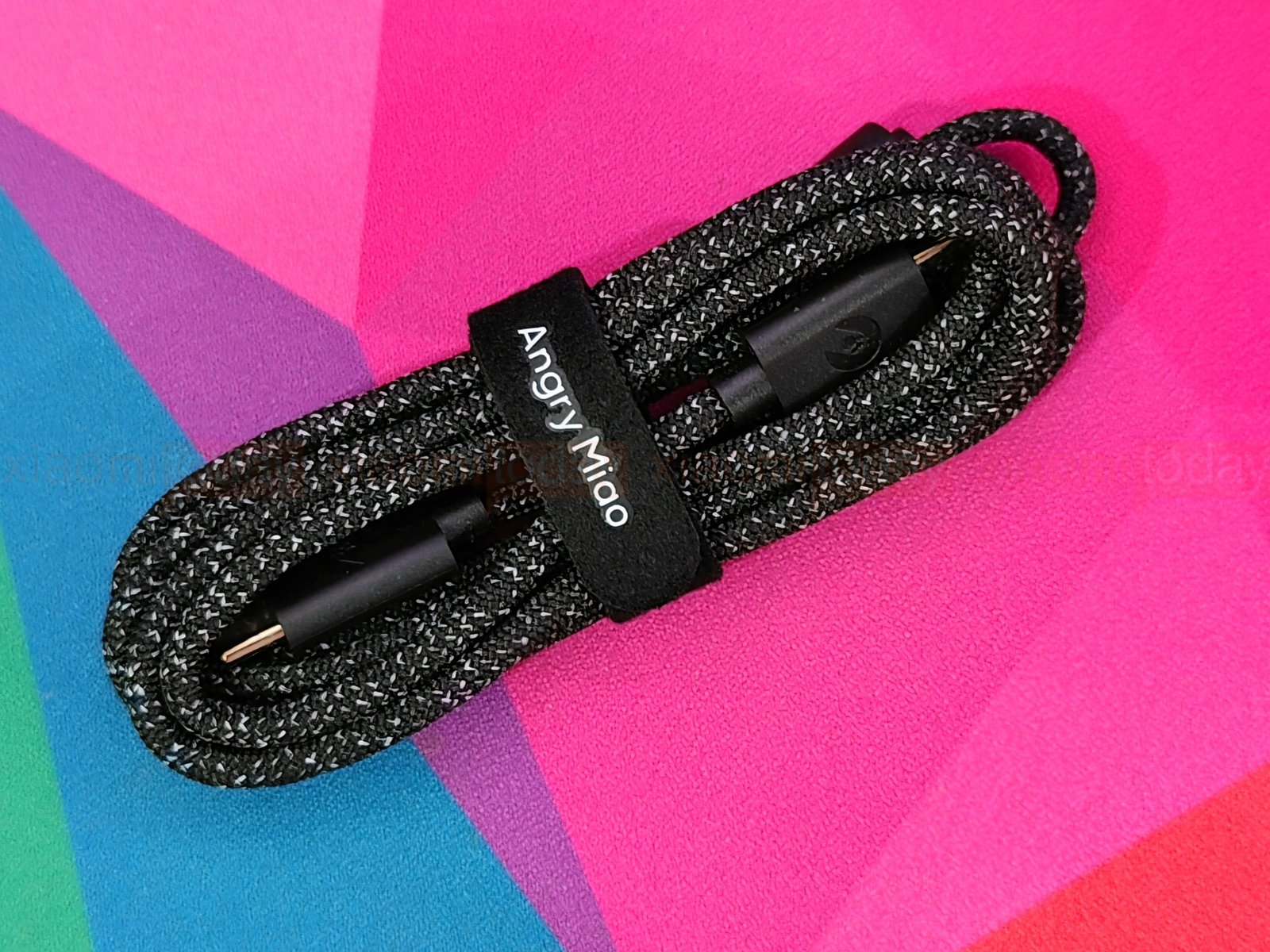
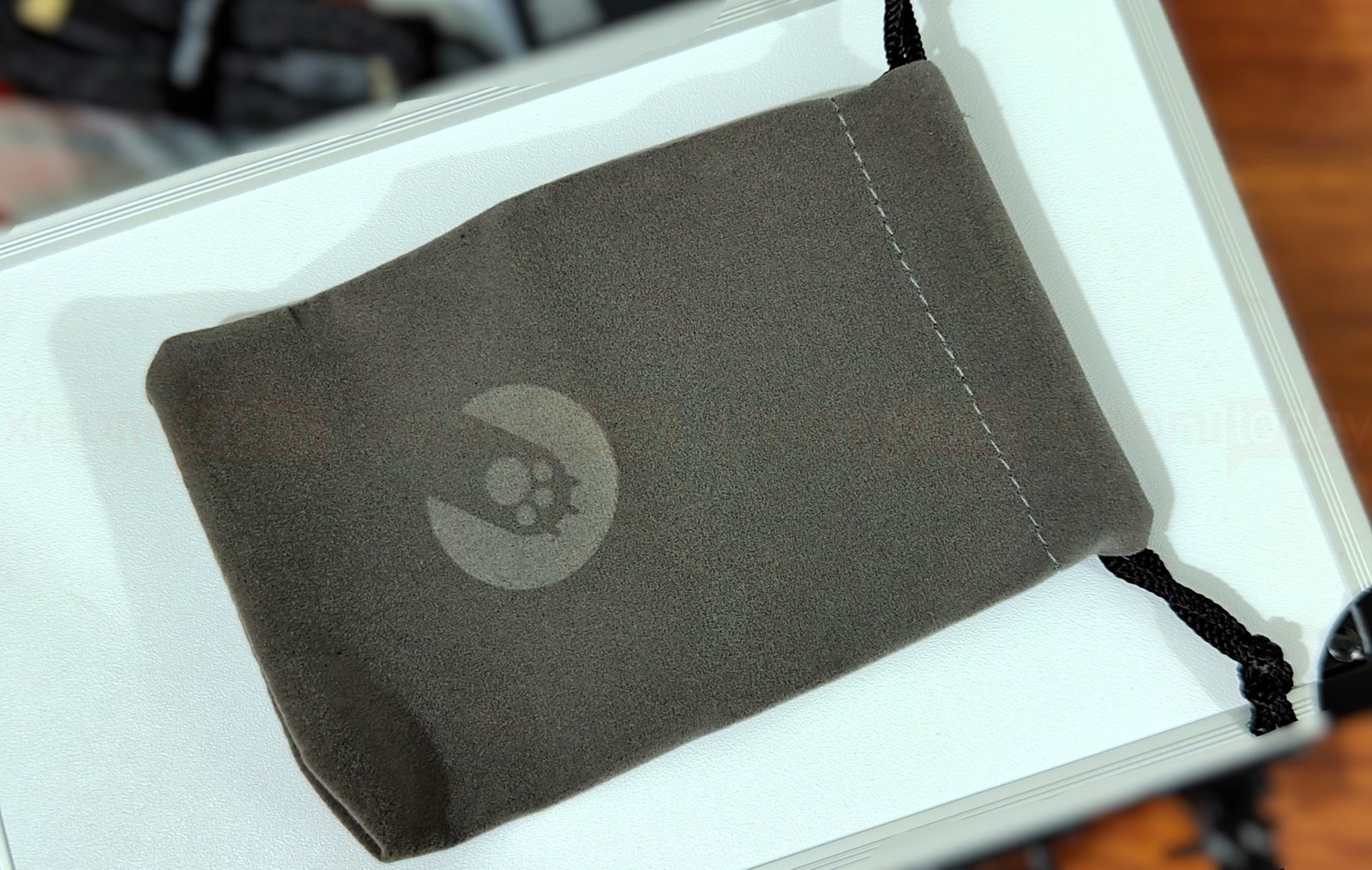
The braided USB-C cable comes with a strap to keep it coiled, while the gray cloth pouch closes with a drawstring and has a subtle Angry Miao logo. The pouch gives you a lighter way to protect the mouse in a bag; the hard case is better suited to storing or carrying the full kit.
Design and Build Quality
The Angry Miao AM Infinity .97 has an open magnesium-aluminum frame instead of the solid plastic shell found on most gaming mice. Our Basalt Black sample has a matte finish, white Angry Miao branding on the left button, and a translucent orange-red Hatchback cover at the rear. The frame’s cutouts reveal the components inside, giving the mouse a technical, exposed look. Cloud White and Neon Rosa are also available.
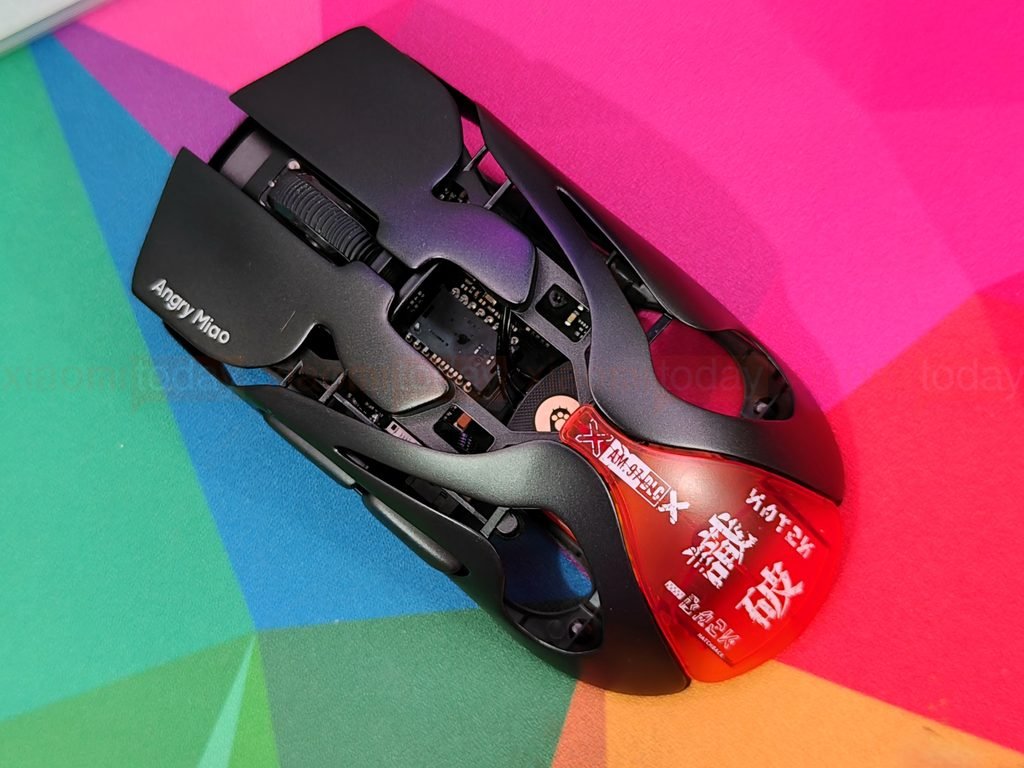
Angry Miao lists the AM Infinity .97 at 47g with its magnetic battery and 39g when wired without the battery. The narrow metal supports connect the main buttons, side rails, and rear of the frame, keeping the structure light while giving it a firm feel in hand. The metal is cool to the touch, and the open sides make the mouse feel less enclosed than a conventional shell. Those openings can also collect dust, so the frame may need more frequent cleaning.
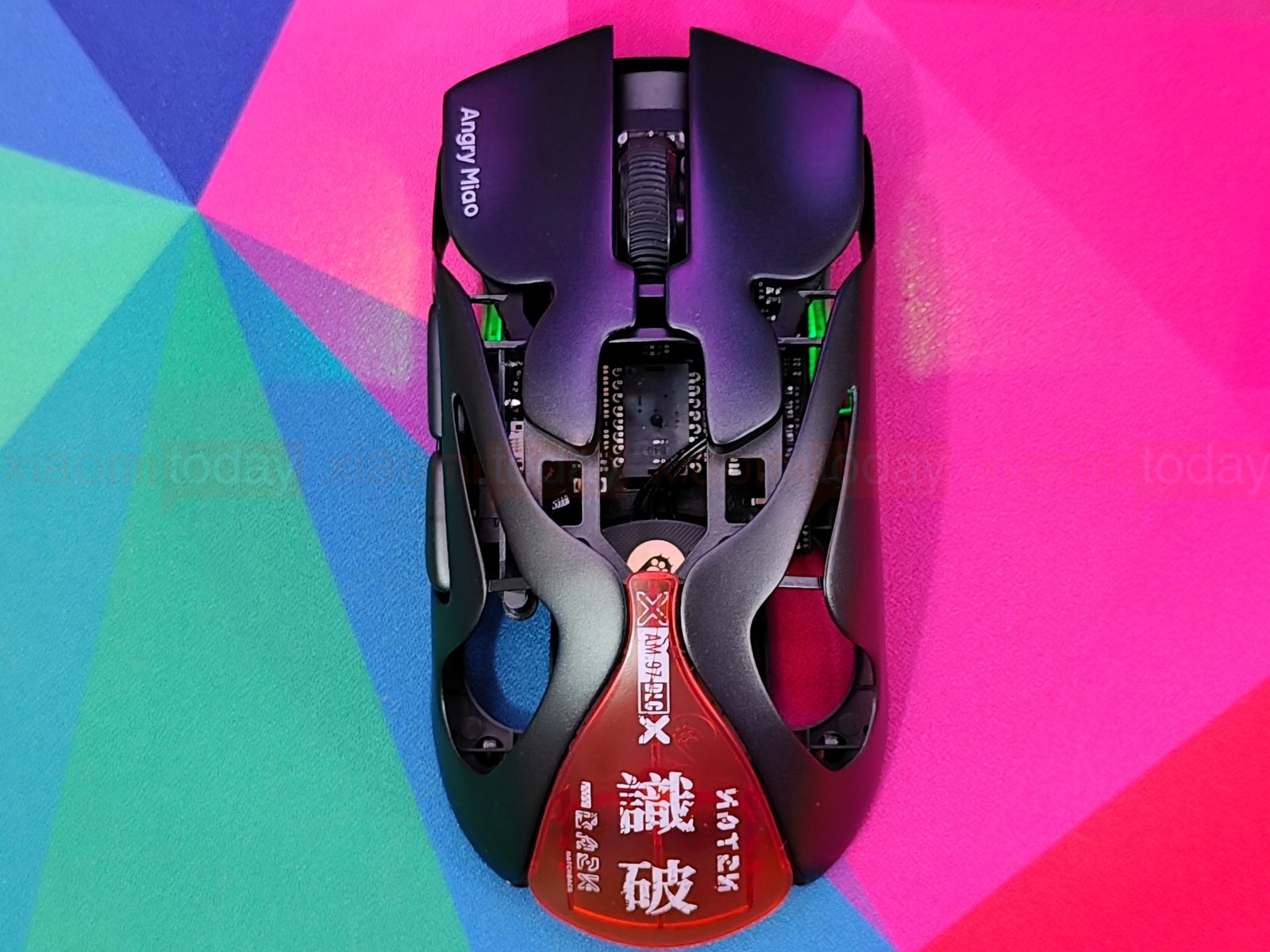
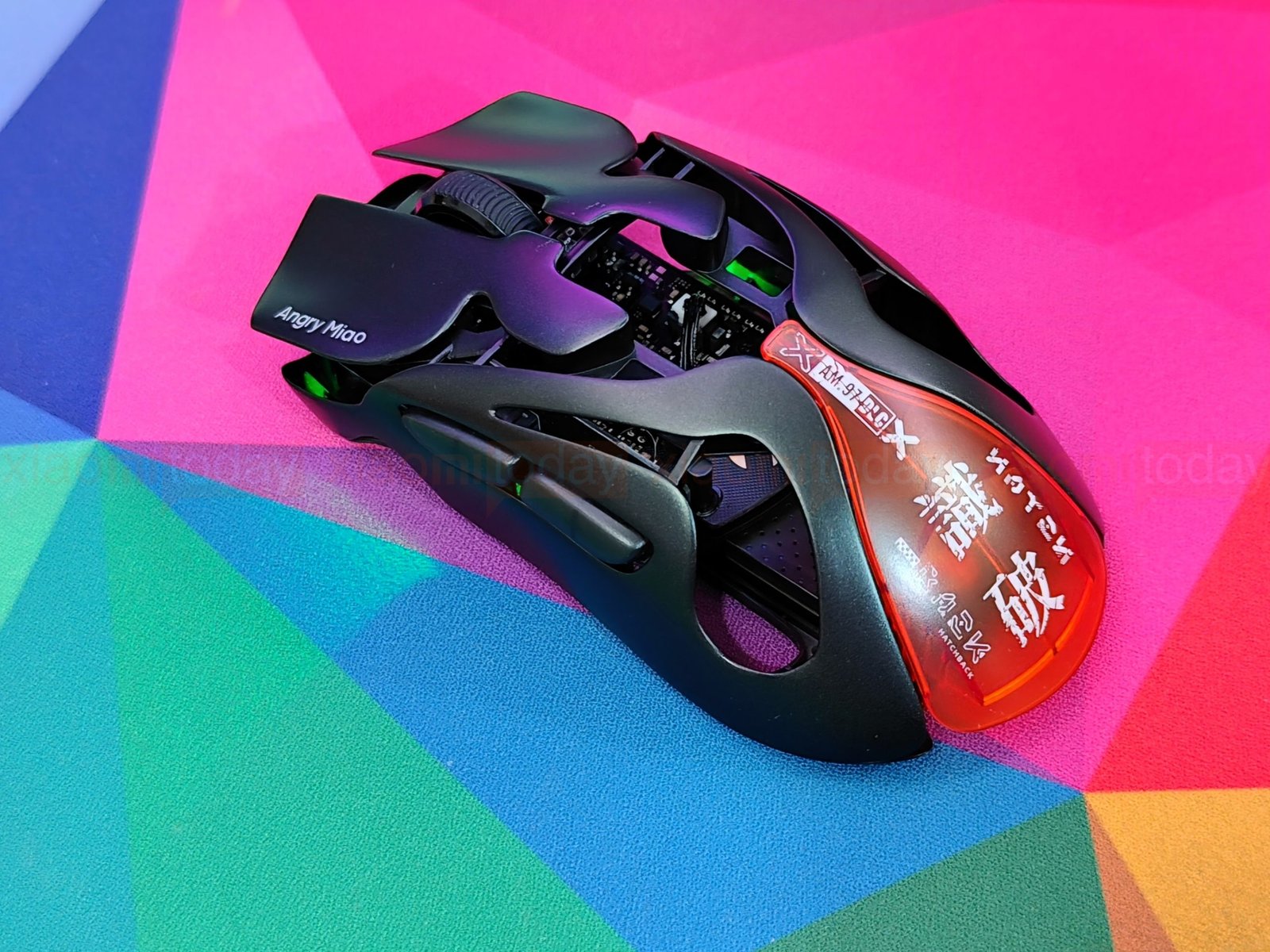
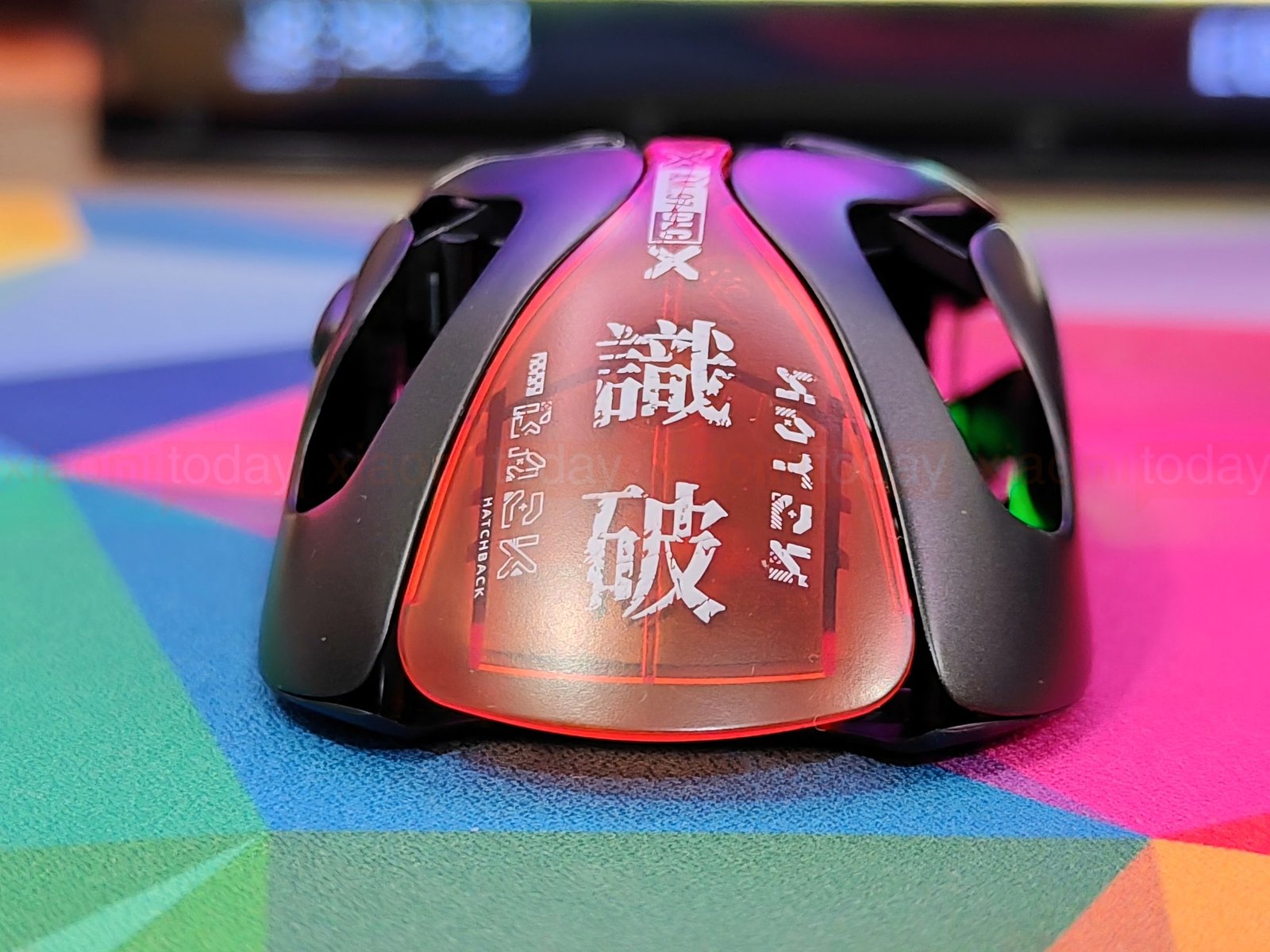
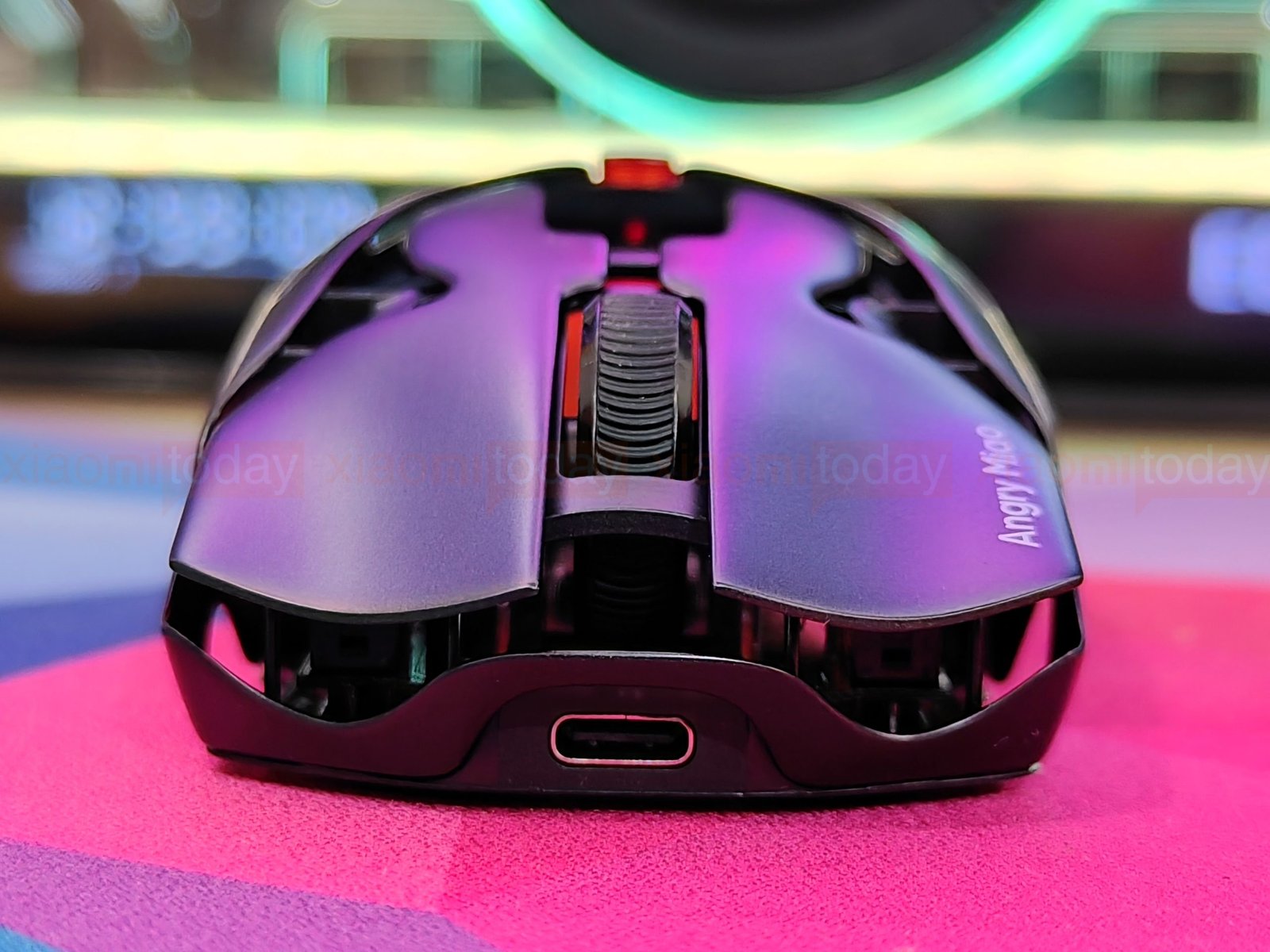
The mouse is a 3% smaller version of the standard AM Infinity. It measures 115mm long without the Hatchback cover and 123.2mm with it attached, and is 62mm wide. The symmetrical shape has two main buttons, a centered ridged scroll wheel, and curved sides that narrow through the middle before widening toward the rear. Cutouts beneath the side buttons leave parts of the inner frame visible. Its shorter footprint is designed for fingertip and claw grips, where a lower rear can leave more room for small hand movements.
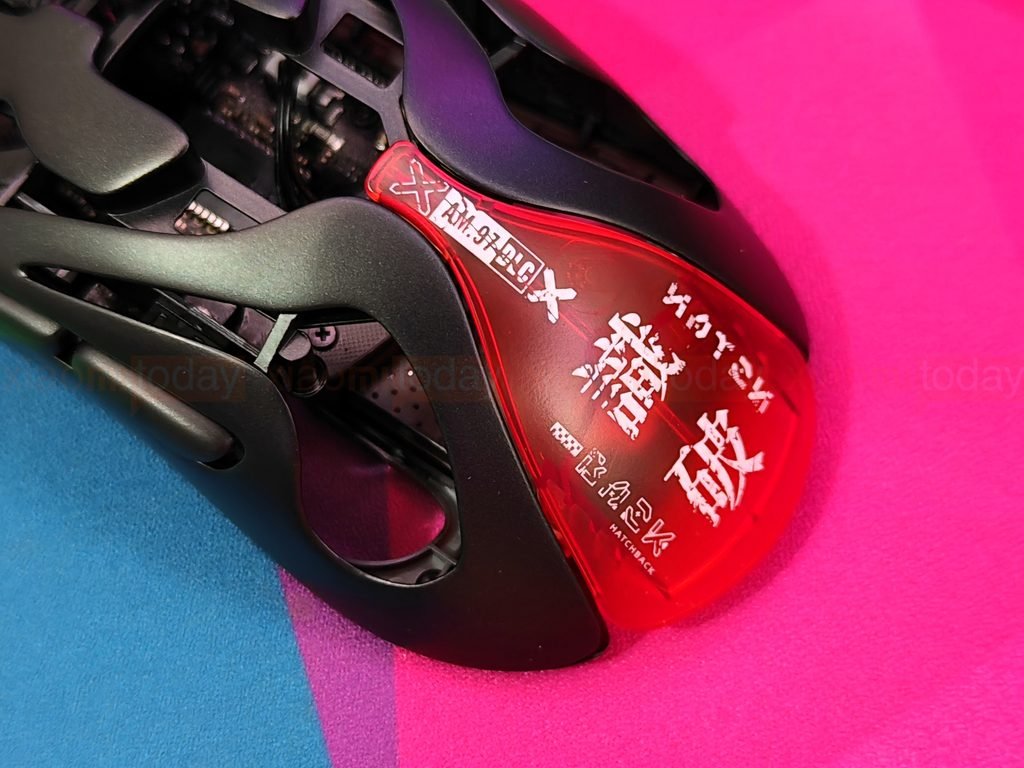
The magnetic Hatchback cover changes the AM Infinity .97’s rear profile. With the cover removed, the back is low and open, leaving less of the mouse in contact with the palm. Attach the cover, and it fills much of that opening, adding a wider surface for palm support. The cover can be removed without tools, giving players a way to adjust the fit for their grip. The AM Infinity .97 remains a compact mouse in either setup, but the cover adds length and changes how the rear sits against the hand.
The Angry Miao AM Infinity .97 has separate left and right main buttons set into its open magnesium-alloy frame. They have broad, gently curved surfaces, with enough room for the fingers to rest naturally. The matte finish and fine texture are visible in our photos, as is the open space beneath the panels. On our Basalt Black sample, the white Angry Miao logo sits near the edge of the left button.
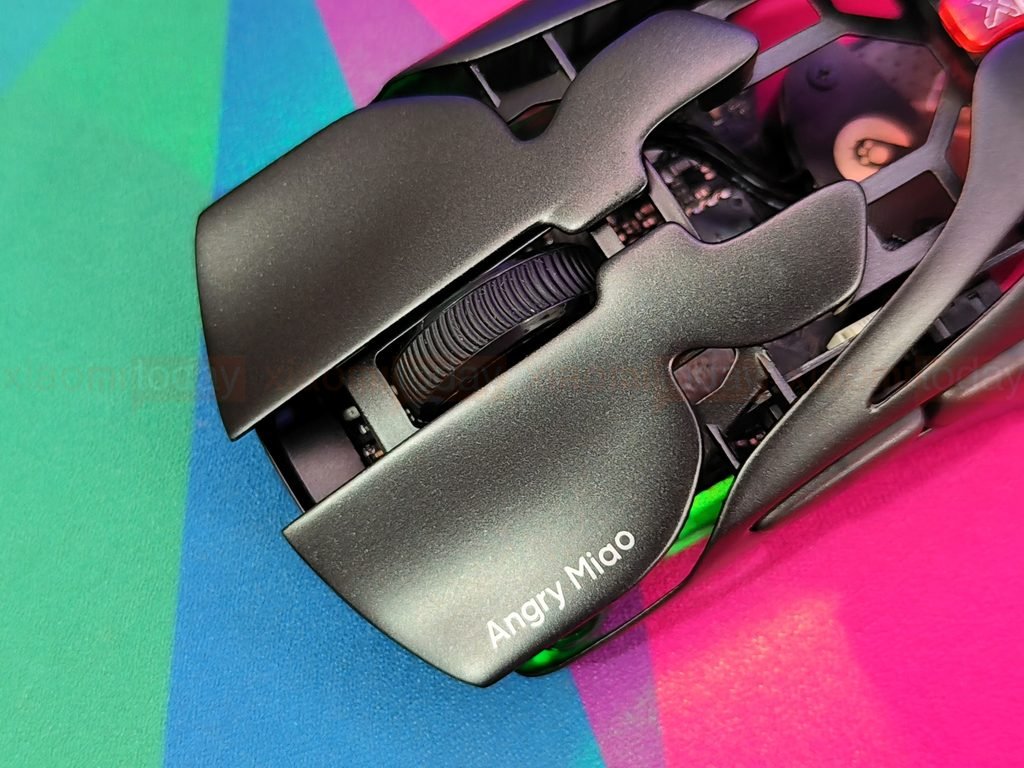
Both buttons use TTC Orange Dot Optical Micro-Switch V2 switches. Angry Miao rates them for 100 million clicks and advertises a mechanical-style feel, instant response, and zero debounce delay. In use, the clicks feel light and crisp, with a clear press under each finger. The button panels move independently, making left and right clicks easy to distinguish. These details give the AM Infinity .97’s main buttons a different feel from mice with a single, fully enclosed shell.
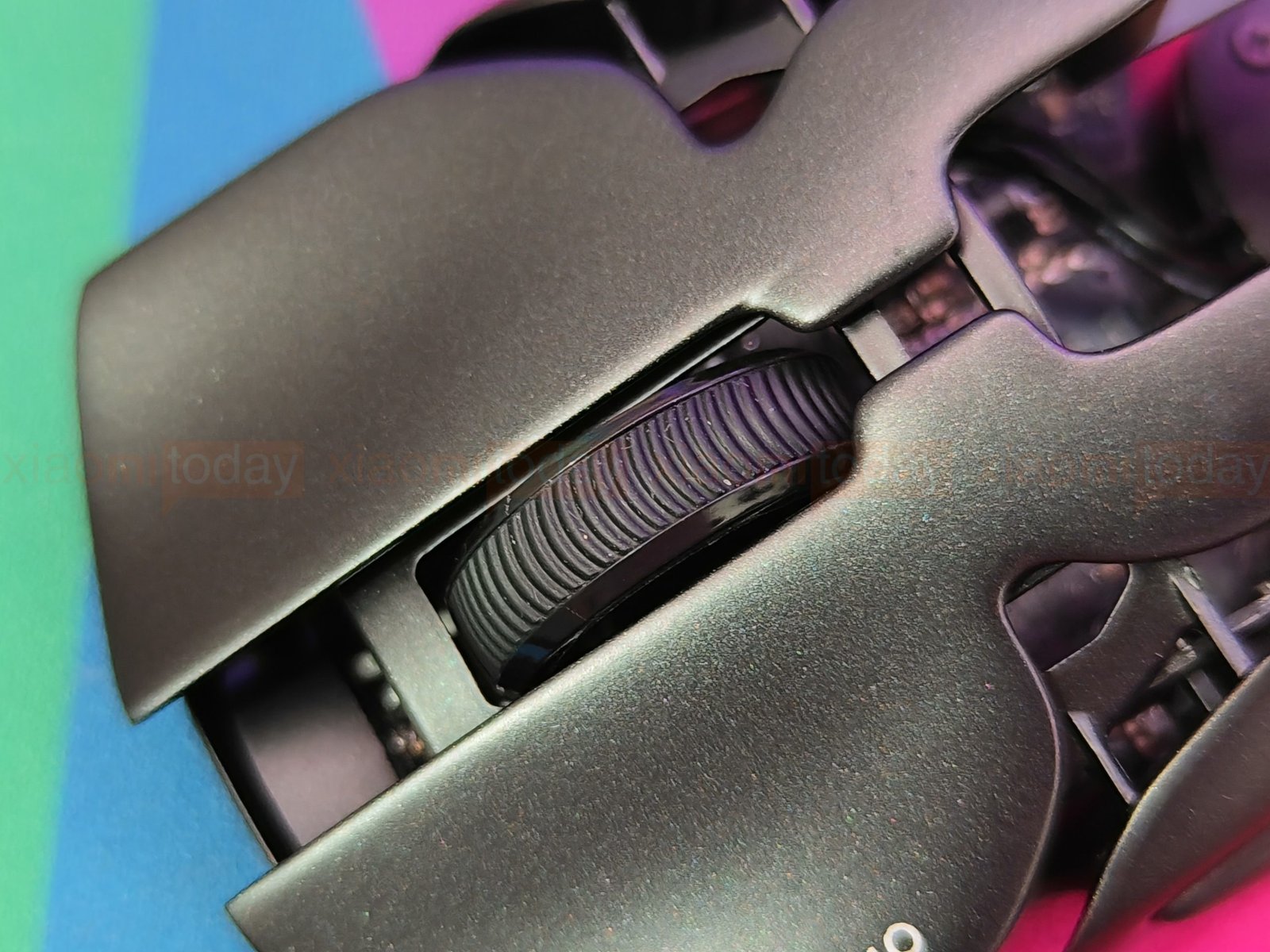
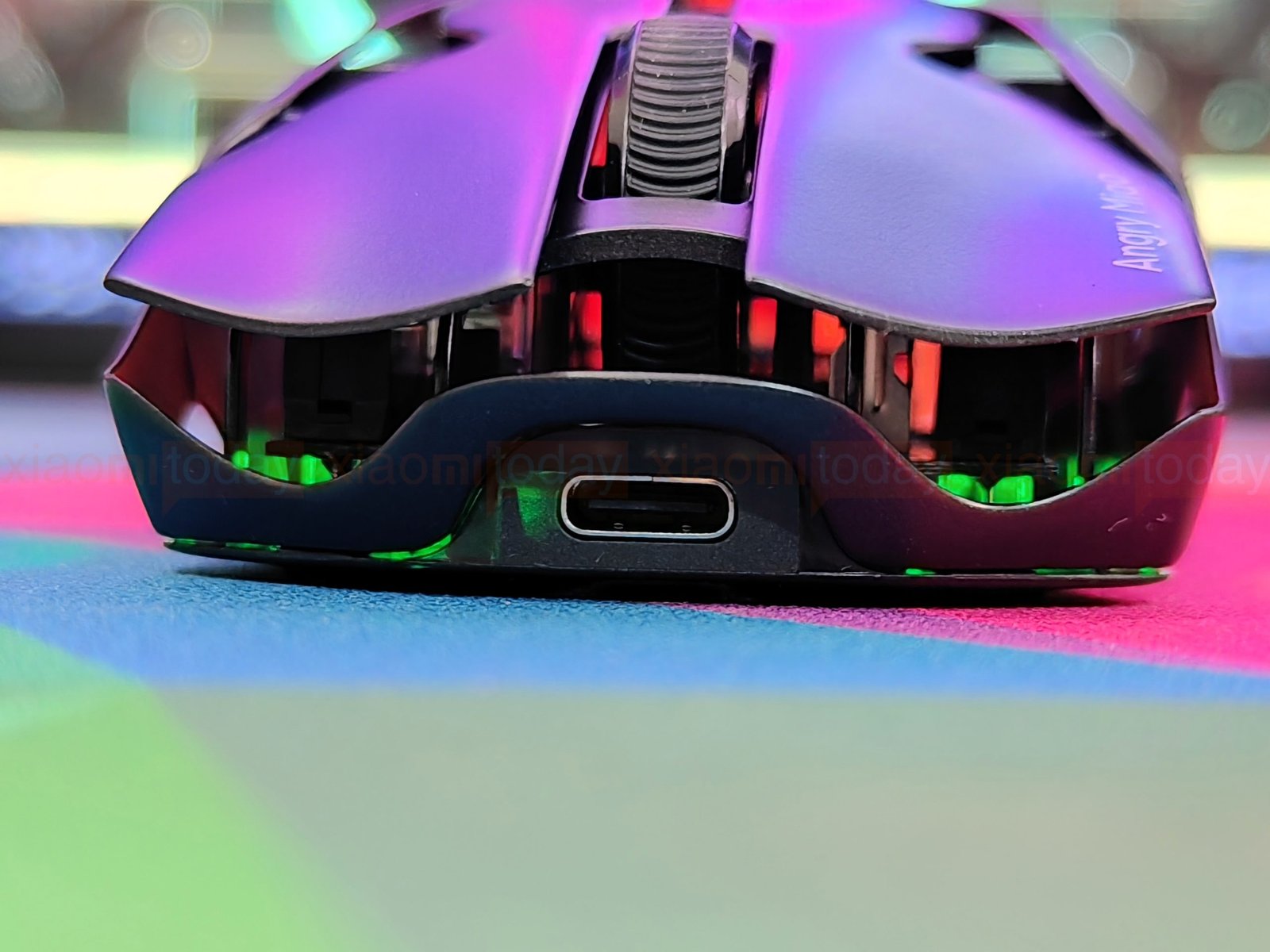
The Angry Miao AM Infinity .97 has a rubber scroll wheel with deep diagonal grooves. It sits between the two main buttons, framed by the mouse’s open magnesium-alloy structure. The ridges give the finger a textured surface to grip, while the wheel’s low position keeps the top of the mouse compact. The USB-C port is centered at the front of the AM Infinity .97. Its position keeps a connected cable in line with the mouse when using it in wired mode or charging.
The Angry Miao AM Infinity .97 has two side buttons on the left, positioned for the thumb below the main buttons. They sit close together in a recessed section of the magnesium frame and follow the curve of the mouse’s side. Their low profile keeps them from protruding far from the shell, though the close spacing may take a little getting used to if you’re used to larger, more widely separated thumb buttons.
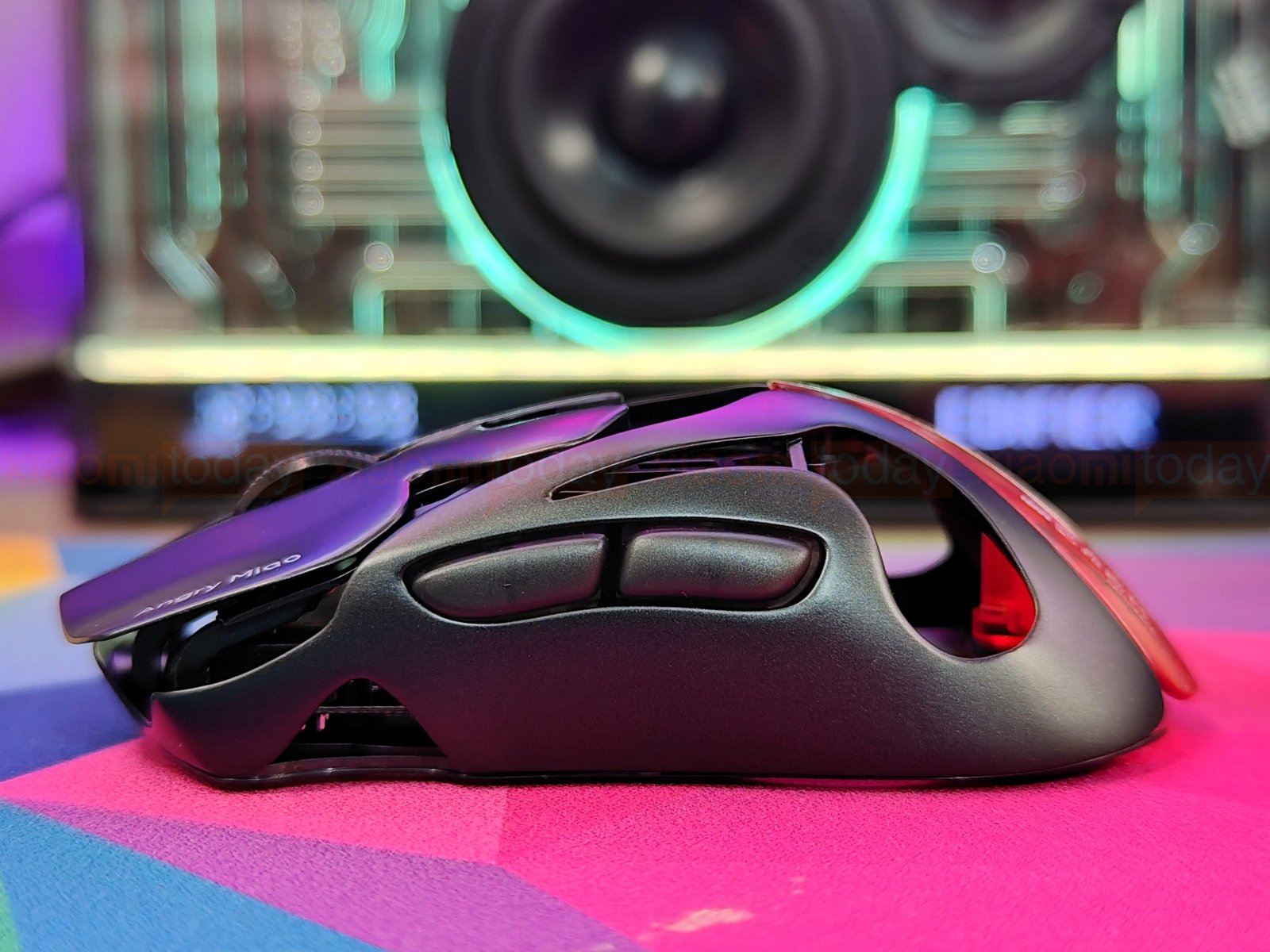
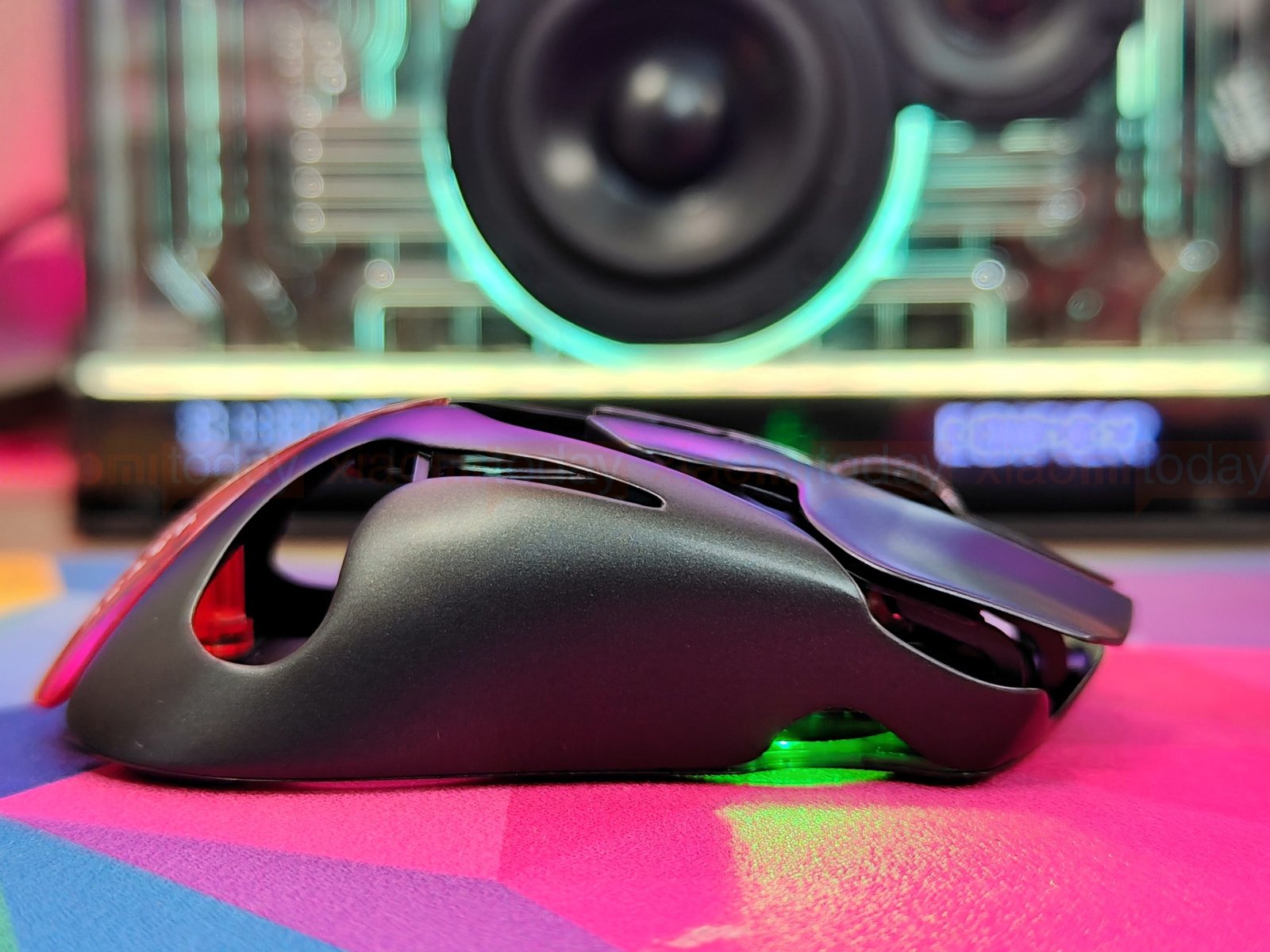
The right side has no buttons, leaving a smooth surface for the ring and little fingers. This left-button, right-side layout suits right-handed use. Our photos show the exposed frame and openings around the buttons, giving the side a more open feel than a conventional solid-shell gaming mouse.
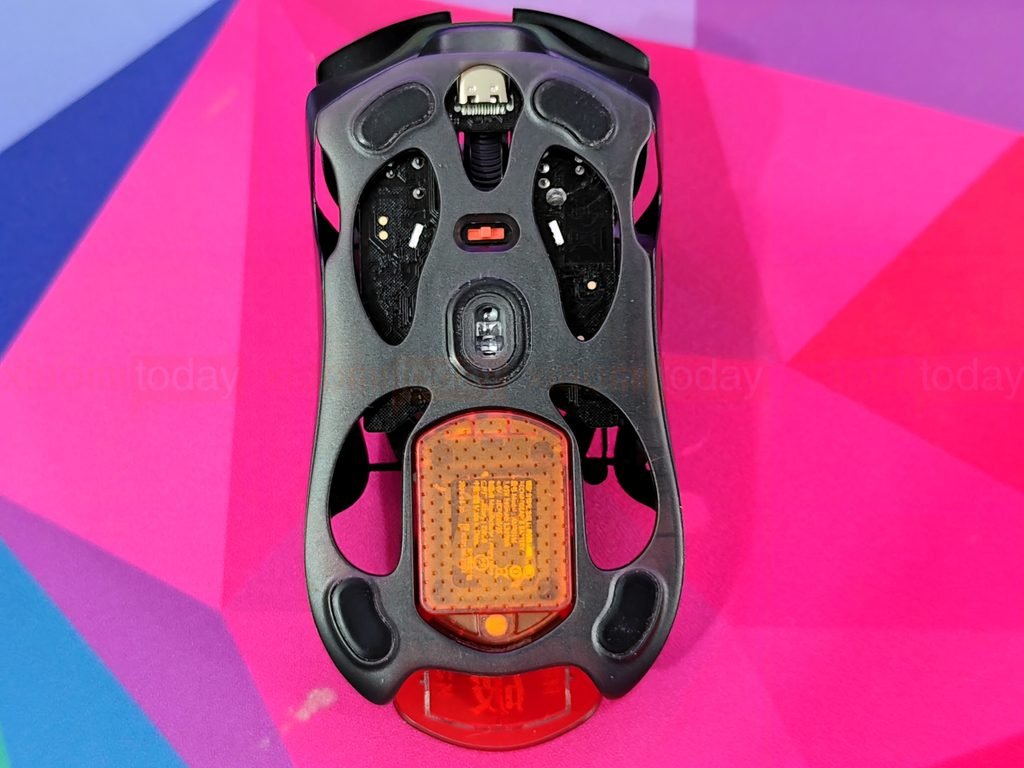
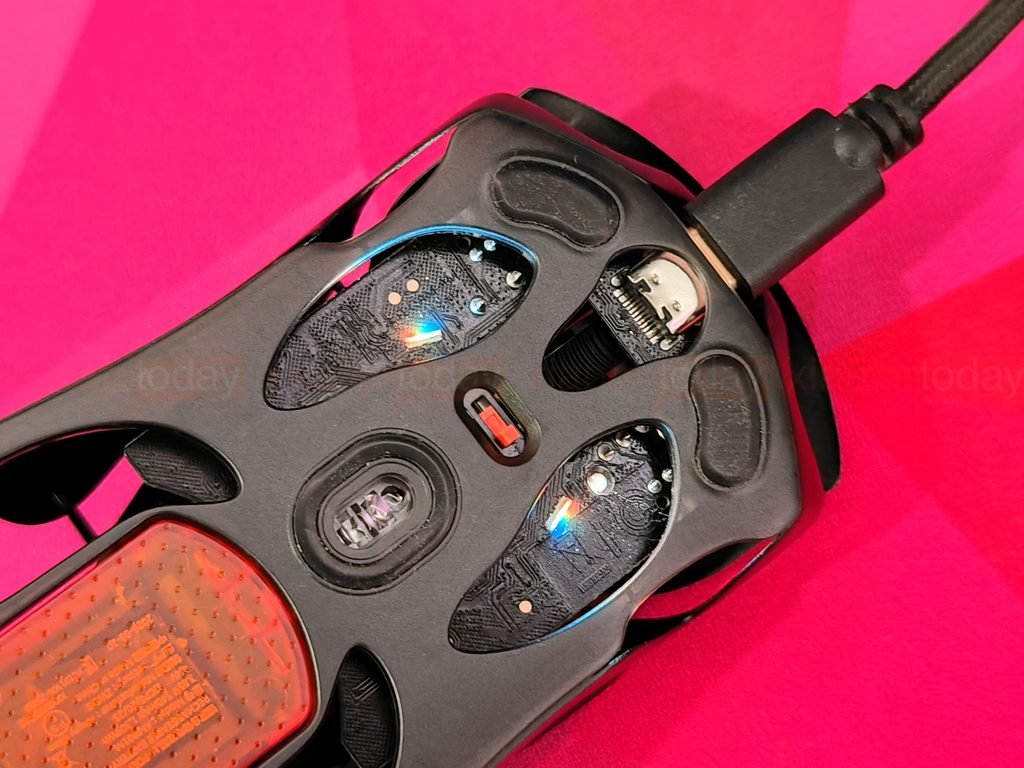
The Angry Miao AM Infinity .97 has four PTFE feet set around its magnesium-alloy frame, with the PAW3950 sensor centered on the underside. The feet sit near the corners to support smooth movement across a mouse pad. Angry Miao says they’re compatible with 6.5mm dot skates and includes a replacement set in the box.
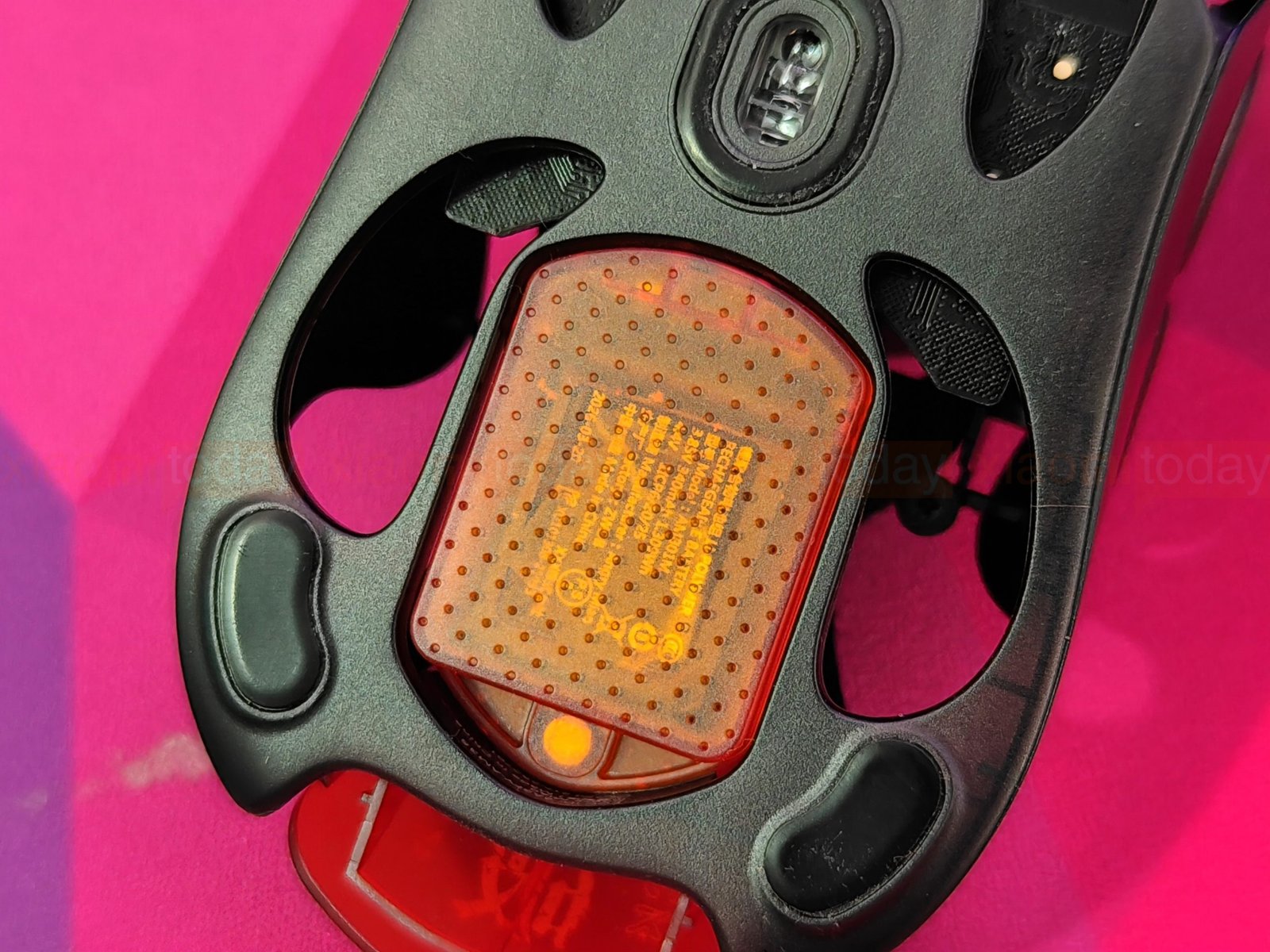
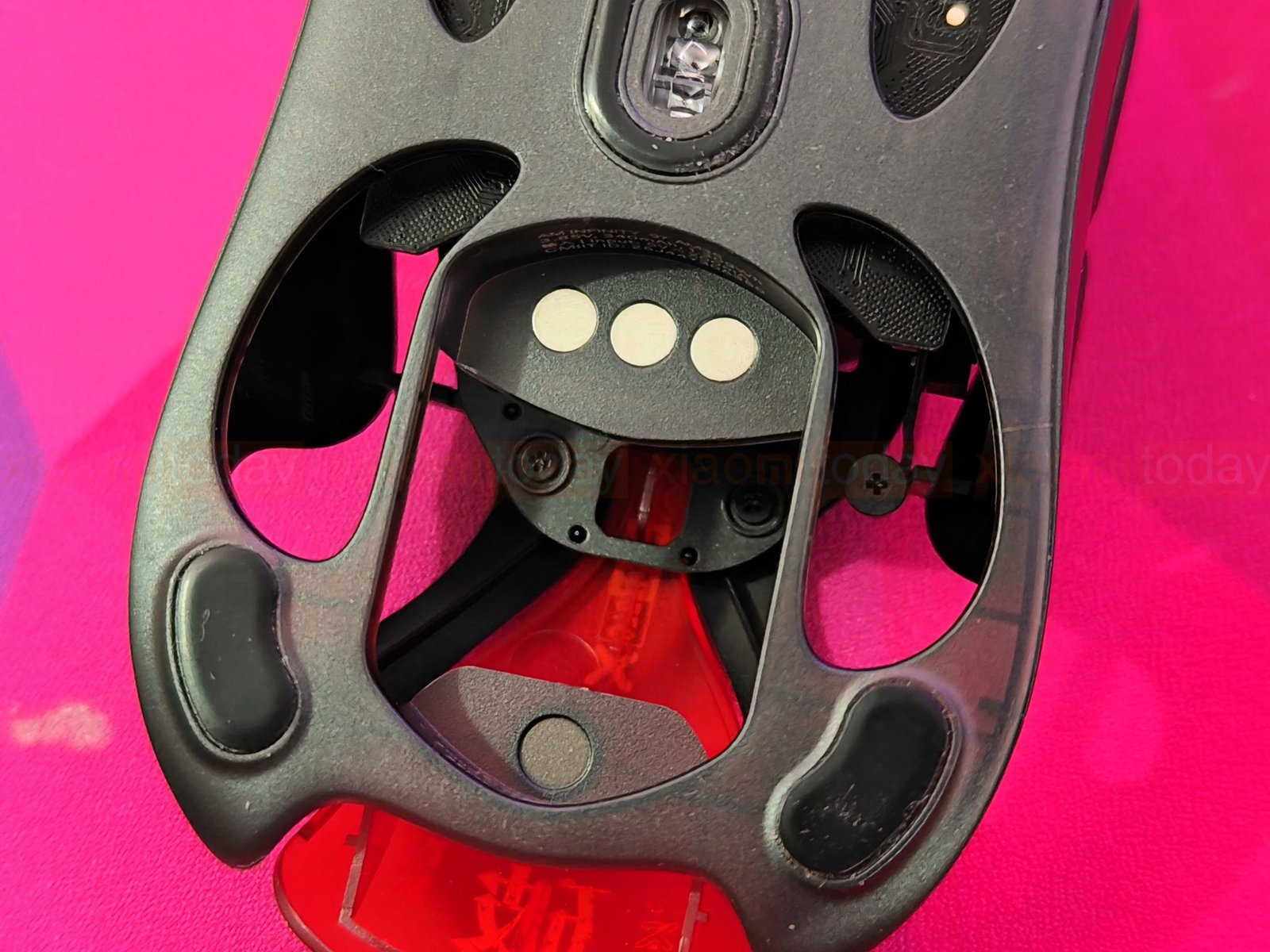
The open frame leaves much of the underside visible, including the battery contacts and internal components. The orange magnetic battery sits toward the rear and can be removed for a quick swap. A small switch beside the sensor selects the connection mode. The USB-C port is at the front, with its connector visible through an opening in the frame.
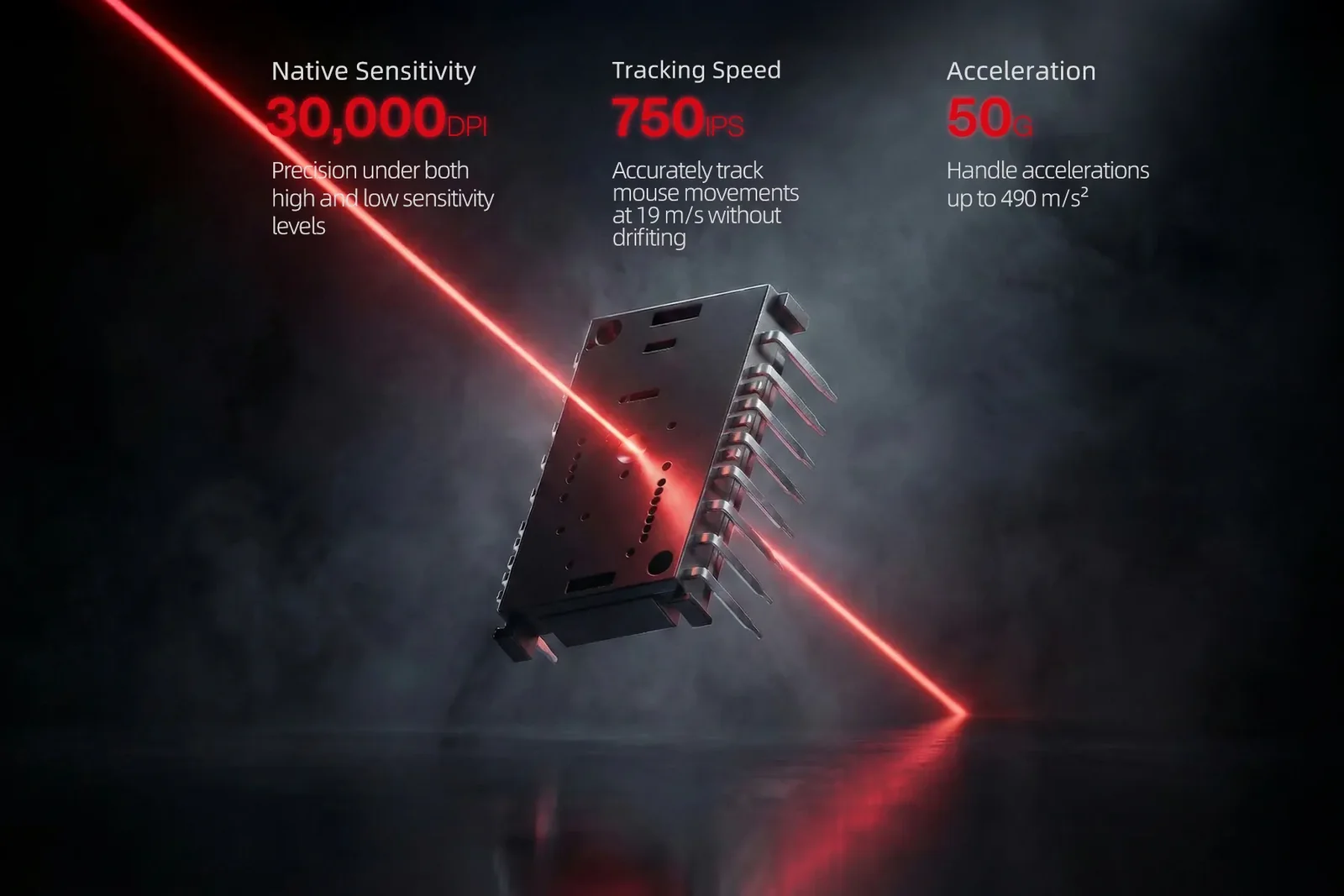
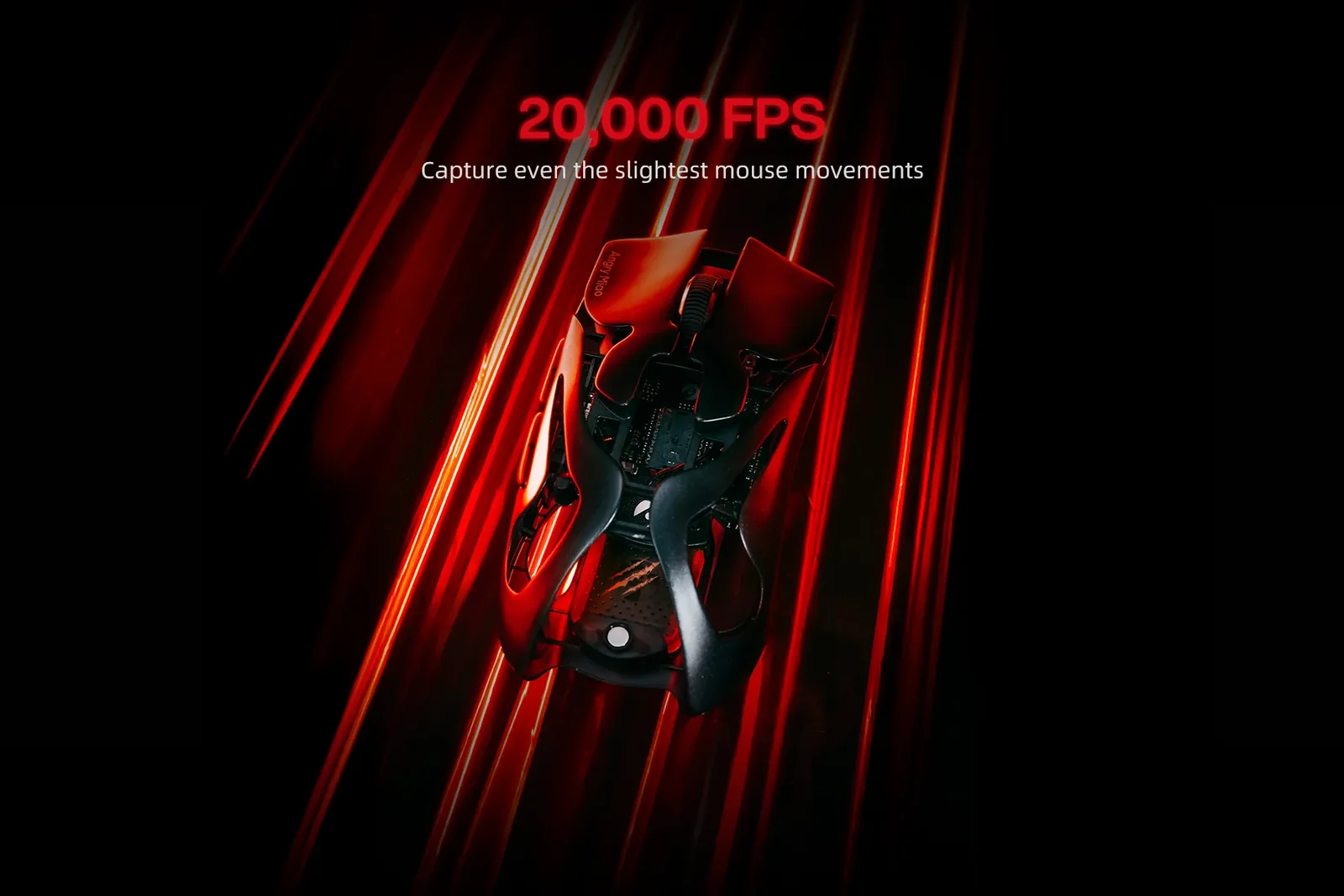
The Angry Miao AM Infinity .97 uses a PAW3950 optical sensor with up to 30,000 DPI, 750 IPS tracking speed, and 50G acceleration. These specifications give the mouse room for fast movement and a wide range of sensitivity settings. AngryMiao’s 20,000 FPS Blast Mode increases how often the sensor samples movement, while dual 8K polling sends those updates to the PC at a high rate. In practice, the benefit depends on the game, system, and sensitivity settings; the full review will show how the AM Infinity .97 tracks during play.
2.4GHz Receiver and Charging Dock Design
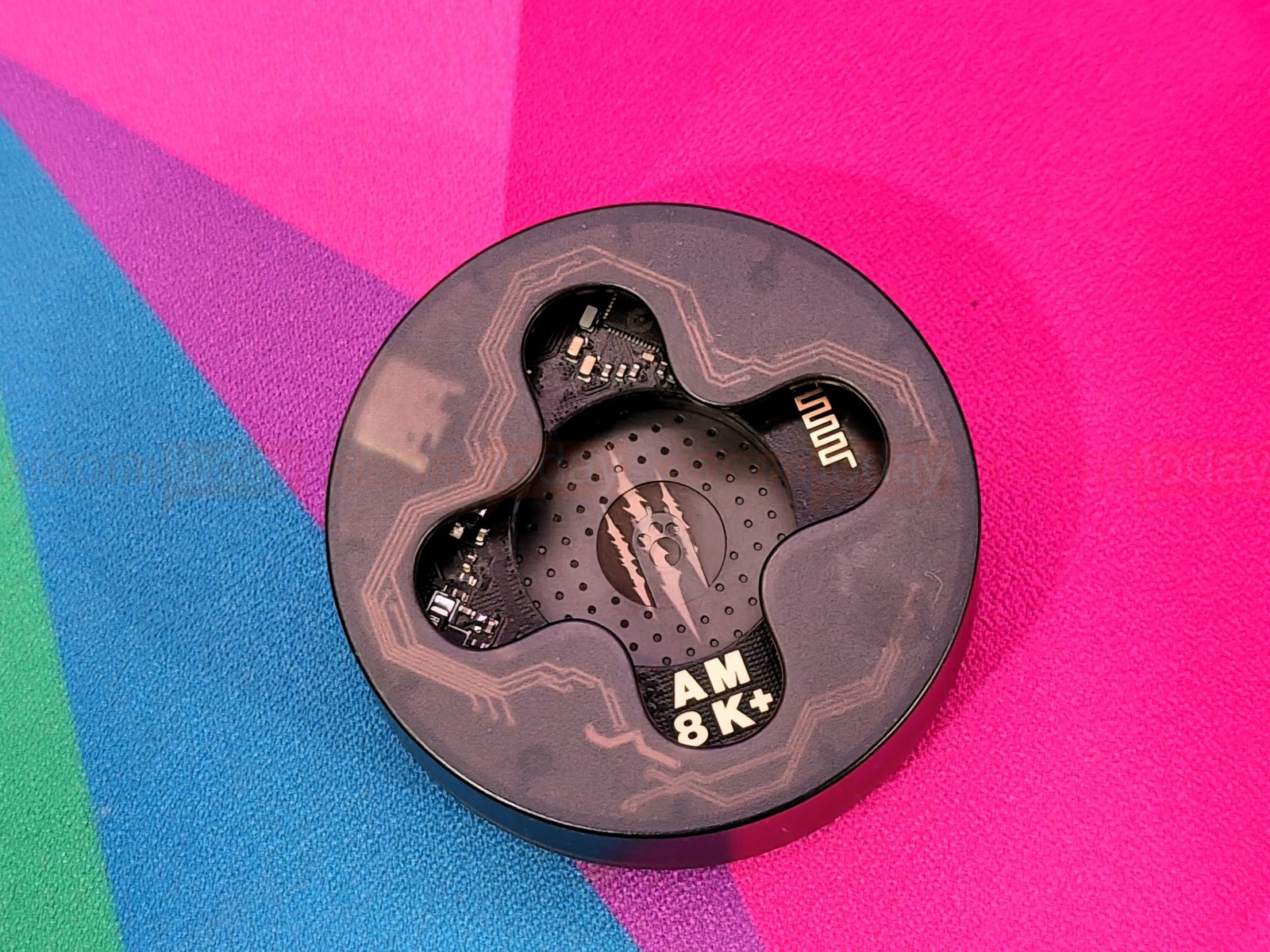
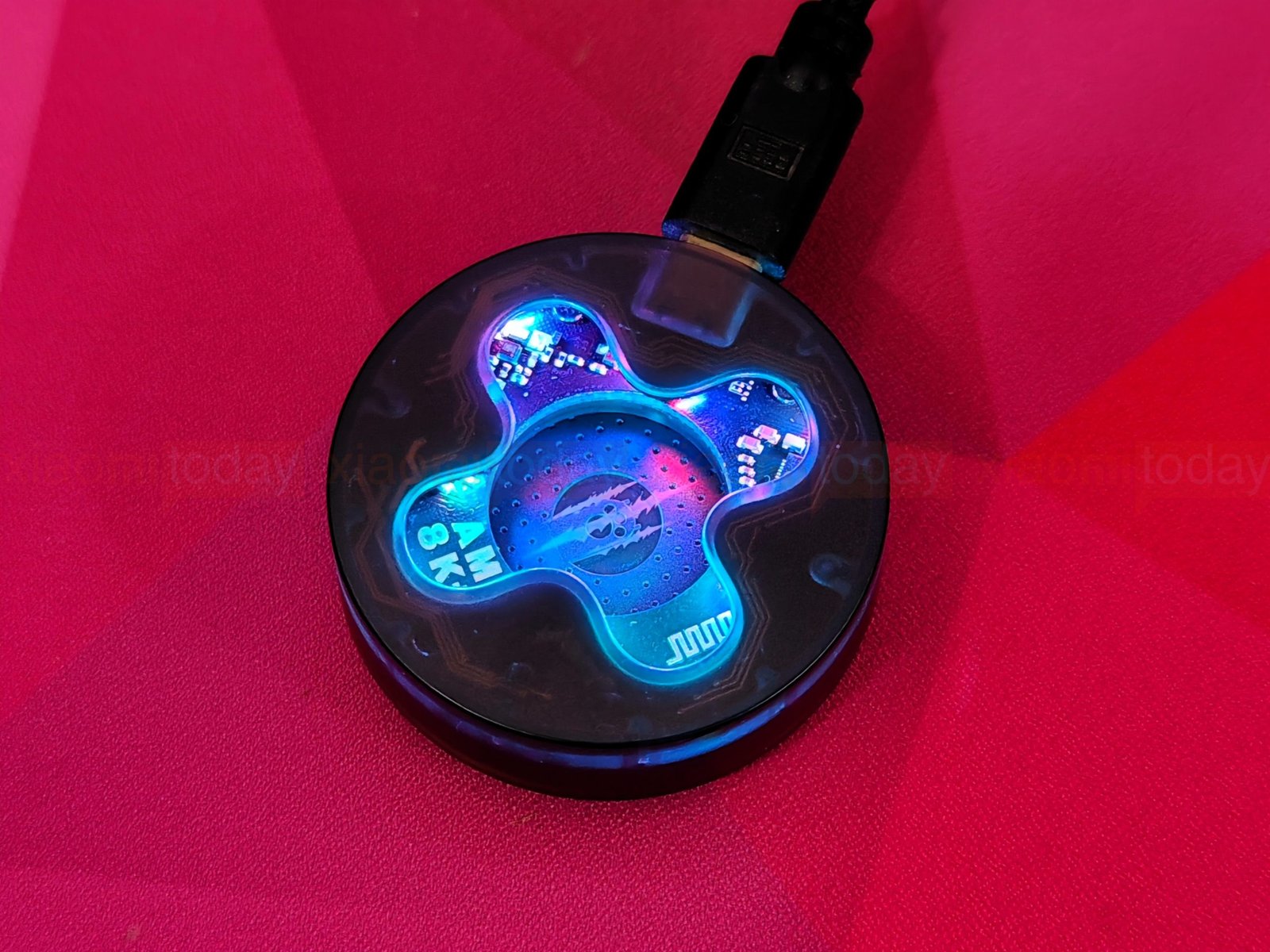
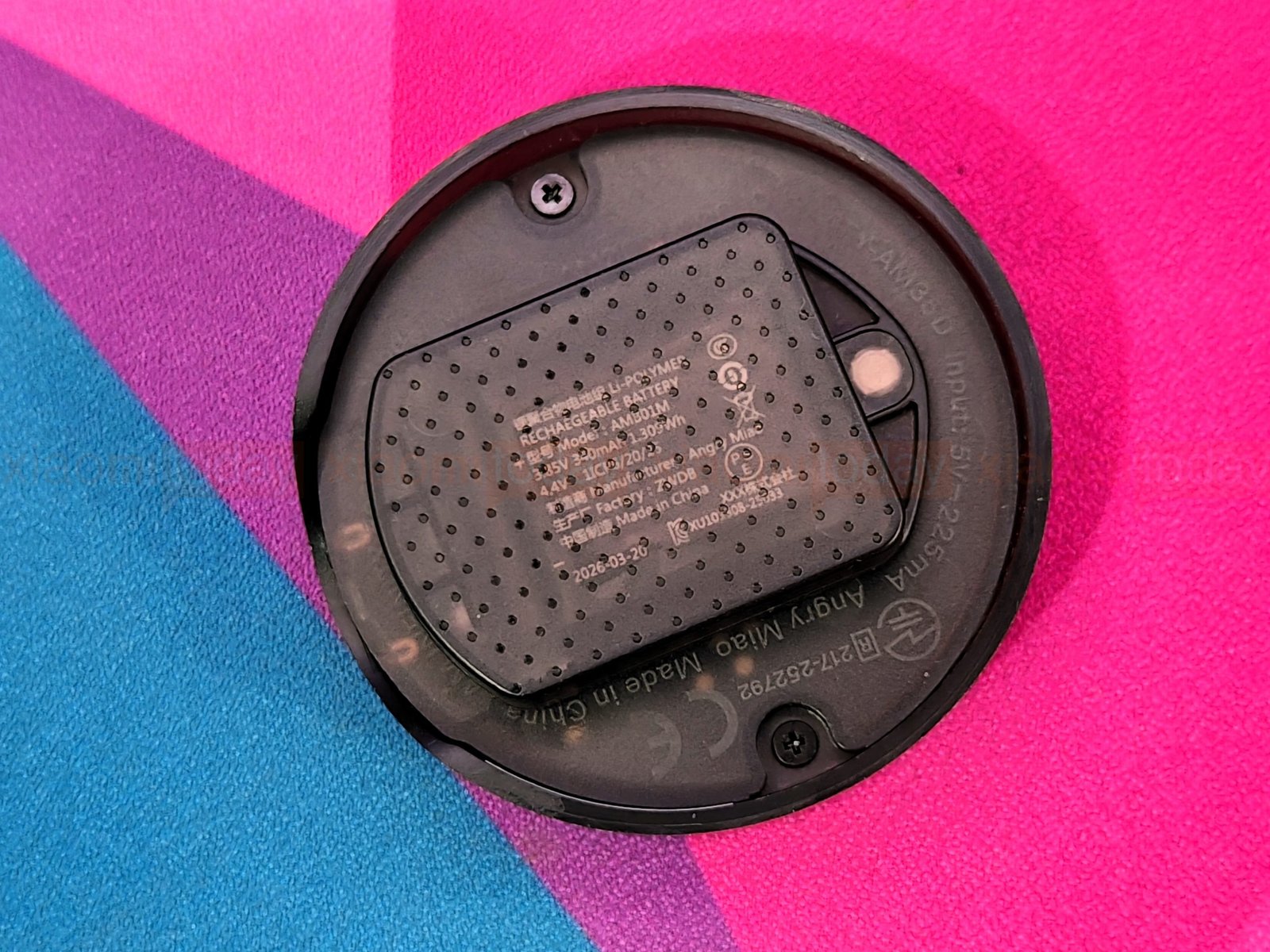
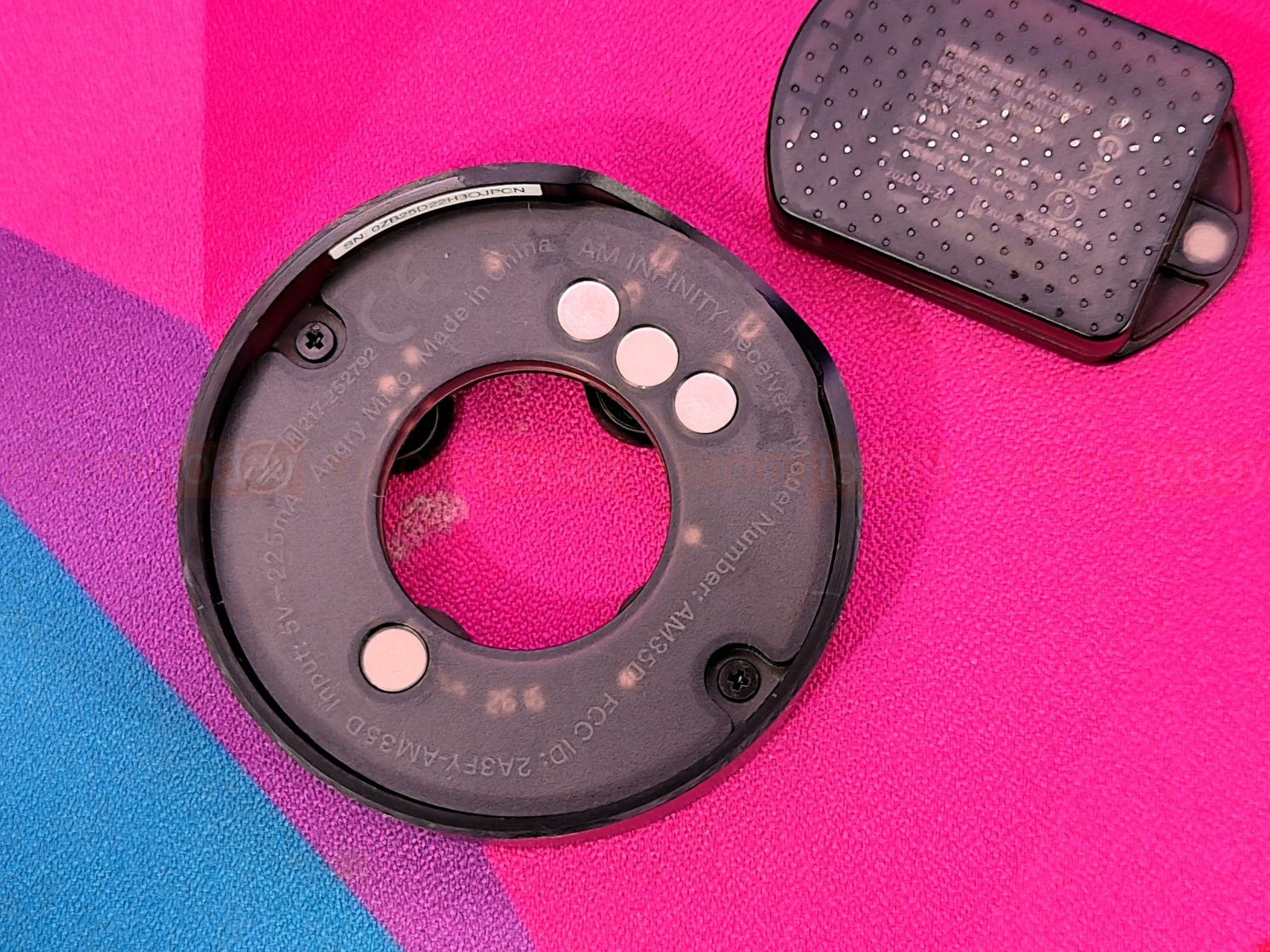
The Angry Miao AM Infinity .97’s 2.4GHz receiver doubles as a charging dock for the spare magnetic battery. Its wide base holds the receiver and battery together on the desk, with the battery slot built into the dock. A translucent cover reveals some of the internal components, while RGB lighting runs around the base and changes colour when powered on.
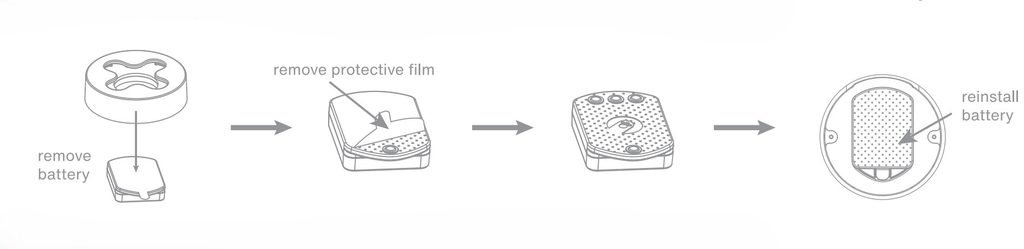
The dock gives the spare battery a place to charge while the mouse is in use, making it easier to keep a charged battery ready for a swap. It takes up more desk space than a compact USB receiver, but combines wireless connectivity and battery charging in one unit. Angry Miao specifies dual 8K polling for the receiver, while its illuminated design adds a splash of colour to the desktop.
Battery Design
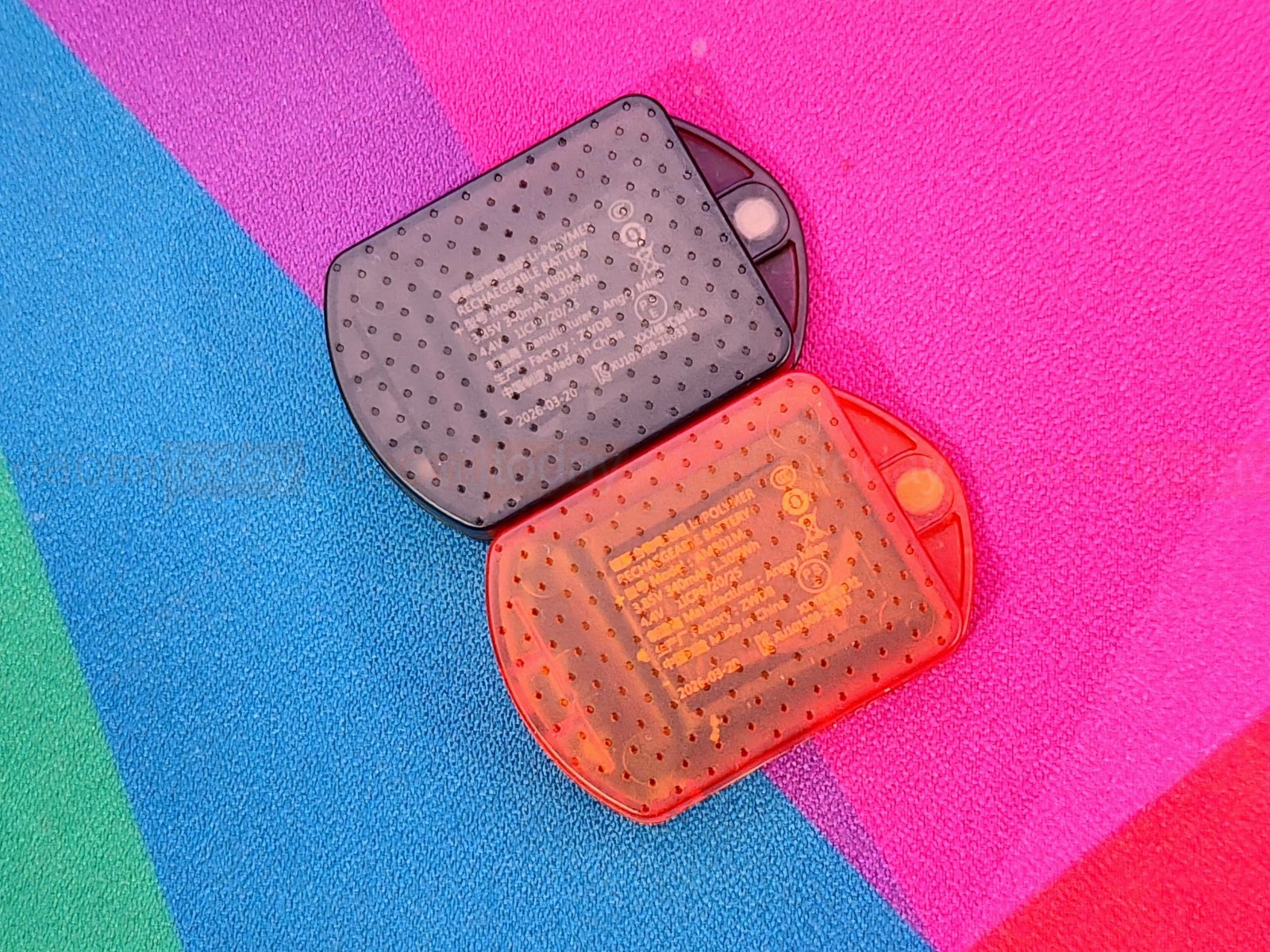
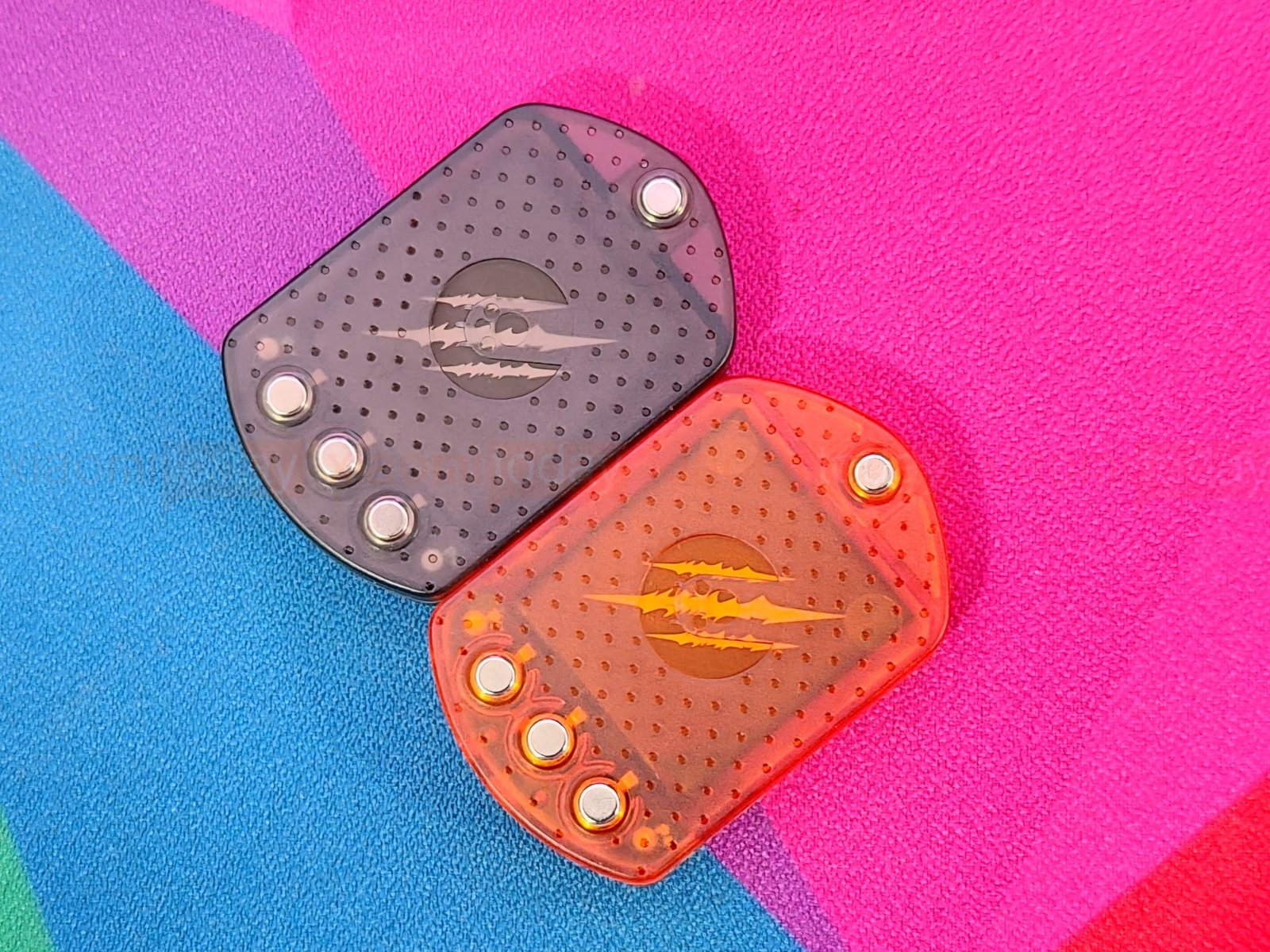
The Angry Miao AM Infinity .97 comes with two magnetic battery packs: one black and one translucent orange. Both have textured casings and visible contact points that line up with those on the mouse’s underside. The colour difference makes it easy to see which battery is in the mouse and which is the spare. The pack attaches magnetically and sits beneath the rear of the mouse.
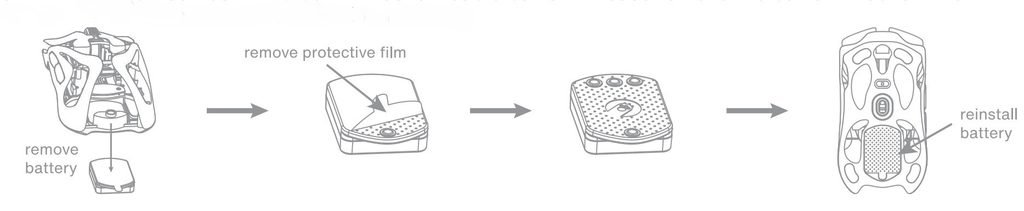
The hot-swap design lets you keep one battery in the mouse while the other charges in the receiver dock. When the active pack runs low, swap in the charged battery instead of plugging in the mouse. Angry Miao claims a 1.2-second swap and rates battery life at up to 30 hours at 8K polling or 165 hours at 1K. Actual runtime will vary with settings and use.
Connectivity
The Angry Miao AM Infinity .97 connects over USB-C, 2.4GHz wireless, or Bluetooth. A three-position switch on the underside selects the wireless mode: Bluetooth is on the left, Off is in the middle, and 2.4GHz is on the right. The indicator glows blue for Bluetooth and green for 2.4GHz. For wired use, connect the included USB-C cable to the mouse and computer.
| Connection mode | Setup | Indicator |
|---|---|---|
| Wired USB-C | Connect the mouse to the computer with the included cable. | — |
| Bluetooth | Move the underside switch left. For first-time pairing, wait for the blue indicator to flash, then select AM MOUSE in your device’s Bluetooth settings. | Blue |
| 2.4GHz wireless | Connect the AM Infinity receiver to the computer, then move the underside switch right. | Green |
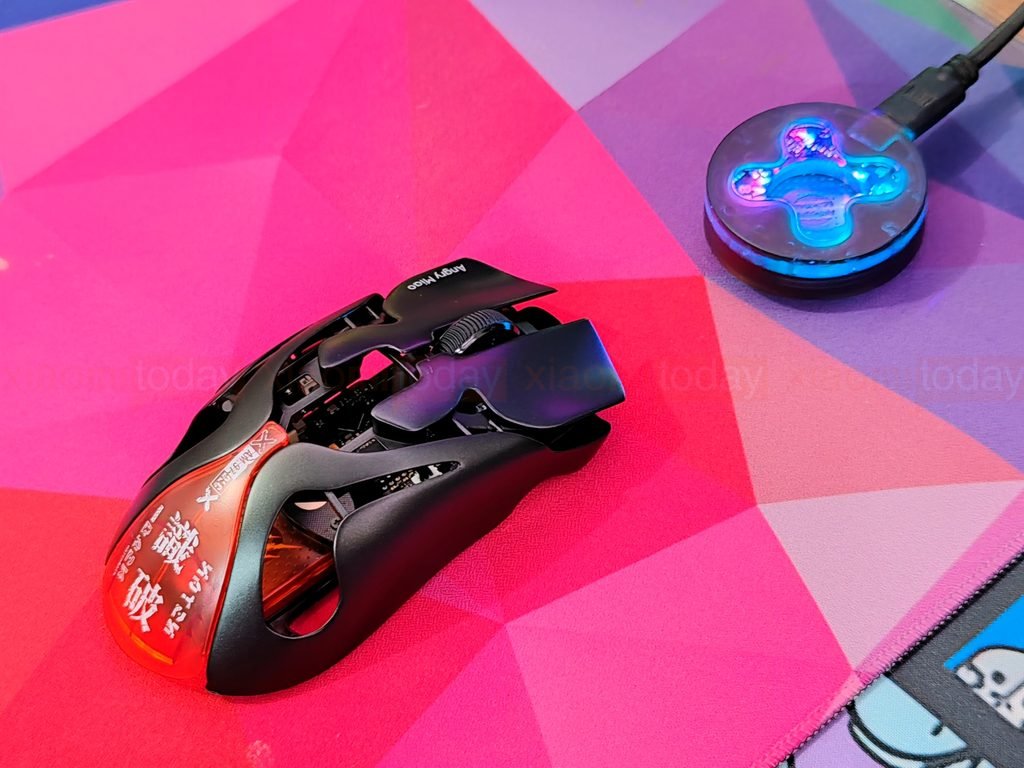
AngryMiao specifies up to 8,000Hz polling over both wired and wireless connections. Its AM Real8K Engine is designed to send and receive eight signals within each 1ms interval, without interpolation. Those figures come from the manufacturer; the benefit depends on your computer, game, and settings. Bluetooth provides another option for everyday use, while 2.4GHz and USB-C support the mouse’s high polling rates.
Battery Life and Charging
The Angry Miao AM Infinity .97 includes two 340mAh magnetic batteries, one black and one orange. Use one in the mouse while the other charges in the 2.4GHz receiver dock. When the active battery runs low, swap it for the charged one and keep playing without connecting a cable. AngryMiao says the battery swap takes about 1.2 seconds; this is the time to replace the battery, not to charge it fully.
Angry Miao claims up to 30 hours of use at 8K polling or 165 hours at 1K. Actual battery life will depend on polling rate, connection mode, and use. The mouse flashes red when its battery falls below 5%. When charging the mouse through USB-C, its white LED blinks and stays lit when charging is complete. You can change the mouse’s charging LED colour in AM Master.
The receiver dock charges the spare battery and indicates its charge level with a blinking light:
| Battery charge | Receiver indicator |
|---|---|
| Below 10% | Red |
| 10% to 50% | Orange |
| 50% to 90% | Yellow |
| Above 90% | Green |
| Fully charged | AM DIY lighting effect |
The mouse also enters sleep mode after 30 seconds of inactivity in 2.4GHz mode or 10 minutes over Bluetooth. You can adjust these timers in AM Master. Keeping the spare charged in the dock helps reduce breaks to recharge the mouse, while the listed runtimes provide a guide to what to expect at different polling rates.
AM Master App (Desktop Client)
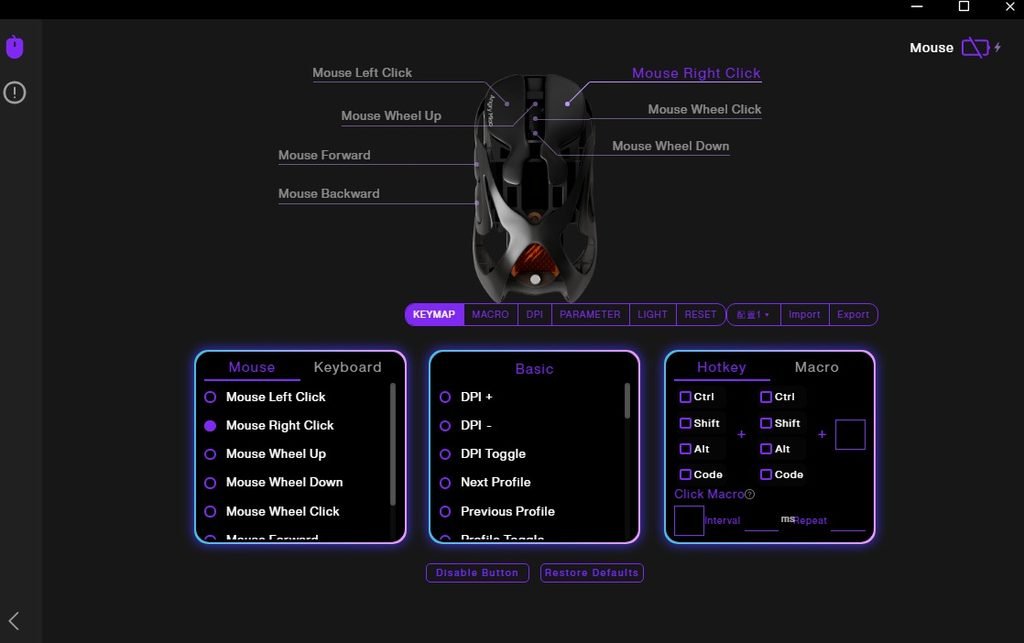
The AM Master desktop client handles button assignments, DPI settings, polling rate and other AM Infinity .97 controls from one window. Its dark interface uses purple highlights, with a mouse diagram at the top to show which control each setting affects. The layout takes a little time to learn, but the main options are grouped into clear tabs.
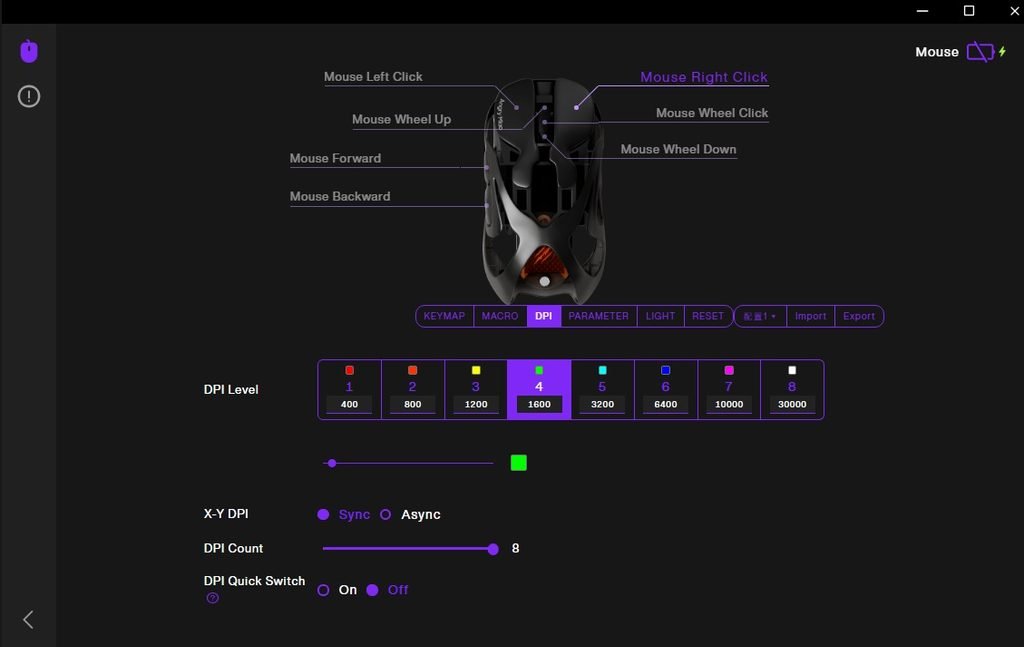
The Keymap tab lets you remap mouse buttons, assign keyboard inputs and hotkeys, create macros, or disable a button. In DPI, you can set up to eight sensitivity levels, choose separate X and Y values, and turn DPI switching on or off. The app shows preset steps from 400 to 30,000 DPI, with each level’s colour displayed on screen.
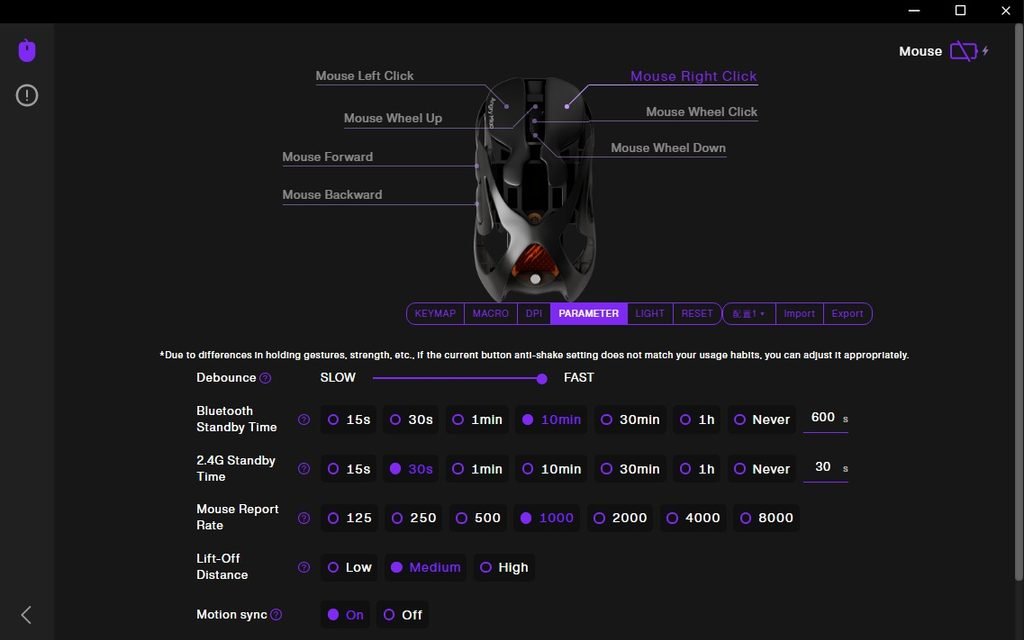
The Parameter tab includes polling rate settings from 125Hz to 8,000Hz, lift-off distance, motion sync, debounce, and standby timers for Bluetooth and 2.4GHz modes. These options let you tune the mouse for different games and play styles. The Light tab provides control for the mouse lighting and lets you set the charging indicator colour.
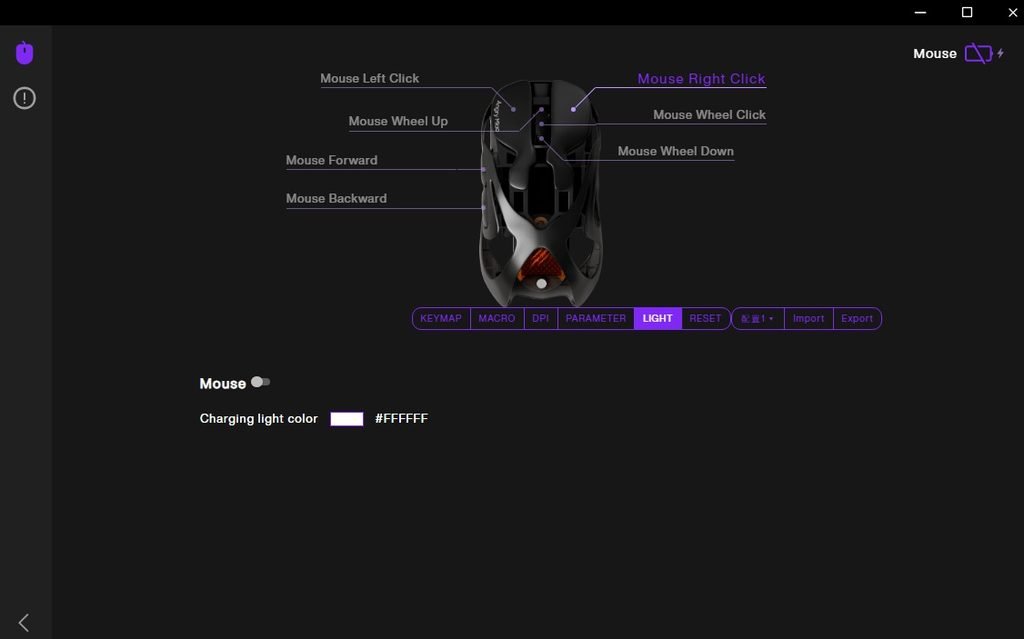
AM Master also includes profile controls, plus import and export options for saving or moving configurations. Some labels in the client could use clearer wording, but the core settings are available without digging through multiple menus. For players who want control over button functions, sensitivity, and sensor behaviour, the desktop client covers the main adjustments in one place.
Use Experience – Daily Work and Gaming
During two weeks of daily use, the AM Infinity .97 worked well for browsing, writing, and moving between desktop apps. Its low weight made it easy to reposition, and I could make small cursor adjustments without lifting my wrist much. The compact shape suited a fingertip grip; users who prefer to rest more of their palm on the mouse may need time to adjust. The two side buttons were easy to reach with my thumb, though their close spacing took some practice.
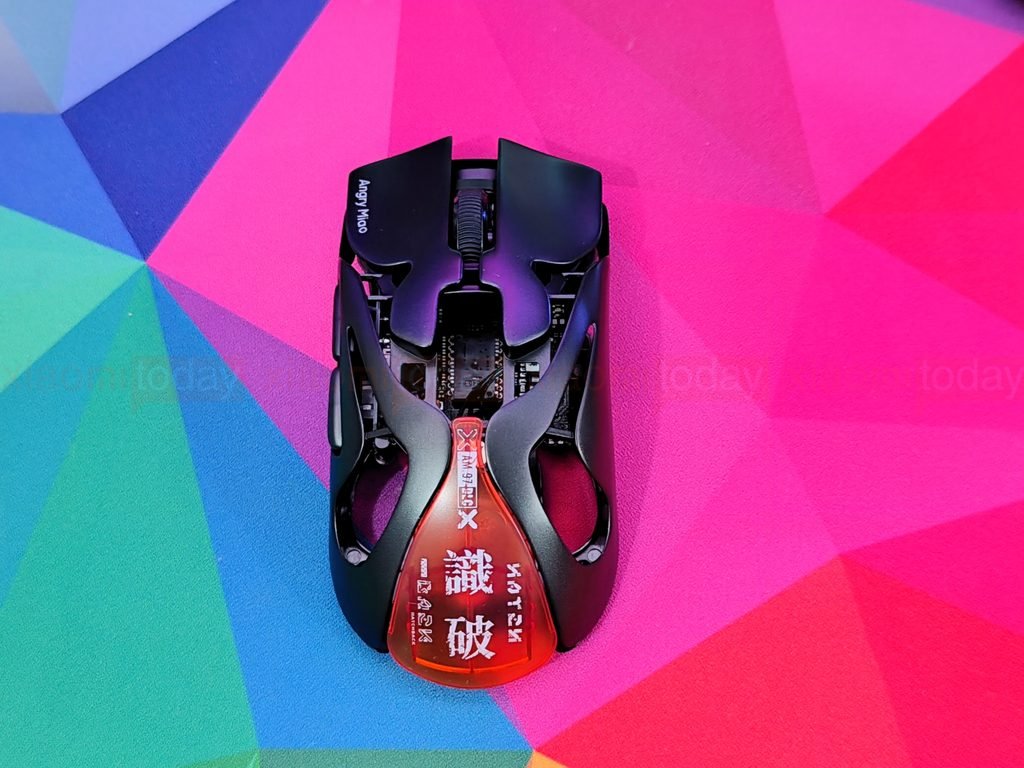
In competitive shooters such as Valorant and Counter-Strike 2, the mouse felt quick to lift and bring back into position during repeated aim adjustments. The sensor tracked fast swipes reliably in my sessions, and the short shape gave my hand room to make small corrections. At first, the light weight made my usual movements feel a little less controlled, but I became more comfortable with it as I adjusted my grip and aim.
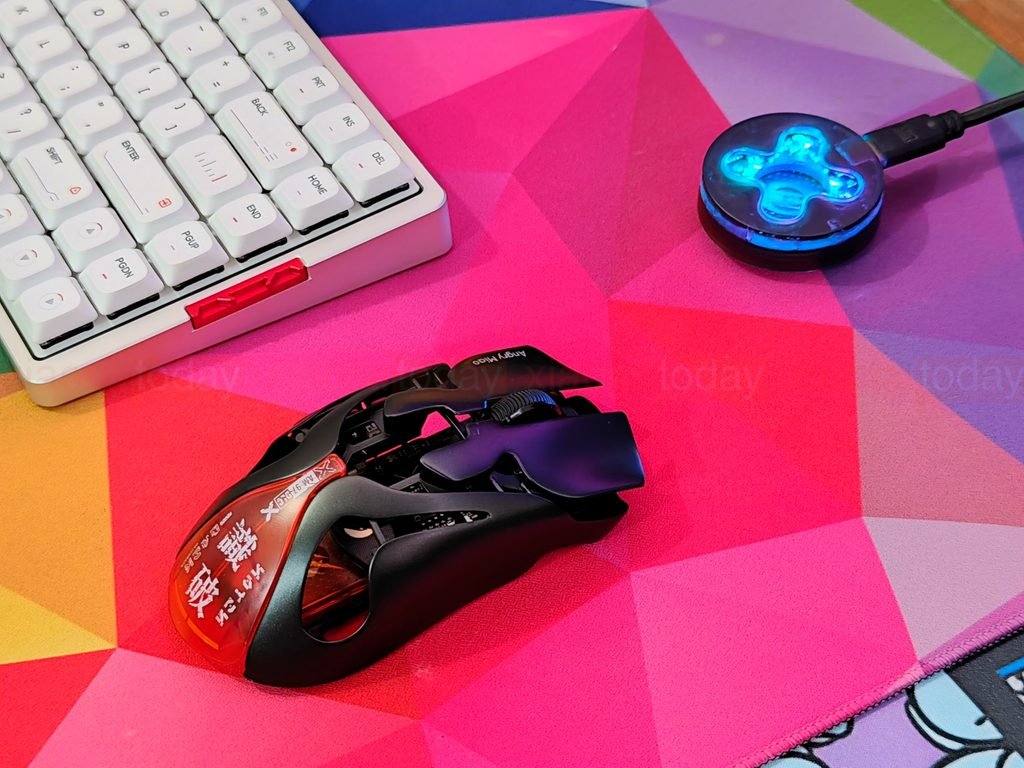
The AM Infinity .97 also handled single-player games such as Cyberpunk 2077 and Baldur’s Gate 3 well. Its light feel was comfortable over longer sessions, while the main buttons responded consistently during combat and menu use. The side buttons were useful for commands and shortcuts, although players who rely on frequent thumb-button presses may notice how closely the buttons sit together.
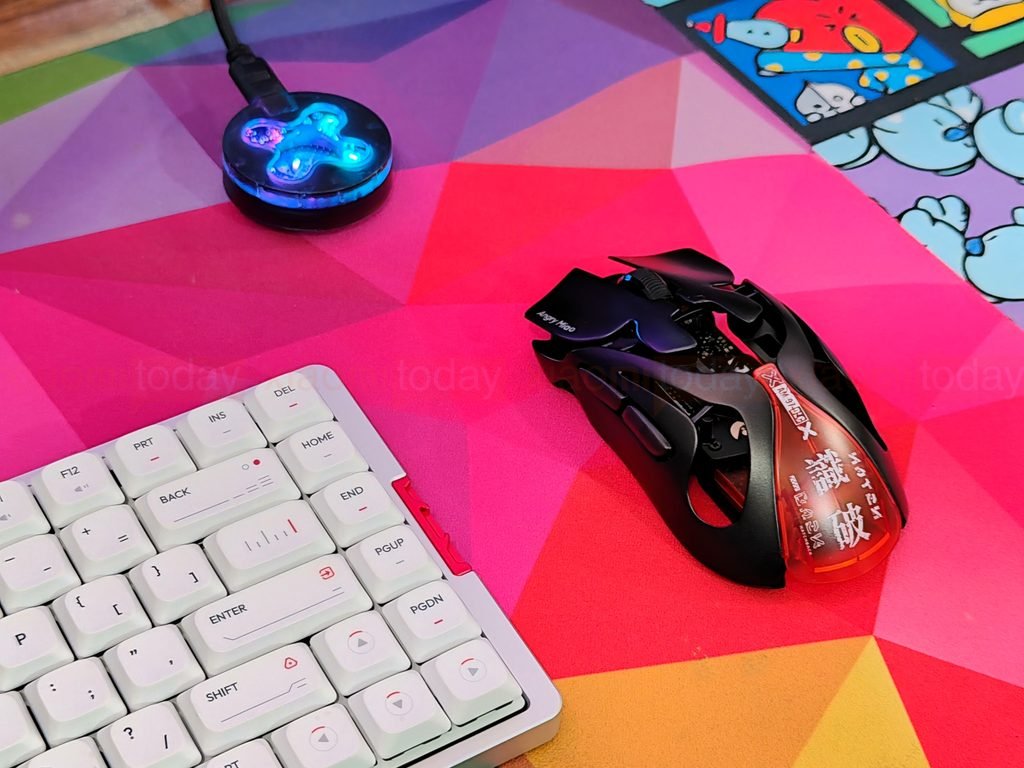
Across work and gaming, the AM Infinity .97’s compact fit and low weight shaped the experience more than its headline performance figures. It suited quick movements and fingertip or claw control, especially in fast-paced games. The smaller body may not feel natural to everyone, particularly if you prefer a larger mouse that fills the palm.