Ergohaven has officially introduced the K:04, a new split ergonomic mechanical keyboard that combines an ergonomic layout with a modular design. Unlike traditional split keyboards that focus only on typing comfort, the K:04 allows users to expand its functionality by attaching optional input modules, including a rotary encoder, touchpad, or trackball. The keyboard is now available through the company’s online store in multiple configurations, with pricing starting at $180 for the barebones version.
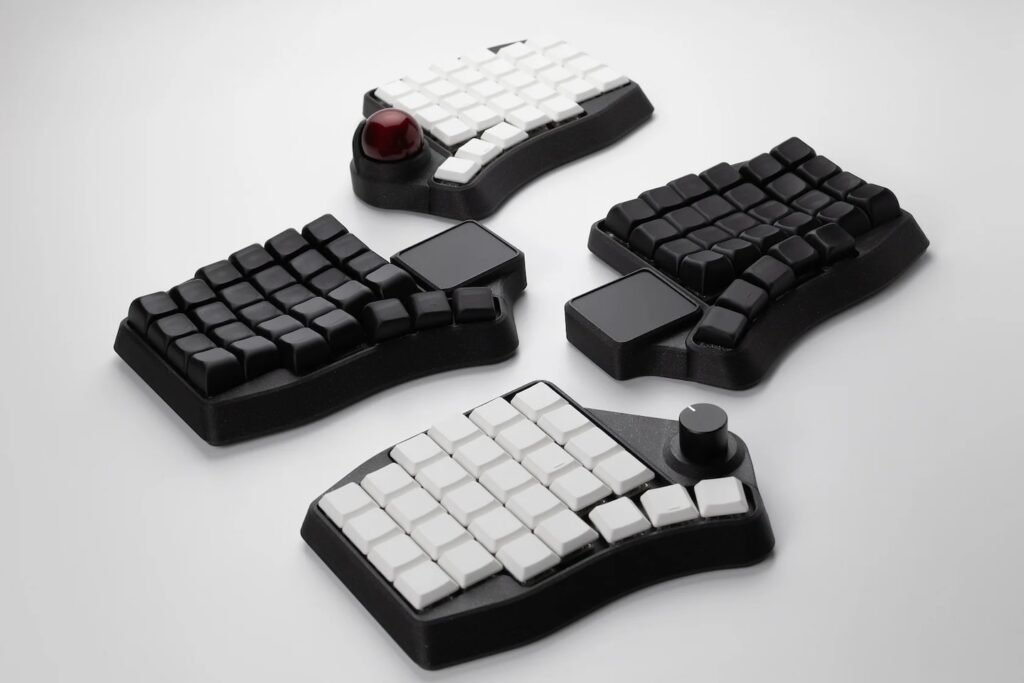
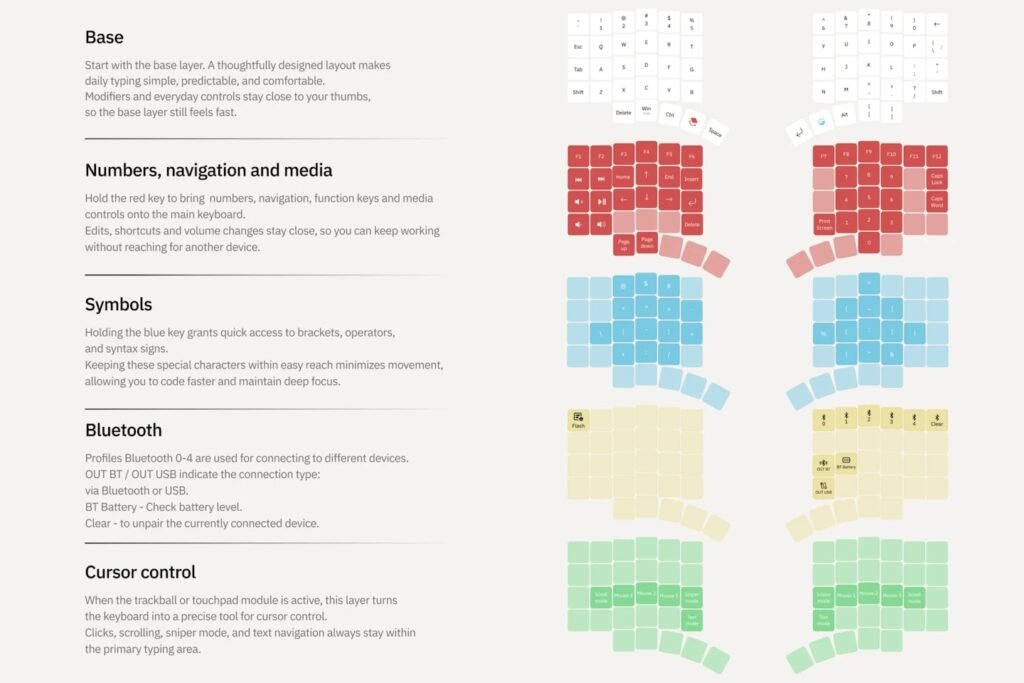
The K:04 features a 58-key layout divided into two separate halves that communicate wirelessly using Bluetooth Low Energy. Its layout is similar to a 60% mechanical keyboard, retaining the number row while removing dedicated navigation keys. Instead, navigation functions are assigned to programmable secondary layers that can be accessed through the thumb cluster, helping maintain a compact footprint without removing essential functionality.
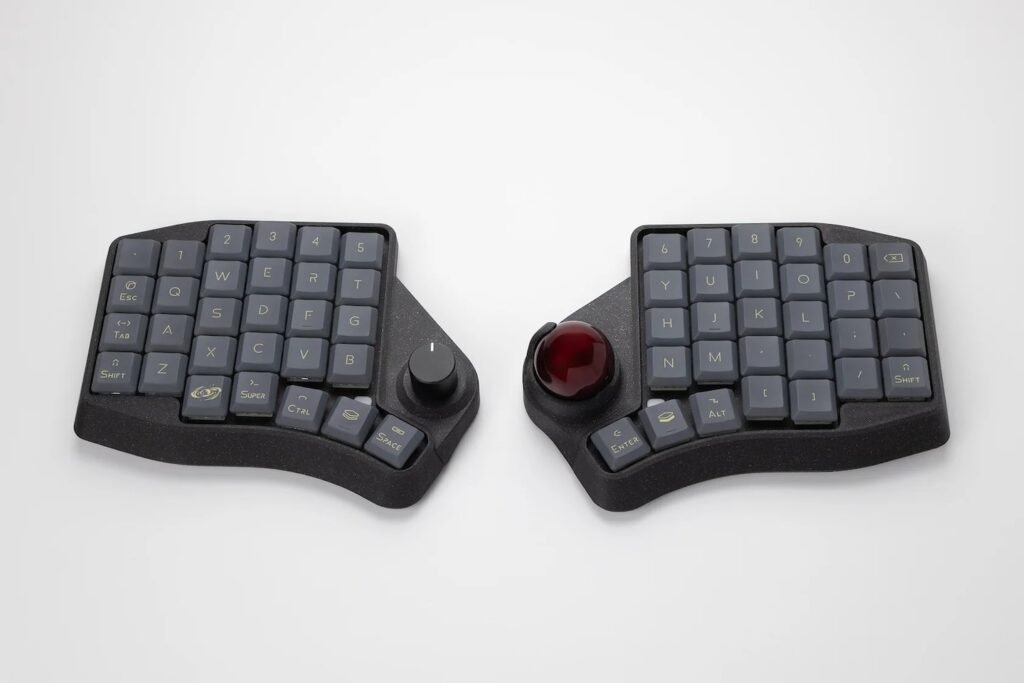
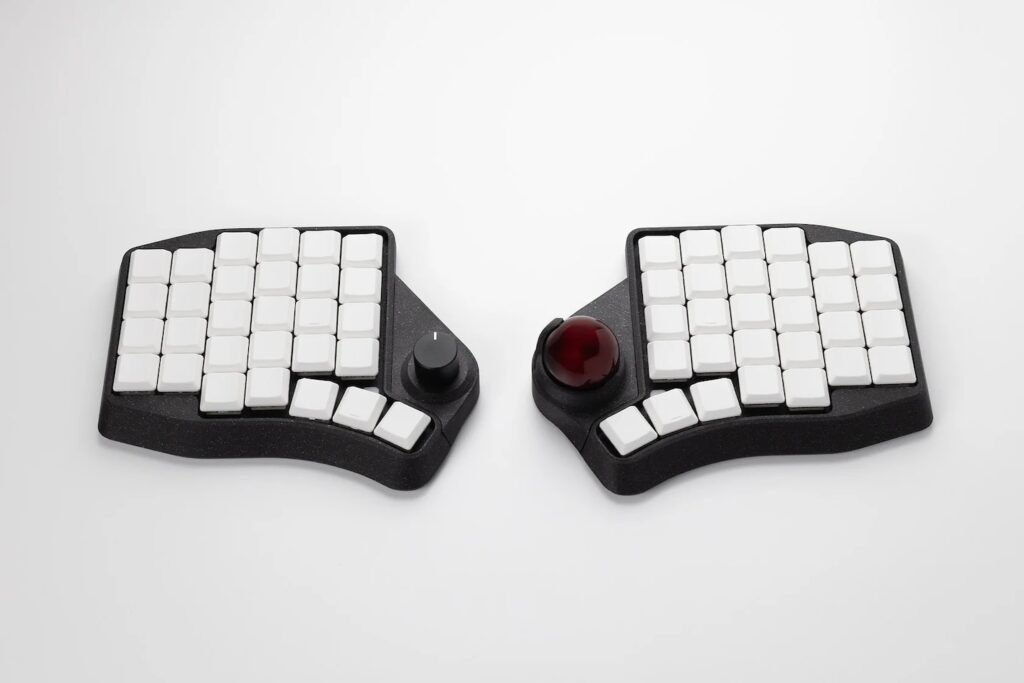
Ergohaven has also adopted a columnar staggered key layout, where the keys are aligned vertically instead of using the traditional horizontal stagger. This design follows the natural position of the fingers and reduces unnecessary movement while typing. Each keyboard half includes three or four thumb keys, giving users flexibility depending on their preferred thumb reach and typing style.
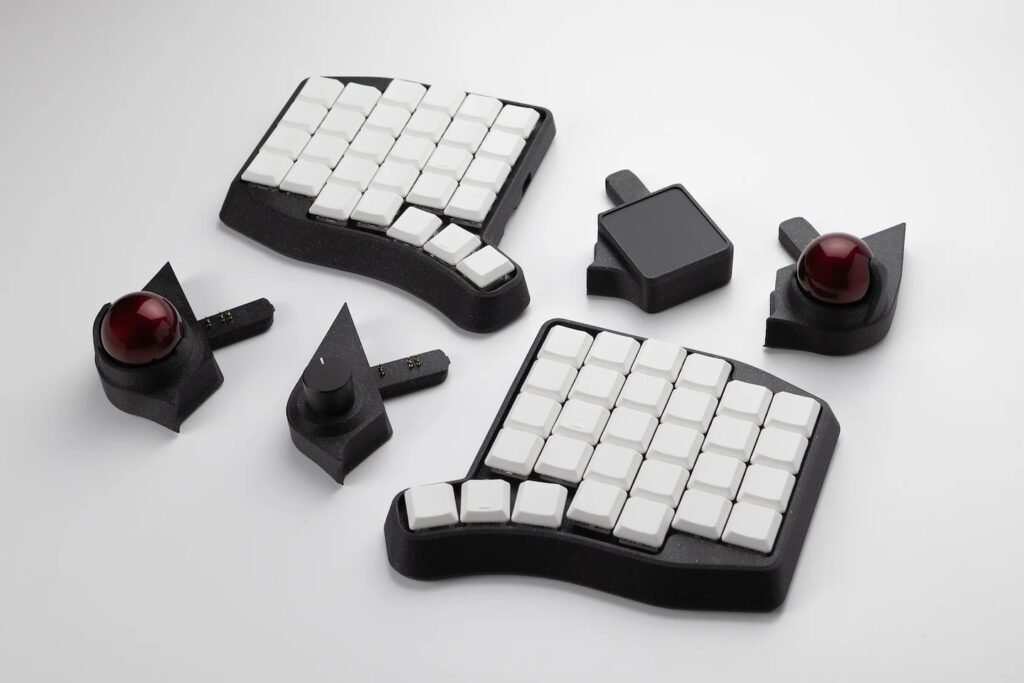
The modular expansion system is the main feature of the K:04. Users can install optional accessories on the inner edge of either keyboard half, allowing the keyboard to adapt to different workflows without requiring additional desktop peripherals. The modules can be swapped whenever needed, making the keyboard suitable for productivity, content creation, programming, and general desktop use.
Available modules include:
- Rotary encoder module – $35
- Touchpad module – $55
- 32 mm trackball module – $65
Each module can be configured using Ergohaven’s open-source Entropy software, which is based on the Vial keyboard customization platform. Users can assign shortcuts, macros, media controls, mouse functions, or custom commands to every module. The settings are saved directly to the keyboard’s onboard controller, so configurations remain available even after a module is removed and later reinstalled.
The keyboard is designed around the Gateron LP 3.0 low-profile switch standard, but also supports full-height MX mechanical switches through an optional switch plate. This gives buyers the choice between a slimmer typing experience or a more traditional mechanical keyboard feel without changing the keyboard itself.
Ergohaven offers several purchase options depending on user preference. The barebones keyboard without switches or keycaps starts at $180. A version with switches and blank low-profile keycaps costs $240. Buyers can also choose labelled low-profile Space Encounters keycaps for $265 or sculpted keycaps for $280.
Pricing options include:
- Barebones keyboard (no switches or keycaps): $180
- With switches and blank low-profile keycaps: $240
- With Space Encounters keycaps: $265
- With sculpted keycaps: $280
The K:04 enters the growing ergonomic keyboard market with a combination of wireless connectivity, modular hardware, and broad customization support. While many split keyboards focus primarily on comfort, Ergohaven has added interchangeable input modules that allow users to customize the keyboard for different tasks without sacrificing its compact design. For users looking for a configurable ergonomic mechanical keyboard with expandable functionality, the K:04 offers a different approach compared to conventional split keyboard designs.