A camera, open-ear speakers, and an AI assistant packed into a pair of AR Glasses: the KAIGERR M08E aims to keep your phone in your pocket for more of the day. It weighs 40 grams and adds hands-free photo and video controls, built-in storage, and support for AI translation. That’s a lot of features for a wearable—so the key question is whether they’re useful when you’re out and about.
The KAIGERR M08E has a 13MP camera for photos and records video at 1080p. KAIGERR lists six-axis electronic image stabilization and a night-scene mode, with a single click for photos and a double-click to start recording. There’s 32GB of built-in storage, plus Bluetooth and 5GHz Wi-Fi for transferring files. Those specs cover the basics, but image quality, stabilization, and transfer speed will determine how well the glasses work as a camera you can wear.
For audio, the M08E uses open-ear speakers for music and calls while leaving your ears uncovered. Bluetooth 5.4 connects the glasses to a phone, though only one phone can be connected at a time. The AI features include voice assistance, object recognition, and real-time translation in more than 100 languages. The glasses can also record audio, a feature aimed at meetings and interviews. These tools rely on the phone and companion app, making ease of setup and reliability part of the experience.
KAIGERR includes photochromic and polarized lens options, and rates the glasses IP66 for protection from rain and sweat. In this hands-on review, we look at the M08E’s fit, camera, audio, phone connection, and AI features to see which ones hold up in daily use. The combination is ambitious for a 40-gram frame; our testing focuses on whether the essentials work well enough to make these glasses worth wearing.
Specifications
| Specification | Details |
|---|---|
| Camera | 13MP; 1080p video; 6-axis electronic image stabilization; night scene enhancement |
| Controls | Single-click photo capture; double-click video recording |
| Audio | Open-ear music playback and hands-free calls |
| Connectivity | Bluetooth 5.4; 5GHz Wi-Fi for file transfers |
| AI features | Real-time translation in 100+ languages; voice assistant; object recognition |
| Recording | Audio recording for meetings, interviews, and conversations |
| Storage | 32GB built-in; no SD card required |
| File transfer | Bluetooth or 5GHz Wi-Fi; SYNC Storage |
| Weight | 40g, excluding prescription lenses |
| Frame | Lightweight PC material; flexible hinges; ergonomic fit |
| Lens options | Photochromic lenses; polarized lenses with UV400 protection; can also be used lens-free |
| Water resistance | IP66 stated in the specifications |
| Bluetooth pairing | Connects to one phone at a time; disconnect the previous phone before pairing another |
Unboxing
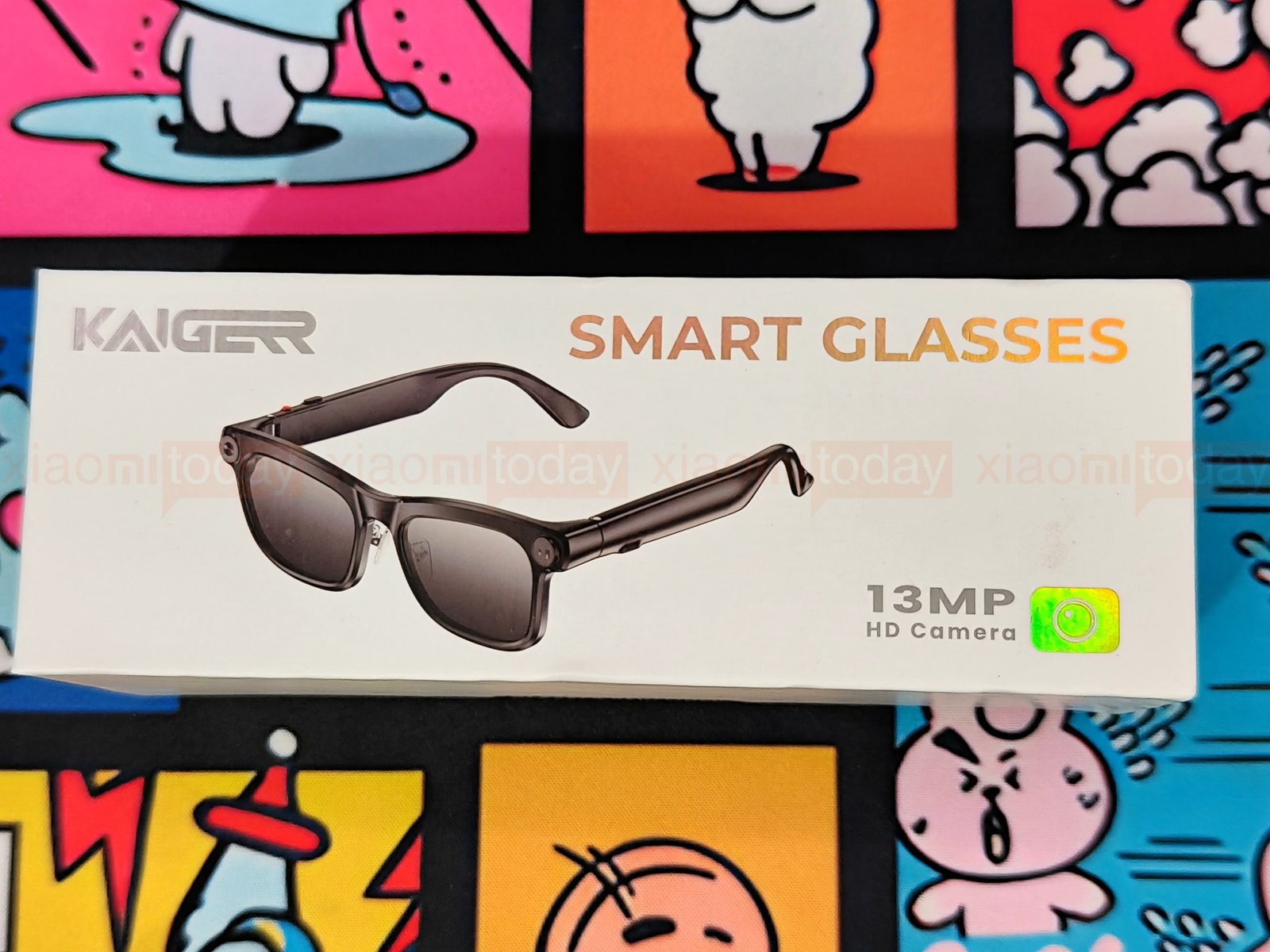
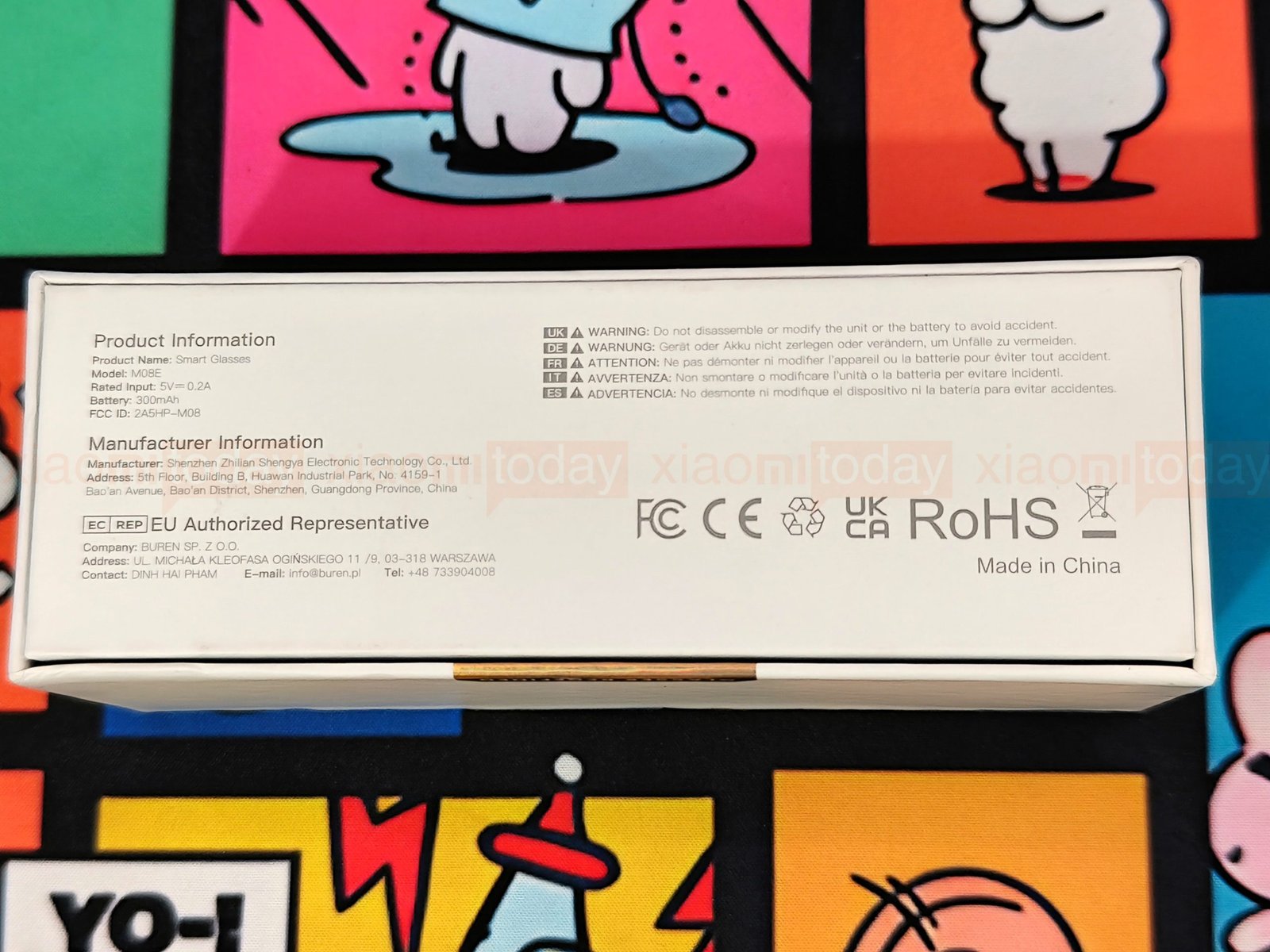
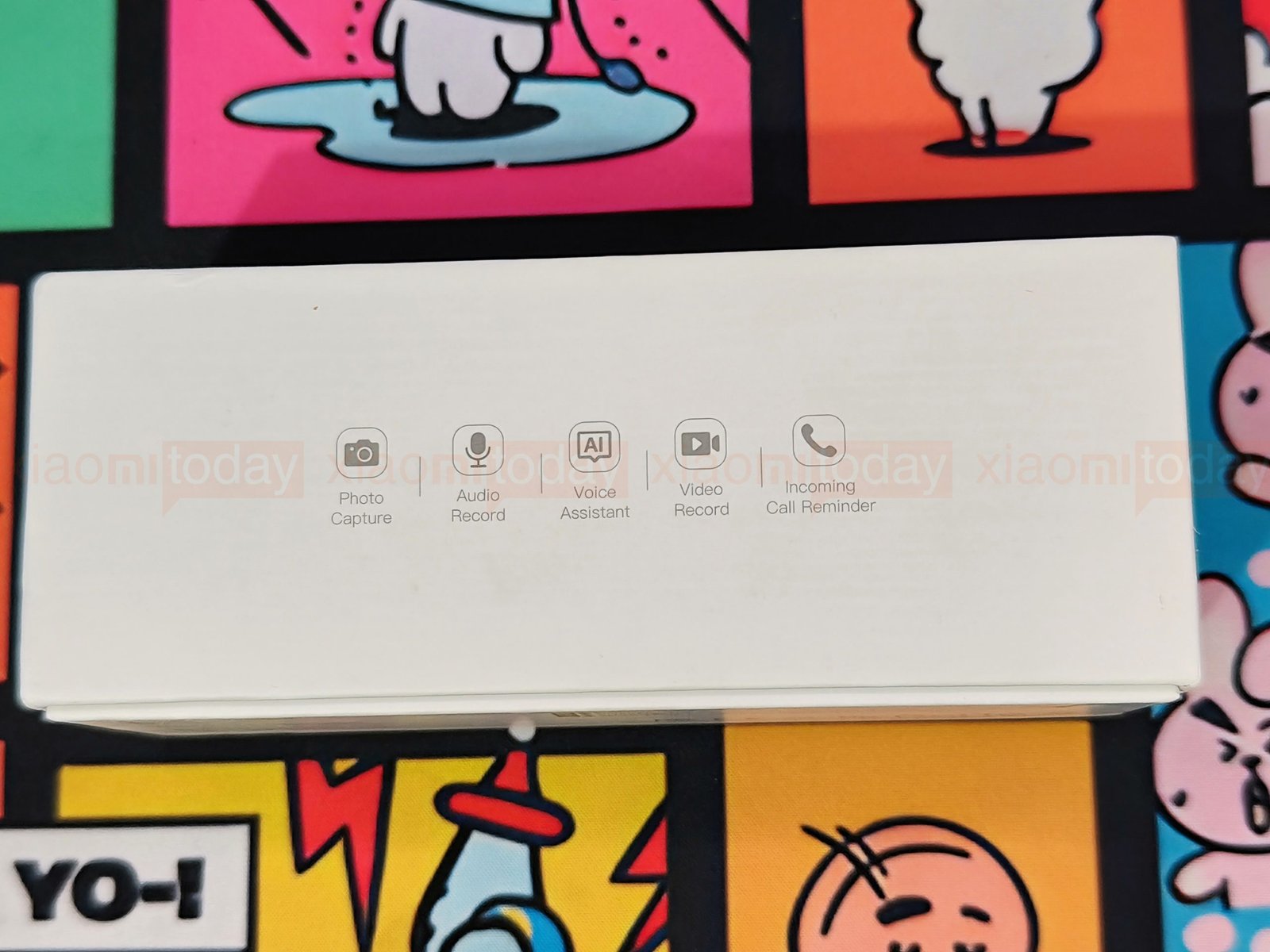
The KAIGERR M08E box shows the glasses from the front, with the 13MP camera called out beside the product image. The back lists the model number, 300mAh battery capacity, input rating, and manufacturer details. On top, a row of icons highlights photo capture, audio and video recording, voice assistant support, and incoming call reminders.
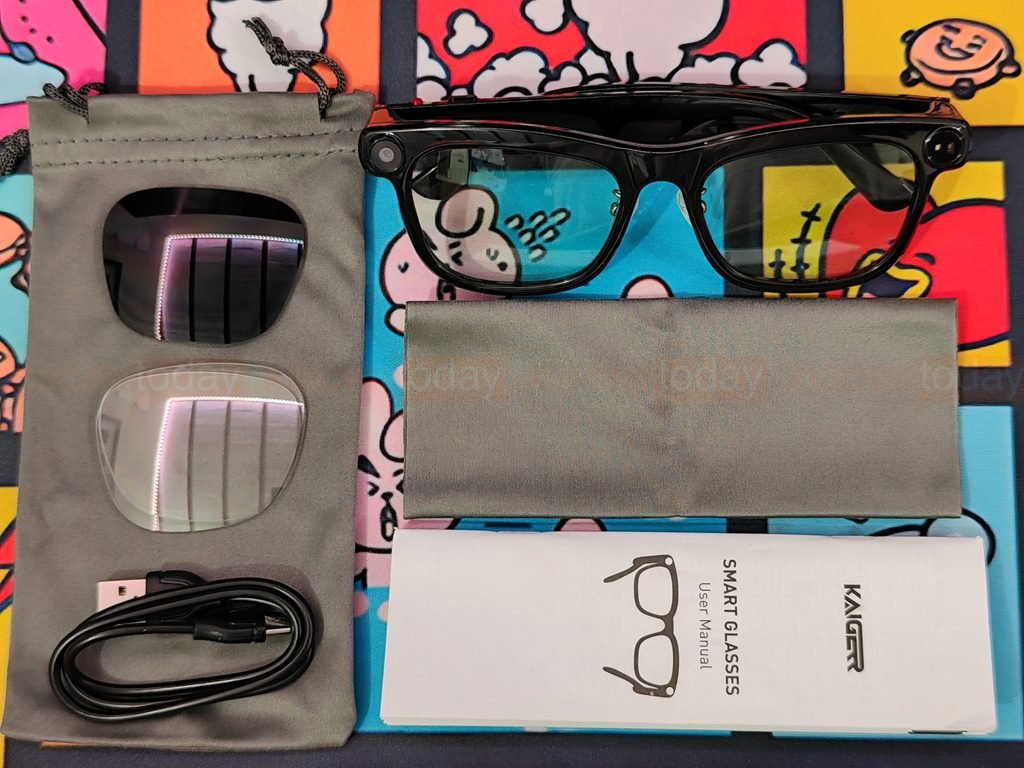
Inside, the package includes one pair of KAIGERR M08E smart glasses and three pairs of lenses: photochromic, clear, and sunglasses lenses. You also get a Type-C charging cable, a portable storage pouch, a cleaning cloth, and a multilingual user manual.
Design and Build Quality
The KAIGERR M08E has the familiar shape of rectangular, full-rim glasses, with a glossy black frame and clear lenses. Circular camera hardware sits beside the lenses, while the temples are thicker than those on ordinary frames to house the electronics. From the front, the glasses look close to a conventional pair; the wider arms make their smart features more noticeable from the side.

The frame measures 150mm wide and 53mm high, with 51mm-wide lenses and an 18mm nose bridge. Its open length is 158mm, and the glasses weigh 42g or less. These dimensions give a useful idea of the fit, though comfort will depend on face shape and how the arms sit behind the ears.
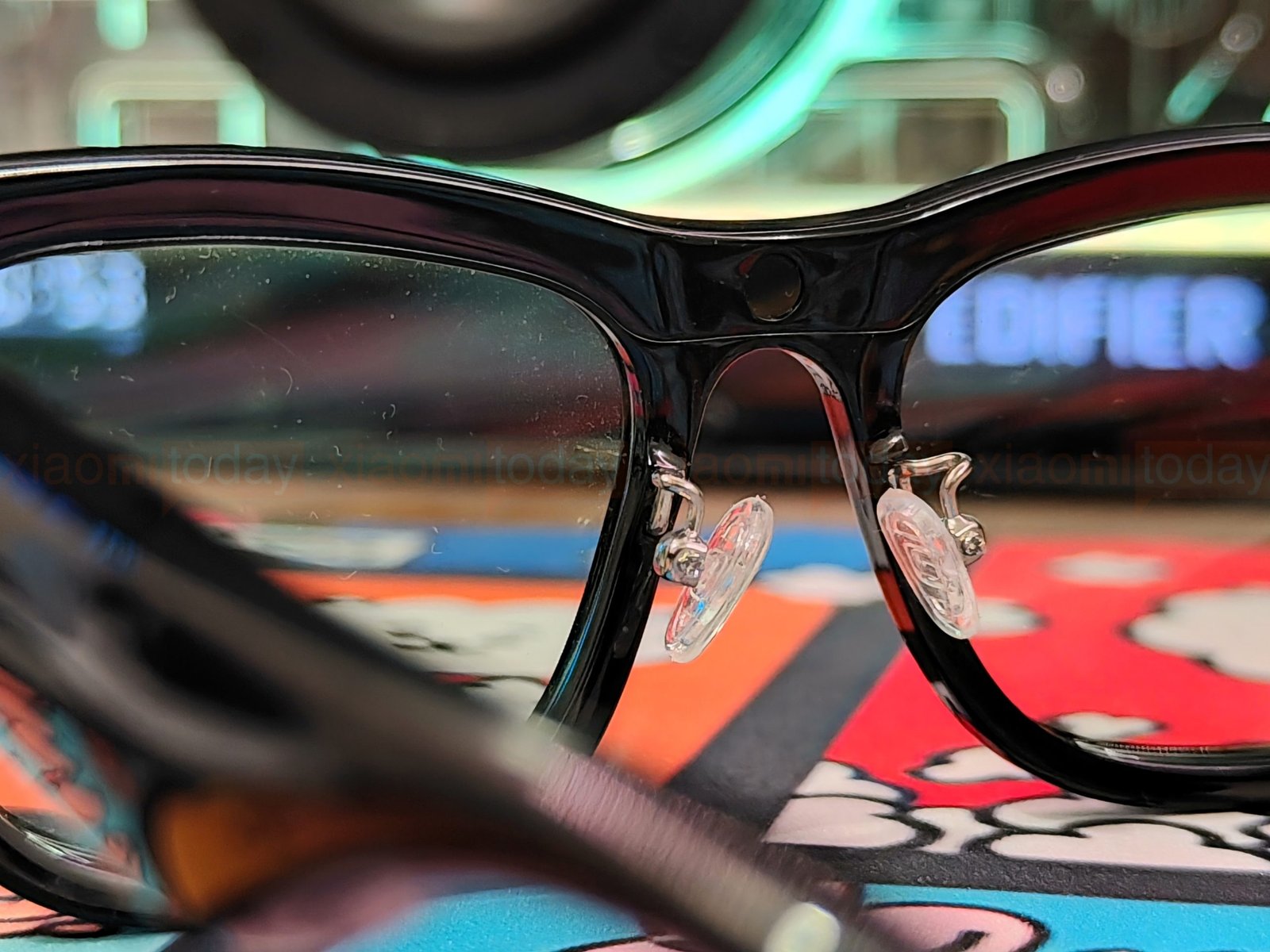
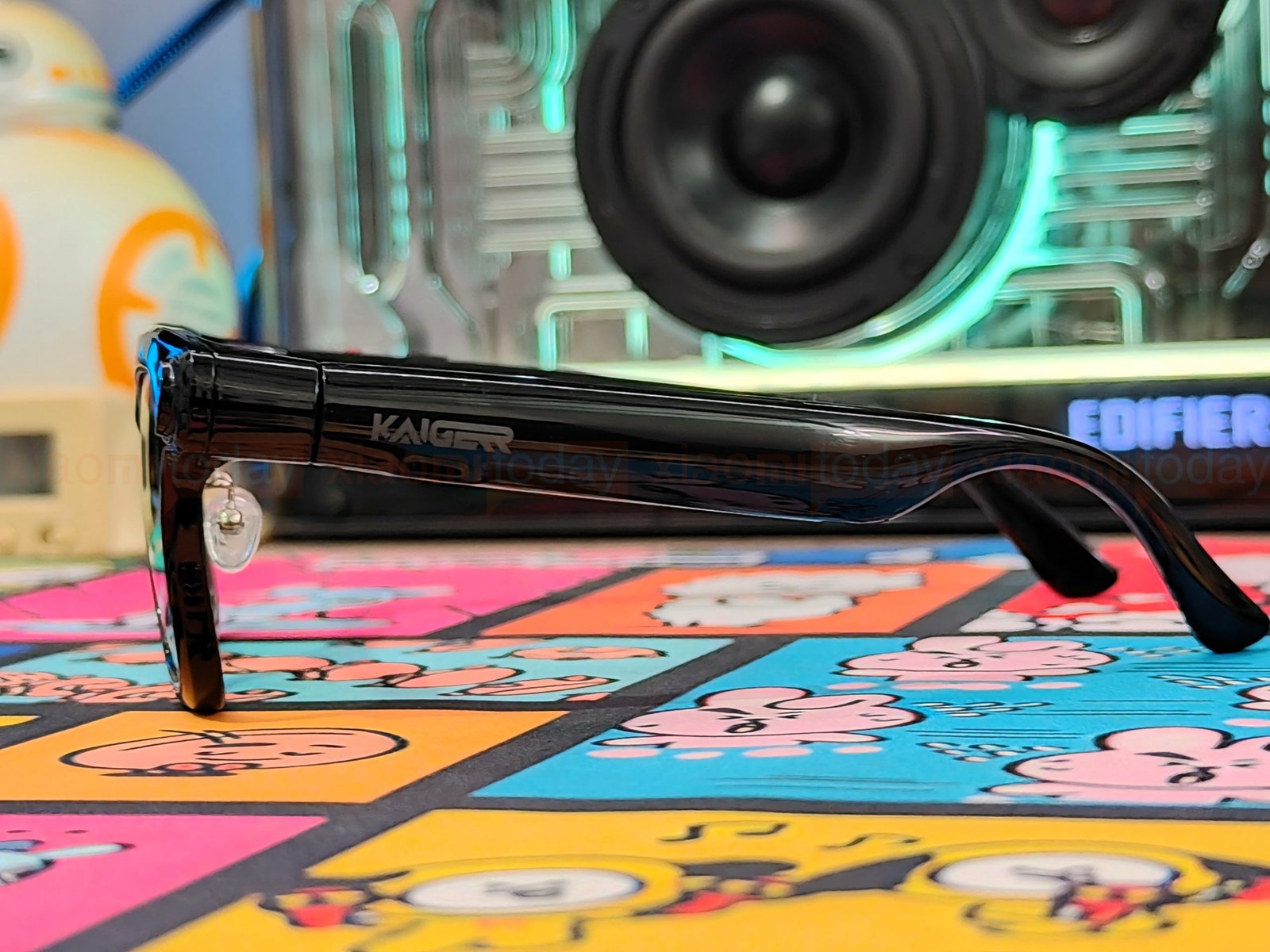
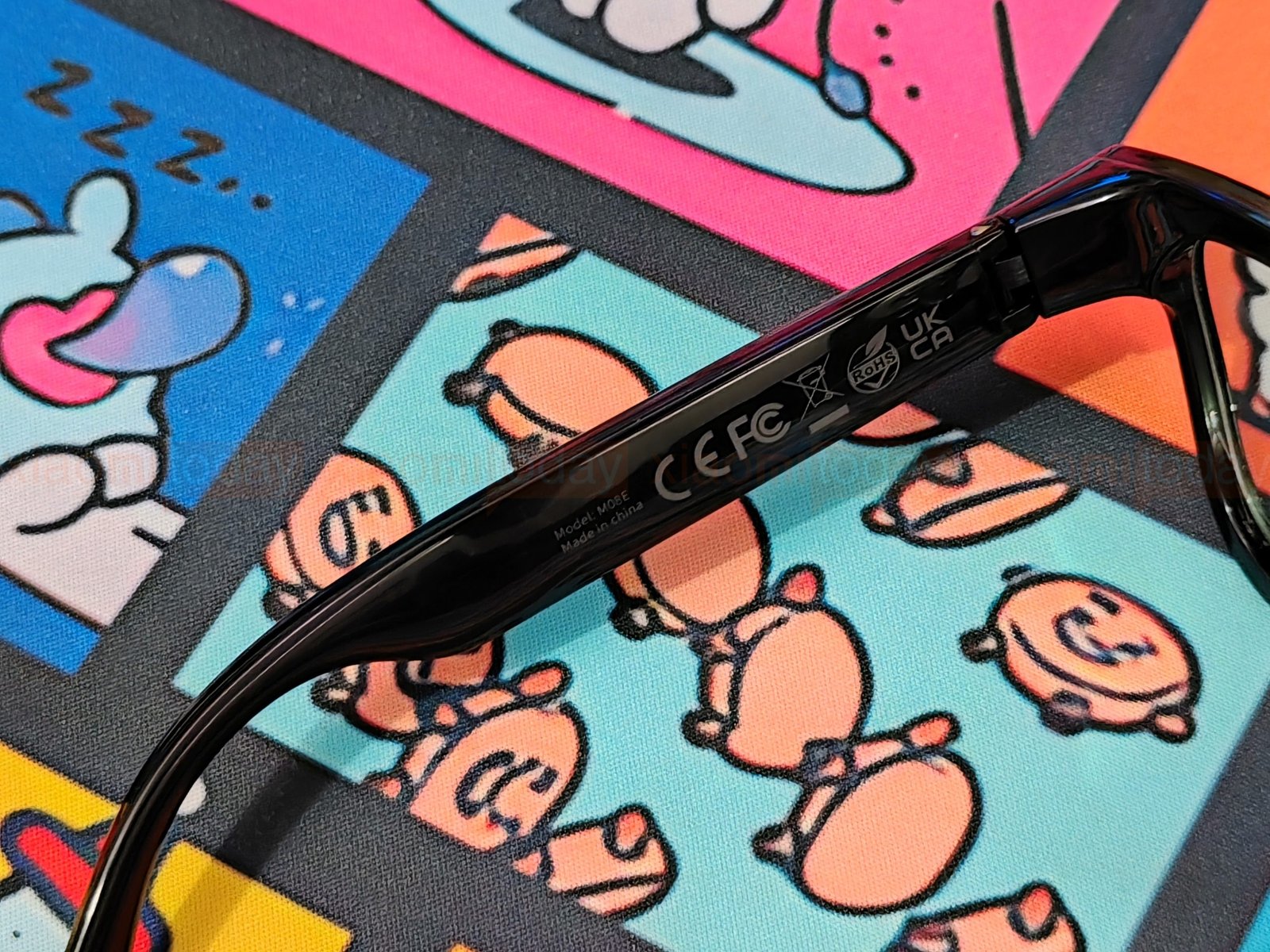
A defined bridge connects the two lens rims, while clear nose pads sit on small metal supports. The temples widen around the hinges, then curve down toward the ears. KAIGERR branding appears on the outer arms; the inner sides have ridged sections and printed model and regulatory details.
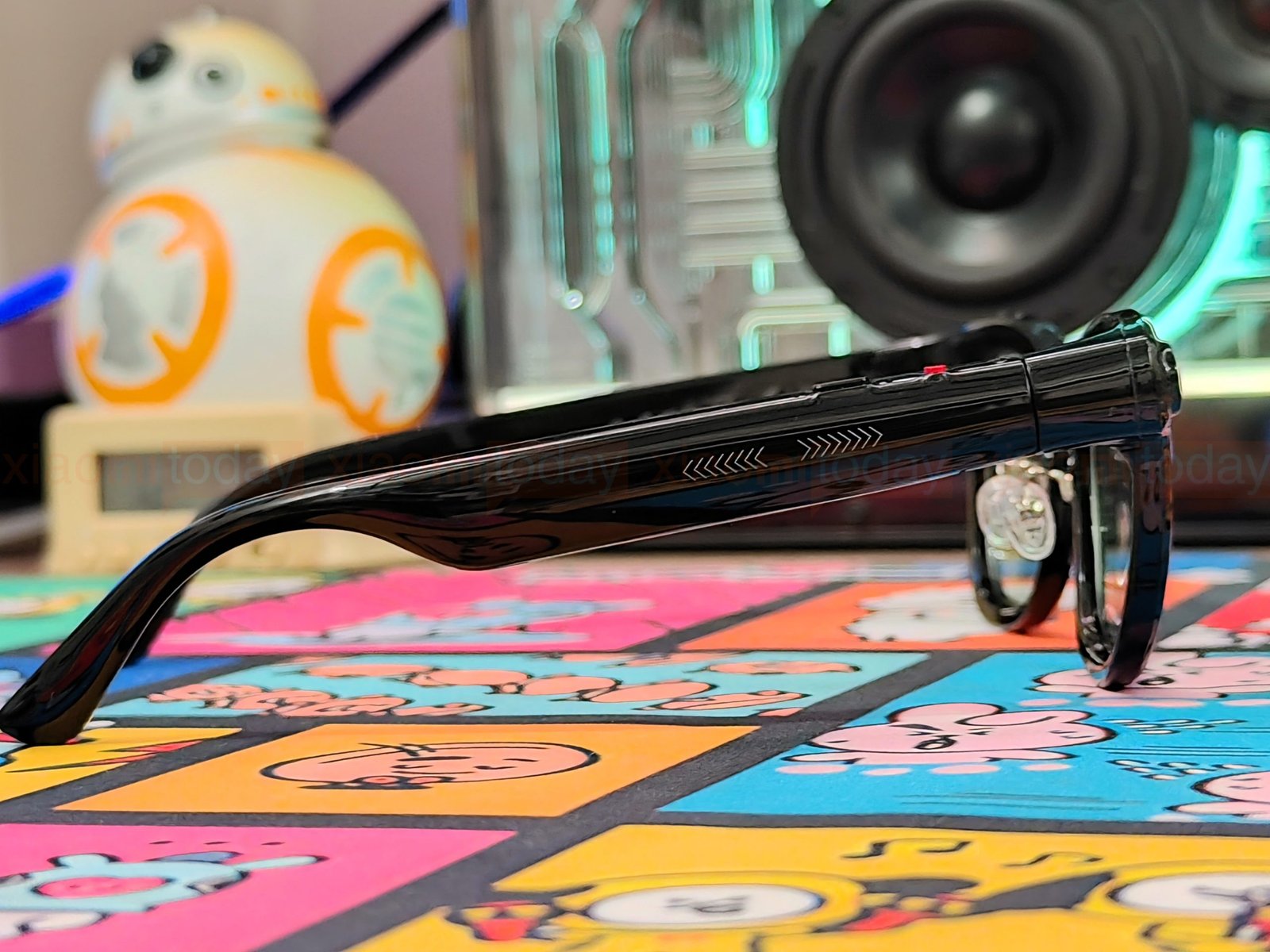
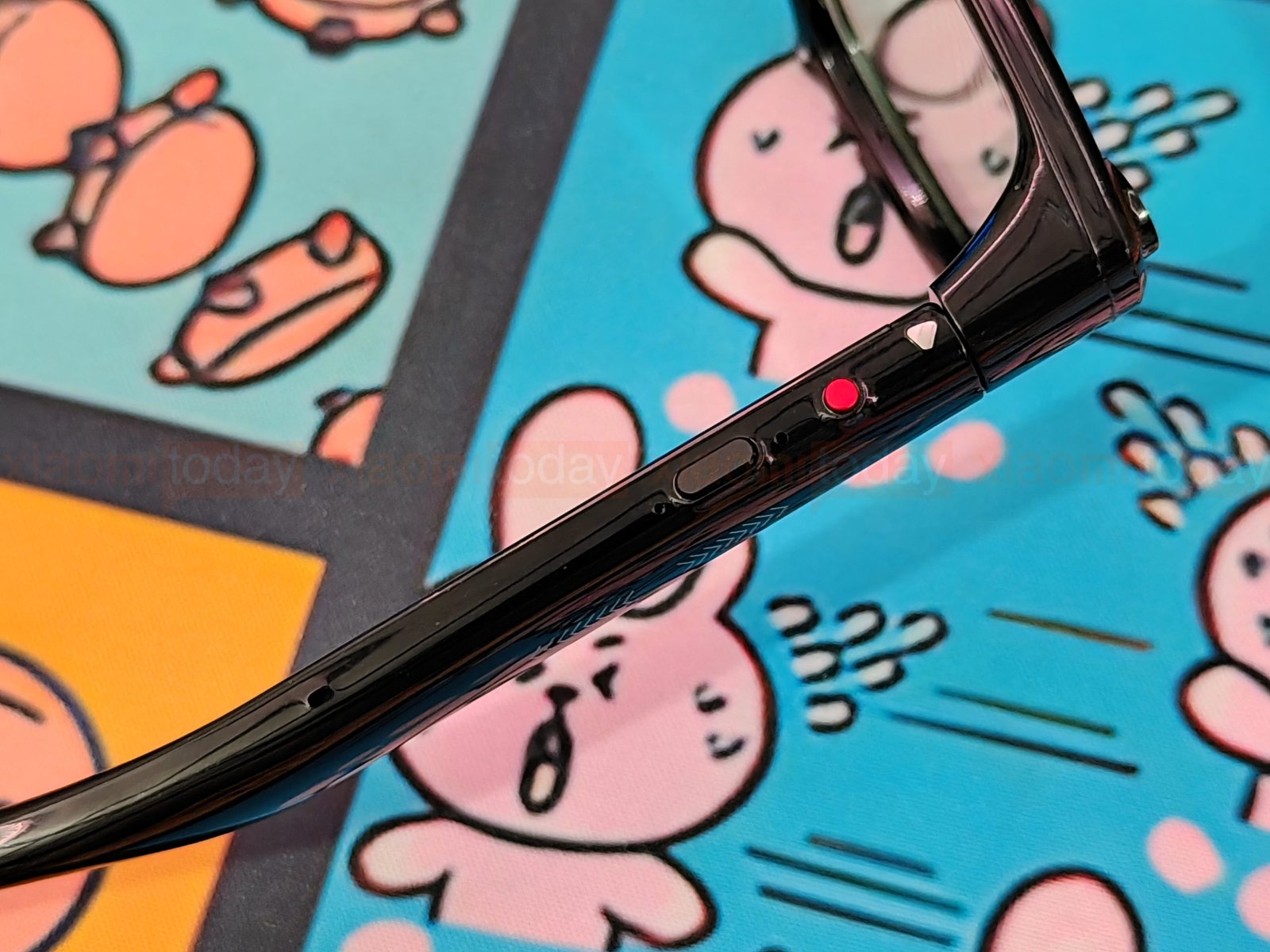
The KAIGERR M08E uses physical buttons on the frame and temples, plus a touch key on the right arm. On the temple, a red circular button sits beside a longer dark button and several small openings. The controls are easy to spot, though their compact placement may take a little practice until you learn which one handles each function.
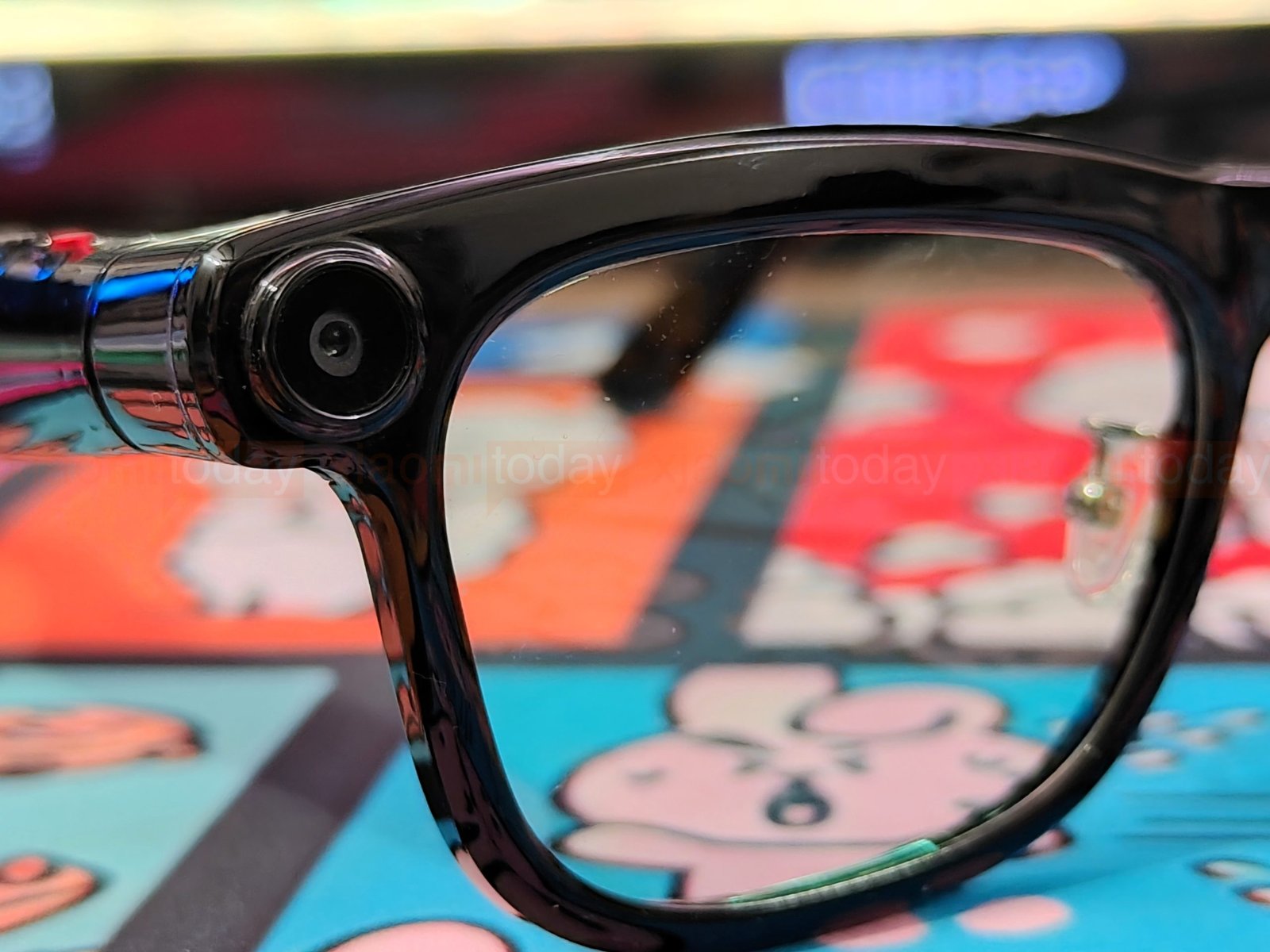
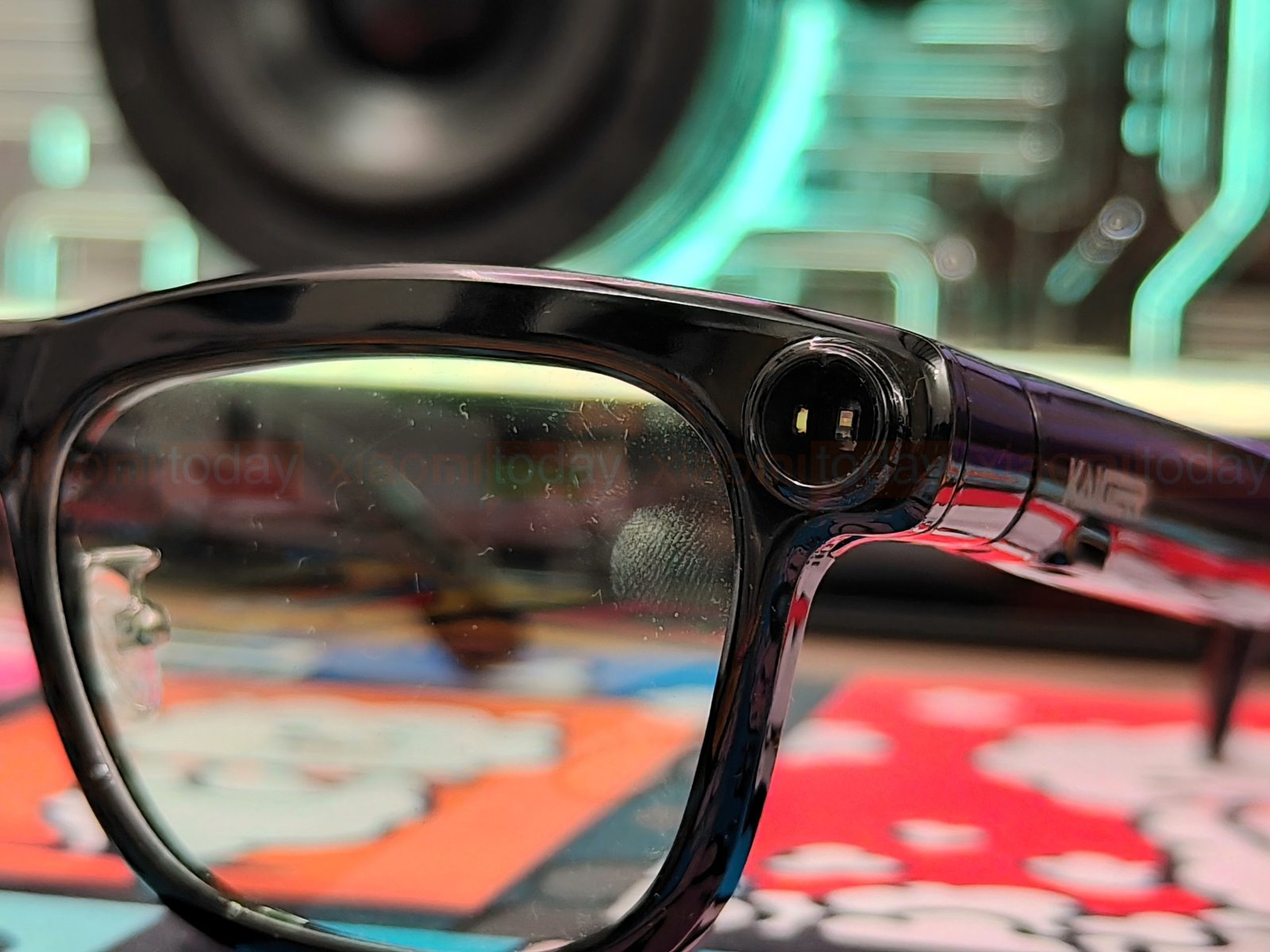
The KAIGERR M08E’s 13MP camera sits in a circular module on the right outer edge of the frame. A status light and flash are positioned on the left, keeping the camera and its supporting hardware split across the two sides of the glasses.
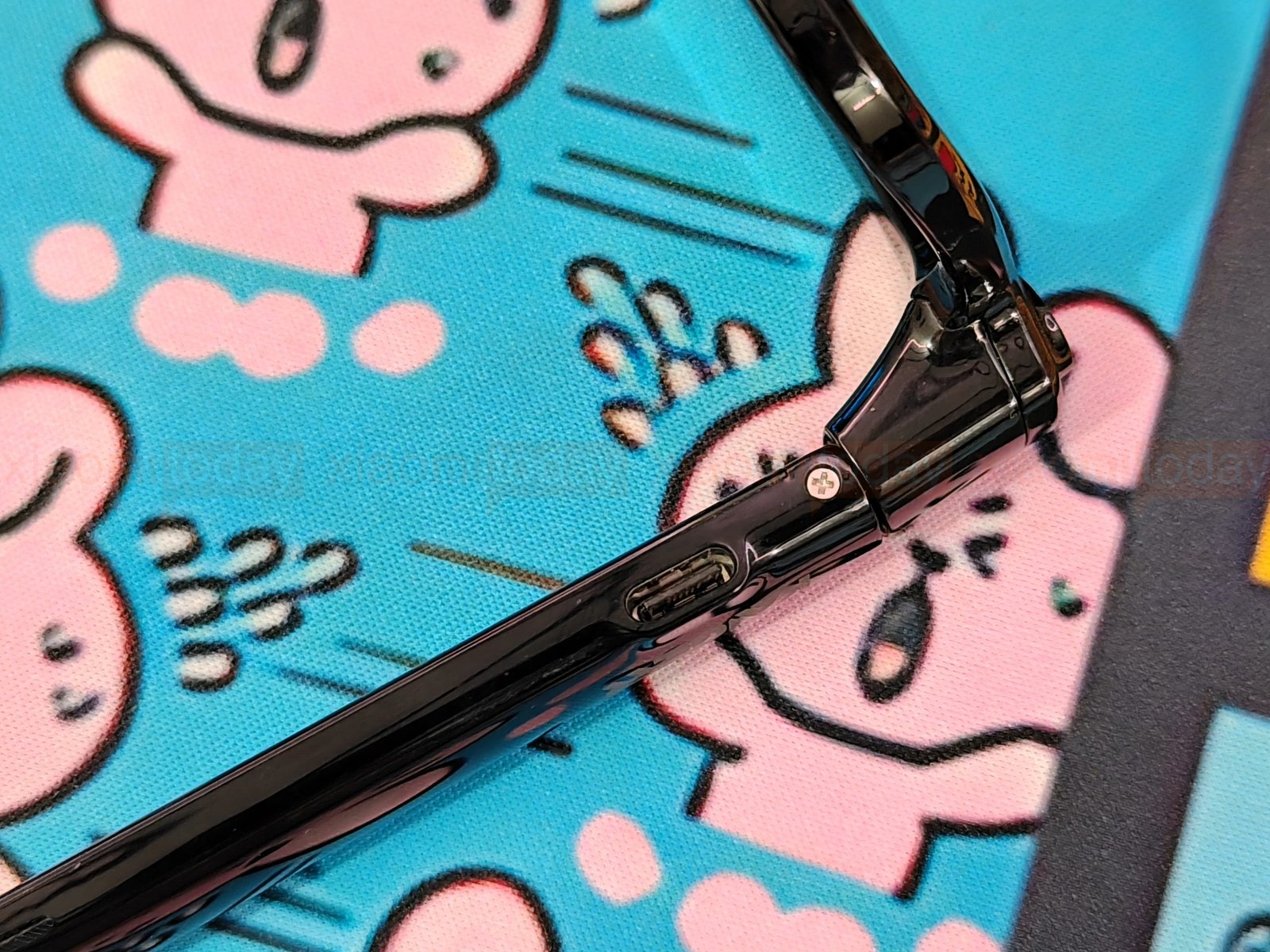
The USB Type-C charging port sits on the underside of one temple, close to the hinge. Its downward-facing position keeps it tucked beneath the arm. A Type-C cable plugs directly into the frame to recharge the glasses.
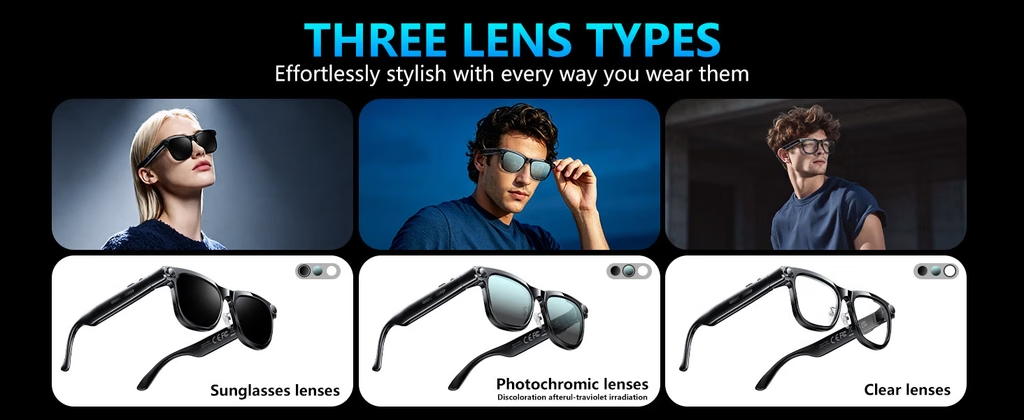
The KAIGERR M08E comes with clear, sunglasses, and photochromic lens options, and its frame supports prescription lenses. The photochromic lenses are designed to darken outdoors and clear indoors, while the tinted sunglasses lenses are polarized and rated for UV400 protection to reduce glare in bright conditions. You can also remove the lenses and wear the M08E as a head-mounted audio and AI device.
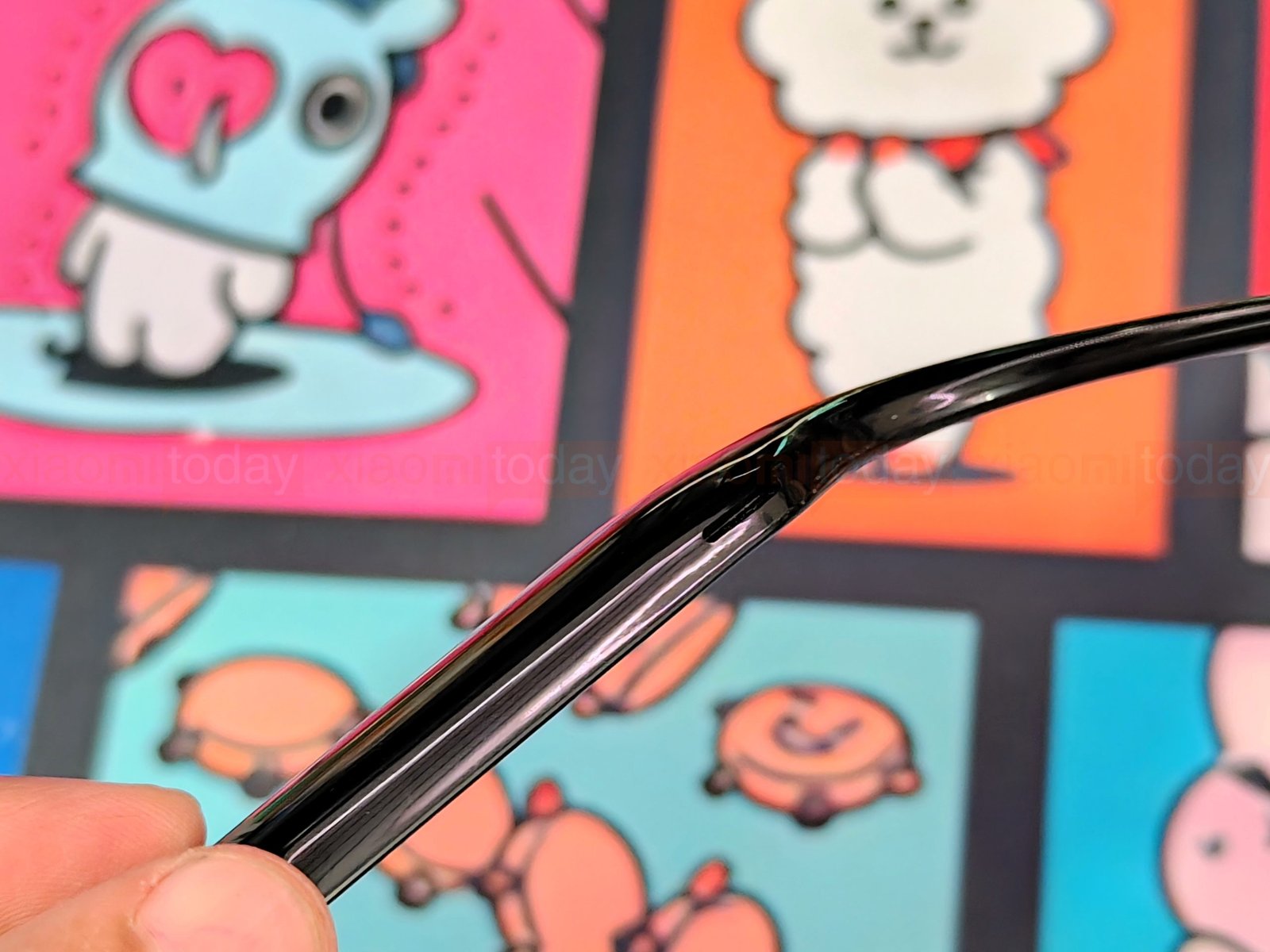
The hinges and temple tips have some flexibility, and the glasses enter auto-sleep mode after six minutes of inactivity. The curved arms extend behind the ears, with extra thickness for the built-in components.
KAIGERR M08E Features
The KAIGERR M08E combines open-ear audio, a camera, real-time translation, and AI tools in a single pair of glasses. You can listen to music, take calls, record audio, and ask the voice assistant questions without taking out your phone for every task. The glasses connect to a phone, which is also where translated text and other information appear.
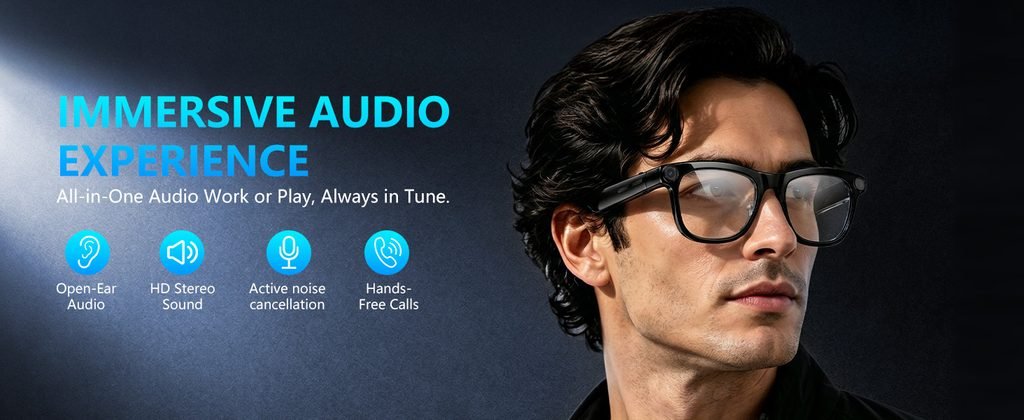
The M08E’s real-time translation feature supports more than 100 languages. During a conversation, translated speech plays through the glasses while text appears on the connected phone. This could be useful when travelling or speaking with someone who uses another language. The glasses can also record audio for meetings and interviews. Translation quality and response time will depend on the language, connection, and background noise.

The voice assistant handles spoken questions, with examples including weather updates and information about plants, animals, landmarks, and food. Object recognition uses the camera to identify something in front of you. KAIGERR says you can wake the assistant by voice or button, and start object recognition with a double-click of the rear button. The product materials also list ChatGPT chat support; using these AI features requires a connected phone and the companion app.
For music and calls, the glasses use dual open-ear speakers that direct sound toward the wearer while leaving the ears uncovered. This lets you hear nearby sounds while listening, though audio may be less private in quiet settings or at higher volume. Dual microphones with electronic noise cancellation are intended to reduce background noise during calls. How well they handle traffic, wind, or a busy room is something to assess in real-world use.
Connectivity and Storage
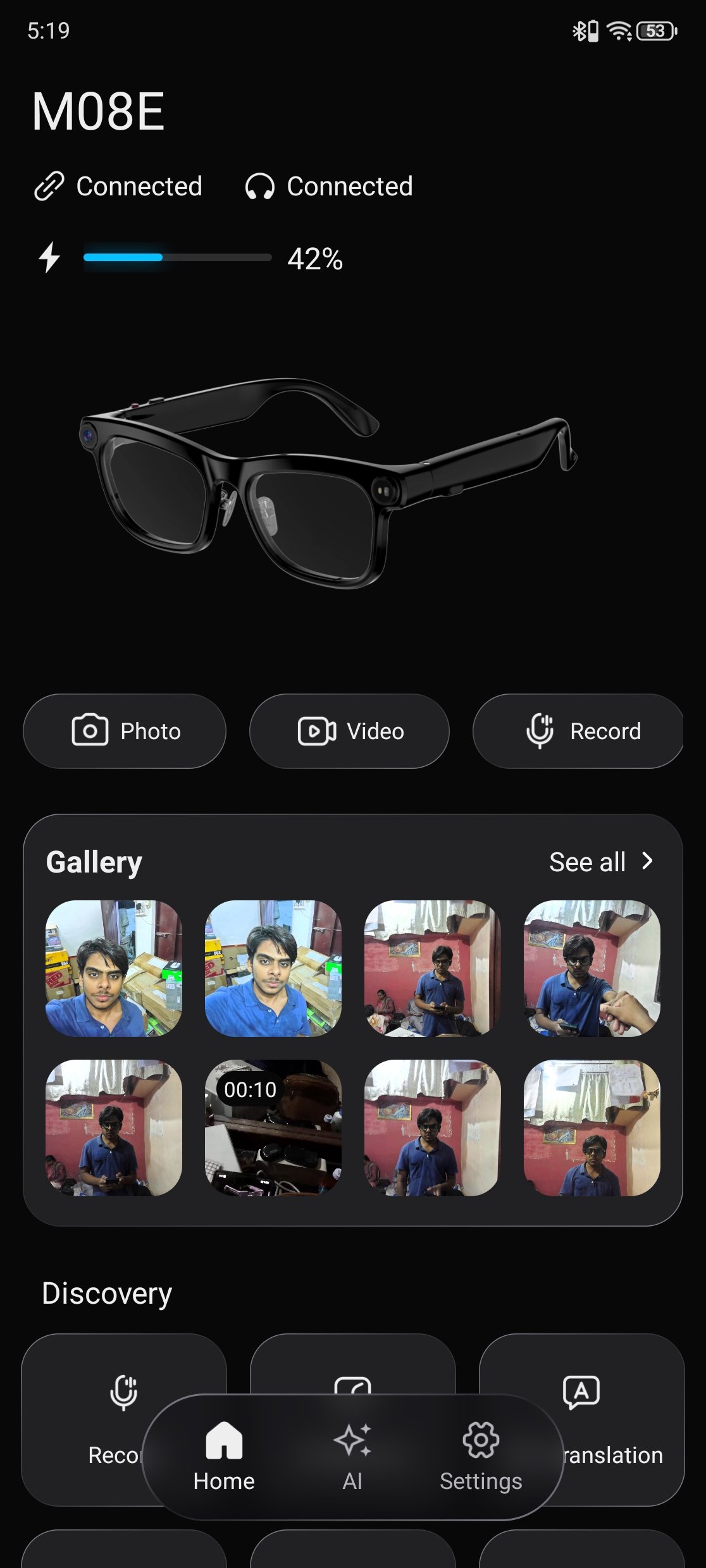
The KAIGERR M08E uses Bluetooth 5.4 for phone calls and audio, and 5GHz Wi-Fi for transferring files. It pairs with one phone at a time, so disconnect it from the current phone before pairing another. The glasses have 32GB of built-in storage for photos, videos, and audio recordings, with no SD card required. In the Da Echo app, you can check the glasses’ connection and battery status, use the camera and recording controls, and browse saved media in the gallery.
How to Link the App
| Step | What to do |
|---|---|
| 1 | Download and install Da Echo from Google Play or the Apple App Store. You can also scan the QR code in the manual. |
| 2 | Turn on Bluetooth on your phone and power on the glasses. Pair M08E with the phone through its Bluetooth settings. |
| 3 | Open Da Echo. On first use, register an account, tap Get Started, select M08E, then tap Start. |
| 4 | Once paired, open the app to check the connection and battery level, access camera and recording controls, or view the gallery. |
Da Echo App
The app’s home screen shows whether the M08E is connected for device functions and audio, along with its reported battery level. It provides shortcuts for taking photos, recording video, and capturing audio, while the gallery lets you browse pictures and videos stored by the glasses.
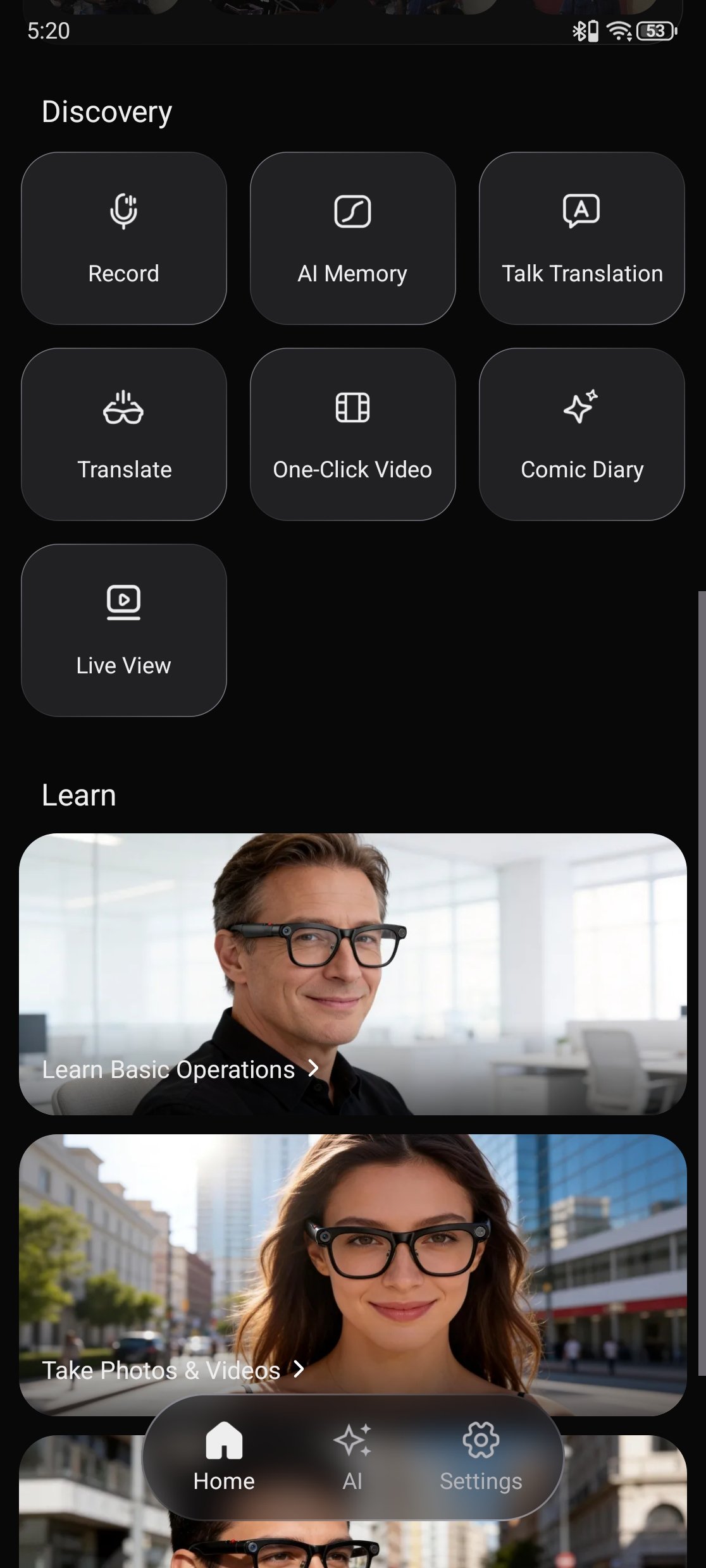
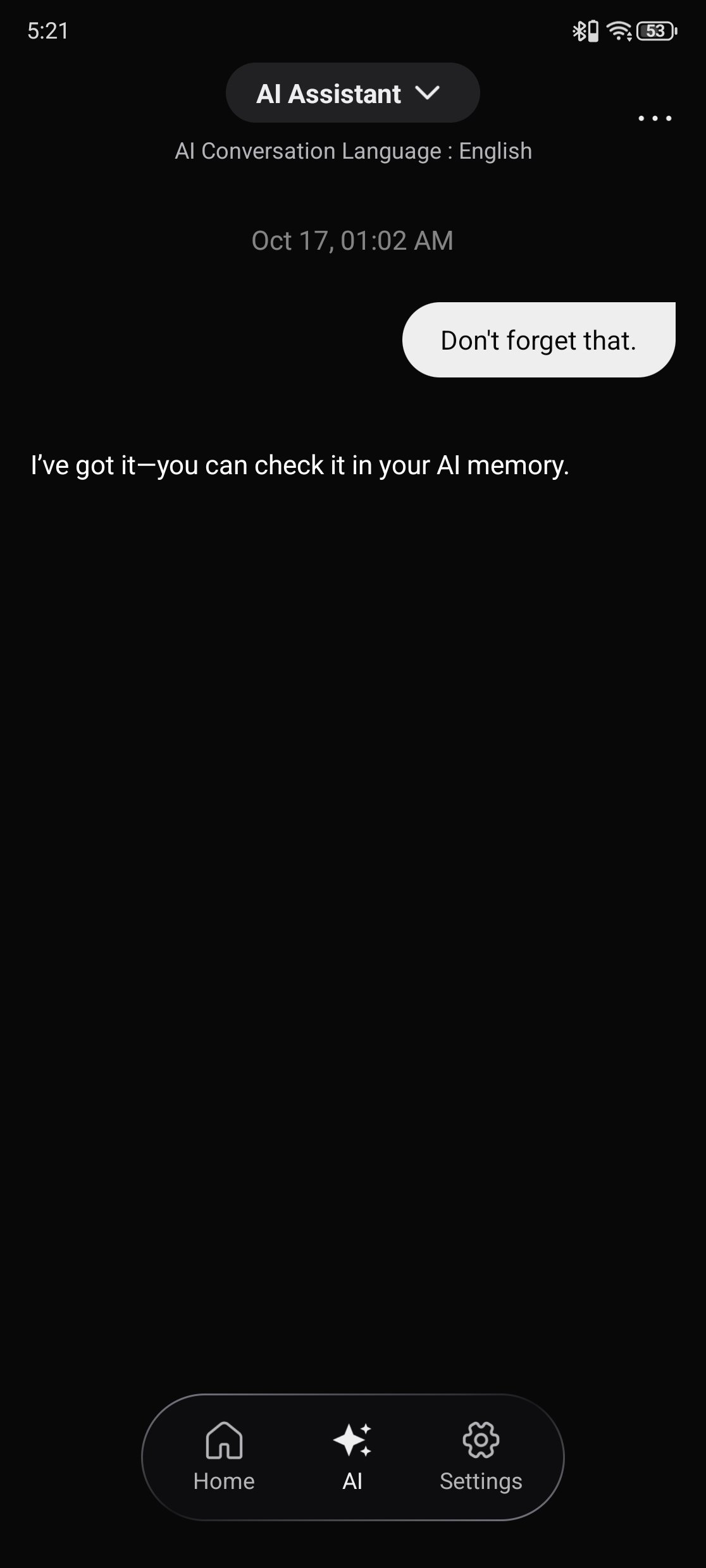
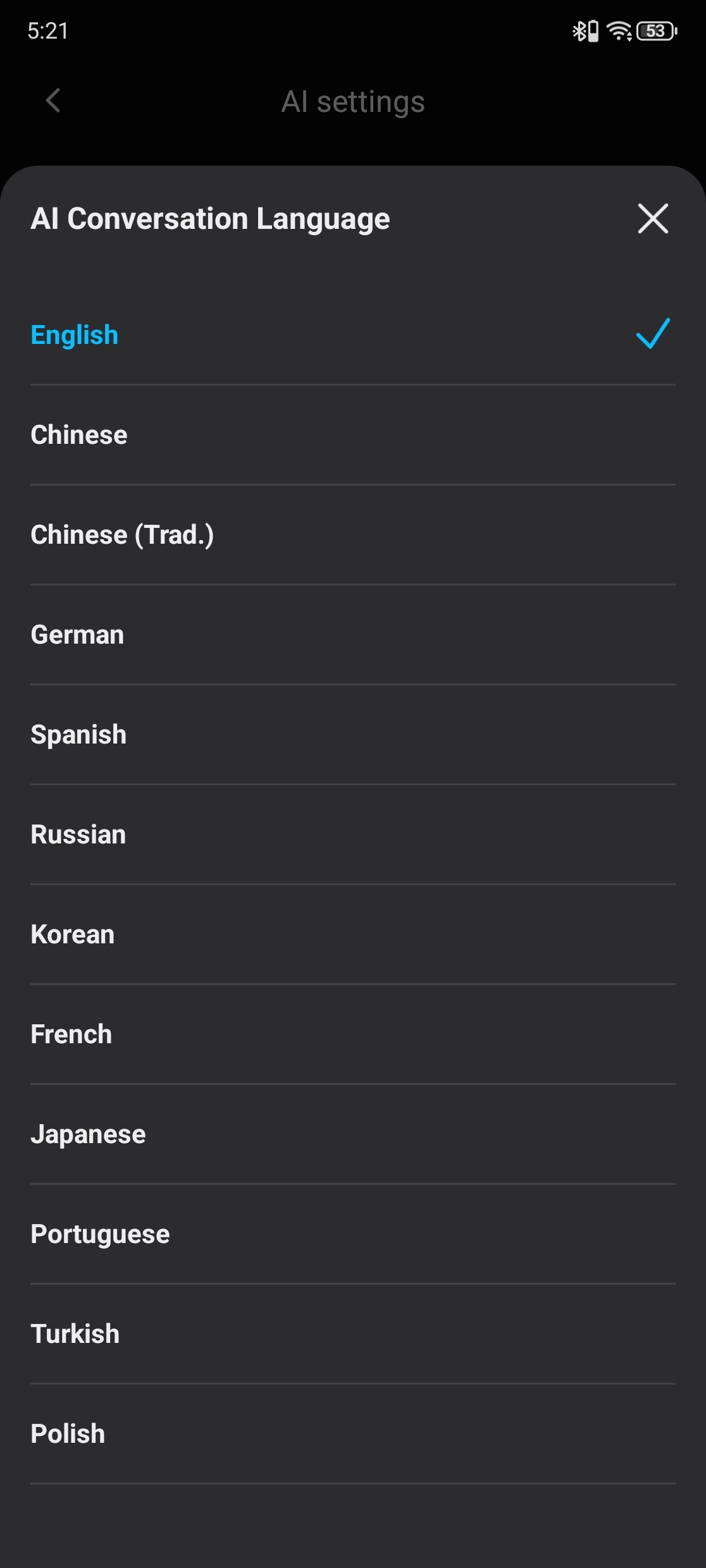
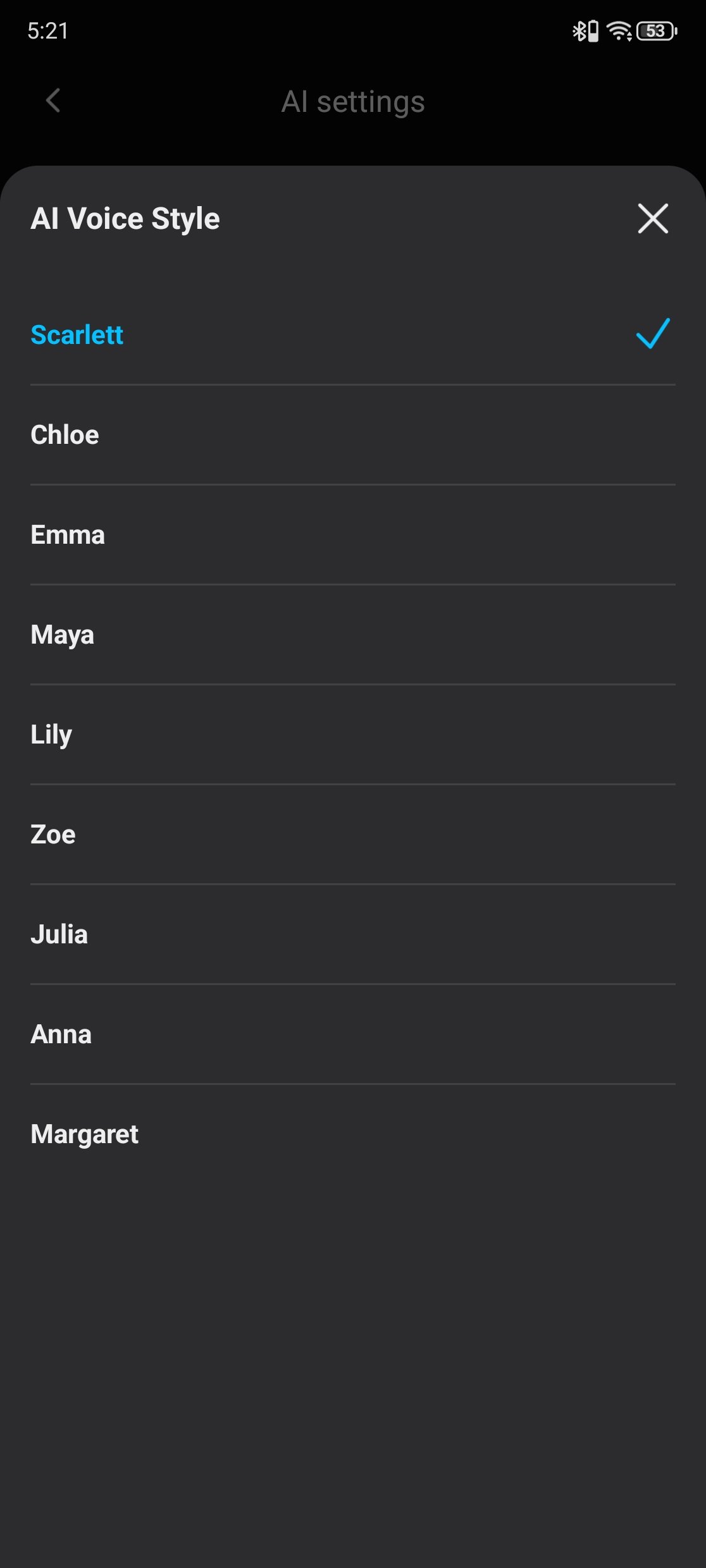
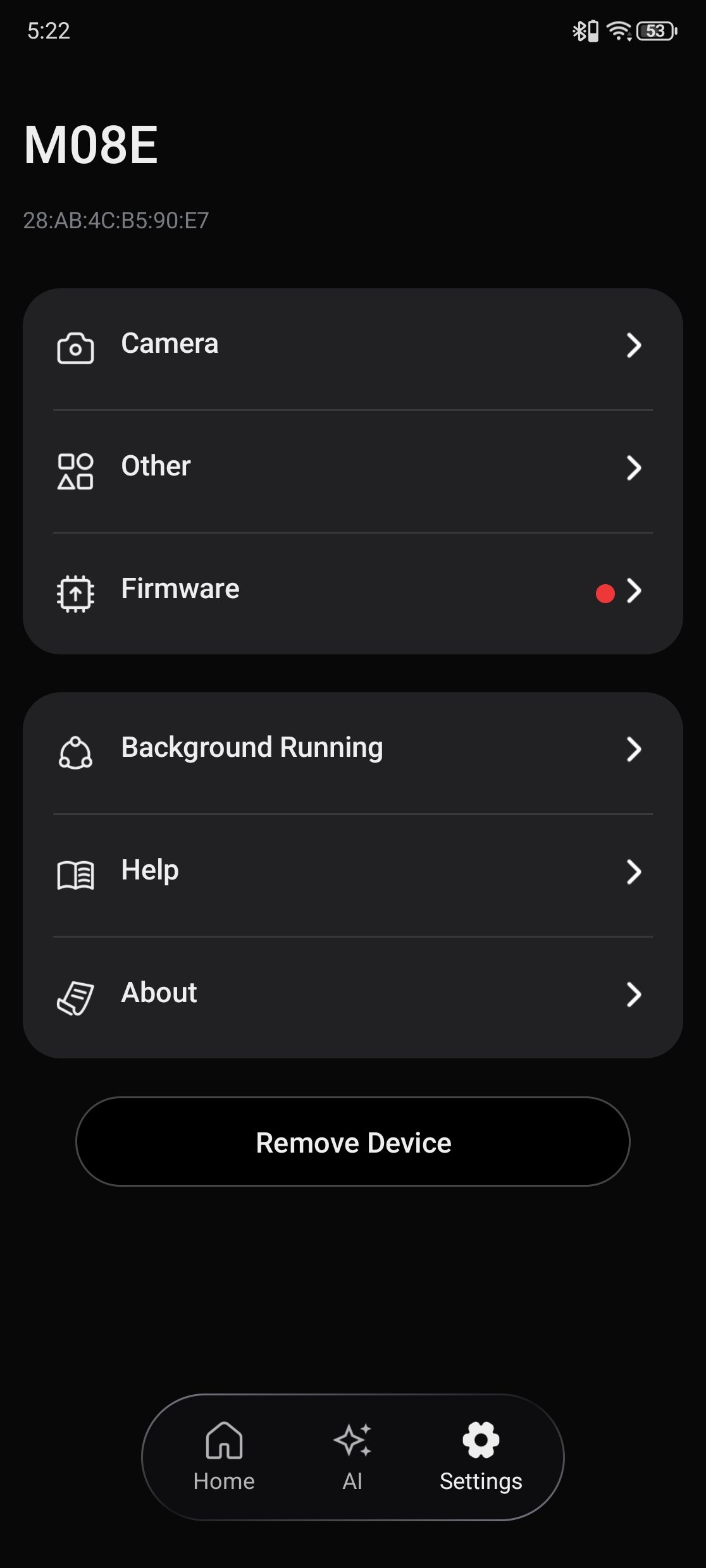
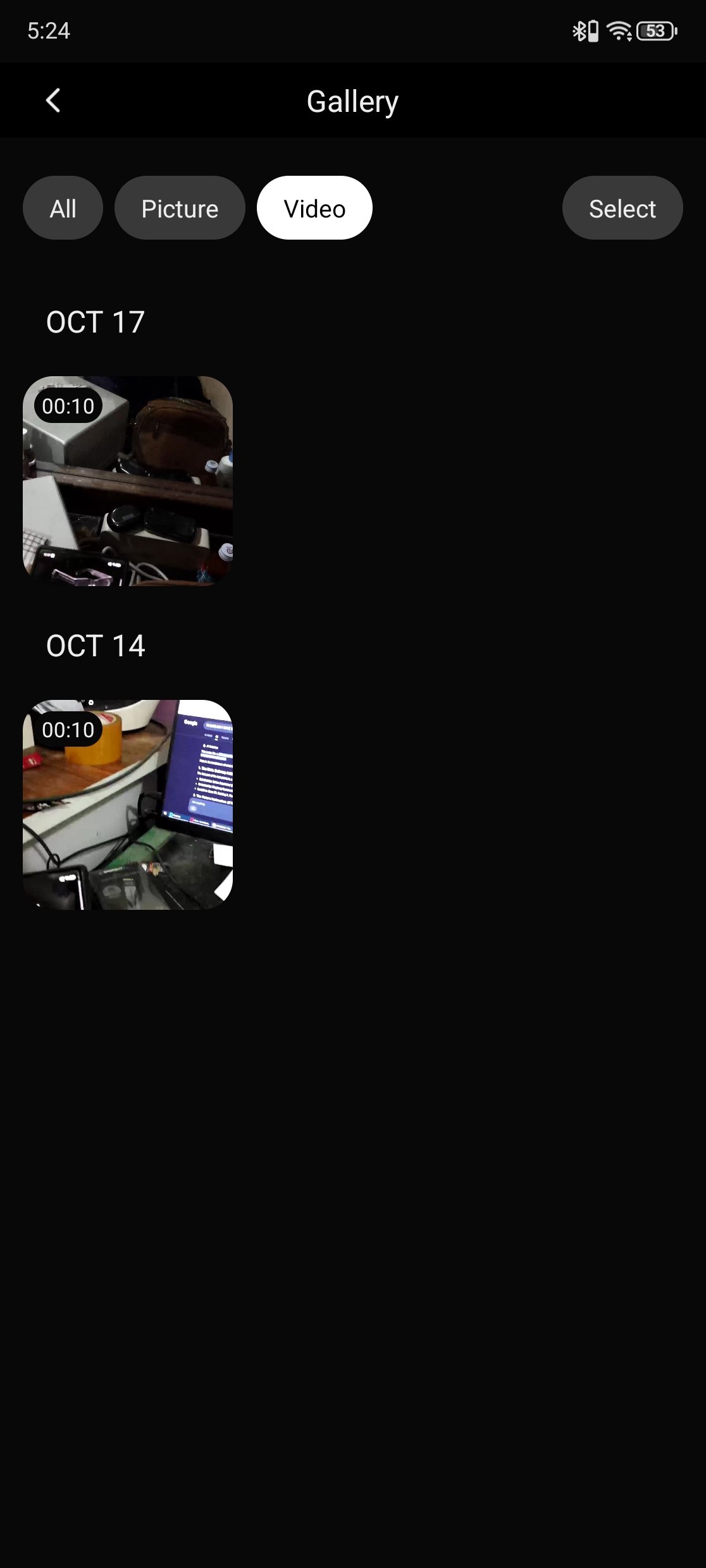
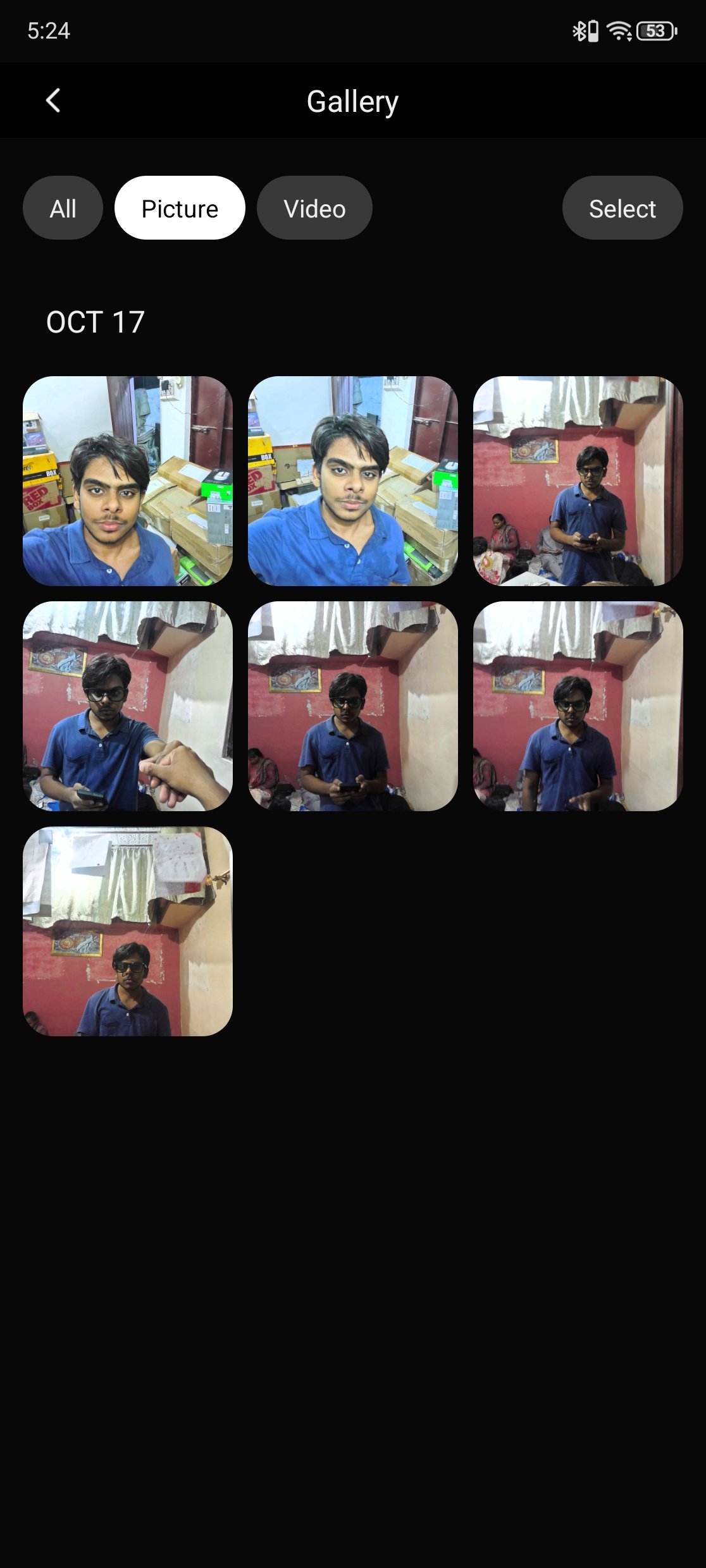
Da Echo also has a Discovery area with options such as recording, AI Memory, Talk Translation, Translate, One-Click Video, and Live View. The AI section includes conversation settings, including language and voice options; device settings include camera, firmware, help, and background-running controls. The glasses can reconnect to the phone automatically when they are within range.
Controls and LED Indicators
The KAIGERR M08E smart glasses use physical buttons and a touch key to control the camera, audio recording, calls, music, and voice assistant. Holding the front button for three seconds turns the glasses on or off. A single press takes a photo, while a double press starts video recording; press the same button again to stop. The rear button starts or stops an audio recording with a double press. For hands-free access to the voice assistant, press the rear button or say “Hello, Echo.”
| Function | Control |
|---|---|
| Power on or off | Hold the front button for 3 seconds |
| Take a photo | Press the front button once |
| Start or stop video | Double-press the front button to start; press it again to stop |
| Start or stop audio recording | Double-press the rear button to start; press it again to stop |
| Answer a call | Double-tap the touch key |
| Reject or end a call | Press and hold the touch key |
| Play or pause music | Double-tap the touch key |
| Skip to the next track | Triple-tap the touch key |
| Raise or lower volume | Swipe forward to raise it; swipe backward to lower it |
| Activate voice control | Press the rear button or say “Hello, Echo” |
| Factory reset | Hold both physical buttons for 5 seconds |
The glasses also use red and blue LEDs to show their current status. When powered on, the lights flash red and blue in turn. While charging, the red light stays on; a steady blue light indicates a full charge. The left indicator flashes when a photo is taken, while the blue light flashes once afterward. During video recording, the left indicator and blue light remain on. For audio recording, the blue light stays on.
| LED status | Meaning |
|---|---|
| Red and blue lights flash alternately | Glasses are powering on or in broadcast mode |
| Red light stays on for 1 second, then turns off | Glasses are powering off |
| Red light stays on | Charging |
| Blue light stays on | Fully charged |
| Indicator flashes once, followed by a blue flash | Photo captured |
| Left indicator and blue light stay on | Video recording |
| Blue light stays on | Audio recording |
The KAIGERR M08E also enters auto-sleep after five minutes of inactivity. Hold the front button for three seconds to turn the glasses back on.
Camera and Video Quality
The KAIGERR M08E uses a 13MP Sony IMX681 camera for photos up to 4032 × 3012 pixels. Video tops out at 1080p at 30fps. Since the camera is built into the glasses, you can take a photo with one press of the front button or start recording with a double press. This works well for quick first-person shots when reaching for a phone would interrupt the moment.
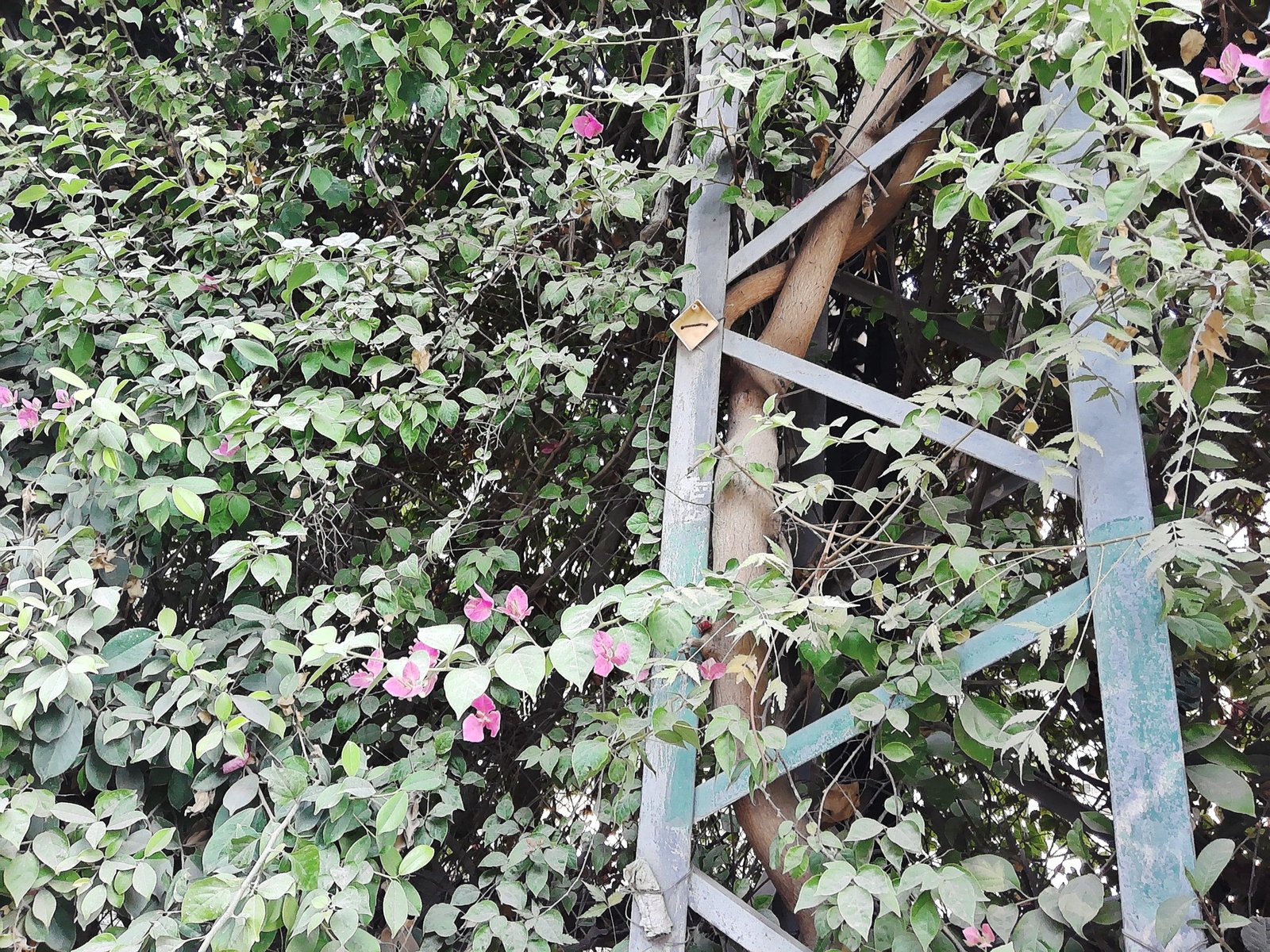




In daylight, the sample photos retain detail in foliage, buildings, and other outdoor scenes. The camera’s point of view follows your line of sight, which suits travel clips and casual snapshots. Framing takes a little attention, and scenes with bright sky beside shaded areas can show uneven exposure.
For video, the M08E uses software-based anti-shake processing, which KAIGERR describes as six-axis electronic image stabilization. It should help with minor hand and head movement, though quick motion can still make footage look unsteady. The glasses also advertise night-scene enhancement, but the available sample photos are from daylight, so low-light performance remains unconfirmed.
Overall, the M08E camera is best suited to casual photos and short clips where hands-free capture matters more than precise framing or camera-level image quality. Its 13MP sensor and 1080p recording cover the basics, while a phone or dedicated camera remains a better choice for low-light shots or footage that needs careful composition.
Battery Life and Charging
The KAIGERR M08E has a 300mAh battery. KAIGERR rates it for up to nine hours of music playback or four hours of talk time, with a full charge taking around two hours. These are stated figures; actual battery life will depend on how you use the glasses, including calls, recording, and AI features.
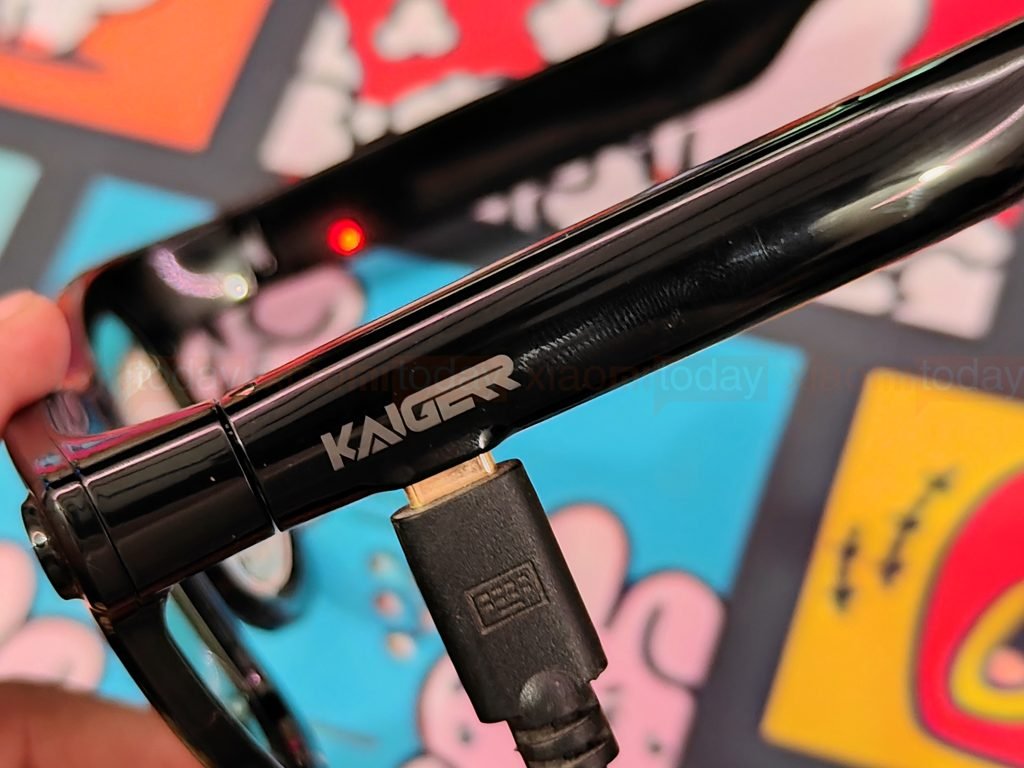
The glasses charge through a USB Type-C port on the underside of one temple, near the hinge. A red indicator stays on while charging, then changes to blue when the battery is full. The M08E also shuts down after five minutes of inactivity, helping conserve power when it is left switched on.
Two Weeks of Use
After two weeks, the KAIGERR M08E fit most naturally into quick, everyday tasks. I used the open-ear speakers for music and calls, and the frame button made it easy to take a photo without reaching for my phone. The companion app collects photos, videos, recordings, and AI tools in one place, though using some features still requires checking the phone.


The controls take time to learn, especially when switching between camera, audio recording, and touch gestures. Framing a shot also depends on where you’re looking, so the first photos may need a second attempt. Battery life varies with use: music and occasional calls are lighter tasks than frequent video recording or AI features. After two weeks, I found the M08E useful for casual calls, short clips, and quick snapshots, while a phone remains better for longer recording sessions and carefully composed photos.