At 44 grams, the ATK Blazing Sky Phantom is light enough to catch a competitive player’s eye. The Dune color gives our review sample a sand-toned finish, while the carbon fiber composite shell and rear honeycomb cutouts help ATK keep the weight down. The company’s pitch is familiar: flagship-class hardware at a price below what you’d expect from Razer or Logitech. The question is how well the Phantom backs up those claims in use.
The Phantom is available in four colors: Eon (Black), Prime (White), Verge (Blue), and Dune (Sand). Its side buttons sit farther forward than those on some rival mice, which may feel natural with one grip and awkward with another. ATK lists a PixArt PAW 3955 Master sensor, a Nordic 54LM20 MCU, and sensitivity up to 50,000 DPI. Wired and 2.4 GHz modes both support polling rates up to 8 kHz.
ATK also claims 0.174 ms latency, though it doesn’t say whether that figure measures motion or click latency. The main buttons use Omron optical switches, and the scroll wheel uses a Raesha optical encoder. Those components should hold up well over time, but our hands-on impressions will depend just as much on click feel, tracking, and how the mouse fits during longer sessions.
A 300 mAh battery is rated for up to 200 hours at 1 kHz polling; running at 4 kHz or 8 kHz will reduce that figure. ATK includes two receivers—the Gem 8K Dongle and Nano 8K Dongle—so users have options for their setup. We’re putting the Dune Phantom through its paces to see how its weight, shape, wireless performance, and battery life come together in practice.
Specifications
| Specification | Details |
|---|---|
| Model | Ultimate |
| Colors | Dune (Sand), Verge (Gray Blue), Eon (Black Gold), Prime (White) |
| Dimensions | 119.7 × 62.5 × 37.3 mm |
| Weight | 44 ± 3 g |
| Sensor | PixArt PAW3955 Master |
| MCU | Nordic 54LM20 |
| Solution | ATK self-developed Nordic 54 Series ApexShark MAX mouse solution |
| Polling Rate | Up to 8,000 Hz, wired and wireless |
| Button Latency | 0.174 ms |
| Switches | Omron optical switches |
| Scroll Wheel | Raesha optical encoder |
| Battery Capacity | 300 mAh |
| Rated Battery Life | Up to 200 hours at 1,000 Hz |
| Coating | New nano coating |
| Connectivity | Wired, 2.4 GHz wireless |
| Mouse Feet | Pre-applied white translucent, double-layer dent-resistant skates |
| Included Dongles | GEM 8K Dongle, Nano 8K Dongle |
Unboxing
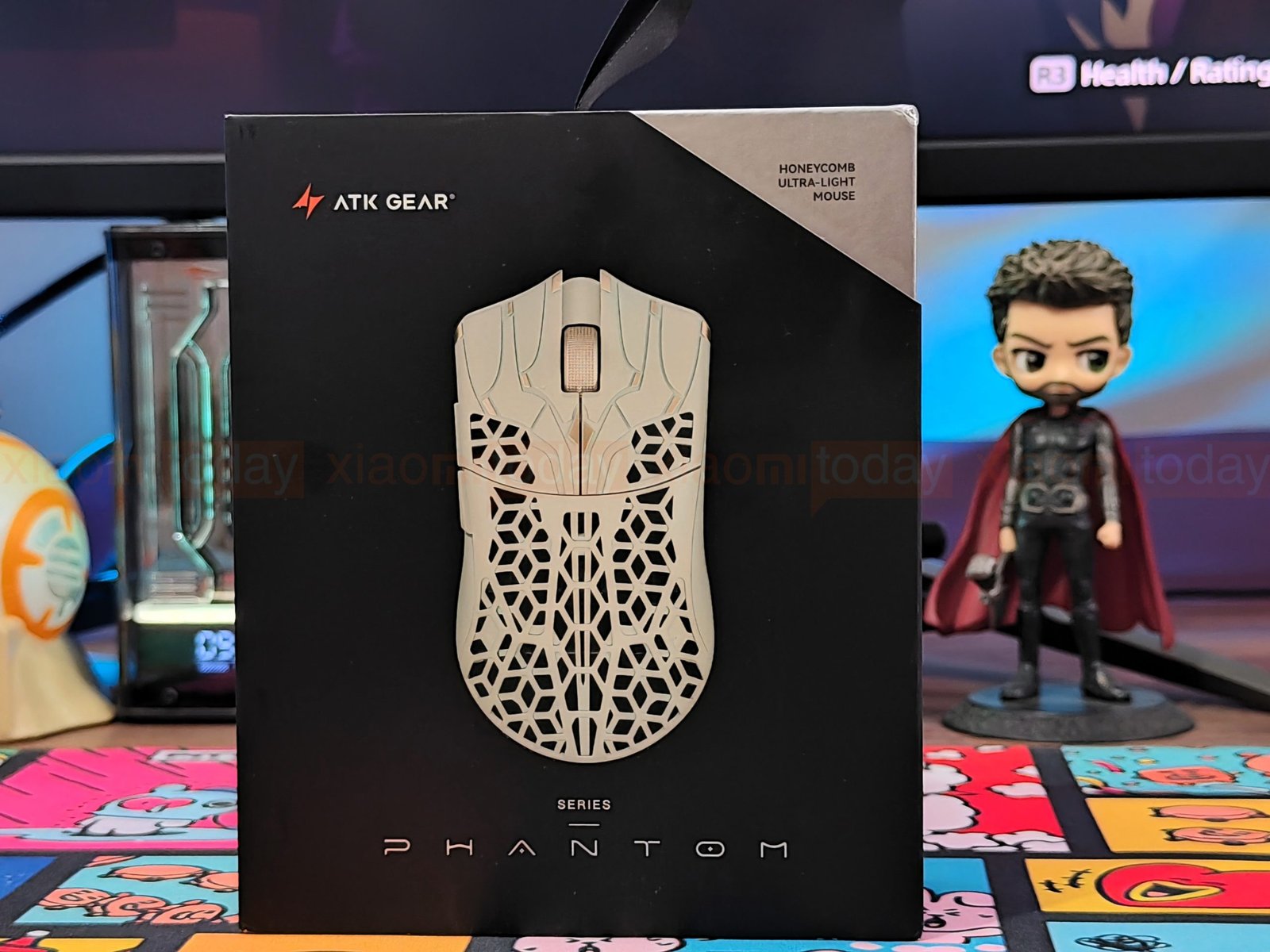
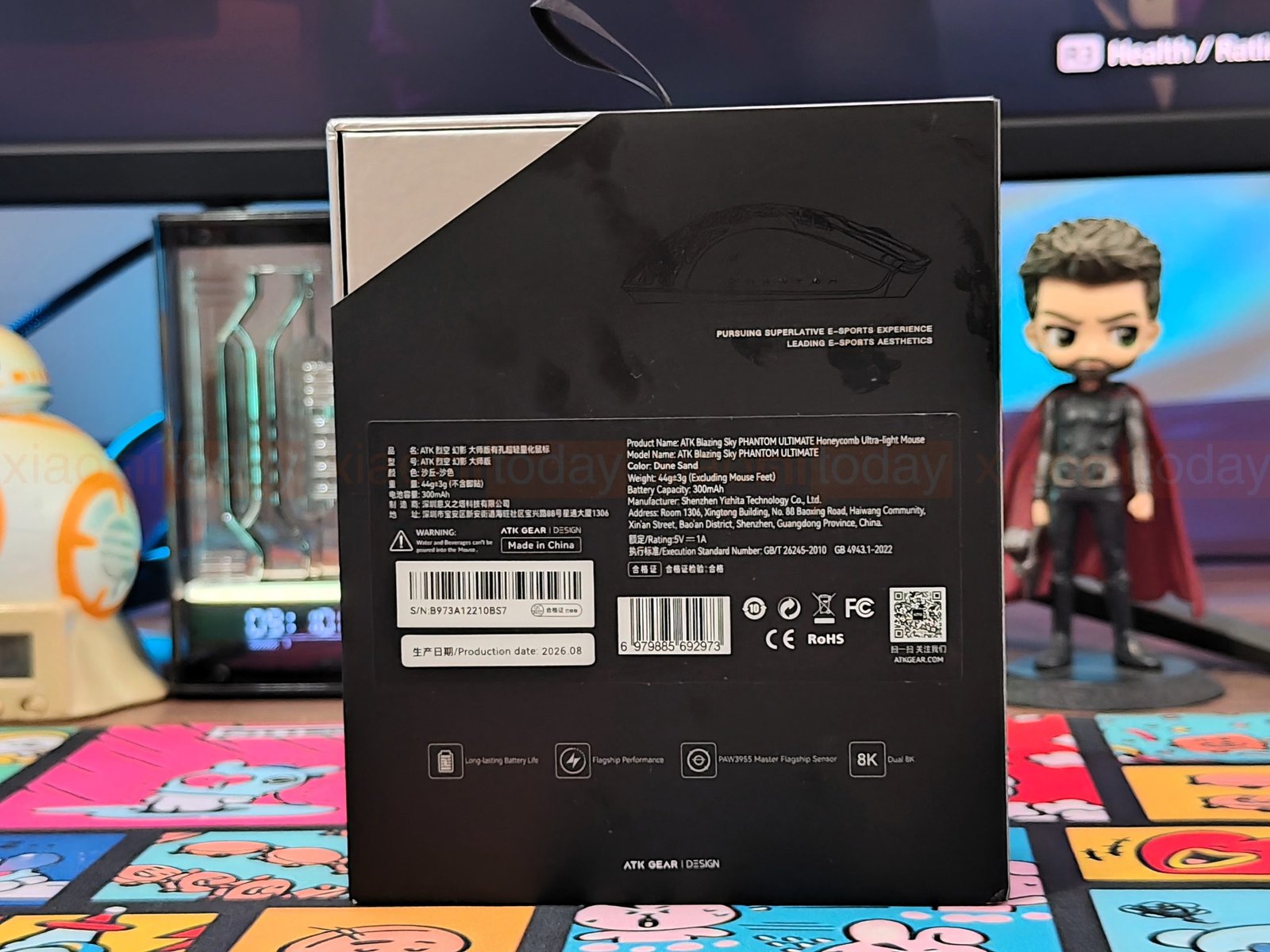
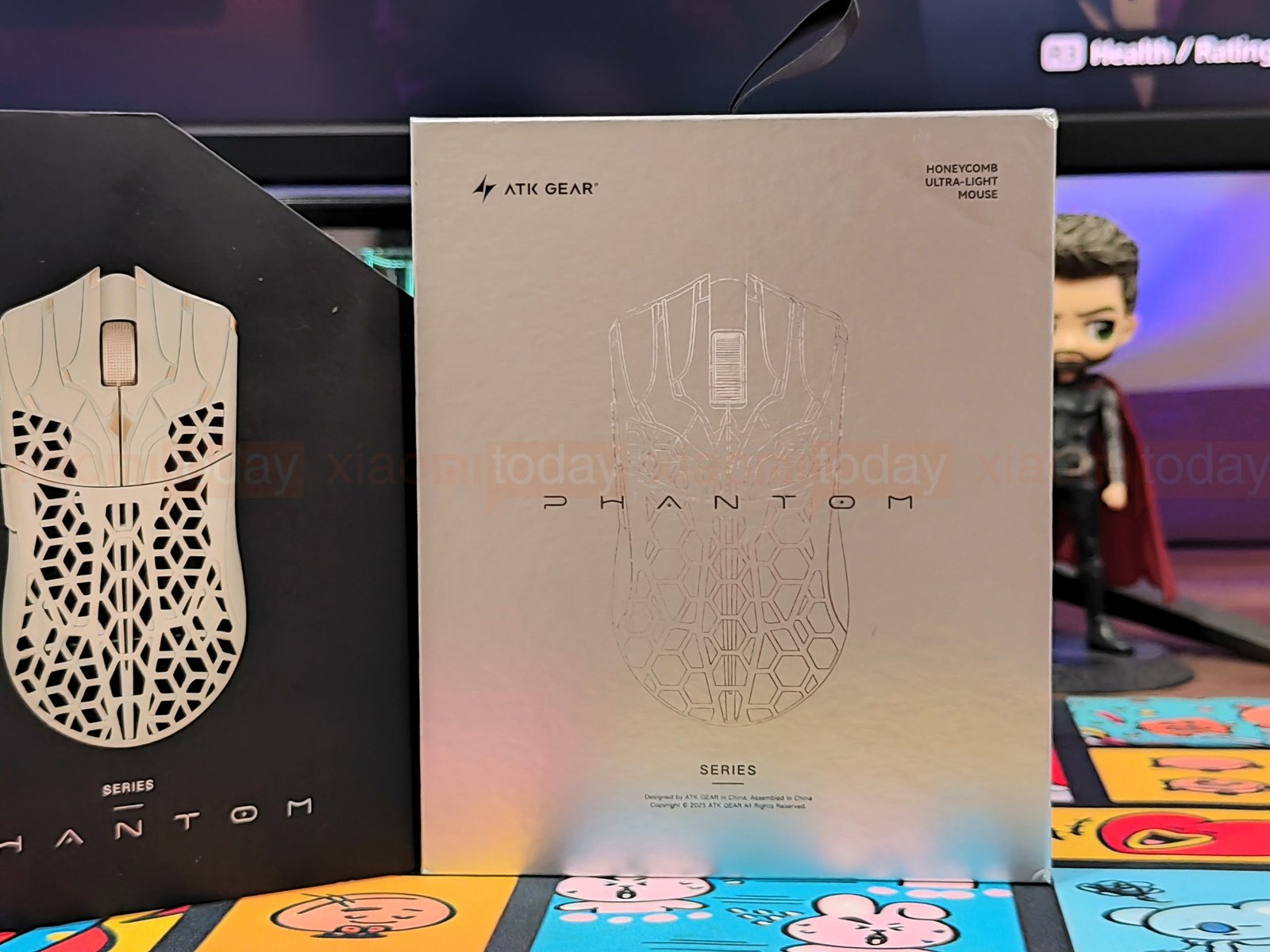
The ATK Blazing Sky Phantom comes in a black outer sleeve over a silver inner box. The sleeve’s front shows the Dune mouse and calls it a “Honeycomb Ultra-Light Mouse.” The back lists product details and key features, including 8K polling and the PAW3955 Master sensor. Inside, the front panel has a subtle Phantom outline, while the back carries only ATK Gear branding.
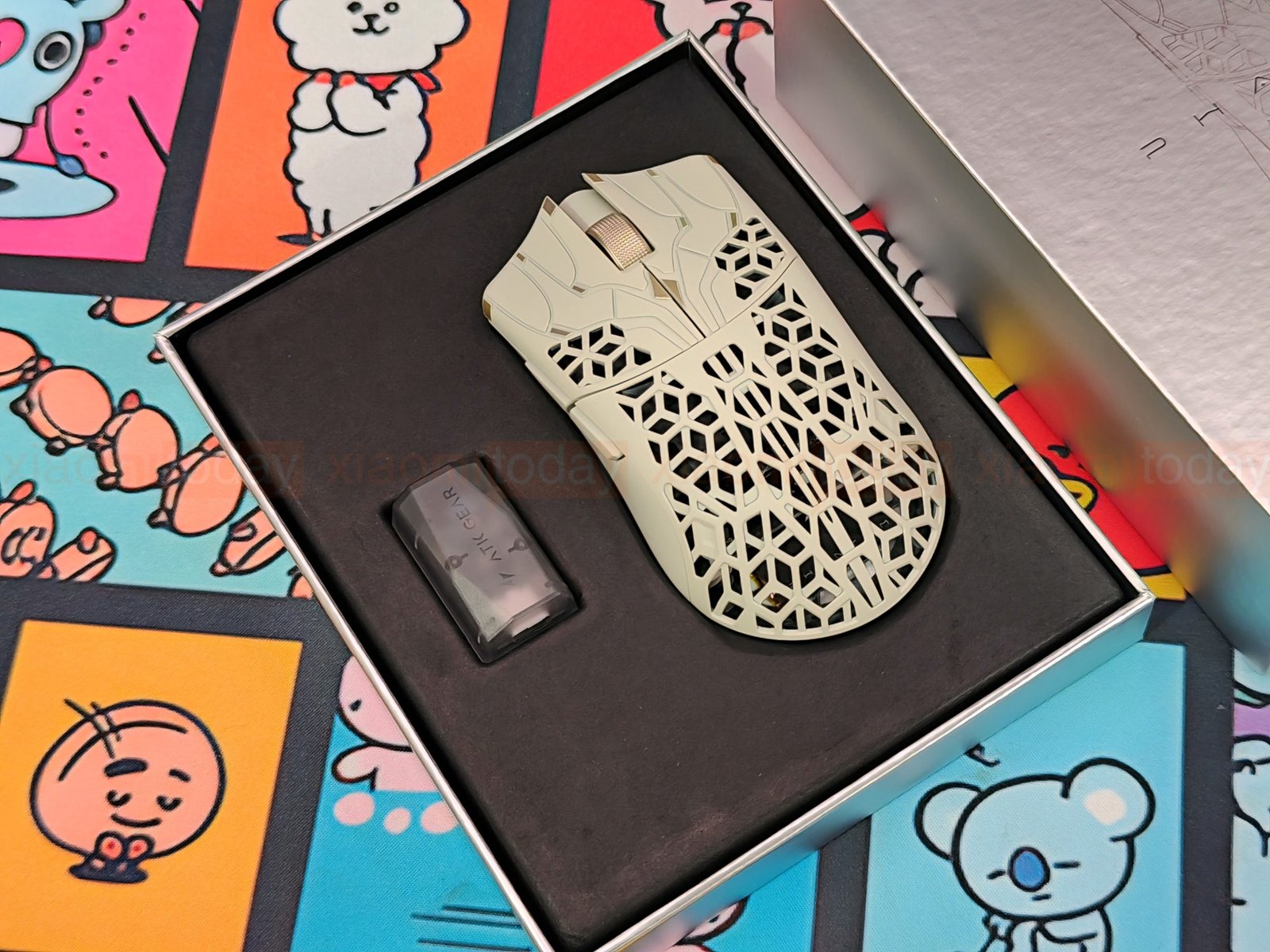
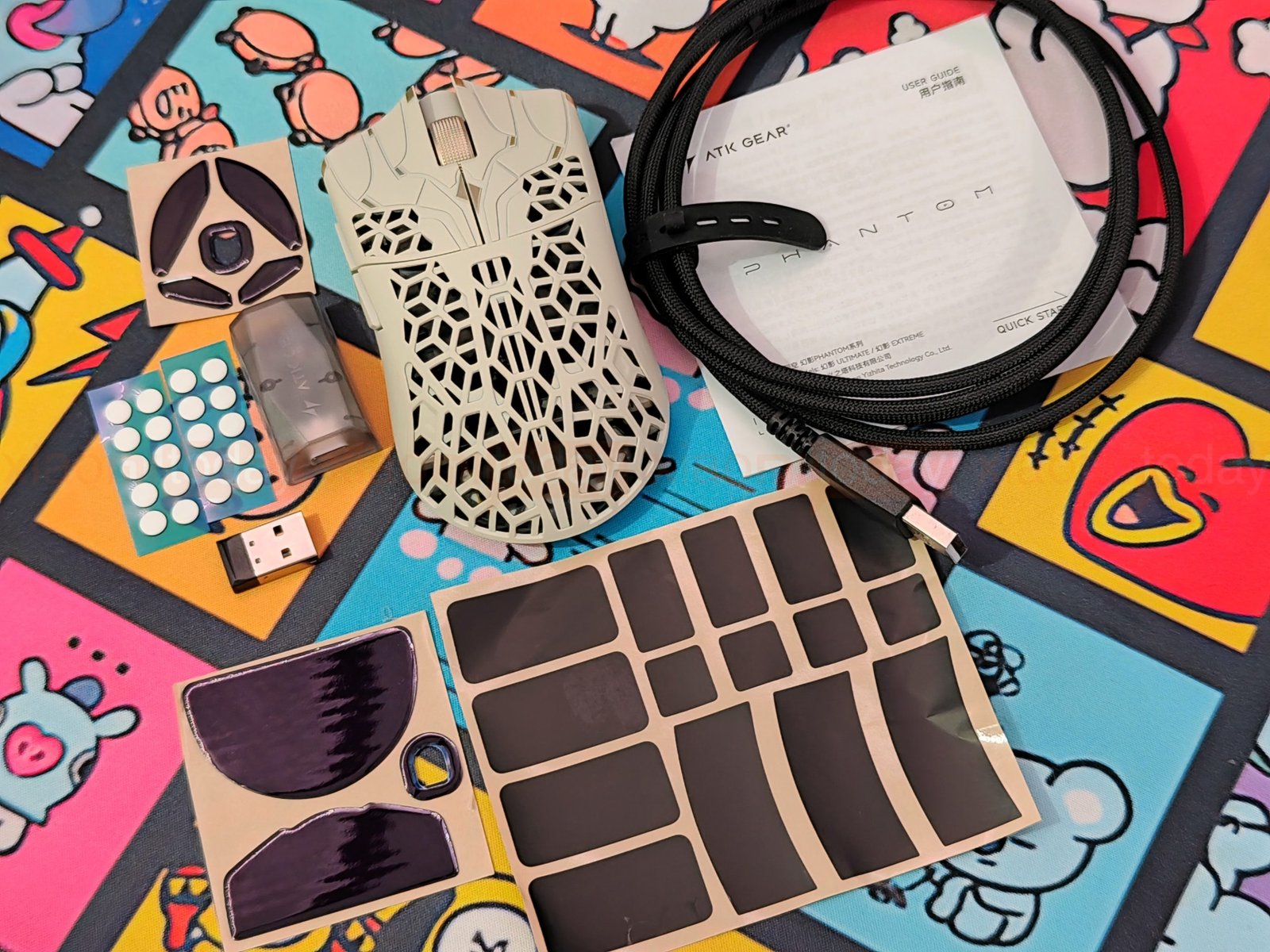
Opening the box reveals the Phantom, wrapped in a protective sleeve, and the Gem 8K wireless dongle in a separate compartment. ATK also includes a Nano 8K wireless dongle, braided USB-C to USB-A cable, grip tape set, spare large and small UHMWPE skates, and 20 small dot skates. The package is rounded out with a quick start guide, safety information card, and warranty certificate.
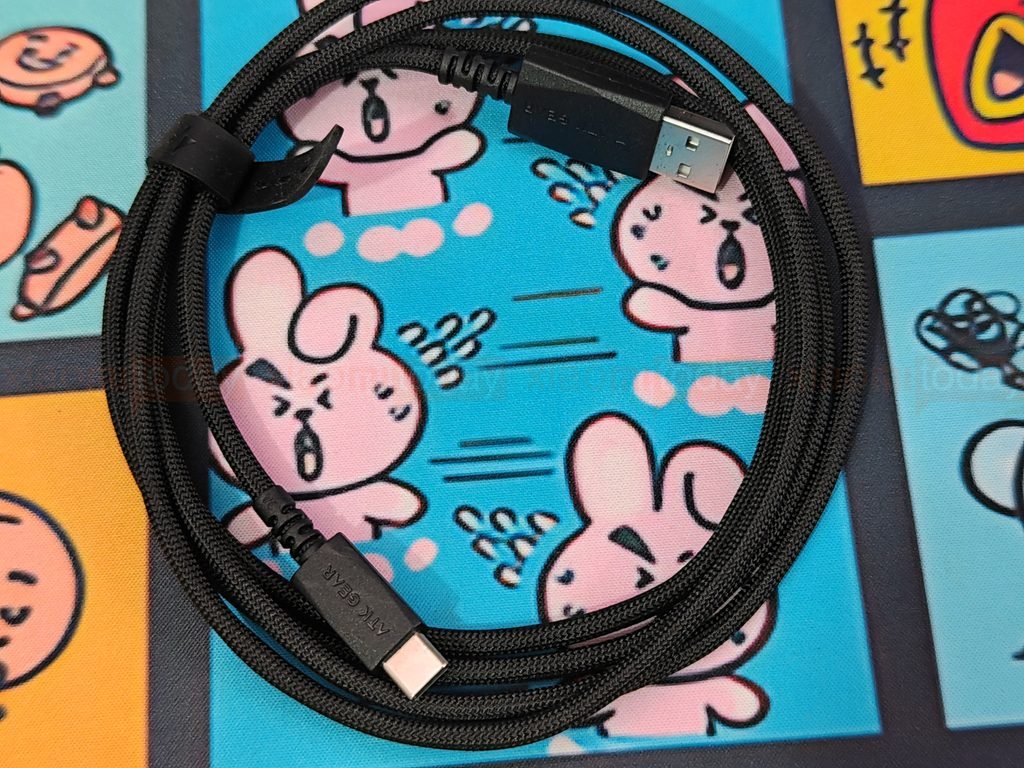
The black USB-C to USB-A cable has a braided exterior and arrives coiled with a reusable strap. It connects the Phantom for wired use and charging. For wireless operation, the box includes both the Gem 8K and Nano 8K dongles.
Design and Build Quality
The ATK Blazing Sky Phantom uses an angular shell with geometric cutouts across the rear and parts of the main buttons. We received the Dune (Sand) color for review. Its light sand-colored surface is paired with a gold-toned scroll wheel and small gold accents, giving the mouse a different look from the usual all-black gaming models. ATK also sells the Phantom in Verge (Gray Blue), Eon (Black Gold), and Prime (White).
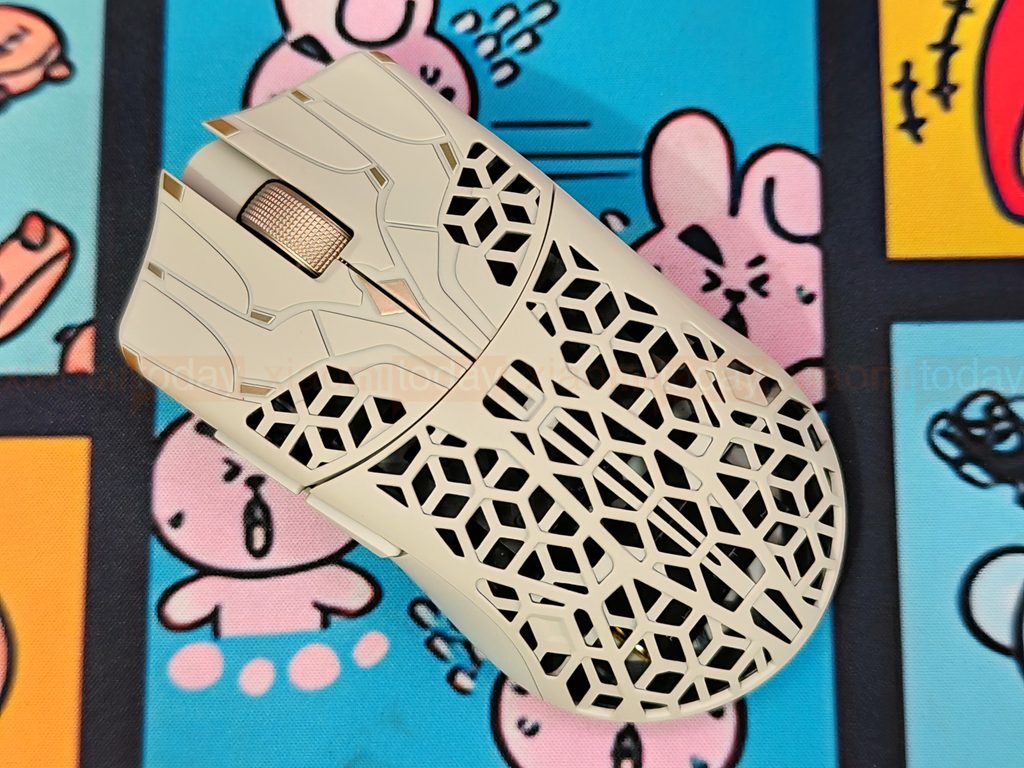
ATK identifies the shell as a carbon fiber composite. The staggered openings reduce material across the rear while leaving a patterned frame around the mouse’s internals. A symmetrical ridge runs down the center, with raised lines across the main buttons that follow the same angular styling. The thumb and outer fingers rest on solid side panels, so the cutout pattern does not continue across the main grip areas.
The Phantom feels exceptionally light in hand, with a listed weight of 44 ± 3 g. ATK’s measurement excludes the mouse feet. The shell’s cutouts are central to its design and weight, but they also leave openings where dust may collect. The Dune finish contrasts with the solid panels, open sections, and gold details easy to see. Regular care around the cutouts will help keep the shell clean.
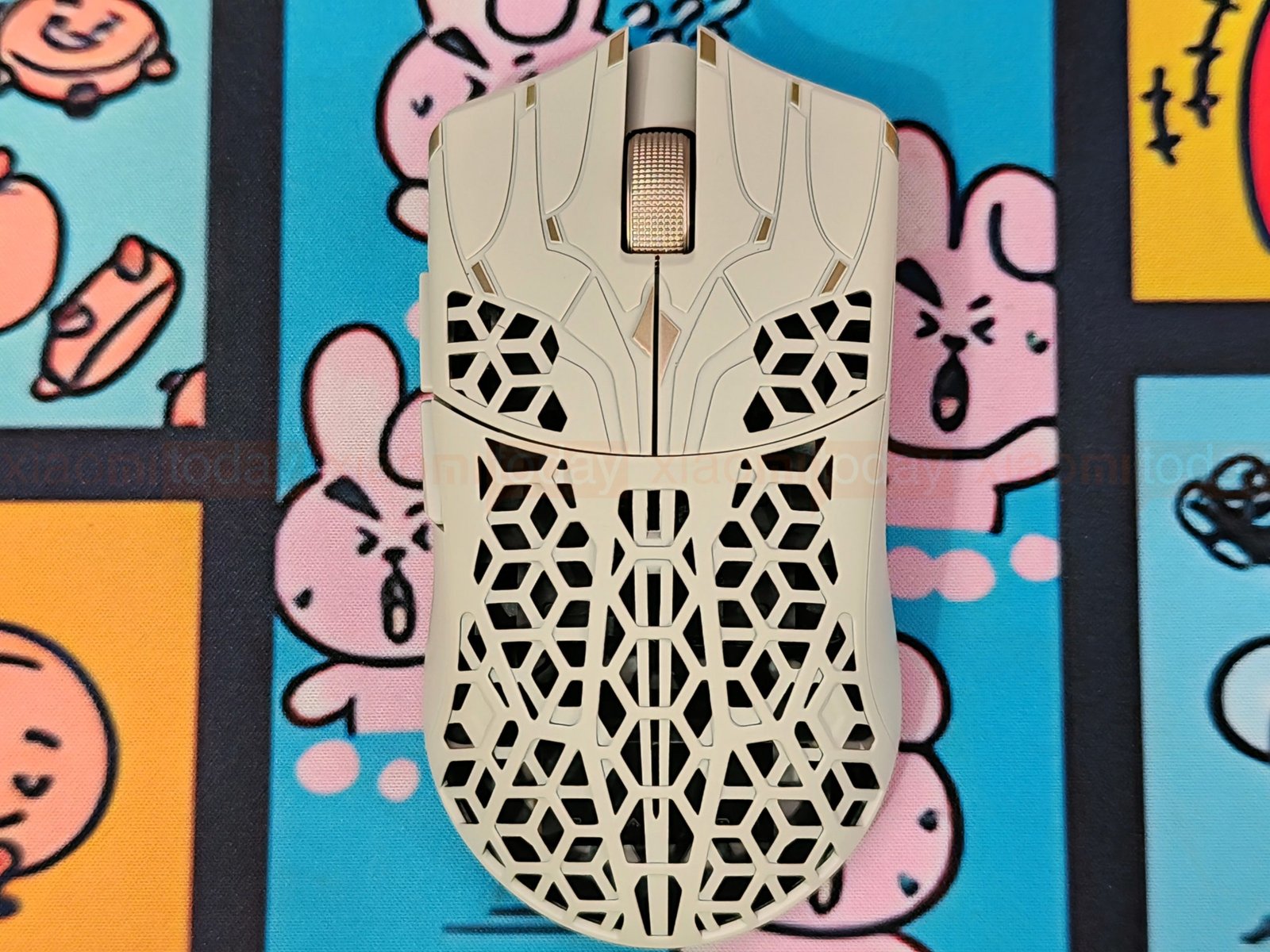
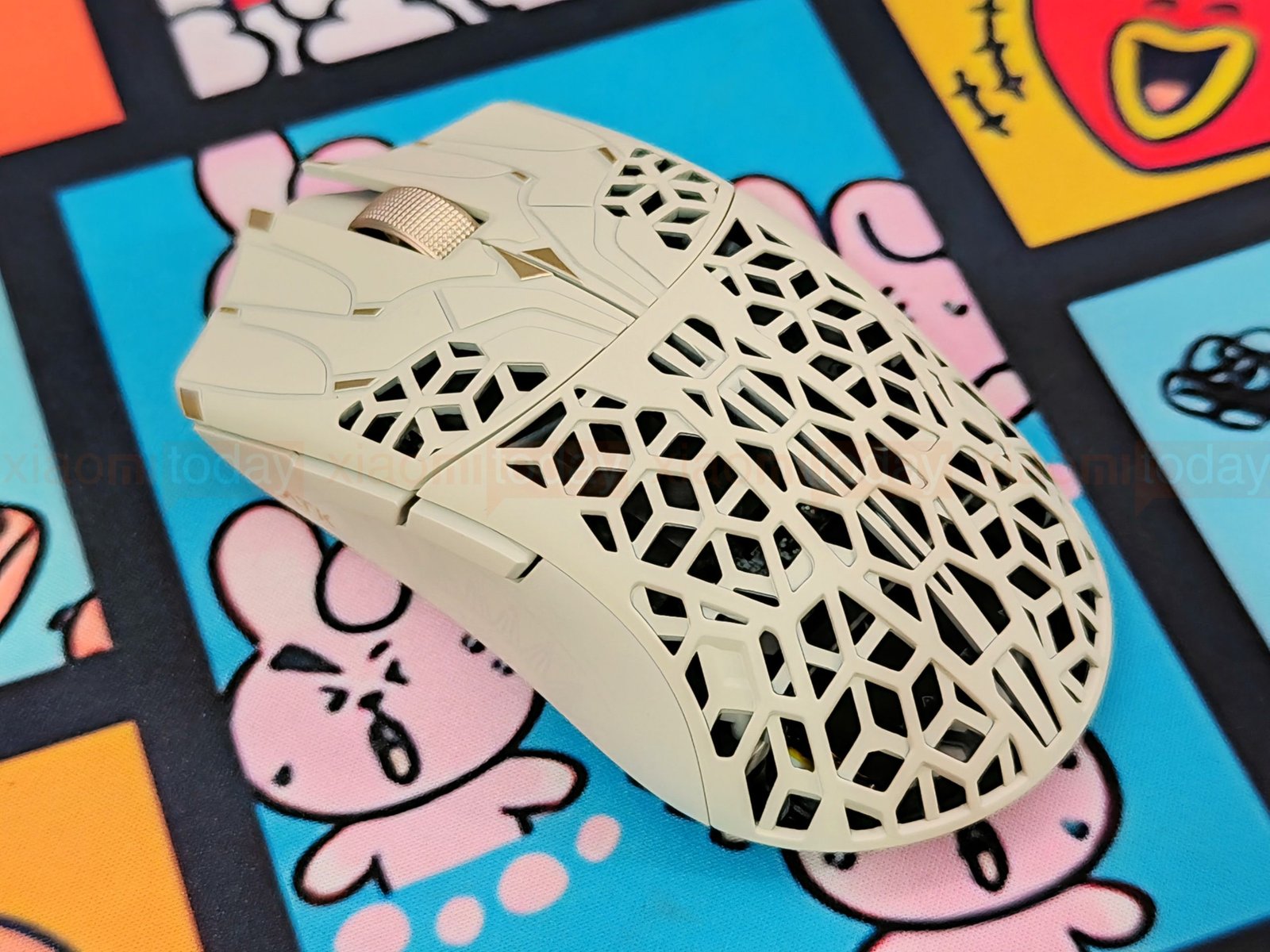
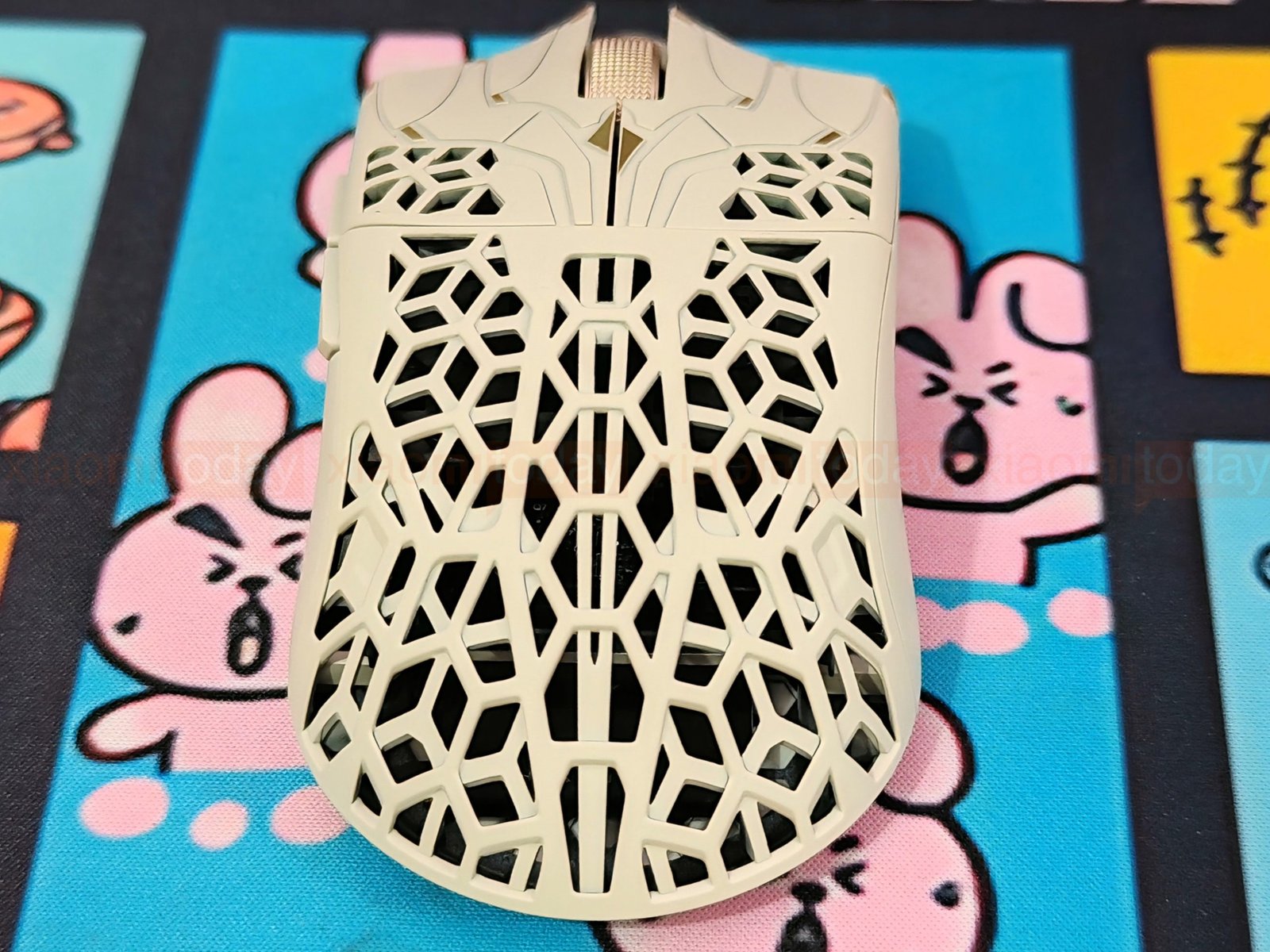
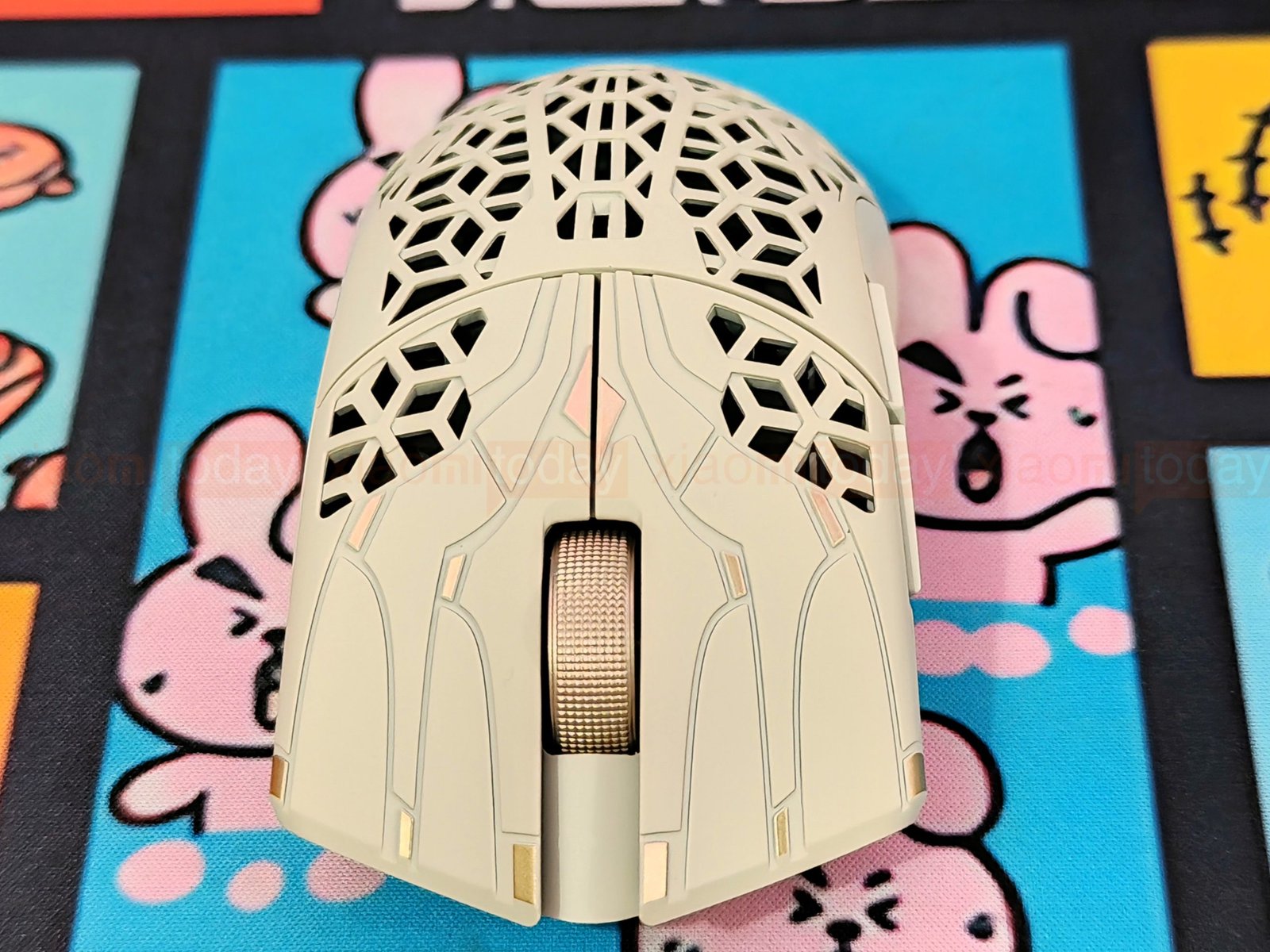
The mouse measures 119.7 × 62.5 × 37.3 mm and has a low-profile, symmetrical shape. Its back rises gently rather than forming a tall palm hump, while the centered ridge gives the top shell a clear line from front to rear. The compact dimensions and low weight make it easy to lift and reposition during play. How much of the rear shell rests against your palm depends on your hand size and grip.
The Phantom’s low profile leaves room for finger movement, which may suit claw and fingertip grips, where small adjustments are common. Palm-grip users get some support from the rounded rear, though the low height may not fill the hand as much as a taller mouse. While the shell itself is symmetrical, the side buttons are positioned for right-handed use.
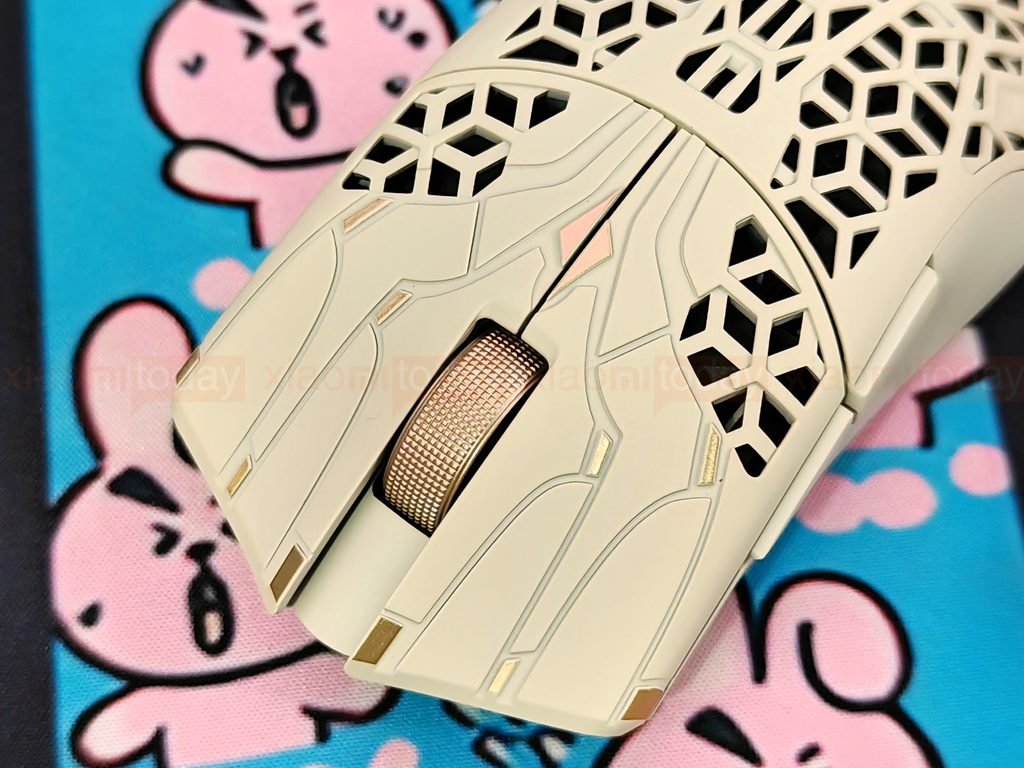
The ATK Phantom uses Omron optical switches for its main buttons. The left and right buttons have separate covers with a clear center split and gently curved edges. Their light, quick clicks suit the mouse’s low-weight design and feel responsive during fast play. On our Dune color, the pale finish and gold accents carry across the button area, while the smooth surfaces provide comfortable contact despite the open shell farther back.
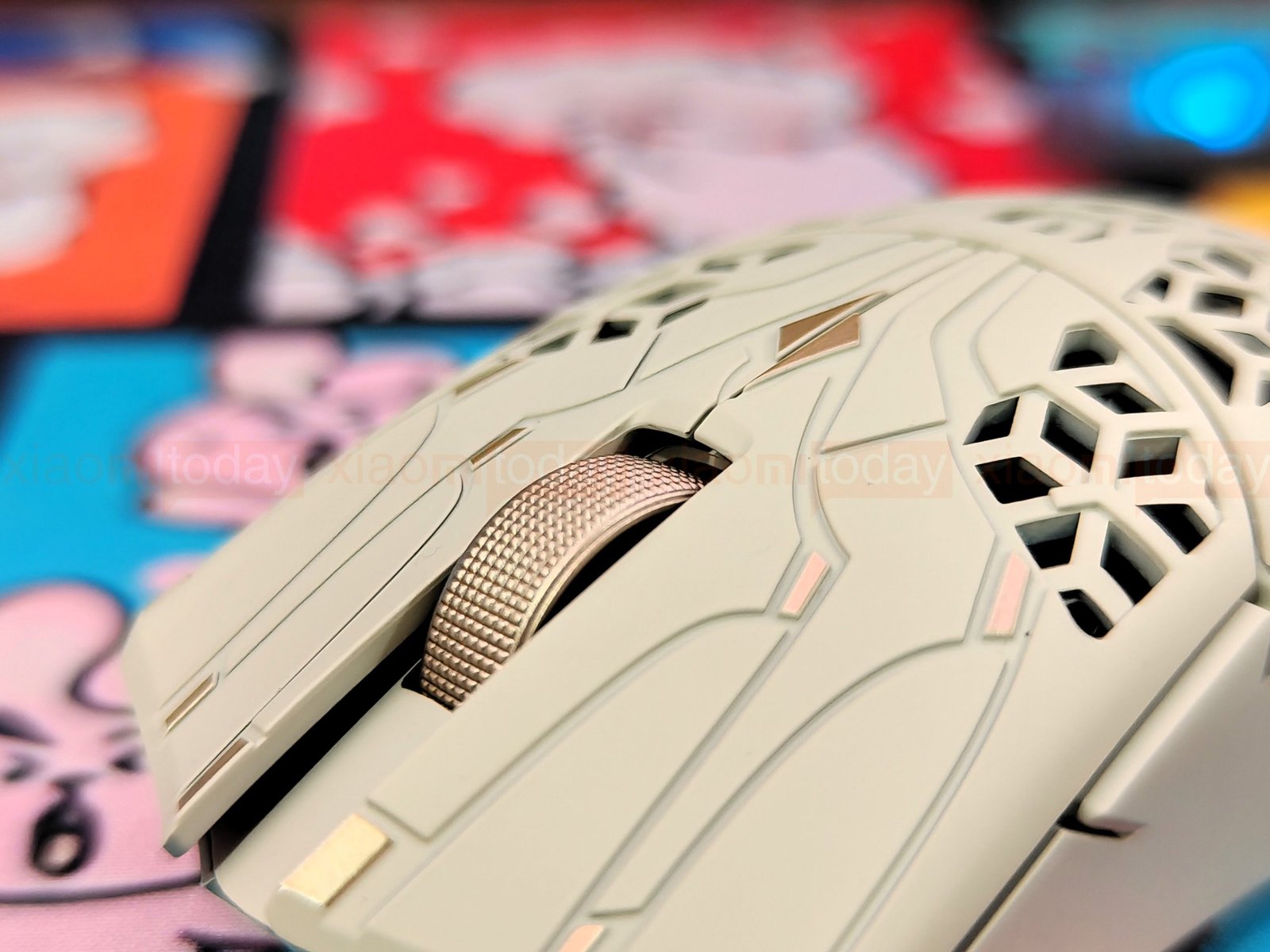
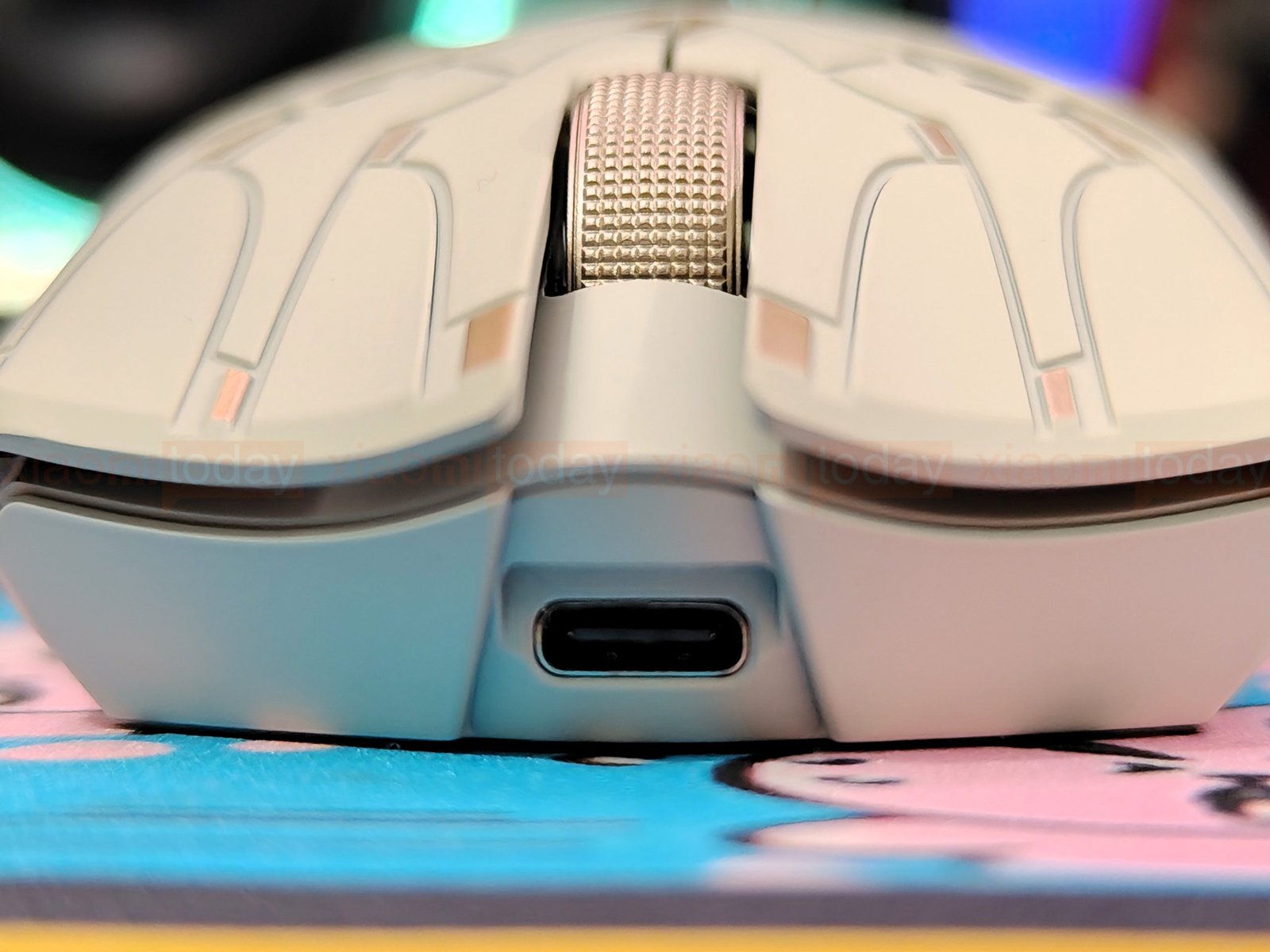
The mouse has a textured scroll wheel with a Raesha optical encoder. Its knurled surface provides grip, and the gold finish matches the Dune colorway. The USB-C port is centered at the front, where the included cable connects for wired use or charging.
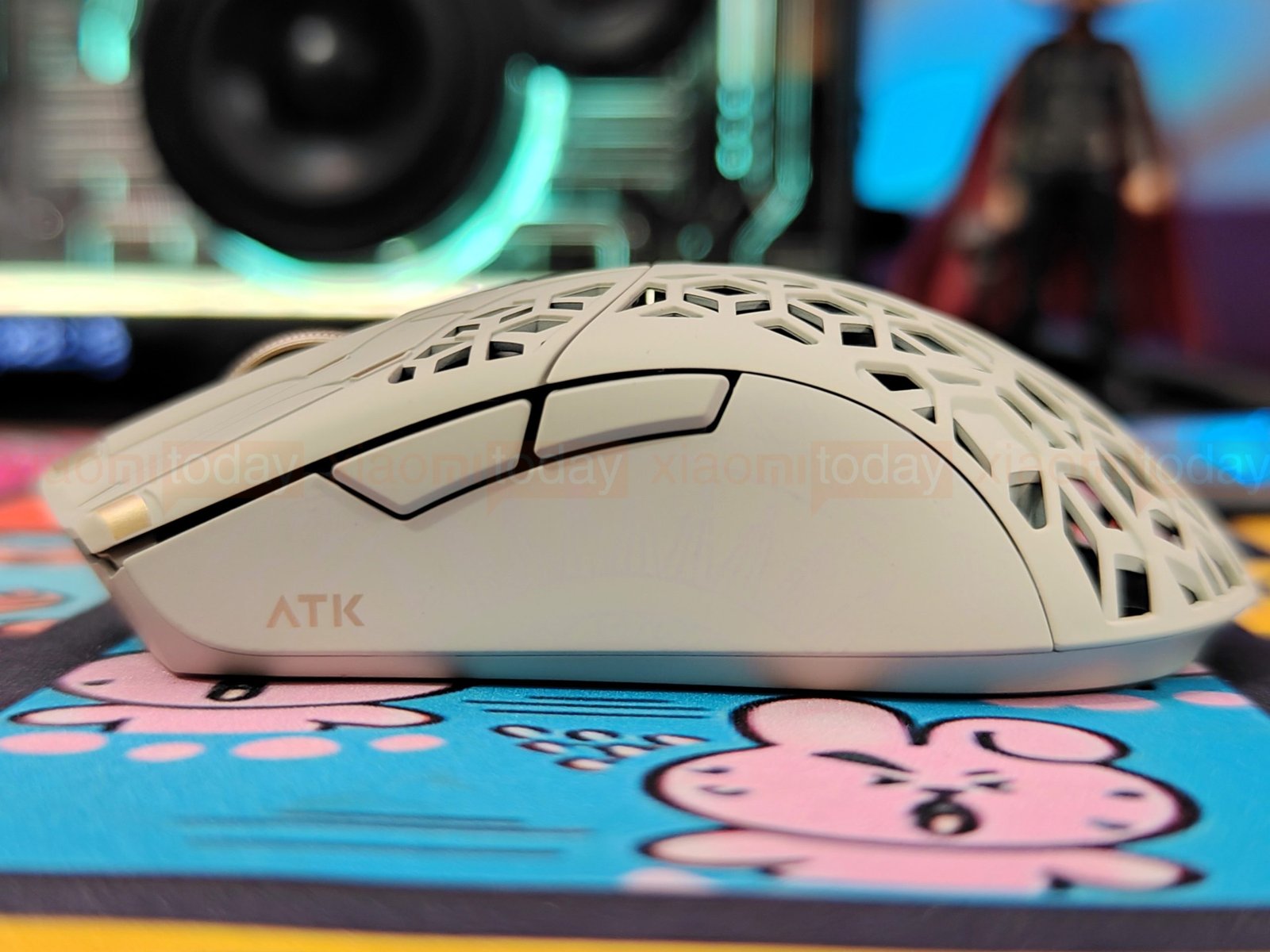
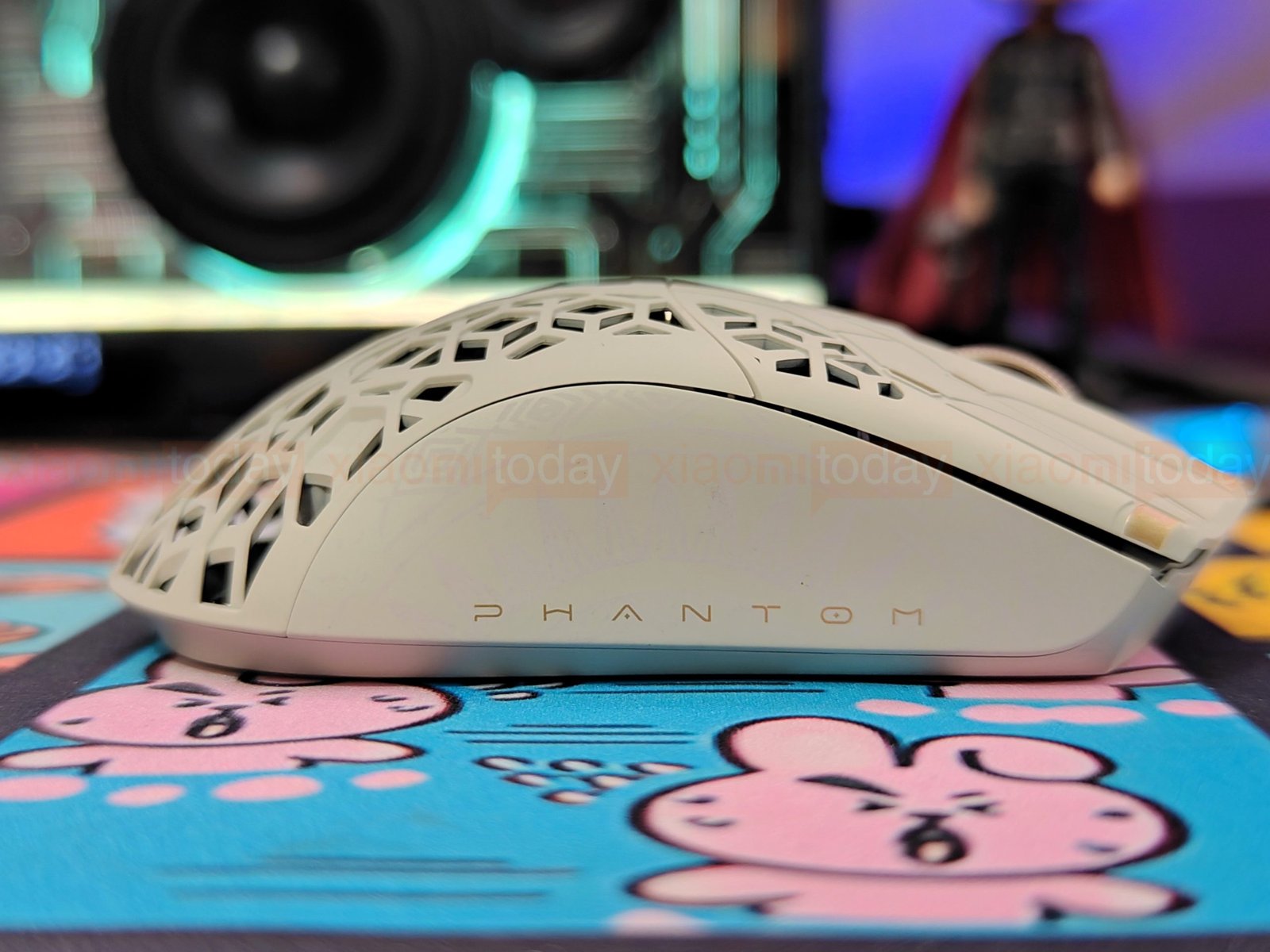
The Phantom has two thumb buttons on the left side, positioned toward the front for easy access without changing your grip. The smooth right side has no extra buttons, leaving room for your ring and little fingers. On our Dune color, a subtle pattern and gold ATK logo decorate the sand-colored panels. The mouse’s tapered waist gives your fingers room to adjust their hold during play.
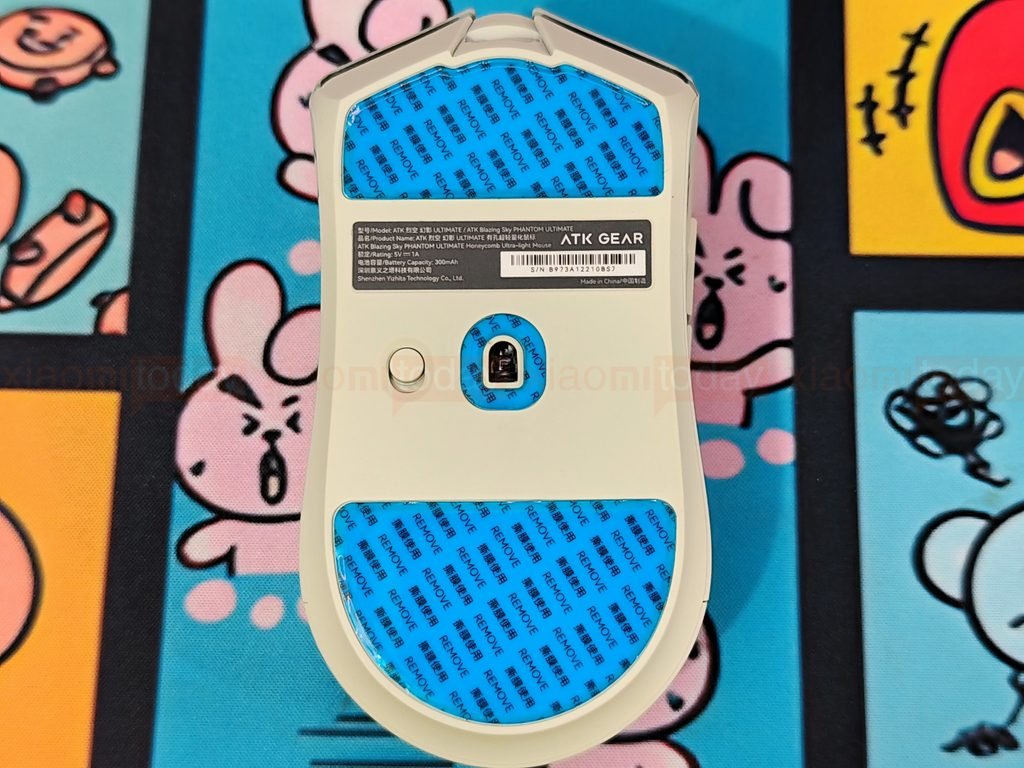
The Phantom’s underside places the PAW3955 Master sensor near the center, with a power button just below it. The sensor sits in a recessed opening between the mouse feet, while the button is easy to reach when you turn the mouse over. The Phantom’s flagship sensor is designed to track small hand movements accurately; the power button lets you switch the mouse off when it’s not in use.
ATK GEM 8K Dongle
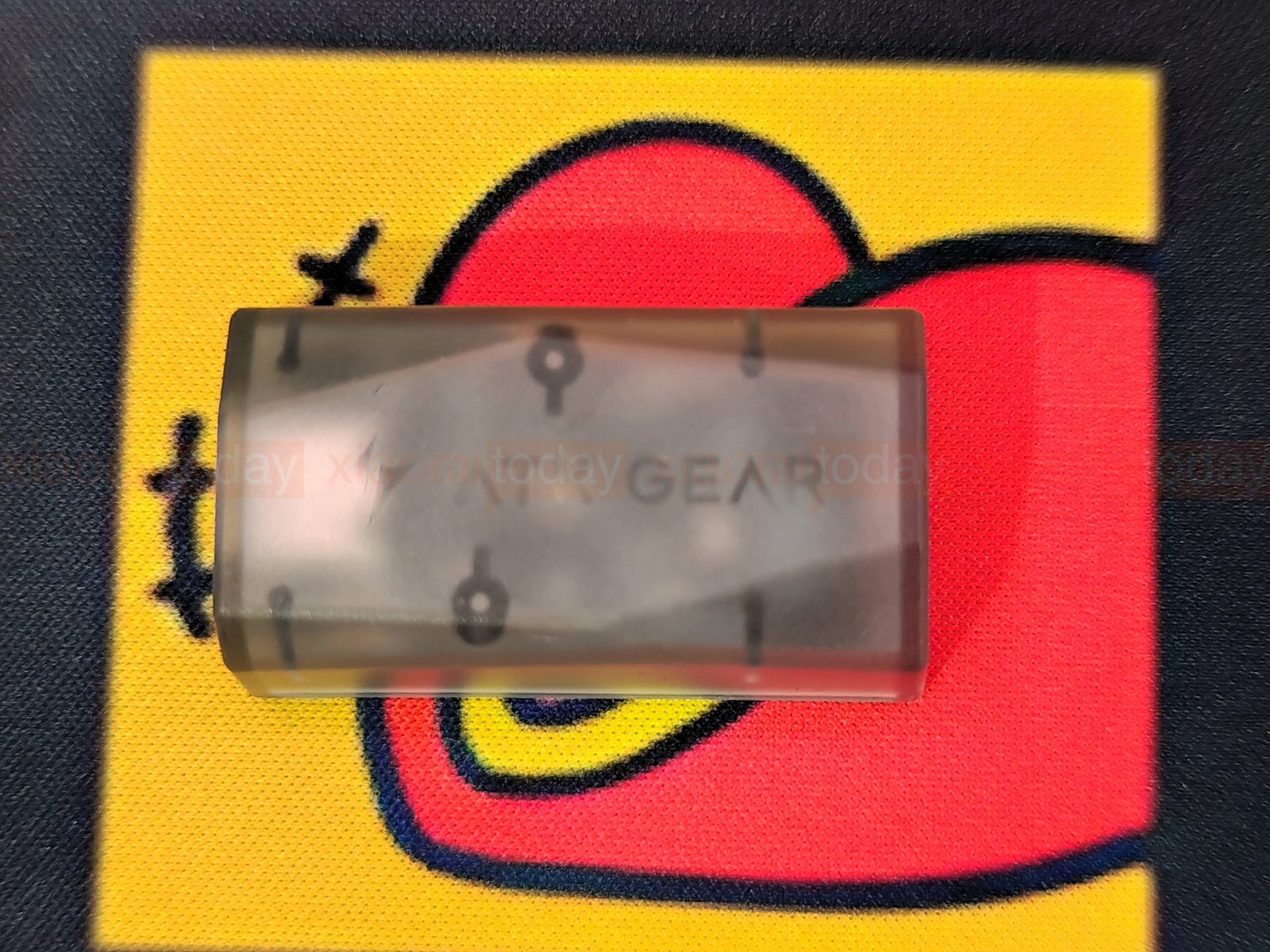
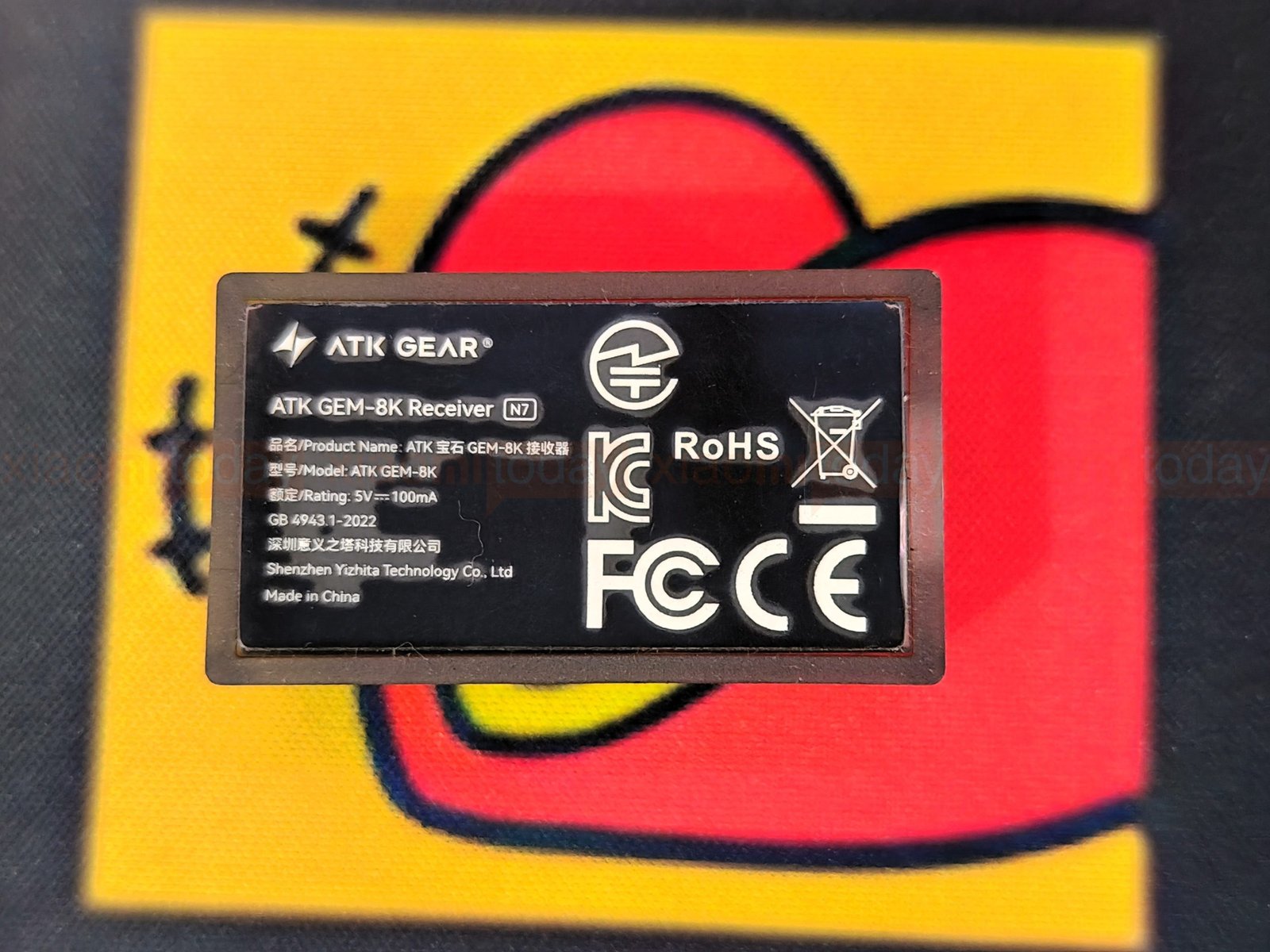
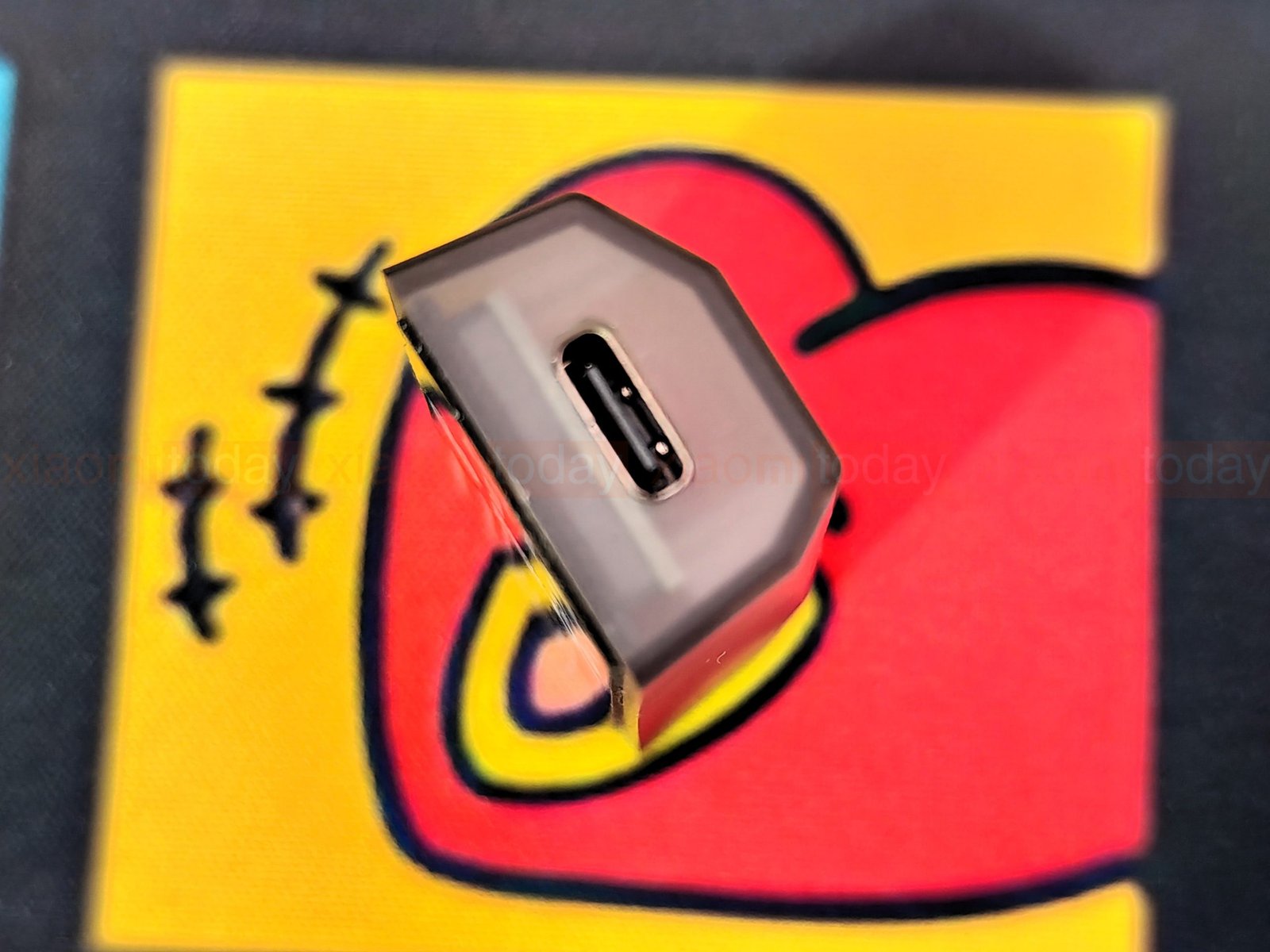
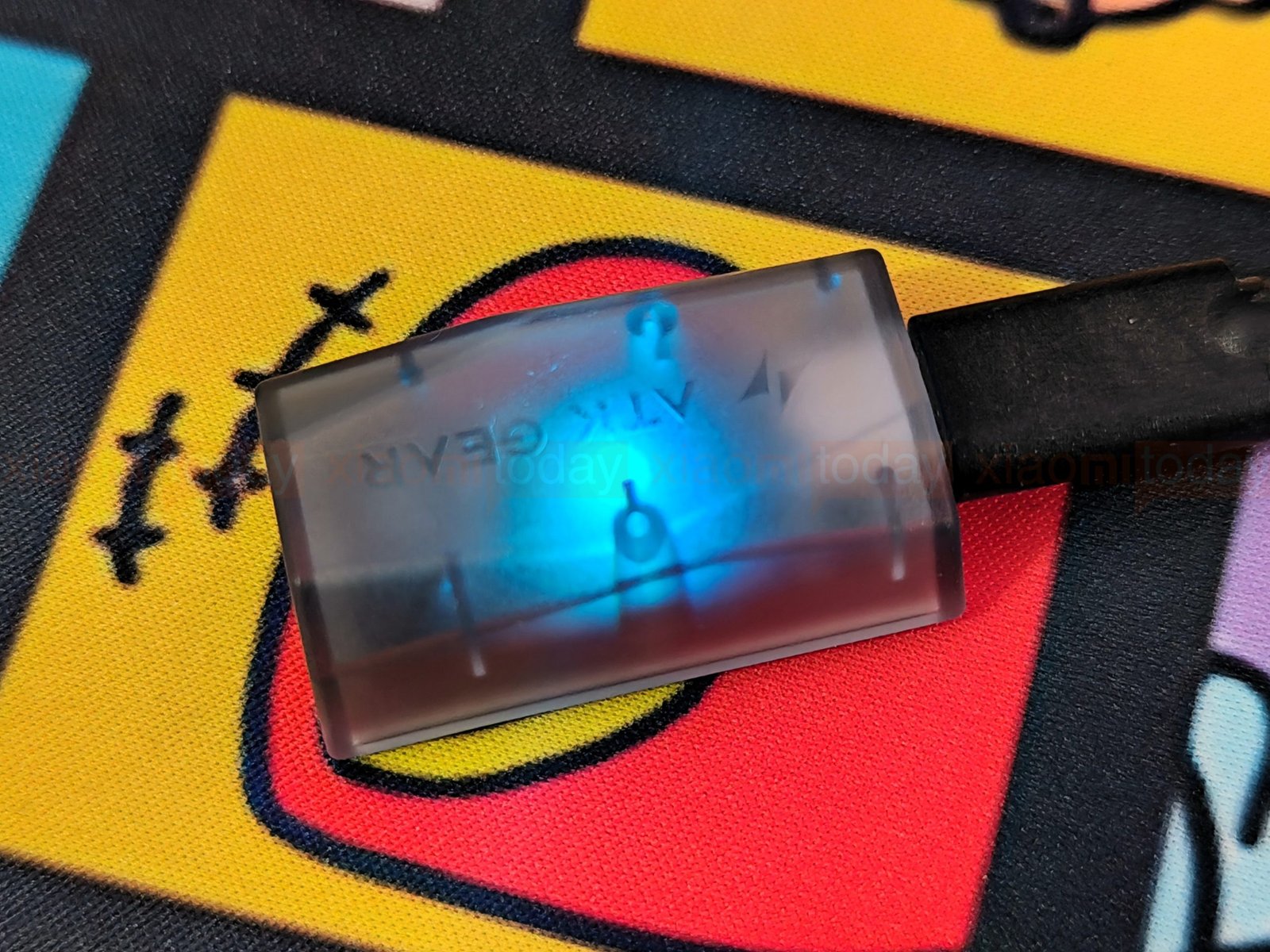
The ATK GEM 8K Dongle is a compact wireless receiver for compatible ATK gaming mice, including the Blazing Sky Phantom. It supports polling rates up to 8,000 Hz and connects to a PC through its USB plug. The translucent shell and ATK GEAR logo keep the design simple, while a small indicator light shows the receiver’s connection status. Its compact size makes it easy to place near the mouse without taking up much desk space.
Connectivity
The ATK Blazing Sky Phantom connects over 2.4 GHz wireless or USB-C wired mode. Both support polling rates up to 8,000 Hz, with the Nordic 54LM20 MCU and ATK ApexShark MAX firmware handling input processing. The box includes the Gem 8K and Nano 8K wireless dongles, giving you two receiver options for a wireless setup.
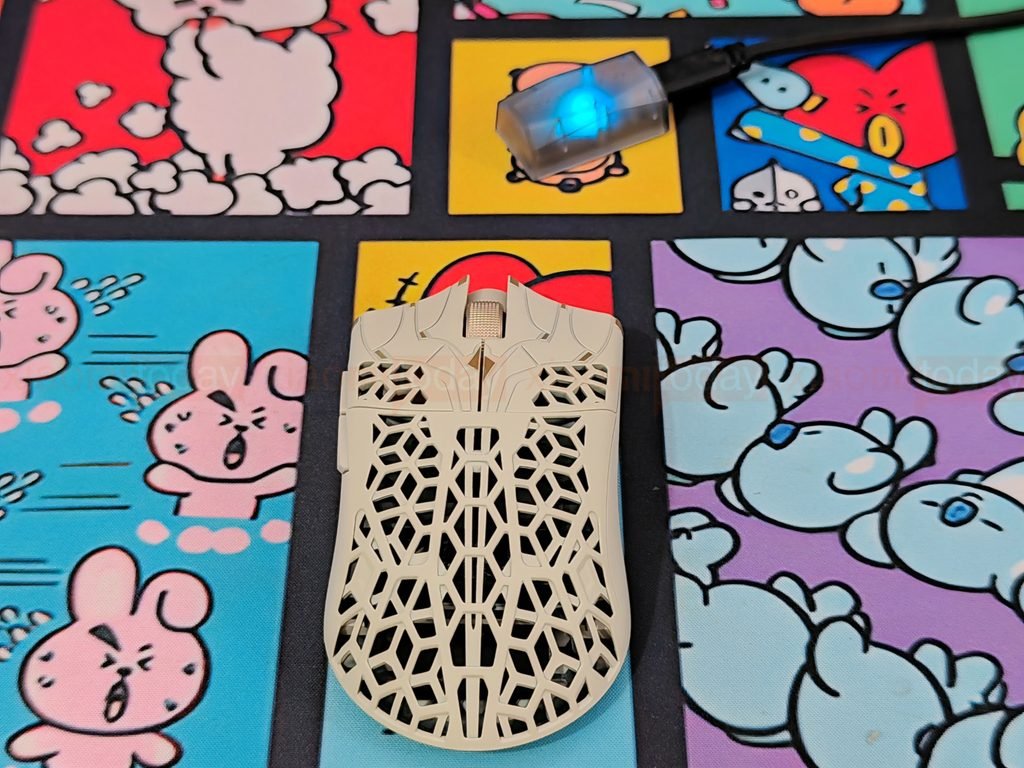
An 8,000 Hz polling rate sends reports to the PC more often than lower settings, but it also requires a compatible setup to make use of the higher rate. You can use a lower polling rate if it better suits your system or preferences. The Phantom’s dual-mode connectivity lets you switch between wireless play and a wired connection for charging or use.
ATK HUB (Desktop Client)

The ATK HUB desktop client is used to configure the Blazing Sky Phantom. ATK offers a desktop driver for Windows 10 and later, a beta Mac client, and a web driver for Chromium-based browsers on Windows, macOS, and Linux. The mouse connects to the software through its 2.4 GHz receiver or USB cable; Bluetooth is not supported for configuration.
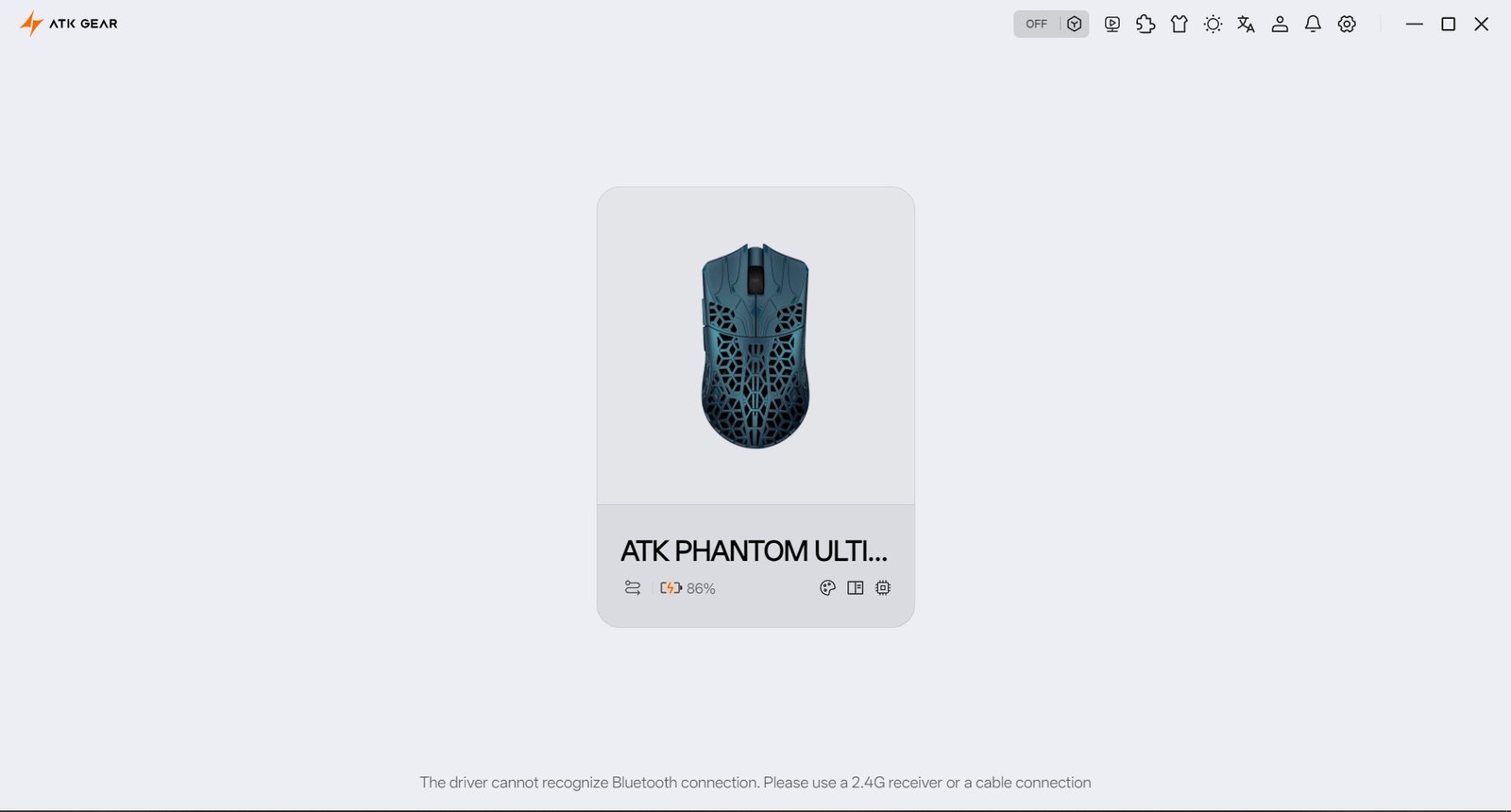
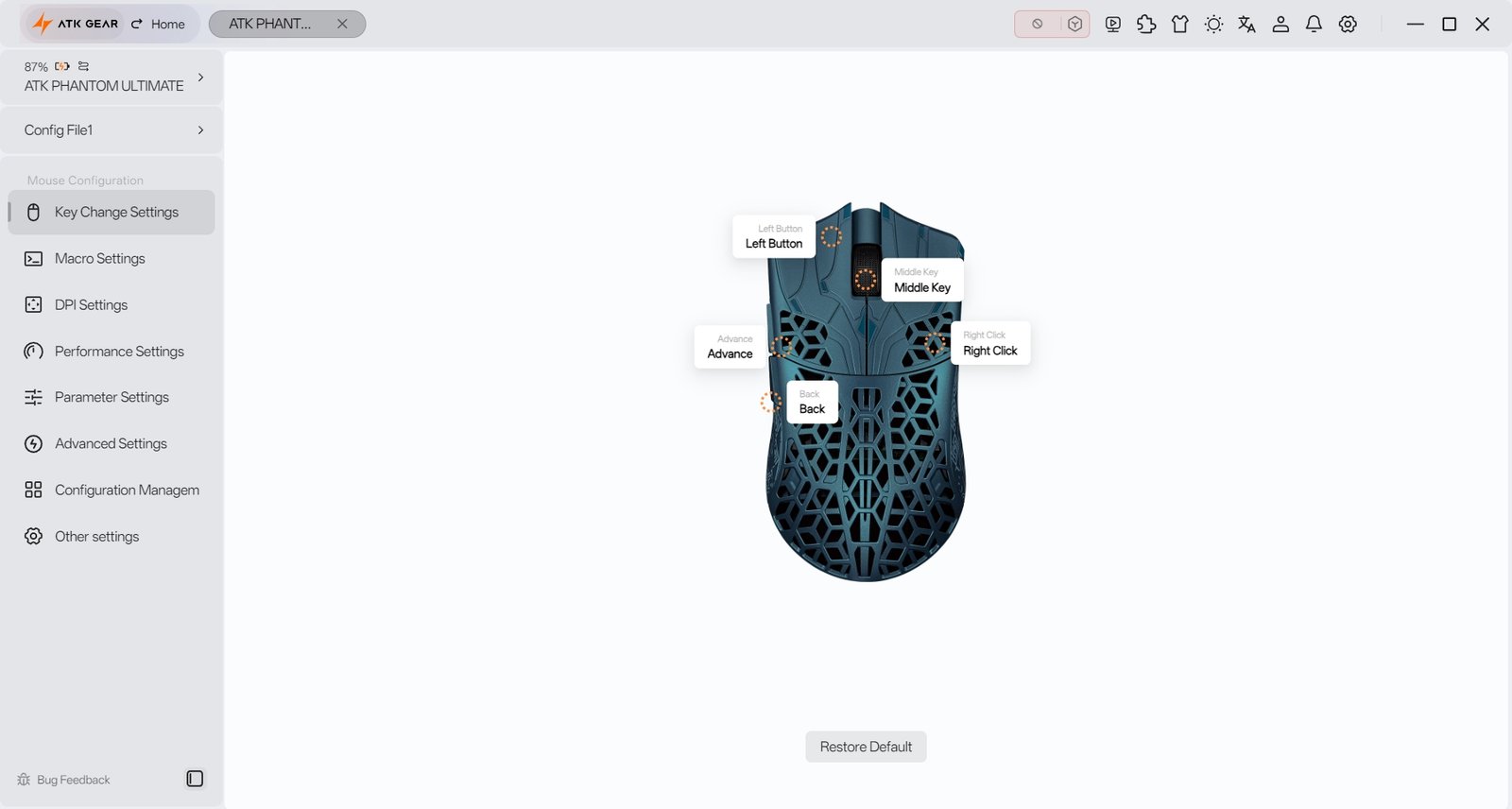
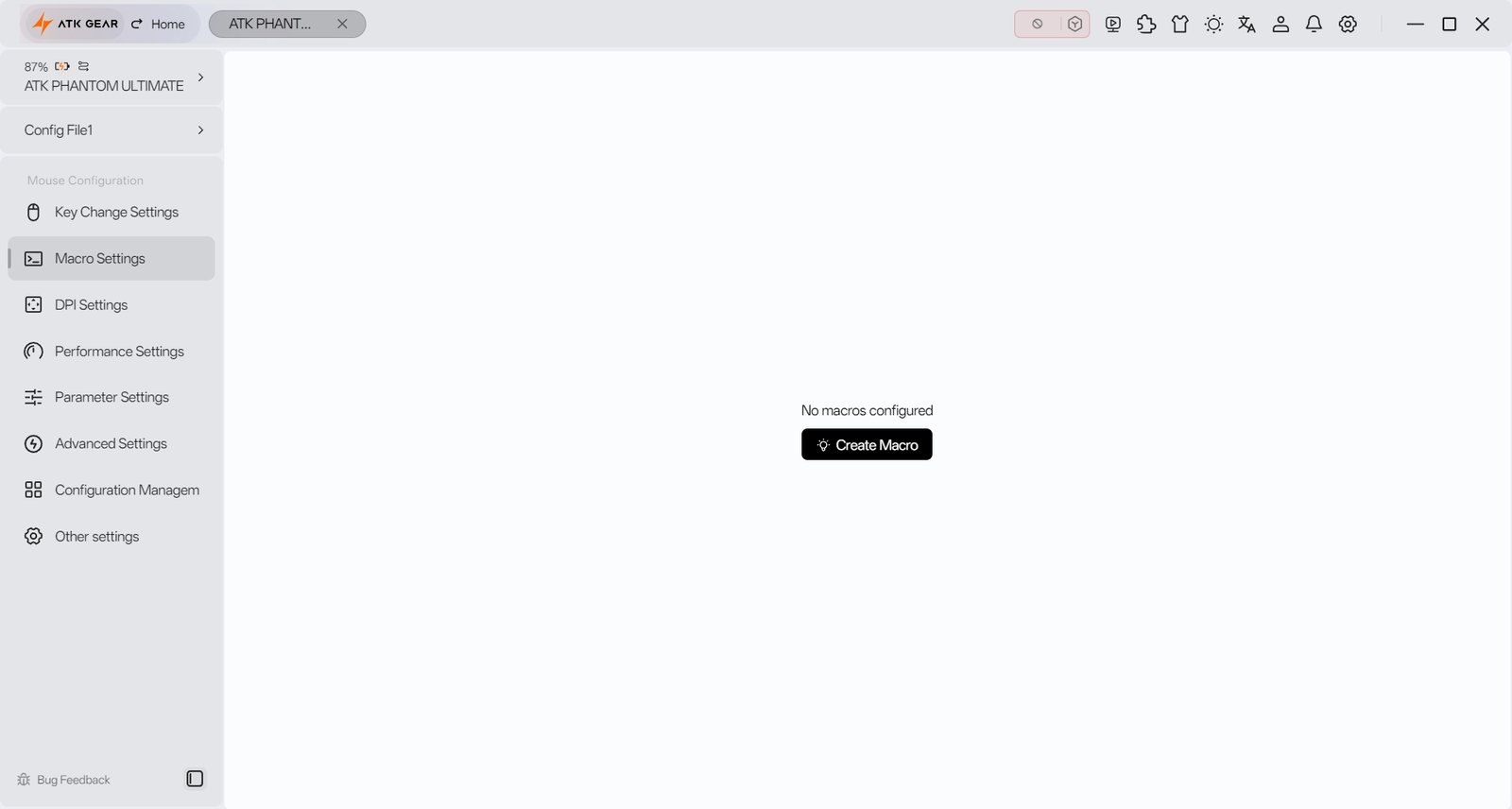
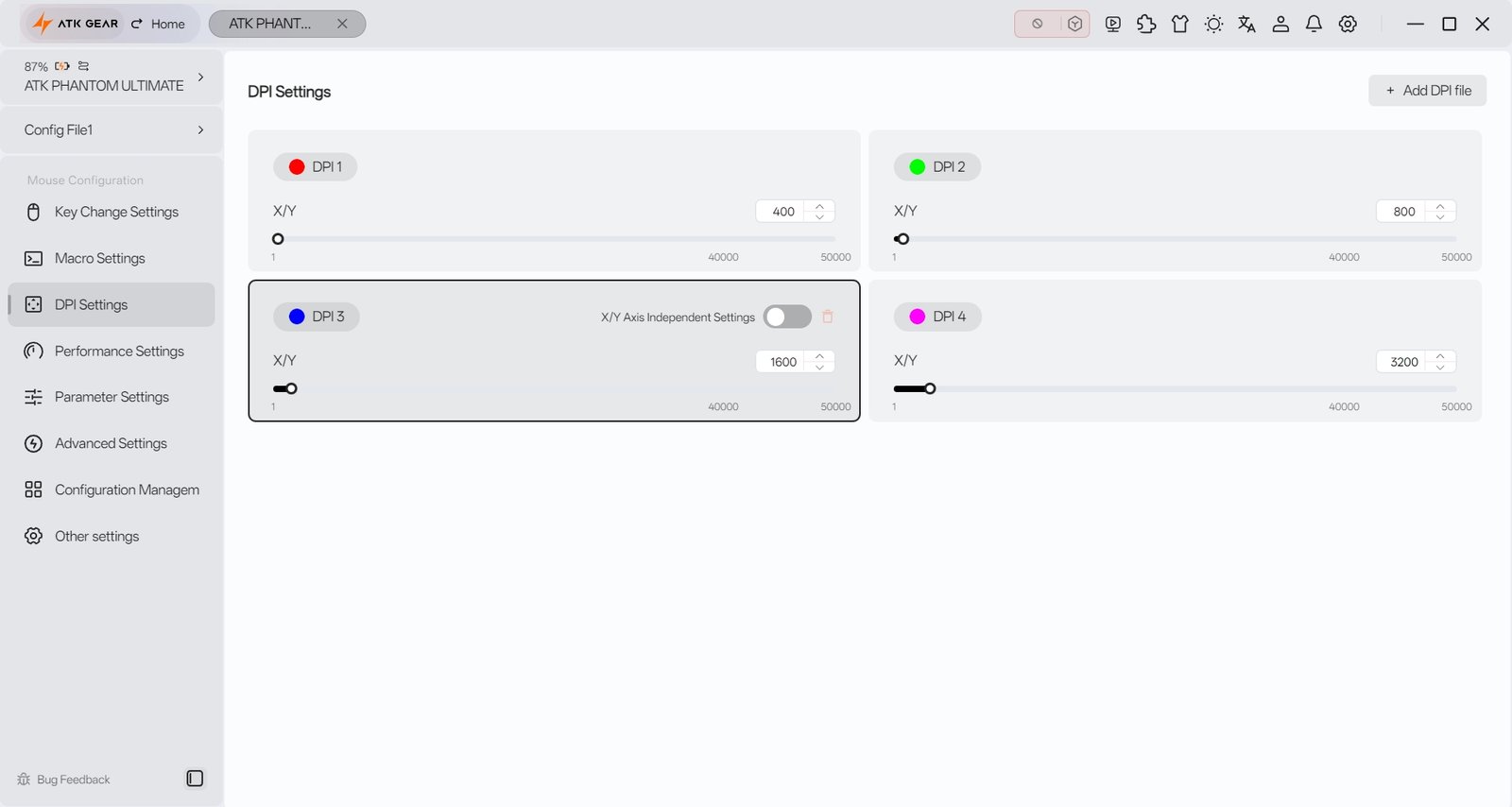
The main menu covers button assignments, macros, DPI, performance, parameter settings, advanced options, configuration management, and general settings. You can remap the Phantom’s buttons, create macros, and set up four DPI stages with separate X and Y values. The default stages are 400, 800, 1,600, and 3,200 DPI, shown by red, green, blue, and purple indicator lights. To cycle through these stages without opening the software, hold both side buttons for three seconds. ATK HUB also lets you adjust DPI from 1 to 50,000.
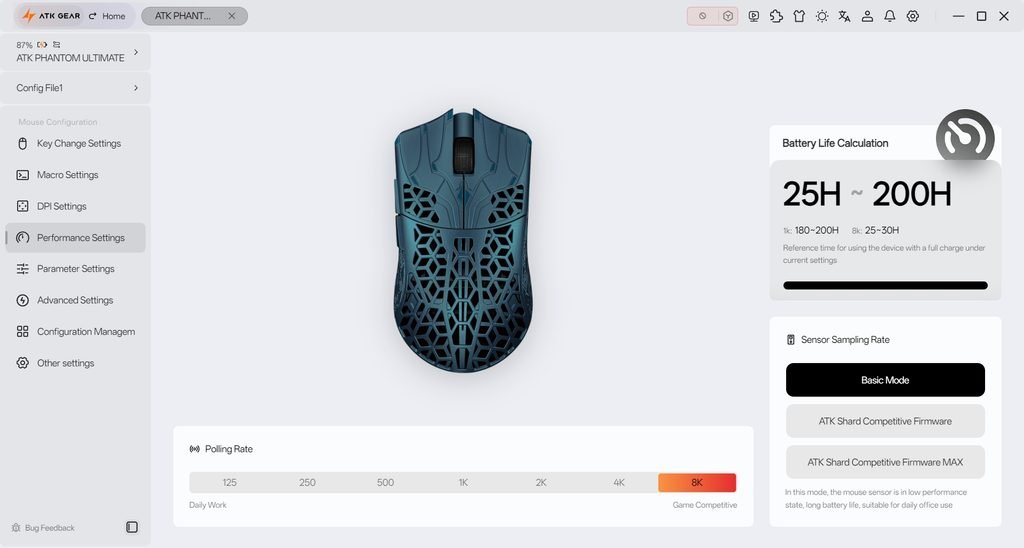
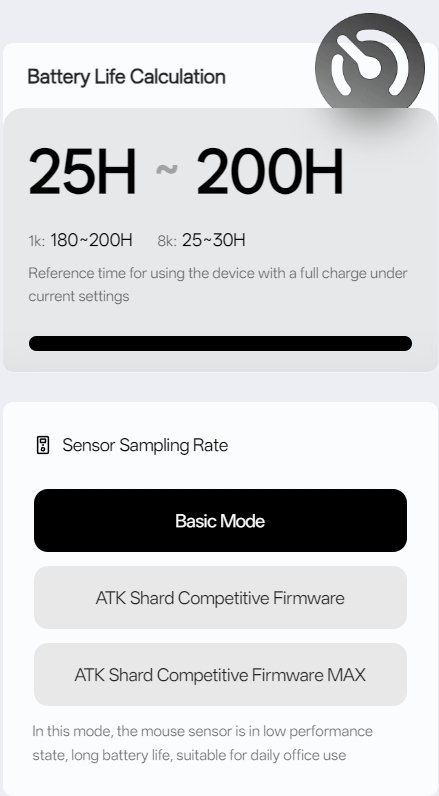
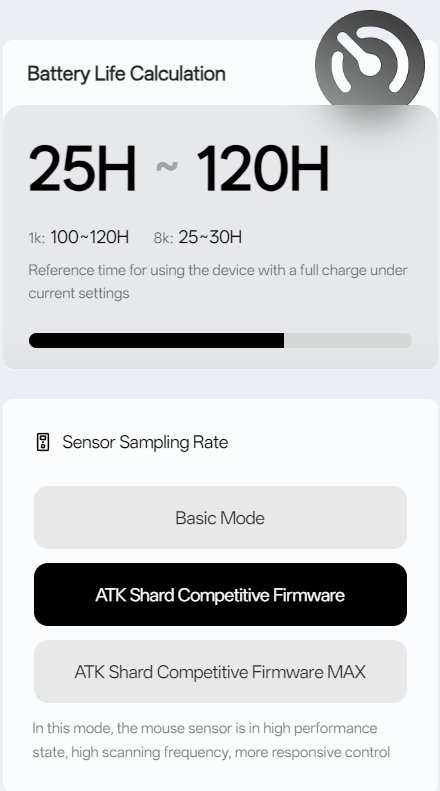
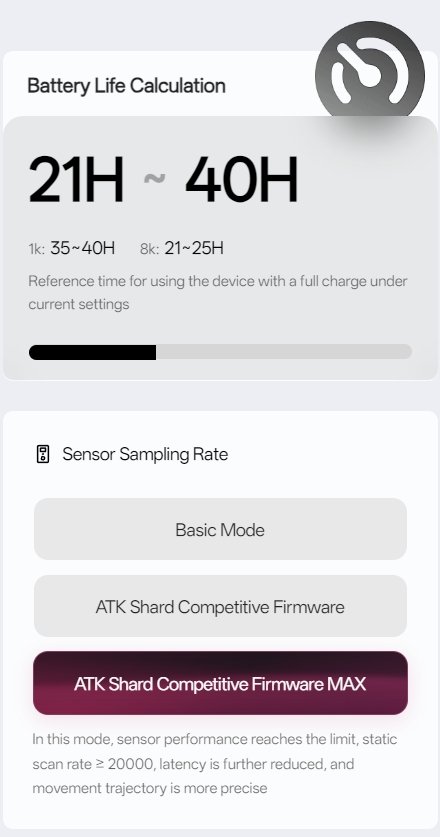
Performance Settings includes polling rates from 125 Hz to 8,000 Hz and three sensor modes: Basic, ATK Shard Competitive Firmware, and ATK Shard Competitive Firmware MAX. These figures are estimates and will depend on settings and use.
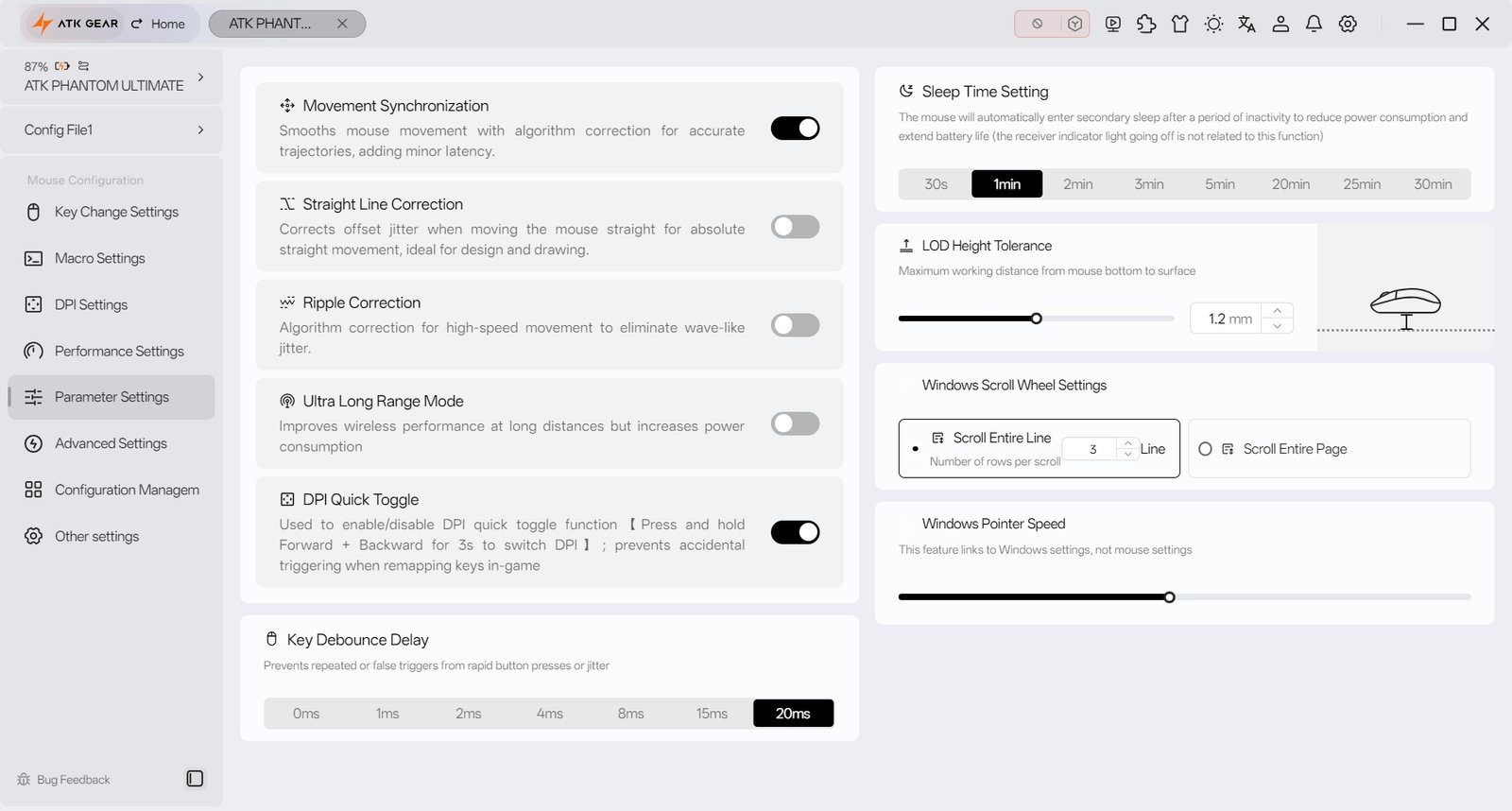
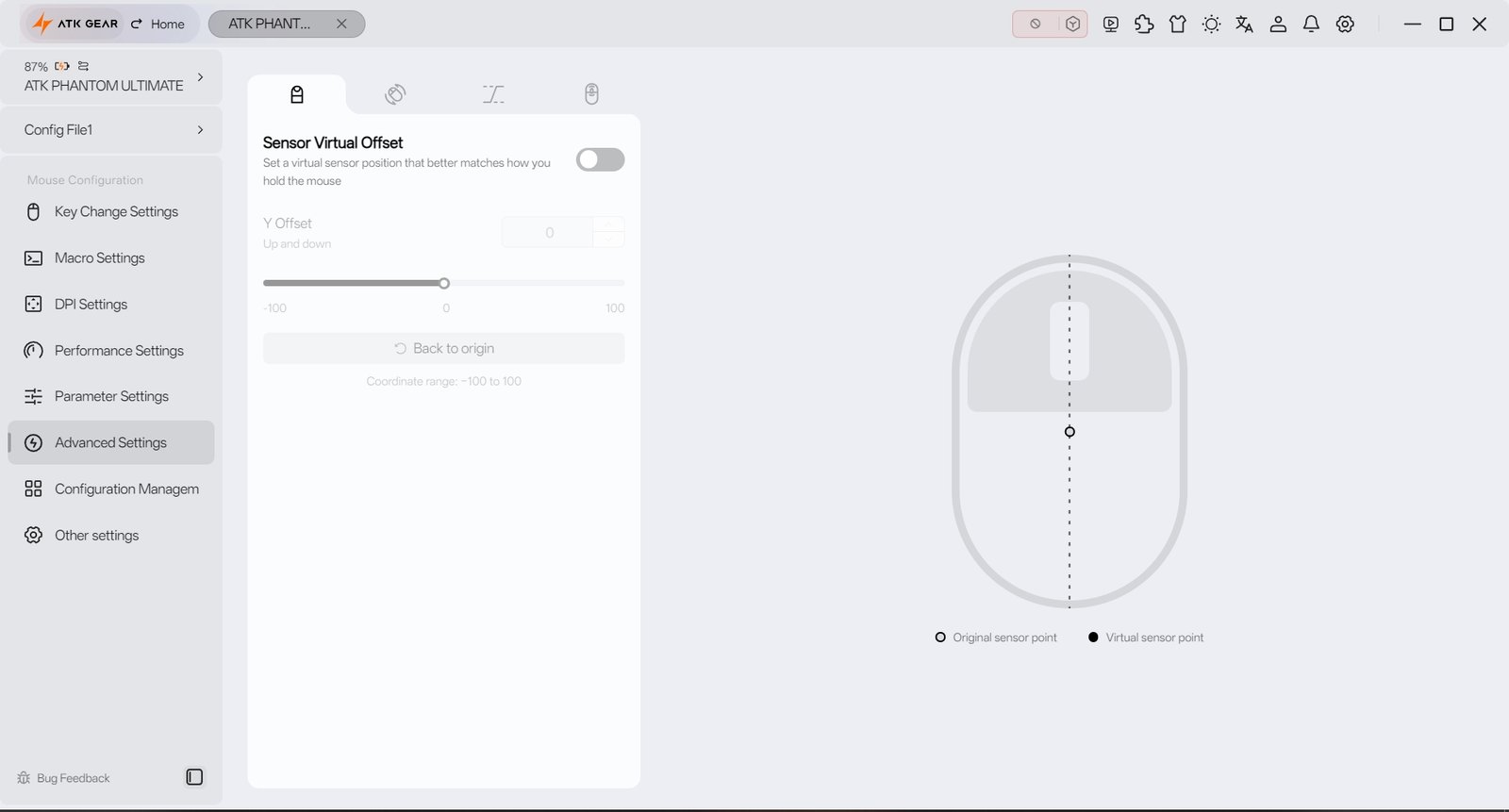
Parameter Settings provides options for movement synchronization, straight-line correction, ripple correction, wireless range, sleep timing, lift-off distance, and debounce delay. Some settings affect battery life or latency: ATK notes that movement synchronization adds a small amount of latency, while extended wireless range uses more power. Advanced Settings includes sensor virtual offset, which adjusts the reported sensor position to better match your grip.
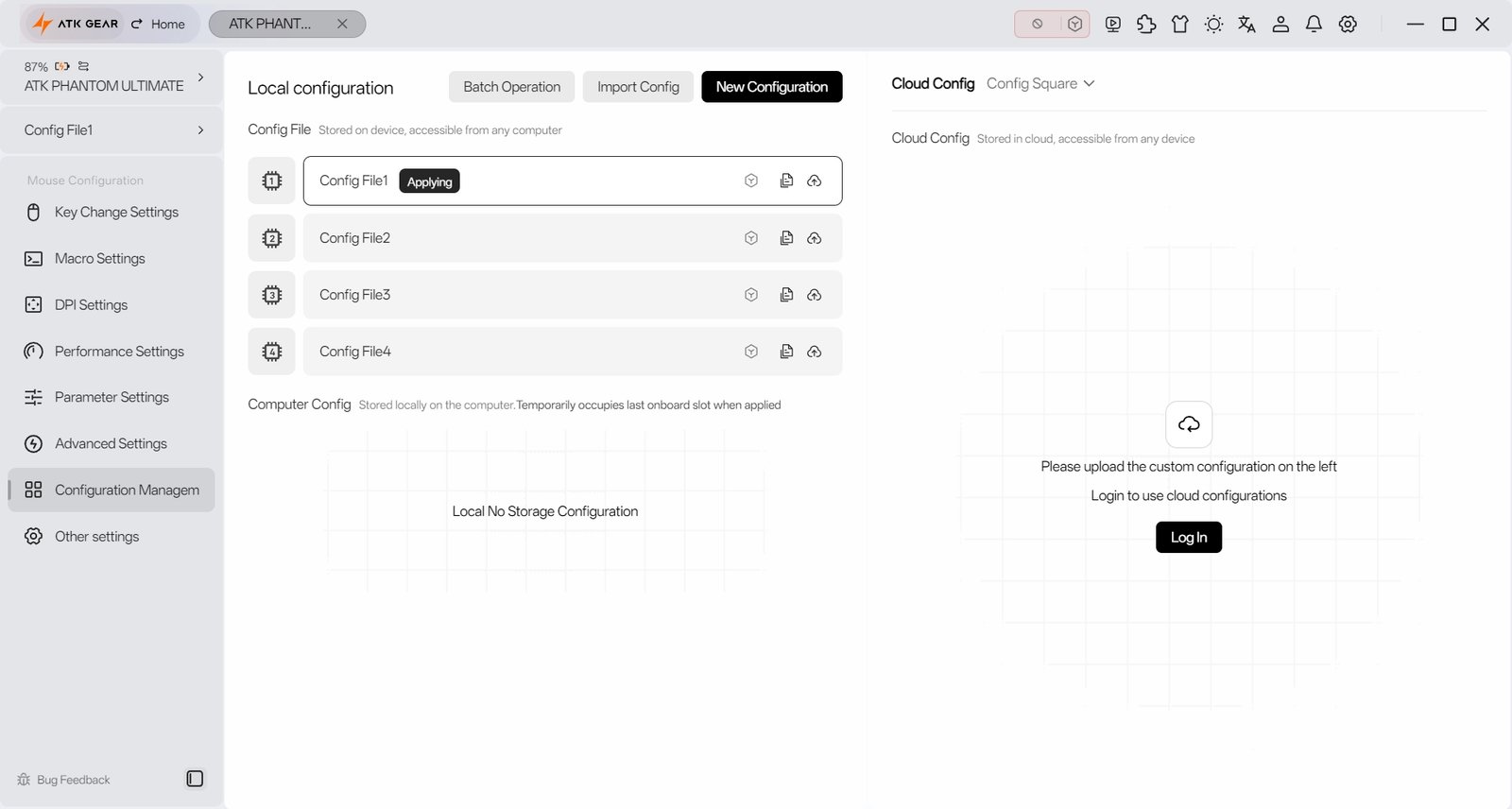
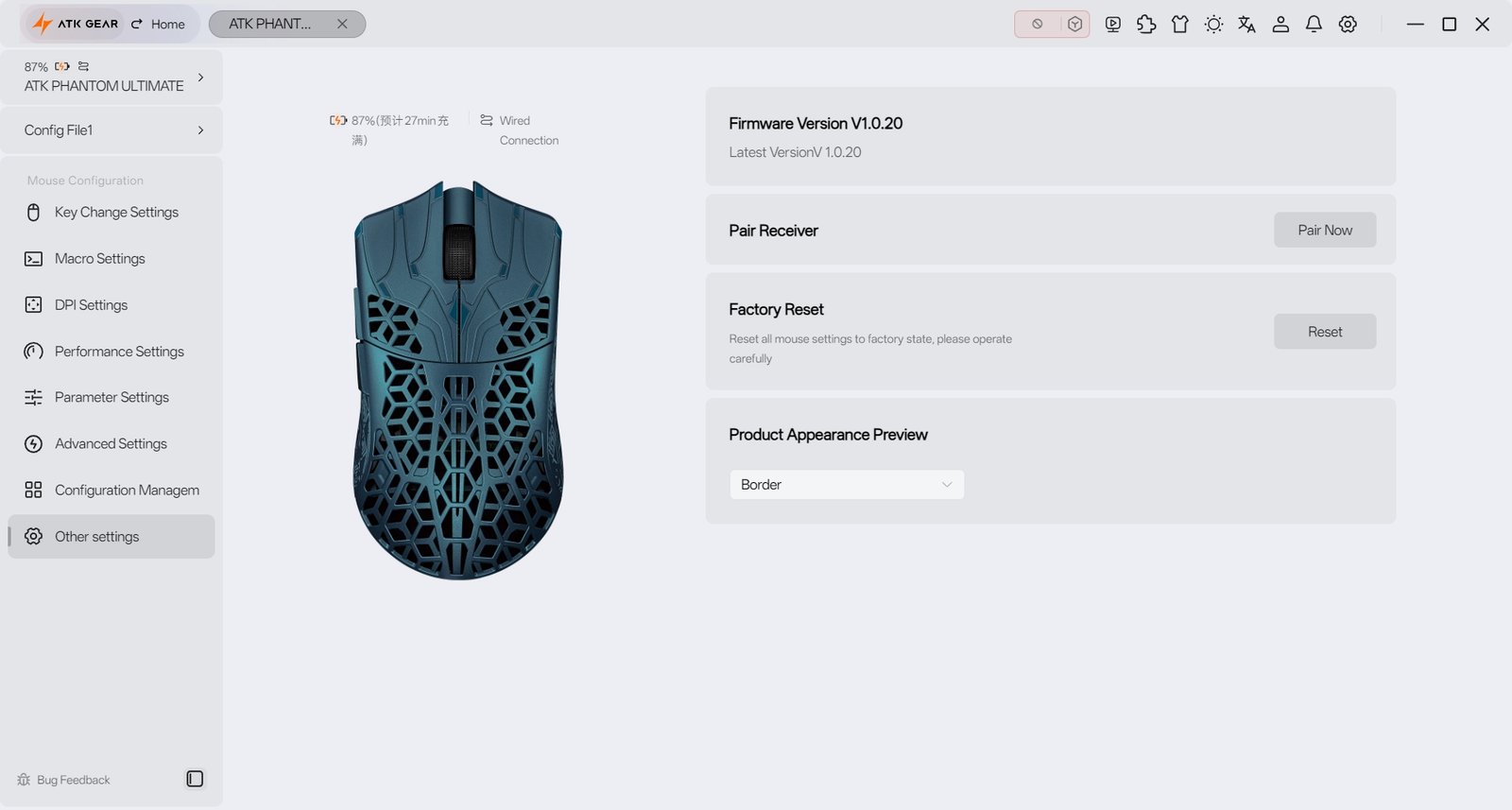
Configuration Management lets you work with profiles stored on the mouse or computer. Cloud configurations are also available after logging in. The general settings page shows firmware information and includes receiver pairing and factory reset options. ATK HUB gives Phantom owners detailed control over the mouse, though some settings may take experimentation to understand and tune to your preference.
Battery Life and Charging
The ATK Blazing Sky Phantom has a 300 mAh battery, and its runtime depends on polling rate and sensor mode. ATK estimates up to 180–200 hours at 1,000 Hz in Basic mode, dropping to 25–30 hours at 8,000 Hz. In Competitive mode, the estimate is 100–120 hours at 1,000 Hz. Competitive MAX uses more power, with an estimated battery life of 35–40 hours at 1,000 Hz or 21–25 hours at 8,000 Hz.
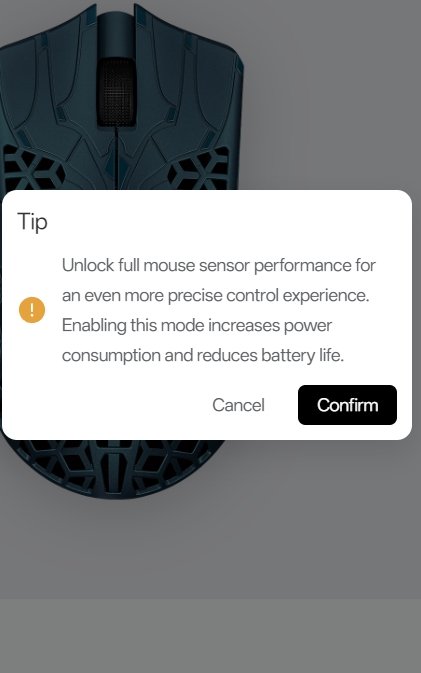
A blinking red light indicates that the battery is below 20%, while a blinking orange light means the mouse is charging. The indicator turns off when charging is complete. The Phantom charges through its front USB-C port and supports wired use while connected. Actual battery life will vary with settings and use; these figures are ATK’s estimates.
Use Experience – Daily Work and Gaming
After two weeks of daily use, the ATK Blazing Sky Phantom felt easy to move around the desk for browsing, writing, and switching between applications. Its 44 g weight made small cursor adjustments feel light, while the compact shape was comfortable for regular tasks. The open shell takes more care to keep clean than a solid design, but the smooth side panels give the thumb and fingers a consistent place to rest.
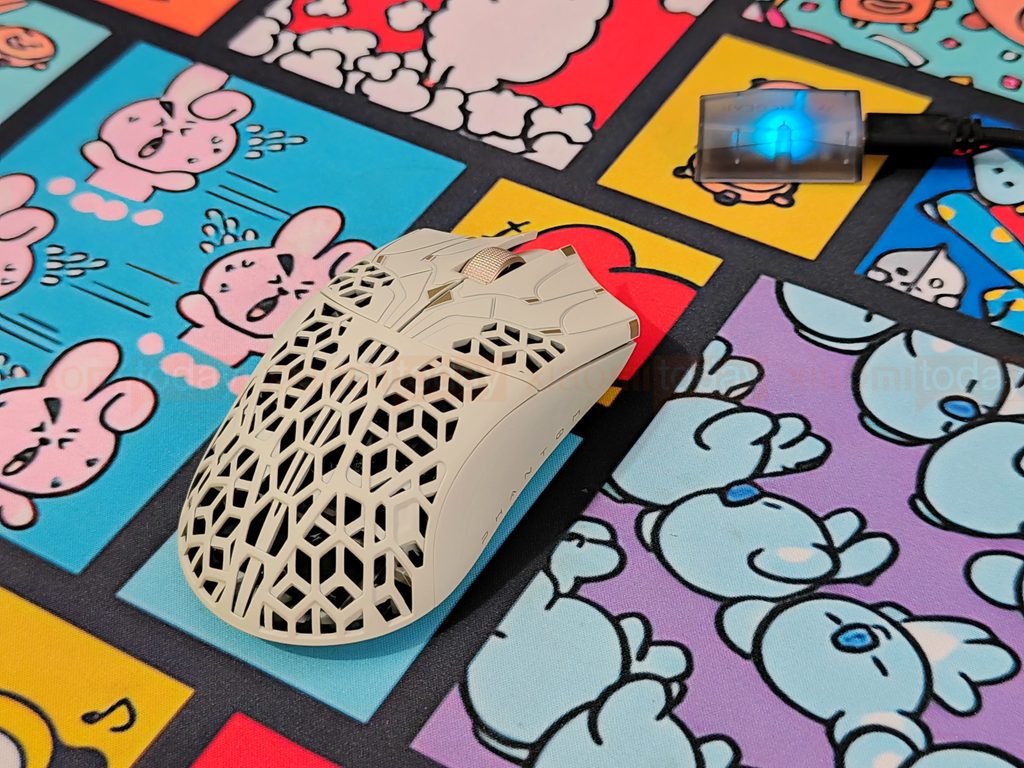
In Valorant and Counter-Strike 2, the Phantom’s low weight helped with quick turns and frequent repositioning. Its shape worked well with a claw grip, and the side buttons were easy to reach without changing hand position. The main buttons felt light and responsive during repeated presses. Players who prefer a heavier mouse or firmer clicks may need some time to get used to the Phantom’s feel.
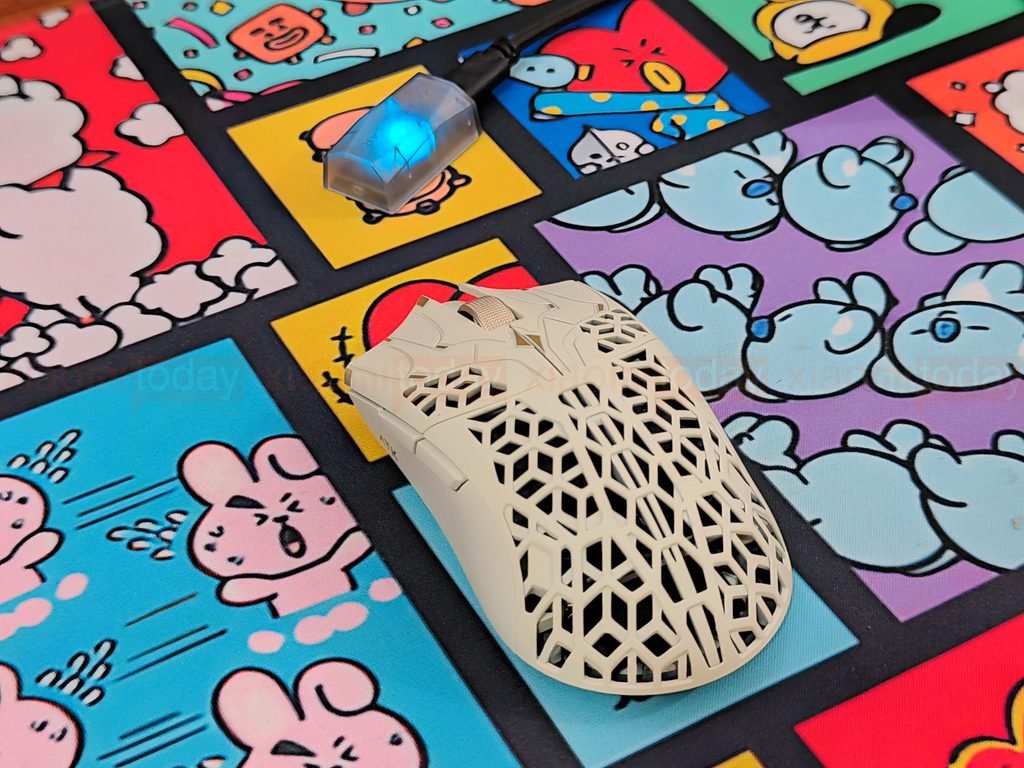
In Apex Legends, tracking moving targets and making quick aim corrections felt controlled during play. The PAW3955 Master sensor responded consistently to mouse movement, and the light body was easy to lift when resetting position. Across the games I played, the Phantom’s compact shape and low weight suited fast movements, though players who prefer a larger mouse or a fuller palm support may find the fit less natural.